Find The (not so) Easy Pass
· Matthew Crum
Creator: Thiseas
Difficulty: Easy
Link: Find The Easy Pass
The File
For the Find The Easy Pass challenge I was tasked with reverse engineering an executable. The zip file is downloaded directly from hackthebox and there is no machine associated with this one. I like to keep things organized into their own directories incase I need to reference something again later. I also apparently like to not check syntax after using tab complete.
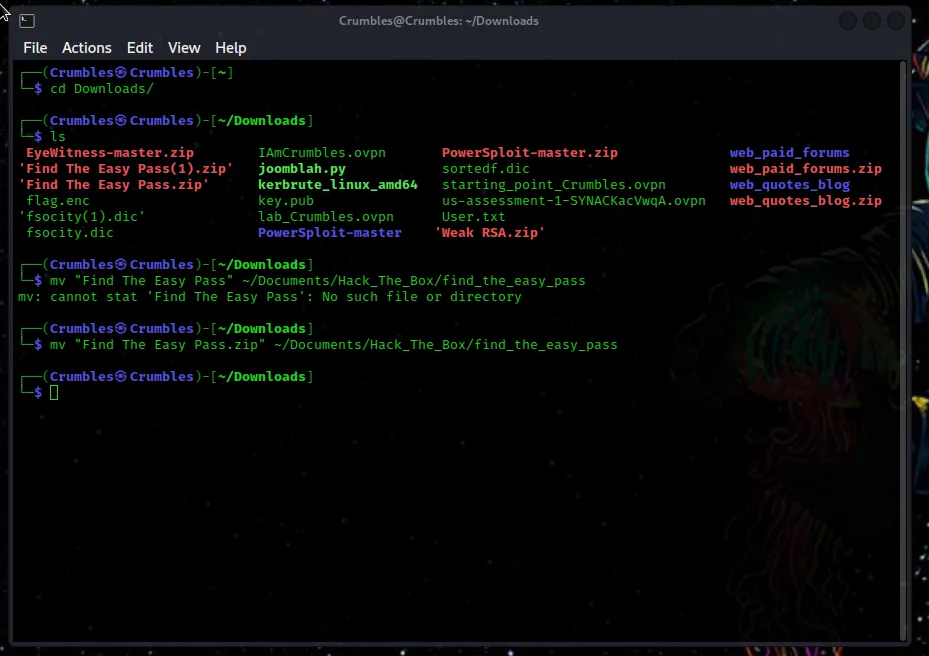
The Password to unzip the file is found on hackthebox near the download link to the file.
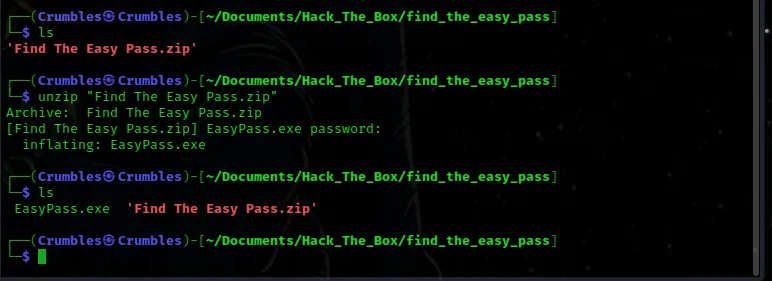
The zip file contains only a single executable that was written for Windows. Since it was a hackthebox challenge I was expecting to need to use Kali. There are several work arounds for this but the one I went with is a tool called wine which basically allows you to run windows binary files on kali from the command line.

Installing Wine
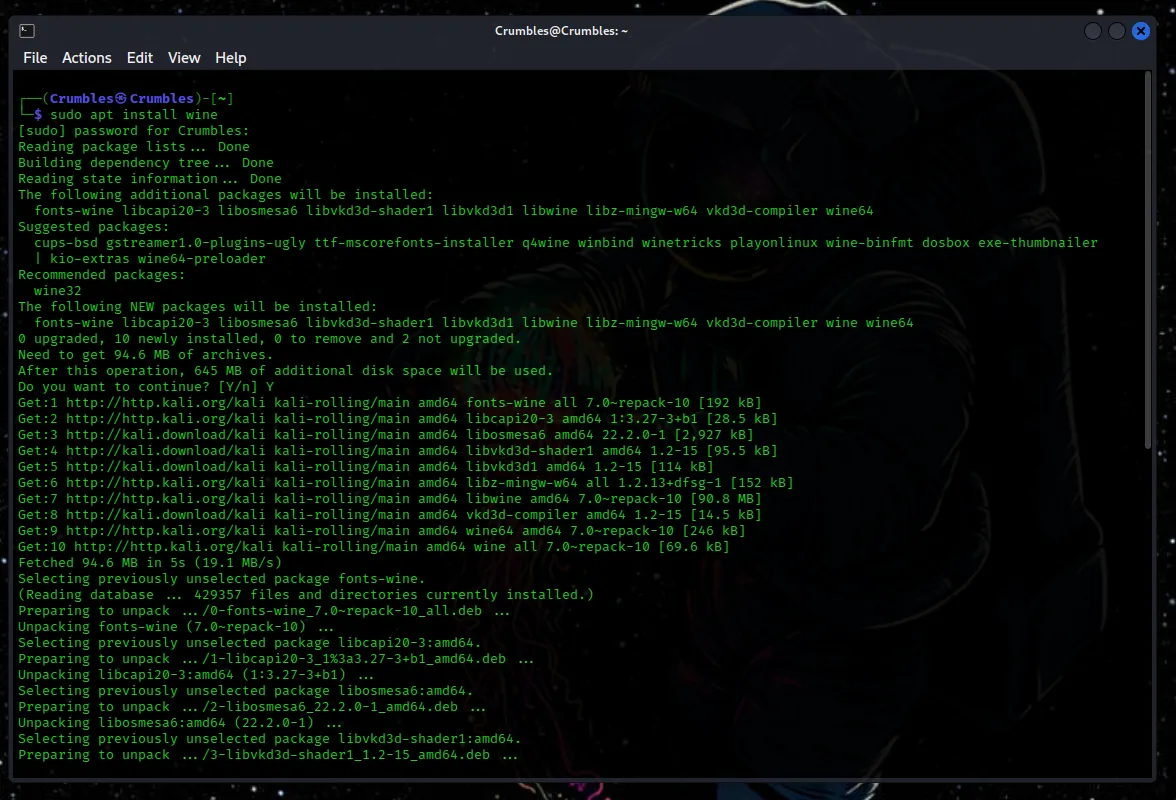
Getting wine to install and work properly was surprisingly tricky. The first step is to actually download and install the program by entering sudo apt install wine into the command line.
After installing wine I tried to use the help menu to view usage syntax but recieved an error message. There was a lot to unpack in the message but I believe the two key takeaways are that wine runs on 32bit architecture and since my kali machine is a 64bit system multiarch needs to be enabled. The error message even displayed the command to do so dpkg -add-architecture i386 && apt-get update && apt-get install win32:i386. The second takeaway being that wine seems to expect a filename rather than a switch as the second part of the argument.
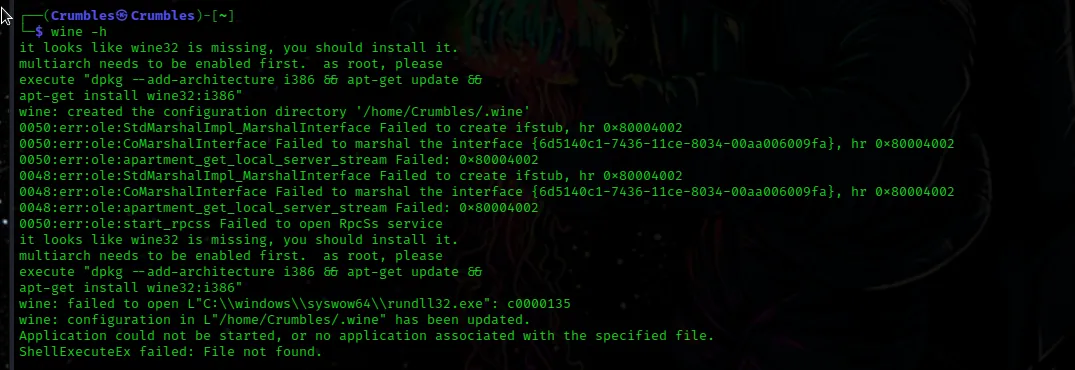
As the error message states I had to be logged in as root to run the above command. Or at least have more sudo permisssions than I have apparently given myself. Another fun fact is that I also seem to have forgotten my root password for this kali machine.

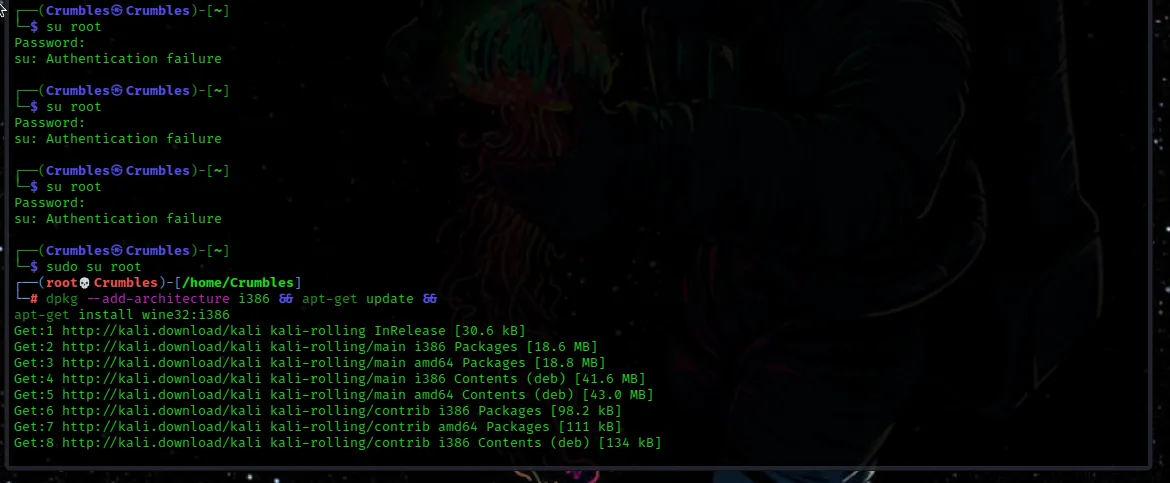
I do remember my sudo password thankfully. After finally running the command multiarch is enabled and the 32bit version of wine was installed. However when I tried to run the executable using wine I was still greeted with an error.

After searching for the error I was able to find a thread on wines own forums about a person trying to use proton to run Doom Eternal and receiving the same error. Winehq forum thread.
One comment in particular offered a very simple solution that I was able to try and it worked.
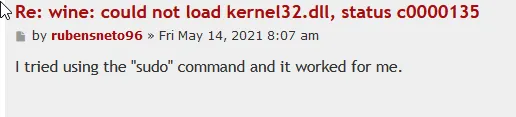
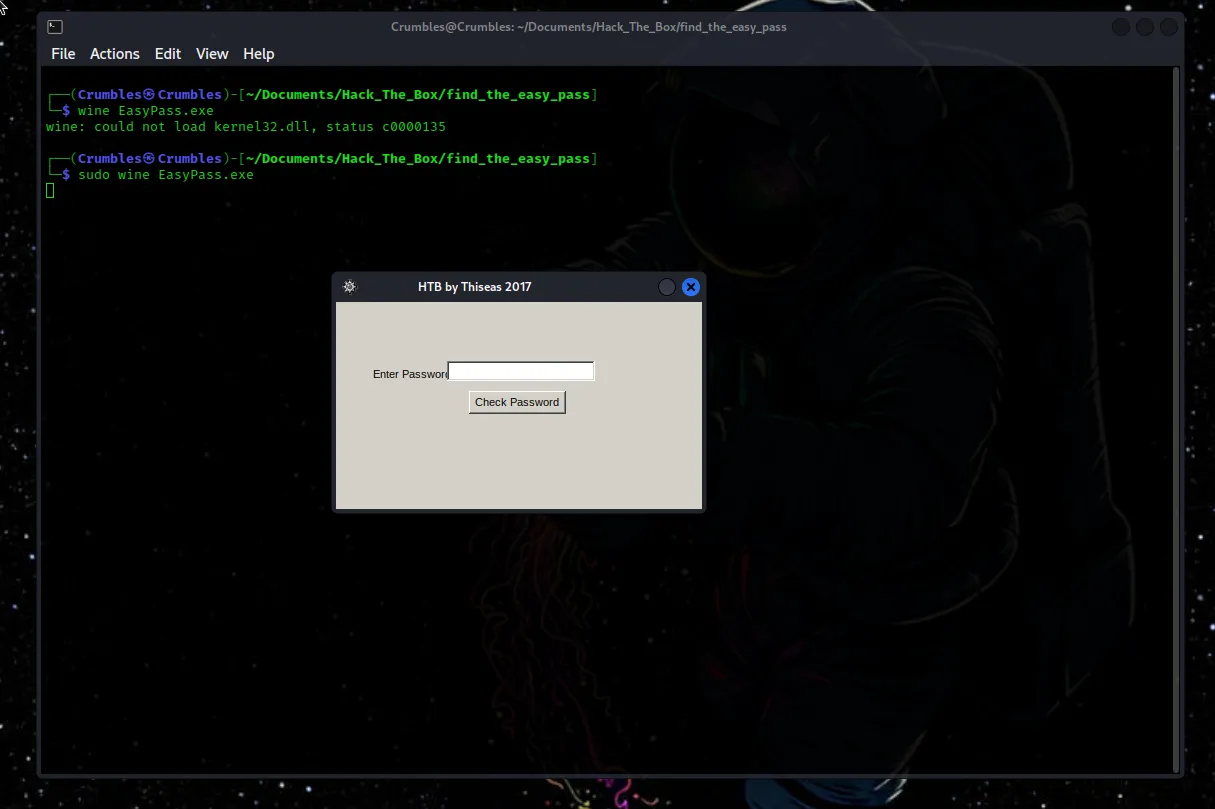
Thank you rubensneto96 whoever you are.
After running the executable all that happens is a pop up box requesting a password appears. I tried a few times to guess the password with a few variations of easily guessable passwords like password hackthebox admin. Of course none of these worked because the challenge here is to reverse engineer this binary. It says so right on the page that the zip file was downloaded from.
Reverse Engineering
From what I can tell Reverse Engineering is a pretty complex skillset. Being a beginner myself this was my first dive into it and even following several guides it was difficult for me to even get a tool for the job to run properly on my machine. After several failures I landed on a free program called OllyDbg
Taken from Wikipedia
OllyDbg is an x86 debugger that emphasizes binary code analysis, which is useful when source code is not available. It traces registers, recognizes procedures, API calls, switches, tables, constants and strings, as well as locates routines from object files and libraries.
The best part about OllyDbg from my experience was it was really simple to install and run. Other tools I tried required outdated versions of other tools and services to run. Olly was ready to go upon installation with one simple command
sudo apt install ollydbg
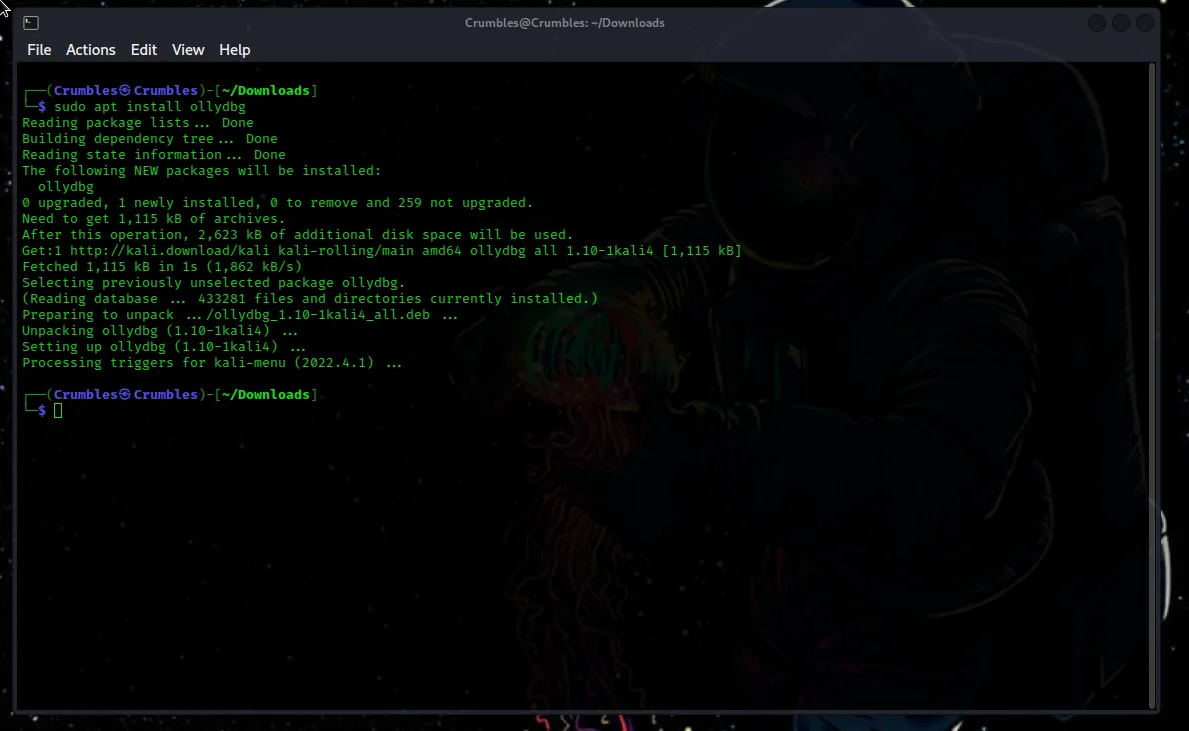
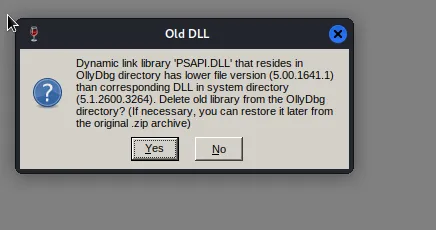
Opening the binary with olly sudo ollydbg EasyPass.exe I was greeted with a few error messages that I simply clicked “yes” through.

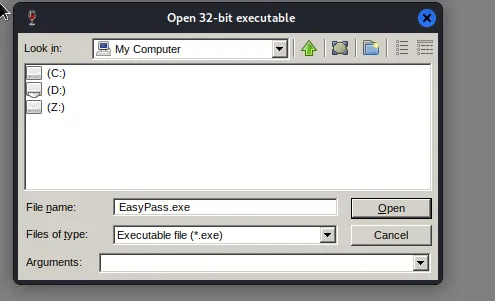
After the error messages I was greeted with Olly’s application interface, which is pretty plain. In the top left hand corner clicking on file and then open will bring up a gui to navigate through the machines file structure. In my case the (Z:) drive represents my kali machine. My path to the binary was “Z: > home > Crumbles > Documents > Hack_The_Box > find_the_easy_pass > EasyPass.exe”
After opening the binary in olly I was greeted with te following window labeled “main thread, module Easypass”
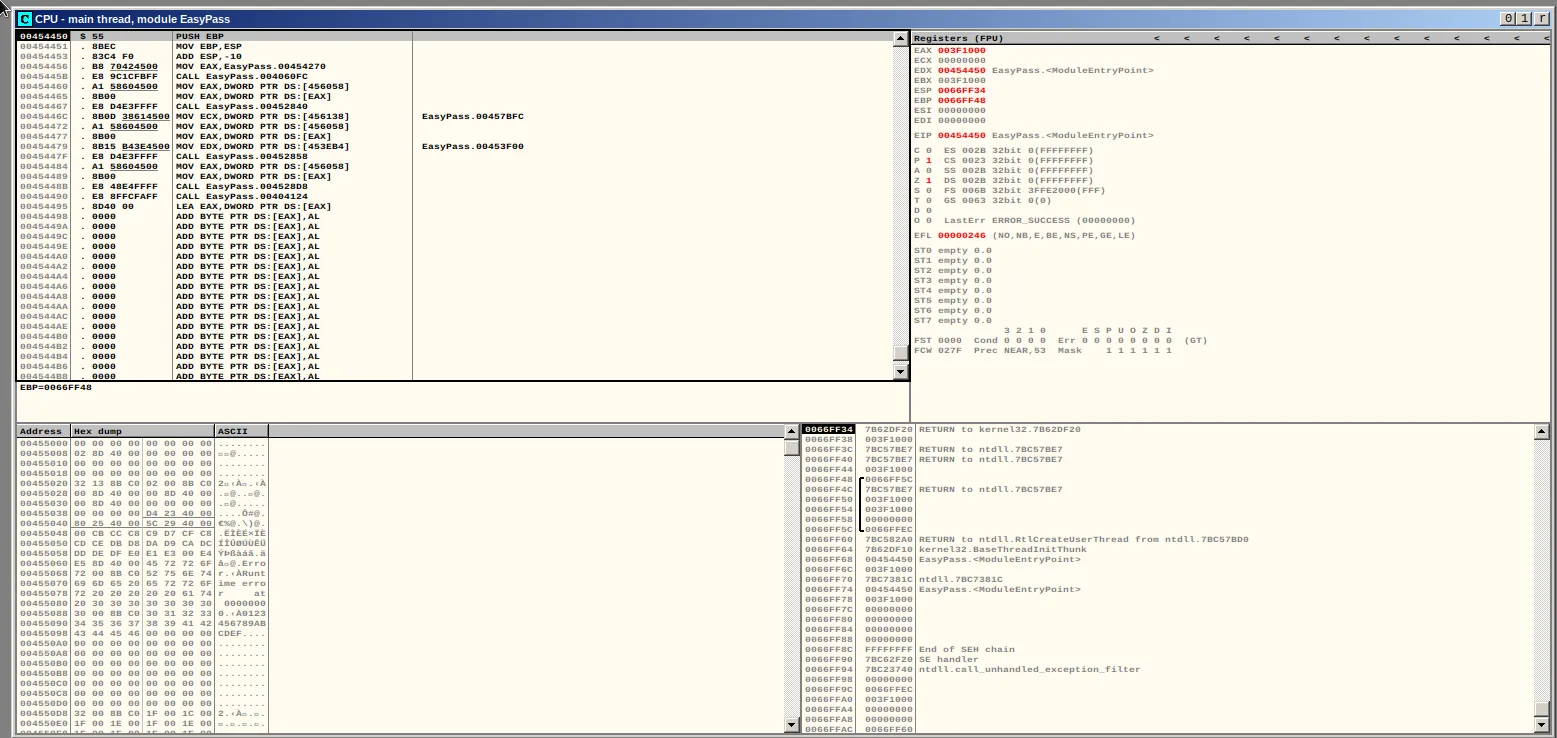
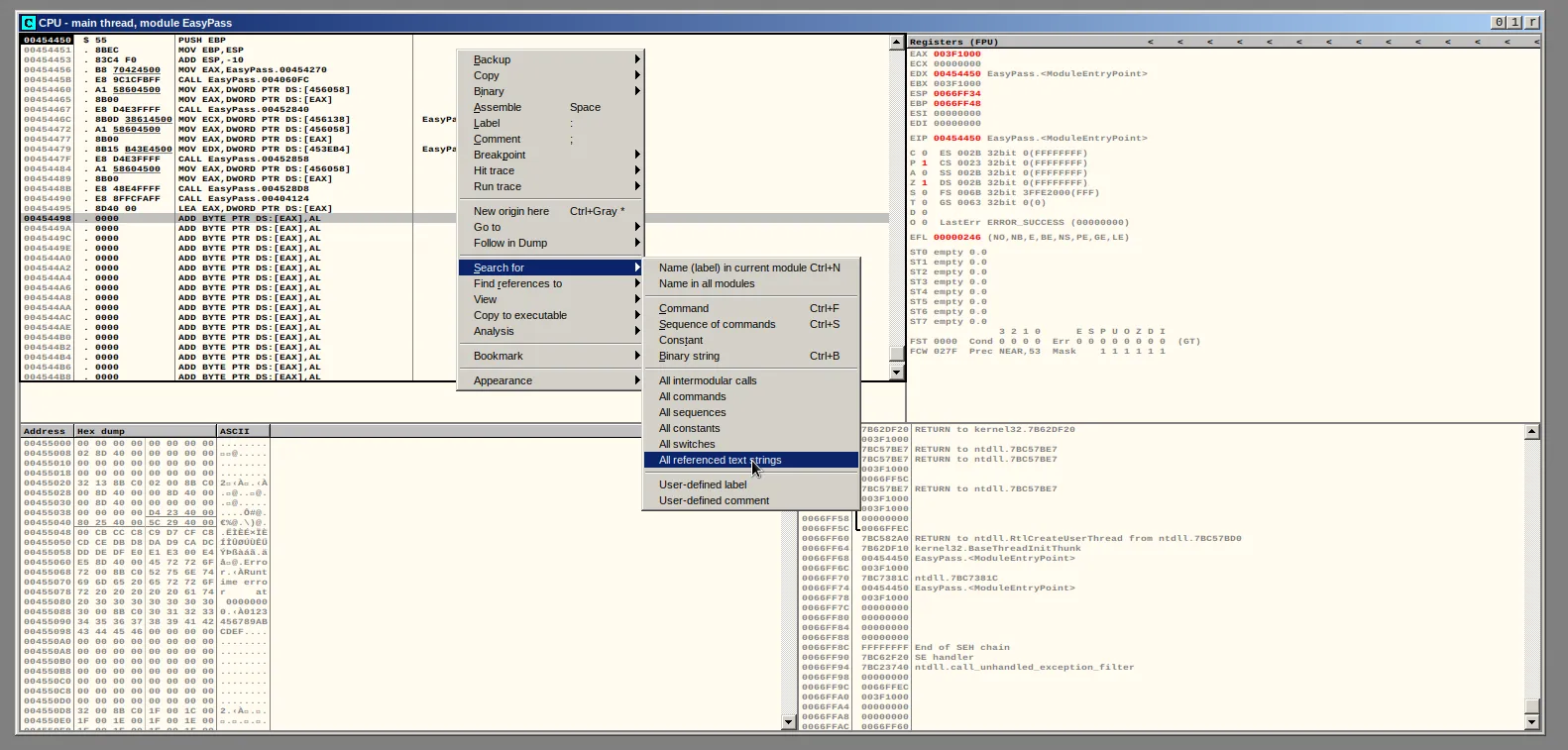
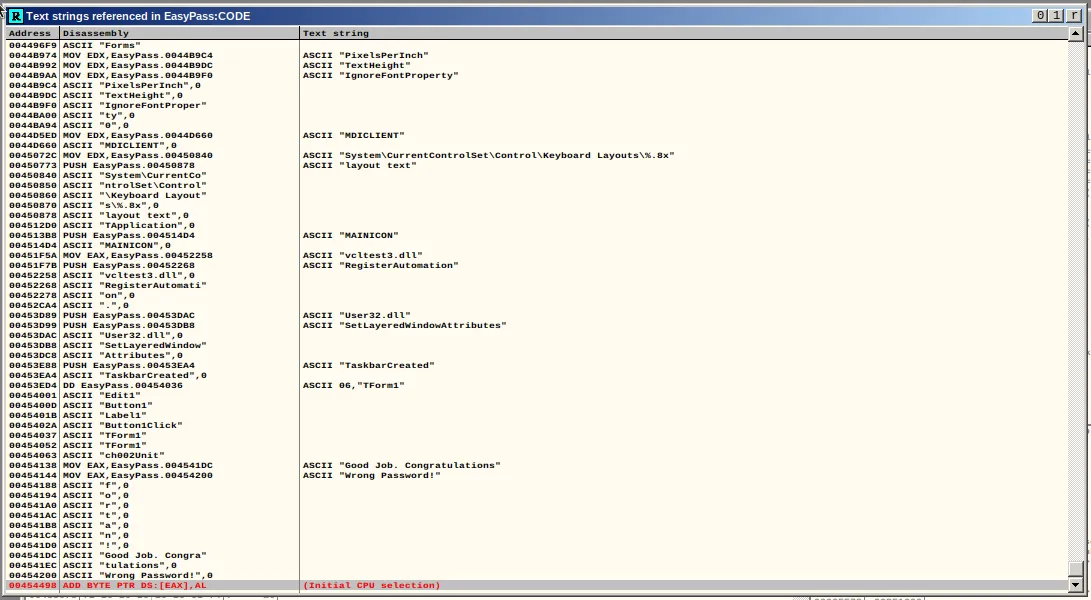
All I can really say about it is the binary expected a password and had an error message that displayed saying “Wrong Password”. So the first step was to search the binary for all referenced text strings. Right clicking the main thread window then selecting “search for > all referenced text strings” does just that. Another extremely tiny window labeled “Text strings referenced in EasyPass:Code” pops up. Fortunately the size was adjustable by dragging from the corner, it was still small however.
Here the line of code containing the error message is found. It can also be seen that above the error message is a line of ASCII text that says “Good Job. Congratulations”. It can be assumed from the context that this is the message that will be displayed when the correct password is entered. Double clicking on that line will bring up that point of the code in the main thread window.
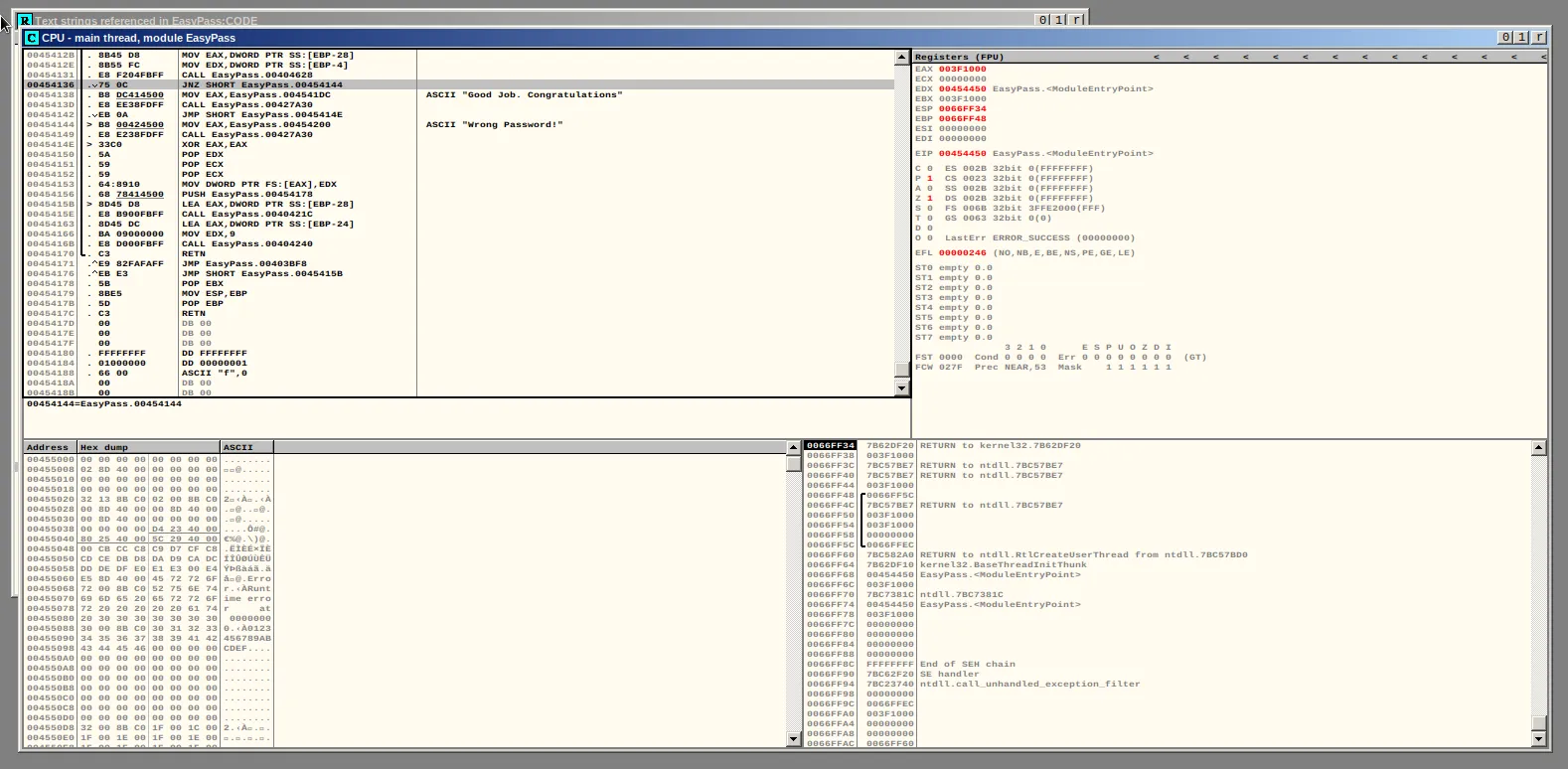
In the screenshot above I have highlighted the line of code just above the congratulations message. It’s difficult to see give the window size but it reads JNZ SHORT EasyPass.00454144 Taken from the X86-assembly wiki
The jnz (or jne) instruction is a conditional jump that follows a test.
jnz is commonly used to explicitly test for something not being equal to zero whereas jne is commonly found after a cmp instruction.
Meaning this should be the placement in the code where the check to see if the user entered the correct password is located.
Right Clicking the line of code, selecting breakpoint, and then clicking toggle will cause the binary, when run inside of olly, to run all the way up to that line of code and then stop. Alternatively selecting the line of code and pressing F2 also works. The line should receive a red highlight to indicate that the breakpoint has been created.
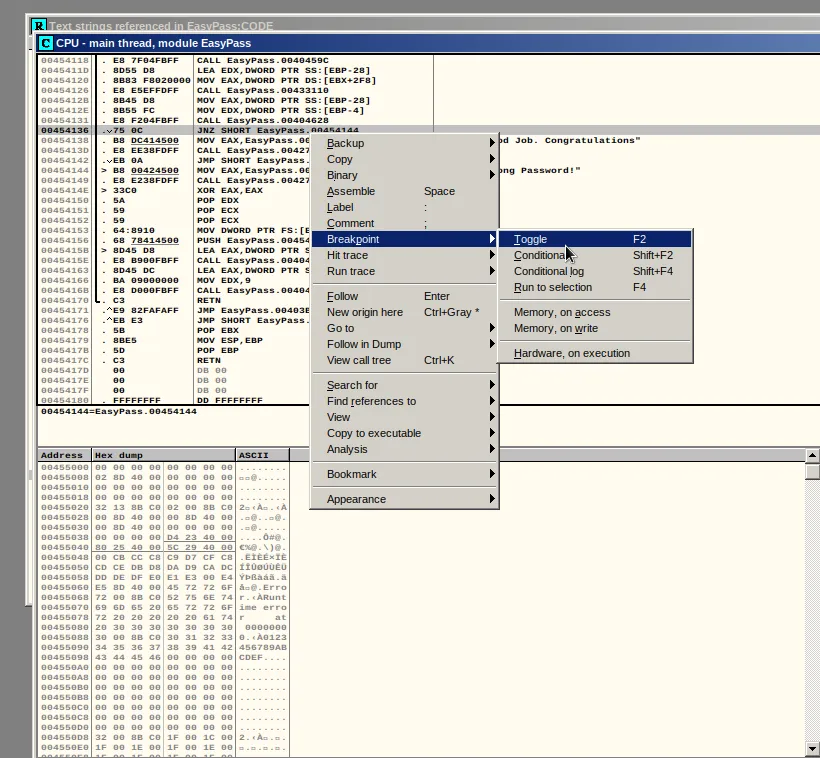

Clicing the play button located at the top of the Olly interface does just that. The binary runs and I am again prompted to enter the password. This part gets a little more tricky in that something must be entered into the password field that will be extremely noticeable. For me I entered a nickname of mine repeating several times over then clicked check password.

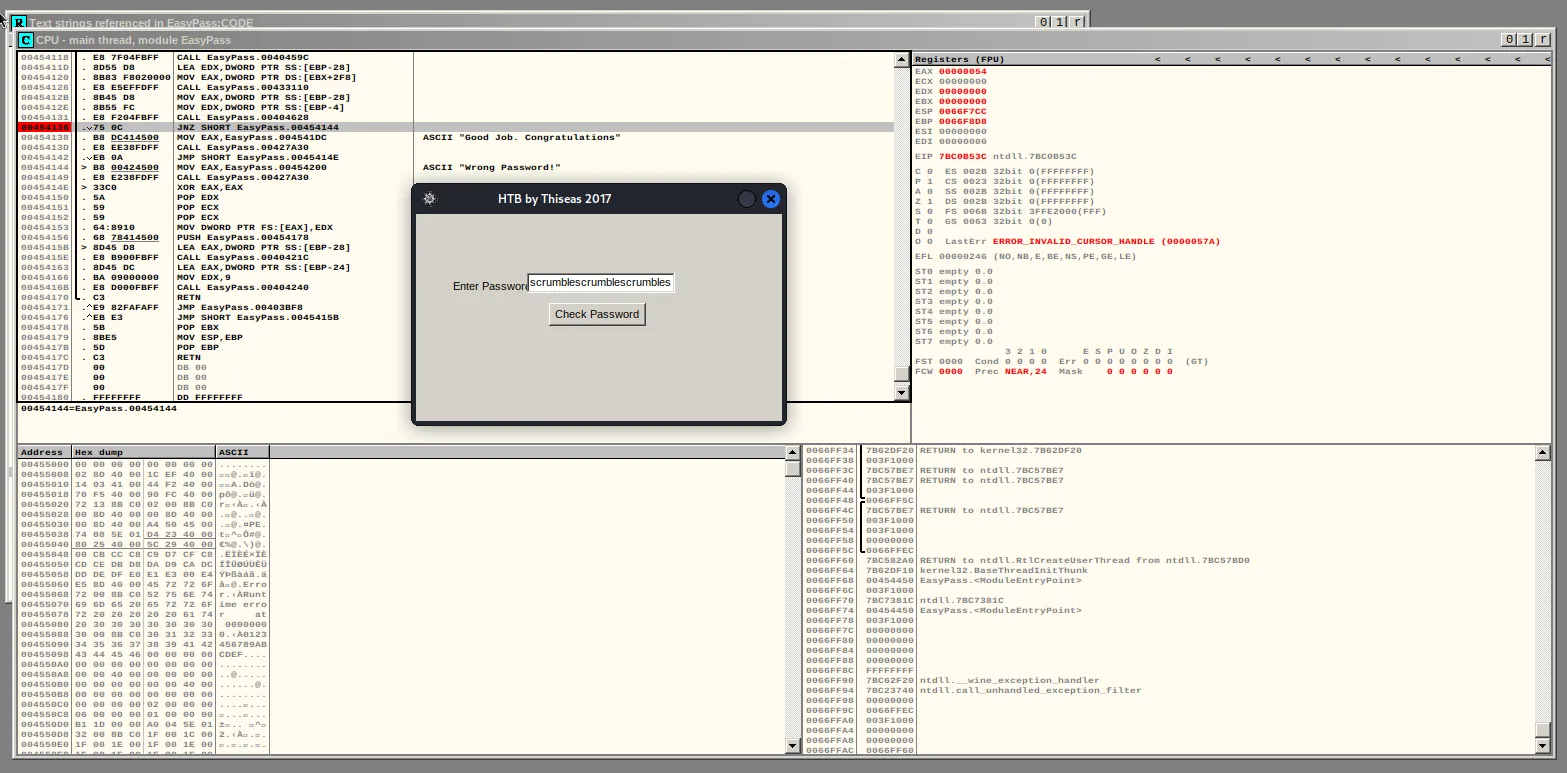
After a minute I was able to scroll through the window in the bottom right corner and eventually find the text that was entered in the password field. This was A LOT of scrolling, my efforts were almost not enough as the line of text repeating “crumbles” wasn’t as long as I hoped it would be. I was not able to find a better method than just endlessly scrolling through the text manually, but I’d be open to suggestions from someone with more experience using Olly.
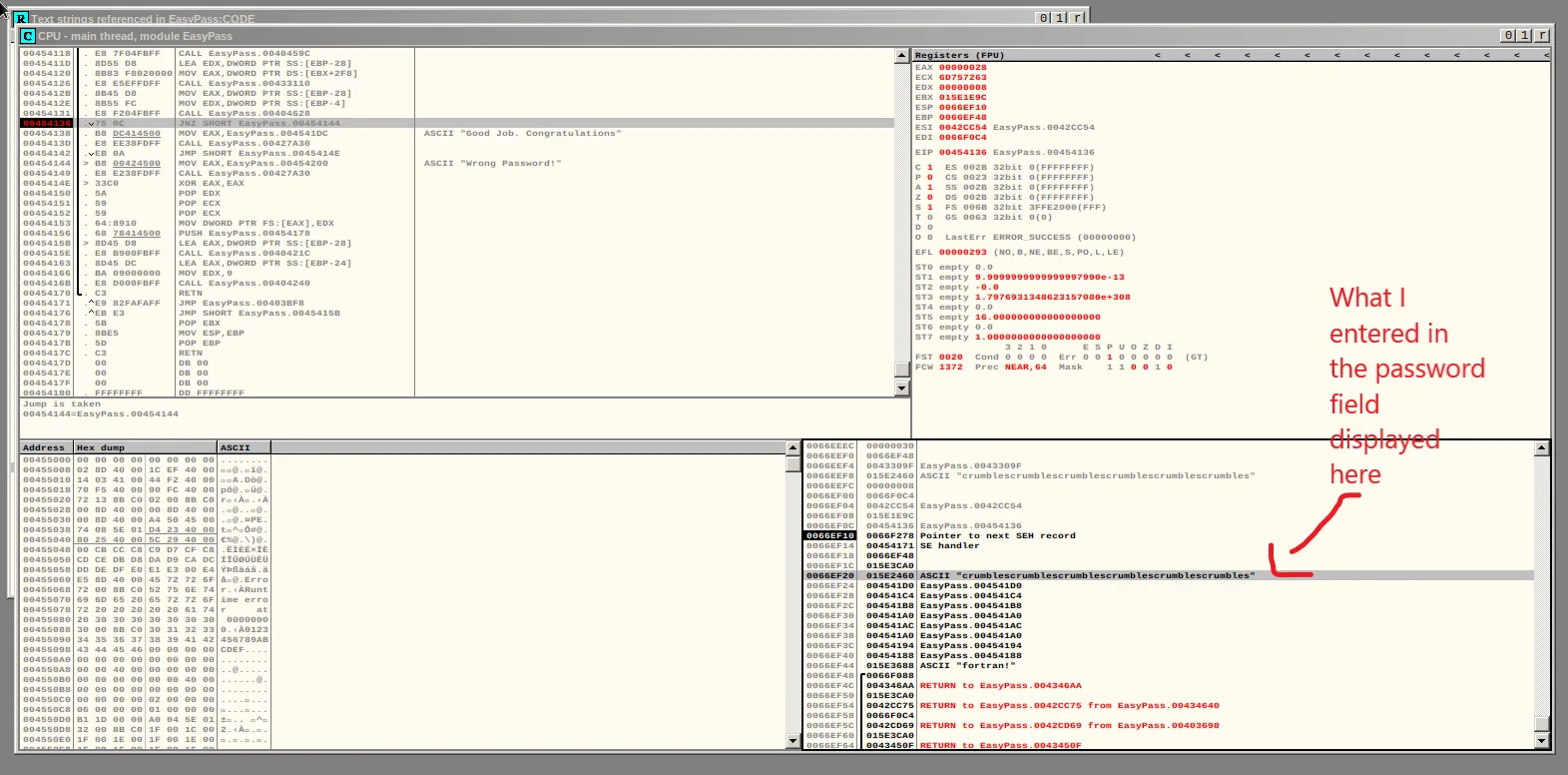
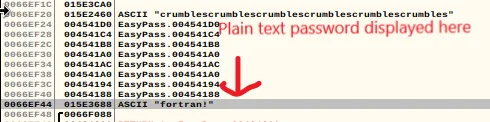
This is the part of the code where the jump assembly performs it’s check and in this case it’s checking against a plaintext password hardcoded into the binary which is displayed just a few lines down from the password I entered.
Claiming The Flag
With the password at the ready I went back to the binary file in the terminal and again used wine to execute it. Entering the password I found I was greeted with the congratulations message that I found earlier.
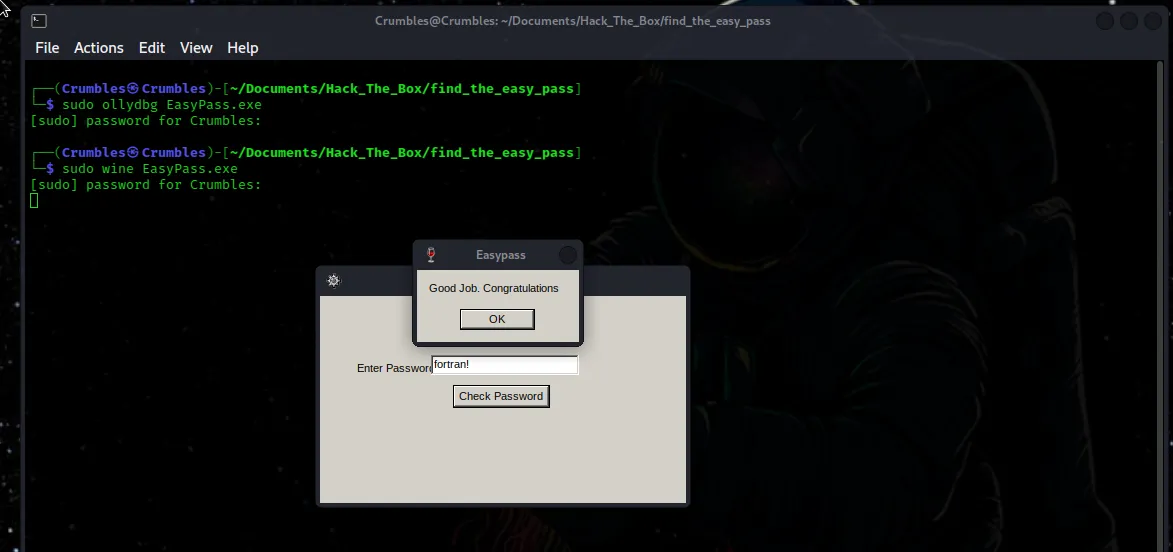
I thought there would be more to the binary file and maybe the actual flag for the challenge would display once I entered the correct password but it did not. The flag is actually just the password hidden in the file but written in the format asked for by hackthebox on the challenges page.

Final Thoughts
Reverse Engineering is difficult. I followed several guides to complete this challenge and it was still hard. Looking at the solution it probably is an “easy” challenge in terms of Reverse Engineering as a whole, but as something that I went into as part of a “Beginners Track” I was surprised at the difficulty. As my first real dive into such a complex topic I would say over all I learned a lot from this challenge and I’m glad I stuck it through to the end.